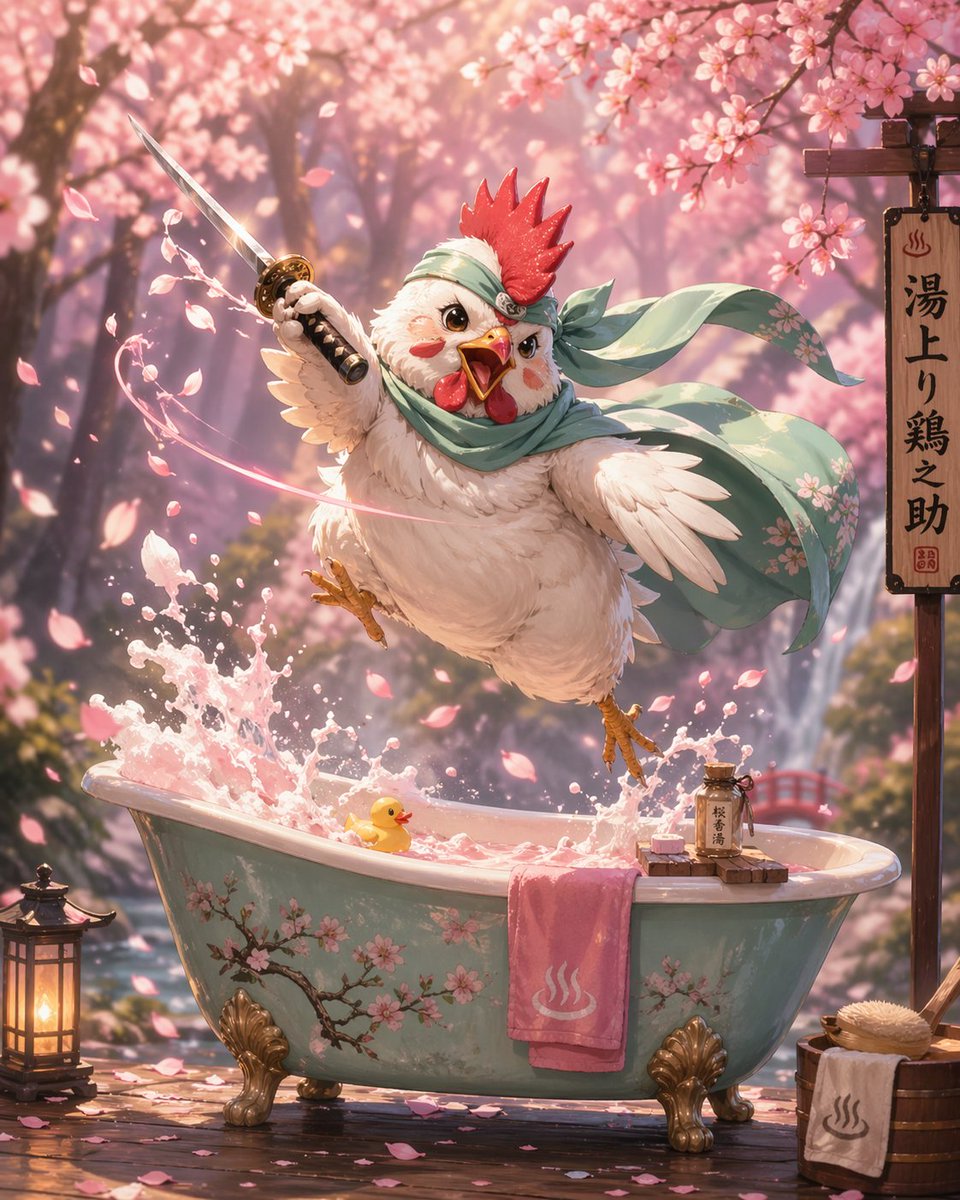
How do I use the Luxe Beauty Close-Up Shot template?
Choose the primary action to open PicX Studio with the available template settings. Review the model and format, personalize the creative direction, and generate when ready.
A ready image prompt for PicX Studio. Change the subject, setting, or lighting one variable at a time.
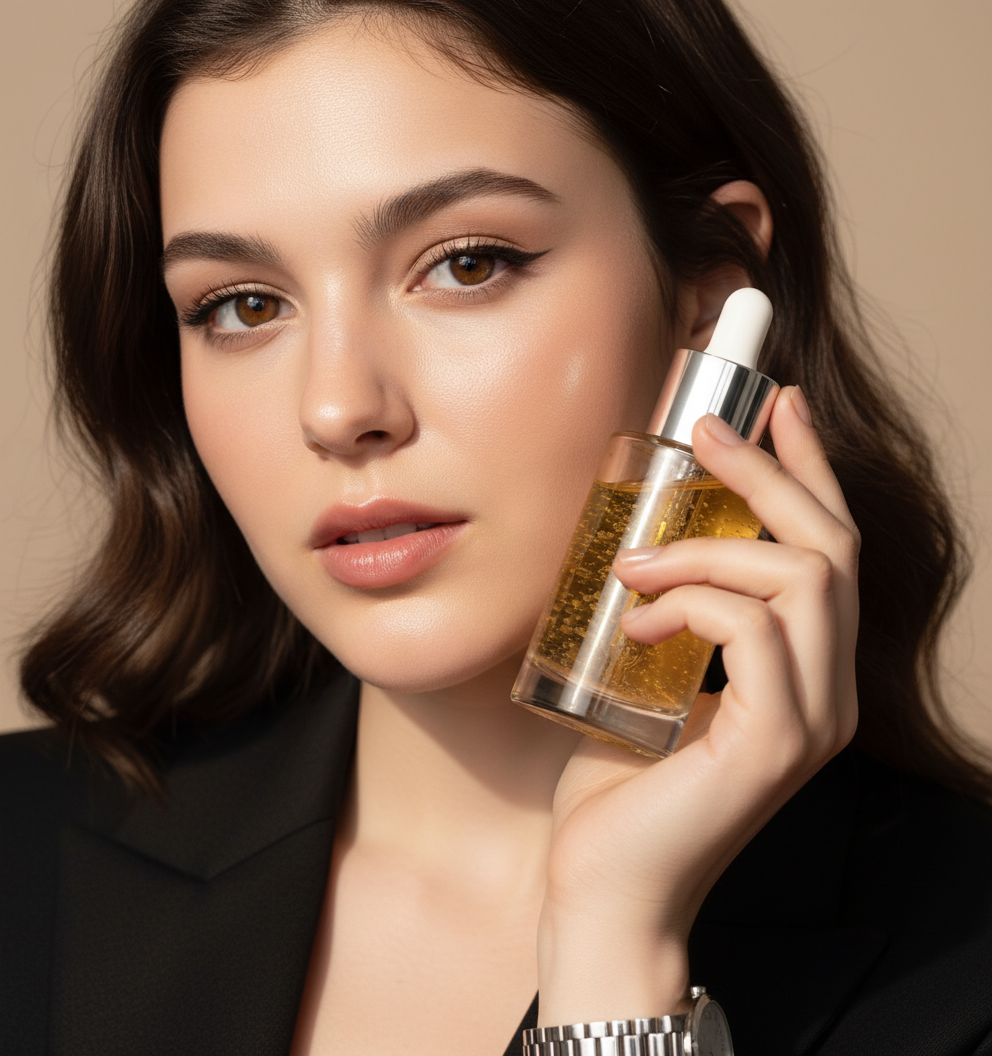
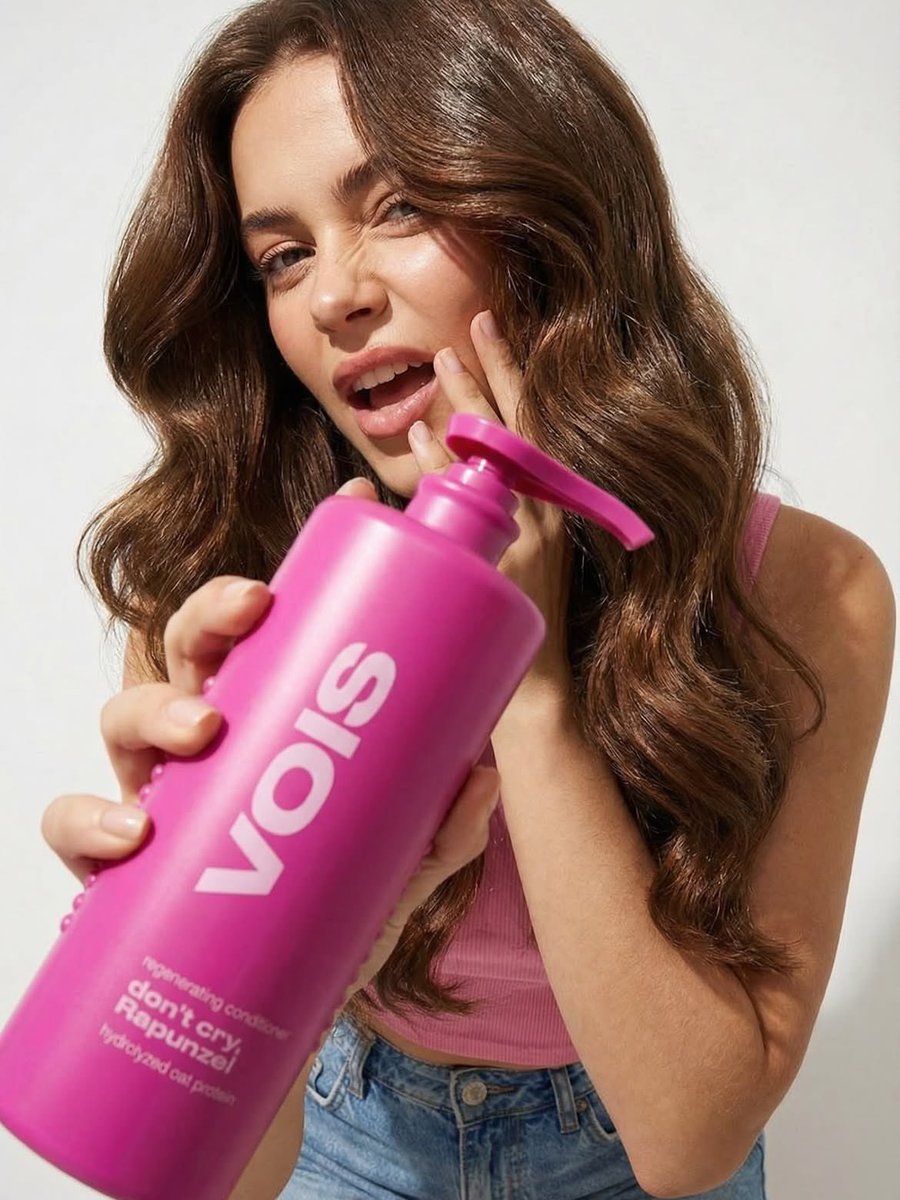
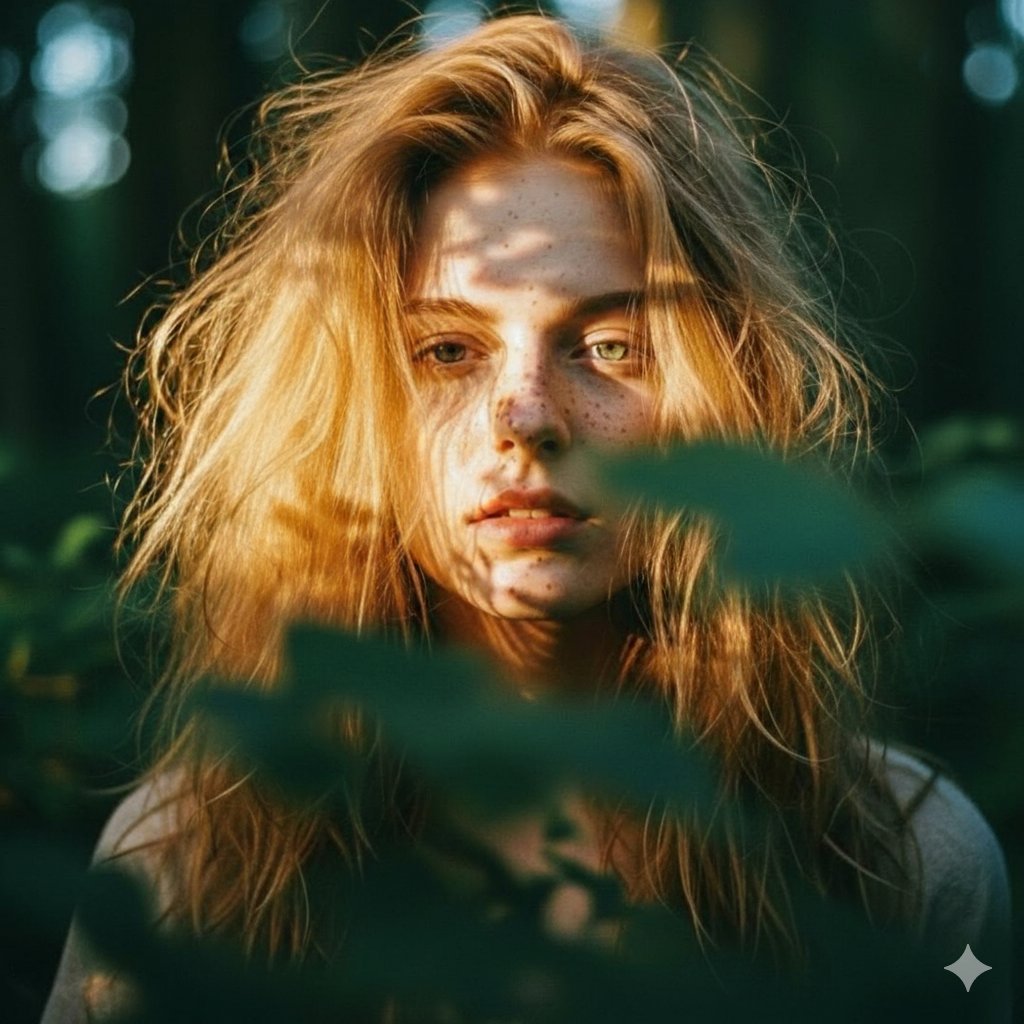
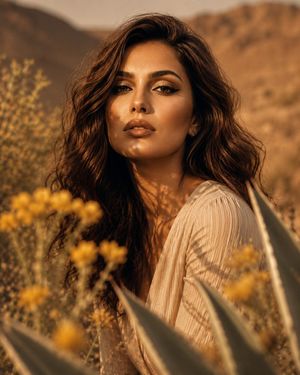
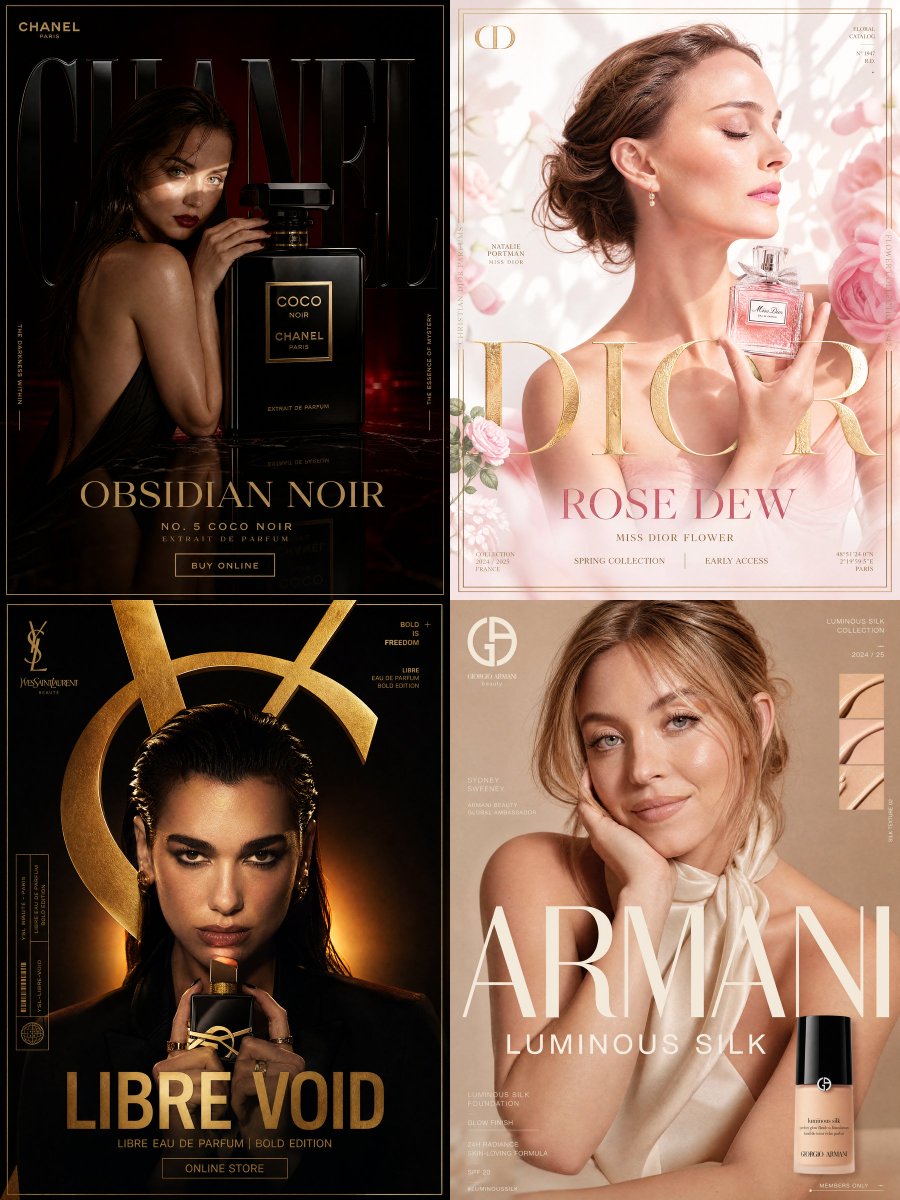
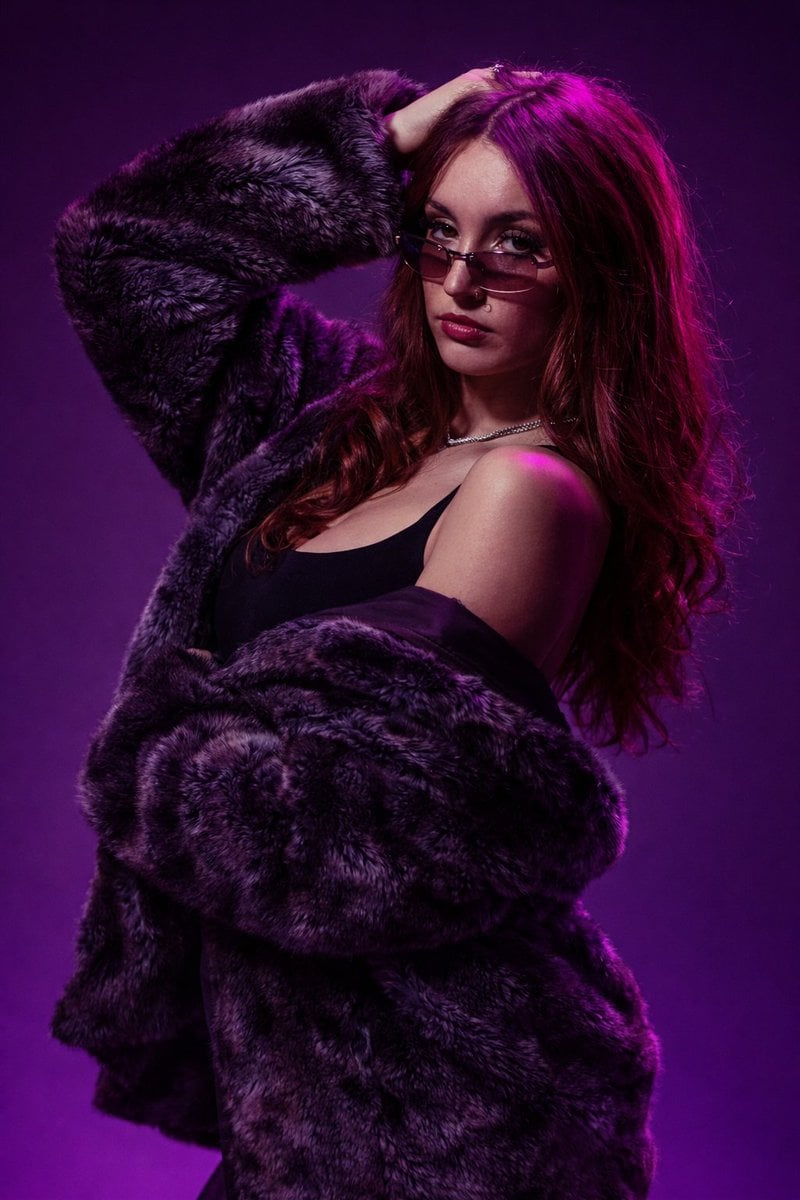
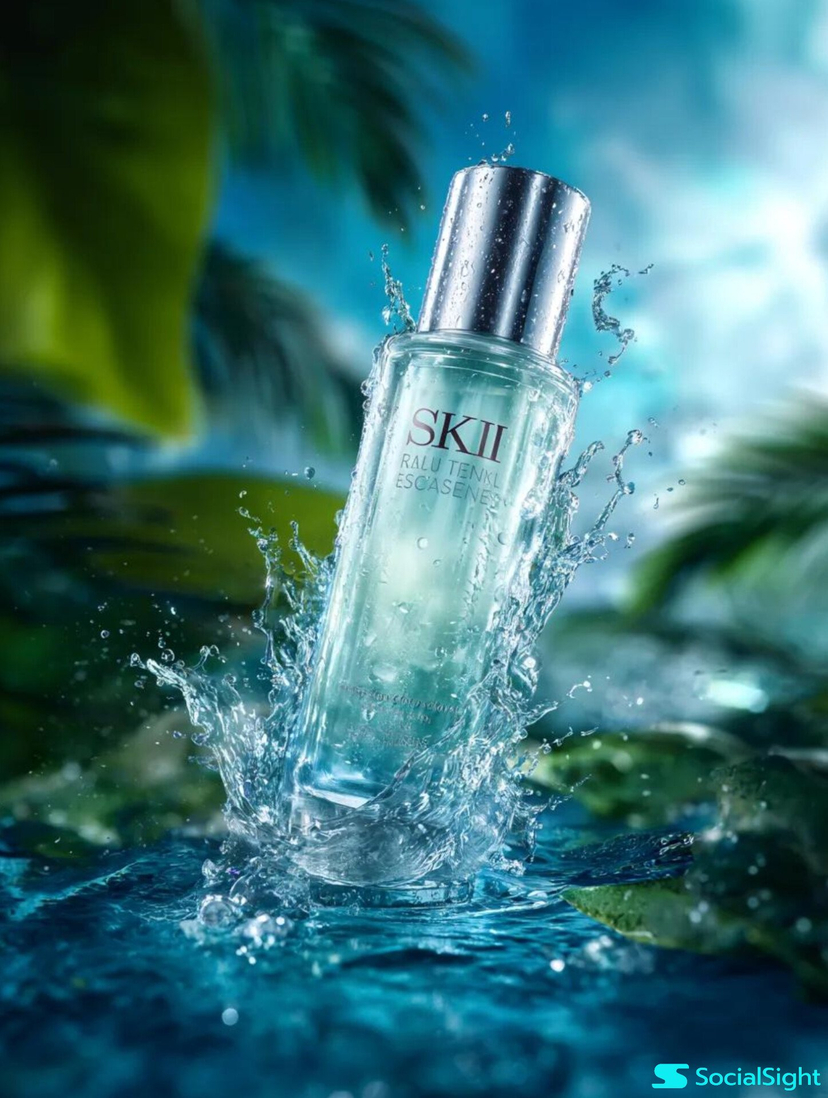
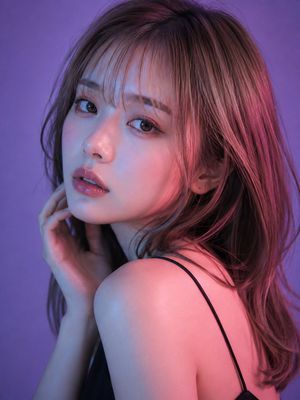
Ultra-realistic beauty campaign featuring the uploaded image holding a premium skincare serum bottle near the face. Clean, soft-beige studio backdrop, glossy hydrated skin, micro-detail pore texture, radiant highlights across cheekbones, diffused beauty lighting with subtle bounce fill. Serum bottle in crisp focus with glass reflections, metallic cap glint, elegant hand pose. Captured on Hasselblad H6D, 120mm macro lens, rich color depth, luxury beauty brand aesthetic similar to Dior Skin / Tatcha
Choose the primary action to open PicX Studio with the available template settings. Review the model and format, personalize the creative direction, and generate when ready.
Yes. You can change the subject, setting, lighting, mood, format, and available model controls before creating your image.
This template is free to open and customize. Generation usage is shown in PicX Studio before you create.
Choose a compatible model in PicX Studio based on the style, speed, and output controls your project needs.
Follow a topic to a crawlable collection of related PicX Studio templates.
43,474 public templates available. Verified via the PicX Studio public templates API; refreshed hourly.





![Extreme close-up macro of miniature city diorama on a solid base, held — Extreme close-up macro of miniature city diorama [CITY, COUNTRY] on a solid base, held](https://images.meigen.ai/tweets/2007777809712976297/0.jpg)


![A hyper-realistic beauty product photograph of a pink jar placed — A hyper-realistic beauty product photograph of a pink [LANEIGE Lip Sleeping Mask] jar placed](https://images.meigen.ai/tweets/2019637570133717072/0.jpg)

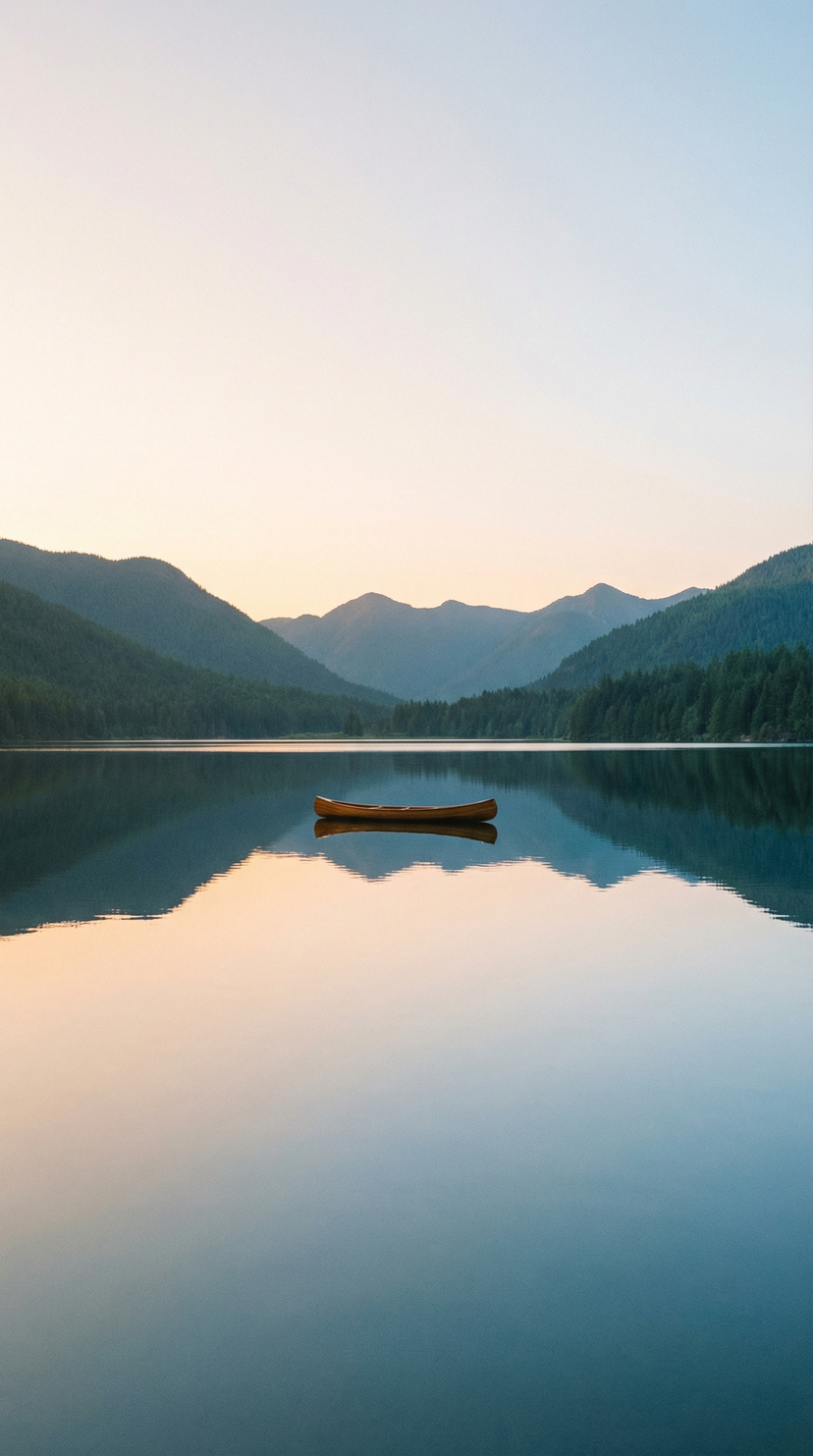

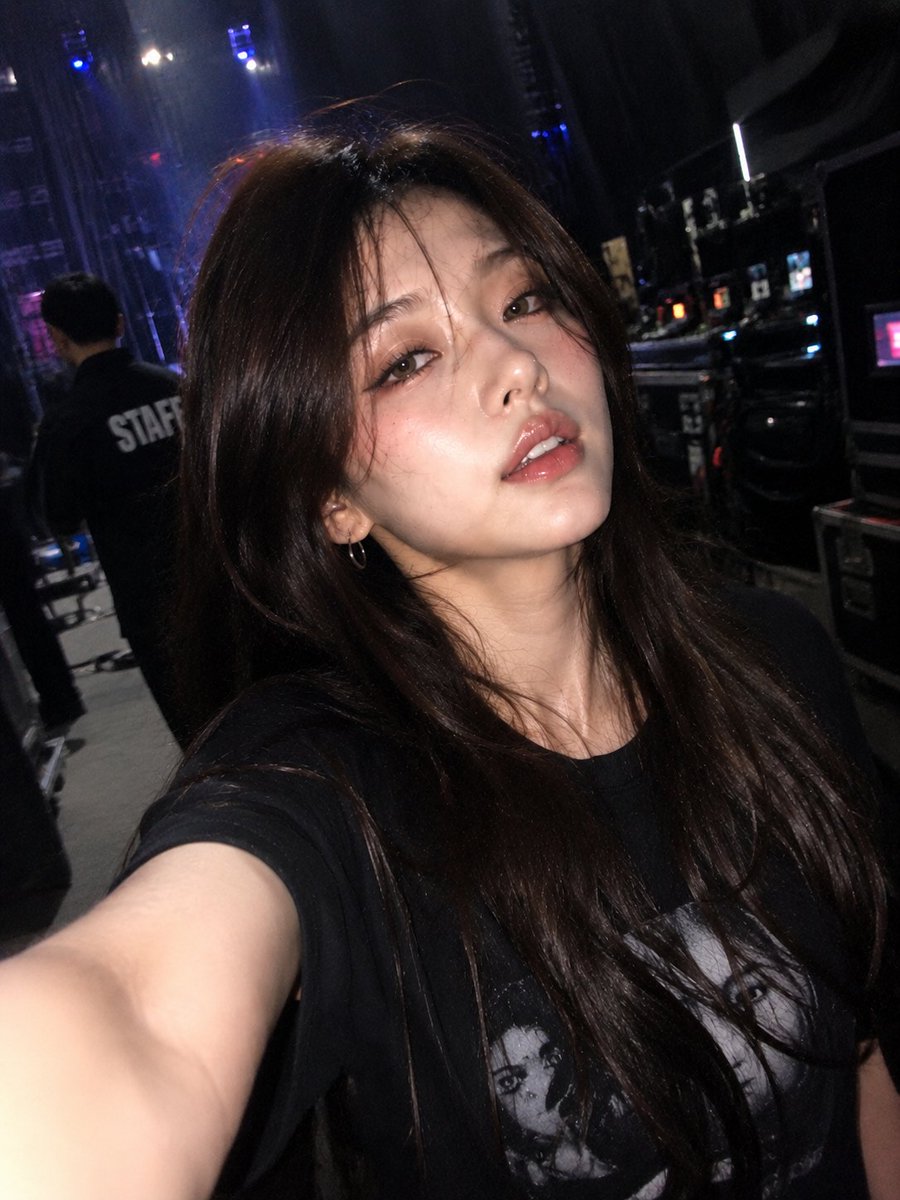


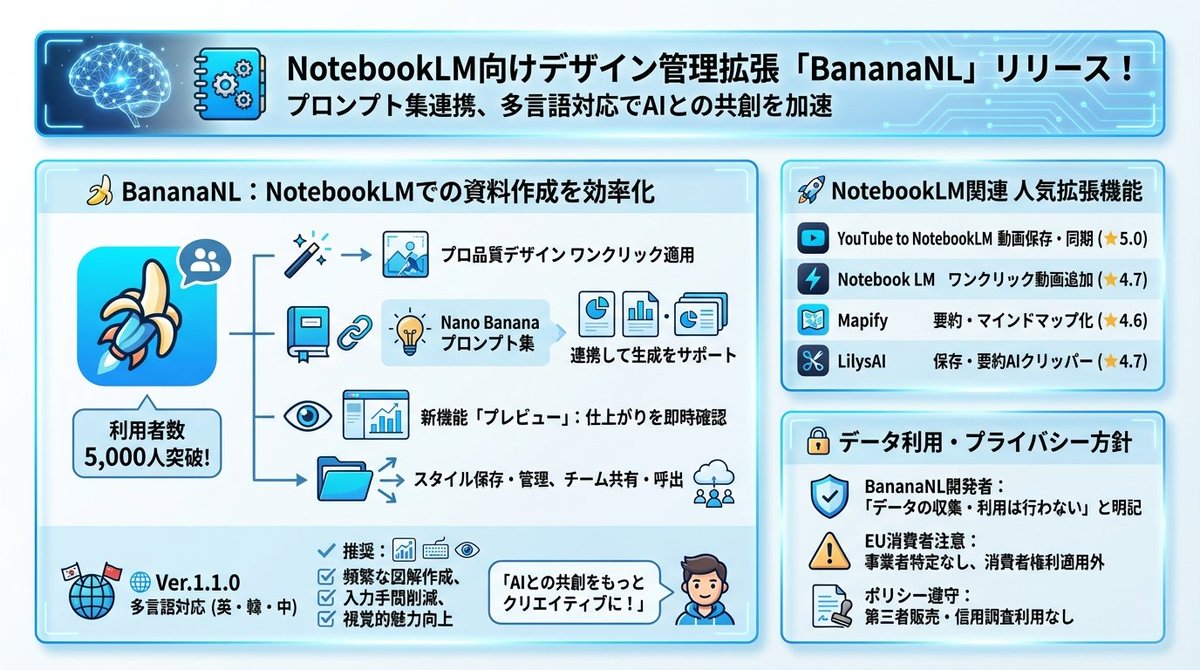
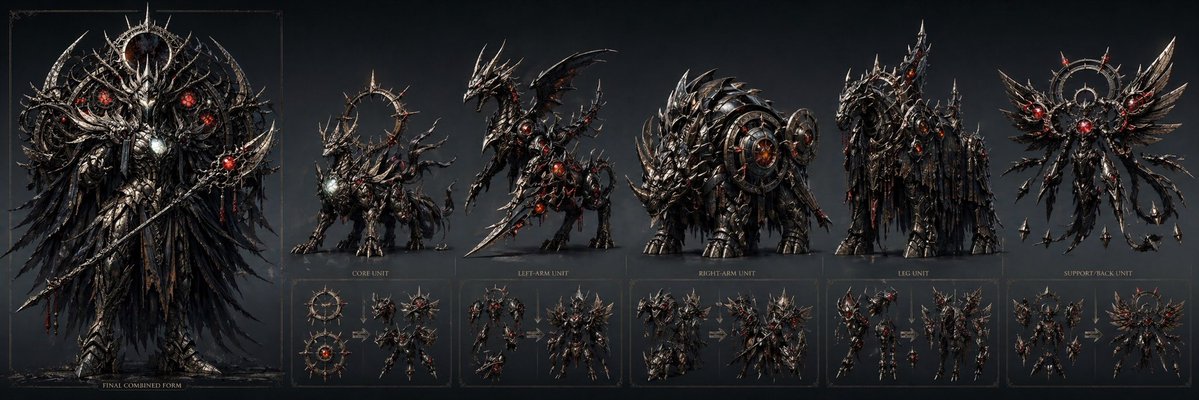



![Giant Animal in City Scene Prompt (Fox + West Lake) — 请生成一张图片。场景为 [{argument name="城市或地点" default="📍城市/地点"}] ,一只超级巨大、可爱的 [{argument name=…](https://pbs.twimg.com/media/G7-yxuKa0AAkpfU.jpg)