
Nocturnal Beauty Night Selfie
A detailed prompt for GPT Image 2 creating a high-detail night selfie of a blonde woman with cinematic lighting and a filmic grain texture.
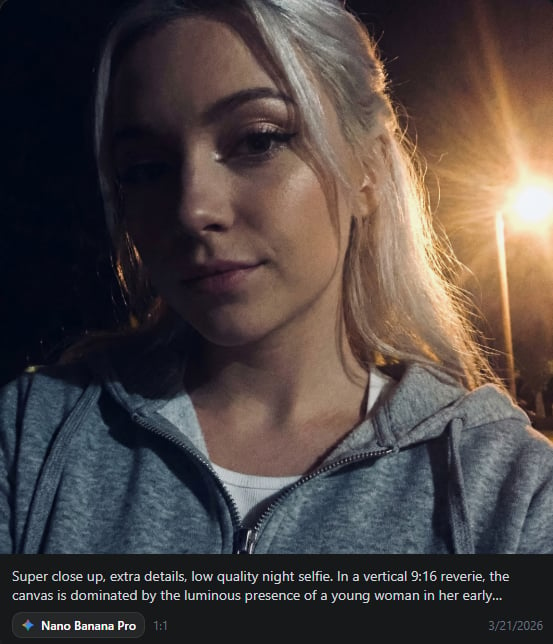
- Prompt included
- Model and format preset
- Free template
The prompt behind this image
Copy the exact prompt behind Nocturnal Beauty Night Selfie, or open it in the studio and make it yours.
Super close up, extra details, low quality night selfie. In a vertical 9:16 reverie, the canvas is dominated by the luminous presence of a {argument name="subject" default="young woman in her early twenties"}, her features a study in ethereal symmetry and porcelain grace characteristic of Northern European frost. Her face is framed by a cascading veil of {argument name="hair style" default="long, platinum blonde hair"} that catches a warm, golden light from the side, creating a halo of delicate, stray wisps that dance against the deep, obsidian void of the night. Her eyes, deep and captivating with a subtle feline tilt, are accentuated by soft, winged eyeliner and a hint of shimmer at the inner corners, gazing forward with a tranquil, mesmerizing depth. The skin of her face is flawless and radiant, possessing a soft-focus perfection that highlights high, elegant cheekbones and a straight, refined nose. Her lips, full and naturally flushed with a dusty rose hue, are set in a soft, enigmatic expression that enhances her supermodel-like allure. She is dressed in a simple white top layered under a {argument name="clothing" default="heather gray zip-up hoodie"}, the metallic teeth of the zipper catching the light and adding a tactile contrast to the softness of her hair and skin.
How to use Nocturnal Beauty Night Selfie in 3 steps
- 1
Open
The prompt is already in the box next to the preview, with the template's model and format selected.
- 2…a portrait of your subject in softgolden-hour light, 85mm…
Personalize
Edit the subject and creative details for your destination.
- 3Generate
Generate
Press Generate — your image is created in PicX Studio, so you can compare it with the original and refine one variable at a time.
More like this
Templates with the same subject, style or setup. Open one to see its prompt.
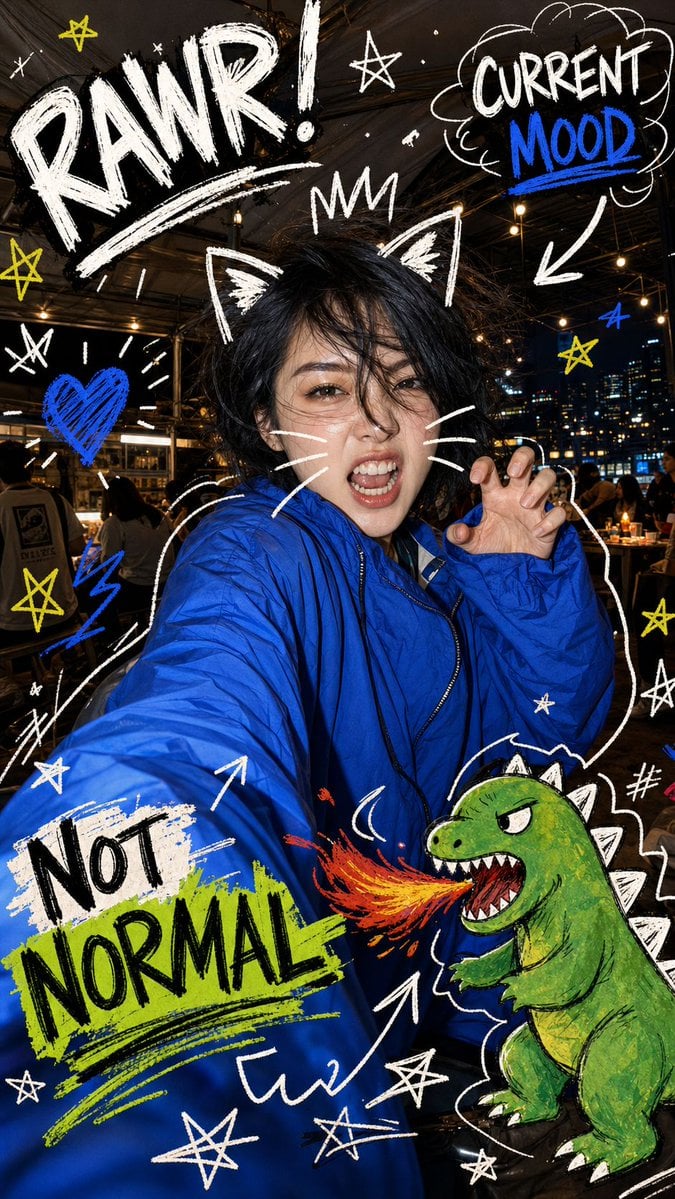
Nighttime Doodle Flash Selfie

Rooftop Fisheye — Cat-Ear Balaclava at Golden Hour

Felt & Knit 3D Character — Photo-Exact Face, Pixar-Quality Plush Figurine

Eid al-Adha Cute Chaos — Fisheye Selfie with Farm Selfie, Mosque & Animals

Cat Photobomb Selfie — 0.5x Wide Angle Café Chaos

Gen Z Triple Selfie Collage — Y2K Flash Photography

Surreal Cat Astronaut — Humanoid Face Freefall
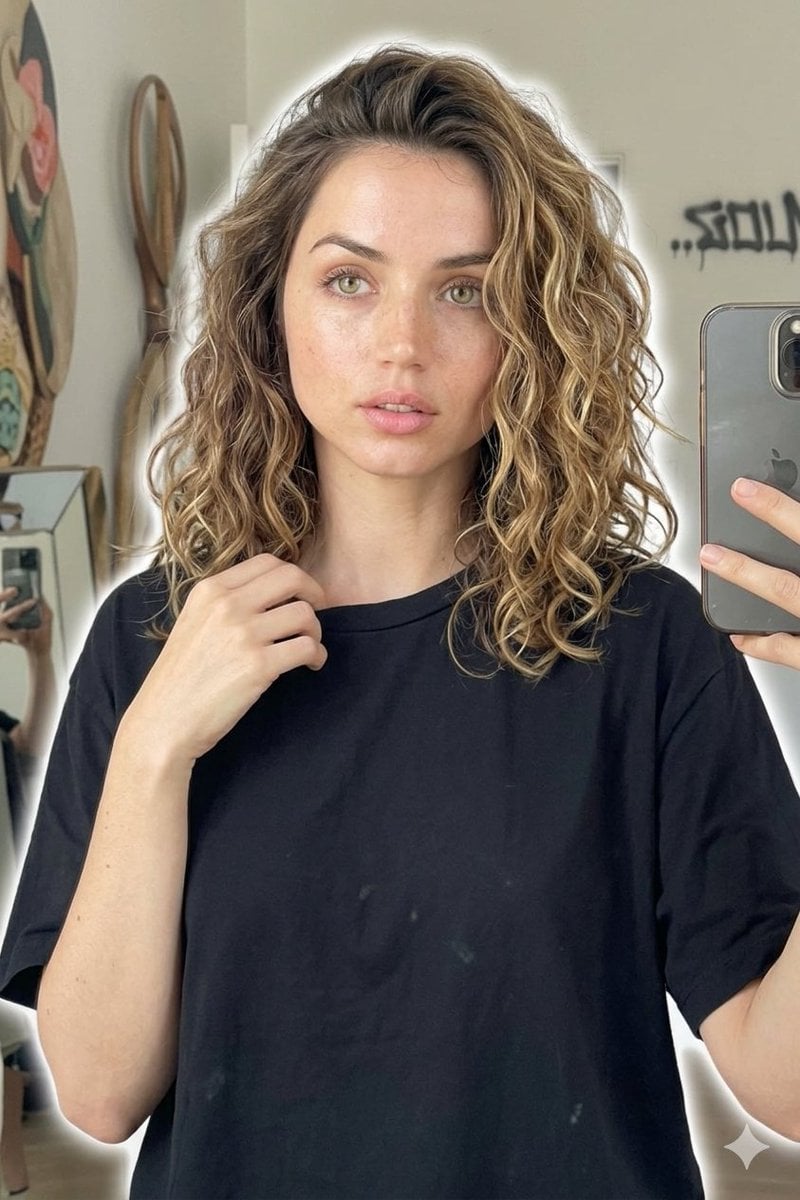
Candid Mirror Selfie Beauty Portrait

Geometric Color-Block Beauty Editorial Portrait

High-Fashion Editorial Magazine Cover ICON
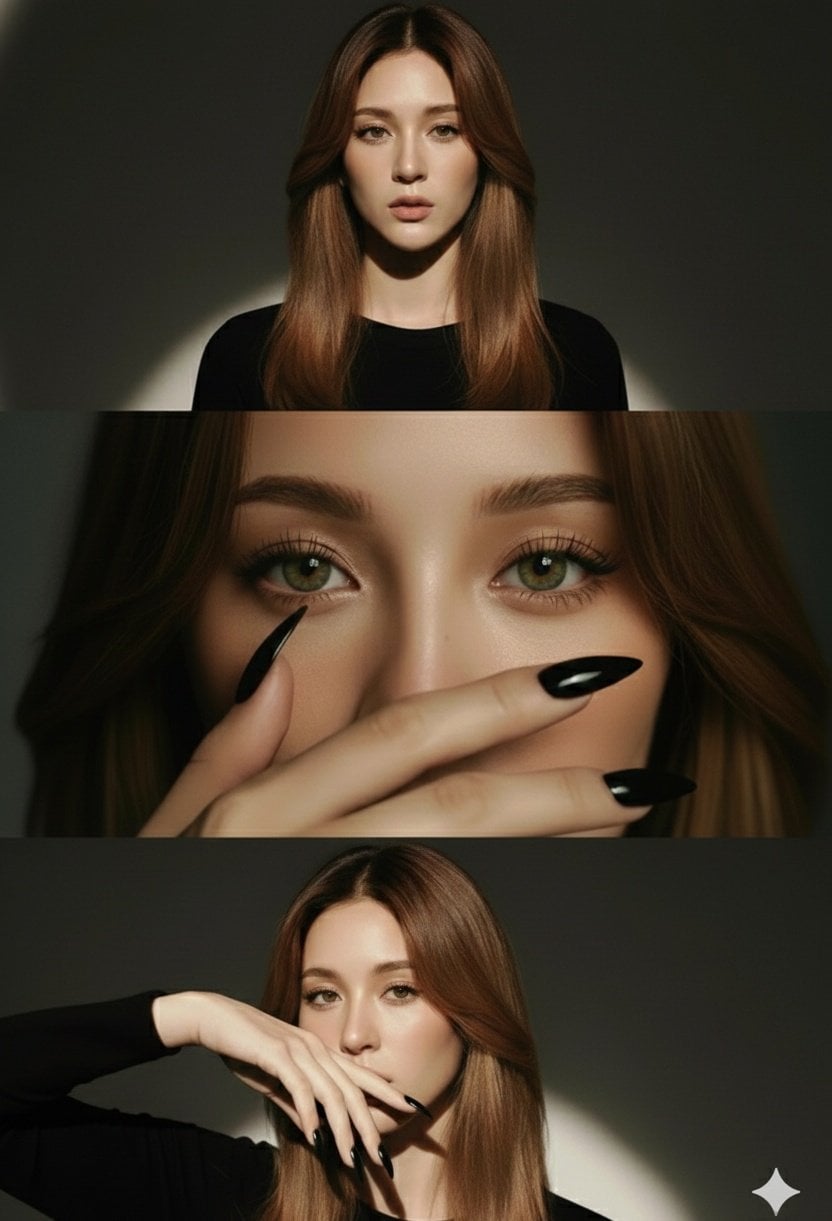
High-Fashion Editorial Studio Portrait Triptych
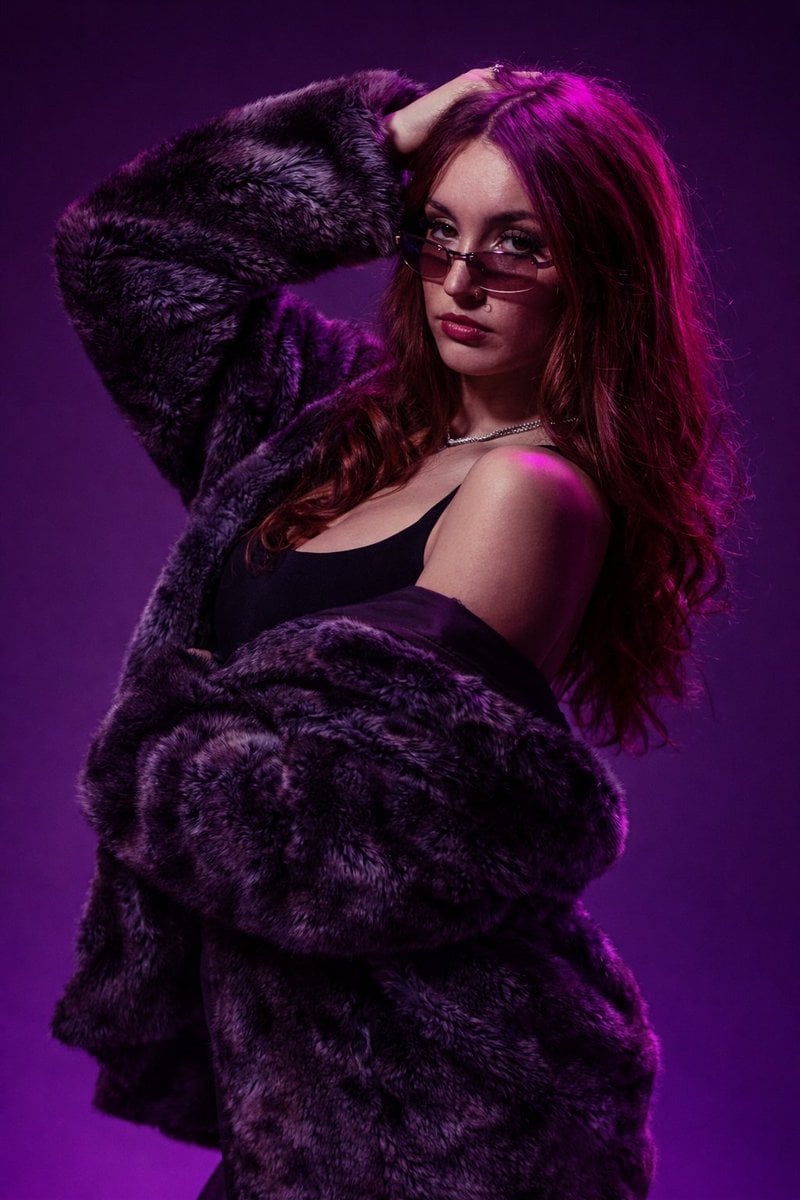
Studio Fashion Portrait Moody Purple Gradient
Make it yours
Nocturnal Beauty Night Selfie works as-is. These are the safest ways to change it without losing the look.
Change one field
Copy a single group, rewrite it, and generate again so you can see what that field is doing.
Keep the frame, change the subject
Hold the composition and light of Nocturnal Beauty Night Selfie, then swap wardrobe, props or the person for a new take.
| If the result… | Why | Fix |
|---|---|---|
| The result drifts from the preview | Too many fields changed at once. | Reuse Nocturnal Beauty Night Selfie as-is first, then change one group — subject, light, or setting. |
| The model over-stylizes the scene | The prose prompt leaves finish and camera underspecified. | Add one camera or lighting sentence and stay on GPT Image 2. |
More GPT Image 2 templates
Other prompts made for GPT Image 2.

Six VTuber Japanese Logo Sheet

Realistic Portrait of Woman and Deer

The Vista Modular Condo Poster

AI Model Routing Comparison Infographic

2.5D Anime Art Board

Isometric Productivity Desk Scene

New York Double Exposure Poster

Four-Panel AI Landscape Comparison

Japanese Tatami Lifestyle Magazine Cover

NESCAFÉ Coffee Map Poster
More image prompts
Fresh picks from across the catalog.
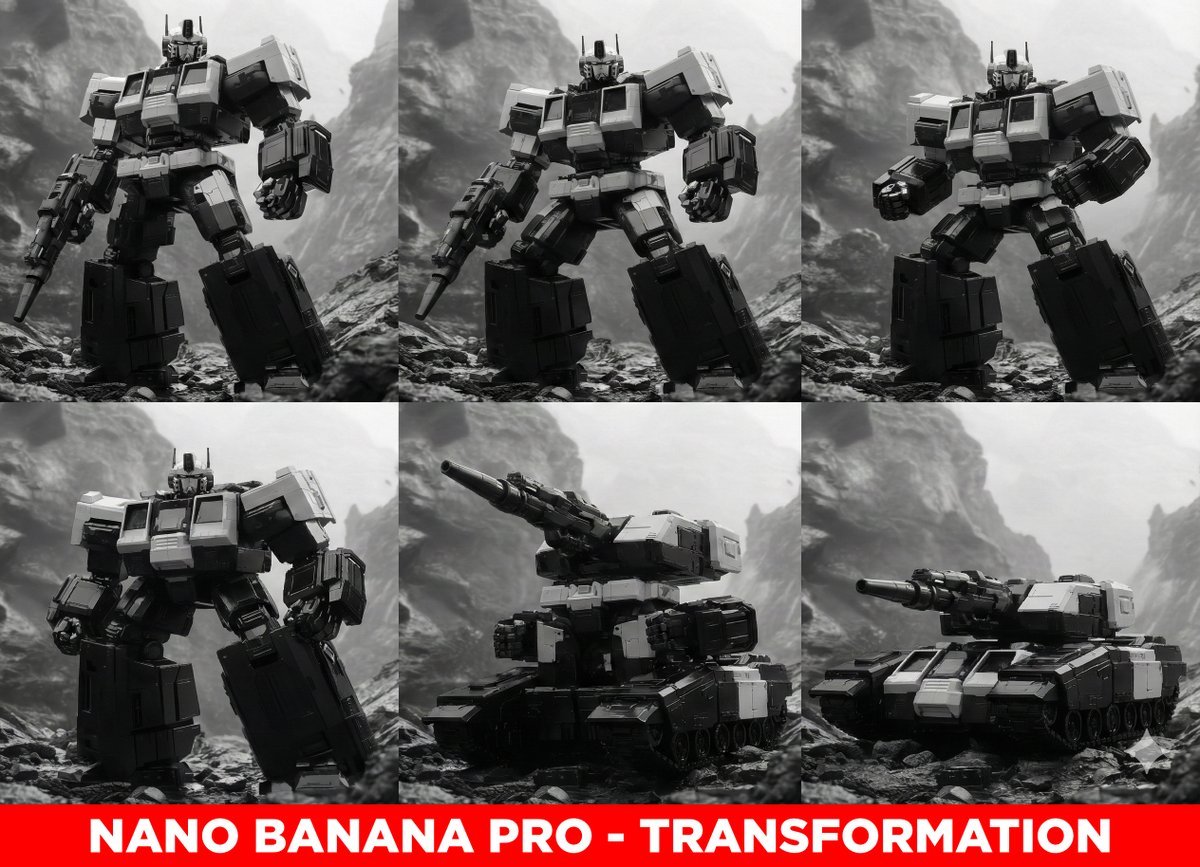
Midjourney Prompt for Transformers
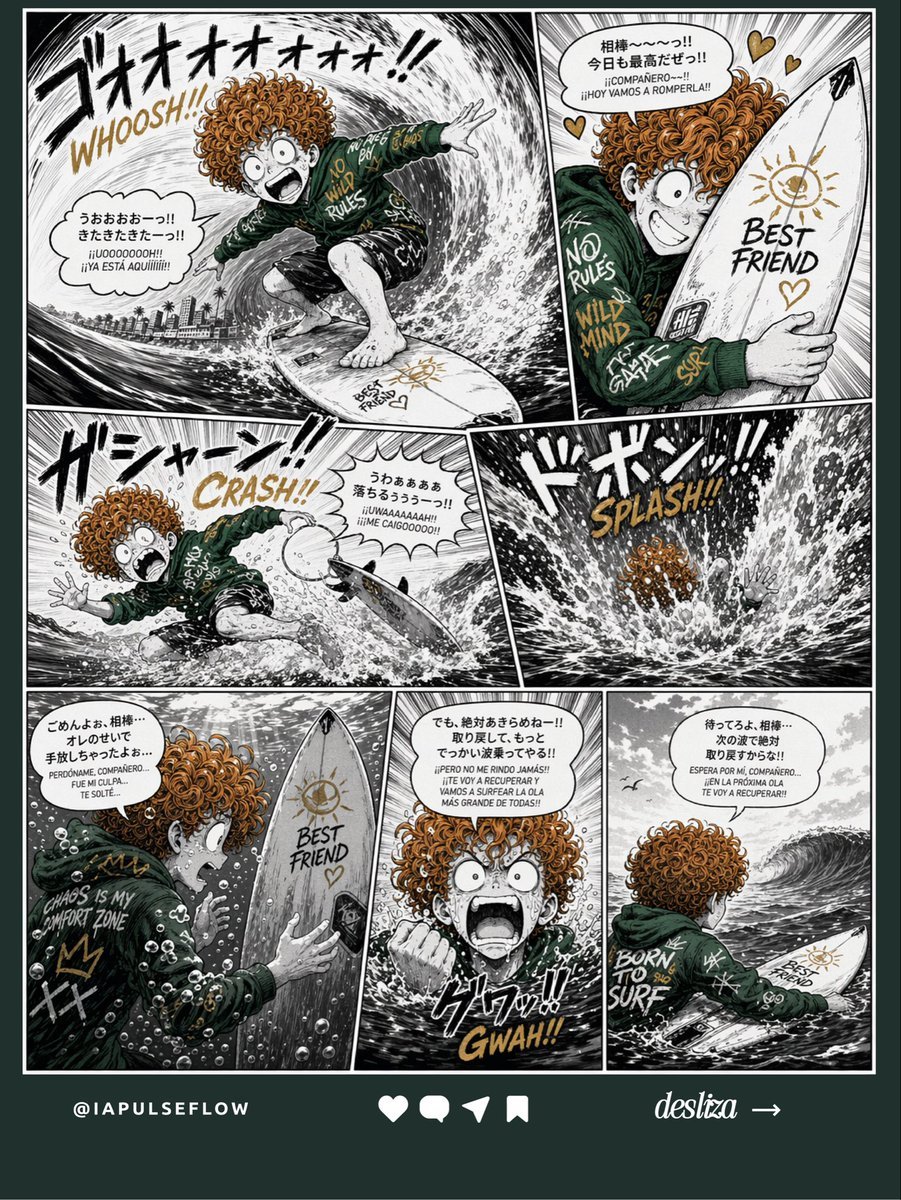
Manga Surf Wipeout Comic Poster
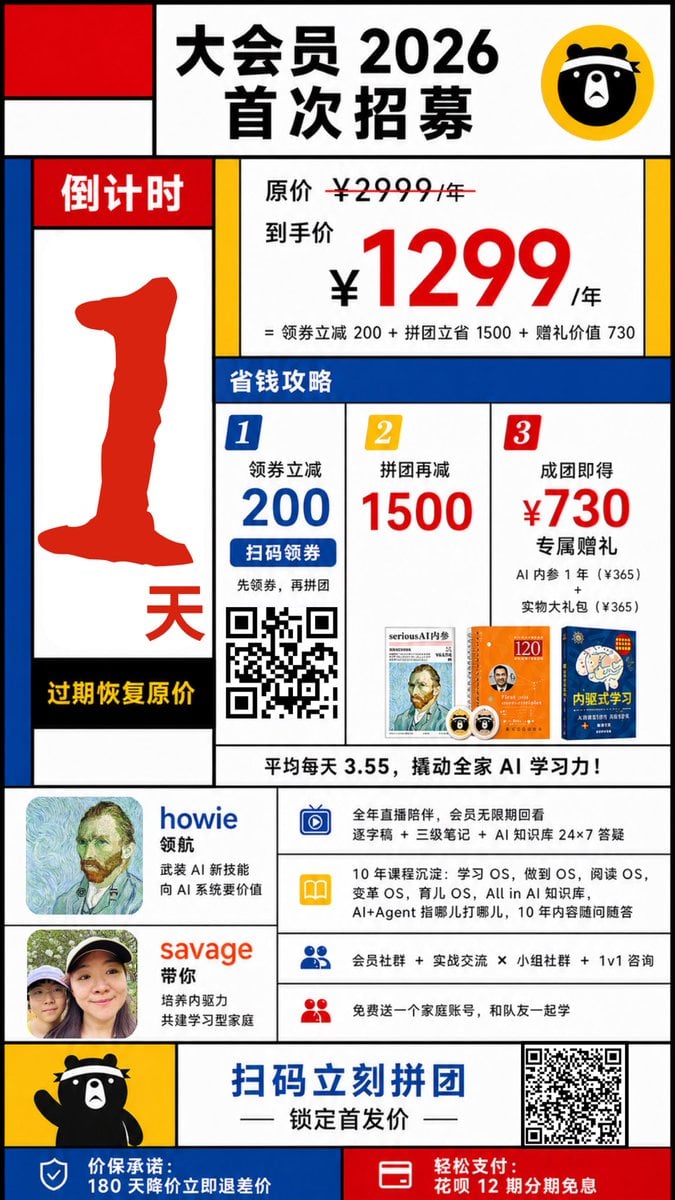
Mondrian-Style Chinese Promo Poster
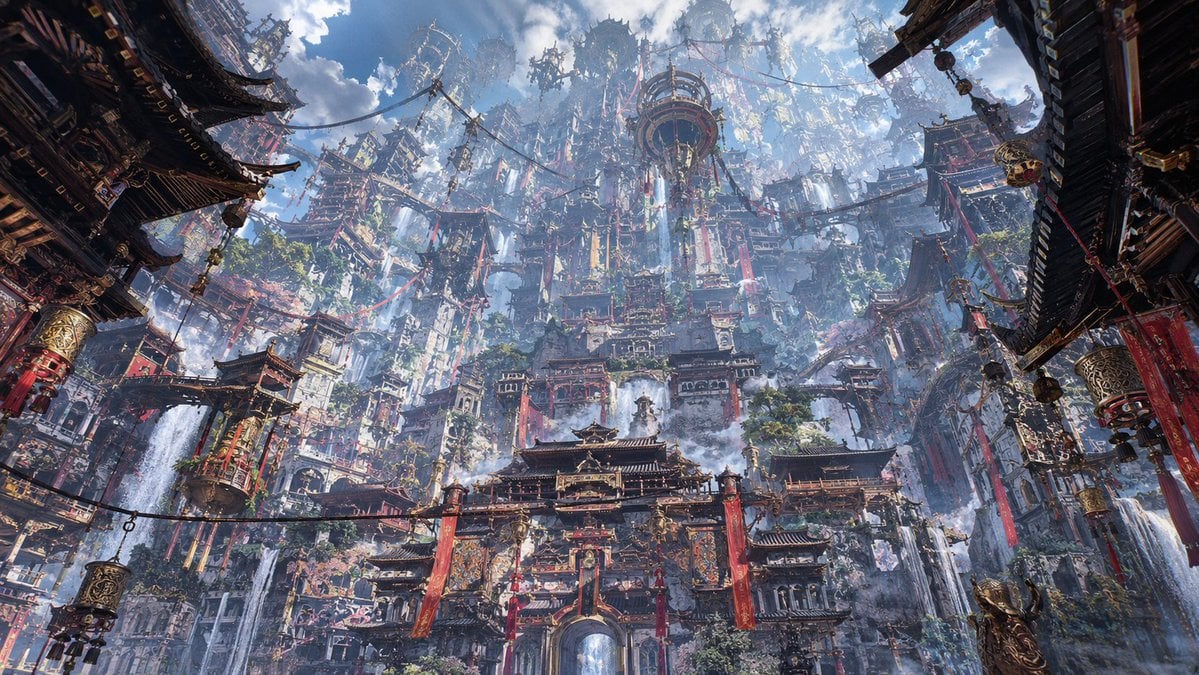
Maximalist Sky Temple City
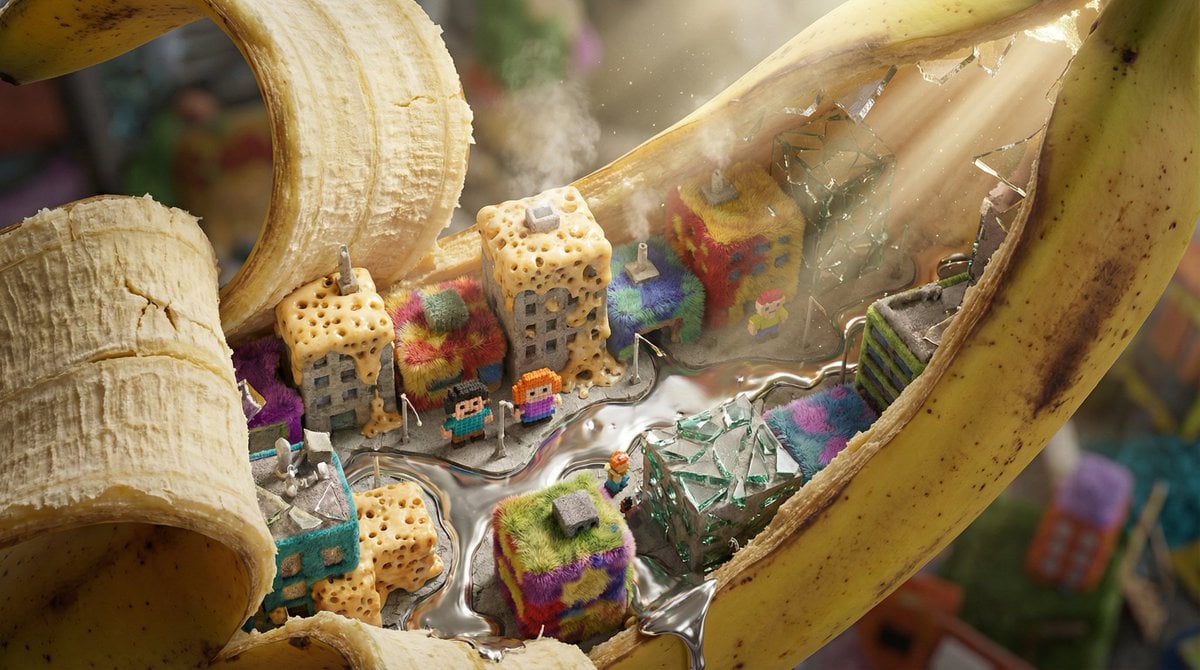
Nano-Scale Cityscape Inside a Banana Peel Prompt
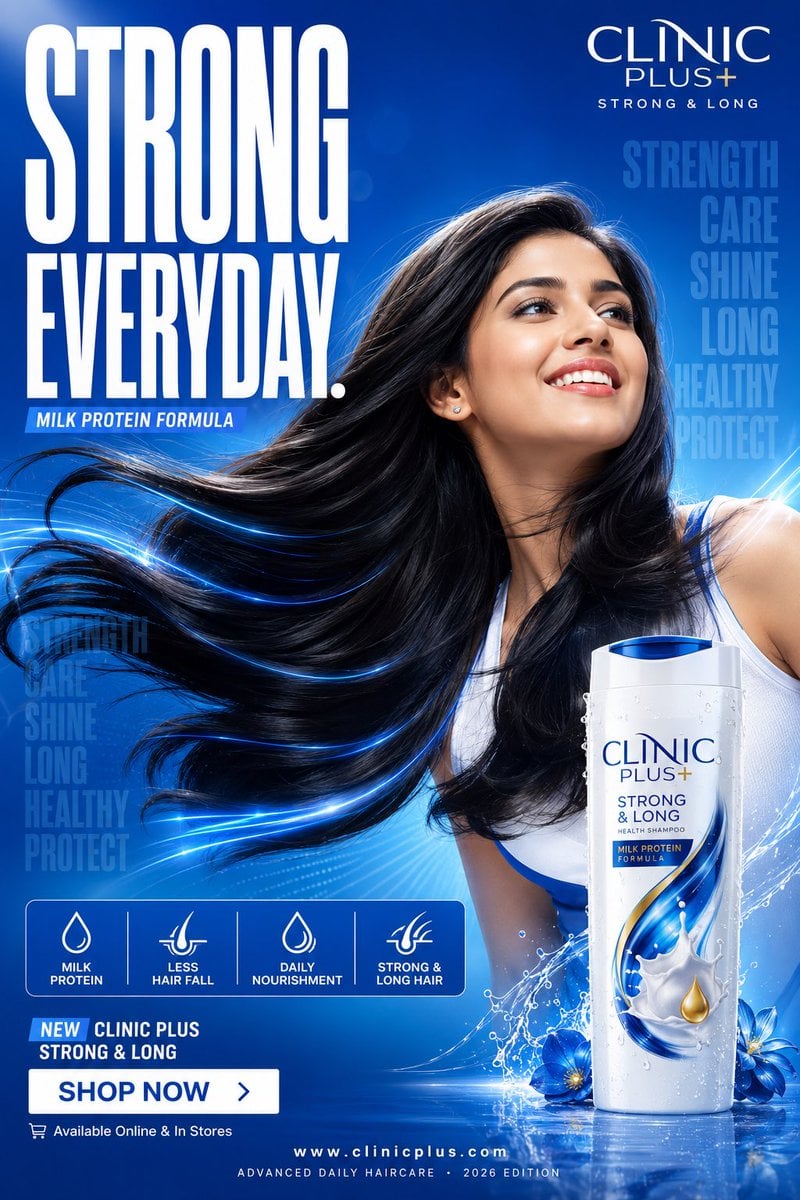
Clinic Plus Strong Hair Ad
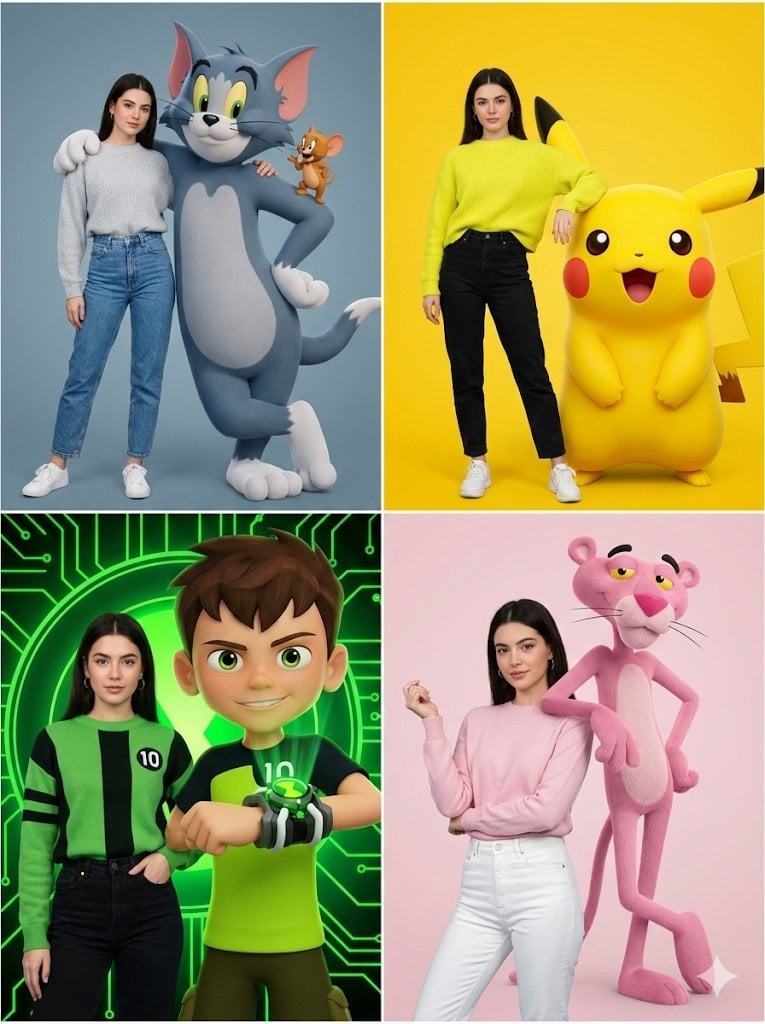
Hyper-realistic Childhood Cartoon Fashion Shoot
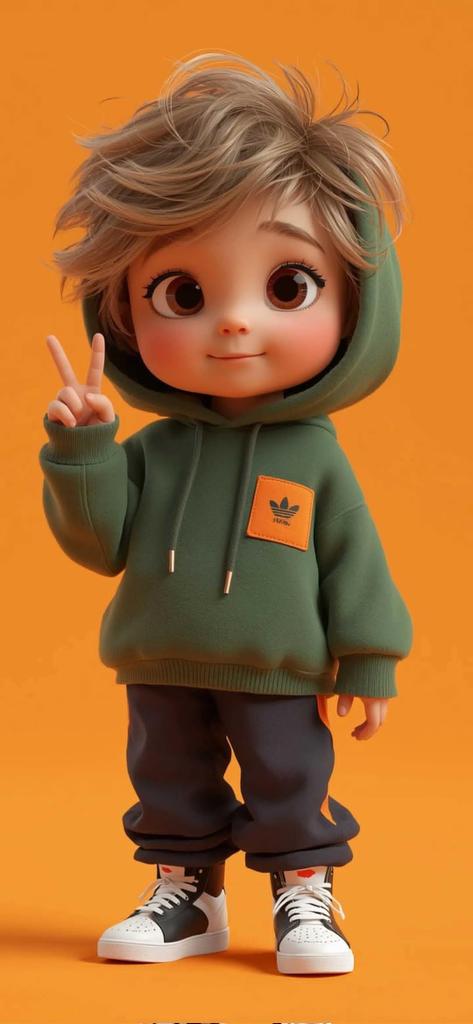
Pixar-Style 3D Chibi Boy Character
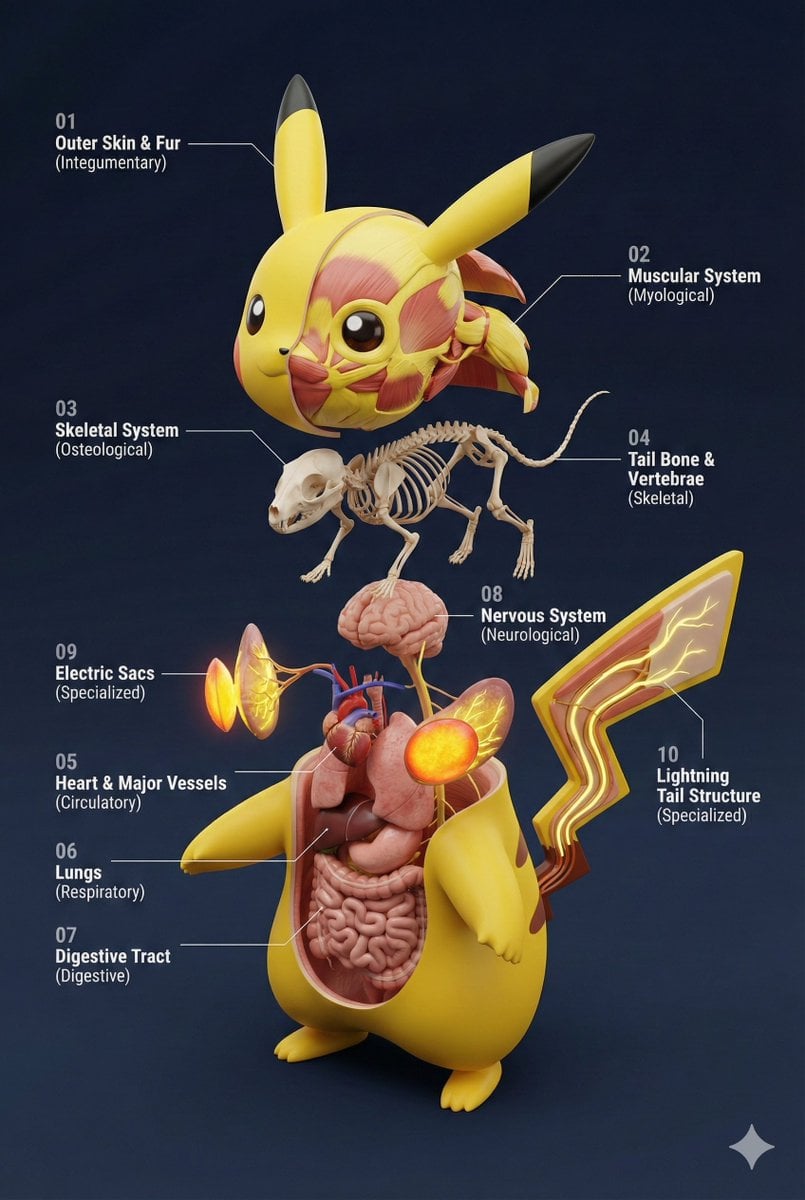
Universal 3D Anatomy Dissection Prompt
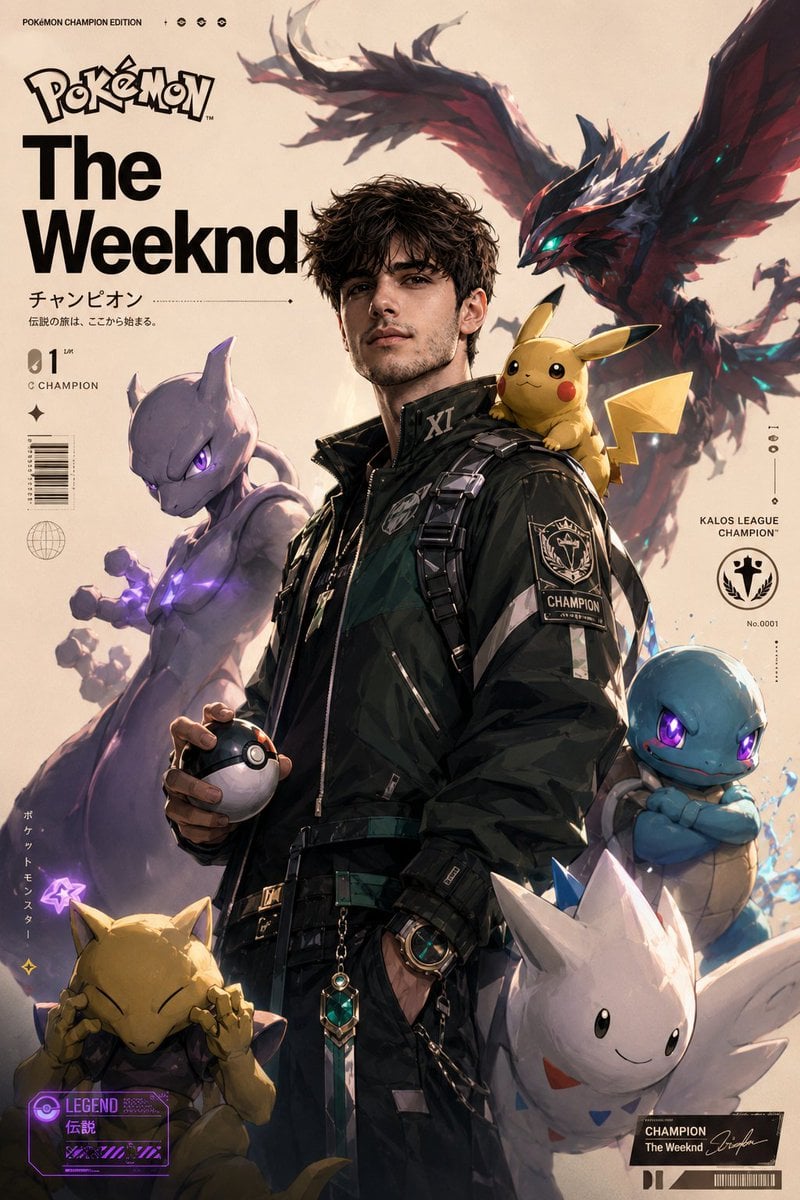
Cinematic Pokemon Champion Poster
Browse template categories
Nocturnal Beauty Night Selfie questions
How do I use the Nocturnal Beauty Night Selfie template?
Add your photo if the template asks for one, edit the prompt if you like — the template's model and format are already selected — and press Generate. Your version opens in PicX Studio.
Can I customize the Nocturnal Beauty Night Selfie template?
Yes. You can change the subject, setting, lighting, mood, format, and available model controls before creating your image.
Is the Nocturnal Beauty Night Selfie template free?
Opening and editing this template is free. Generating uses credits, shown on the Generate button when you are signed in.
Which AI model should I use?
Start with GPT Image 2, which is the model associated with this template. You can compare another compatible model for a different finish.
Looking for something else? Browse all templates.

Your photo, any look
Thousands of ready templates for every top image and video model, from one credit balance.