How do I use the Cinematic Lifestyle Call Sequence template?
Edit the prompt in the box under the preview — the template's model and format are already selected — and press Generate. Your version appears right on this page.
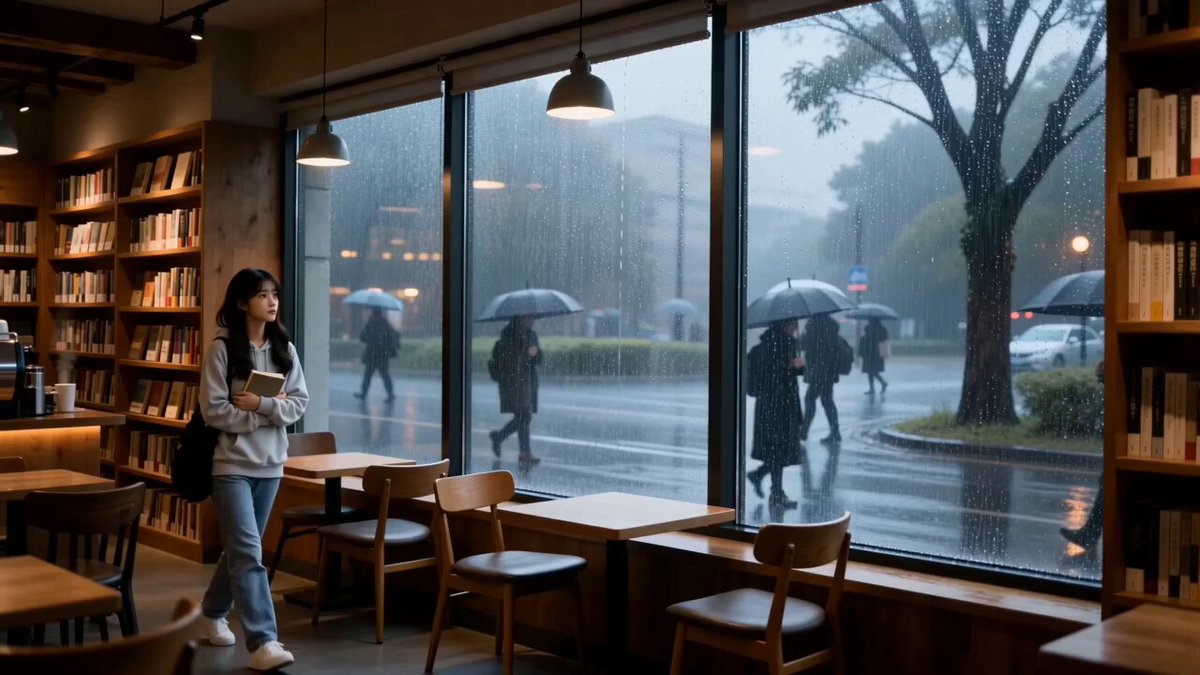
A storyboard-style prompt for a 15-second cinematic video showing an emotional change after receiving a phone call, transitioning from a room to a balcony.
FORMAT: 15s / 135 BPM / 14 SHOTS SUBJECT: @[image1] WARDROBE: Casual → slightly refined ENVIRONMENT: Room → balcony → open sky MOOD: Low → relieved → strong STYLE: Cinematic lifestyle CORE IDEA: A call changes her emotional state SHOT FLOW: Sitting quietly, distant look Phone rings She hesitates Answers slowly Listening… expression softens Small nod Stands up Walks toward balcony Light hits face Breathes deeper Subtle smile Wind through hair Confident posture End looking outward
FORMAT: 15s / 135 BPM / 14 SHOTS SUBJECT: @[image1] WARDROBE: Casual → slightly refined ENVIRONMENT: Room → balcony → open sky MOOD: Low → relieved → strong STYLE: Cinematic lifestyle CORE IDEA: A call changes her emotional state SHOT FLOW: Sitting quietly, distant look Phone rings She hesitates Answers slowly Listening… expression softens Small nod Stands up Walks toward balcony Light hits face Breathes deeper Subtle smile Wind through hair Confident posture End looking outward
Edit the prompt in the box under the preview — the template's model and format are already selected — and press Generate. Your version appears right on this page.
Yes. You can change the subject, setting, lighting, mood, format, and available model controls before creating your video.
Opening and editing this template is free. Generating uses credits, shown on the Generate button when you are signed in.
Start with Seedance 2.0, which is the model associated with this template. You can compare another compatible model for a different finish.
Follow a topic to a crawlable collection of related PicX Studio templates.