How do I use the FPV Drone Longboard Racing Sequence template?
Edit the prompt in the box under the preview — the template's model and format are already selected — and press Generate. Your version appears right on this page.
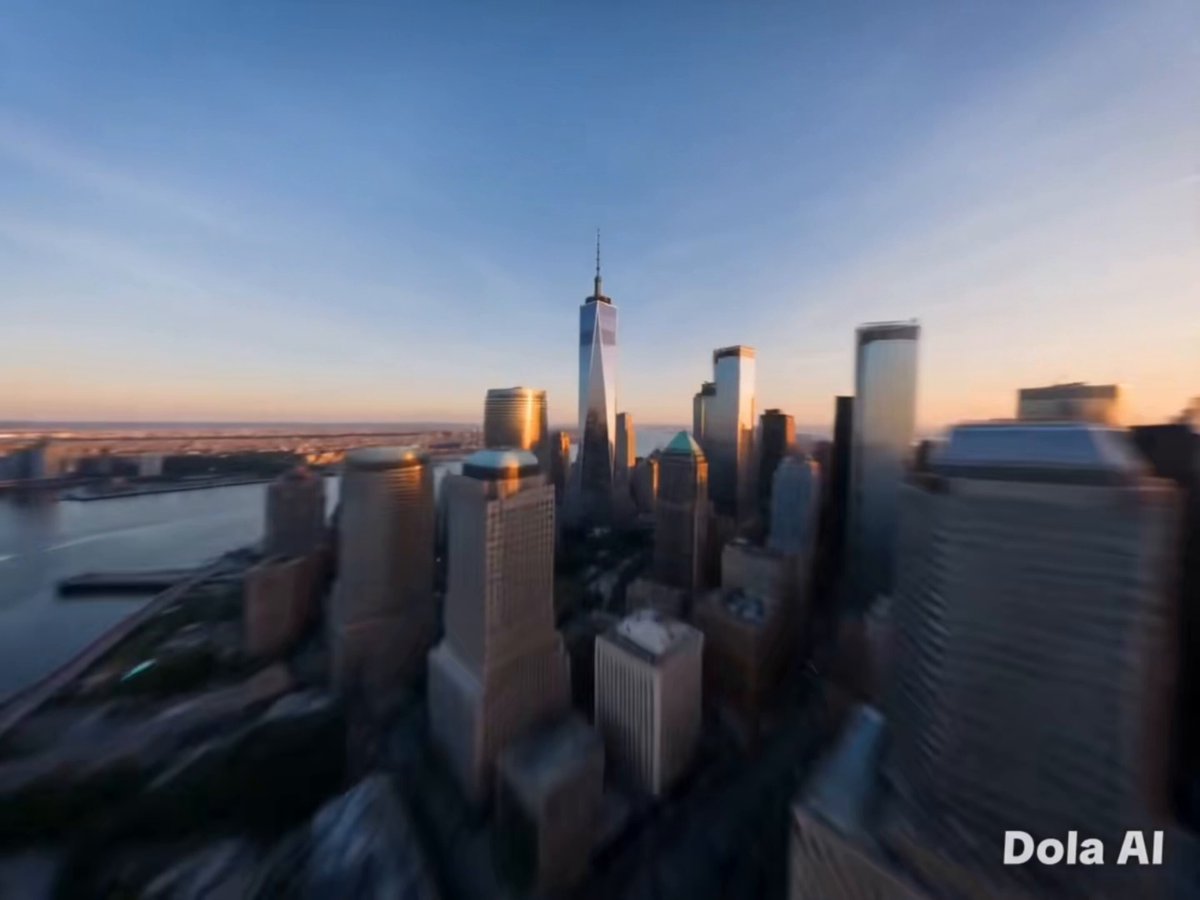
A highly structured, cinematic prompt for a video sequence featuring a 'Lanky Knight' longboarding down a steep coastal road, using an 8mm Fisheye FPV racing drone camera perspective with hyper-fluid motion and specific…
[CINEMATIC] 8mm Fisheye lens, FPV racing drone camera, hyper-fluid motion. [@Image 1] (Lanky Knight, red coat) on a longboard. [@Image 2] (Steep coastal mountain road). 0-3s: [Extreme high-speed follow] [@Image 1] carves down the steep asphalt. The camera mimics an FPV drone, flying inches from the ground at blinding speed. The red coat whips violently in the wind. 3-6s: [360-degree barrel roll] [@Image 1] hits a hairpin turn, leaning horizontally. The camera executes a dizzying, hyper-fluid 360-degree roll over his head, maintaining focus on his armor reflecting the bright sky. 6-10s: [Under-board swoop & launch] [@Image 1] hits a ramp, launching into the air. The camera aggressively swoops underneath the board, capturing the massive ocean drop, before tilting up as [@Image 1] backflips. 10-15s: [Impact & rapid pull-back] [@Image 1] lands flawlessly, wheels smoking. The camera snaps backward in a rapid reverse-dolly motion, showcasing the majestic landscape as [@Image 1] speeds away.
[CINEMATIC] 8mm Fisheye lens, FPV racing drone camera, hyper-fluid motion. [@Image 1] (Lanky Knight, red coat) on a longboard. [@Image 2] (Steep coastal mountain road). 0-3s: [Extreme high-speed follow] [@Image 1] carves down the steep asphalt. The camera mimics an FPV drone, flying inches from the ground at blinding speed. The red coat whips violently in the wind. 3-6s: [360-degree barrel roll] [@Image 1] hits a hairpin turn, leaning horizontally. The camera executes a dizzying, hyper-fluid 360-degree roll over his head, maintaining focus on his armor reflecting the bright sky. 6-10s: [Under-board swoop & launch] [@Image 1] hits a ramp, launching into the air. The camera aggressively swoops underneath the board, capturing the massive ocean drop, before tilting up as [@Image 1] backflips. 10-15s: [Impact & rapid pull-back] [@Image 1] lands flawlessly, wheels smoking. The camera snaps backward in a rapid reverse-dolly motion, showcasing the majestic landscape as [@Image 1] speeds away.
Edit the prompt in the box under the preview — the template's model and format are already selected — and press Generate. Your version appears right on this page.
Yes. You can change the subject, setting, lighting, mood, format, and available model controls before creating your video.
Opening and editing this template is free. Generating uses credits, shown on the Generate button when you are signed in.
Start with Seedance 2.0, which is the model associated with this template. You can compare another compatible model for a different finish.
Follow a topic to a crawlable collection of related PicX Studio templates.