How do I use the Office Coffee Break Gone Wrong Horror Video Prompt template?
Edit the prompt in the box under the preview — the template's model and format are already selected — and press Generate. Your version appears right on this page.
A structured, multi-shot prompt for Seedance 2.0 to generate a humorous horror video where a spilled drop of coffee transforms into a hyper-caffeinated monster, causing chaos in an office.
Office Coffee Break Gone WrongShot 1: Tired office worker in a button-up shirt sips coffee at his desk in a modern open-plan office. Calm medium shot, fluorescent lights, papers everywhere.Shot 2: He spills a drop — the coffee suddenly animates into a hyper-caffeinated coffee monster with espresso eyes and foam tentacles.Shot 3: Low-angle shot: The monster rampages across desks, flinging staplers and keyboards in realistic arcs while the worker dodges in panic.Shot 4: Fast-paced tracking shot through the office as coworkers scream and dive under tables, papers flying like confetti with accurate physics.Shot 5: Climax: Worker grabs a fire extinguisher and blasts the monster, turning it back into harmless foam. He sits exhausted, now covered in foam, as everyone claps slowly
Office Coffee Break Gone WrongShot 1: Tired office worker in a button-up shirt sips coffee at his desk in a modern open-plan office. Calm medium shot, fluorescent lights, papers everywhere.Shot 2: He spills a drop — the coffee suddenly animates into a hyper-caffeinated coffee monster with espresso eyes and foam tentacles.Shot 3: Low-angle shot: The monster rampages across desks, flinging staplers and keyboards in realistic arcs while the worker dodges in panic.Shot 4: Fast-paced tracking shot through the office as coworkers scream and dive under tables, papers flying like confetti with accurate physics.Shot 5: Climax: Worker grabs a fire extinguisher and blasts the monster, turning it back into harmless foam. He sits exhausted, now covered in foam, as everyone claps slowly
Edit the prompt in the box under the preview — the template's model and format are already selected — and press Generate. Your version appears right on this page.
Yes. You can change the subject, setting, lighting, mood, format, and available model controls before creating your video.
Opening and editing this template is free. Generating uses credits, shown on the Generate button when you are signed in.
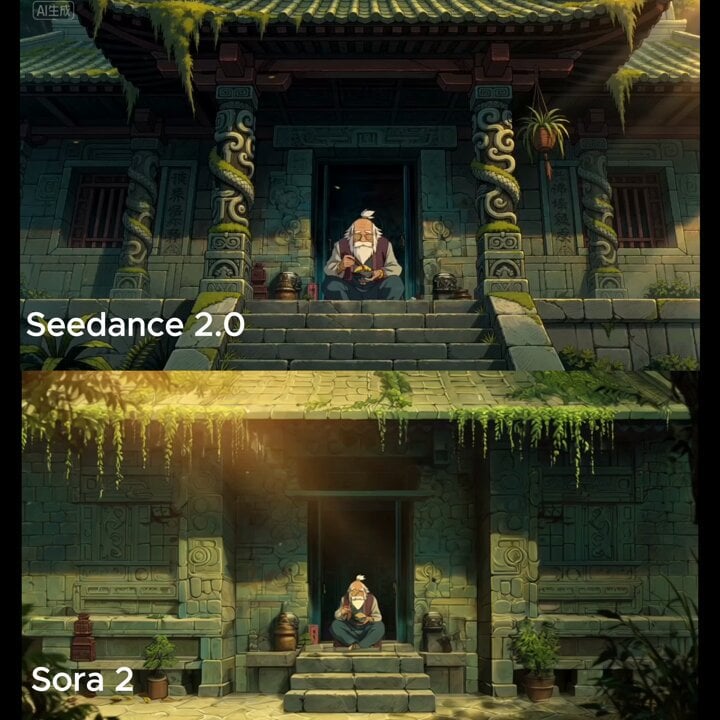
Start with Seedance 2.0, which is the model associated with this template. You can compare another compatible model for a different finish.
Follow a topic to a crawlable collection of related PicX Studio templates.