
Breaking the Fourth Wall meta-horror video prompt
A complex multi-scene video prompt for Seedance 2.0 that creates a horror-comedy scenario where an AI character breaks out of a computer screen to grab the viewer.
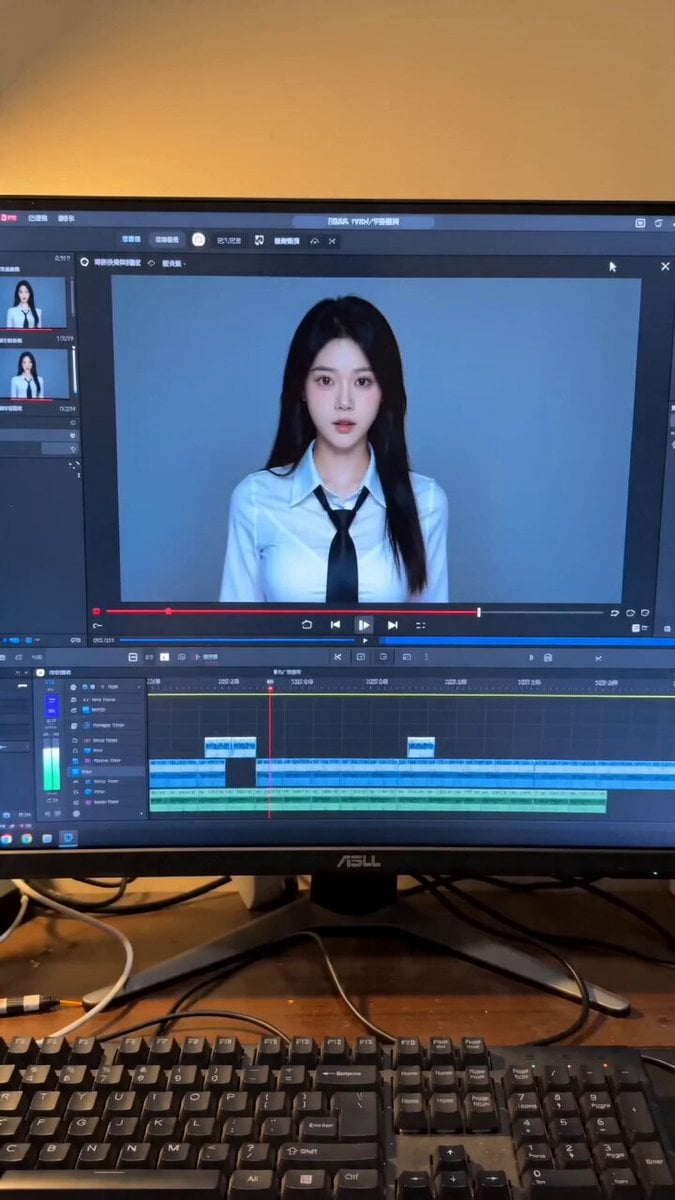
- Prompt included
- Model and format preset
- Premium template
The prompt behind this video
Copy the exact prompt behind Breaking the Fourth Wall meta-horror video prompt, or open it in the studio and make it yours.
整体风格:手机竖屏实拍感,普通室内电脑桌场景,轻微手持抖动,低成本真实自拍视频质感,暖色室内灯光,电脑显示器蓝色冷光,AI 视频翻车现场,恐怖喜剧氛围,次元壁破裂效果。不要字幕,不要屏幕文字叠加。 音频风格: 手机现场录音质感,轻微房间混响,有很弱的电脑风扇声和桌面环境声。男生旁白像随手拍短视频吐槽,女生对白略机械、诡异。不要电影配音感。 镜头 1(0-4 秒) 主体:一名年轻亚洲精致女生@图片,长黑发,白色衬衫,黑色领带,像 AI 生成角色一样出现在电脑屏幕里。 动作: 0-1 秒:手机镜头对准电脑屏幕,屏幕里女生靠近镜头,直视观众。 1-2.5 秒:镜头外男生用吐槽语气介绍这个画面。 2.5-4 秒:女生轻微歪头,嘴巴开始说话,动作带有 AI 视频不自然的卡顿感。 对白: 镜头外男声,吐槽语气:“兄弟们,看这个 AI 视频,感觉有点不对劲啊。” 女生,疑惑、略带机械感:“啊?你再说一遍呢?” 环境:普通电脑桌,显示器、键盘、鼠标、视频剪辑软件界面,背景是暖色墙面。 镜头:手机竖屏拍摄,近距离对准电脑屏幕和桌面,轻微手持晃动。 风格:真实手机录像,屏幕反光,轻微压缩噪点,生活化桌面环境。 约束:女生始终是屏幕里的角色,不要一开始就出现在现实空间。 镜头 2(4-8 秒) 主体:真人手臂和手指进入画面,指向电脑屏幕里的女生。 动作: 4-6 秒:一只真实男性手从画面下方伸出,食指指向屏幕中女生的脸。 6-8 秒:屏幕里的女生盯着手指,表情逐渐变得诡异,身体开始向屏幕外前倾。 对白: 镜头外男声,挑衅、开玩笑:“有种你出来打我啊。” 环境:电脑屏幕显示视频编辑软件时间线,屏幕里的人像画面清晰可见。 镜头:手机镜头稍微向前靠近,手指在前景,屏幕女生中景。 风格:日常自拍视频突然变成超现实惊悚,屏幕内外空间开始混合。 约束:保留“真实手指指向电脑屏幕”的清晰关系,屏幕界面不要完全消失。 镜头 3(8-12 秒) 主体:屏幕里的女生突破显示器,伸出手抓住真人的手。 动作: 8-10 秒:电脑屏幕像玻璃一样破裂,裂纹和碎片向外飞出。 10-12 秒:女生从屏幕中伸出一只手,抓住真人手腕,身体一半还卡在显示器里。 对白: 女生,声音变低、冷冷地重复:“出来……打你?” 环境:电脑桌震动,键盘和显示器仍在原位,破碎屏幕边缘发出蓝白色光。 镜头:突然前冲的手持镜头,轻微失焦,制造慌乱感。 风格:AI 翻车式超现实恐怖喜剧,玻璃碎裂,屏幕空间穿帮,人物比例略微怪异。 约束:女生必须从屏幕里伸出来,不是从现实中凭空出现;抓手动作要清楚。 镜头 4(12-15 秒) 主体:女生半个身体冲出屏幕,牢牢抓住真人手臂。 动作: 12-14 秒:她用力拉住真人手,脸靠近镜头,表情僵硬诡异,手指和手腕出现轻微 AI 变形。 14-15 秒:画面停在荒诞翻车瞬间,玻璃碎片悬在空中,真人手臂被她抓住。 对白: 真人男声,慌张:“哎!卧槽!你真出来了?” 女生,贴近镜头冷冷地说:“你让我出来的。” 环境:电脑桌、键盘、破裂显示器、视频软件界面碎裂残留。 镜头:近距离手持竖屏,轻微慌乱后定格,保留自拍视频质感。 风格:低成本真实感 + AI 生成异常感,恐怖喜剧,不要做成高级电影大片。 约束:画面要像网友随手拍到的 AI 视频翻车现场,保留不完美、怪异、离谱的质感。 负面提示词: 字幕,屏幕文字叠加,过度电影化,豪华布景,干净商业广告质感,横屏构图,完全虚拟场景,女生一开始就在现实空间,电脑屏幕消失,手指关系不清楚,动作不可读,人物瞬移,脸部完全崩坏,身体融化,多余肢体,过多手指,手掌融合,显示器比例错误,玻璃碎片过多遮挡主体,随机文字,乱码文字,logo,水印,画面严重模糊,镜头完全失控,口型严重漂移,对白和动作不同步,说话时嘴巴不动。
How to use Breaking the Fourth Wall meta-horror video prompt in 3 steps
- 1
Open
The prompt is already in the box next to the preview, with the template's model and format selected.
- 2…a portrait of your subject in softgolden-hour light, 85mm…
Personalize
Edit the subject and creative details for your destination.
- 3Generate
Generate
Press Generate — your video is created in PicX Studio, so you can compare it with the original and refine one variable at a time.
More like this
Templates with the same subject, style or setup. Open one to see its prompt.
Rainforest Thriller — Searching the Unseen
Chibi Cave Adventure — He Doesn't Know What's Coming
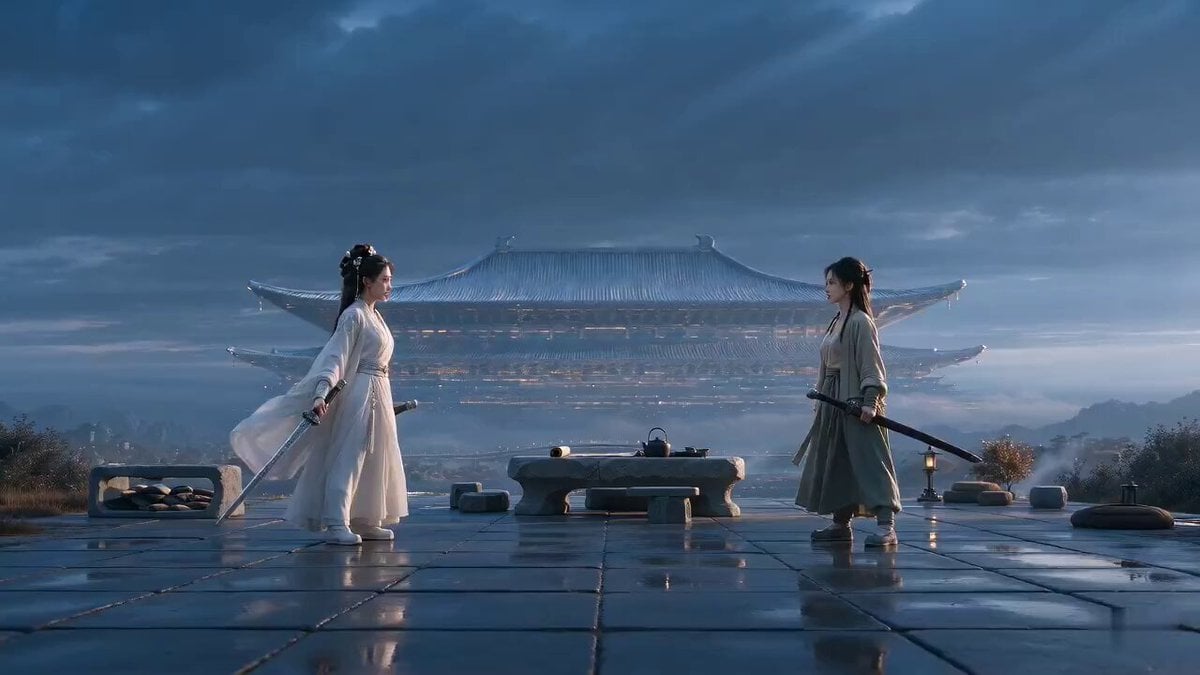
Xianxia Rehearsal Meta Comedy
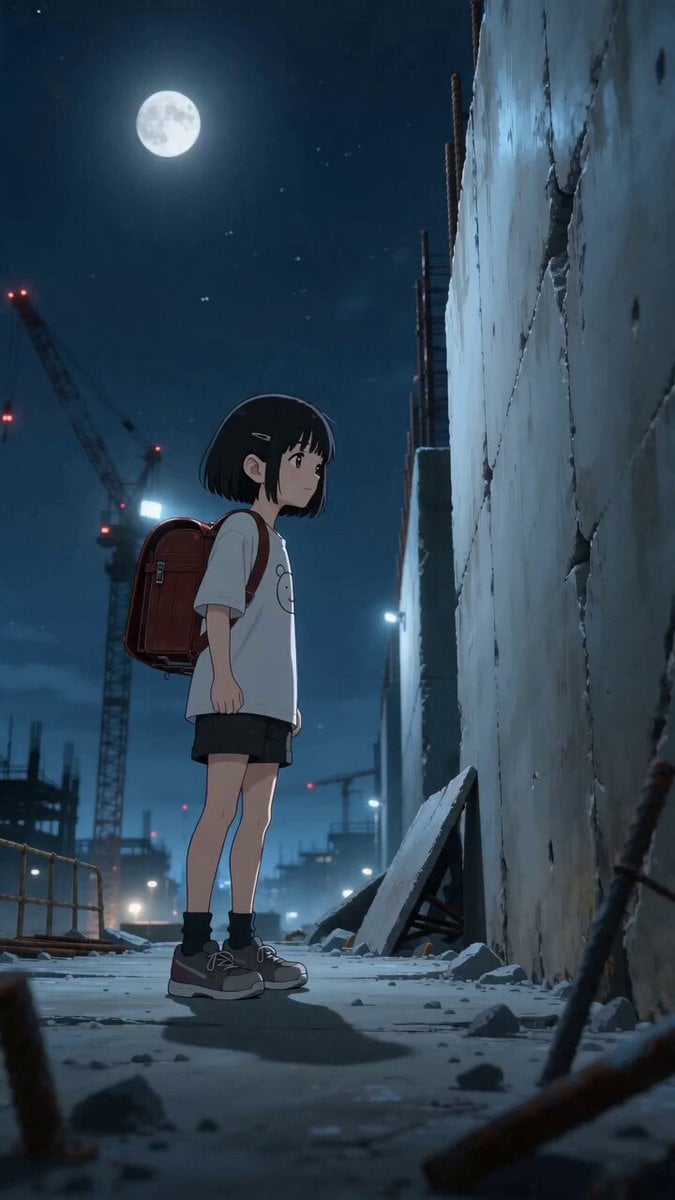
High-Octane Wall-Running Anime Animation
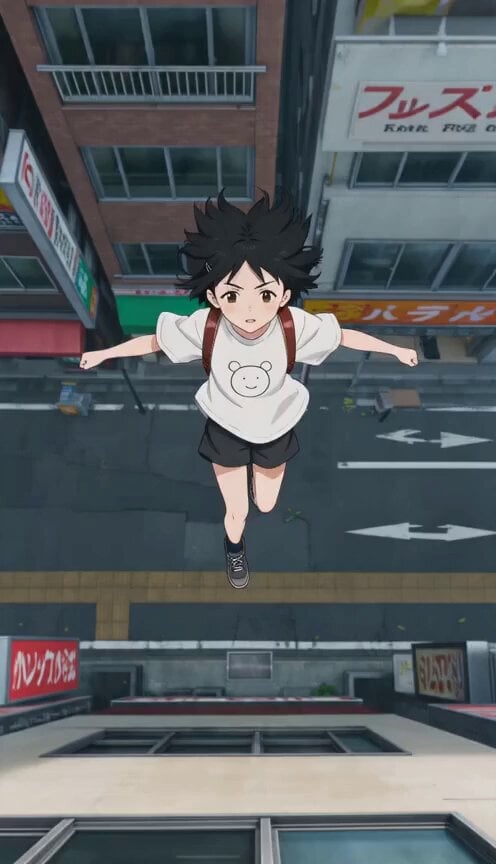
Anime Wall Running Action Scene

Anime Girl Wall Running Escape Sequence

Megacity Moving Black Wall Thriller
Samurai Frame Breaking Action Prompt
Digital Goddess Breaking the Loop

Wall Street Journal newsroom scene

Wall Elves Camera Zoom
Breaking Bad AI Bro Pitch
Make it yours
Breaking the Fourth Wall meta-horror video prompt works as-is. These are the safest ways to change it without losing the look.
Change one field
Copy a single group, rewrite it, and generate again so you can see what that field is doing.
Keep the frame, change the subject
Hold the composition and light of Breaking the Fourth Wall meta-horror video prompt, then swap wardrobe, props or the person for a new take.
| If the result… | Why | Fix |
|---|---|---|
| The result drifts from the preview | Too many fields changed at once. | Reuse Breaking the Fourth Wall meta-horror video prompt as-is first, then change one group — subject, light, or setting. |
| The model over-stylizes the scene | The prose prompt leaves finish and camera underspecified. | Add one camera or lighting sentence and stay on Seedance 2.0. |
More Seedance 2.0 templates
Other prompts made for Seedance 2.0.

Comical Martial Arts Punch Scene

Maglev Train Action Sequence

Martial Arts Fight Sequence

Wuxia Protection and Trust Script

Vintage Korean Arcade MiniDV Vlog

Mercedes 190 SL Luxury Ad

Rainy Night Supernatural Reverse Comedy Video Script

Amazon Civilization Discovery

Futuristic South Asian City Transformation

Cozy Luxury Cafe Commercial
More video prompts
Fresh picks from across the catalog.
Cyberpunk Rooftop Pursuit
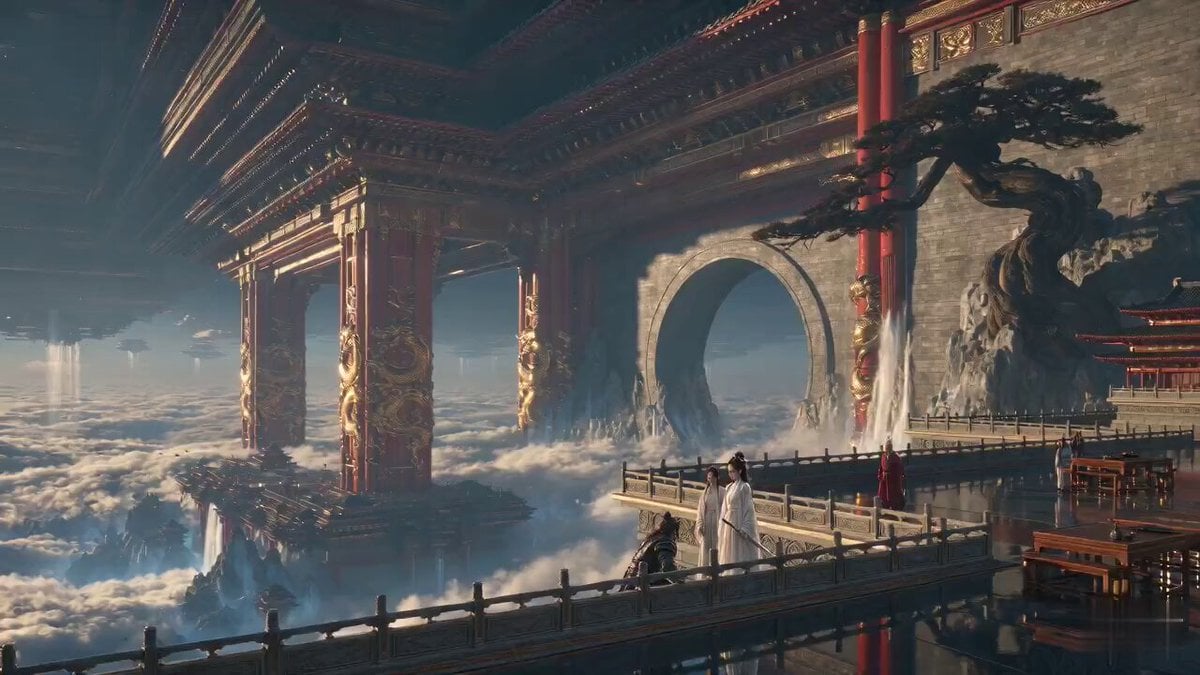
Wuxia Emotional Drama "Trust and Dignity"

Cyberpunk Samurai Tokyo Storm
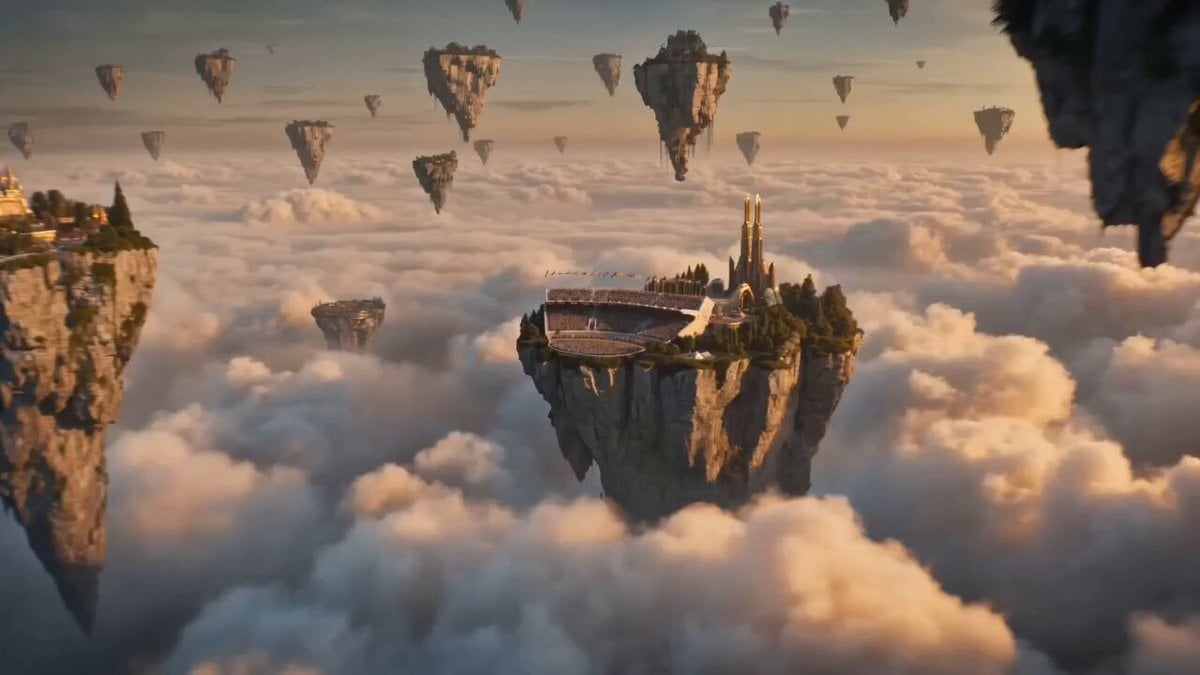
Flying Horse Sky Race
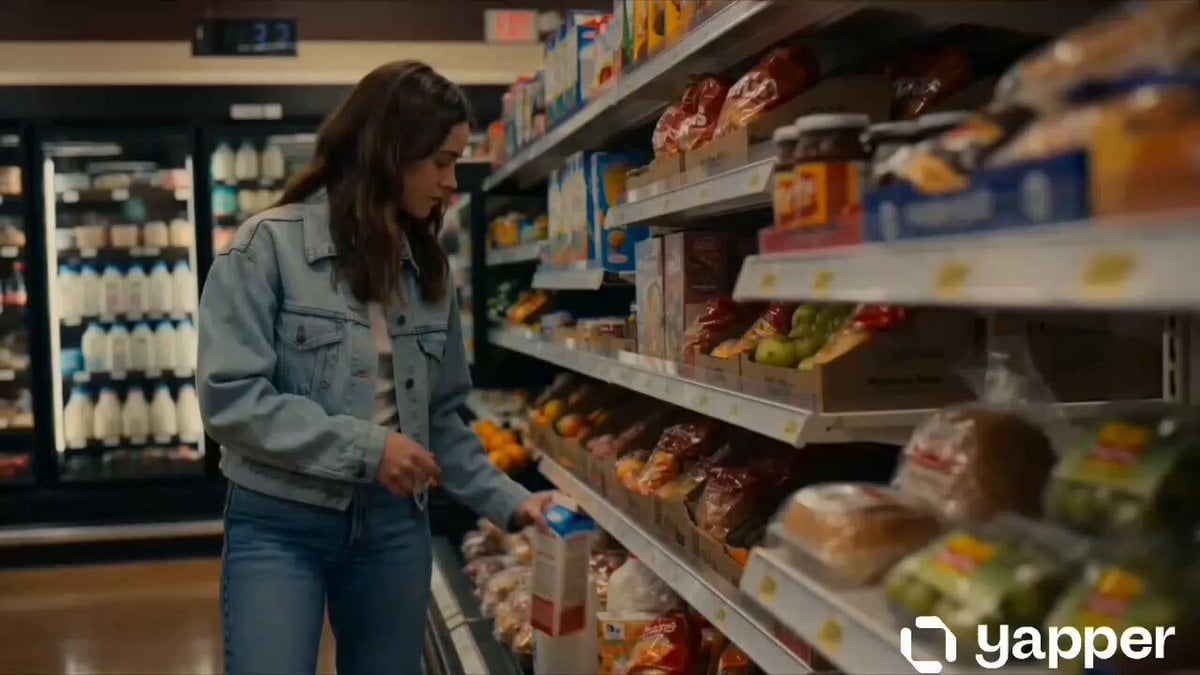
Cinematic Grocery Store Emotional Story
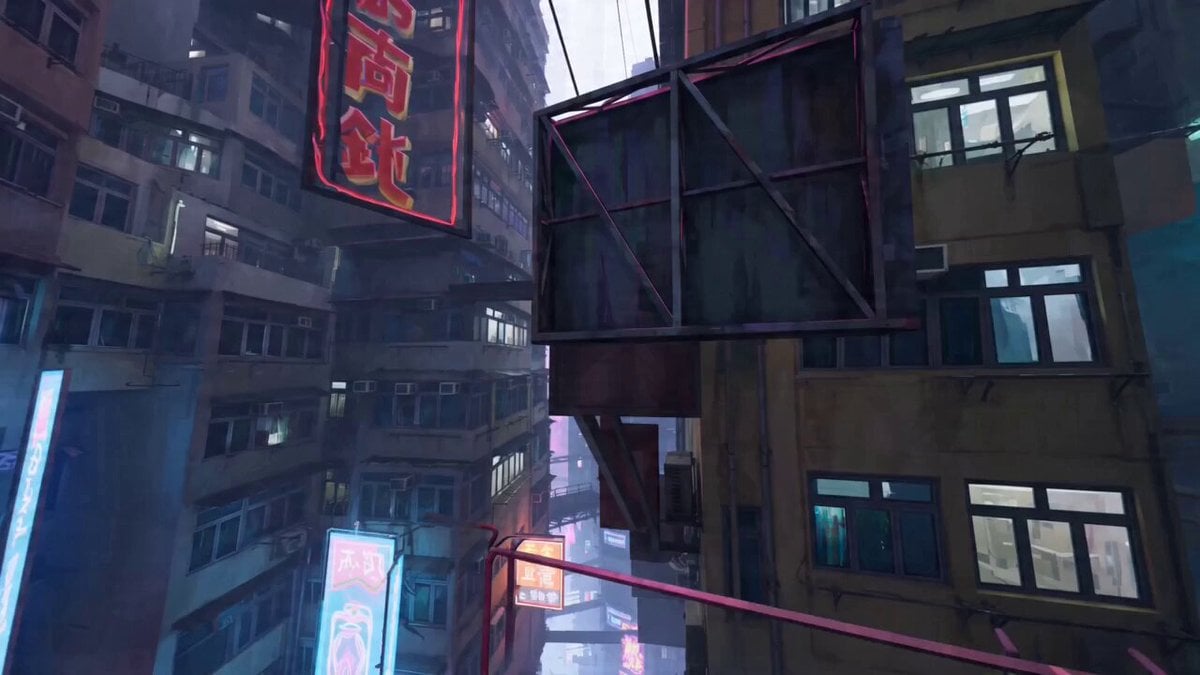
Parkour expert POV video
Cinematic Time-Freeze Sports Bar Prompt

80s Fantasy Wizard and Lady
Heroic Fantasy Kraken Battle
Sci-Fi Explorer Hovercraft Adventure
Browse template categories
Breaking the Fourth Wall meta-horror video prompt questions
How do I use the Breaking the Fourth Wall meta-horror video prompt template?
Add your photo if the template asks for one, edit the prompt if you like — the template's model and format are already selected — and press Generate. Your version opens in PicX Studio.
Can I customize the Breaking the Fourth Wall meta-horror video prompt template?
Yes. You can change the subject, setting, lighting, mood, format, and available model controls before creating your video.
Is the Breaking the Fourth Wall meta-horror video prompt template free?
Opening and editing this template is free. Generating uses credits, shown on the Generate button when you are signed in.
Which AI model should I use?
Start with Seedance 2.0, which is the model associated with this template. You can compare another compatible model for a different finish.
Looking for something else? Browse all templates.

Your photo, any look
Thousands of ready templates for every top image and video model, from one credit balance.