
Megacity Moving Black Wall Thriller
A detailed narrative prompt for a sci-fi thriller sequence where a massive black wall approaches and eventually swallows a desert megacity.
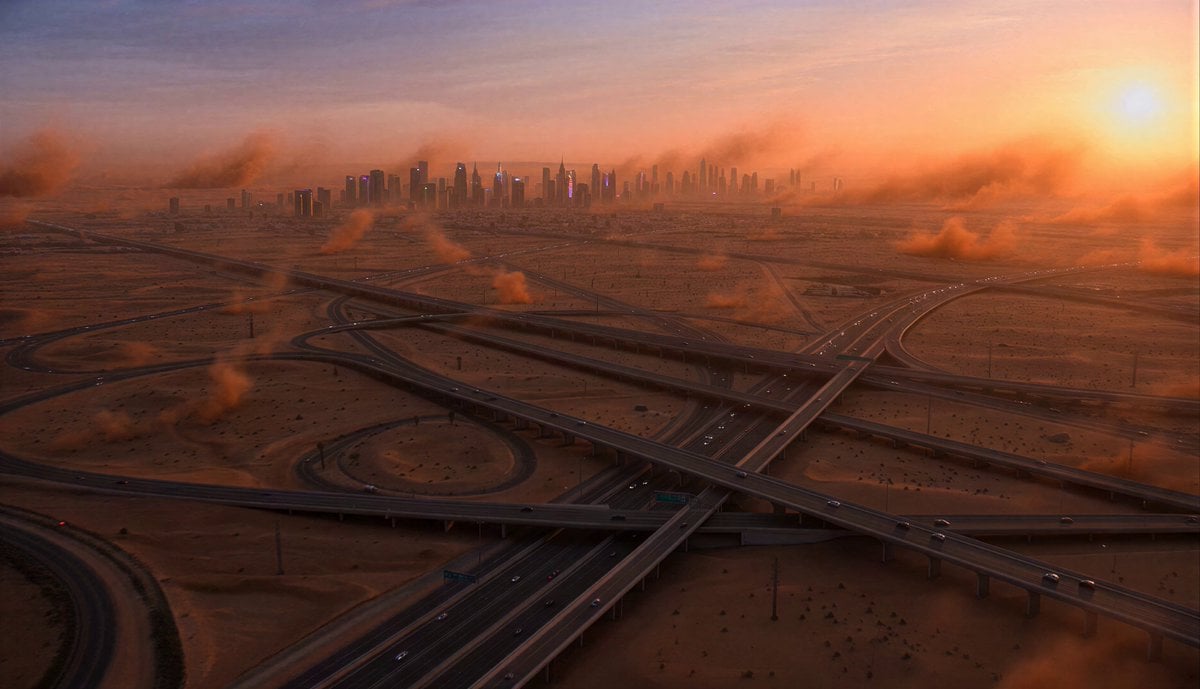
- Prompt included
- Model and format preset
- Free template
The prompt behind this video
Copy the exact prompt behind Megacity Moving Black Wall Thriller, or open it in the studio and make it yours.
Gigantic desert megacity at sunset. Orange dust storms moving across endless highways. People continue daily life normally. Far on the horizon: a colossal black wall stretching infinitely across the landscape. At first it looks like weather. Then people realize: the wall is moving. Slowly. Directly toward the city. A man driving through crowded streets notices panic spreading gradually. Emergency broadcasts begin. Military vehicles race through intersections. The wall grows larger every minute: taller than skyscrapers, perfectly smooth, completely silent, swallowing sunlight behind it. As it approaches: shadows stretch unnaturally, temperature drops, electronics malfunction, birds flee overhead. The man abandons his vehicle and runs through chaotic evacuation crowds. Behind the skyline: the giant moving wall dominates the horizon now. Dust storms spiral upward into it. At climax: the enormous black wall reaches the outer districts of the city. The entire skyline disappears into darkness behind it. The man turns around as the wall towers directly over downtown. Then suddenly: the wall stops moving. Silence. After several seconds, the structure slowly dissolves into fog and disappears. Ultra cinematic sci-fi mystery thriller, giant scale visuals, environmental tension, realistic panic, desert cyberpunk atmosphere, cinematic lighting, grounded realism.
How to use Megacity Moving Black Wall Thriller in 3 steps
- 1
Open
The prompt is already in the box next to the preview, with the template's model and format selected.
- 2…a portrait of your subject in softgolden-hour light, 85mm…
Personalize
Edit the subject and creative details for your destination.
- 3Generate
Generate
Press Generate — your video is created in PicX Studio, so you can compare it with the original and refine one variable at a time.
More like this
Templates with the same subject, style or setup. Open one to see its prompt.
City Timelapse Growth — Seedance 2.0
Rainforest Thriller — Searching the Unseen
Luxury Hotel Thriller Sequence
Psychological Thriller Performance Study
Retro Seoul Moving Day Video
Post-Apocalyptic Survival Thriller Prompt
Green Lunar Megacity and Giant Robot
Black Myth Wukong Warrior Scene
Mustard Seed Moving Mountain
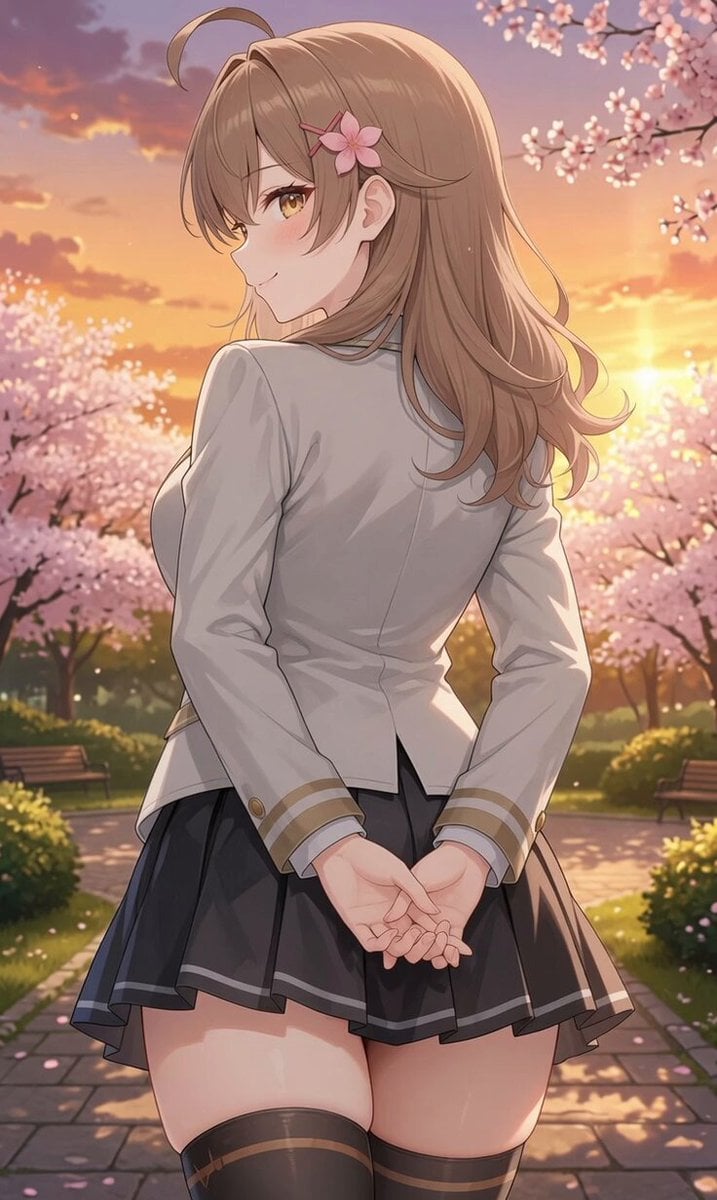
Girl Turning Head and Moving Hands
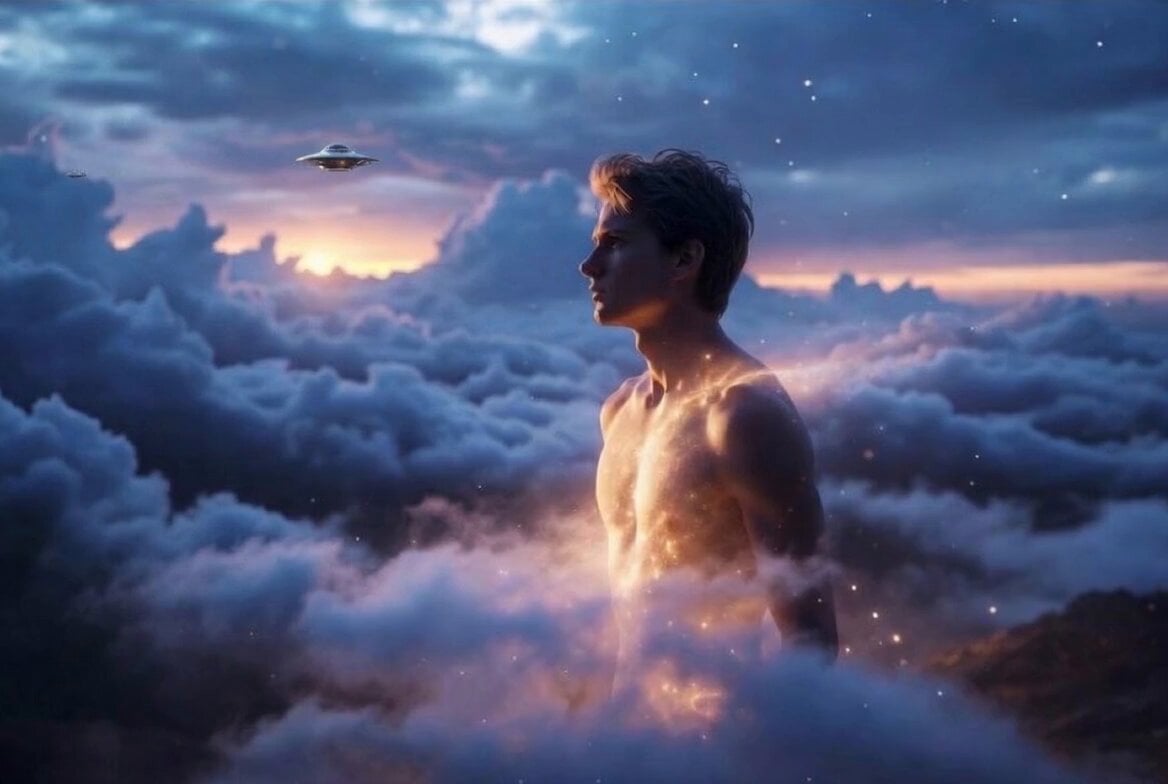
Body Moving Up Through Clouds Animation
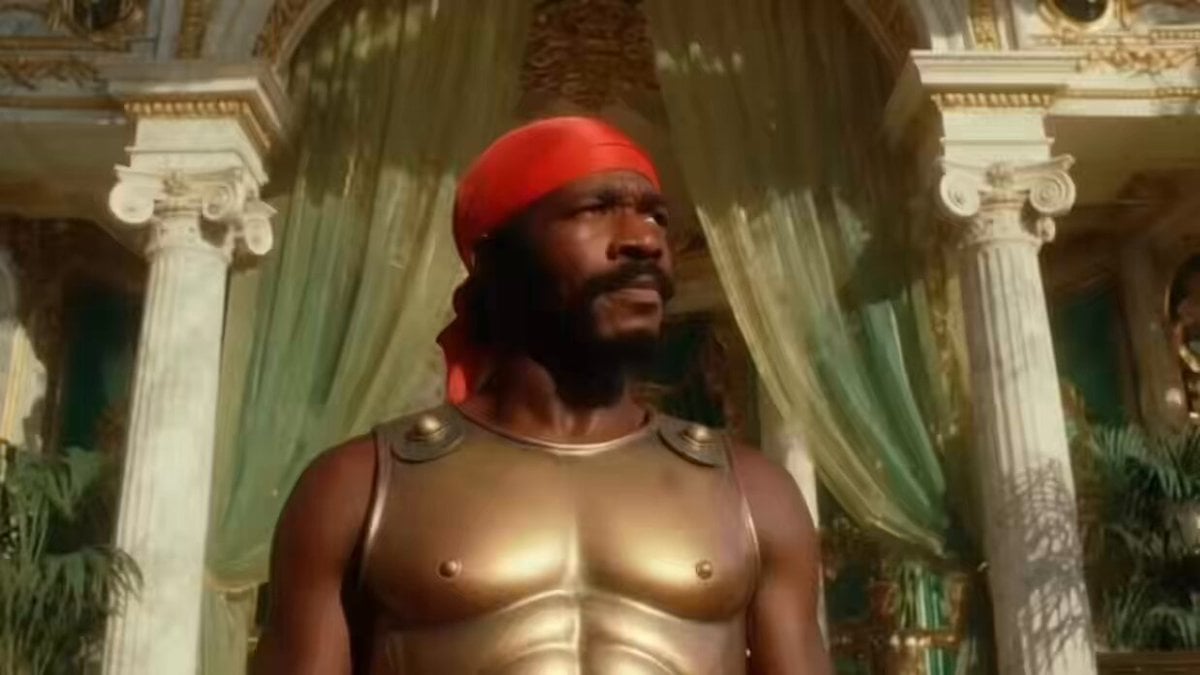
Black Helen of Troy Video
Make it yours
Megacity Moving Black Wall Thriller works as-is. These are the safest ways to change it without losing the look.
Change one field
Copy a single group, rewrite it, and generate again so you can see what that field is doing.
Keep the frame, change the subject
Hold the composition and light of Megacity Moving Black Wall Thriller, then swap wardrobe, props or the person for a new take.
| If the result… | Why | Fix |
|---|---|---|
| The result drifts from the preview | Too many fields changed at once. | Reuse Megacity Moving Black Wall Thriller as-is first, then change one group — subject, light, or setting. |
| The model over-stylizes the scene | The prose prompt leaves finish and camera underspecified. | Add one camera or lighting sentence and stay on Seedance 2.0. |
More Seedance 2.0 templates
Other prompts made for Seedance 2.0.

Comical Martial Arts Punch Scene

Maglev Train Action Sequence

Martial Arts Fight Sequence

Wuxia Protection and Trust Script

Vintage Korean Arcade MiniDV Vlog

Mercedes 190 SL Luxury Ad

Rainy Night Supernatural Reverse Comedy Video Script

Amazon Civilization Discovery

Futuristic South Asian City Transformation

Cozy Luxury Cafe Commercial
More video prompts
Fresh picks from across the catalog.
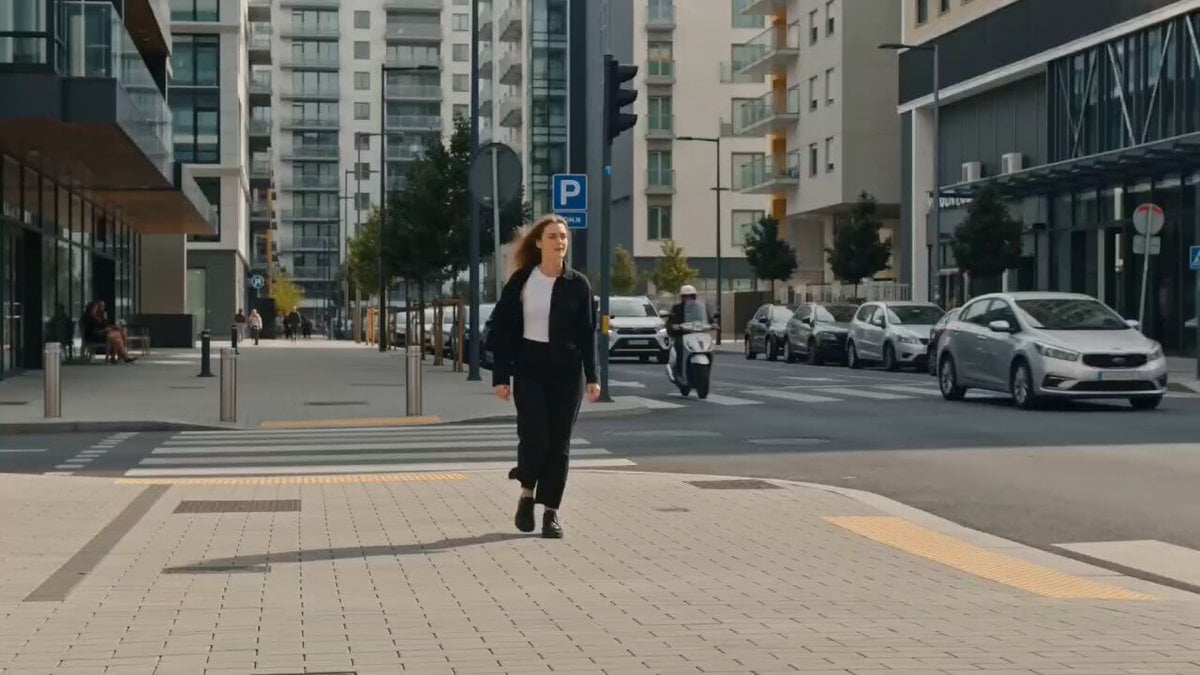
Wind Guided Street Walk
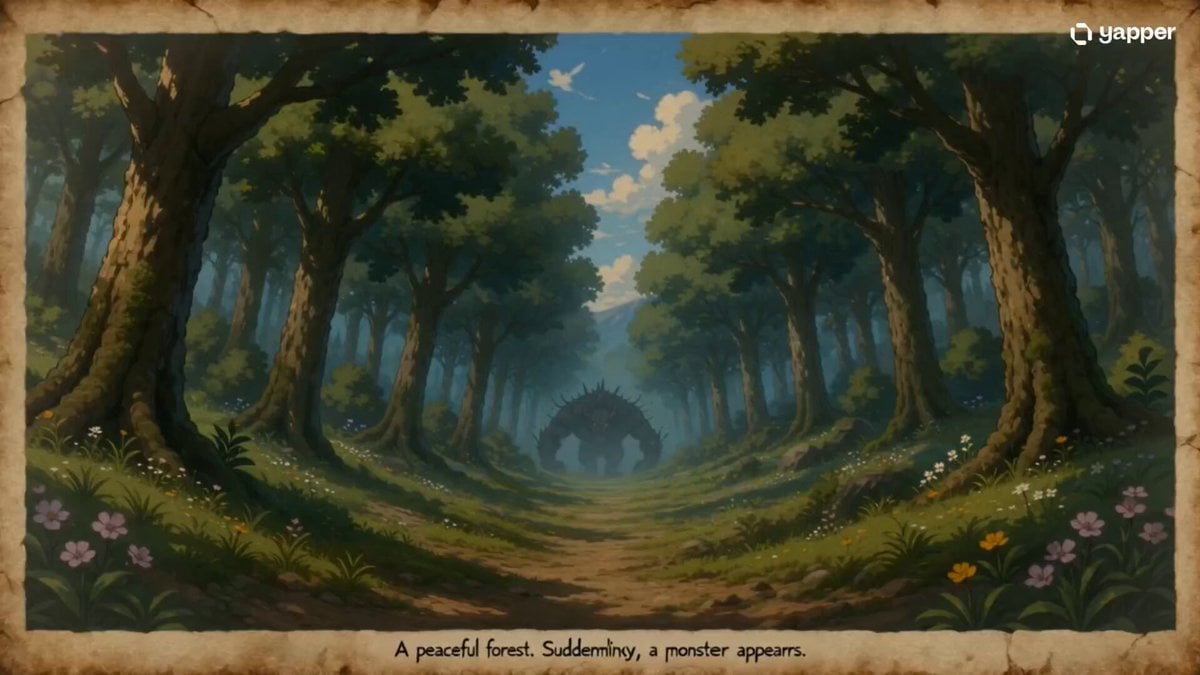
35mm Fast-Cut Memory Shot
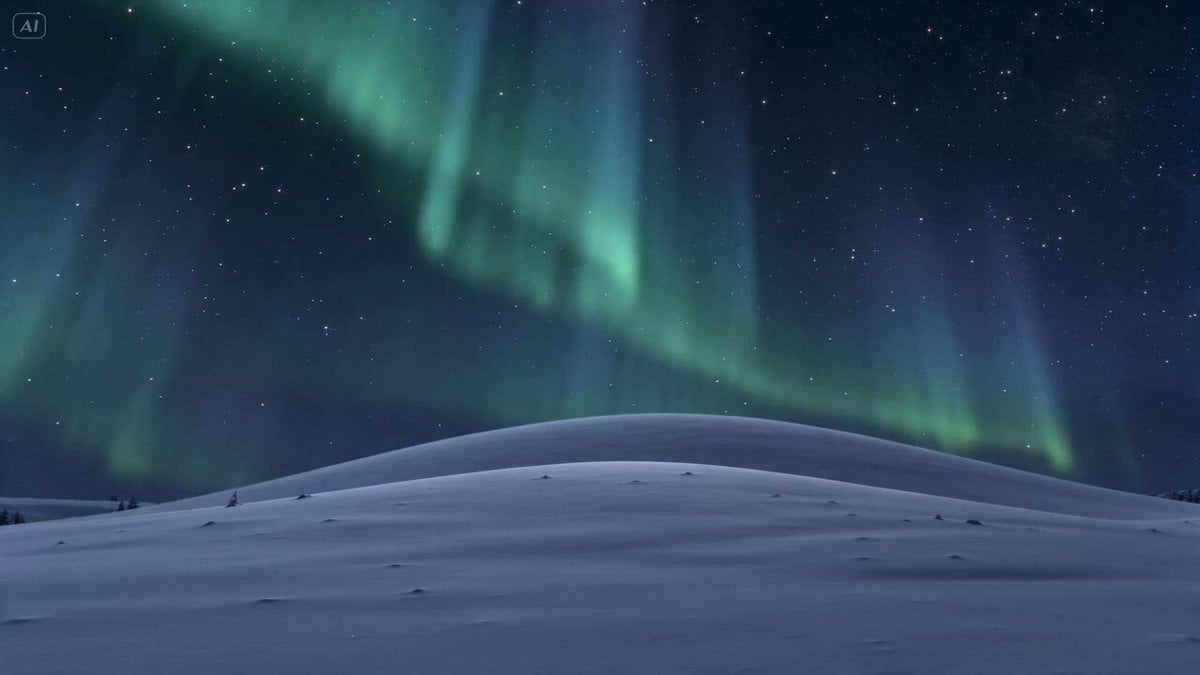
Meteor Wish Stardust Video
Cinematic Sengoku Period Castle Siege
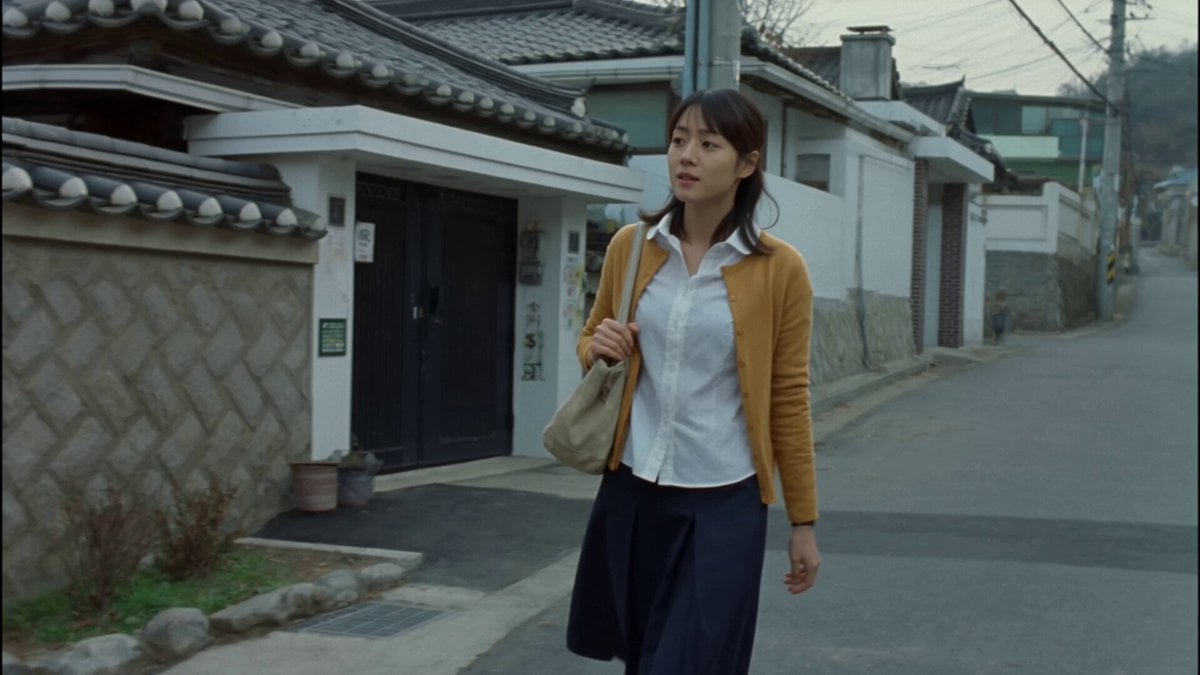
Nostalgic MiniDV Korean Bakery
Ultra-realistic Macro Miniature City Prompt (Structured JSON)
Futuristic Neon Fashionista Dance
Summer Park Kindness Story
Serene Sci-Fi Ringworld Landscape
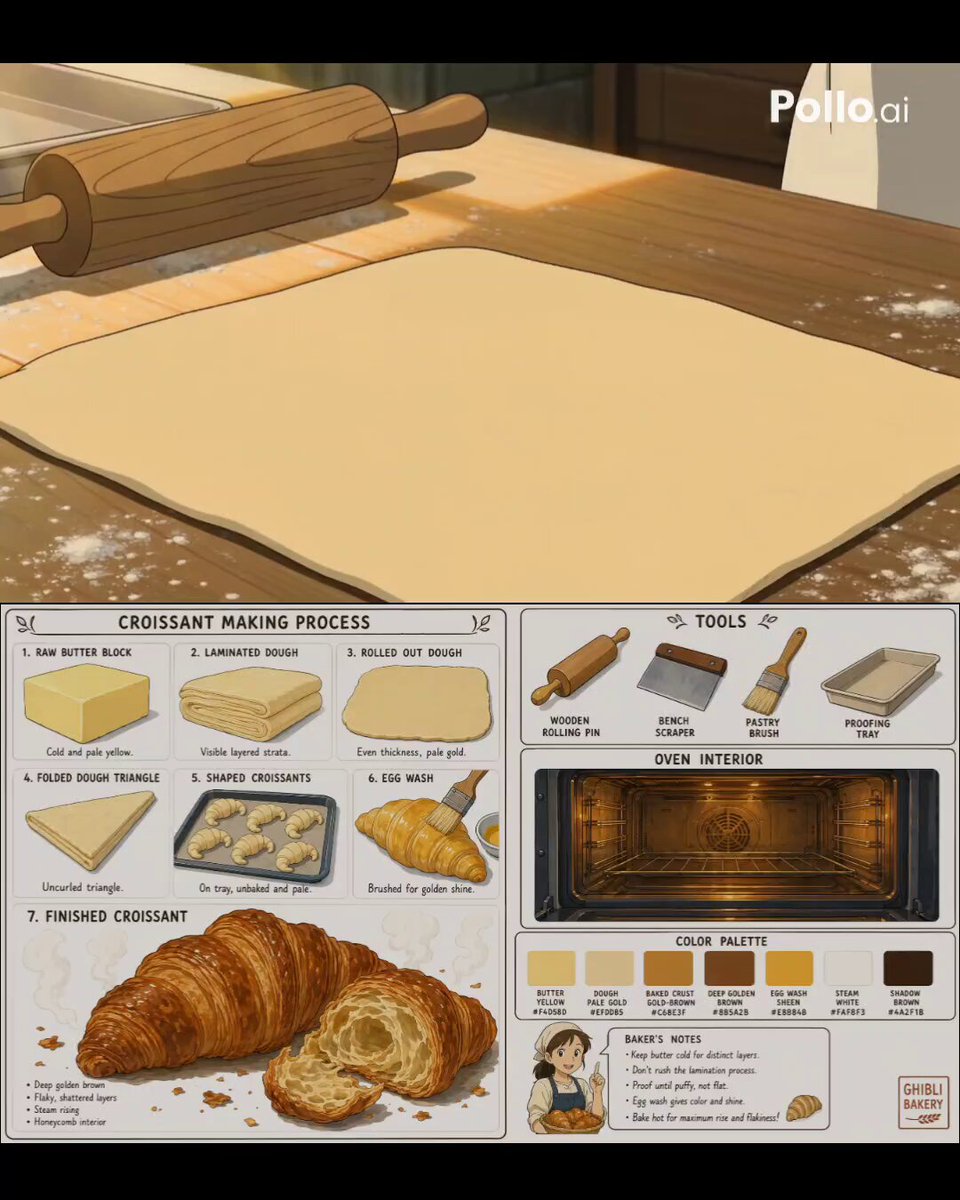
Studio Ghibli Style Croissant Bakery
Browse template categories
Megacity Moving Black Wall Thriller questions
How do I use the Megacity Moving Black Wall Thriller template?
Add your photo if the template asks for one, edit the prompt if you like — the template's model and format are already selected — and press Generate. Your version opens in PicX Studio.
Can I customize the Megacity Moving Black Wall Thriller template?
Yes. You can change the subject, setting, lighting, mood, format, and available model controls before creating your video.
Is the Megacity Moving Black Wall Thriller template free?
Opening and editing this template is free. Generating uses credits, shown on the Generate button when you are signed in.
Which AI model should I use?
Start with Seedance 2.0, which is the model associated with this template. You can compare another compatible model for a different finish.
Looking for something else? Browse all templates.

Your photo, any look
Thousands of ready templates for every top image and video model, from one credit balance.