
High-Tech Melee Combat Video Prompt
A highly detailed, 15-second prompt for Seedance 2.0 focusing on a high-tech, brutal melee fight between two characters (referenced by images), emphasizing hyper-realistic action, 120fps high frame rate, complex…
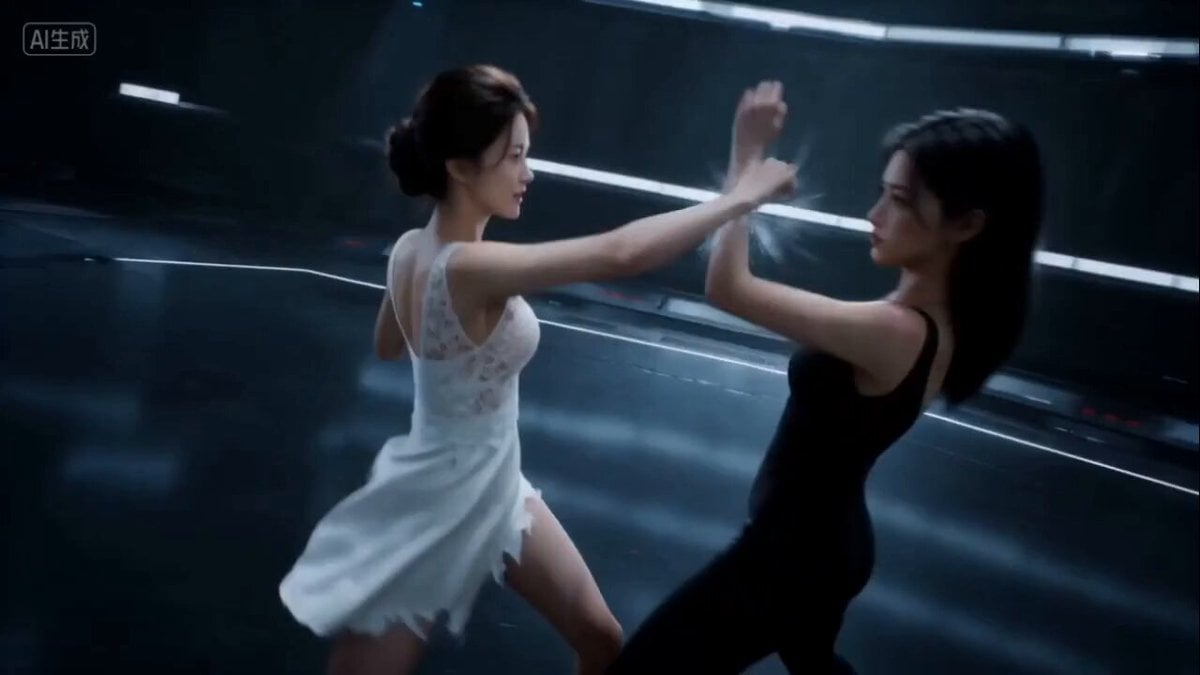
- Prompt included
- Model and format preset
- Free template
The prompt behind this video
Copy the exact prompt behind High-Tech Melee Combat Video Prompt, or open it in the studio and make it yours.
A 15-second dialogue-free, purely immersive, high-speed brutal fight short film; a chaotic, out-of-control, rule-free high-tech melee throughout, with 2 characters [@Image 1] [@Image 2], in a live-action realistic style, fighting at close range and high speed, no flashy moves — pure, hardcore, brutal combat, blending high-tech punches and kicks, blocks and collisions, throws and grappling, with top-tier photorealistic impact; every strike lands with real weight, precisely conveying the physical feedback of bone-on-bone collisions, the details of muscles tensing and generating force, the tremor of limbs from heavy blows, torn clothing, flying dust, and the genuine texture of taut, defined muscle, with micro-particle impact effects intensifying the sense of touch. An exaggerated speed that breaks the limits of physics, shot throughout at 120fps high frame rate with no slow motion, the characters darting and dodging like instant teleports, limbs swinging at extreme speed, extreme motion blur + speed-streaked motion trails, the dynamic tension at its absolute peak. Master-level cinematic flight camera work: a professional cinema camera flies alongside the action in close pursuit throughout, in sync with high-speed dives, sudden stops, whip pans, and 360-degree orbital flight; seamless switching between low, ground-hugging tracking shots and close shoulder-mounted POV shots; the camera shaking and shifting in sync with each punch, kick, and each character's dash or dodge; one continuous unbroken shot, sharp track push-pulls, sudden hard-turn whip pans, the camera fully immersed in the fight, an immersive, face-to-face combat perspective, the camera work silky smooth with no lag. Master-level precision editing: 0-3s rapid-fire cuts launching straight into the fight, 3-10s seamlessly stitched action cuts with zero stutter or discontinuity, 10-15s a dense, violent flurry of quick cuts to close it out, the editing rhythm intensifying with the ferocity of the fight, high-speed cross-cutting to heighten the sense of chaos, cuts precisely timed to the beat with no redundant shots, a suffocating, high-speed rhythm throughout. 8K UHD ultra-high-definition image quality, Dolby Vision HDR, cinematic wide color gamut, high contrast, shadow detail maxed out, highlights never overexposed, a film-like texture, clearly rendering skin texture, fabric fibers, and dust particles, realistic, cold, hard lighting, side-backlighting outlining silhouettes, airborne debris and fine cracks in the ground intensifying the sense of out-of-control combat, a purely visceral aesthetic of violence with immersive, oppressive intensity at its peak.
How to use High-Tech Melee Combat Video Prompt in 3 steps
- 1Upload ImagePNG, JPG or paste
Add your photo
Upload the photo the template builds on. The prompt, model and format are already set.
- 2…a portrait of your subject in softgolden-hour light, 85mm…
Personalize
Edit the subject and creative details for your destination.
- 3Generate
Generate
Press Generate — your video is created in PicX Studio, so you can compare it with the original and refine one variable at a time.
More like this
Templates with the same subject, style or setup. Open one to see its prompt.

Funny Cartoon Cat with High-Tech Toy
Seedance 2.5 Tech Launch Commercial
High-Tech AI Robotic Factory Floor
Confident Gym Wearable Tech Portrait

Futuristic 3D Blueprints and Alien Tech
Miniature Tech Store Macro Video
Cyber Ronin Nanotech Transformation Video
Futuristic Tech Cafe with Robotic Barista
Abstract Tech Advertisement

Futuristic Blue Humanoid Tech Evolution
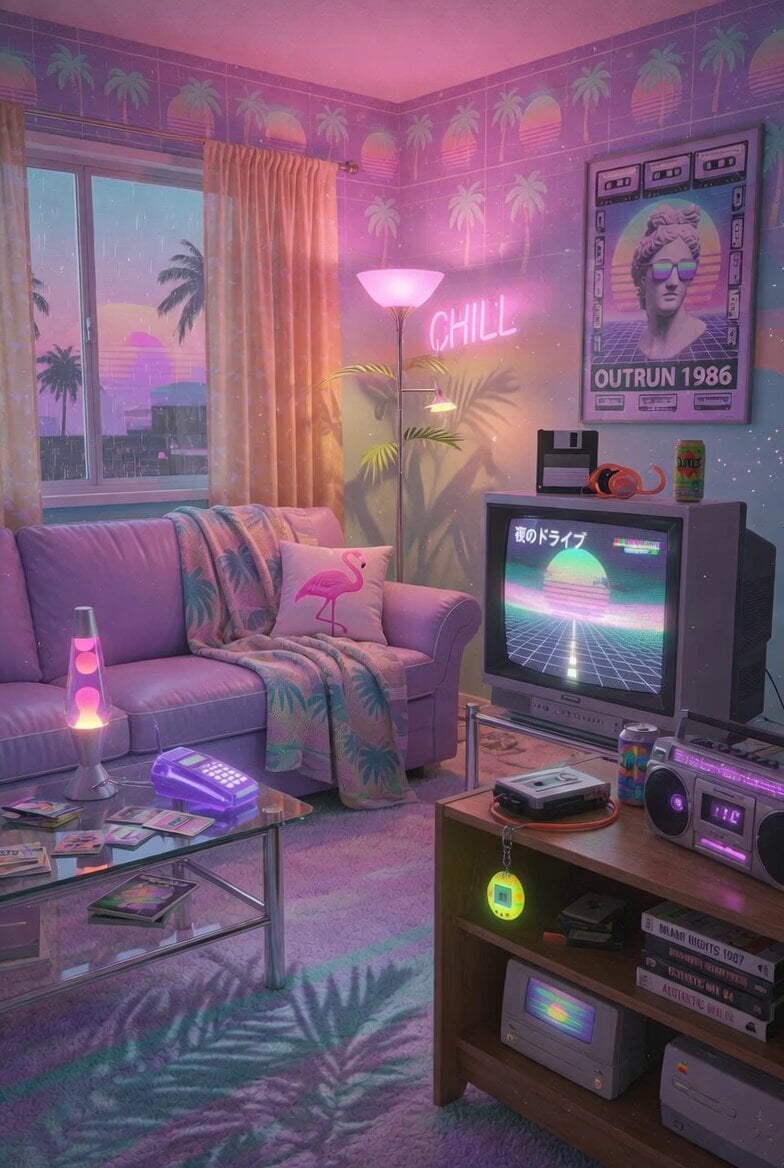
Vaporwave Retro Tech Living Room

Tech Billionaire CEO Smoking Meats
Make it yours
High-Tech Melee Combat Video Prompt works as-is. These are the safest ways to change it without losing the look.
Change one field
Copy a single group, rewrite it, and generate again so you can see what that field is doing.
Keep the frame, change the subject
Hold the composition and light of High-Tech Melee Combat Video Prompt, then swap wardrobe, props or the person for a new take.
| If the result… | Why | Fix |
|---|---|---|
| The result drifts from the preview | Too many fields changed at once. | Reuse High-Tech Melee Combat Video Prompt as-is first, then change one group — subject, light, or setting. |
| The model over-stylizes the scene | The prose prompt leaves finish and camera underspecified. | Add one camera or lighting sentence and stay on Seedance 2.0. |
More Seedance 2.0 templates
Other prompts made for Seedance 2.0.

Comical Martial Arts Punch Scene

Maglev Train Action Sequence

Martial Arts Fight Sequence

Wuxia Protection and Trust Script

Vintage Korean Arcade MiniDV Vlog

Mercedes 190 SL Luxury Ad

Rainy Night Supernatural Reverse Comedy Video Script

Amazon Civilization Discovery

Futuristic South Asian City Transformation

Cozy Luxury Cafe Commercial
More video prompts
Fresh picks from across the catalog.

Dancing Puppies in Hoodies
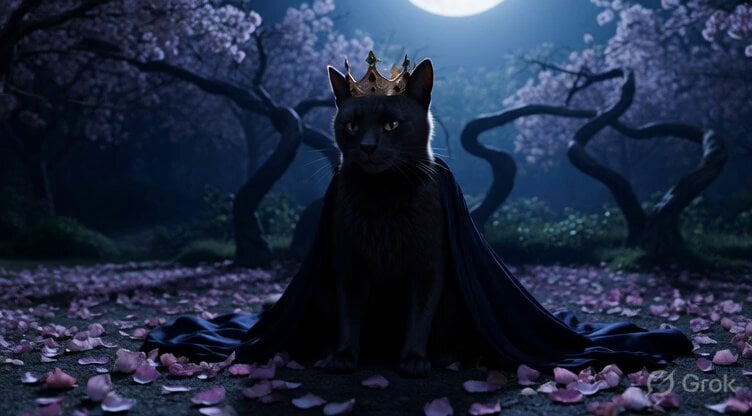
Anthropomorphic Cat in Moonlit Noir Garden
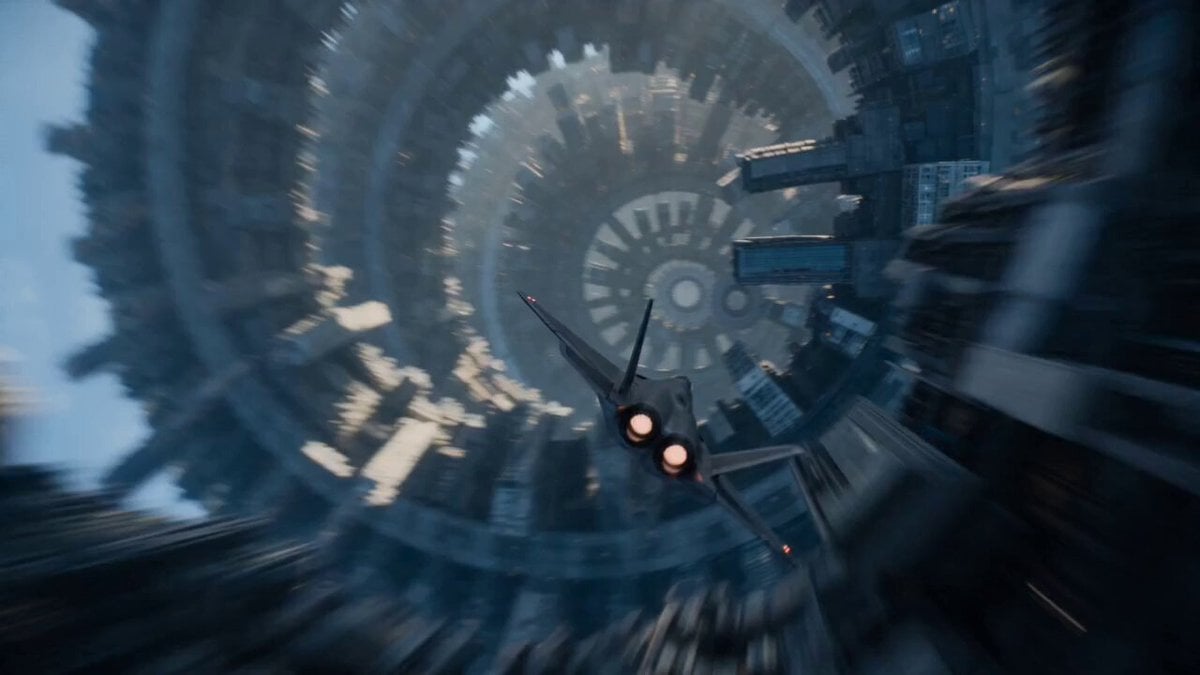
Sci-Fi Fighter Ring World Escape

Cinematic Video Script for 'The God of Small Things'
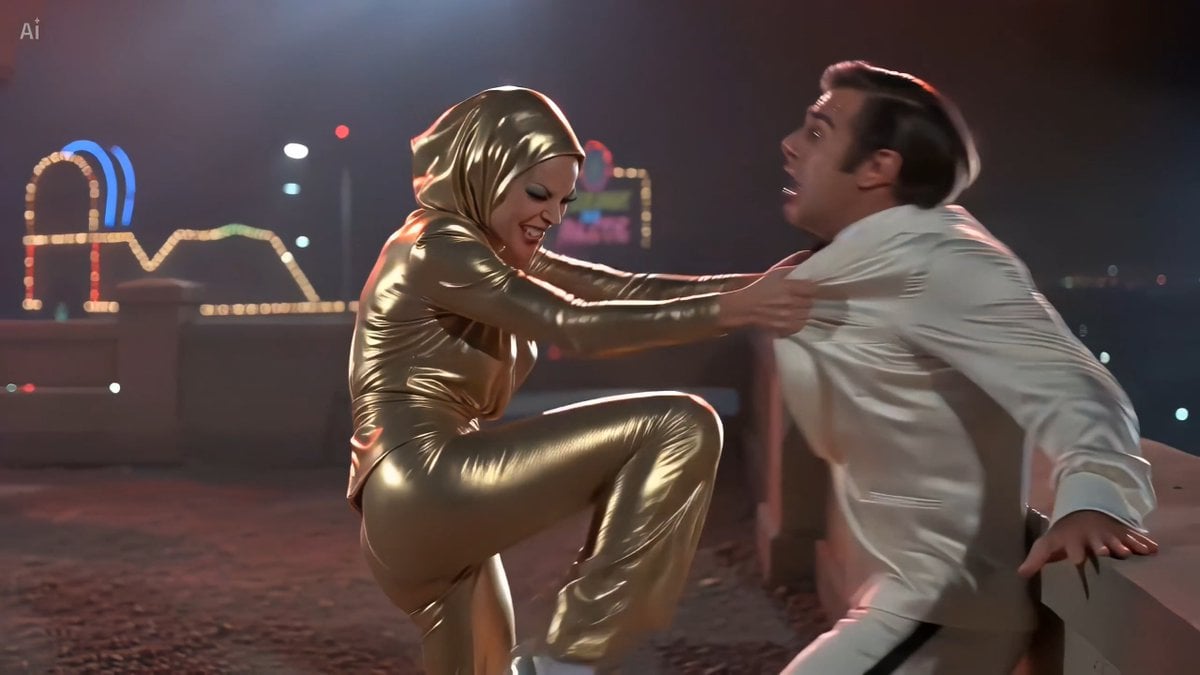
70s Giallo Action Casino Battle

Cinematic Ritual Action and Audio Sequence
Smartphone Rooftop Hangout Montage

Desert Horned Lizard Grapefruit Ad
Futuristic Cyborg Sprinter Video Prompt
Battle-Damaged Megacity Mech
Browse template categories
High-Tech Melee Combat Video Prompt questions
How do I use the High-Tech Melee Combat Video Prompt template?
Add your photo if the template asks for one, edit the prompt if you like — the template's model and format are already selected — and press Generate. Your version opens in PicX Studio.
Can I customize the High-Tech Melee Combat Video Prompt template?
Yes. You can change the subject, setting, lighting, mood, format, and available model controls before creating your video.
Is the High-Tech Melee Combat Video Prompt template free?
Opening and editing this template is free. Generating uses credits, shown on the Generate button when you are signed in.
Which AI model should I use?
Start with Seedance 2.0, which is the model associated with this template. You can compare another compatible model for a different finish.
Looking for something else? Browse all templates.

Your photo, any look
Thousands of ready templates for every top image and video model, from one credit balance.