How do I use the Cinematic Ritual Action and Audio Sequence template?
Edit the prompt in the box under the preview — the template's model and format are already selected — and press Generate. Your version appears right on this page.
A sophisticated prompt for Grok Imagine that combines a detailed action sequence with synchronized orchestral audio cues for a high-production cinematic feel.
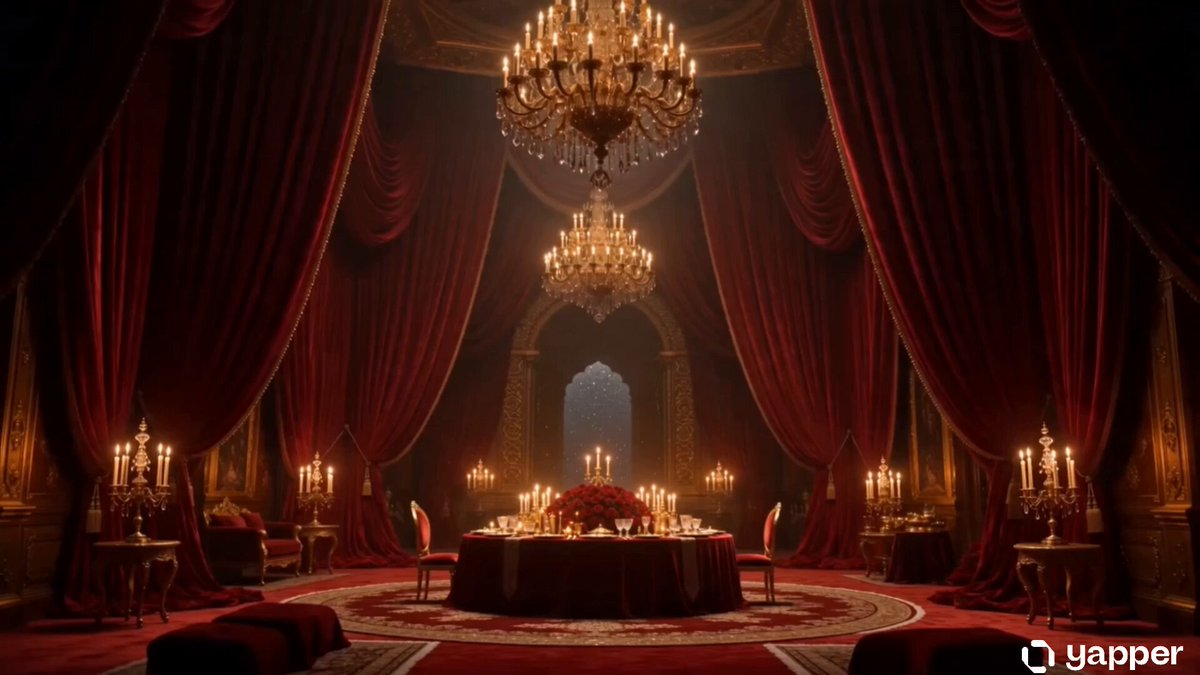
[ACTION SEQUENCE] single continuous shot, audio begins playing at 0.01s mark and score fades in to cinematic shot of wizard sacrificing the watermelon slide to the gods, stunning visual effects as the watermelon floats into the air, the entire scene is overtaken by overwhelming watermelon texture at the end as the epic cinematic score reaches crescendo. [AUDIO - music begins playing immediately and continues throughout video perfectly synced to action sequence] play the massive cinematic orchestral soundtrack with a brooding and triumphant feel, earth-shaking taiko drums rolling in the deep background, booming staccato brass sections playing a repeating descending motif, soaring multi-tracked Gregorian choir humming in heavy hall reverb, sweeping marcato string swells building dramatic tension, deep sub-bass hits acting as impact sweeteners, wide stereo imaging, immense cavernous acoustic space, Hans Zimmer-style epic gravity, 75 BPM, C Minor.
[ACTION SEQUENCE] single continuous shot, audio begins playing at 0.01s mark and score fades in to cinematic shot of wizard sacrificing the watermelon slide to the gods, stunning visual effects as the watermelon floats into the air, the entire scene is overtaken by overwhelming watermelon texture at the end as the epic cinematic score reaches crescendo. [AUDIO - music begins playing immediately and continues throughout video perfectly synced to action sequence] play the massive cinematic orchestral soundtrack with a brooding and triumphant feel, earth-shaking taiko drums rolling in the deep background, booming staccato brass sections playing a repeating descending motif, soaring multi-tracked Gregorian choir humming in heavy hall reverb, sweeping marcato string swells building dramatic tension, deep sub-bass hits acting as impact sweeteners, wide stereo imaging, immense cavernous acoustic space, Hans Zimmer-style epic gravity, 75 BPM, C Minor.
Edit the prompt in the box under the preview — the template's model and format are already selected — and press Generate. Your version appears right on this page.
Yes. You can change the subject, setting, lighting, mood, format, and available model controls before creating your video.
Opening and editing this template is free. Generating uses credits, shown on the Generate button when you are signed in.
Start with Grok Imagine, which is the model associated with this template. You can compare another compatible model for a different finish.
Follow a topic to a crawlable collection of related PicX Studio templates.