
Smartphone Rooftop Hangout Montage
A casual smartphone-style video prompt for Seedance 2.0 creating an authentic LA rooftop memory montage with specific character consistency.
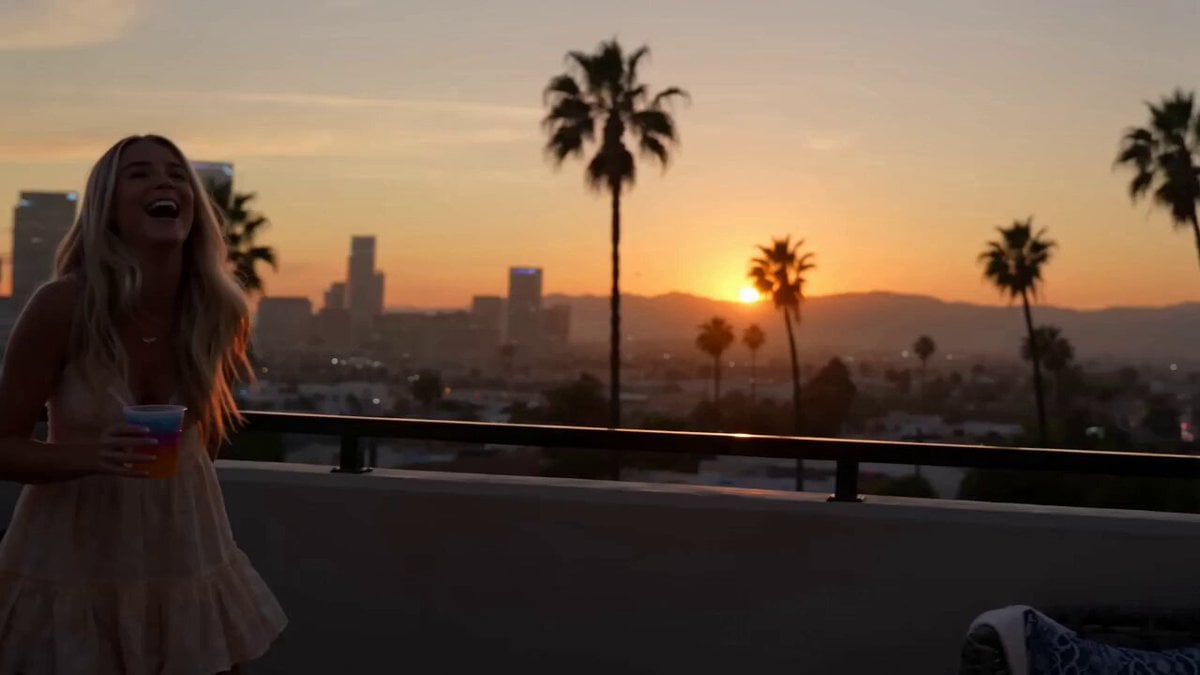
- Prompt included
- Model and format preset
- Free template
The prompt behind this video
Copy the exact prompt behind Smartphone Rooftop Hangout Montage, or open it in the studio and make it yours.
Super casual real smartphone home video footage, rooftop hangout in Los Angeles with palm trees and city skyline visible at sunset, natural mobile phone camera with slight authentic handheld shake, normal frame rate with smooth natural motion, rapidfire montage with constant quick jump cuts every 1-2 seconds like scrolling through phone memories, unpolished authentic phone recording of friends chatting, snacking and enjoying the view, pure raw home video feel, no cinematic polish or heavy effects. Use the provided reference photo as the strict ONLY visual reference for the main woman. Maintain her exact appearance with zero deviation. Generate a mixed group of friends around her on the rooftop, LA skyline and palm trees visible in the sunset light. 0-2.5s: Shaky rapid cuts main woman laughing near the rooftop railing, sunset and palm trees behind her. 2.5-5s: Abrupt jump cuts close-up of her smiling with a drink, then friends passing snacks around. 5-7.5s: Fast shaky she chats animatedly, city skyline glowing in the background, friends laughing nearby. 7.5-10s: Quick cut close-up warm smile toward camera, then jump to her laughing with friends near the view. 10-12.5s: Abrupt edit group gathered around a small table, casual toast with cups, string lights starting to glow. 12.5-15s: Final rapid transition main woman relaxed among friends, soft smile, calm LA sunset memory ending with gentle phone sway. Natural smartphone video quality, slight real handheld shake, smooth normal frame rate motion with no low fps or choppy artifacts, authentic casual interactions and physics, stable main character consistency, no pro stabilization or effects.
How to use Smartphone Rooftop Hangout Montage in 3 steps
- 1Upload ImagePNG, JPG or paste
Add your photo
Upload the photo the template builds on. The prompt, model and format are already set.
- 2…a portrait of your subject in softgolden-hour light, 85mm…
Personalize
Edit the subject and creative details for your destination.
- 3Generate
Generate
Press Generate — your video is created in PicX Studio, so you can compare it with the original and refine one variable at a time.
More like this
Templates with the same subject, style or setup. Open one to see its prompt.
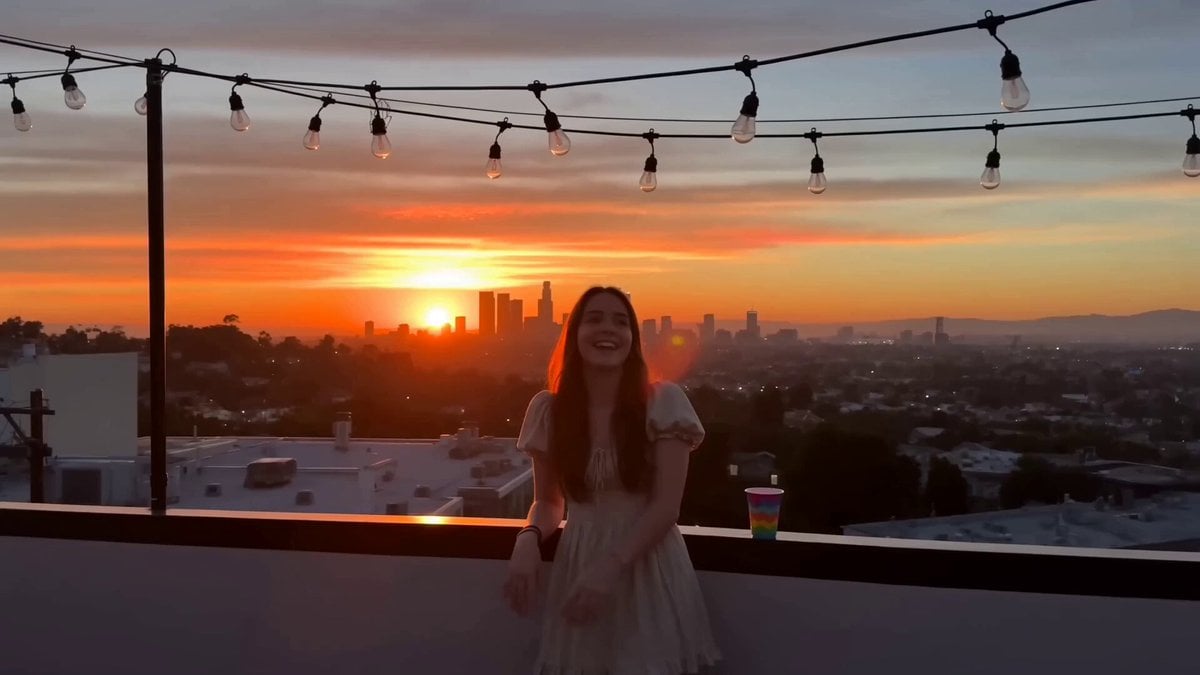
Rooftop Hangout Smartphone Video
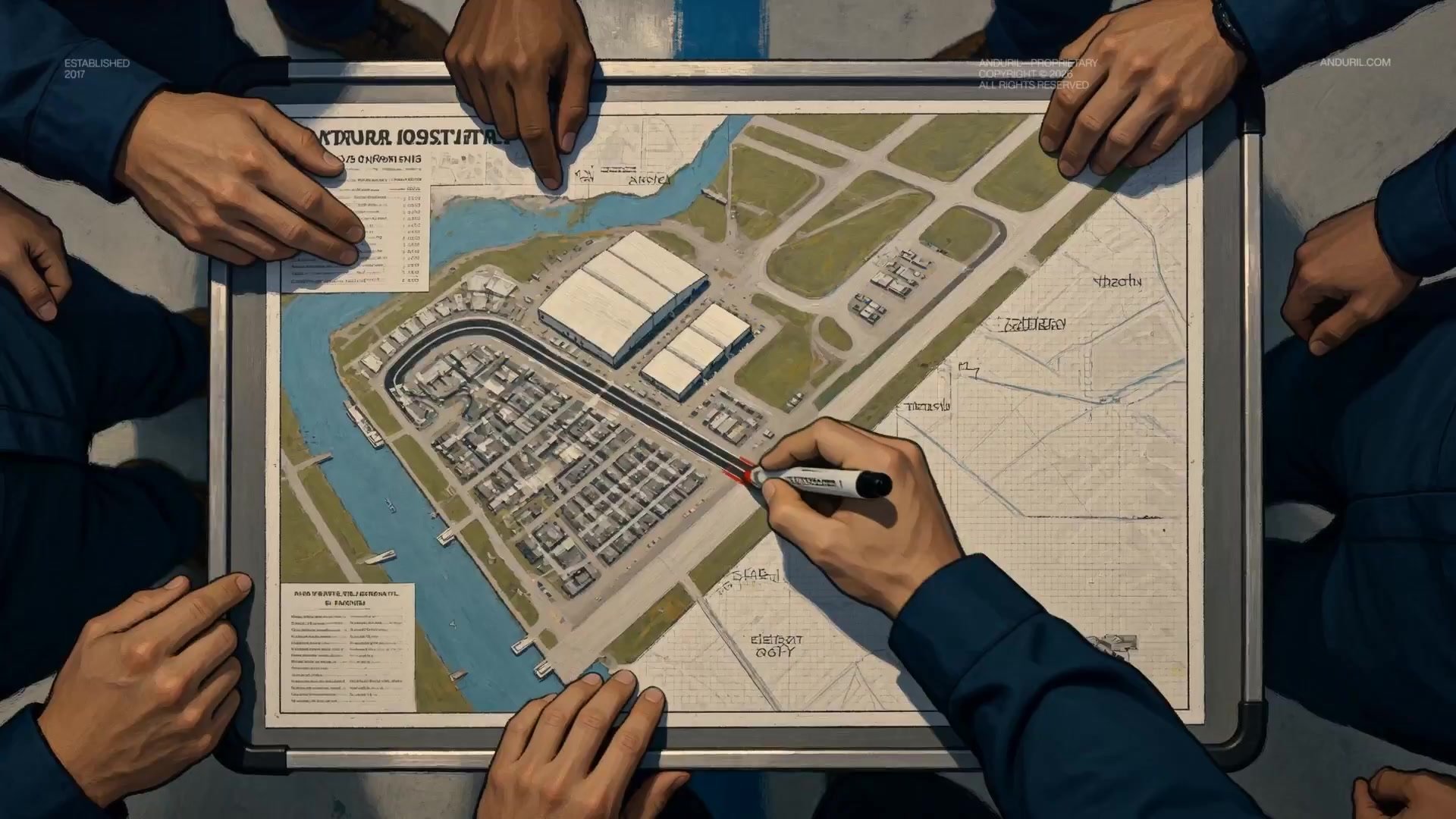
Fighter Jet Aerial Combat Montage — Seedance 2.5
Rooftop Parkour Motion Control

Rushed Morning Routine Montage

Luxury Lifestyle Day Vlog
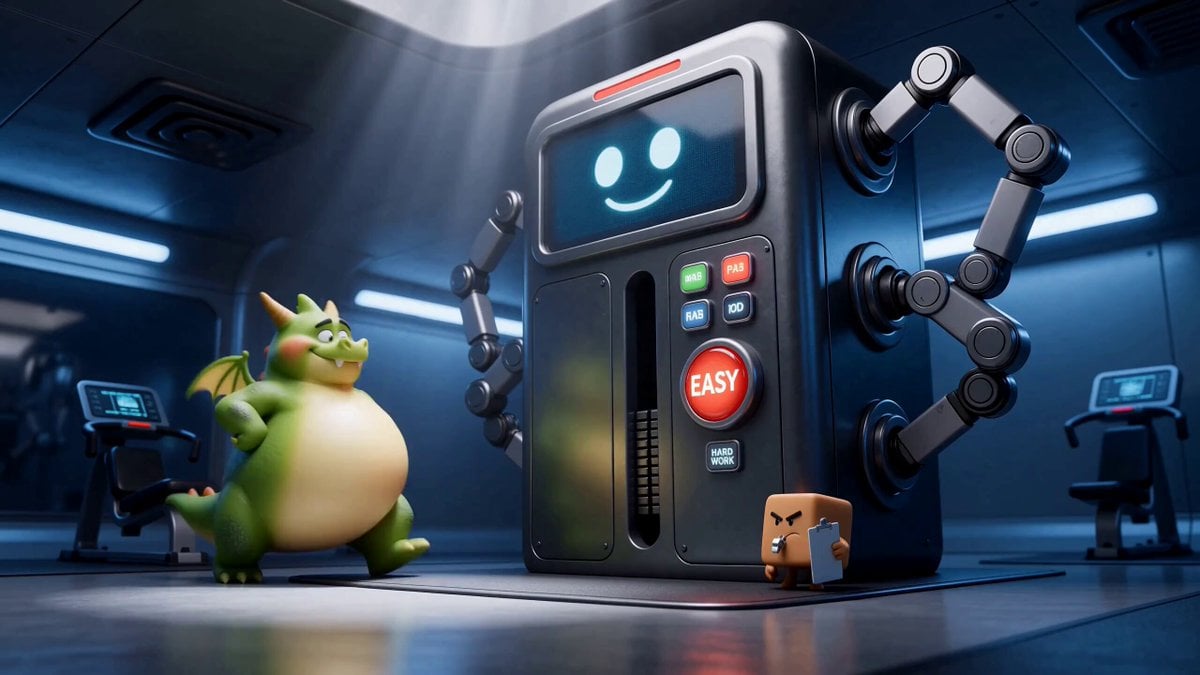
Green Dragon Training Short
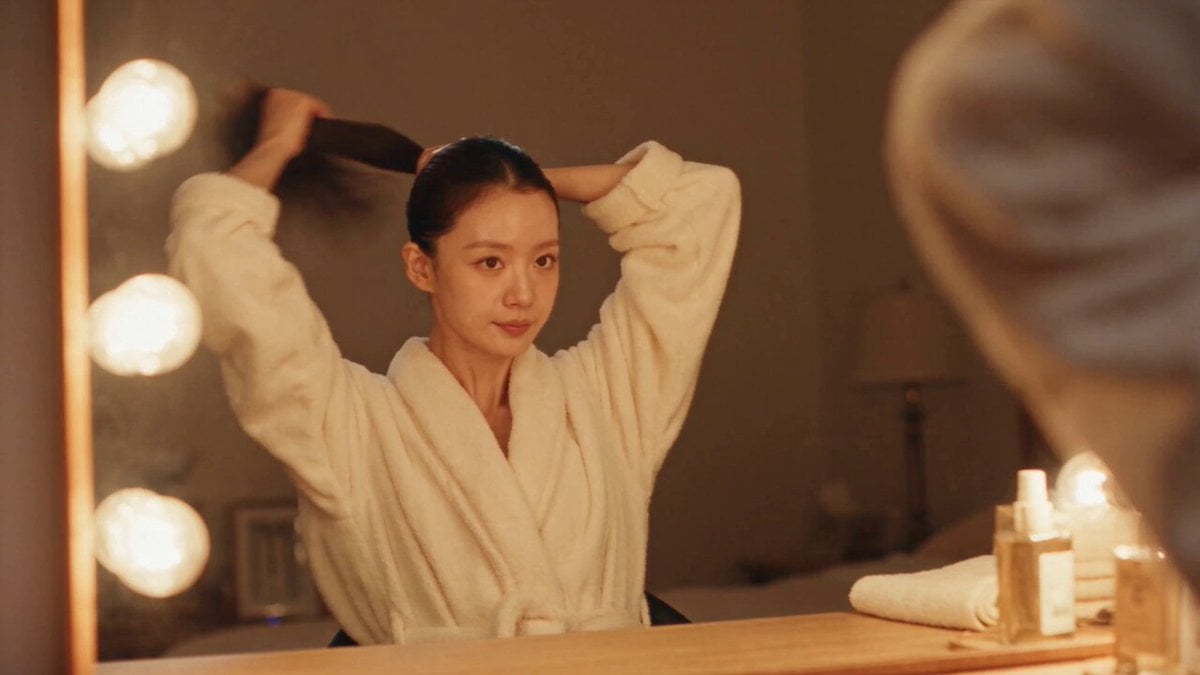
DV Camcorder POV Gym Montage — Seedance 2.5
DV Camcorder POV Gym Montage — Seedance 2.5
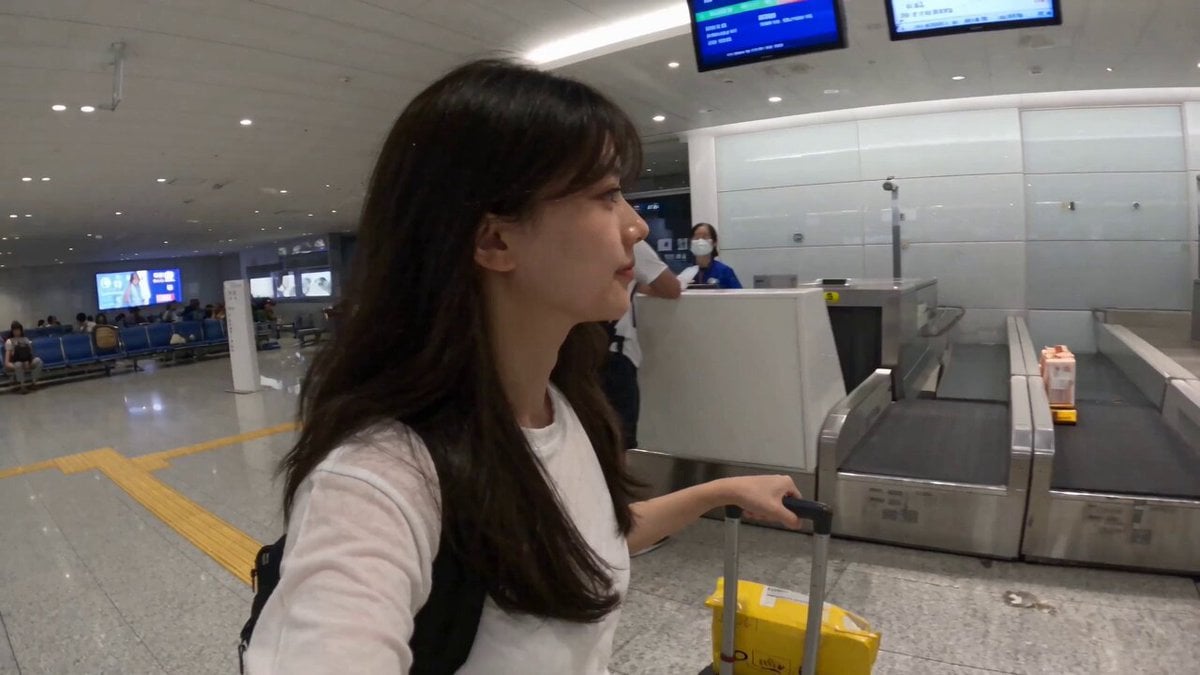
Smartphone Travel Vlog Tokyo Trip Identity Preserved
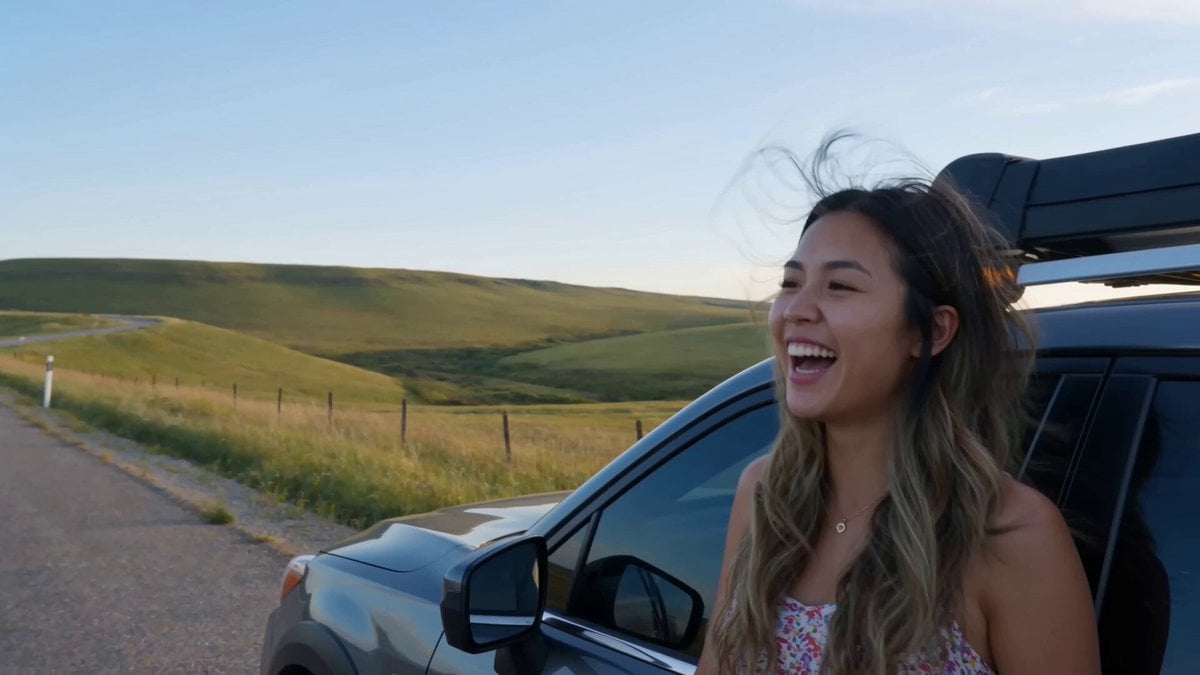
Handheld Smartphone Road Trip Montage
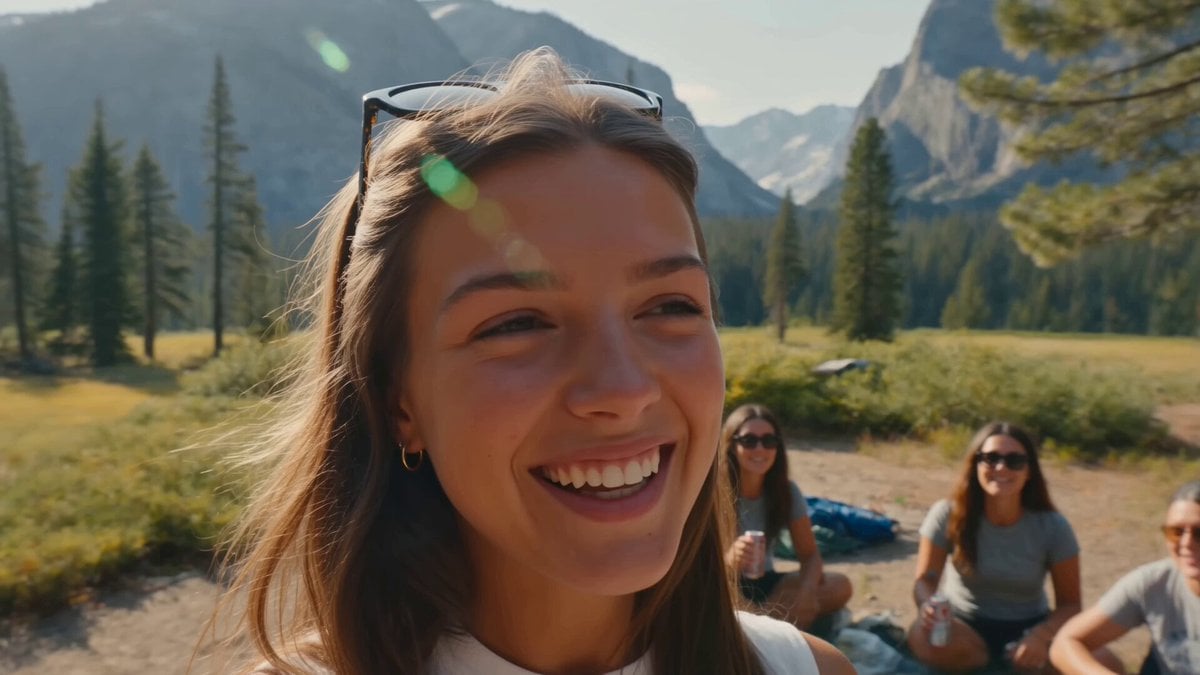
Smartphone Camping Montage
Luxury Handbag Commercial — Hollywood VFX Ad
Make it yours
Smartphone Rooftop Hangout Montage works as-is. These are the safest ways to change it without losing the look.
Change one field
Copy a single group, rewrite it, and generate again so you can see what that field is doing.
Keep the frame, change the subject
Hold the composition and light of Smartphone Rooftop Hangout Montage, then swap wardrobe, props or the person for a new take.
| If the result… | Why | Fix |
|---|---|---|
| The result drifts from the preview | Too many fields changed at once. | Reuse Smartphone Rooftop Hangout Montage as-is first, then change one group — subject, light, or setting. |
| The model over-stylizes the scene | The prose prompt leaves finish and camera underspecified. | Add one camera or lighting sentence and stay on Seedance 2.0. |
More Seedance 2.0 templates
Other prompts made for Seedance 2.0.

Comical Martial Arts Punch Scene

Maglev Train Action Sequence

Martial Arts Fight Sequence

Wuxia Protection and Trust Script

Vintage Korean Arcade MiniDV Vlog

Mercedes 190 SL Luxury Ad

Rainy Night Supernatural Reverse Comedy Video Script

Amazon Civilization Discovery

Futuristic South Asian City Transformation

Cozy Luxury Cafe Commercial
More video prompts
Fresh picks from across the catalog.
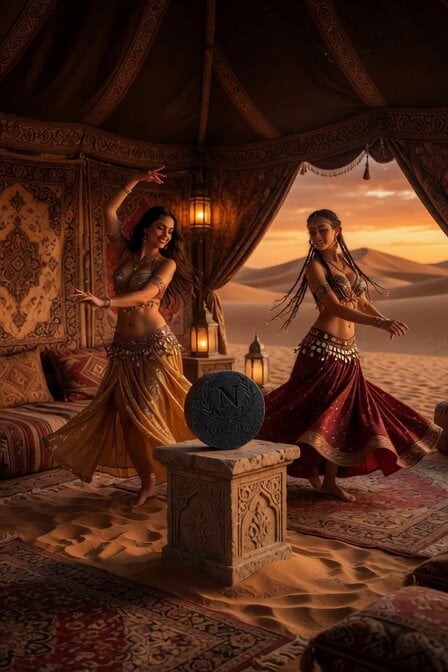
Sahara Belly Dancers Soap Display

Theatrical Anime Action Maid Combat
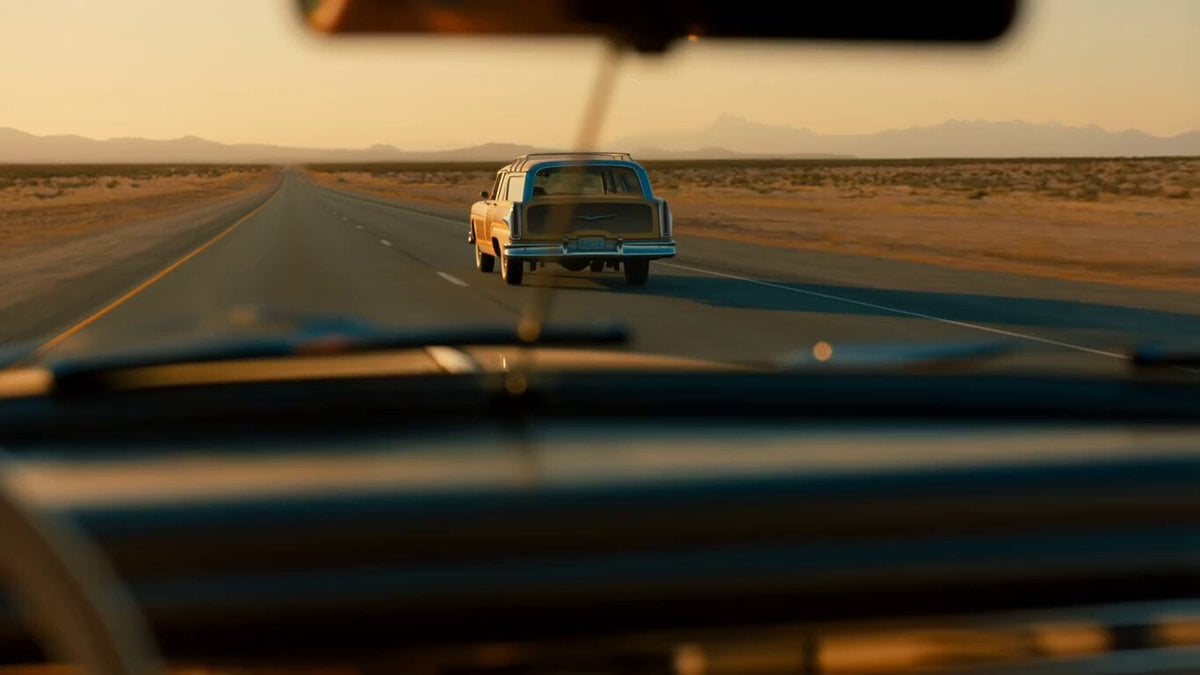
Golden Hour Road Trip Cinematic Scene

Tactical Getaway Chase
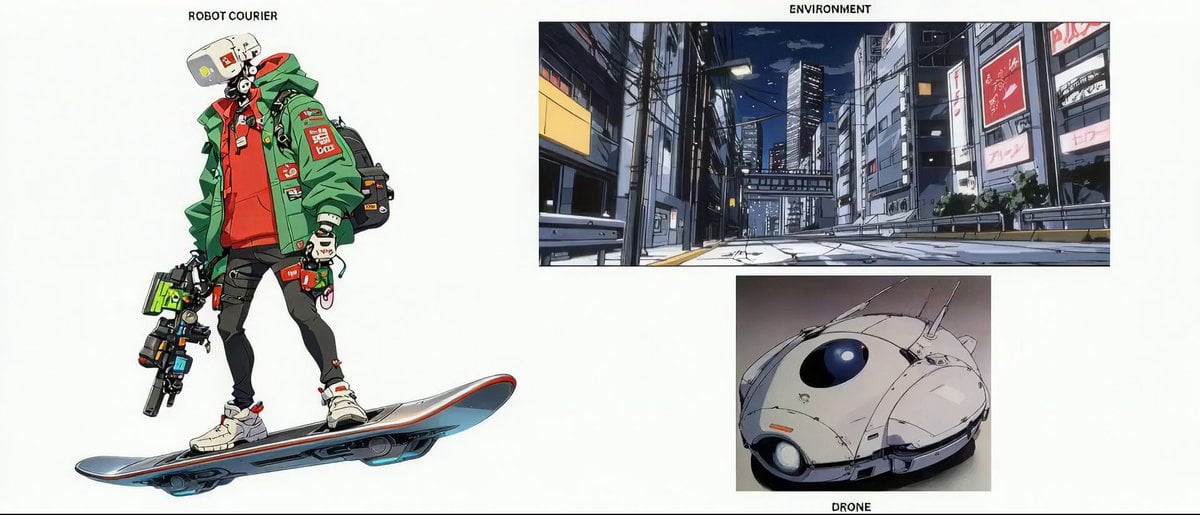
1990s OVA Anime Realism Prompt
Cinematic Scene Structure and Camera Movement
Female Boxer Training Montage
Magical Vending Machine Transformation

Cat Ramen Chef ASMR Video Prompt for Seedance 2.0

Slow motion scene with dynamic camera movement
Browse template categories
Smartphone Rooftop Hangout Montage questions
How do I use the Smartphone Rooftop Hangout Montage template?
Add your photo if the template asks for one, edit the prompt if you like — the template's model and format are already selected — and press Generate. Your version opens in PicX Studio.
Can I customize the Smartphone Rooftop Hangout Montage template?
Yes. You can change the subject, setting, lighting, mood, format, and available model controls before creating your video.
Is the Smartphone Rooftop Hangout Montage template free?
Opening and editing this template is free. Generating uses credits, shown on the Generate button when you are signed in.
Which AI model should I use?
Start with Seedance 2.0, which is the model associated with this template. You can compare another compatible model for a different finish.
Looking for something else? Browse all templates.

Your photo, any look
Thousands of ready templates for every top image and video model, from one credit balance.