
Detailed Multi-Shot Video Prompt for Seedance 2.0, ViduQ3, and Kling 3.0 Comparison
A highly detailed, multi-shot prompt designed for video generation models (Seedance 2.0, ViduQ3, and Kling 3.0) to compare their performance.
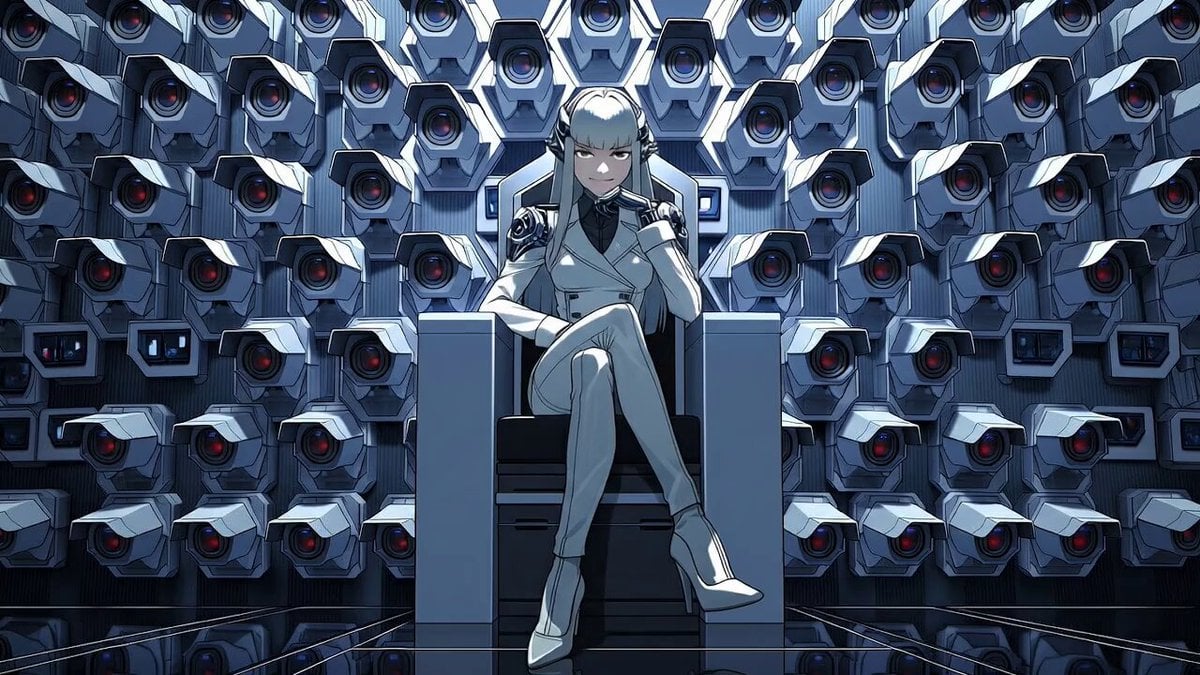
- Prompt included
- Model and format preset
- Premium template
The prompt behind this video
Copy the exact prompt behind Detailed Multi-Shot Video Prompt for Seedance 2.0, ViduQ3, and Kling 3.0 Comparison, or open it in the studio and make it yours.
【動画のスタイル】 日本のフルカラー2Dセルアニメ, 8K解像度, マルチカット構成, 映画的ライティング, エピックでサイバーパンクな雰囲気, シネマティックなカメラワーク, 心理的プレッシャー 【キャラクター・舞台詳細】 女性(支配者): 銀色の長髪, パッツン前髪, メカニカルな髪飾り, 白いスーツ, ハイヒール。無数の監視カメラの壁を背にした玉座に座る。 舞台: 壁一面を埋め尽くす大量のセキュリティカメラ群の部屋。 [0s - 3s] ショット1:静かな支配 カメラ: 初期フレームからスタート。玉座の女性の全身から徐々にバストアップへのシネマティックなズームイン。 アクション: 銀髪の女性は組んだ脚をわずかに揺らしながら、余裕のある冷徹な微笑みを浮かべる。 セリフ: 日本語で「はは! いまさら気づいたの?おろかだねぇ」 [3s - 5s] ショット2:ギミックの発動 カメラ: 女性の胸元から顔周辺へのクロースアップへ。 アクション: 女性がゆっくりと右手を上げ、顔の横で「パチン」と指を鳴らす(スナップ動作)。 セリフ: 日本語で「ふふふ……」 [5s - 8s] ショット3:覚醒と宣告 カメラ: 背景の監視カメラ群へ急速にダイナミックなズームアウト。 アクション: 指を鳴らした瞬間、壁一面のすべての監視カメラのレンズが一斉に「赤い光」を放ち、強烈なレッドの逆光となって女性を照らし出す。女性は圧倒的な支配感のある魅惑的な笑顔をカメラ(視聴者)に向ける。 セリフ: 日本語で「ぜんぶ……お見通し♡」
How to use Detailed Multi-Shot Video Prompt for Seedance 2.0, ViduQ3, and Kling 3.0 Comparison in 3 steps
- 1
Open
The prompt is already in the box next to the preview, with the template's model and format selected.
- 2…a portrait of your subject in softgolden-hour light, 85mm…
Personalize
Edit the subject and creative details for your destination.
- 3Generate
Generate
Press Generate — your video is created in PicX Studio, so you can compare it with the original and refine one variable at a time.
More like this
Templates with the same subject, style or setup. Open one to see its prompt.
Multi Panel Storyboard Sheet
Comparison Prompt for Kling 3 and Seedance 2

Wholesome Puppy and Kitten Story - Seedance 2.5

Mysterious Home Exploration Vlog - Seedance 2.5

Dark Tokusatsu Transformation - Seedance 2.5

Cinematic Xinjiang Drone Landscapes - Seedance 2.5

Late Night Kitchen Phone Recording - Seedance 2.5

3D Animated Cat and Old Man - Seedance

Realistic City Street Story Cinematic Video - Seedance
Arc Shot Frozen Woman Snow — Kling 3.0 v3 Pro
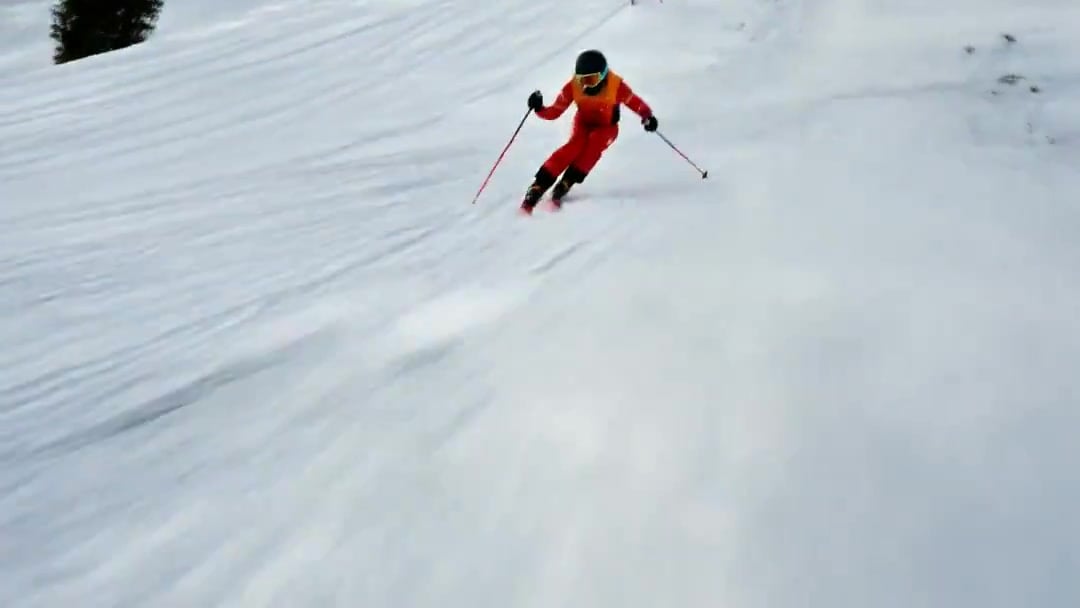
FPV Drone Skier Tracking — Kling 3.0 O3 Pro
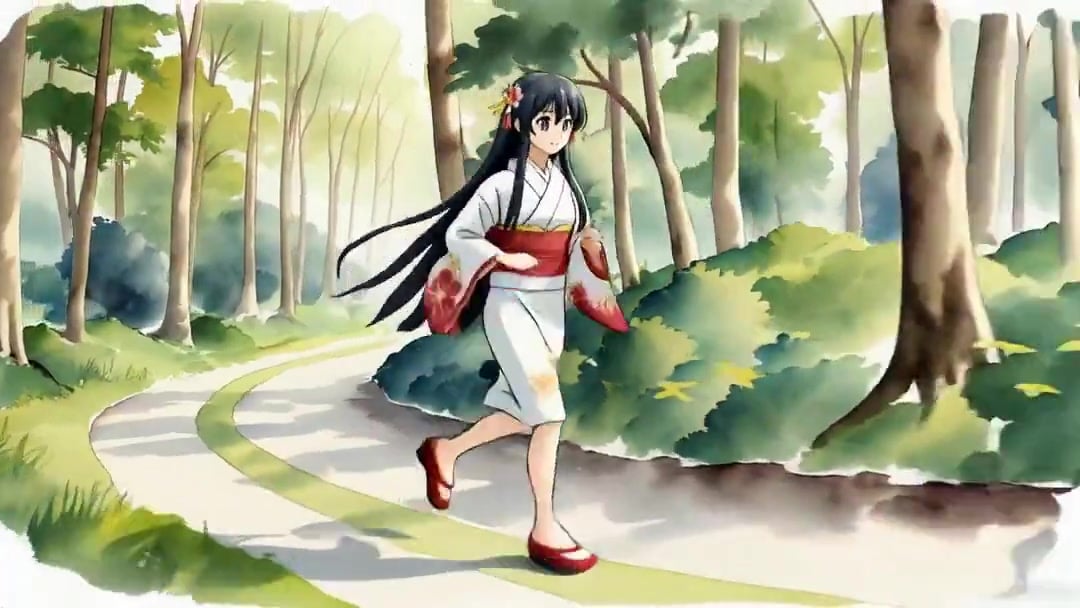
Vid2Vid Watercolor Style Transfer — Kling 3.0 O3 Pro
Make it yours
Detailed Multi-Shot Video Prompt for Seedance 2.0, ViduQ3, and Kling 3.0 Comparison works as-is. These are the safest ways to change it without losing the look.
Change one field
Copy a single group, rewrite it, and generate again so you can see what that field is doing.
Keep the frame, change the subject
Hold the composition and light of Detailed Multi-Shot Video Prompt for Seedance 2.0, ViduQ3, and Kling 3.0 Comparison, then swap wardrobe, props or the person for a new take.
| If the result… | Why | Fix |
|---|---|---|
| The result drifts from the preview | Too many fields changed at once. | Reuse Detailed Multi-Shot Video Prompt for Seedance 2.0, ViduQ3, and Kling 3.0 Comparison as-is first, then change one group — subject, light, or setting. |
| The model over-stylizes the scene | The prose prompt leaves finish and camera underspecified. | Add one camera or lighting sentence and stay on Seedance 2.0. |
More Seedance 2.0 templates
Other prompts made for Seedance 2.0.

Comical Martial Arts Punch Scene

Maglev Train Action Sequence

Martial Arts Fight Sequence

Wuxia Protection and Trust Script

Vintage Korean Arcade MiniDV Vlog

Mercedes 190 SL Luxury Ad

Rainy Night Supernatural Reverse Comedy Video Script

Amazon Civilization Discovery

Futuristic South Asian City Transformation

Cozy Luxury Cafe Commercial
More video prompts
Fresh picks from across the catalog.
Female Ninja Fight Scene
Trendy Social Media Product Ad

Red Bull Formula 1 Commercial
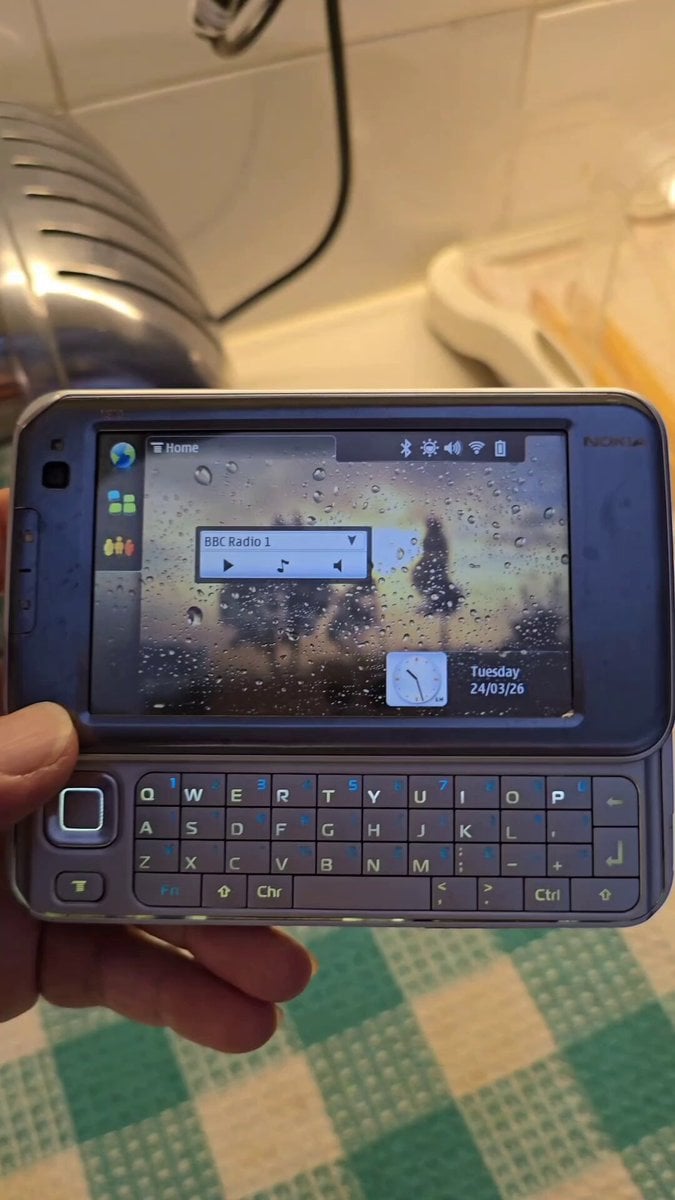
Nokia Phone Robot Transformation
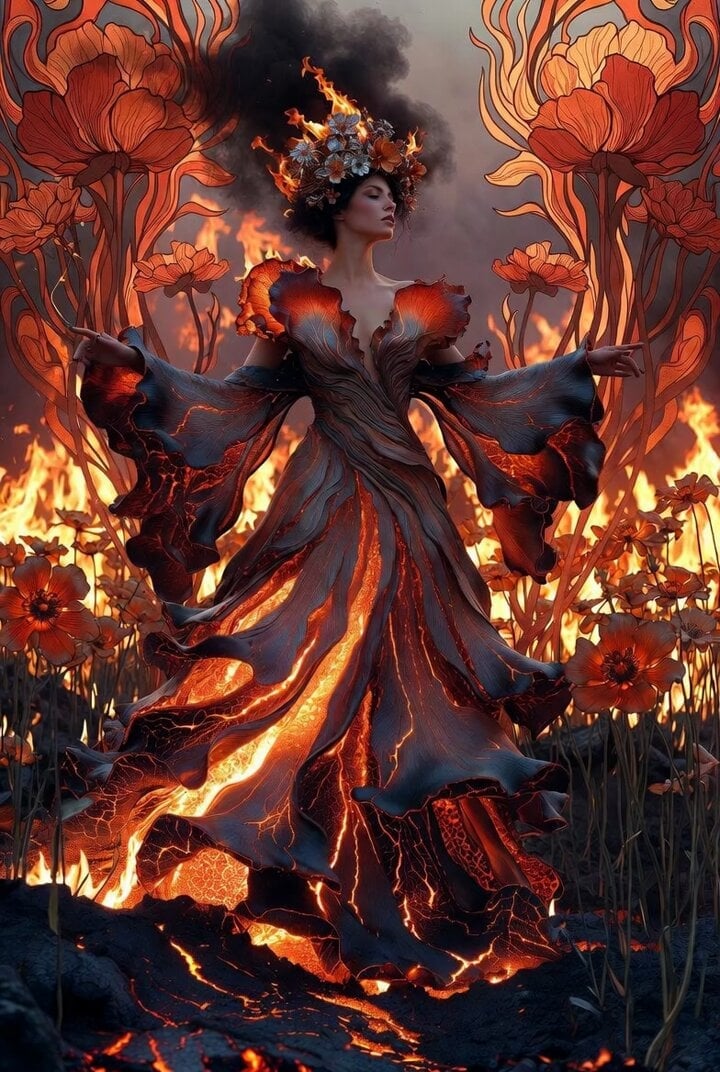
Video prompt for a surreal volcanic goddess
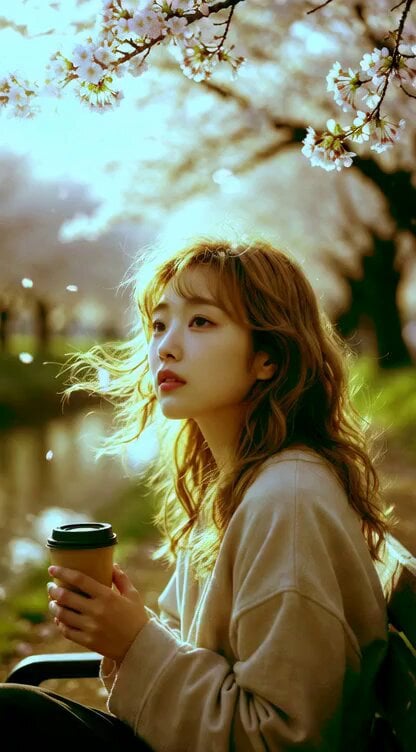
Young Woman Under Cherry Blossoms (Extended Video)
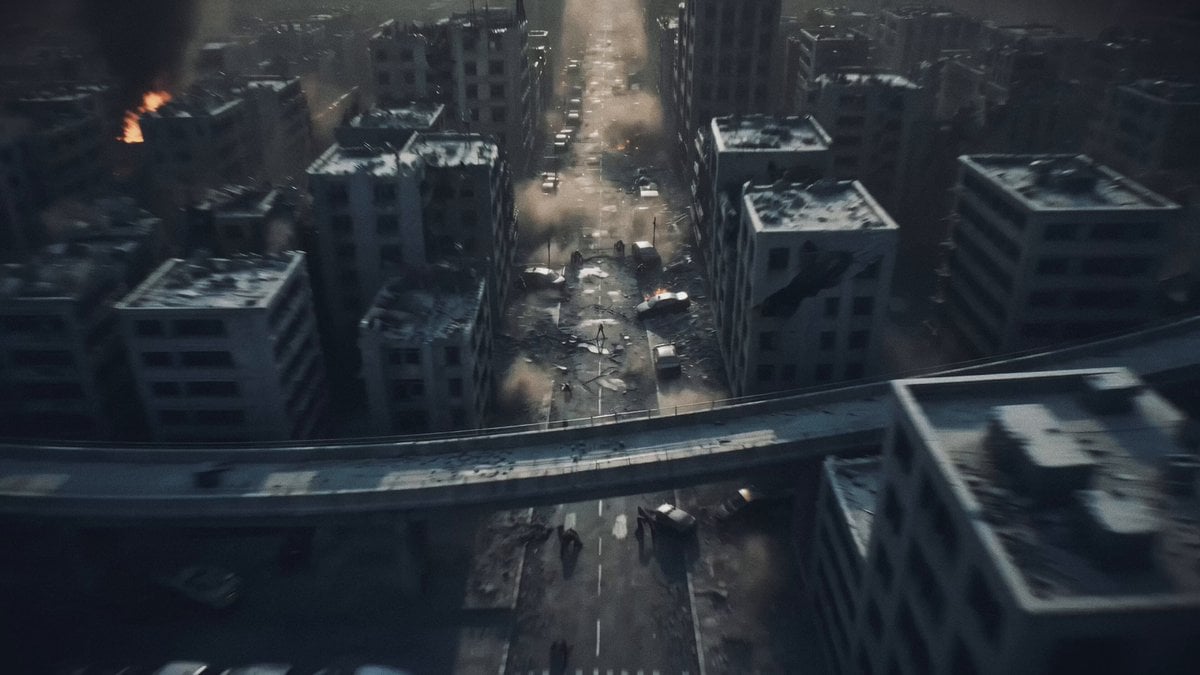
Post-Apocalyptic Biomechanical Battle

Humanoid Robot BCI Music

Determined Penguin Rocket Sled Video Prompt
Sci-Fi Transformation Scene
Browse template categories
Detailed Multi-Shot Video Prompt for Seedance 2.0, ViduQ3, and Kling 3.0 Comparison questions
How do I use the Detailed Multi-Shot Video Prompt for Seedance 2.0, ViduQ3, and Kling 3.0 Comparison template?
Add your photo if the template asks for one, edit the prompt if you like — the template's model and format are already selected — and press Generate. Your version opens in PicX Studio.
Can I customize the Detailed Multi-Shot Video Prompt for Seedance 2.0, ViduQ3, and Kling 3.0 Comparison template?
Yes. You can change the subject, setting, lighting, mood, format, and available model controls before creating your video.
Is the Detailed Multi-Shot Video Prompt for Seedance 2.0, ViduQ3, and Kling 3.0 Comparison template free?
Opening and editing this template is free. Generating uses credits, shown on the Generate button when you are signed in.
Which AI model should I use?
Start with Seedance 2.0, which is the model associated with this template. You can compare another compatible model for a different finish.
Looking for something else? Browse all templates.

Your photo, any look
Thousands of ready templates for every top image and video model, from one credit balance.