How do I use the Extreme Macro Human Eye Photography template?
Choose the primary action to open PicX Studio with the available template settings. Review the model and format, personalize the creative direction, and generate when ready.
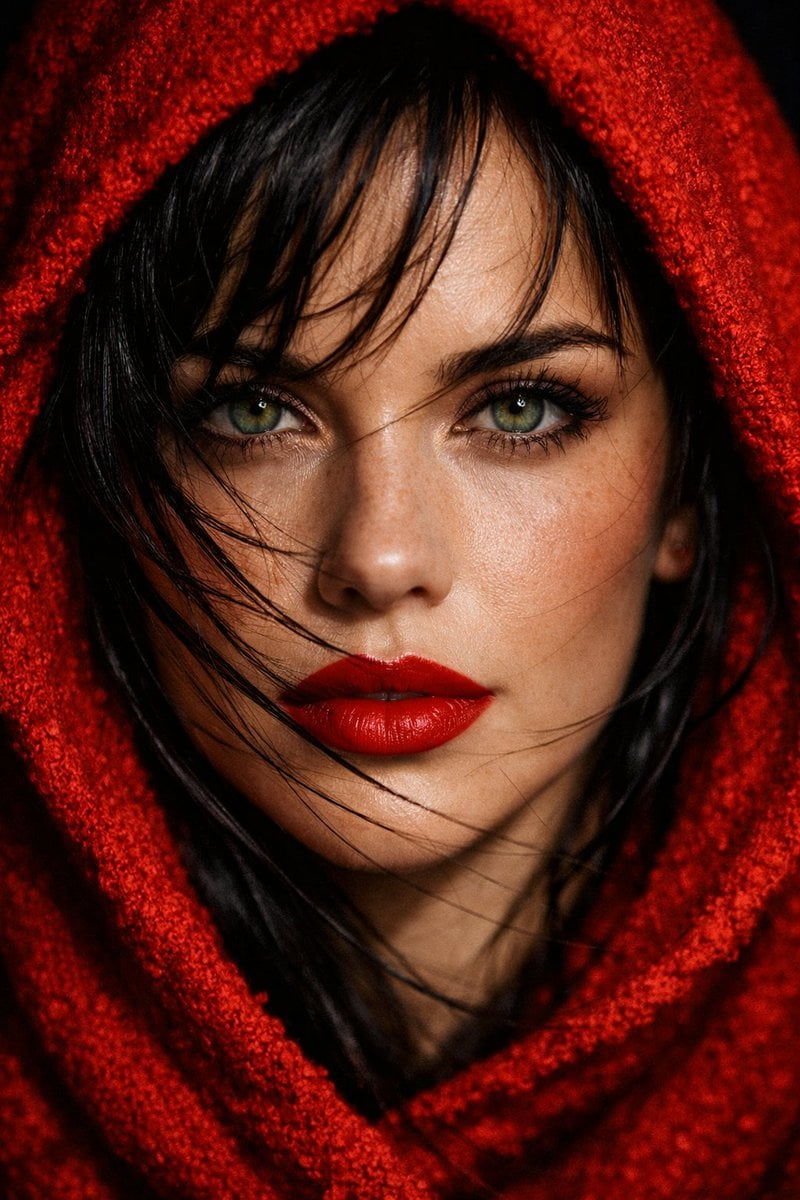
A professional macro photography prompt for capturing the extreme detail of a human iris with studio lighting and specific camera settings. Change the subject, setting, or lighting one variable at a time.

Extreme macro photograph of a {argument name="subject" default="human eye"}, {argument name="iris detail" default="iris detail showing intricate fiber patterns and color variations from deep amber to golden brown"}, eyelashes sharp in focus, reflection of studio lights visible on the moist surface, shot with {argument name="camera settings" default="Canon 100mm macro lens at f/8, studio ring light setup"}, ultra-high detail, National Geographic macro photography style, no post-processing look, photorealistic
Choose the primary action to open PicX Studio with the available template settings. Review the model and format, personalize the creative direction, and generate when ready.
Yes. You can change the subject, setting, lighting, mood, format, and available model controls before creating your image.
This template is free to open and customize. Generation usage is shown in PicX Studio before you create.
Start with Nano Banana 2, which is the model associated with this template. You can compare another compatible model for a different finish.
Follow a topic to a crawlable collection of related PicX Studio templates.
43,474 public templates available. Verified via the PicX Studio public templates API; refreshed hourly.

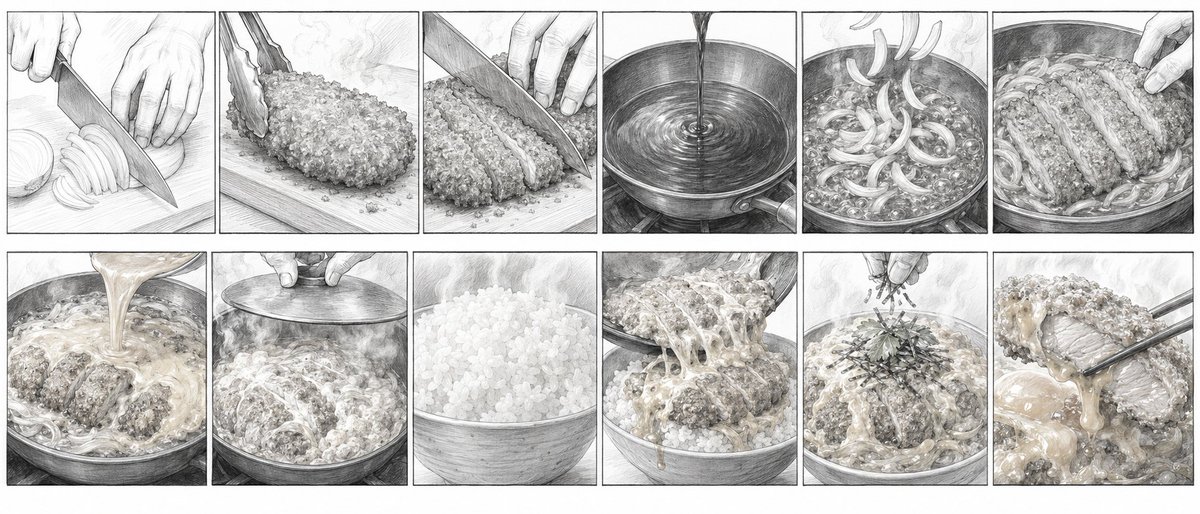
![Extreme close-up macro of miniature city diorama on a solid base, held — Extreme close-up macro of miniature city diorama [CITY, COUNTRY] on a solid base, held](https://images.meigen.ai/tweets/2007777809712976297/0.jpg)
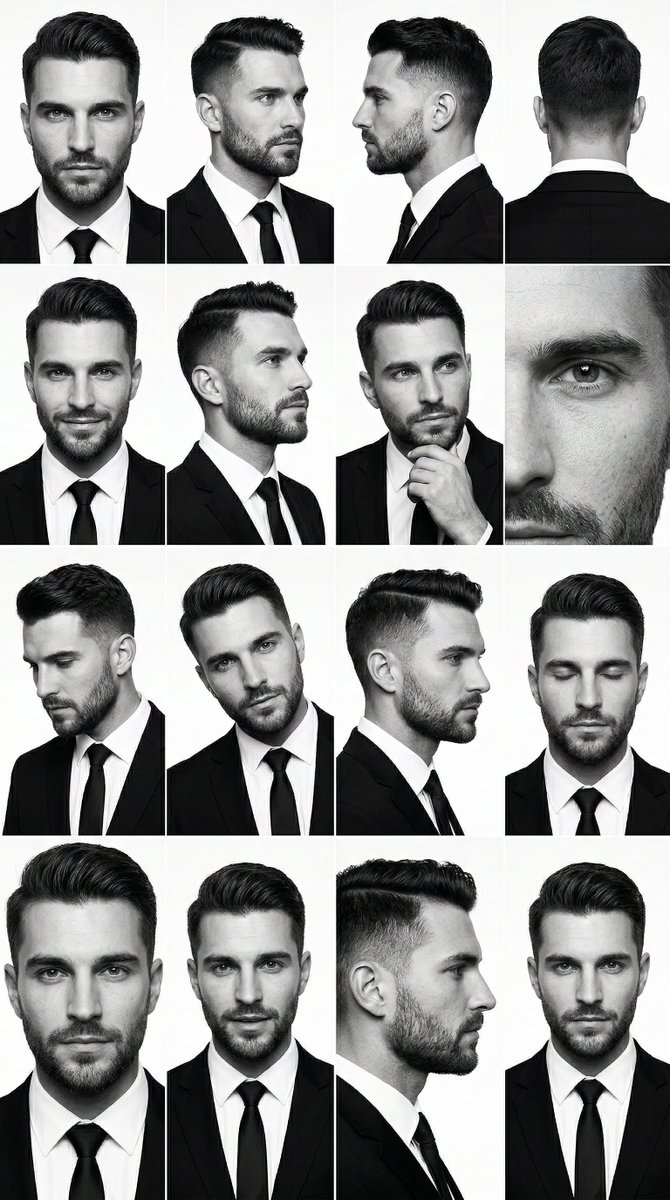
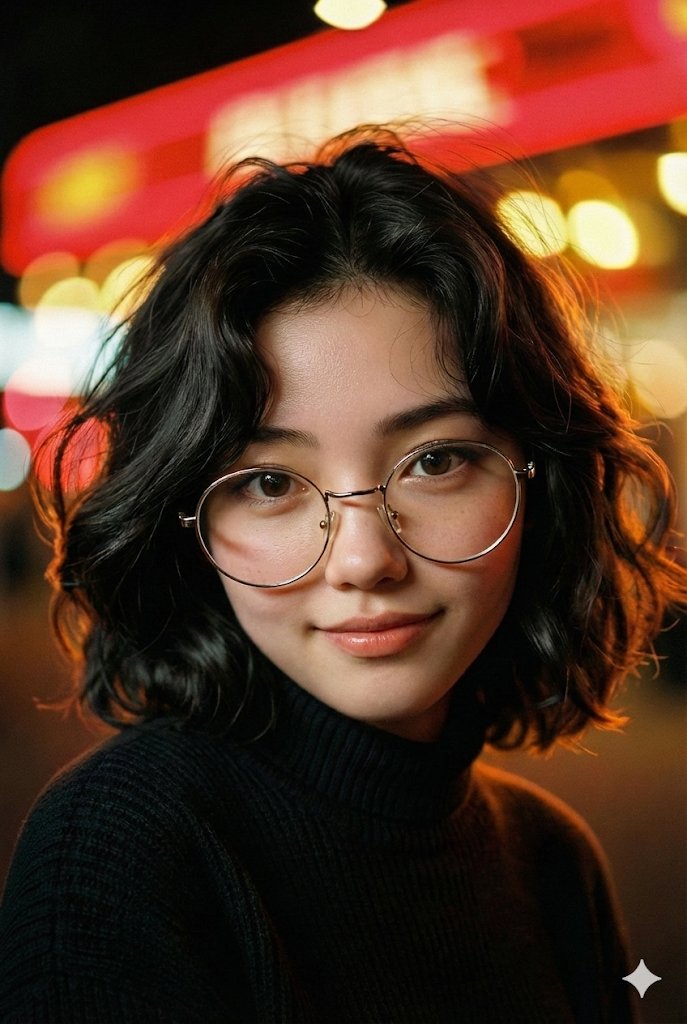

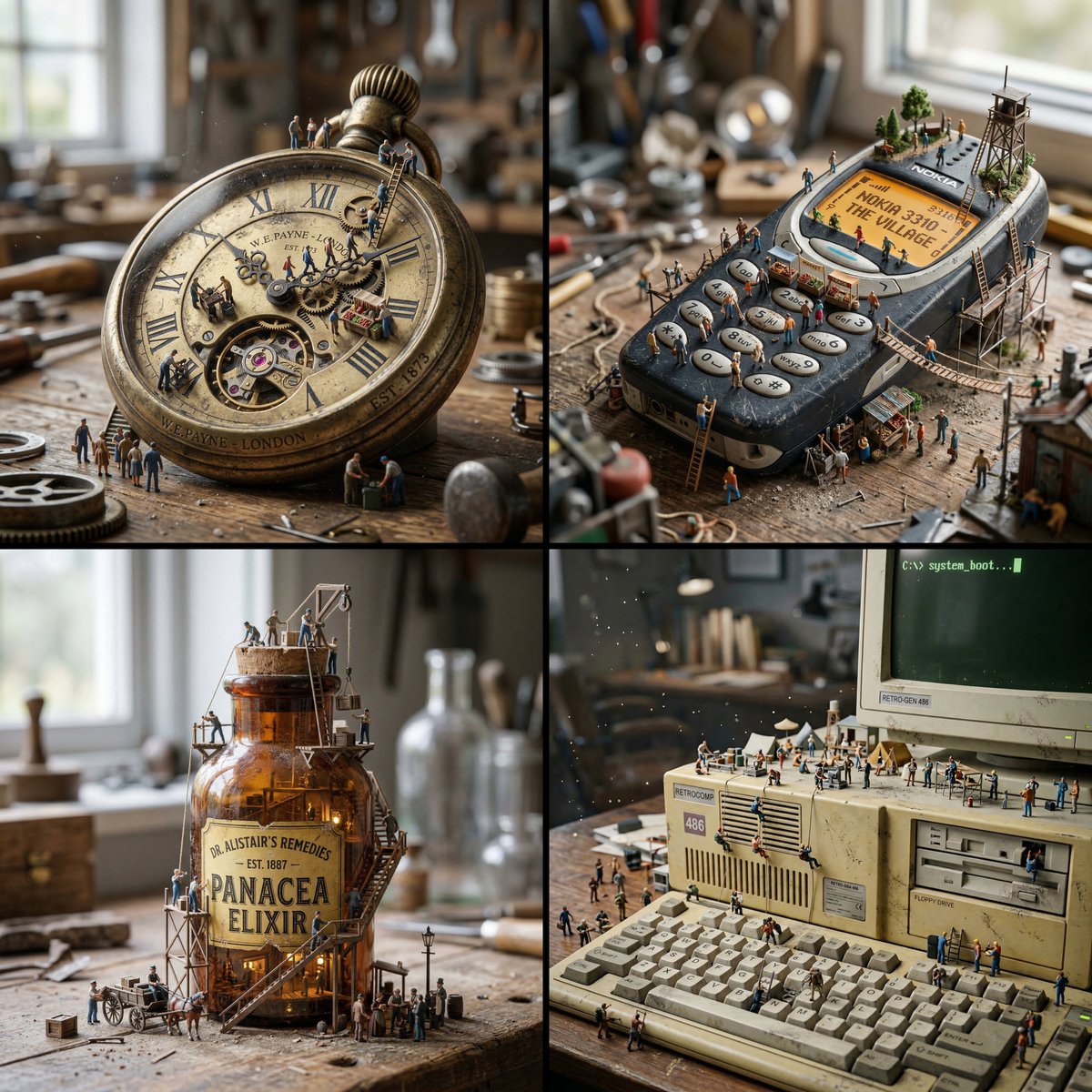








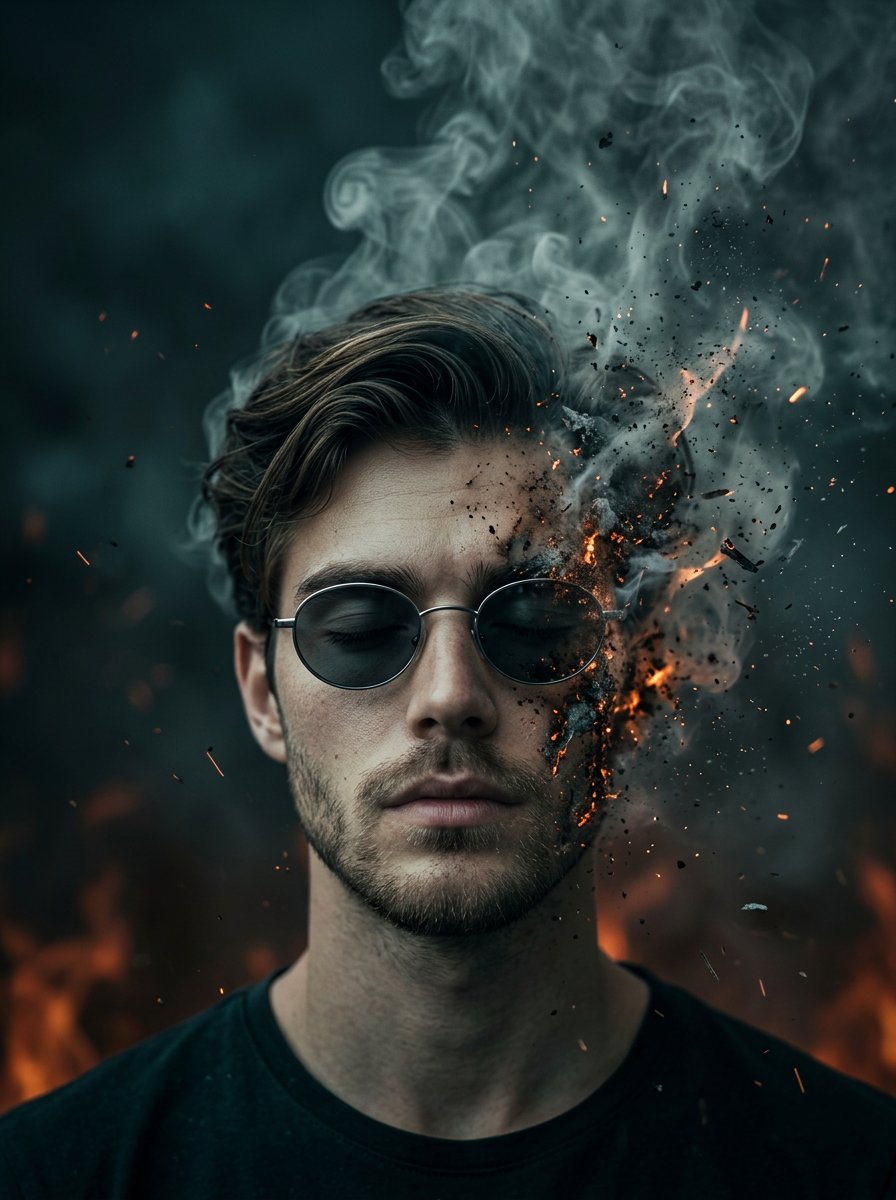
![Naive doodle-style subject illustration — A doodle-style {argument name="subject" default="[subject]"}, naive lines, humorous shape exaggeration](https://pbs.twimg.com/media/G6Wl2YxbsAARB2b.jpg)














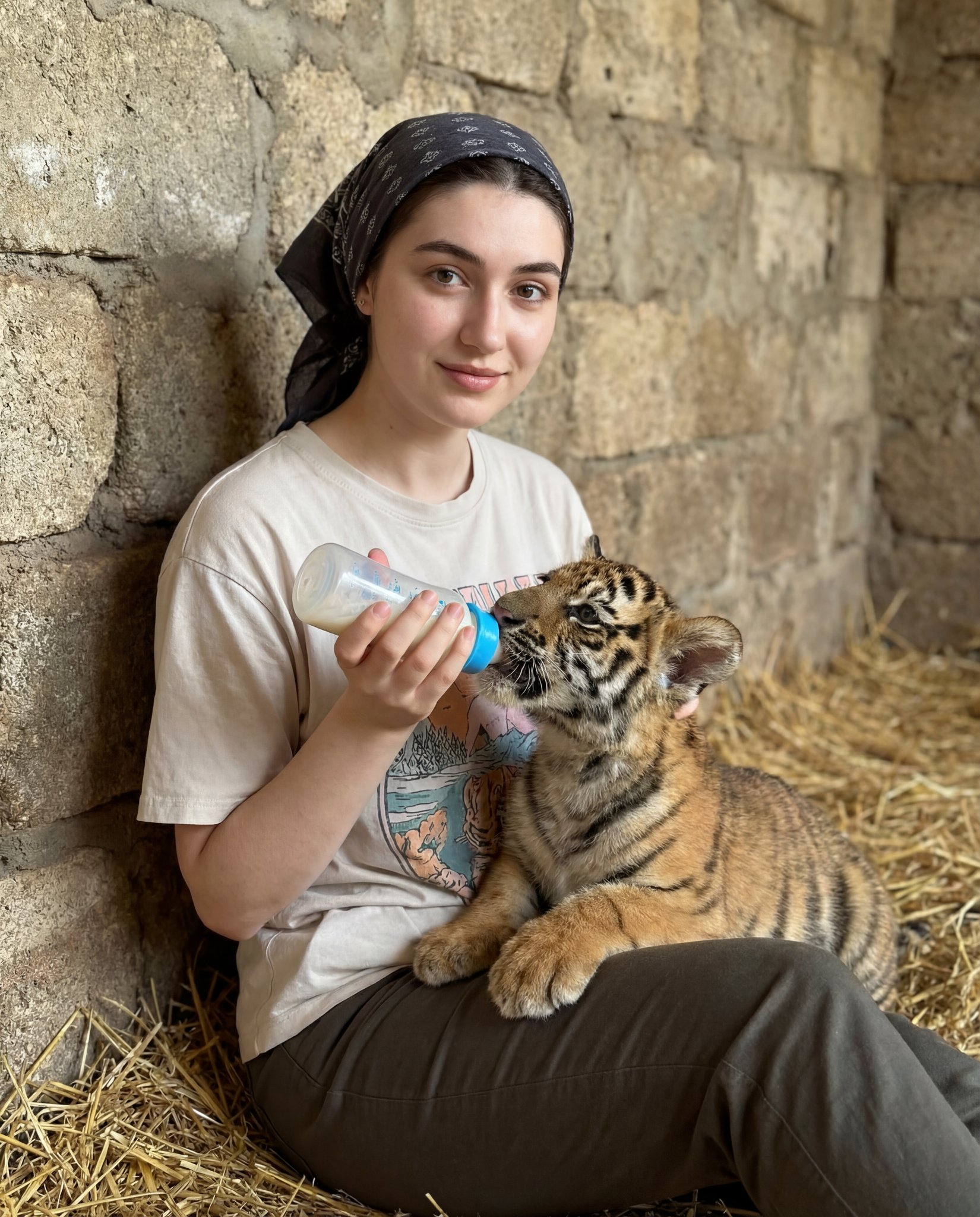
![Refined Academic Degree Graduation Photos — # 新中式学位袍毕业写真|4张单独精修照 请基于用户上传的 1-3 张清晰个人照片,一次性生成 **4 张不同的单独精修毕业写真照片**。 主题为: 「新中式[学位等级]学位袍毕业写真」 可替换参数: - [学位等级]:学士 / 硕](https://cms-assets.youmind.com/media/1778748582326_h3hjte_HIMfnDzWgAEwDyn.jpg)