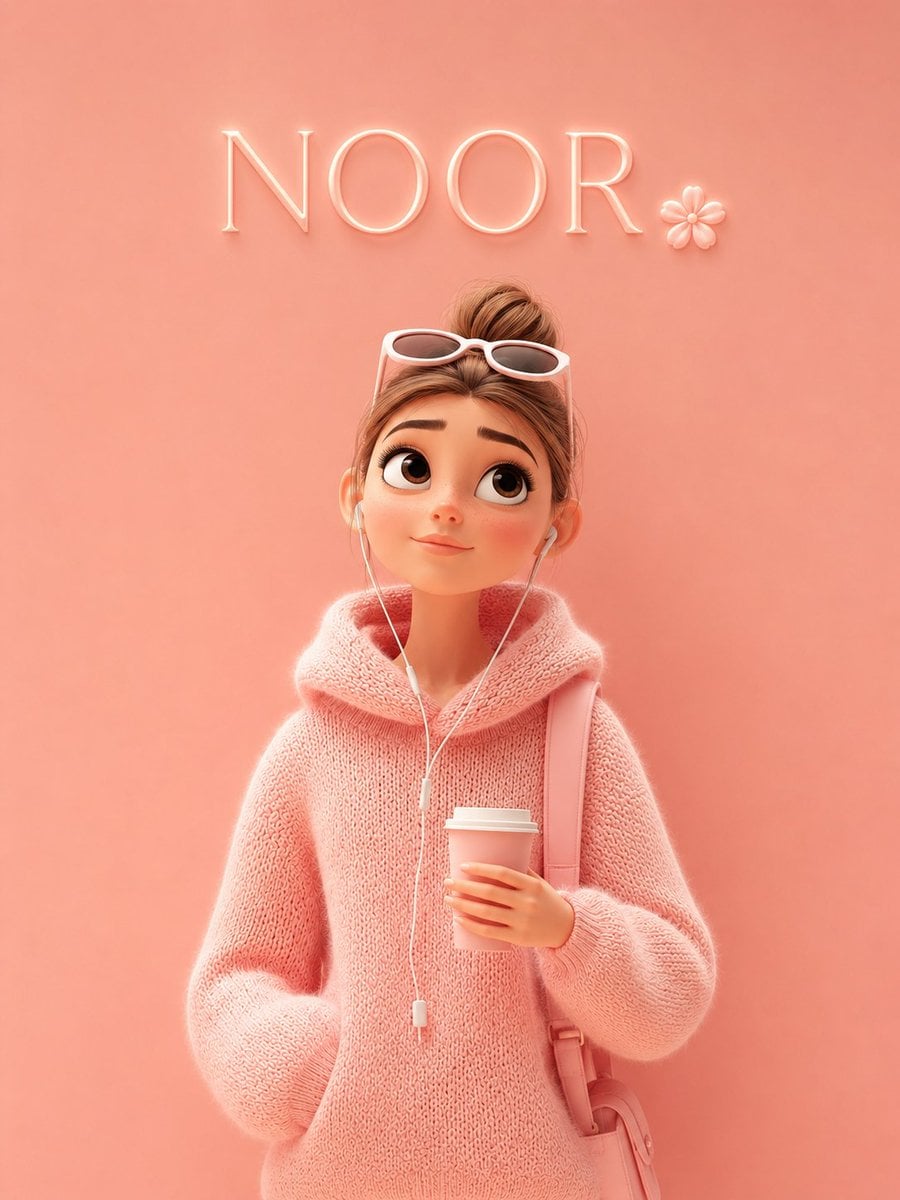
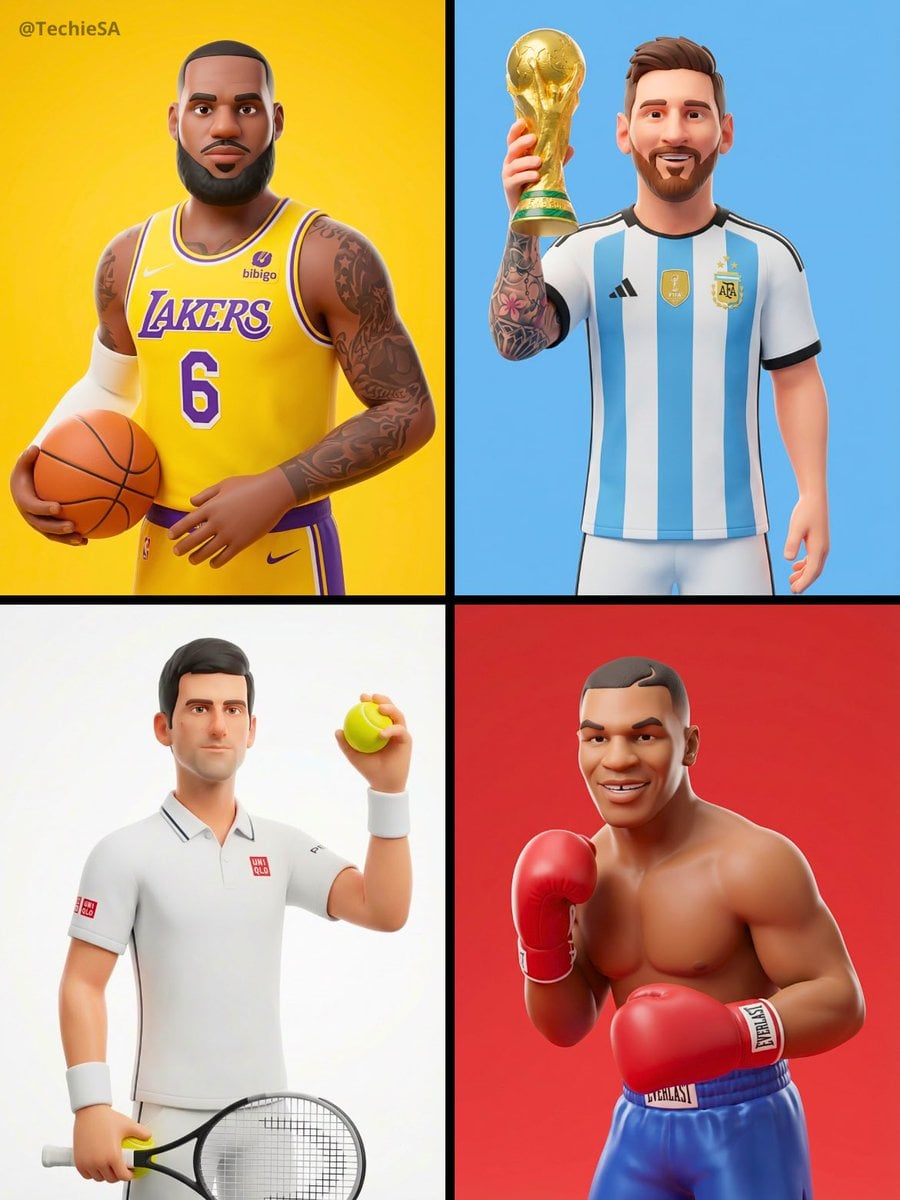
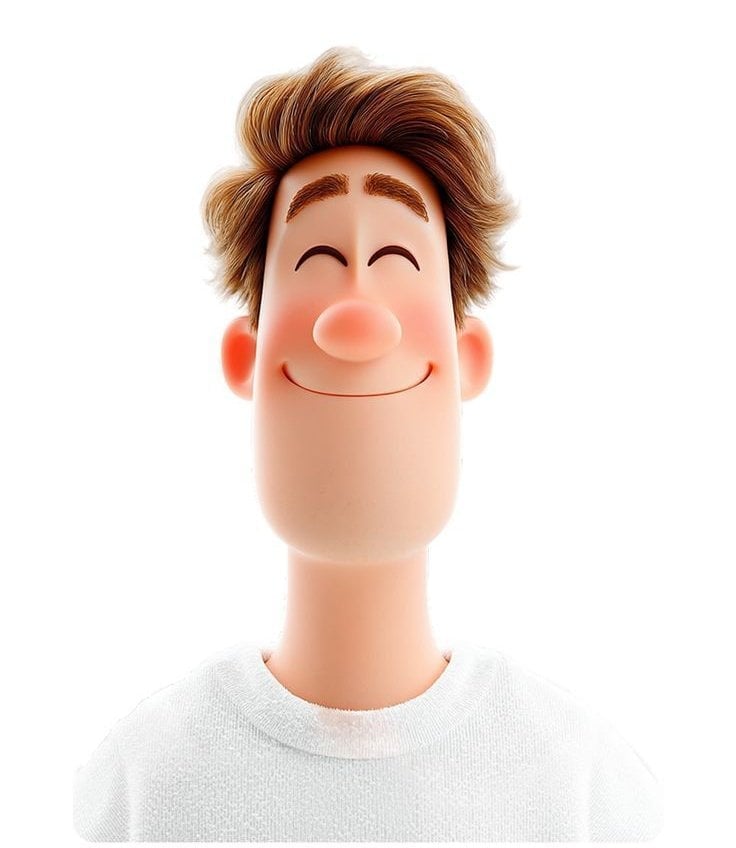
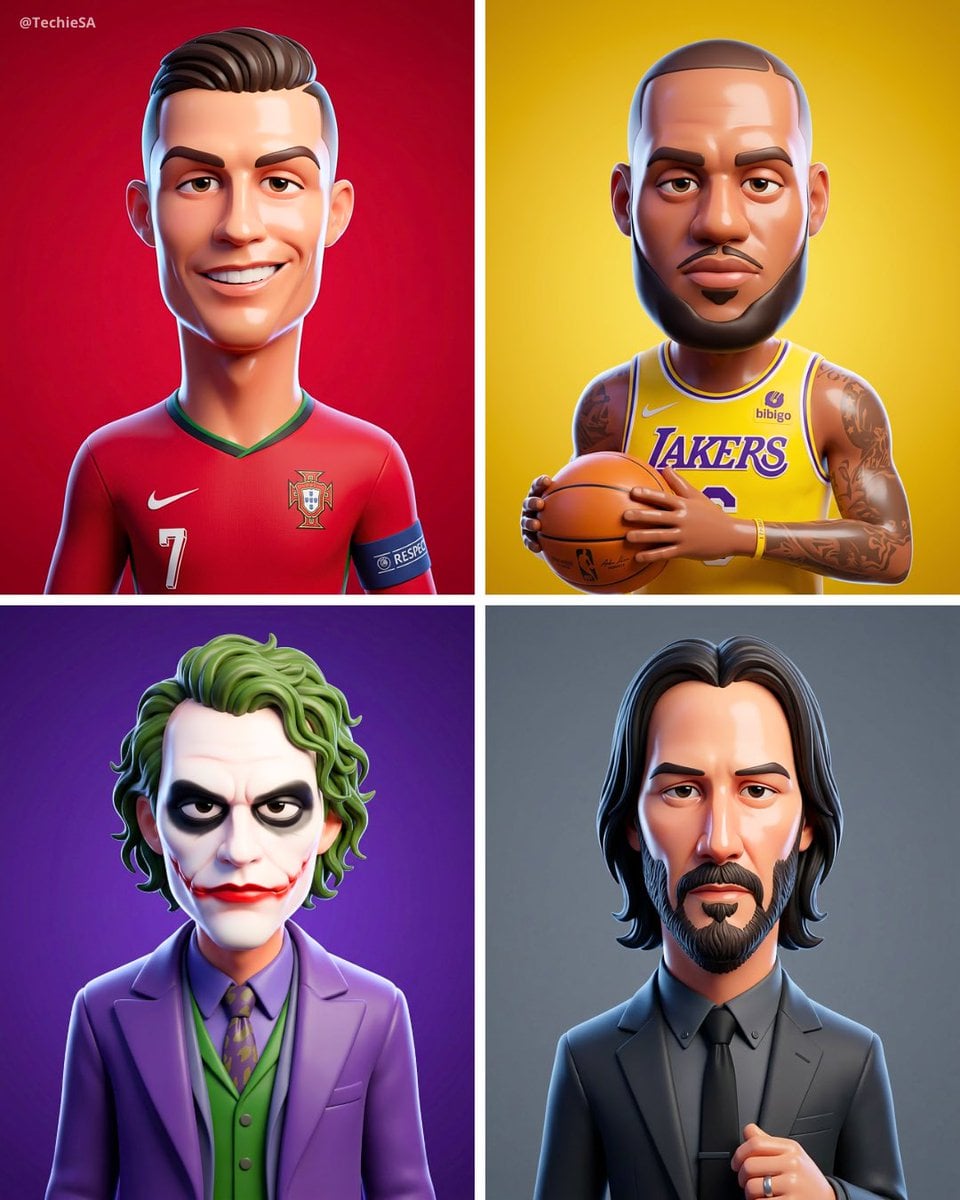
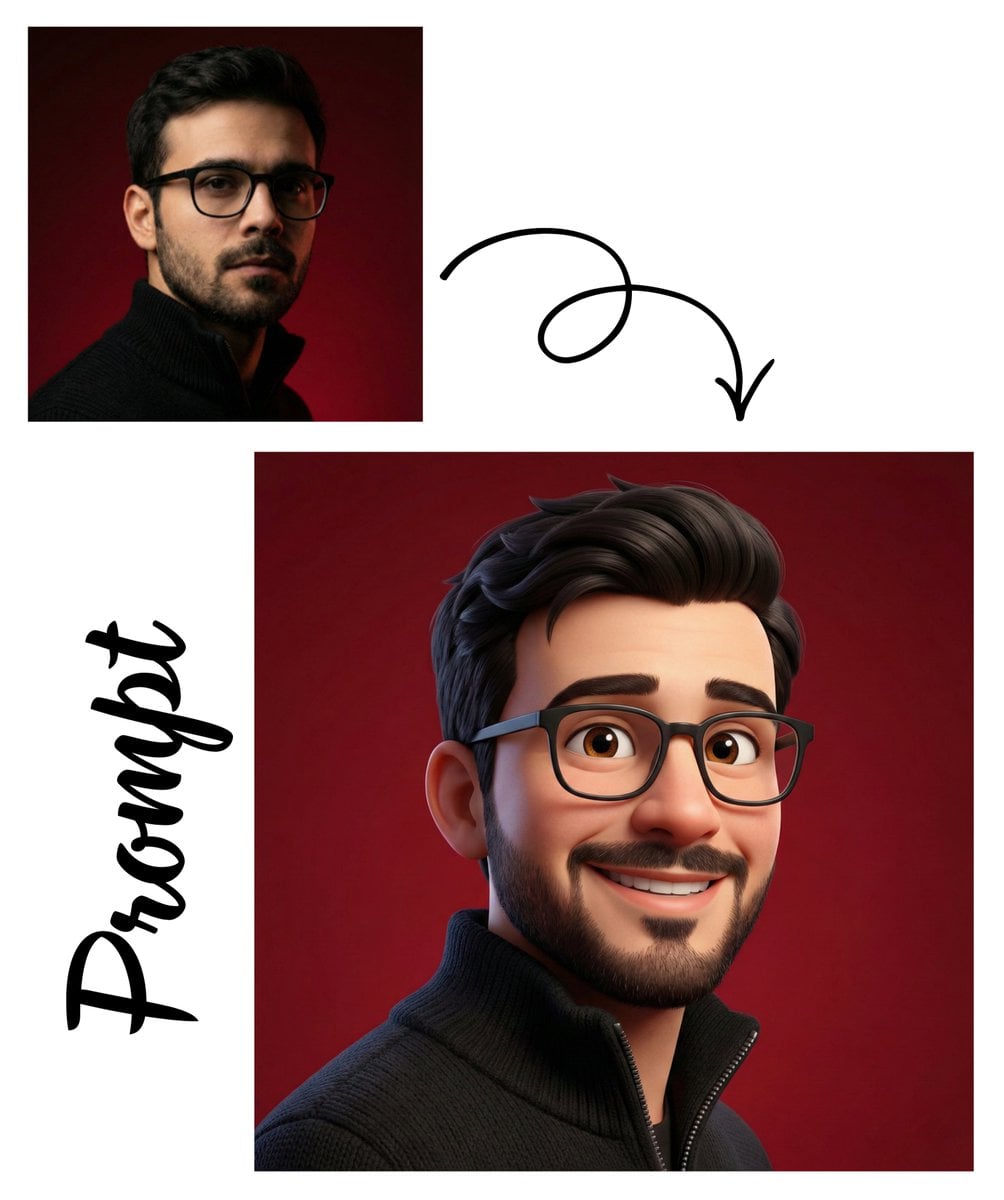
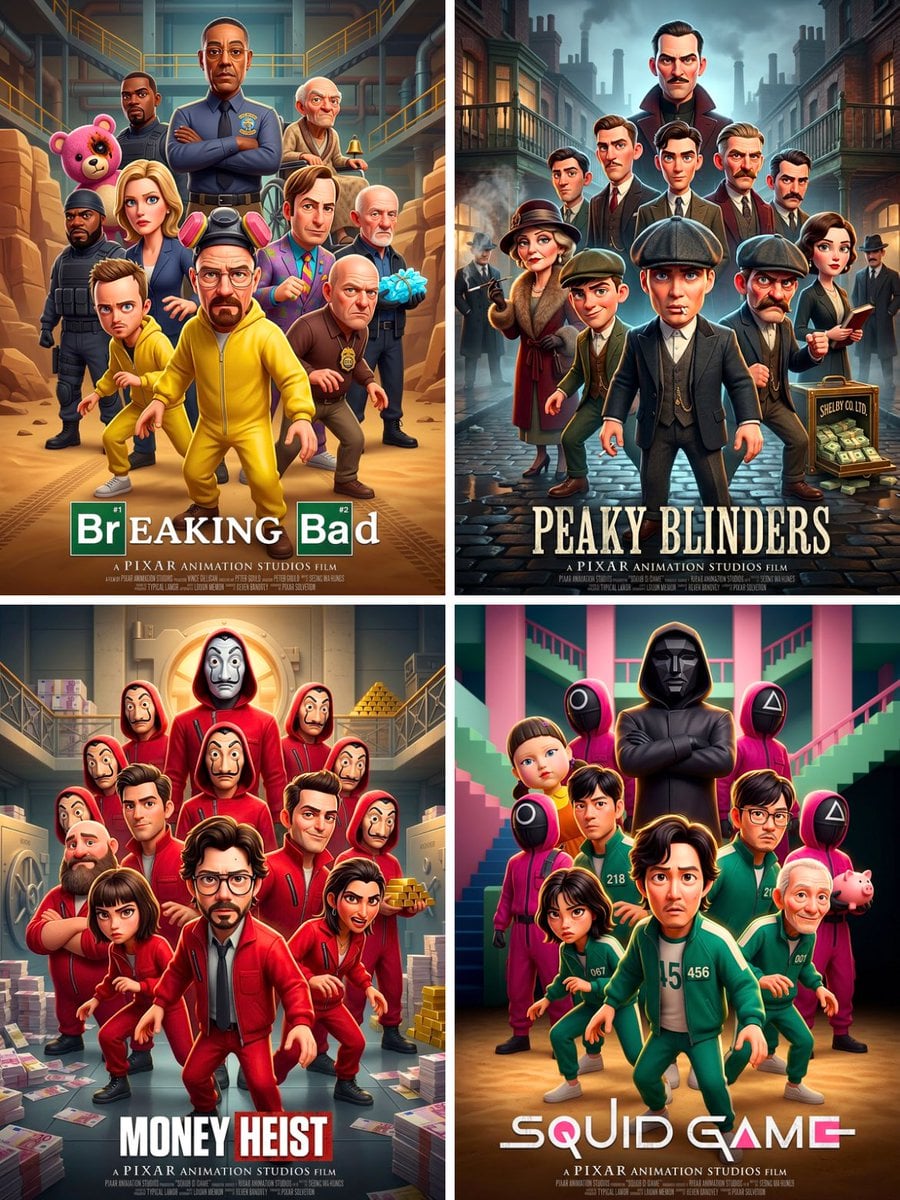
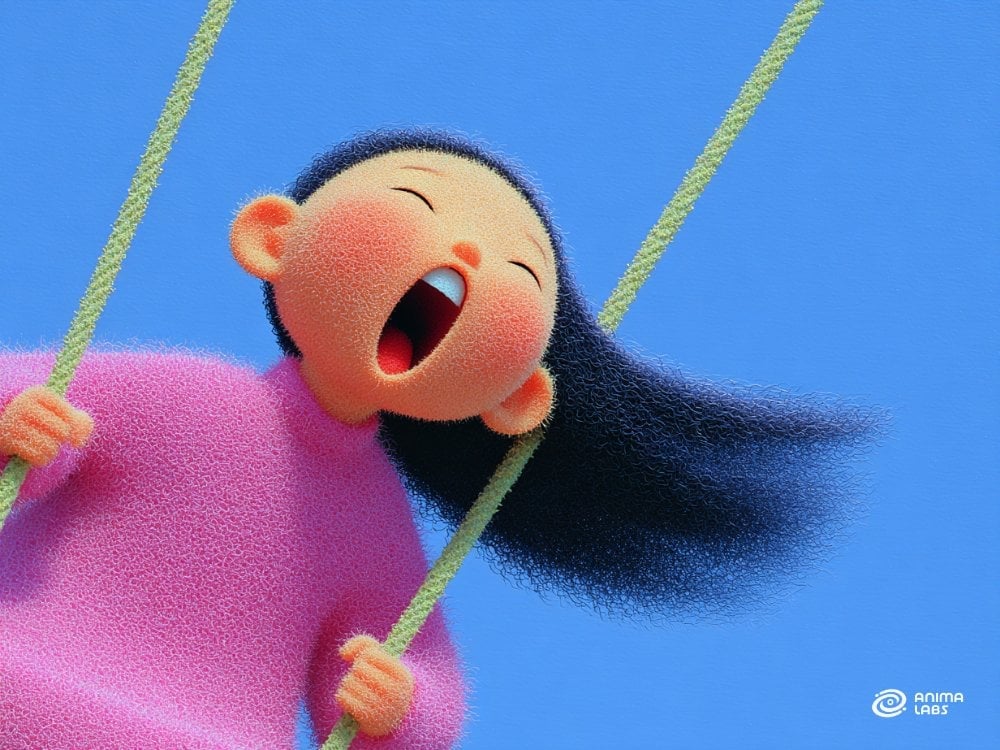
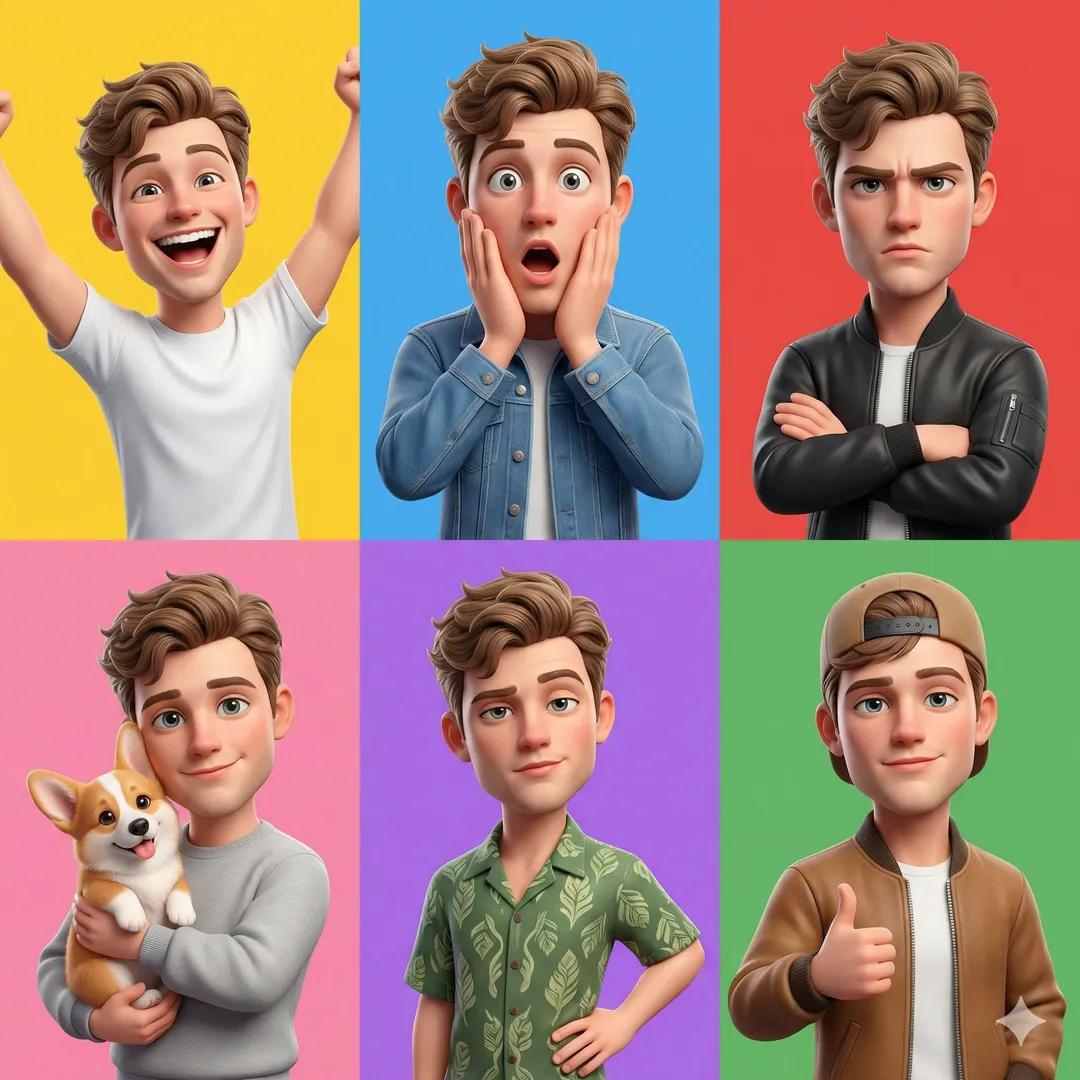
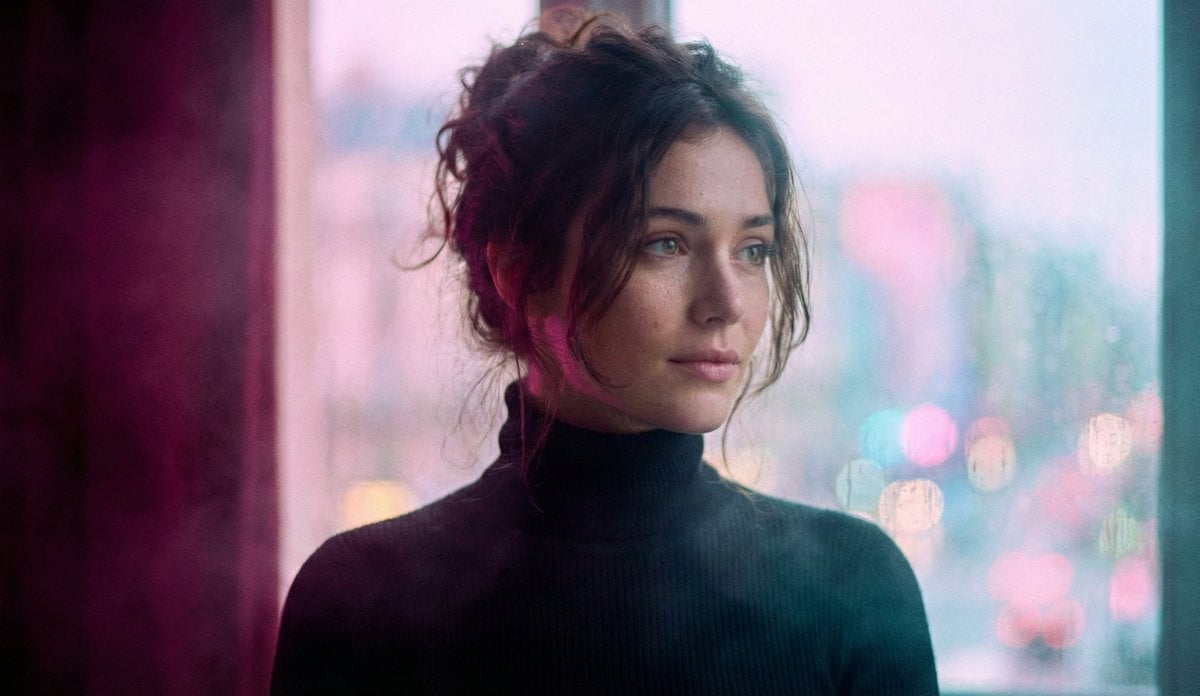
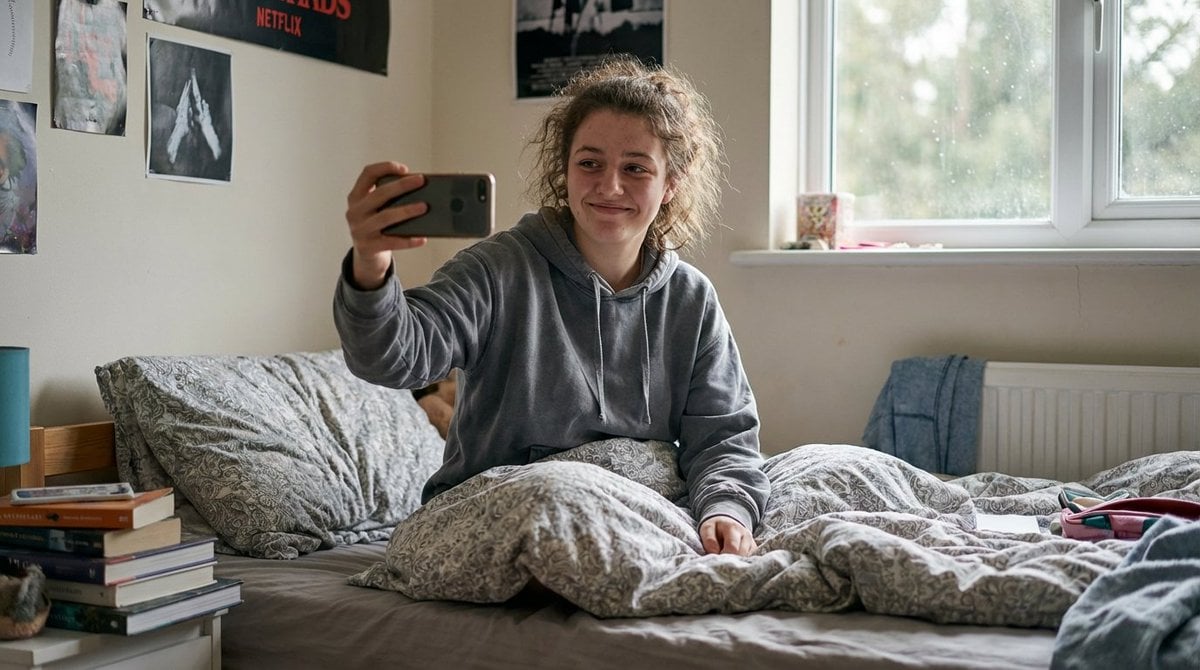
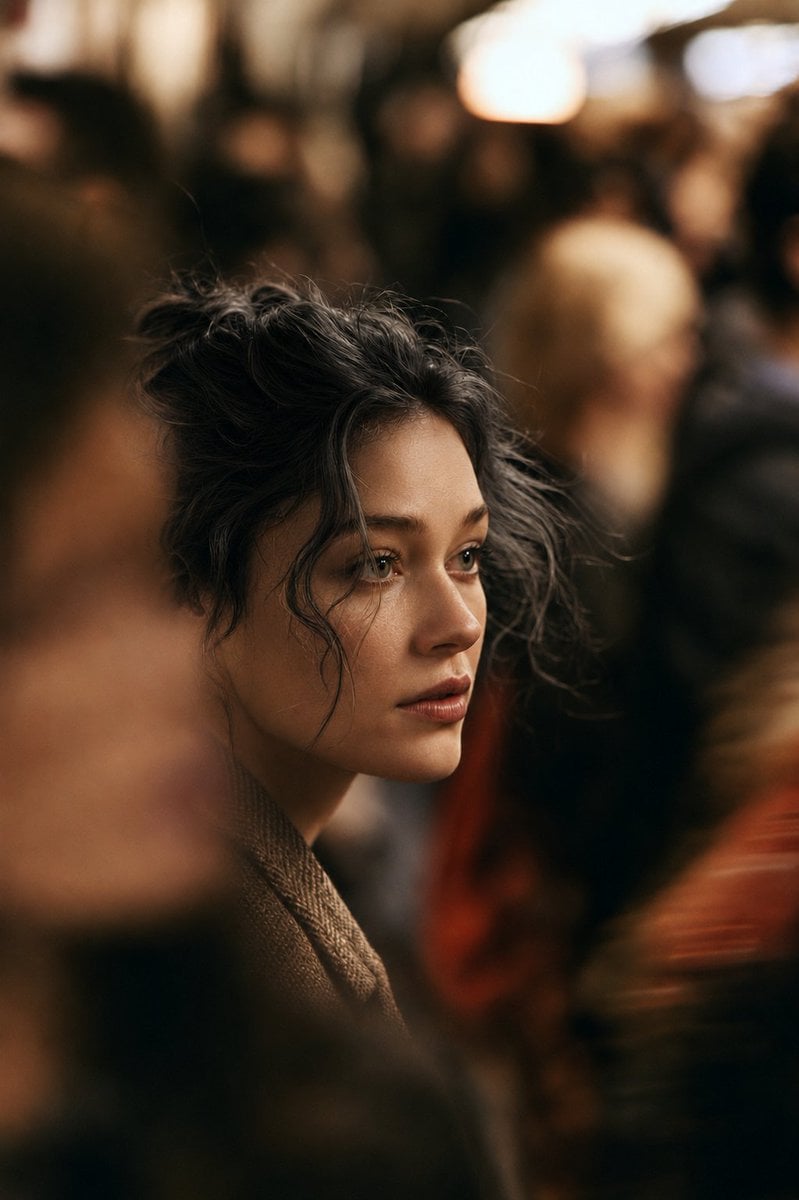
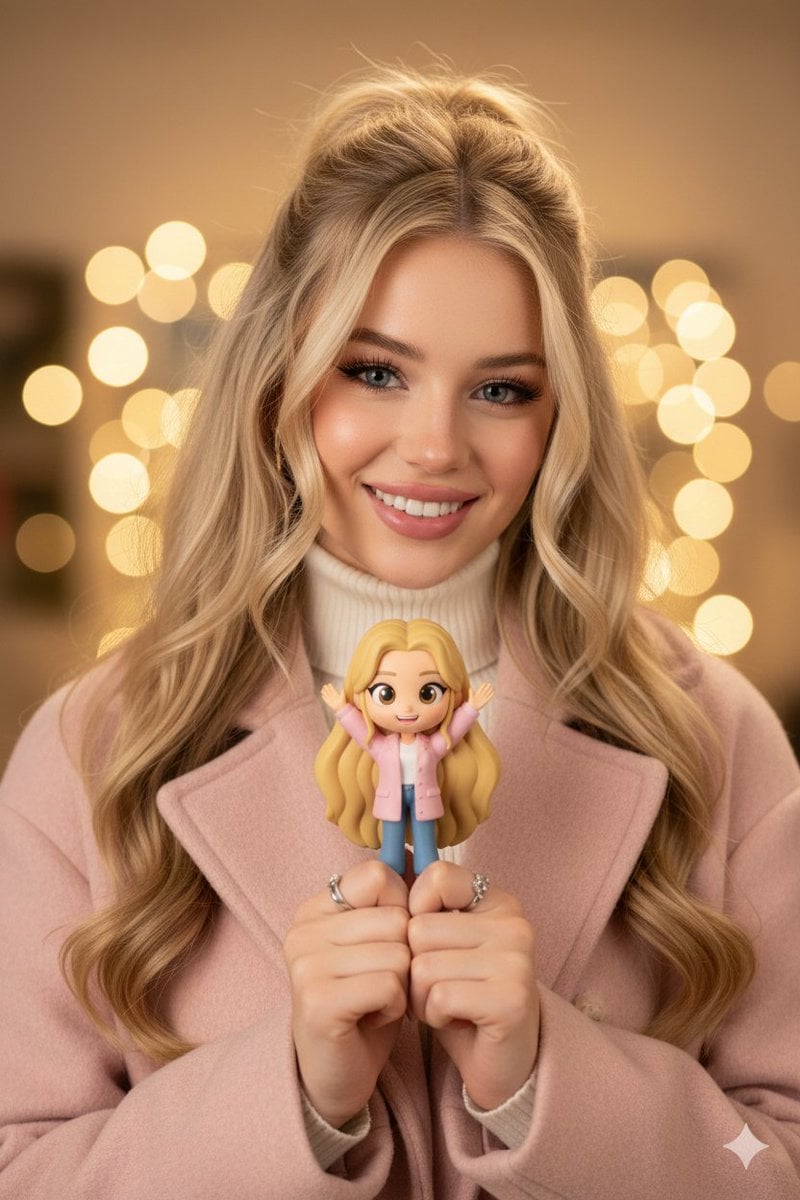
How do I use the Cartoon Vibes Only template?
Edit the prompt in the box under the preview — the template's model and format are already selected — and press Generate. Your version appears right on this page.
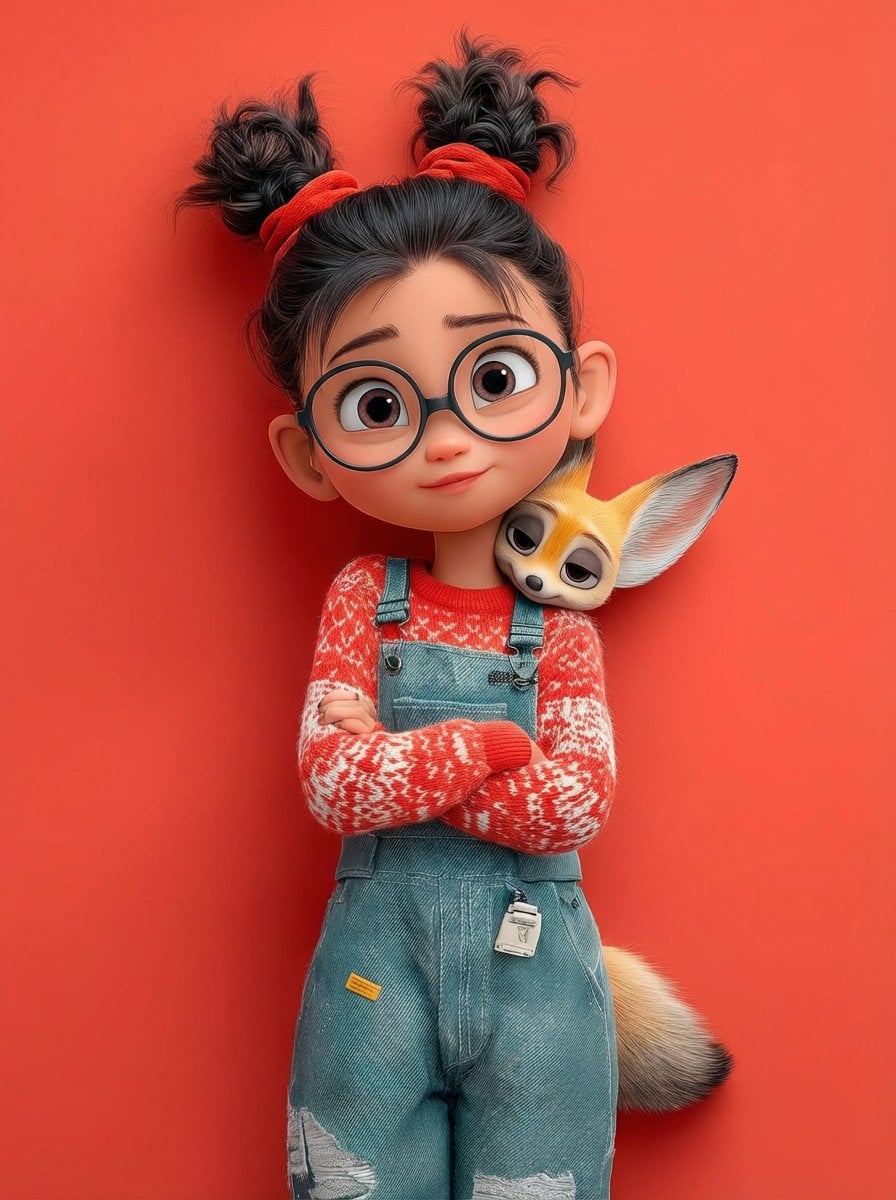
Cartoon Vibes Only is a ready photo look.

{ "image_generation": { "quality": "hyper-realistic, high-detail, professional fashion photoshoot", "face": { "preserve_original": true, "reference_match": true, "description": "Use the exact same face from the uploaded photo without altering any facial features or identity." }, "subject": { "description": "A stylish young woman with the same face as the reference photo.", "clothing": { "top": { "type": "knitted sweater", "color": "pink" }, "pants": { "type": "jeans", "color": "pink" }, "shoes": { "type": "high-top sneakers", "color": "white" } }, "pose": "standing with one arm resting casually on a giant 3D-rendered Angry Birds 'Pink' character", "expression": "natural, confident, casual fashion look" }, "character_element": { "name": "Angry Birds Pink", "type": "giant 3D photorealistic render", "style": "clean, glossy, cartoon-accurate but ultra-detailed", "interaction": "the woman’s arm rests on the character as if posing together" }, "environment": { "background": "seamless solid vibrant light pink backdrop", "setting": "professional photo studio", "lighting": "soft evenly diffused studio lighting with clean highlights and minimal shadows" }, "aesthetic": { "style": "modern fashion photography", "mood": "playful, bright, stylish", "details": [ "hyperrealistic skin texture", "sharp fabric details", "accurate lighting reflections on 3D character", "smooth studio gradients" ] } } } Edit the image according to this prompt
{ "image_generation": { "quality": "hyper-realistic, high-detail, professional fashion photoshoot", "face": { "preserve_original": true, "reference_match": true, "description": "Use the exact same face from the uploaded photo without altering any facial features or identity." }, "subject": { "description": "A stylish young woman with the same face as the reference photo.", "clothing": { "top": { "type": "knitted sweater", "color": "pink" }, "pants": { "type": "jeans", "color": "pink" }, "shoes": { "type": "high-top sneakers", "color": "white" } }, "pose": "standing with one arm resting casually on a giant 3D-rendered Angry Birds 'Pink' character", "expression": "natural, confident, casual fashion look" }, "character_element": { "name": "Angry Birds Pink", "type": "giant 3D photorealistic render", "style": "clean, glossy, cartoon-accurate but ultra-detailed", "interaction": "the woman’s arm rests on the character as if posing together" }, "environment": { "background": "seamless solid vibrant light pink backdrop", "setting": "professional photo studio", "lighting": "soft evenly diffused studio lighting with clean highlights and minimal shadows" }, "aesthetic": { "style": "modern fashion photography", "mood": "playful, bright, stylish", "details": [ "hyperrealistic skin texture", "sharp fabric details", "accurate lighting reflections on 3D character", "smooth studio gradients" ] } } } Edit the image according to this prompt
Edit the prompt in the box under the preview — the template's model and format are already selected — and press Generate. Your version appears right on this page.
Yes. You can change the subject, setting, lighting, mood, format, and available model controls before creating your image.
Opening and editing this template is free. Generating uses credits, shown on the Generate button when you are signed in.
Choose a compatible model in PicX Studio based on the style, speed, and output controls your project needs.
Follow a topic to a crawlable collection of related PicX Studio templates.