How do I use the Characters Walk Out of a Poster and Speak template?
Edit the prompt in the box under the preview — the template's model and format are already selected — and press Generate. Your version appears right on this page.
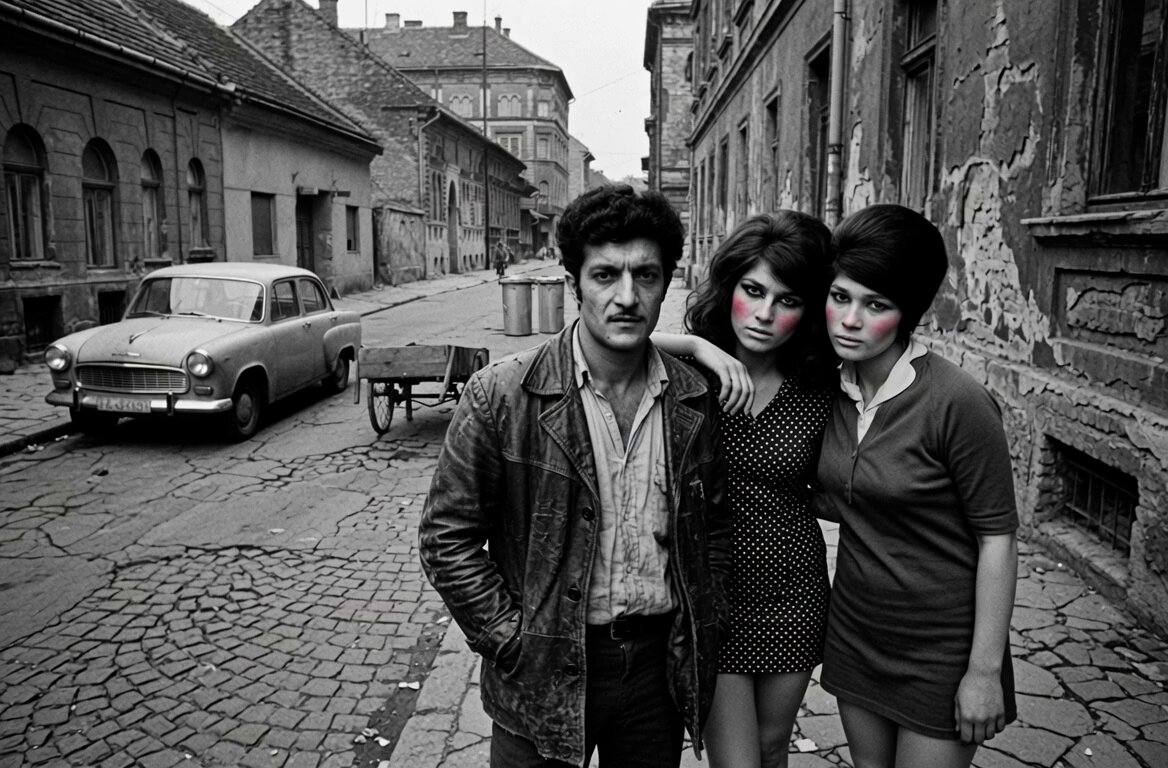
A detailed Grok Imagine prompt for a video sequence: first, a poster featuring a man and a woman is displayed for about one second.
画像にはポスターが写っている。ポスターには男性と女性がいる。 元の写真を一秒ぐらいそのまま表示してから、 二人がポスターから歩き出して、壁に沿って歩く 男性は英語で:”アメリカにはスーパーマン” 女性は:”日本にはサラリーマン” とセリフを言う
画像にはポスターが写っている。ポスターには男性と女性がいる。 元の写真を一秒ぐらいそのまま表示してから、 二人がポスターから歩き出して、壁に沿って歩く 男性は英語で:”アメリカにはスーパーマン” 女性は:”日本にはサラリーマン” とセリフを言う
Edit the prompt in the box under the preview — the template's model and format are already selected — and press Generate. Your version appears right on this page.
Yes. You can change the subject, setting, lighting, mood, format, and available model controls before creating your video.
Opening and editing this template is free. Generating uses credits, shown on the Generate button when you are signed in.
Start with Grok Imagine, which is the model associated with this template. You can compare another compatible model for a different finish.
Follow a topic to a crawlable collection of related PicX Studio templates.