
Empire State Building Proposal Drone
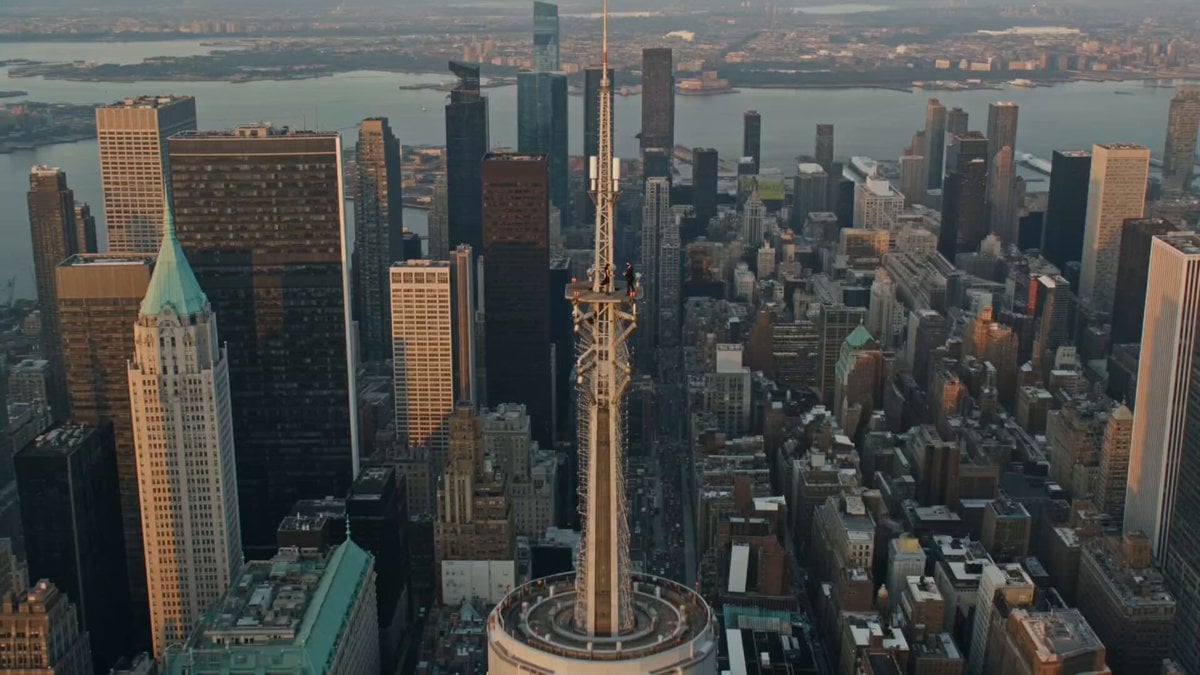
A cinematic drone footage prompt for a romantic marriage proposal on the Empire State Building observation deck during golden hour.
- Prompt included
- Model and format preset
- Premium template
The prompt behind this video
Copy the exact prompt behind Empire State Building Proposal Drone, or open it in the studio and make it yours.
Ultra-photorealistic cinematic drone footage. A lone couple stands on the Empire State Building observation deck at golden hour with the Manhattan skyline stretching endlessly behind them. The woman wears the same outfit and styling as the viral Russian proposal video: a fitted black sleeveless mini dress, sheer black tights, black high heels, long straight dark hair flowing naturally in the wind. The man wears the same look as the viral video: a tailored black suit, crisp white dress shirt, black dress shoes, clean, elegant styling. Their wardrobe is minimalist, sophisticated, and identical in overall aesthetic to the viral proposal. The drone begins hundreds of feet away, revealing the full scale of the skyscraper and New York City, then slowly glides toward the couple in one continuous, buttery-smooth cinematic movement. As the drone approaches, the man gently takes her hand, slowly drops to one knee, and opens a small velvet ring box. The woman stands frozen in shock, placing both hands over her mouth before becoming visibly emotional. She does not kiss him. The entire sequence is a silent, intimate proposal with only the couple present. No tourists, no crowd, no photographers, no security, no banners, and no distractions. The drone continues into a slow, majestic 360-degree orbit around the couple, revealing the glowing Manhattan skyline, dramatic sunset reflections on the surrounding skyscrapers, atmospheric haze, and immense sense of height. Natural wind moves their clothing and hair realistically. Authentic body language, subtle facial micro-expressions, lifelike movement, true aerial perspective, stabilized cinematic drone cinematography, Hollywood documentary style, HDR, volumetric golden-hour lighting, ultra-detailed textures, realistic physics, 8K, epic scale, emotionally powerful, indistinguishable from real drone footage.
How to use Empire State Building Proposal Drone in 3 steps
- 1
Open
The prompt is already in the box next to the preview, with the template's model and format selected.
- 2…a portrait of your subject in softgolden-hour light, 85mm…
Personalize
Edit the subject and creative details for your destination.
- 3Generate
Generate
Press Generate — your video is created in PicX Studio, so you can compare it with the original and refine one variable at a time.
More like this
Templates with the same subject, style or setup. Open one to see its prompt.
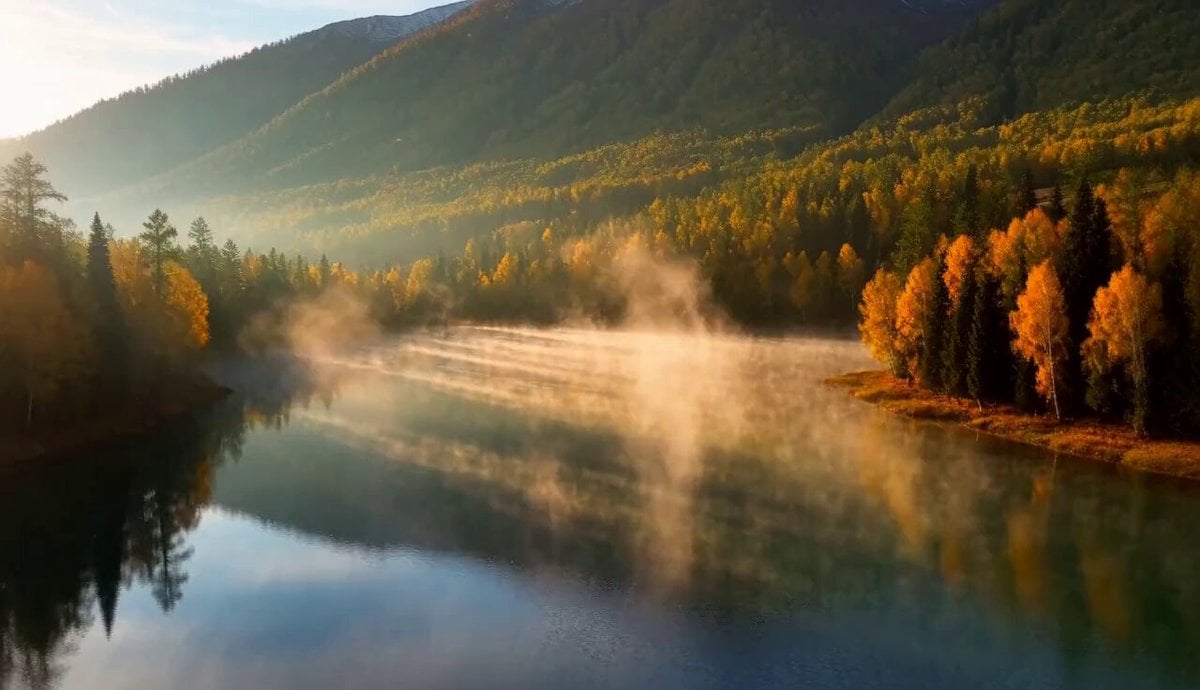
Cinematic Xinjiang Drone Landscapes - Seedance 2.5
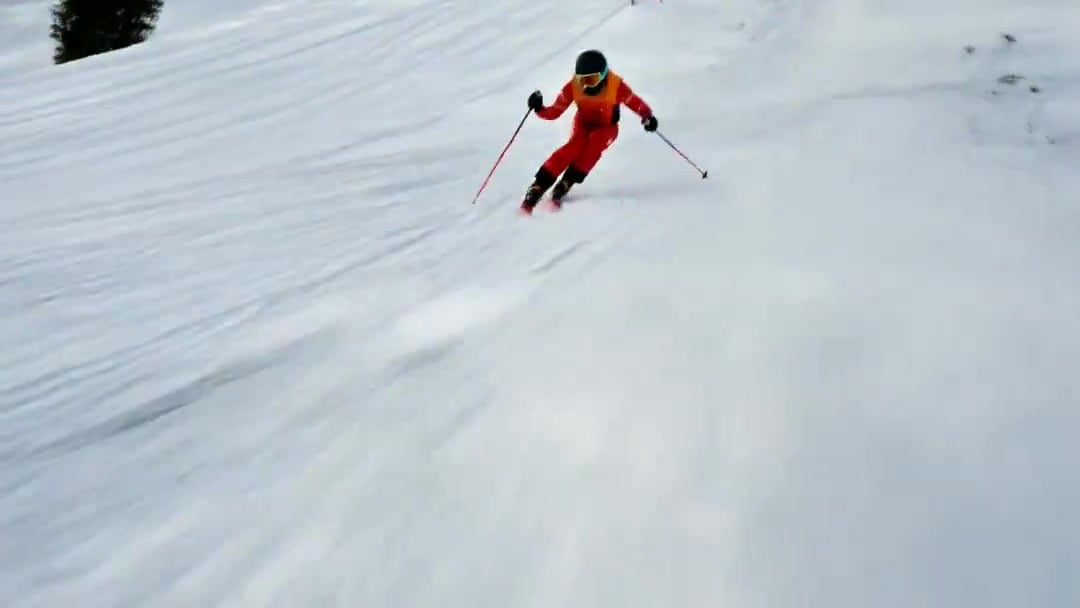
FPV Drone Skier Tracking — Kling 3.0 O3 Pro
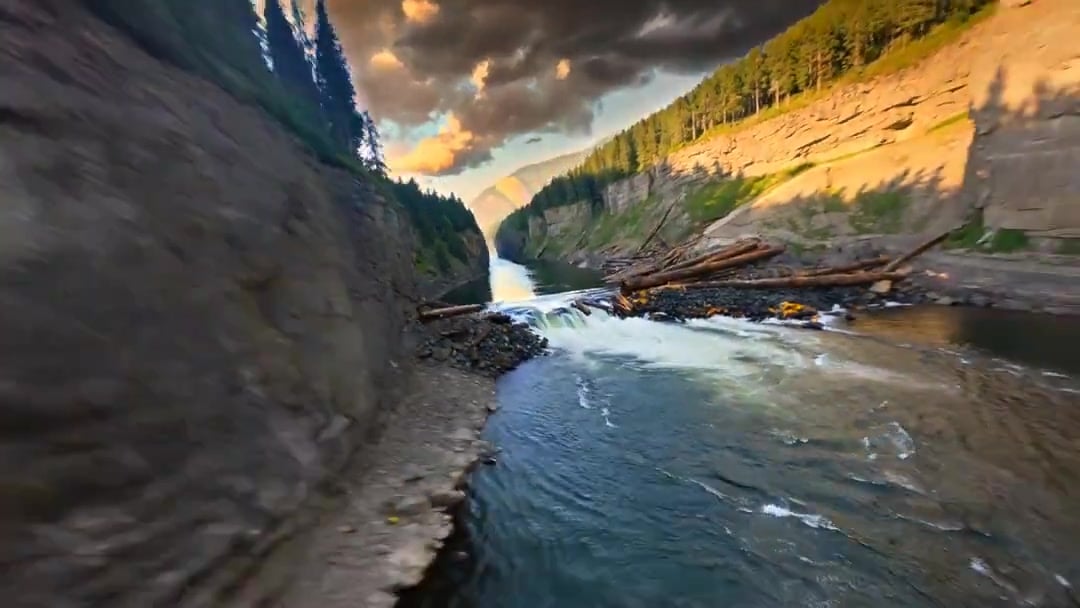
Cinematic Drone Specs Canyon — Kling 3.0 v3 Pro
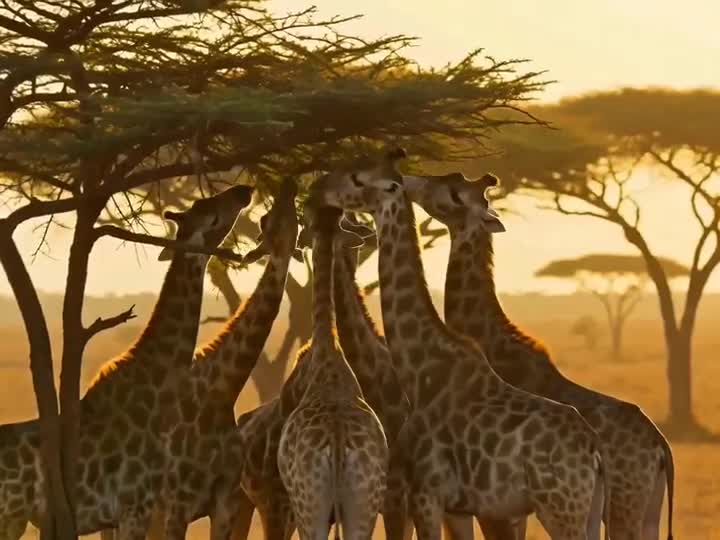
Drone Removal Safari Cleanup

Luxury Lifestyle Day Vlog
Amazon FPV Drone Chase — Seedance 2.0
Yellow Seaplane Coastal Dive — Aerial Drone Shot
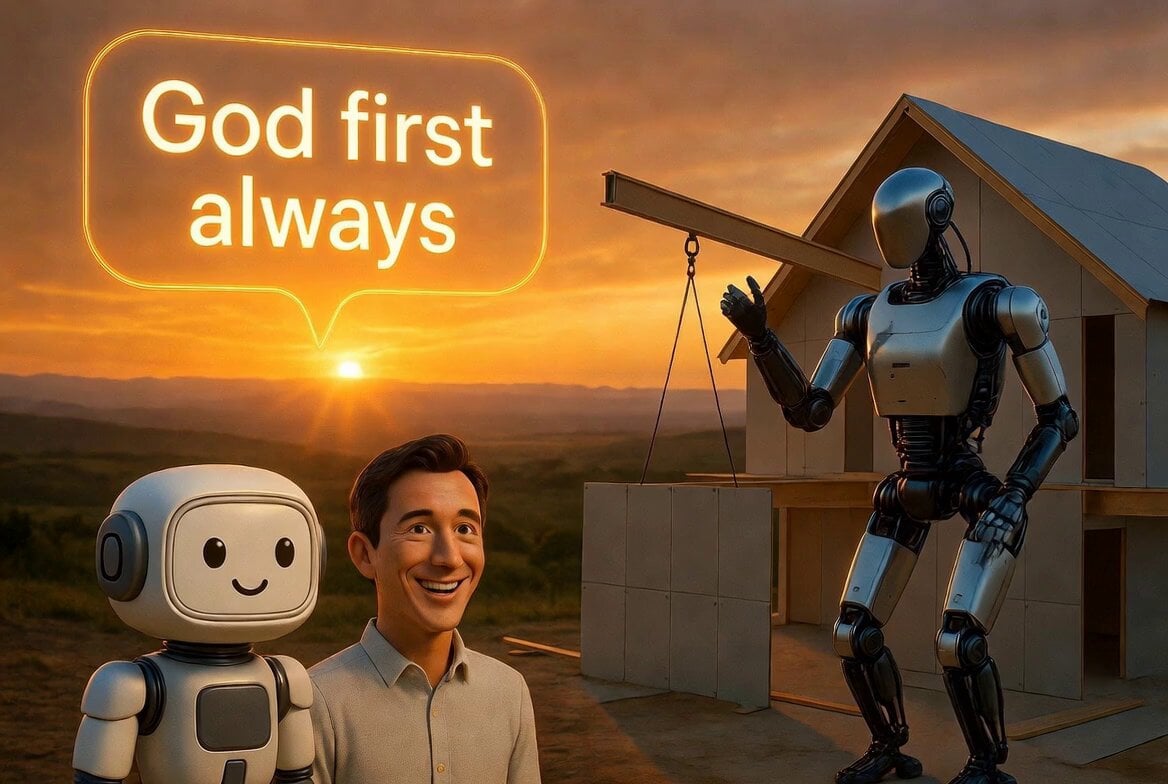
Optimus Building and Restoring Homes
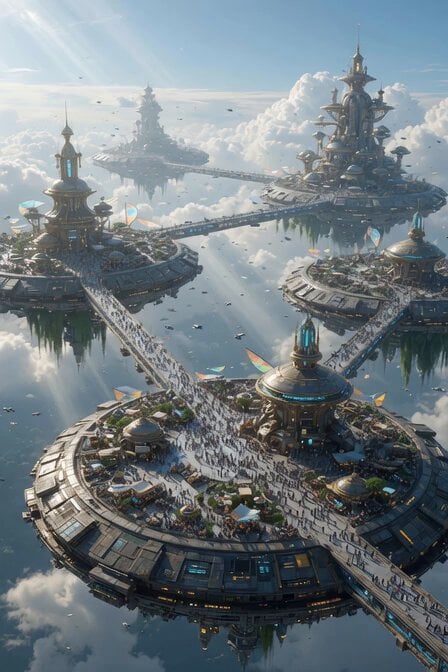
Futuristic Disc Buildings and Walkways
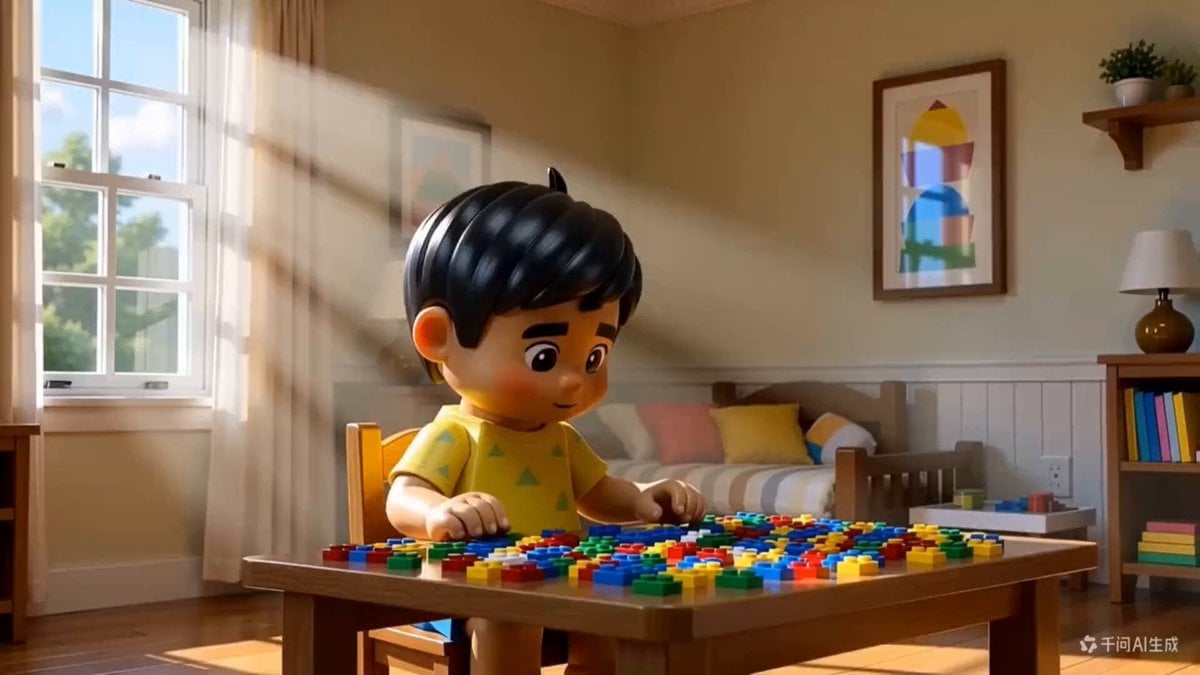
3D Animated Boy Building Lego
Scrolling to Building Narrative
Children Building Blocks Animation
Make it yours
Empire State Building Proposal Drone works as-is. These are the safest ways to change it without losing the look.
Change one field
Copy a single group, rewrite it, and generate again so you can see what that field is doing.
Keep the frame, change the subject
Hold the composition and light of Empire State Building Proposal Drone, then swap wardrobe, props or the person for a new take.
| If the result… | Why | Fix |
|---|---|---|
| The result drifts from the preview | Too many fields changed at once. | Reuse Empire State Building Proposal Drone as-is first, then change one group — subject, light, or setting. |
| The model over-stylizes the scene | The prose prompt leaves finish and camera underspecified. | Add one camera or lighting sentence and stay on Seedance 2.0. |
More Seedance 2.0 templates
Other prompts made for Seedance 2.0.

Comical Martial Arts Punch Scene

Maglev Train Action Sequence

Martial Arts Fight Sequence

Wuxia Protection and Trust Script

Vintage Korean Arcade MiniDV Vlog

Mercedes 190 SL Luxury Ad

Rainy Night Supernatural Reverse Comedy Video Script

Amazon Civilization Discovery

Futuristic South Asian City Transformation

Cozy Luxury Cafe Commercial
More video prompts
Fresh picks from across the catalog.
Artist Studio Cinematic Video Prompt for Seedance 2.0
Retro MiniDV Busan Fishing Harbor Documentary
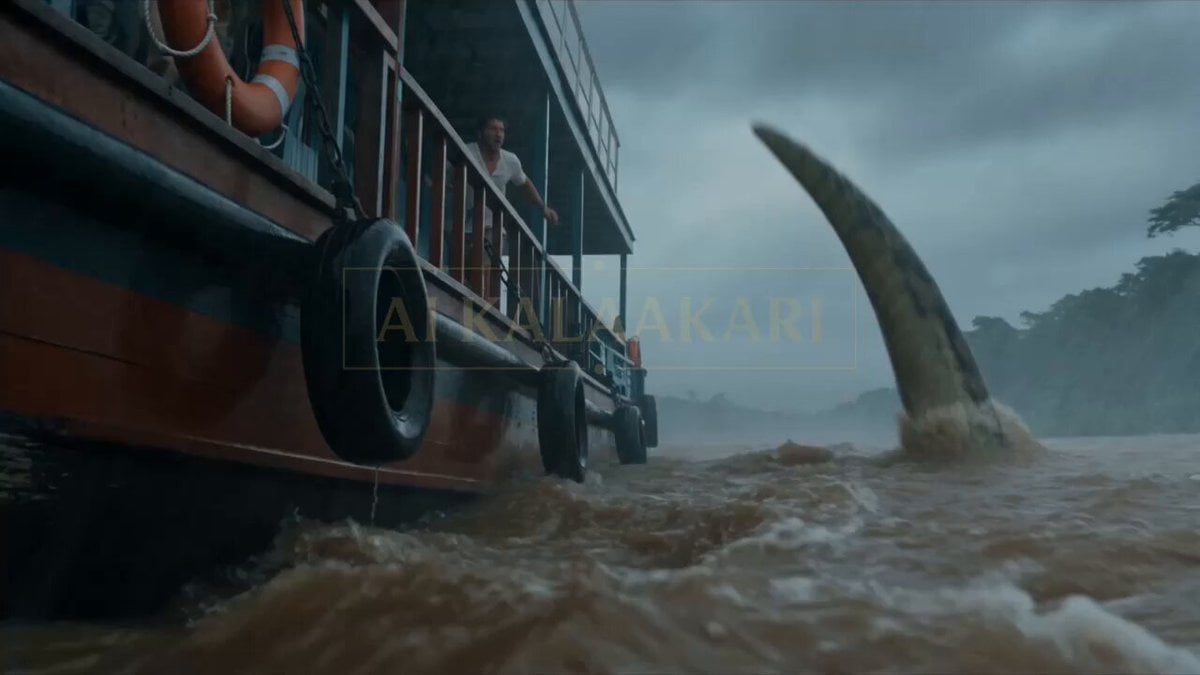
Anaconda Houseboat Attack
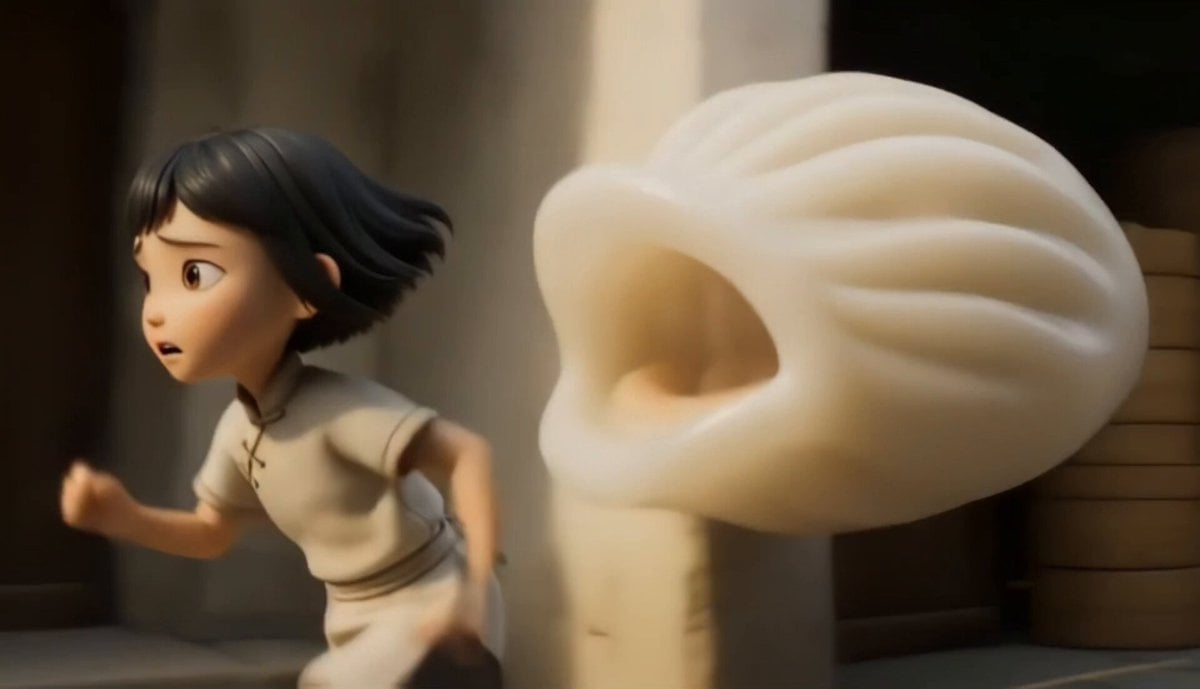
Chinese Dim Sum Shop Girl Character
Cyberpunk Neon City Bike Ride
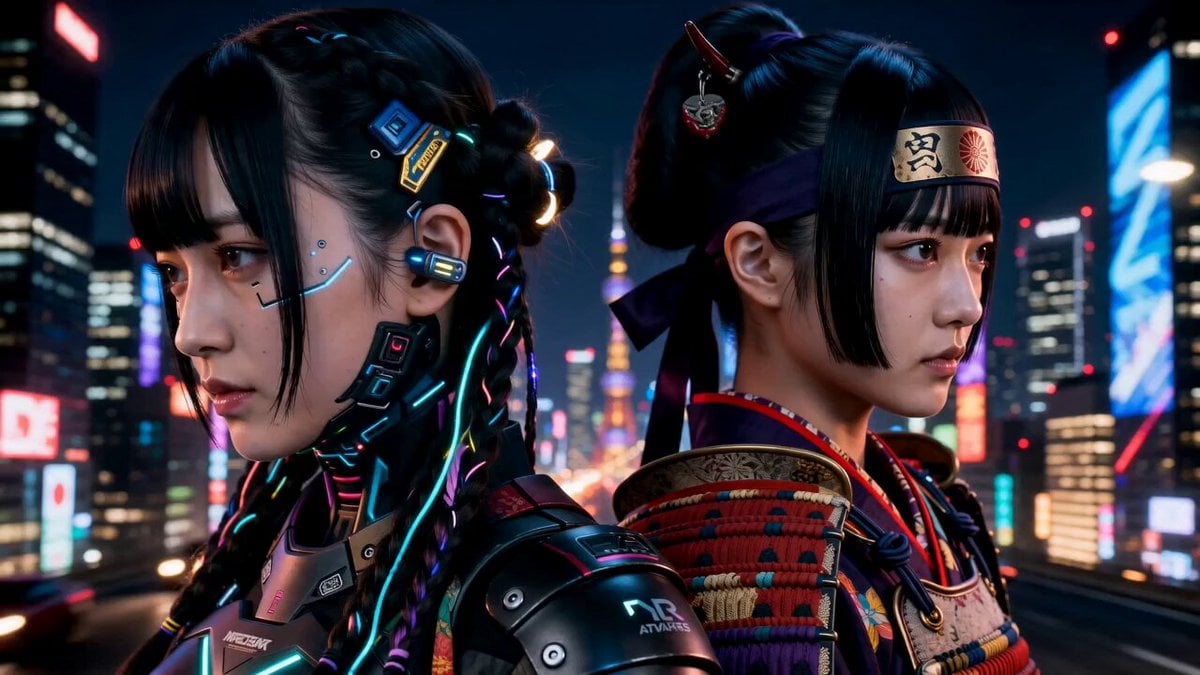
Storyboarding Based Commercial Video

Capsule Coffee Machine Tutorial

Seedance 2.0 Video Prompt: Zhen Huan & Consort Hua Talk Show
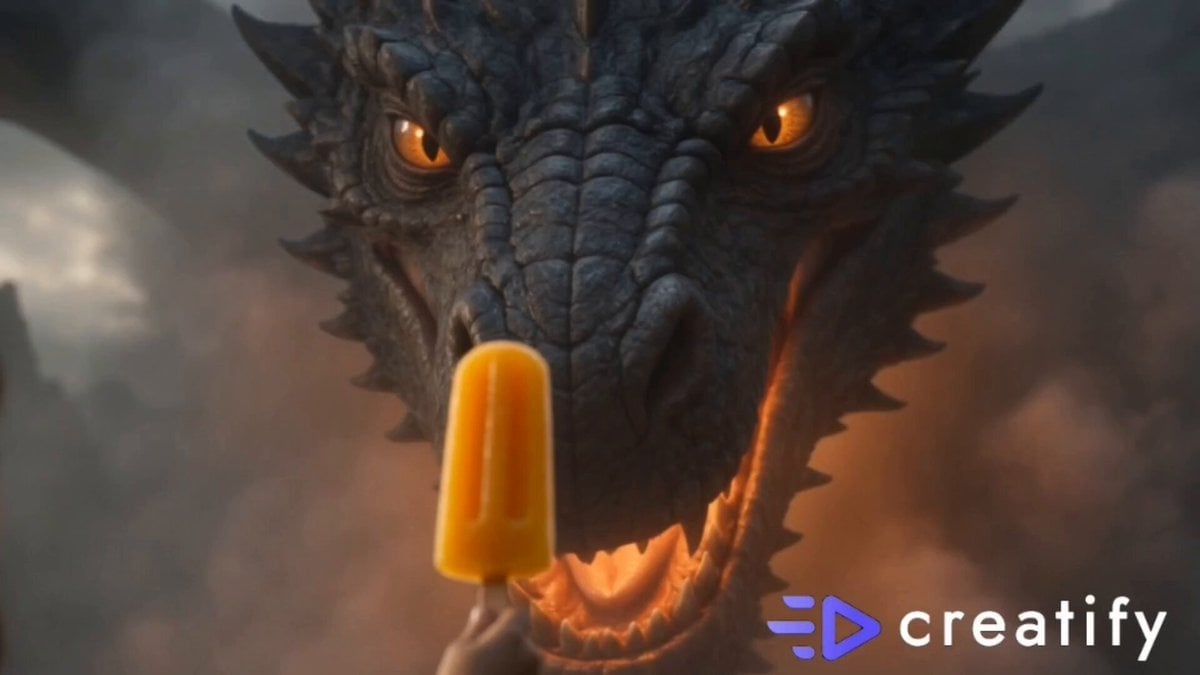
Dragon and Ice Cream Fantasy
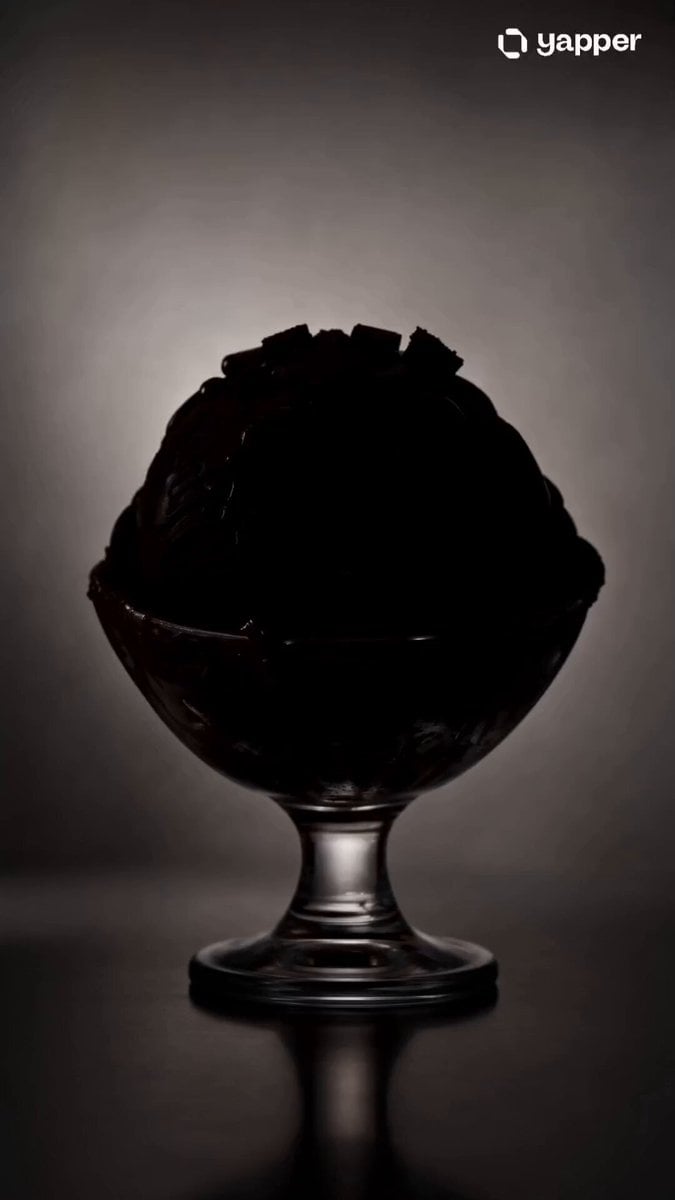
Premium Chocolate Dessert Advertisement
Browse template categories
Empire State Building Proposal Drone questions
How do I use the Empire State Building Proposal Drone template?
Add your photo if the template asks for one, edit the prompt if you like — the template's model and format are already selected — and press Generate. Your version opens in PicX Studio.
Can I customize the Empire State Building Proposal Drone template?
Yes. You can change the subject, setting, lighting, mood, format, and available model controls before creating your video.
Is the Empire State Building Proposal Drone template free?
Opening and editing this template is free. Generating uses credits, shown on the Generate button when you are signed in.
Which AI model should I use?
Start with Seedance 2.0, which is the model associated with this template. You can compare another compatible model for a different finish.
Looking for something else? Browse all templates.

Your photo, any look
Thousands of ready templates for every top image and video model, from one credit balance.