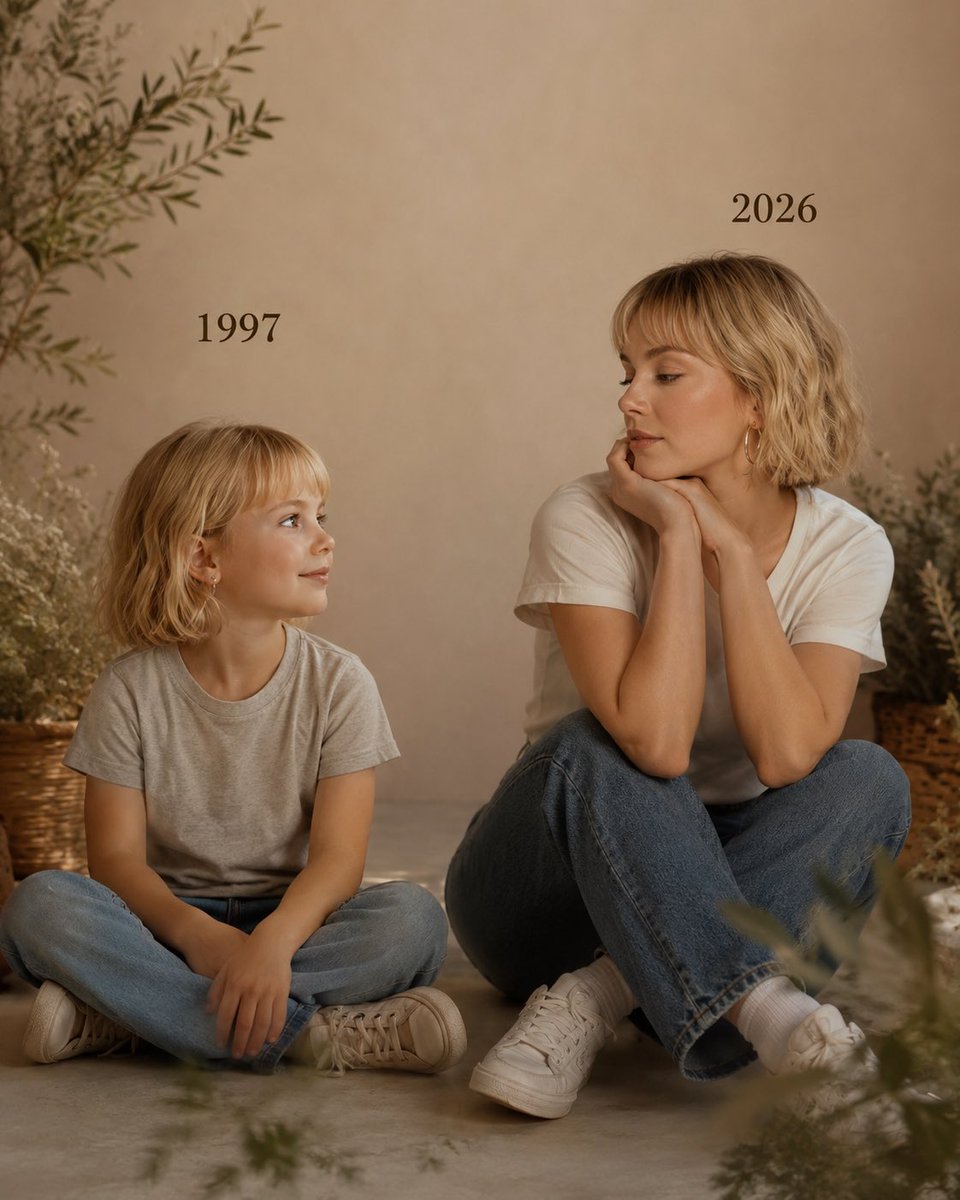
How do I use the Sydney Sweeney Luxury Kitchen Fashion Editorial template?
Choose the primary action to open PicX Studio with the available template settings. Review the model and format, personalize the creative direction, and generate when ready.
A detailed JSON prompt for Nano Banana 2, generating an ultra-realistic cinematic fashion photograph of Sydney Sweeney in a luxury modern kitchen. Change the subject, setting, or lighting one variable at a time.

{ "scene": { "type": "luxury modern kitchen interior", "style": "ultra realistic cinematic fashion photography", "environment": "high-end contemporary kitchen with dark cabinets, marble island counter, warm under-cabinet lighting, wooden floor" }, "subject": { "identity": "{argument name="celebrity name" default="Sydney Sweeney"}", "pose": "standing beside a marble kitchen island, leaning slightly with one hand resting on the counter, one leg bent forward in an elegant pose", "expression": "calm confident gaze directed at the camera", "appearance": { "hair": "long soft wavy blonde hair", "makeup": "soft glamorous makeup with natural glowing skin", "skin_texture": "highly detailed natural skin" } }, "wardrobe": { "outfit": "black satin mini slip dress with thin straps", "footwear": "elegant silver high heel sandals with thin straps" }, "composition": { "framing": "full body portrait", "camera_angle": "eye level fashion photography perspective", "background": "modern kitchen interior softly blurred" }, "lighting": { "setup": "soft cinematic interior lighting", "details": "warm under-cabinet lights illuminating the kitchen, balanced soft shadows, natural skin highlights" }, "camera": { "type": "professional DSLR", "lens": "50mm portrait lens", "settings": "f/2.8 shallow depth of field", "quality": "8k ultra photorealistic", "focus": "sharp focus on subject" }, "render": { "style": "hyper realistic fashion editorial photography", "details": "realistic fabric texture, natural hair strands, cinematic lighting, professional photography look", "restrictions": "no watermark, no logo, no text" }, "aspect_ratio": "3:4" }
Choose the primary action to open PicX Studio with the available template settings. Review the model and format, personalize the creative direction, and generate when ready.
Yes. You can change the subject, setting, lighting, mood, format, and available model controls before creating your image.
This template is free to open and customize. Generation usage is shown in PicX Studio before you create.
Start with Nano Banana 2, which is the model associated with this template. You can compare another compatible model for a different finish.
Follow a topic to a crawlable collection of related PicX Studio templates.
43,474 public templates available. Verified via the PicX Studio public templates API; refreshed hourly.











![Naive doodle-style subject illustration — A doodle-style {argument name="subject" default="[subject]"}, naive lines, humorous shape exaggeration](https://pbs.twimg.com/media/G6Wl2YxbsAARB2b.jpg)











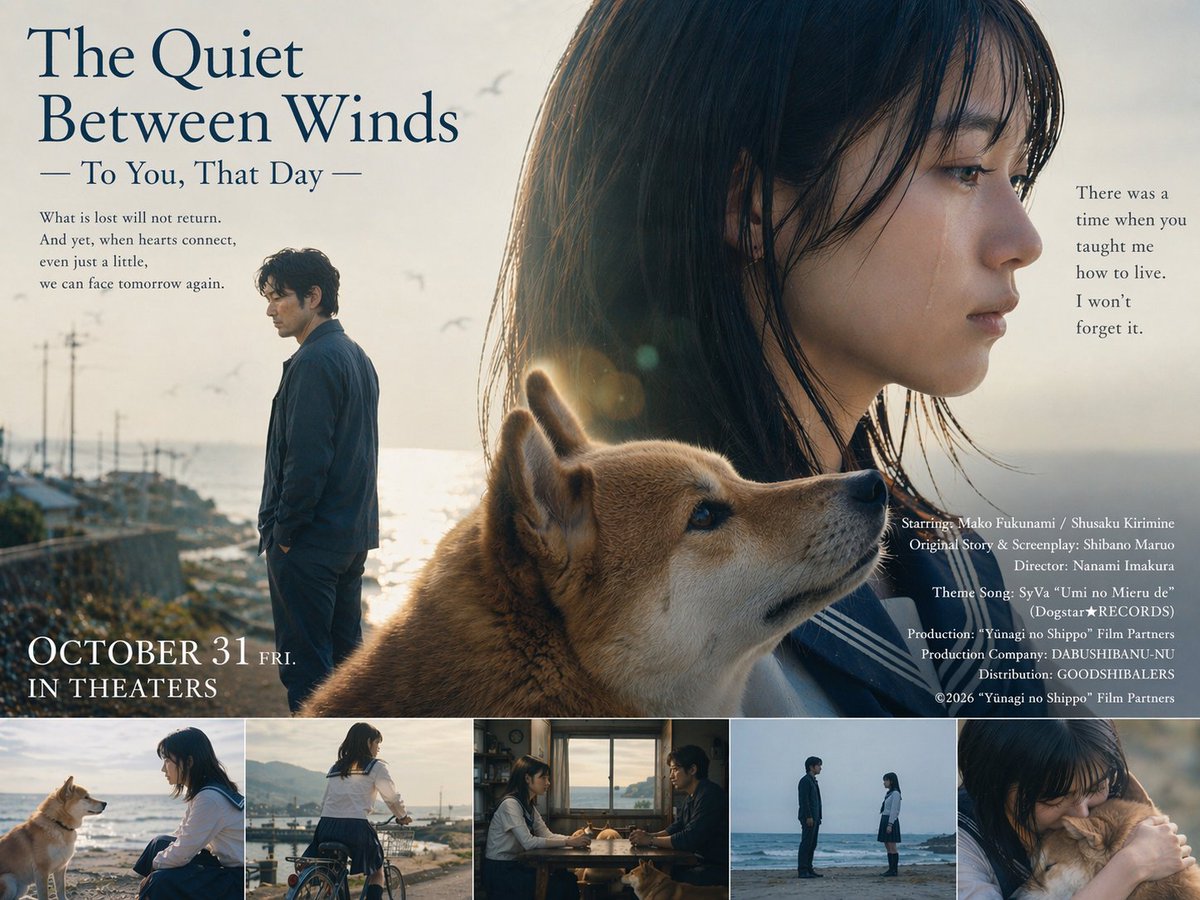



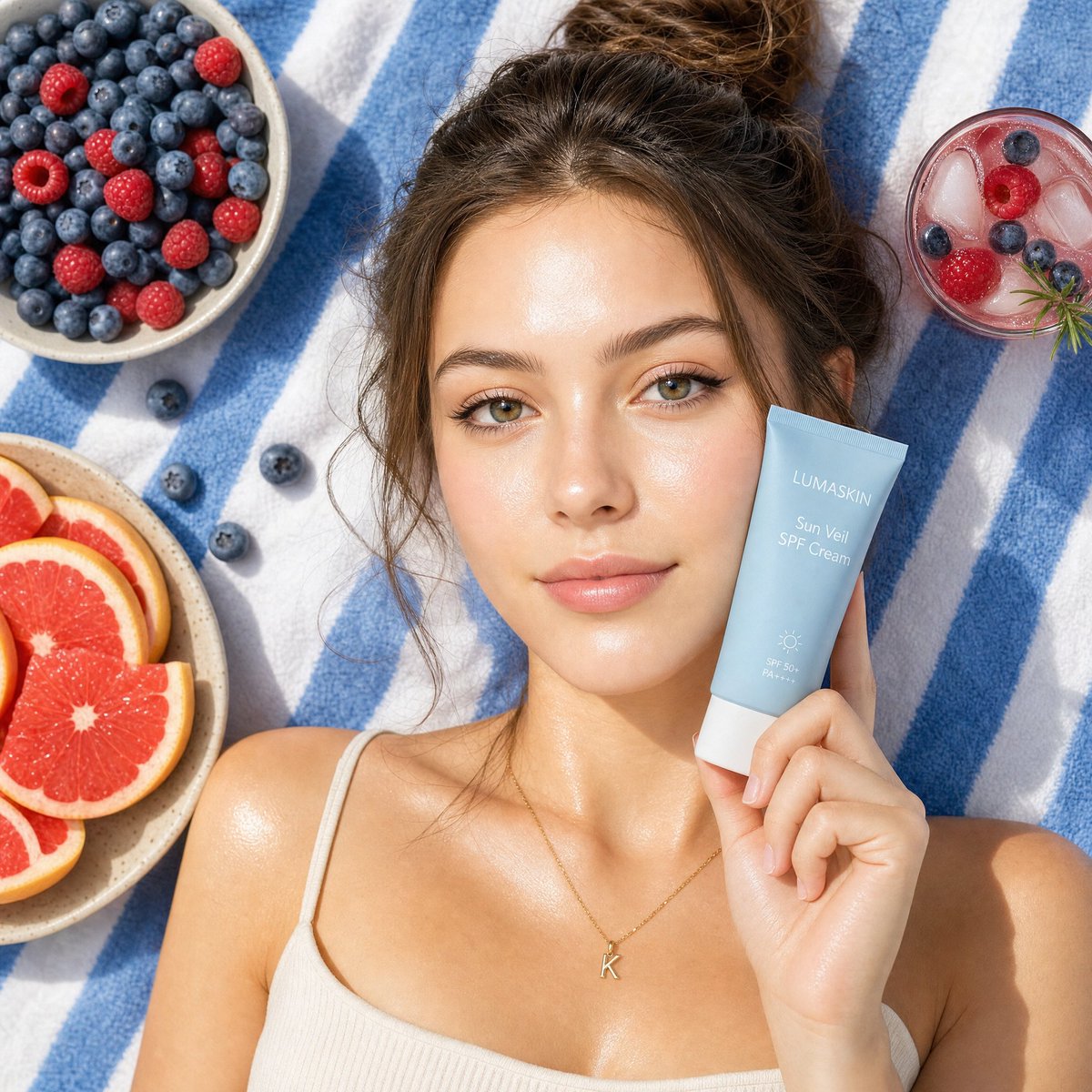


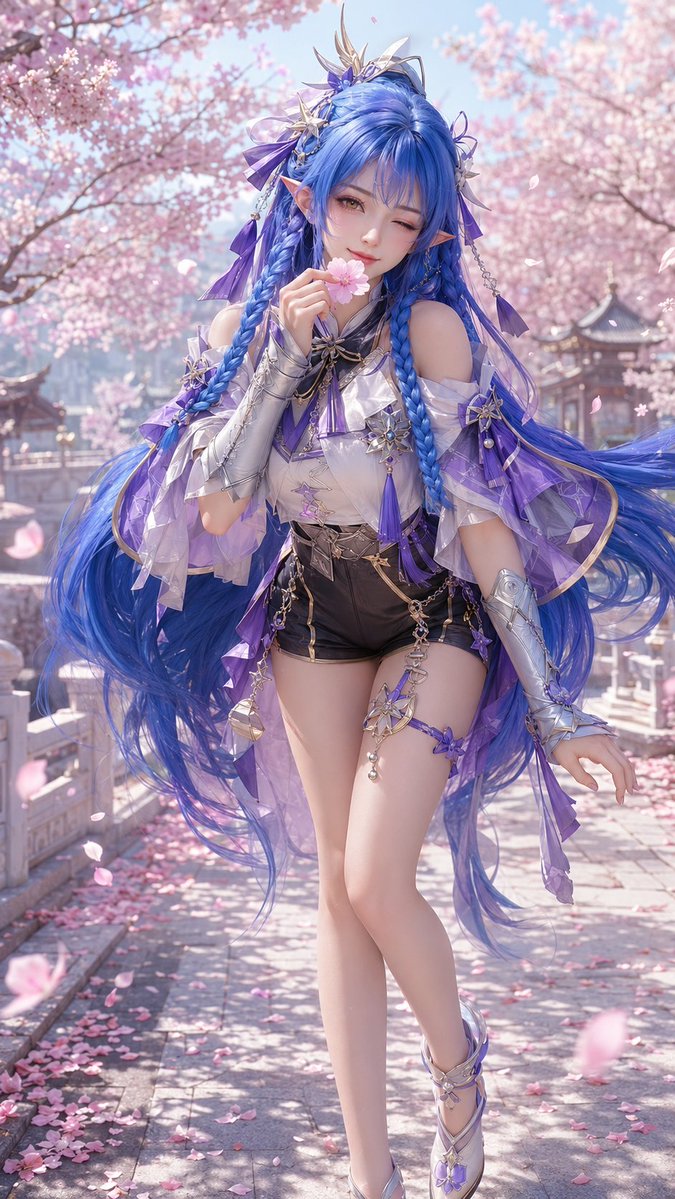


![Character Growth Sheet Generator — 이 이미지를 참고해서 캐릭터 성장 시트를 만들어줘
[현재 캐릭터 정보]
- 캐릭터이름 : {argument name="이름" default="브란키데"}
- 현재 나이 : {argument name="나이" default=](https://cms-assets.youmind.com/media/1777711065073_z7egte_HHOiCXNboAAA2OT.jpg)



![Professional Logo VI Design Manual — 我的网名是[{argument name="网名" default="ShyNloc"}],严格遵循我的大小写写法。
其中N字母要特别设计,风格[{argument name="风格" default="折纸风格"}]。
颜色搭配:[{argum](https://cms-assets.youmind.com/media/1777884774252_pohvt7_HHZ6BaNbcAA7nnr.jpg)