
Japanese Travel Vlogger in Thailand
A detailed prompt for creating a character reference collage of a traveler across various locations in Thailand.

- Prompt included
- Model and format preset
- Free template
The prompt behind this video
Copy the exact prompt behind Japanese Travel Vlogger in Thailand, or open it in the studio and make it yours.
Don't change face. Generate image of her as a Japanese travel vlogger exploring Thailand across exactly 8 candid moments, beautiful with long wavy sunlit brown hair, soft glam makeup, cheerful adventurous personality, wearing modest yet fashionable Thailand travel outfits — breezy linen dresses, flowy maxi skirts, oversized button-up shirts, lightweight cardigans, relaxed wide-leg trousers, elegant co-ord sets, comfortable sandals and sneakers. Stylish, feminine, travel-chic, appropriate for tropical weather. Frame breakdown includes: — longtail boat selfie in Krabi, turquoise water sparkling behind her, wind-blown hair, spontaneous smile — colorful Bangkok floating market candid holding tropical fruit and iced Thai tea, bustling atmosphere — Wat Arun temple visit, modest elegant outfit, golden sunlight, authentic tourist moment — street food market candid trying mango sticky rice, lively evening crowd, warm ambient lights — beach sunset walk in Phuket, barefoot near shoreline, golden-hour glow, carefree expression — Chiang Mai night market candid with handmade souvenirs and lantern lights, vibrant local energy — café balcony moment overlooking tropical scenery, relaxed smile, natural morning light — final frame: feeding friendly cats near a quiet beachside alley at sunset, laughing as one approaches unexpectedly, warm cinematic glow, handheld candid capture Style: realistic Thailand travel vlog collage, authentic smartphone camera feel, handheld iPhone photography, natural imperfections, subtle motion blur, realistic skin texture, tropical humidity haze, warm cinematic lighting, candid Gen Z social media realism, genuine travel storytelling, casual framing, beautiful vacation memories, no studio polish, no text, no numbering, seamless collage layout, vibrant tropical colors, authentic Thailand atmosphere.
How to use Japanese Travel Vlogger in Thailand in 3 steps
- 1
Open
The prompt is already in the box next to the preview, with the template's model and format selected.
- 2…a portrait of your subject in softgolden-hour light, 85mm…
Personalize
Edit the subject and creative details for your destination.
- 3Generate
Generate
Press Generate — your video is created in PicX Studio, so you can compare it with the original and refine one variable at a time.
More like this
Templates with the same subject, style or setup. Open one to see its prompt.

Handheld Tokyo Travel Vlog - Seedance 2.5

Product UGC Commercial

Japanese Pure Love Short Film

Luxury Airport Travel Vlog

Kyoto Morning Selfie Vlog

Kenting Lifestyle Travel Vlog
Misa Time Freeze Japanese

Japanese Summer Festival Travel Vlog
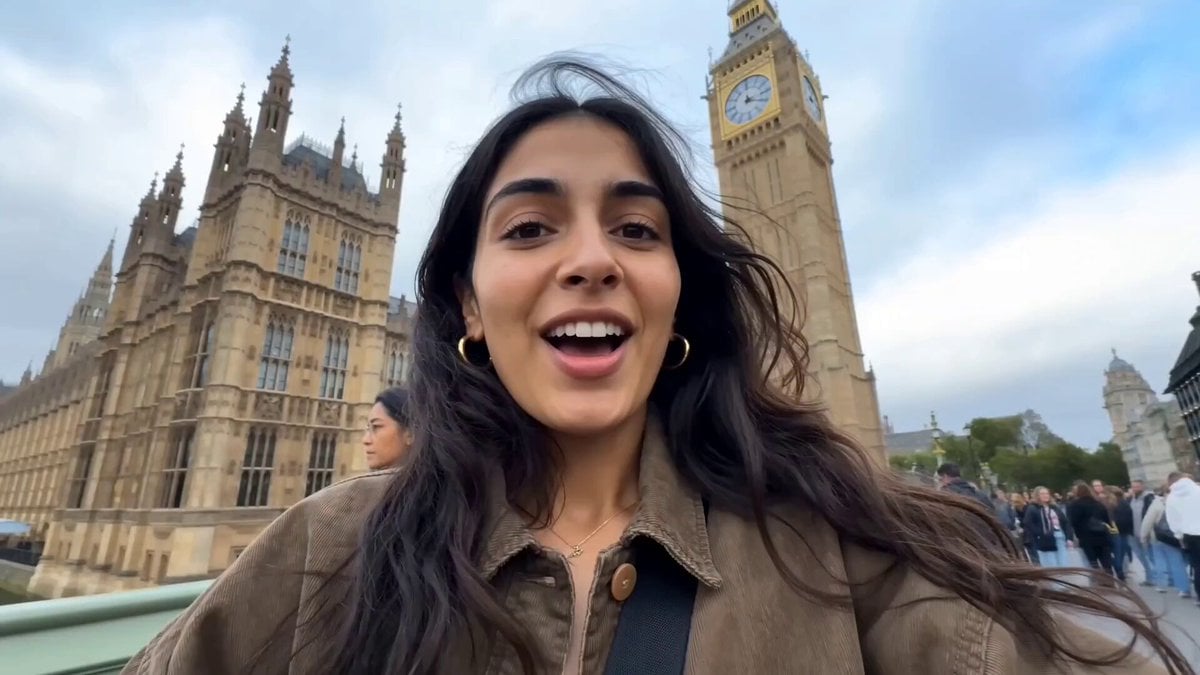
Female Travel Vlogger in London
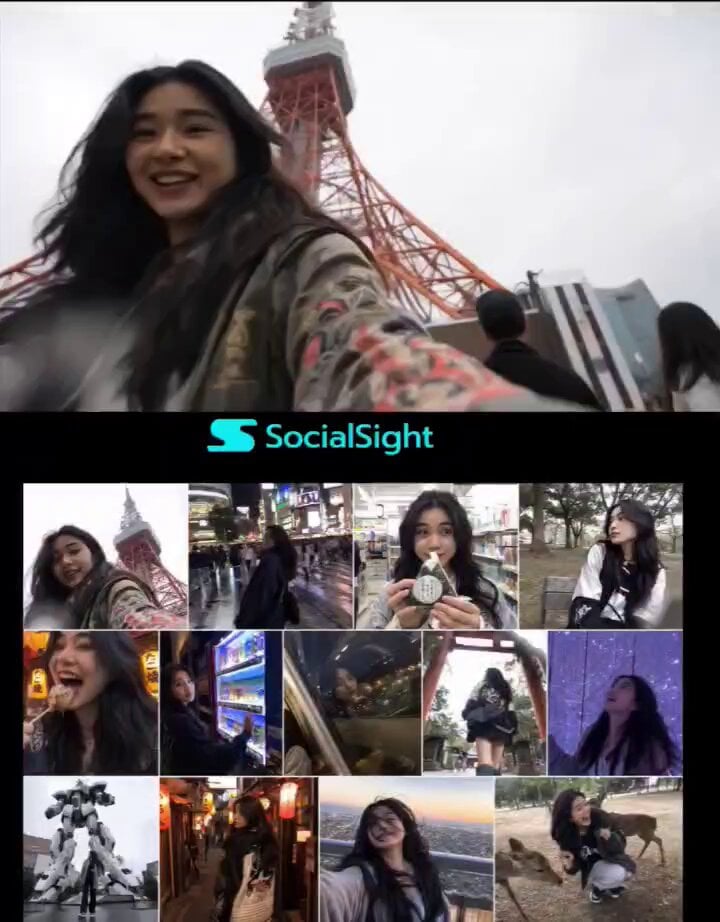
Tokyo Travel Vlogger Collage
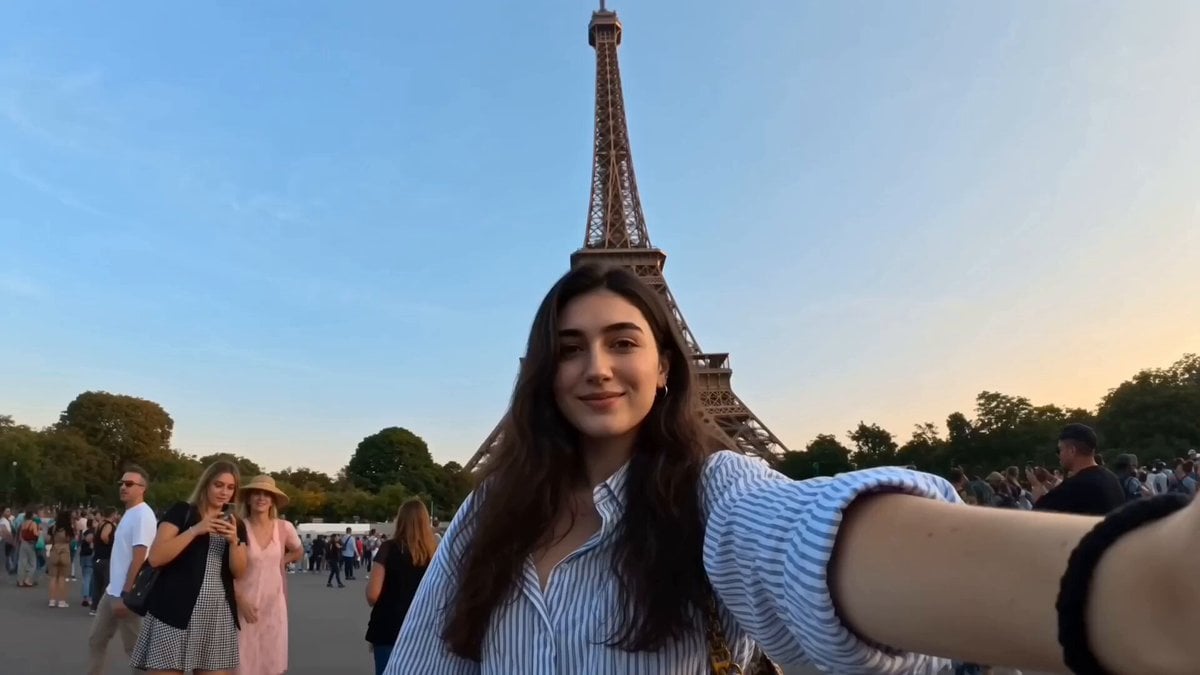
Global Travel Vlogger Hyper-lapse
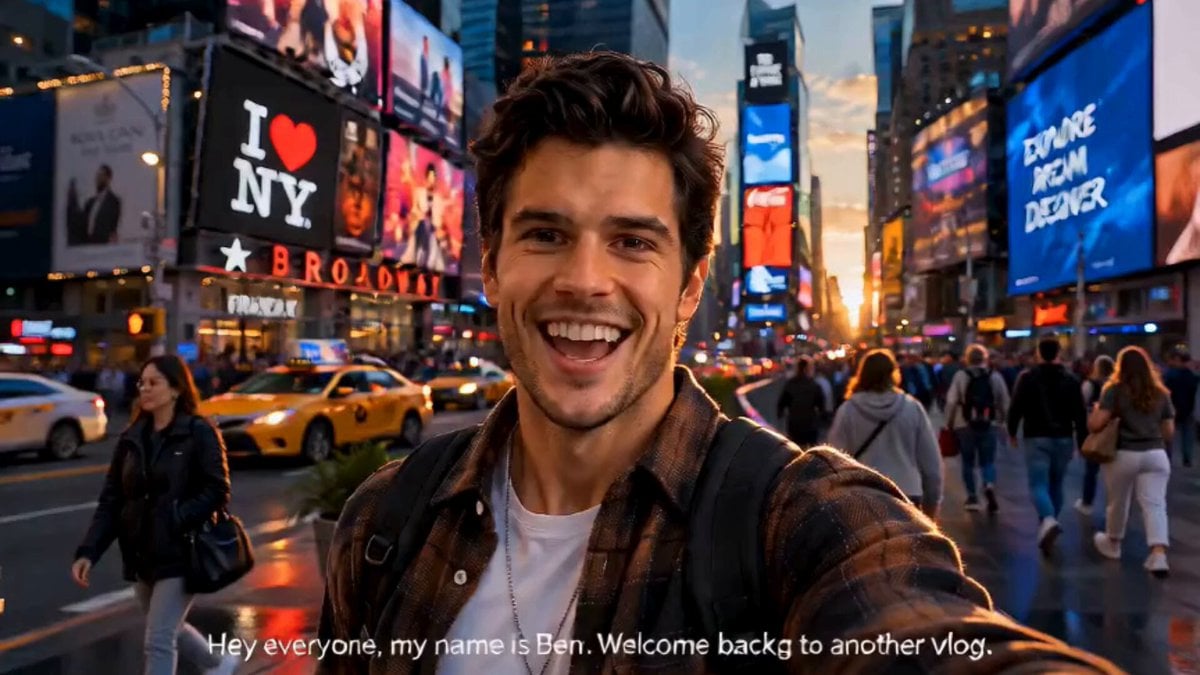
NYC Travel Vlogger Ben Script
Make it yours
Japanese Travel Vlogger in Thailand works as-is. These are the safest ways to change it without losing the look.
Change one field
Copy a single group, rewrite it, and generate again so you can see what that field is doing.
Keep the frame, change the subject
Hold the composition and light of Japanese Travel Vlogger in Thailand, then swap wardrobe, props or the person for a new take.
| If the result… | Why | Fix |
|---|---|---|
| The result drifts from the preview | Too many fields changed at once. | Reuse Japanese Travel Vlogger in Thailand as-is first, then change one group — subject, light, or setting. |
| The model over-stylizes the scene | The prose prompt leaves finish and camera underspecified. | Add one camera or lighting sentence and stay on Seedance 2.0. |
More Seedance 2.0 templates
Other prompts made for Seedance 2.0.

Comical Martial Arts Punch Scene

Maglev Train Action Sequence

Martial Arts Fight Sequence

Wuxia Protection and Trust Script

Vintage Korean Arcade MiniDV Vlog

Mercedes 190 SL Luxury Ad

Rainy Night Supernatural Reverse Comedy Video Script

Amazon Civilization Discovery

Futuristic South Asian City Transformation

Cozy Luxury Cafe Commercial
More video prompts
Fresh picks from across the catalog.
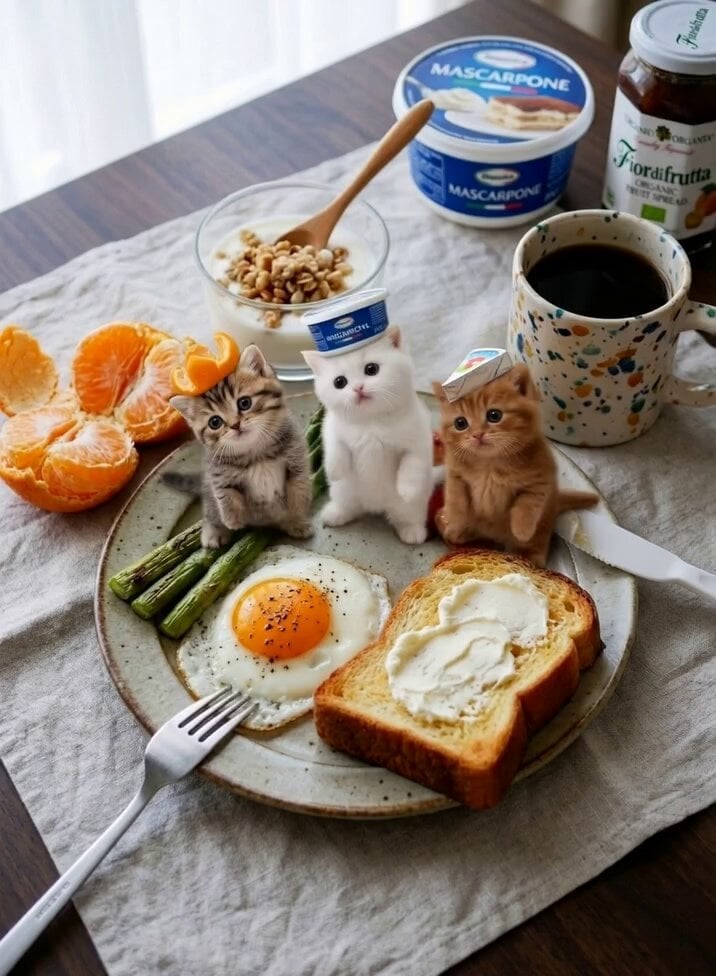
Miniature Kittens Breakfast Table Dance
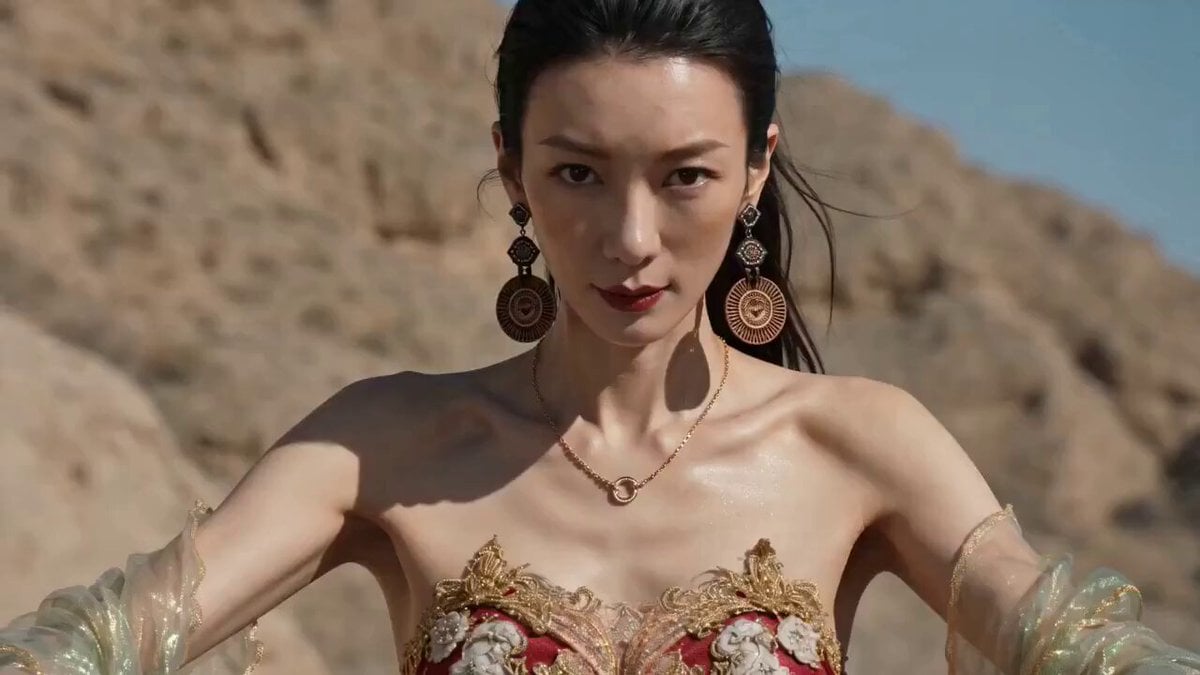
Extreme Off-Road Motorcycle Cinematic Stunt
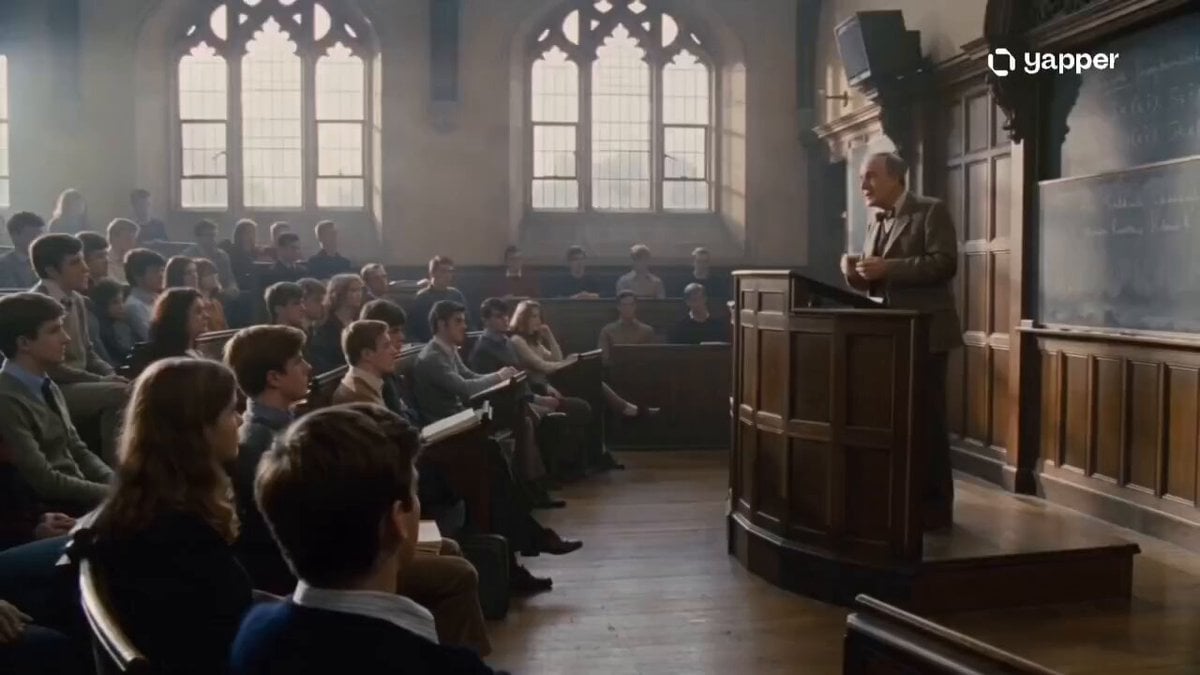
1970s Academic Lecture Drama

Lady and Alien in Popcorn Pool
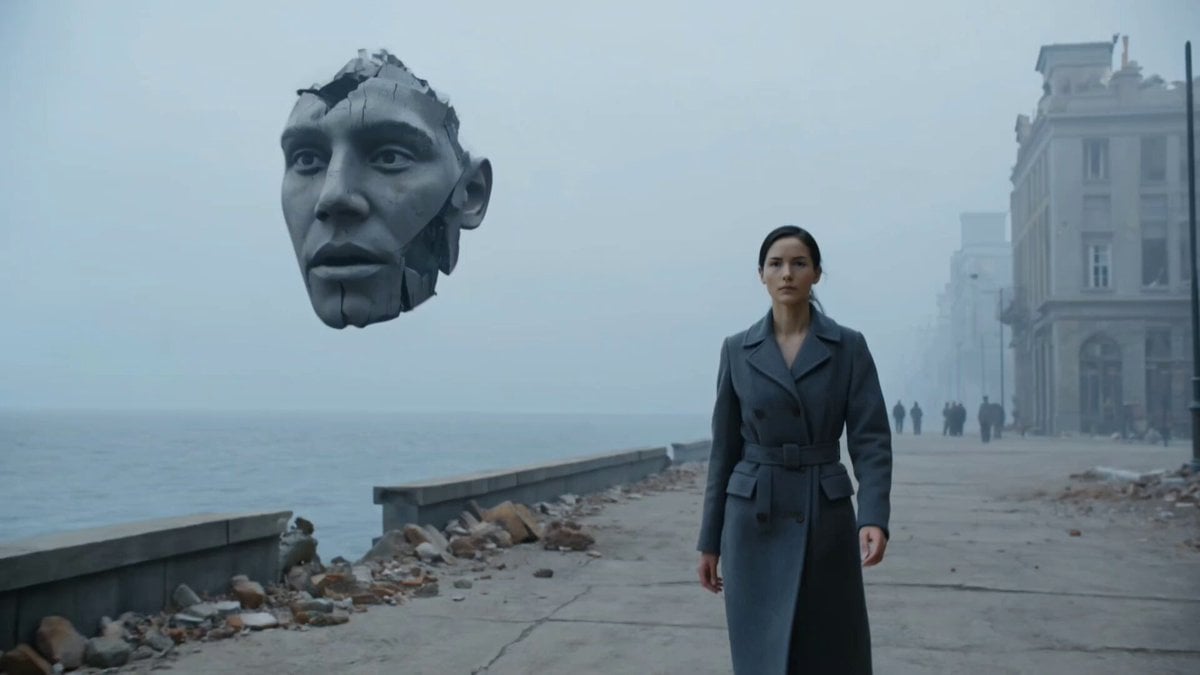
Dystopian Surreal Cinematic Video Prompt for Seedance 2.0
Desert Base Alien Attack Cinematic Script

Fantasy Isekai Anime Storyboard
Will Smith fighting a spaghetti monster
Cinematic Space Panorama Pan
Low FPS Flipbook Animation
Browse template categories
Japanese Travel Vlogger in Thailand questions
How do I use the Japanese Travel Vlogger in Thailand template?
Add your photo if the template asks for one, edit the prompt if you like — the template's model and format are already selected — and press Generate. Your version opens in PicX Studio.
Can I customize the Japanese Travel Vlogger in Thailand template?
Yes. You can change the subject, setting, lighting, mood, format, and available model controls before creating your video.
Is the Japanese Travel Vlogger in Thailand template free?
Opening and editing this template is free. Generating uses credits, shown on the Generate button when you are signed in.
Which AI model should I use?
Start with Seedance 2.0, which is the model associated with this template. You can compare another compatible model for a different finish.
Looking for something else? Browse all templates.

Your photo, any look
Thousands of ready templates for every top image and video model, from one credit balance.