
Vintage Train Carriage with Galloping Horses
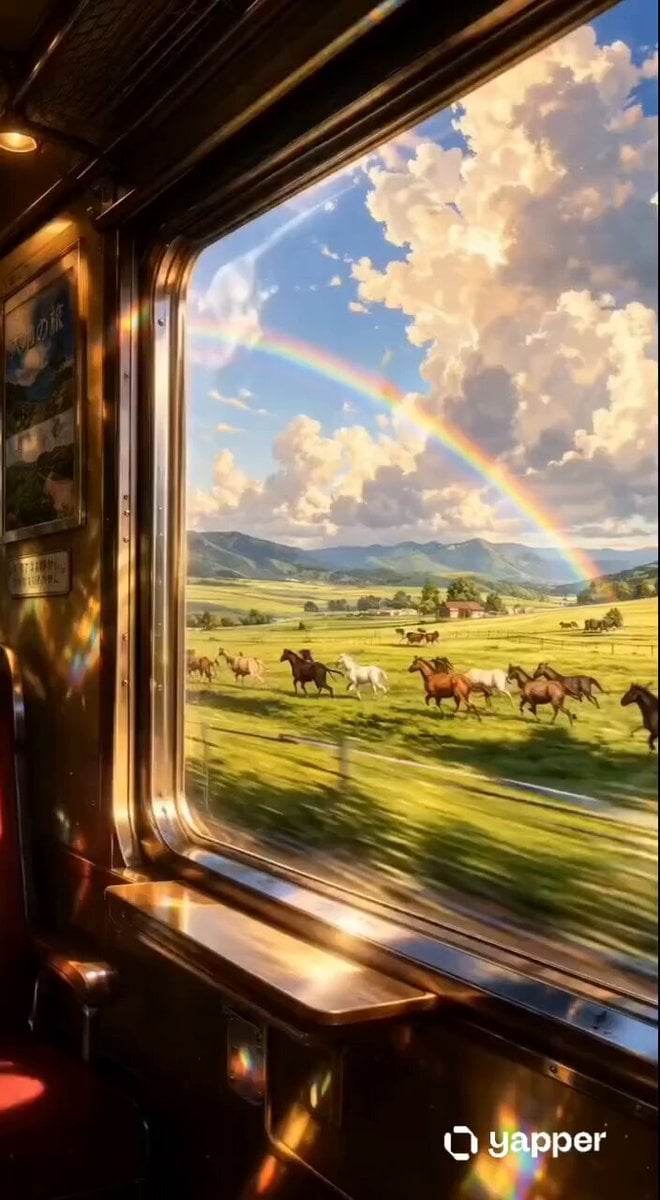
A serene, cinematic video prompt depicting a view from a vintage train carriage window as a herd of horses gallops alongside a rainbow-arched meadow.
- Prompt included
- Model and format preset
- Premium template
The prompt behind this video
Copy the exact prompt behind Vintage Train Carriage with Galloping Horses, or open it in the studio and make it yours.
13-second cinematic video, smooth 24fps, inside a luxurious vintage train carriage with polished brass trim, warm golden lighting, and a red velvet seat. Static camera fixed to the train interior, looking out a large window as the train speeds forward. Outside, a vast lush green countryside meadow rushes past with heavy horizontal motion blur on grass, white fence posts, and tracks. A herd of 12–15 realistic horses (chestnut brown, black, white, and golden bay) gallops powerfully alongside the train from left to right, muscles flexing, manes and tails flowing in the wind, staying parallel to the window in perfect sync with the train’s movement. In the background: rolling green hills, distant mountains, bright blue sky with dramatic fluffy white clouds, and a vivid full rainbow arching across the entire scene. Warm golden sunlight pours through the window creating realistic lens flares, light streaks, and rainbow reflections on the glass and brass interior. On the left wall inside the carriage, a vintage Japanese travel poster with text '大地の旅' is visible. Soft, emotional solo piano music plays throughout. Dreamy yet hyper-detailed photorealistic style, warm color grading, slight natural train vibration, high contrast, cinematic depth of field, 16:9 aspect ratio, emotionally uplifting and serene atmosphere.
How to use Vintage Train Carriage with Galloping Horses in 3 steps
- 1
Open
The prompt is already in the box next to the preview, with the template's model and format selected.
- 2…a portrait of your subject in softgolden-hour light, 85mm…
Personalize
Edit the subject and creative details for your destination.
- 3Generate
Generate
Press Generate — your video is created in PicX Studio, so you can compare it with the original and refine one variable at a time.
More like this
Templates with the same subject, style or setup. Open one to see its prompt.
Vintage Steam Train in Autumn Forest
Subway Flood — Epic Tunnel Chaos
Realistic Wing Chun Kung Fu Training Video

Maglev Train Action Sequence

Vintage Korean Arcade MiniDV Vlog
Vintage 16mm Jerusalem Travel Vlog
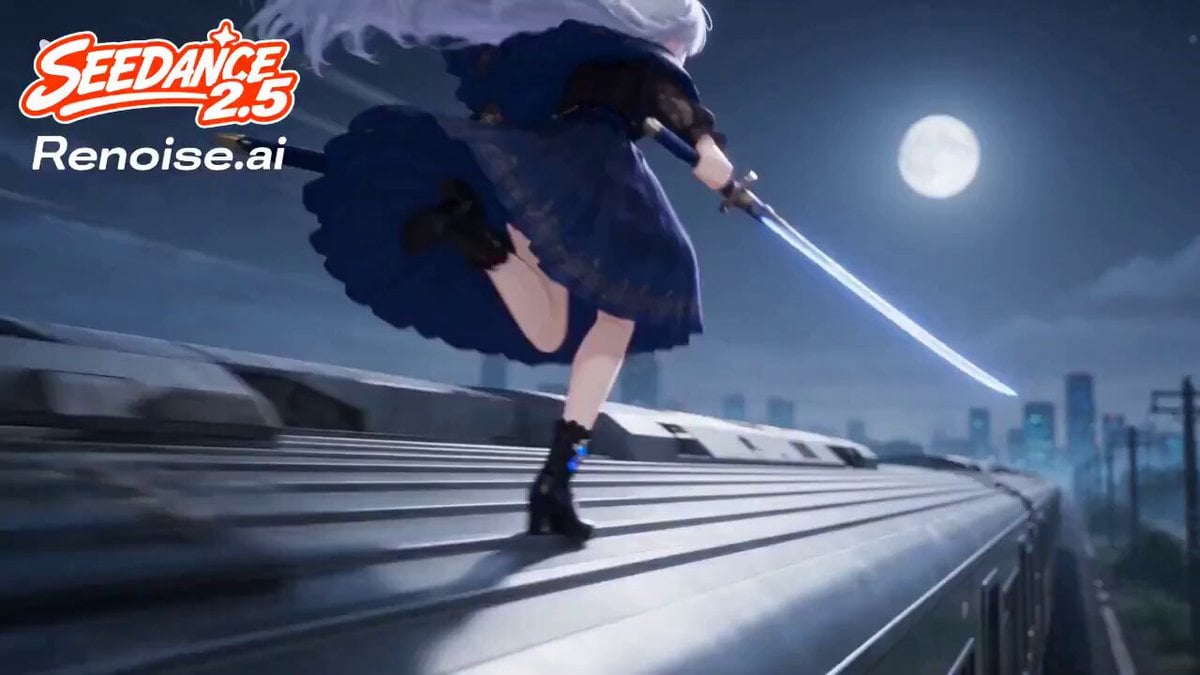
Silver Train Chase Anime Action
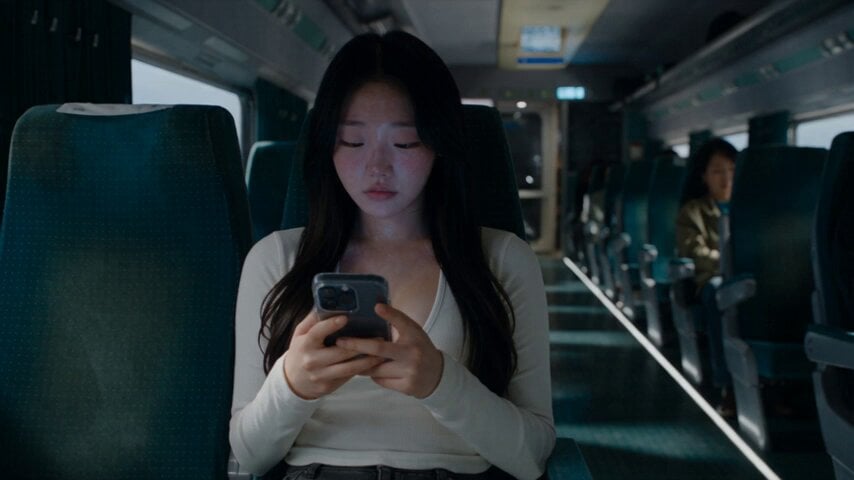
Last Ride Train Outbreak Horror
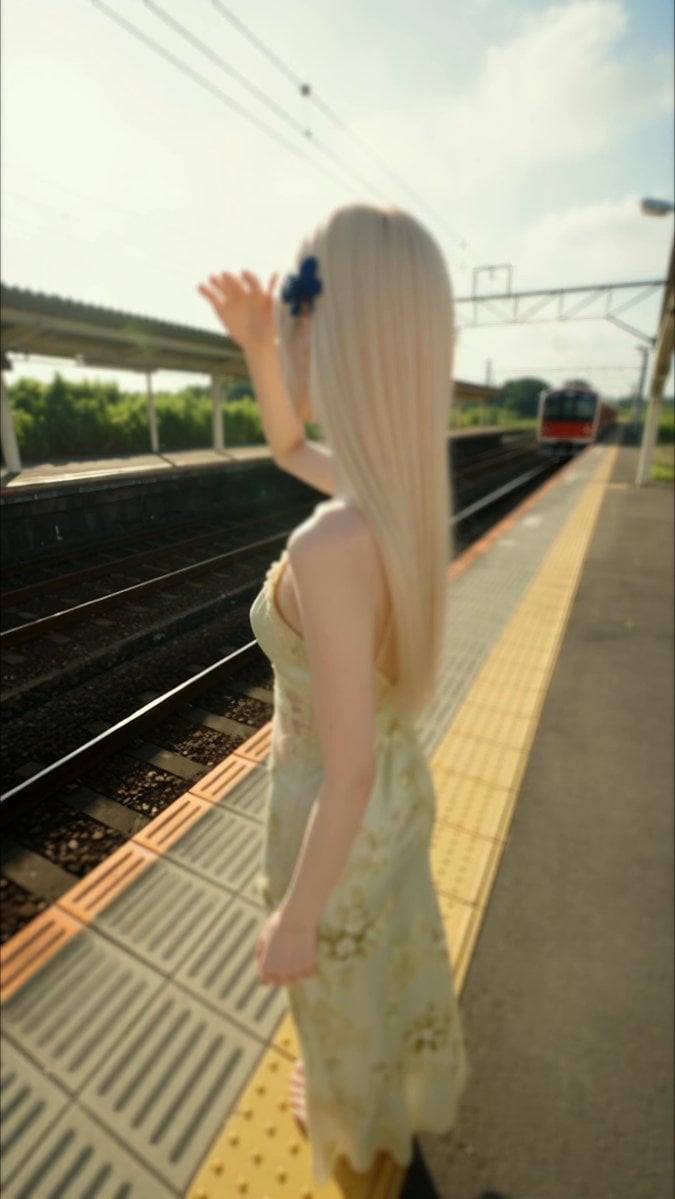
Vintage Japanese MiniDV Travel Memory
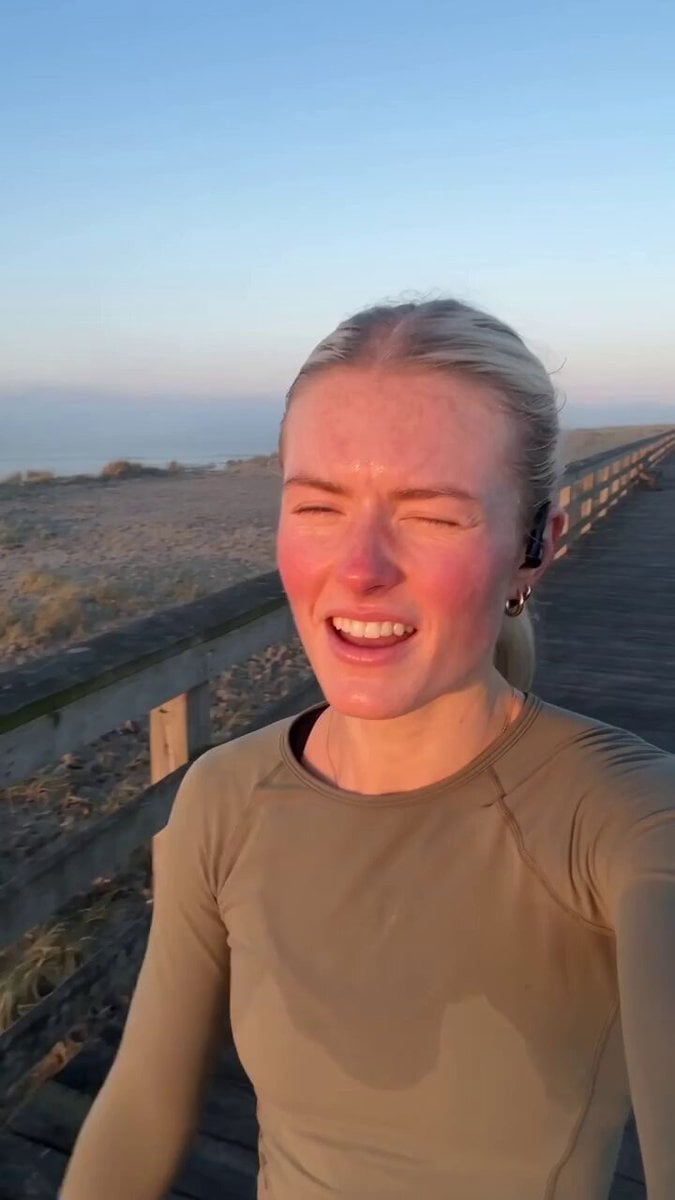
Vintage Camcorder Runner Vlog
Vintage DV Camcorder Badminton Vlog
Vintage 16mm Gym Cardio Vlog
Make it yours
Vintage Train Carriage with Galloping Horses works as-is. These are the safest ways to change it without losing the look.
Change one field
Copy a single group, rewrite it, and generate again so you can see what that field is doing.
Keep the frame, change the subject
Hold the composition and light of Vintage Train Carriage with Galloping Horses, then swap wardrobe, props or the person for a new take.
| If the result… | Why | Fix |
|---|---|---|
| The result drifts from the preview | Too many fields changed at once. | Reuse Vintage Train Carriage with Galloping Horses as-is first, then change one group — subject, light, or setting. |
| The model over-stylizes the scene | The prose prompt leaves finish and camera underspecified. | Add one camera or lighting sentence and stay on Seedance 2.0. |
More Seedance 2.0 templates
Other prompts made for Seedance 2.0.

Comical Martial Arts Punch Scene

Martial Arts Fight Sequence

Wuxia Protection and Trust Script

Mercedes 190 SL Luxury Ad

Rainy Night Supernatural Reverse Comedy Video Script

Amazon Civilization Discovery

Futuristic South Asian City Transformation

Cozy Luxury Cafe Commercial

Cyber Ronin Nanotech Transformation Video

Desert Courier and Sandstorm Leviathan Chase
More video prompts
Fresh picks from across the catalog.

Cinematic Sci-Fi Blockbuster Video Prompt
Bacon Latte Commercial Prompt
Daylight vampire video prompt
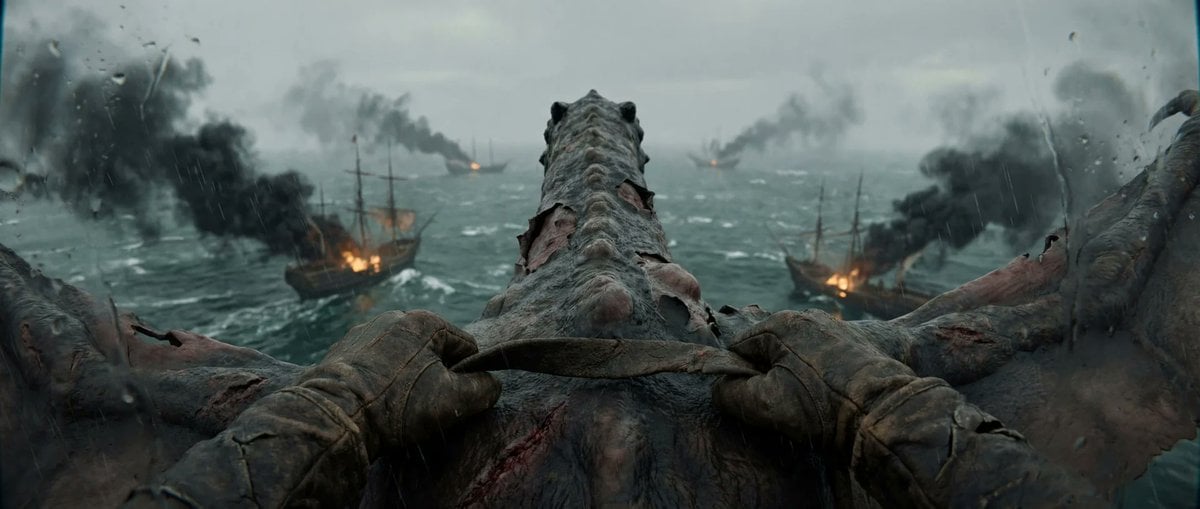
First-Person Dragon Rider Attack
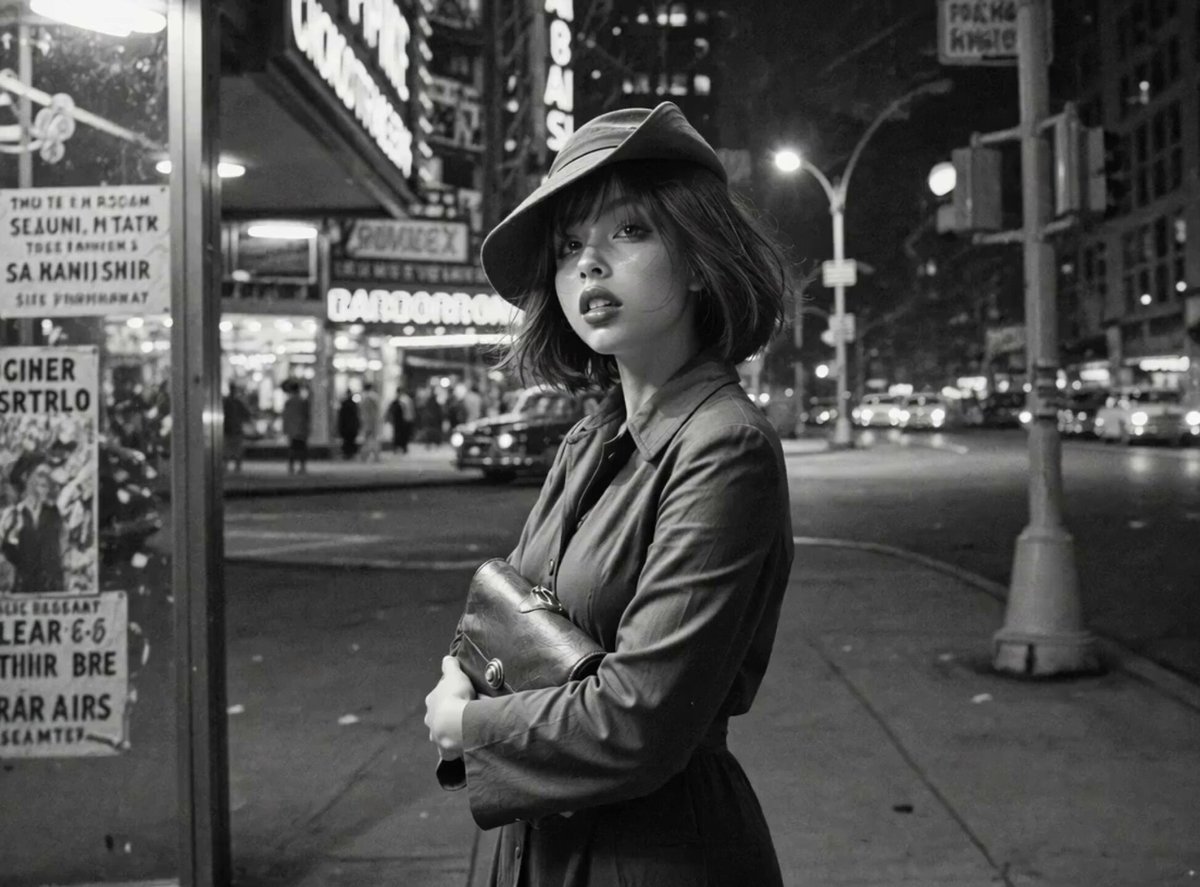
Neon Jazz Cityscape
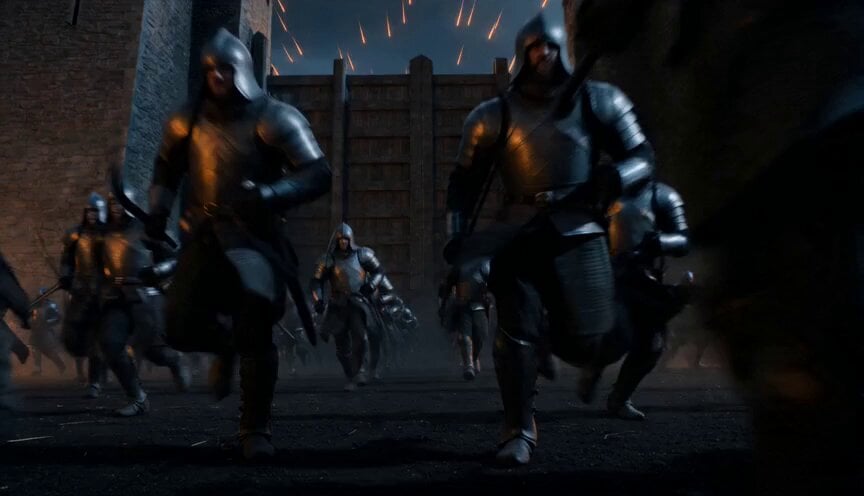
Epic Night Battlefield Siege
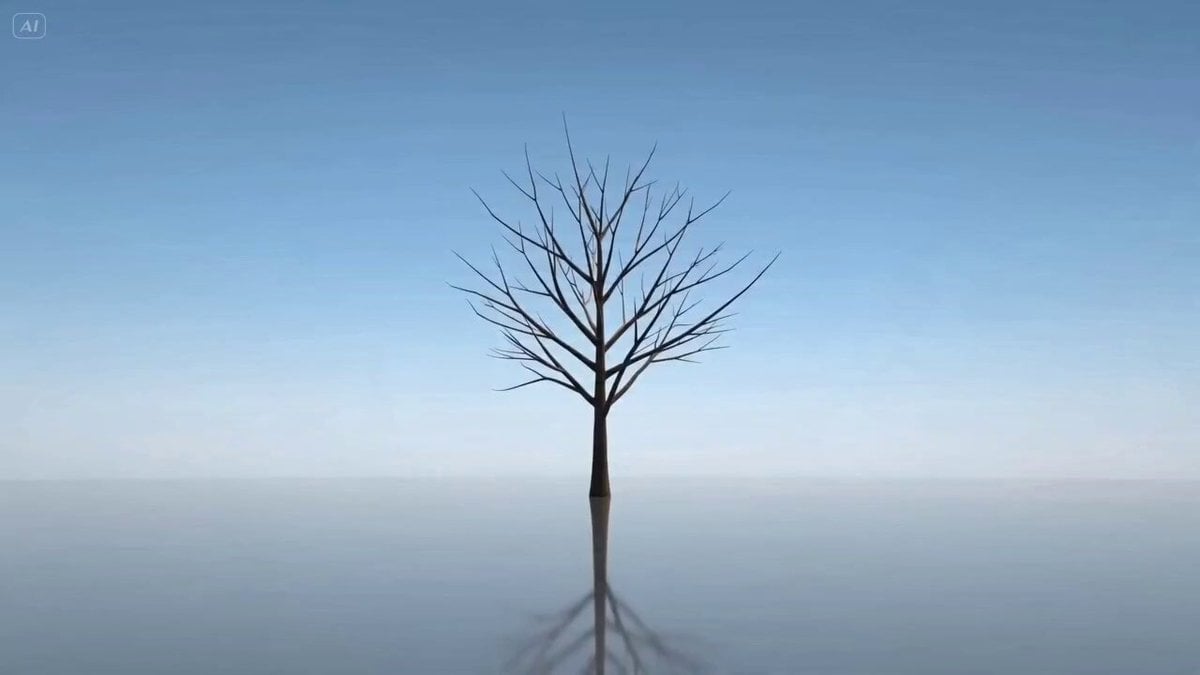
Video Prompt for Seasonal Tree Animation
Intense Baji Quan Kung Fu Sequence
Luxury Suitcase Commercial and Template
3D Pixar Style Miniature Girl Animation
Browse template categories
Vintage Train Carriage with Galloping Horses questions
How do I use the Vintage Train Carriage with Galloping Horses template?
Add your photo if the template asks for one, edit the prompt if you like — the template's model and format are already selected — and press Generate. Your version opens in PicX Studio.
Can I customize the Vintage Train Carriage with Galloping Horses template?
Yes. You can change the subject, setting, lighting, mood, format, and available model controls before creating your video.
Is the Vintage Train Carriage with Galloping Horses template free?
Opening and editing this template is free. Generating uses credits, shown on the Generate button when you are signed in.
Which AI model should I use?
Start with Seedance 2.0, which is the model associated with this template. You can compare another compatible model for a different finish.
Looking for something else? Browse all templates.

Your photo, any look
Thousands of ready templates for every top image and video model, from one credit balance.