
Sand Mirage Nike Air Jordan Visual
Sand Mirage Nike Air Jordan Visual is a ready photo look.
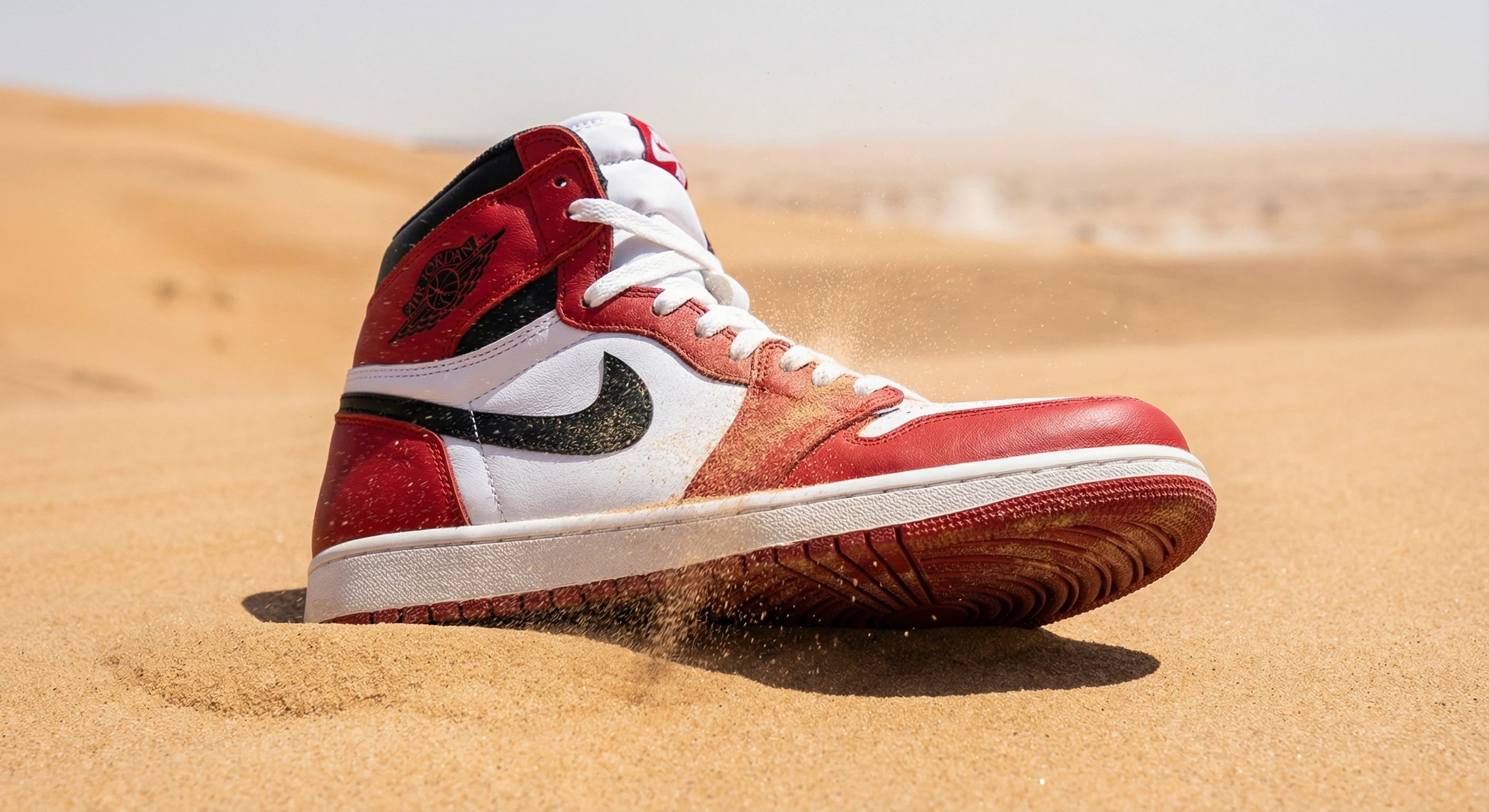
- Prompt included
- Model and format preset
- Free template
The prompt behind this image
Copy the exact prompt behind Sand Mirage Nike Air Jordan Visual, or open it in the studio and make it yours.
- Subject › Description
- Single Nike Air Jordan sneaker partially embedded in fine golden sand dunes, emerging upwards, with individual sand grains actively lifting into the air around the laces, tongue, and midsole due to gusting desert wind
- Subject › Age
- brand new with subtle dust accumulation
- Subject › Expression
- N/A
- Photography › Camera Style
- ultra-realistic 4K DSLR photograph, cinematic realism, no stylization
- Photography › Angle
- ground level straight-on
- Photography › Shot Type
- medium close-up framing the shoe with dunes receding into distance
- Photography › Texture
- micro-details in premium leather texture, precise stitching, dust particles on surfaces, deep sole grooves filled with sand
- Background › Setting
- vast golden sand dunes
- Background › Elements
- visible airborne sand particles individually catching sunlight, strong heat-wave mirage distortion bending the horizon
- Background › Atmosphere
- hot desert wind
- Background › Lighting
- natural golden-hour sunlight, long soft shadows stretching across dunes
Raw JSON
{
  "subject": {
    "description": "Single Nike Air Jordan sneaker partially embedded in fine golden sand dunes, emerging upwards, with individual sand grains actively lifting into the air around the laces, tongue, and midsole due to gusting desert wind",
    "age": "brand new with subtle dust accumulation",
    "expression": "N/A"
  },
  "photography": {
    "camera_style": "ultra-realistic 4K DSLR photograph, cinematic realism, no stylization",
    "angle": "ground level straight-on",
    "shot_type": "medium close-up framing the shoe with dunes receding into distance",
    "texture": "micro-details in premium leather texture, precise stitching, dust particles on surfaces, deep sole grooves filled with sand"
  },
  "background": {
    "setting": "vast golden sand dunes",
    "elements": ["visible airborne sand particles individually catching sunlight", "strong heat-wave mirage distortion bending the horizon"],
    "atmosphere": "hot desert wind",
    "lighting": "natural golden-hour sunlight, long soft shadows stretching across dunes"
  }
}How to use Sand Mirage Nike Air Jordan Visual in 3 steps
- 1
Open
The prompt is already in the box next to the preview, with the template's model and format selected.
- 2…a portrait of your subject in softgolden-hour light, 85mm…
Personalize
Edit the subject and creative details for your destination.
- 3Generate
Generate
Press Generate — your image is created in PicX Studio, so you can compare it with the original and refine one variable at a time.
More like this
Templates with the same subject, style or setup. Open one to see its prompt.
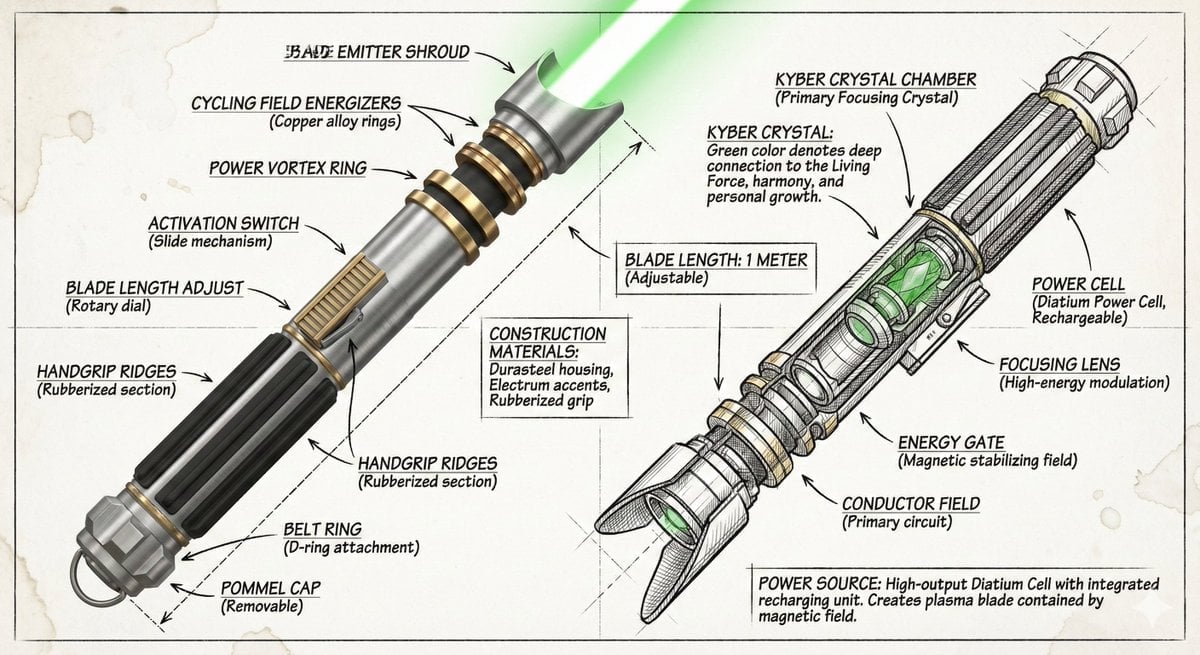
Infographic image of Nike Air Jordan 1 High OG sneaker, combining
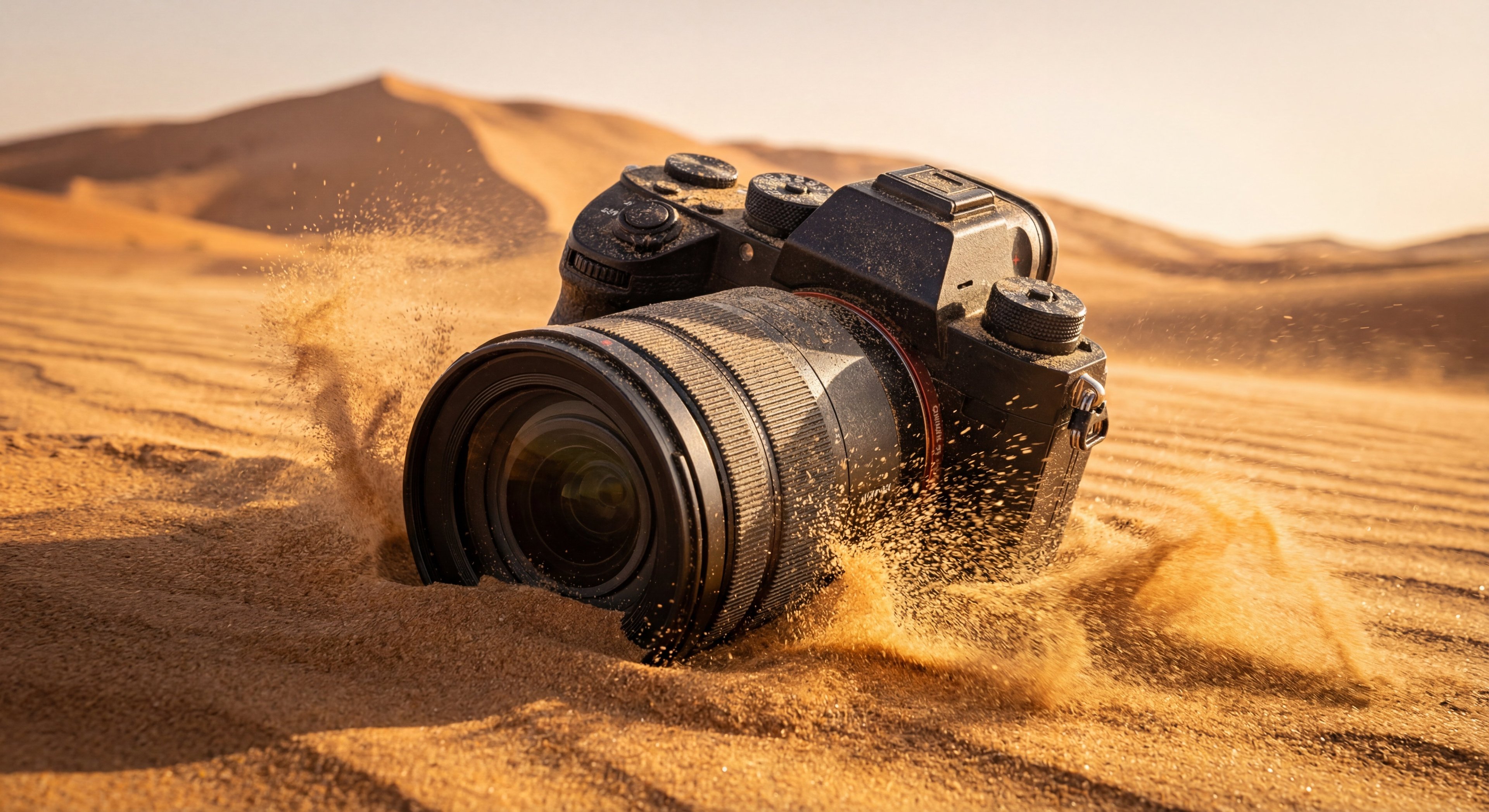
Sand Mirage 4K Mirrorless camera Visual
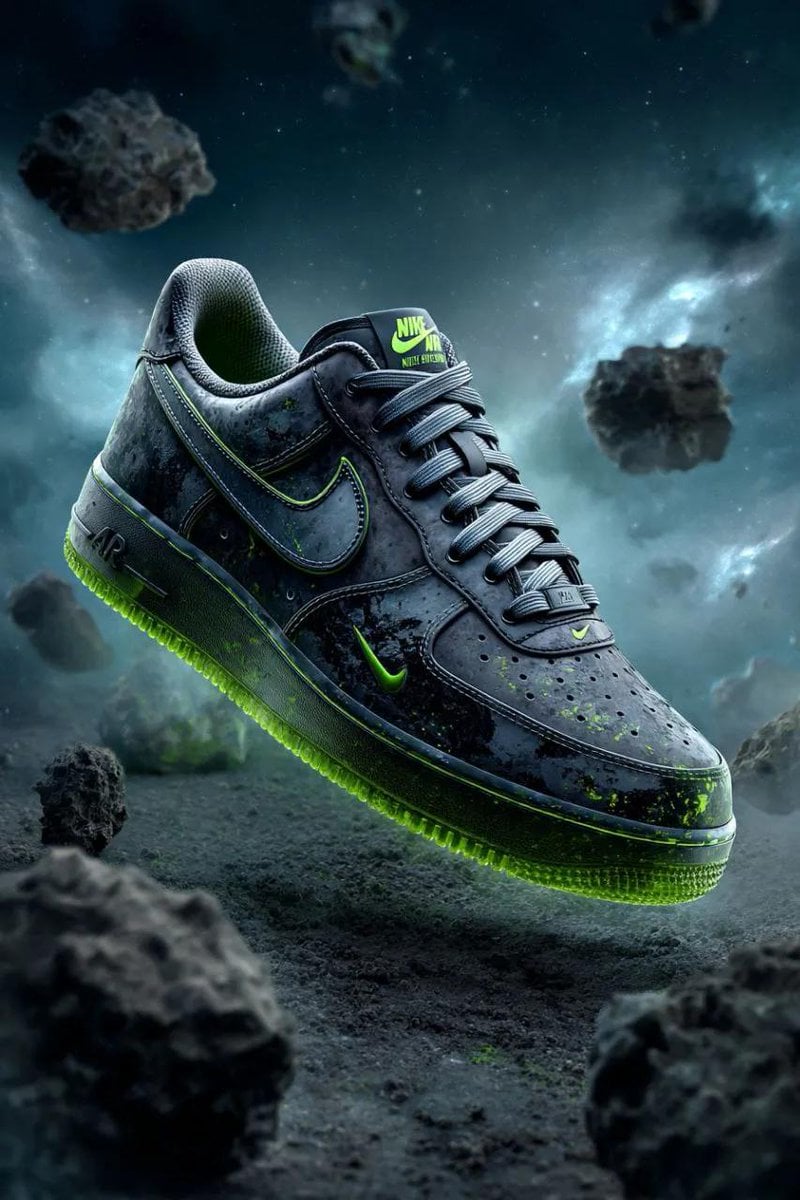
Cosmic Nike Air Force Shoe Carved from Meteorite

Gpt2 Infographic Edu Visual Biomimetic Skyray Aircraft Poster
High Fashion Action Nike Nano Banana
Cinematic Nike Sports Dance Poster

Anime Classroom Losing Heroines Key Visual

Anime Losing Heroines Classroom Key Visual

Anime School Rom-Com Key Visual
Surrealist Nike Sportswear Poster

Alpine Lake Candid — Mountain Air Moment

Act as a 3D Product Visualization Artist
Make it yours
Sand Mirage Nike Air Jordan Visual works as-is. These are the safest ways to change it without losing the look.
Swap the setting
Keep the rest of the prompt and replace the location block. The current setting is “vast golden sand dunes”.
Swap the light
One lighting change is enough to compare takes. Current light: “natural golden-hour sunlight, long soft shadows stretching across dunes”.
Change one field
Copy a single group, rewrite it, and generate again so you can see what that field is doing.
| If the result… | Why | Fix |
|---|---|---|
| The result drifts from the preview | Too many fields changed at once. | Reuse Sand Mirage Nike Air Jordan Visual as-is first, then change one group — subject, light, or setting. |
| PicX Studio ignores part of the JSON | Some models flatten or skip nested keys. | Keep the same values and paste them as a short paragraph instead. |
More image prompts
Fresh picks from across the catalog.

Ancient Scroll Google DeepMind Vision
Beard Style Analysis Poster
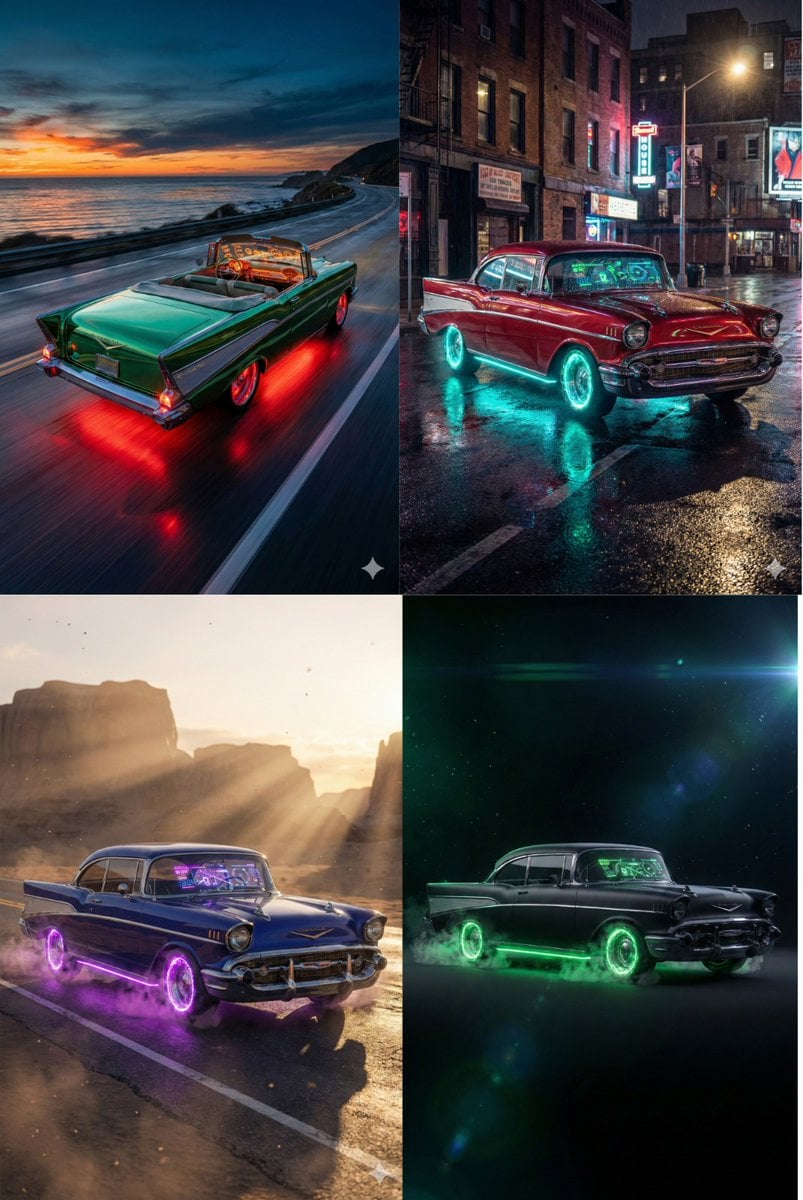
Retro-Futuristic Muscle Car Prompt

Luxury Valentine’s Dinner Photoshoot (Reddish-Brown Hair)

Cinematic Action Video Prompt: Banana Fairy vs. Zombies

Ultra-realistic Cinematic Scene of Internal Conflict
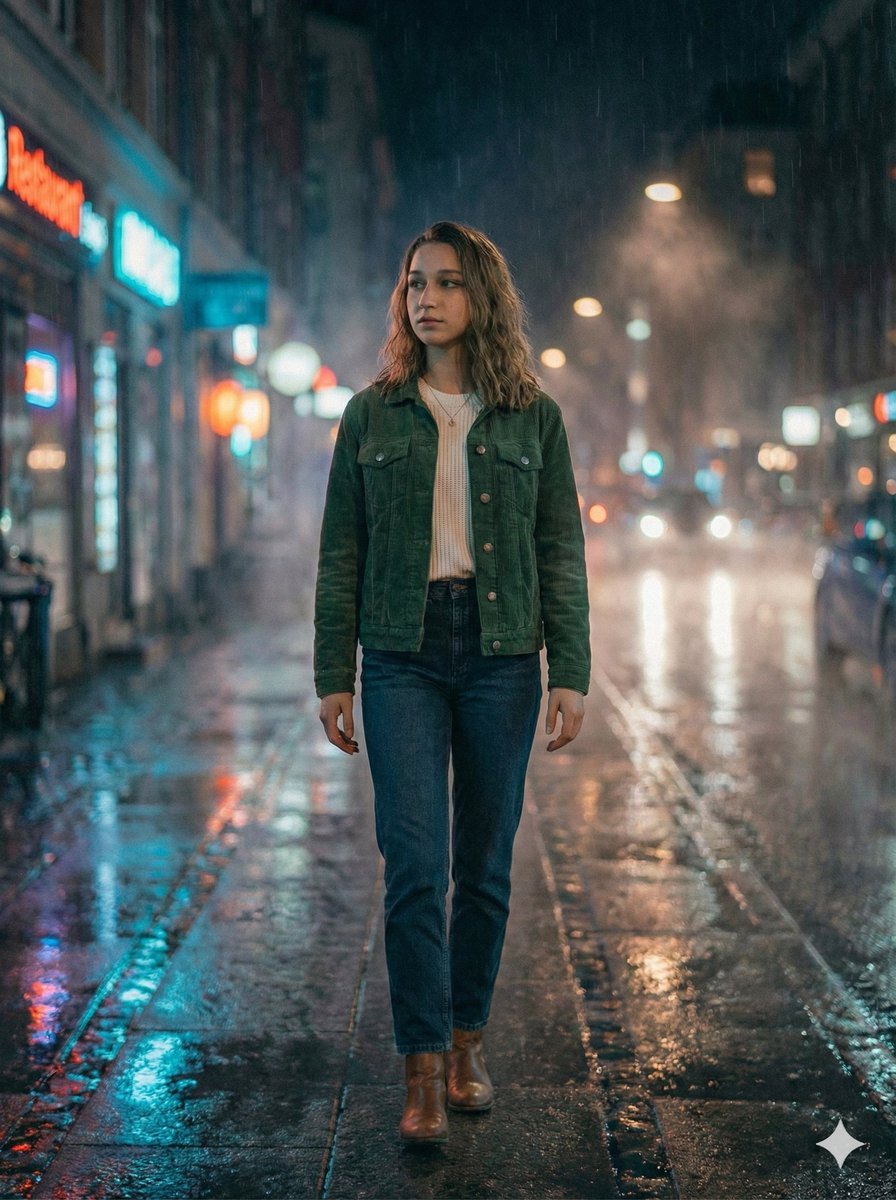
Moody Cinematic Night Rain Portrait (JSON)
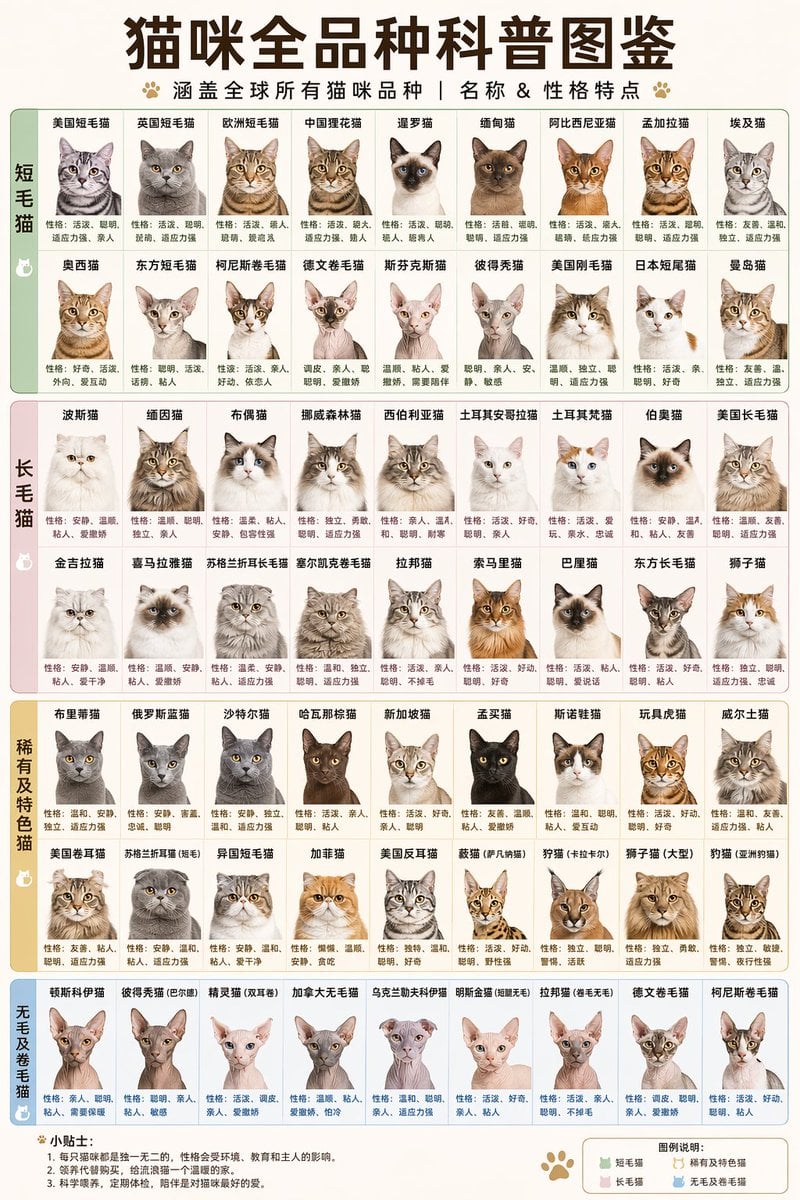
Comprehensive Cat Breed Infographic
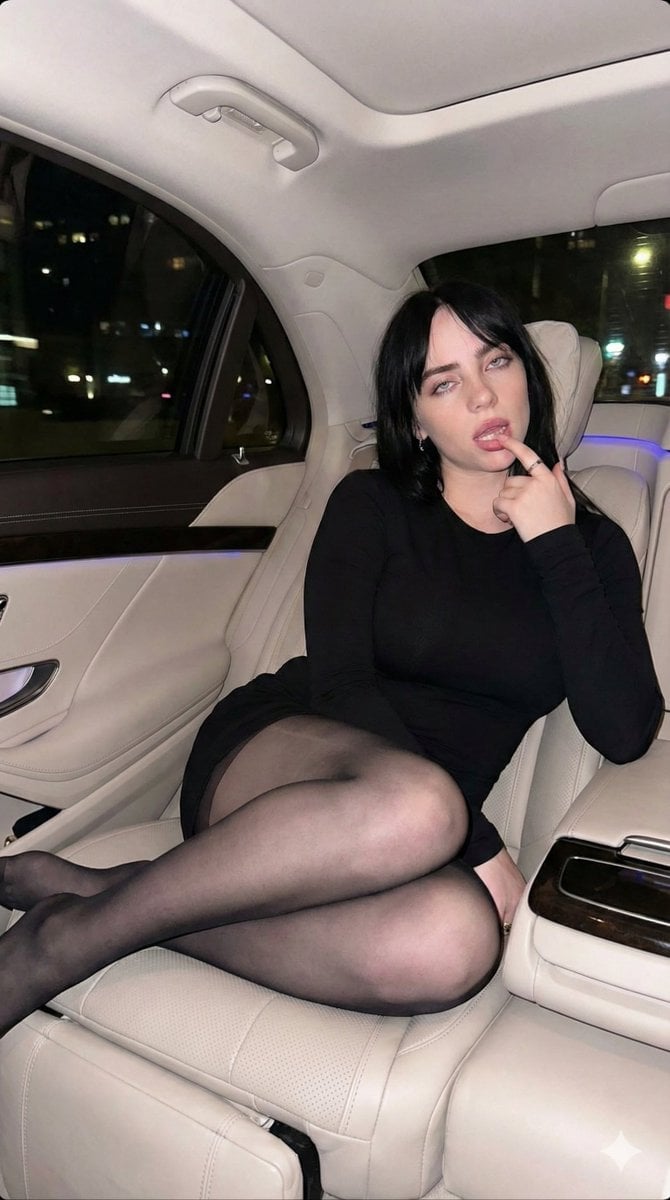
Direct Flash Portrait of Woman in Luxury Car Prompt
Cinematic Reflection Headline Prompt
Browse template categories
Sand Mirage Nike Air Jordan Visual questions
How do I use the Sand Mirage Nike Air Jordan Visual template?
Add your photo if the template asks for one, edit the prompt if you like — the template's model and format are already selected — and press Generate. Your version opens in PicX Studio.
Can I customize the Sand Mirage Nike Air Jordan Visual template?
Yes. You can change the subject, setting, lighting, mood, format, and available model controls before creating your image.
Is the Sand Mirage Nike Air Jordan Visual template free?
Opening and editing this template is free. Generating uses credits, shown on the Generate button when you are signed in.
Which AI model should I use?
Choose a compatible model in PicX Studio based on the style, speed, and output controls your project needs.
Looking for something else? Browse all templates.

Your photo, any look
Thousands of ready templates for every top image and video model, from one credit balance.