
Sand Mirage 4K Mirrorless camera Visual
Sand Mirage 4K Mirrorless camera Visual is a ready photo look.
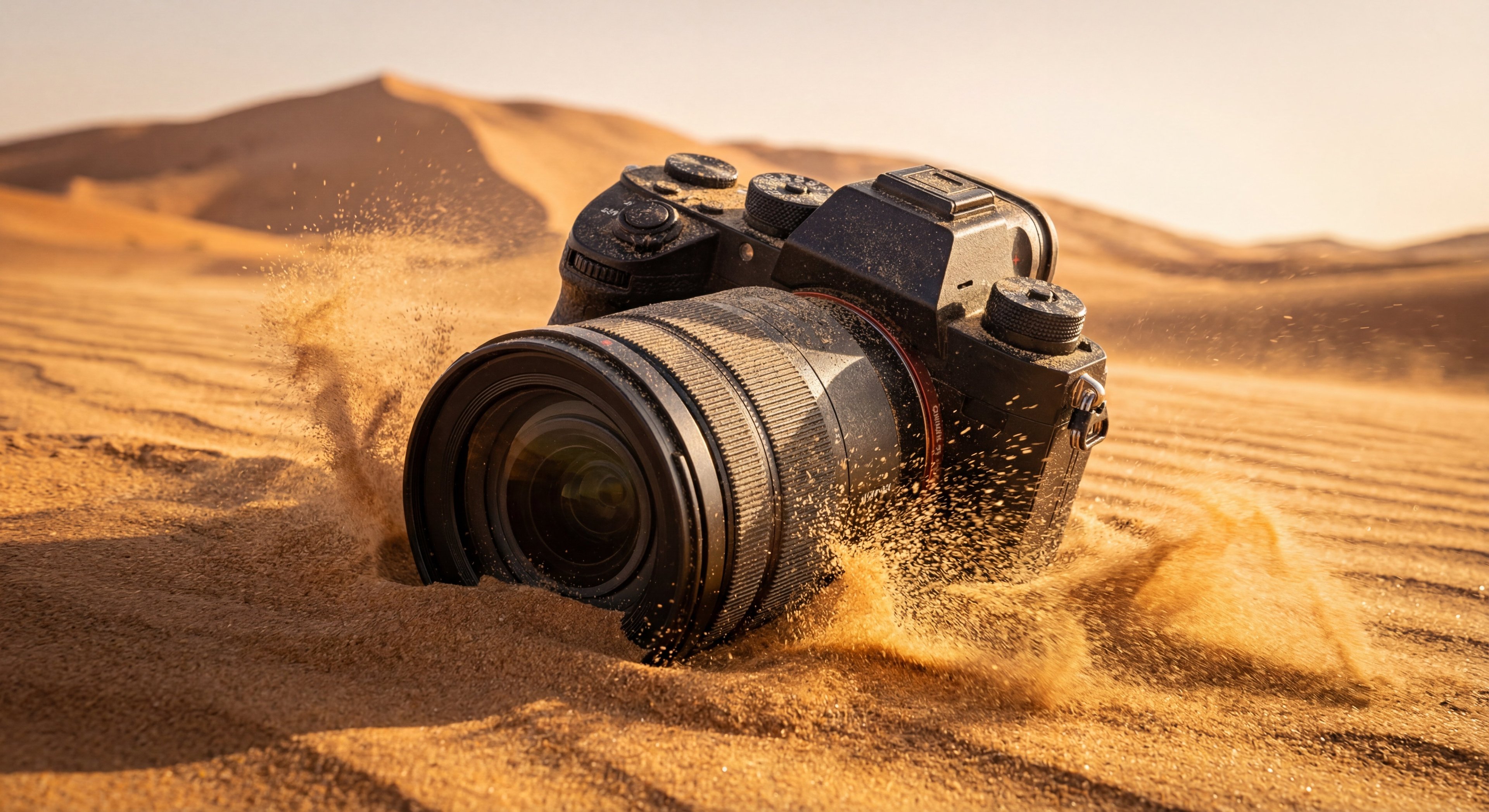
- Prompt included
- Model and format preset
- Free template
The prompt behind this image
Copy the exact prompt behind Sand Mirage 4K Mirrorless camera Visual, or open it in the studio and make it yours.
A single ultra-detailed 4K photorealistic image of a professional mirrorless camera half-buried in desert sand. The lens barrel pushes sand outward, with particles erupting and floating in the air realistically. Atmospheric heat distortion ripples across the background dunes. Fine dust settles on the camera body, buttons, and lens glass. Golden sunlight highlights metallic edges and rubber textures. Shot with realistic depth, natural lens perspective, documentary-level realism, no artistic exaggeration.
How to use Sand Mirage 4K Mirrorless camera Visual in 3 steps
- 1
Open
The prompt is already in the box next to the preview, with the template's model and format selected.
- 2…a portrait of your subject in softgolden-hour light, 85mm…
Personalize
Edit the subject and creative details for your destination.
- 3Generate
Generate
Press Generate — your image is created in PicX Studio, so you can compare it with the original and refine one variable at a time.
More like this
Templates with the same subject, style or setup. Open one to see its prompt.
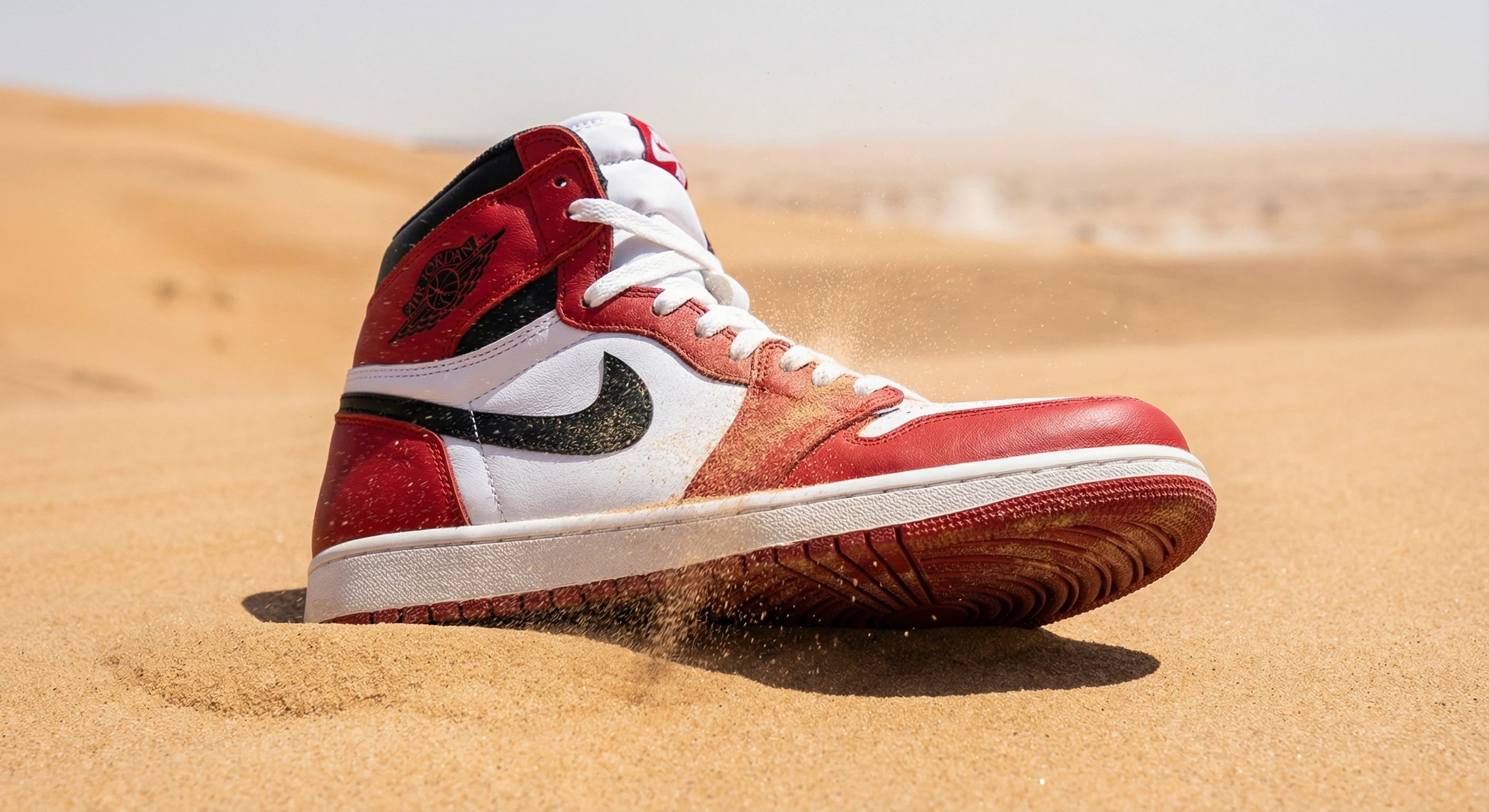
Sand Mirage Nike Air Jordan Visual

Cinematic Street Fashion Photographer Portrait
Nano Banana Pro Instax Mini 8

Candid Store Front-Camera Photo
Dreamy Y2K Digital Camera Mirror Selfie

Anime Classroom Losing Heroines Key Visual

Anime Losing Heroines Classroom Key Visual

Anime School Rom-Com Key Visual

Act as a 3D Product Visualization Artist
Each module shares structure but maintains unique visual dynamics
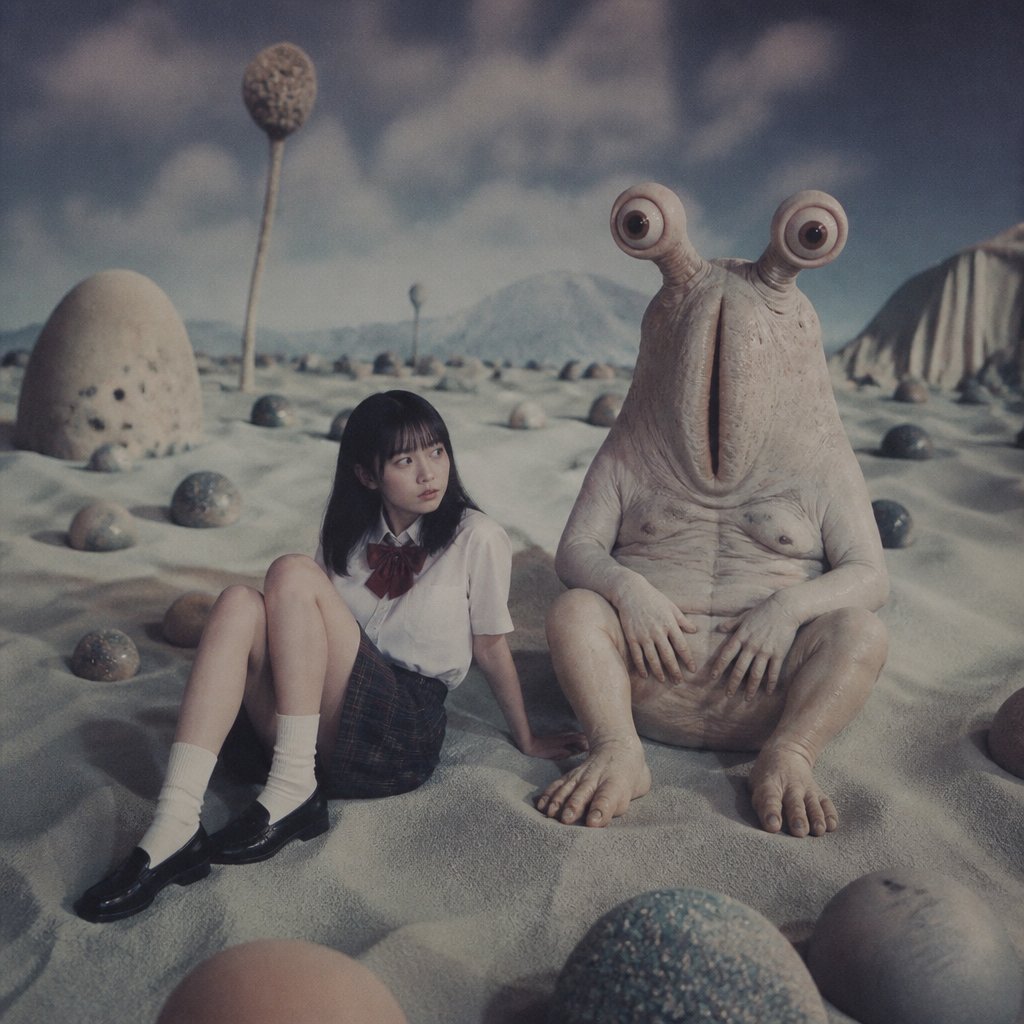
Schoolgirl and Eyestalk Alien in Sand Wasteland

AI Bloom Sisters Anime Key Visual
Make it yours
Sand Mirage 4K Mirrorless camera Visual works as-is. These are the safest ways to change it without losing the look.
Change one field
Copy a single group, rewrite it, and generate again so you can see what that field is doing.
Keep the frame, change the subject
Hold the composition and light of Sand Mirage 4K Mirrorless camera Visual, then swap wardrobe, props or the person for a new take.
| If the result… | Why | Fix |
|---|---|---|
| The result drifts from the preview | Too many fields changed at once. | Reuse Sand Mirage 4K Mirrorless camera Visual as-is first, then change one group — subject, light, or setting. |
| The model over-stylizes the scene | The prose prompt leaves finish and camera underspecified. | Add one camera or lighting sentence and stay on PicX Studio. |
More image prompts
Fresh picks from across the catalog.

Perfume promo with niche Le Labo-like feel
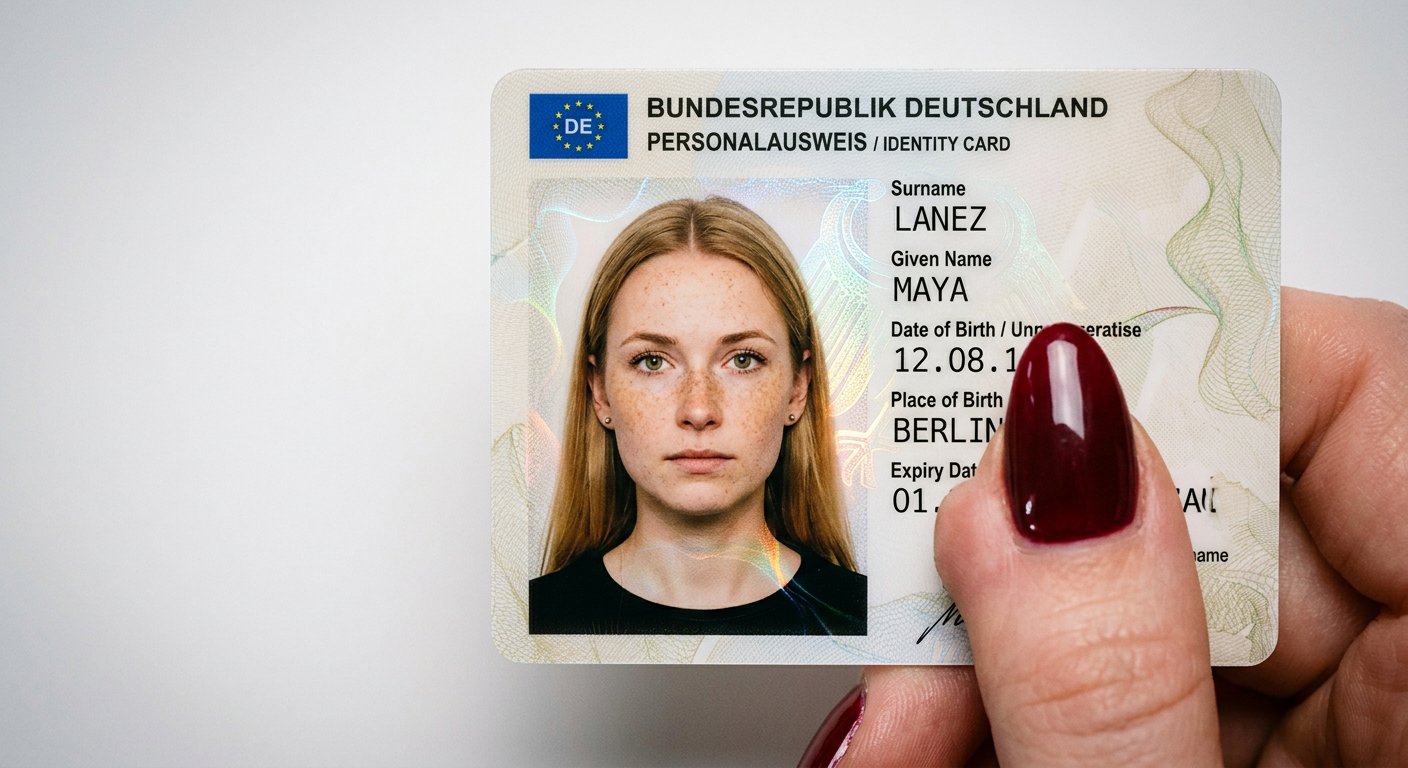
NanoBanana2
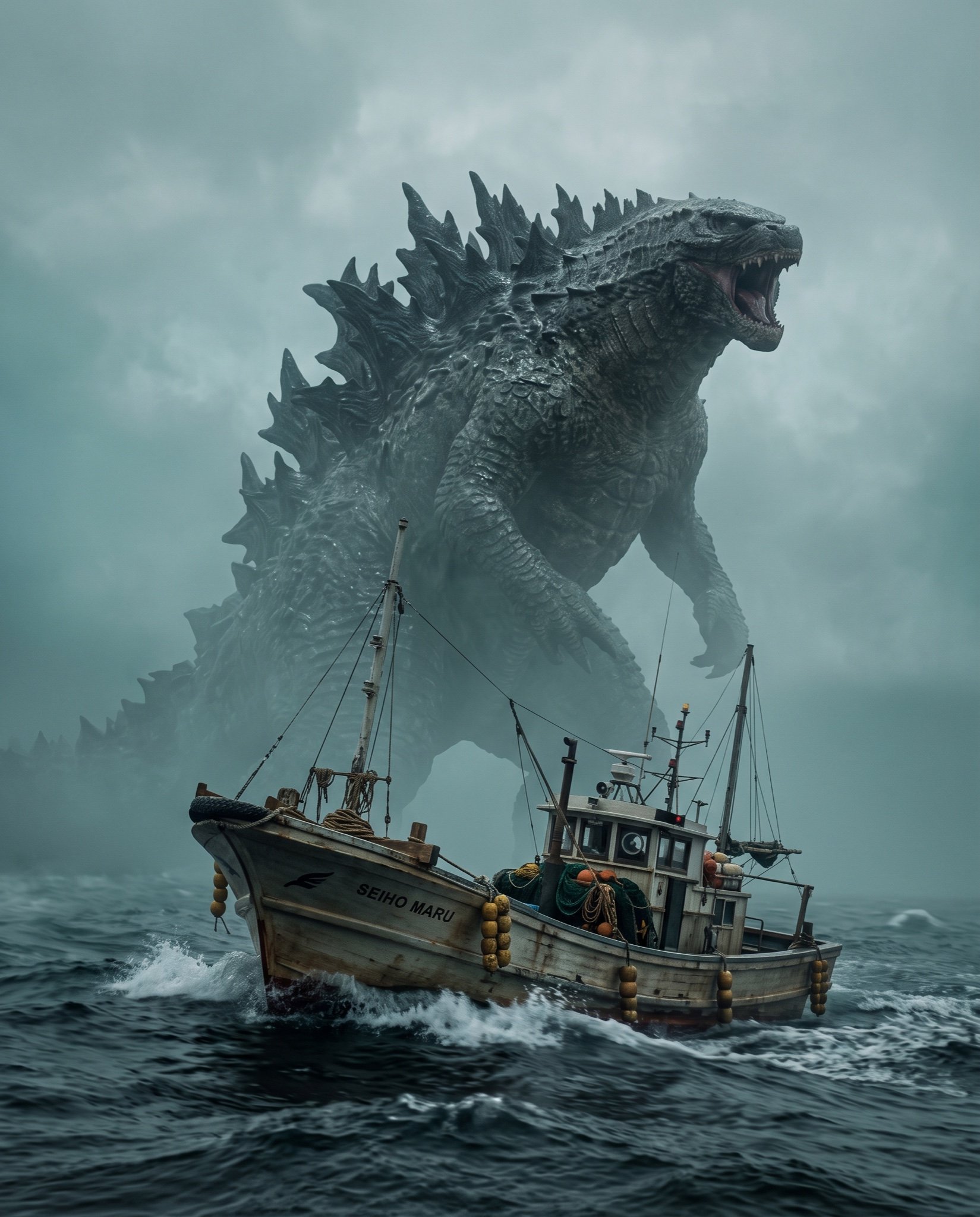
Cinematic Photorealistic Godzilla Encounter Prompt
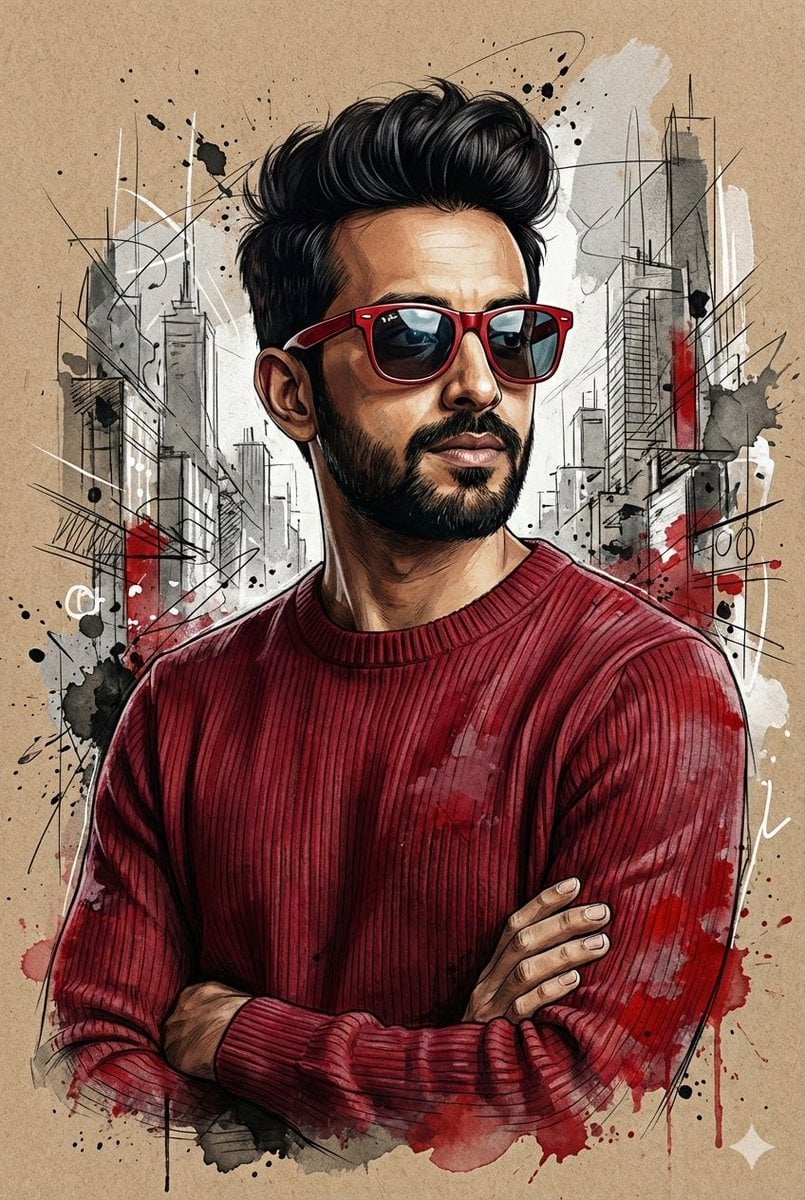
Hyper-Realistic Mixed-Media Illustration Prompt

Chibi Mini-Me Scrapbook Portrait

3D Realistic X Profile Interface
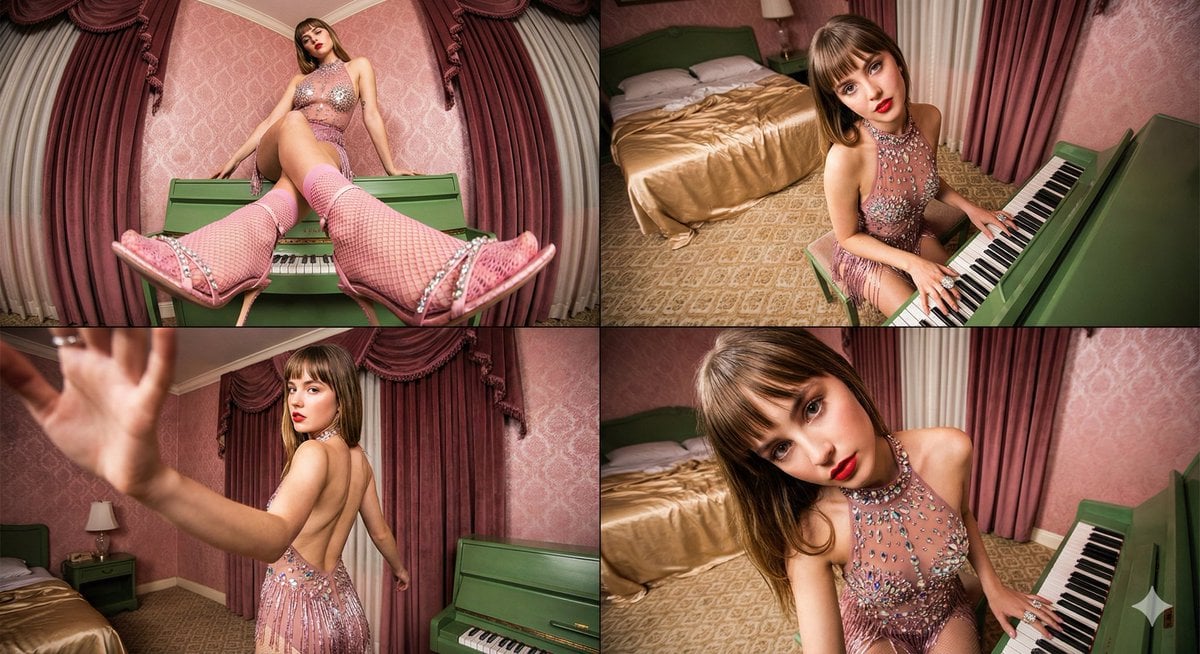
Four-frame vintage glamour collage of a woman in a crystal bodysuit at a piano
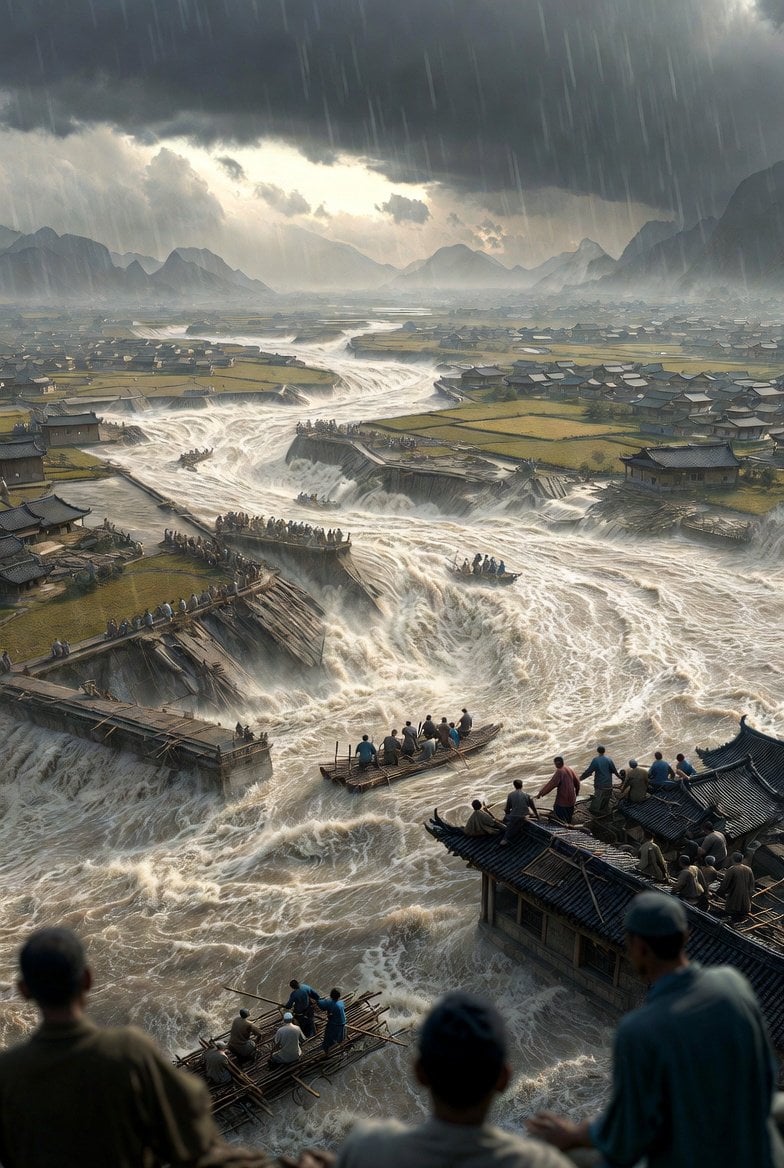
Historical Epic Scene: 1887 Yellow River Flood

Luxury Chronograph Macro Design

High Fashion South Asian Woman Portrait Prompt
Browse template categories
Sand Mirage 4K Mirrorless camera Visual questions
How do I use the Sand Mirage 4K Mirrorless camera Visual template?
Add your photo if the template asks for one, edit the prompt if you like — the template's model and format are already selected — and press Generate. Your version opens in PicX Studio.
Can I customize the Sand Mirage 4K Mirrorless camera Visual template?
Yes. You can change the subject, setting, lighting, mood, format, and available model controls before creating your image.
Is the Sand Mirage 4K Mirrorless camera Visual template free?
Opening and editing this template is free. Generating uses credits, shown on the Generate button when you are signed in.
Which AI model should I use?
Choose a compatible model in PicX Studio based on the style, speed, and output controls your project needs.
Looking for something else? Browse all templates.

Your photo, any look
Thousands of ready templates for every top image and video model, from one credit balance.