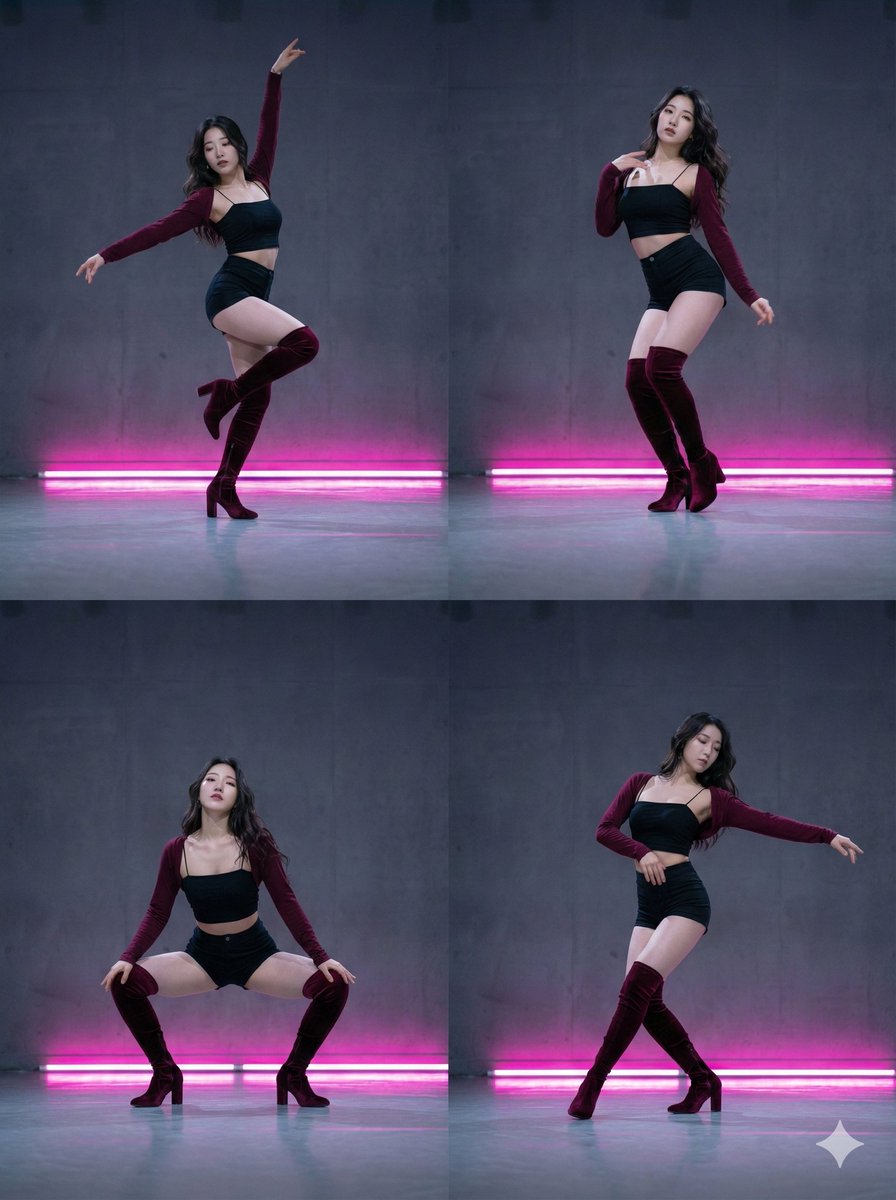
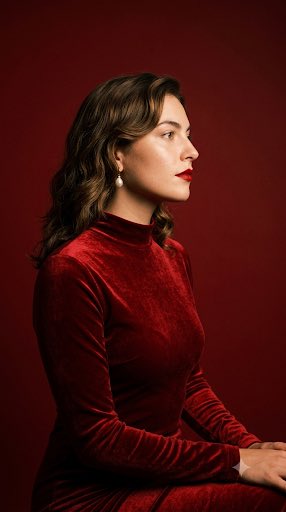
Crimson Studio Contact Sheet
{
"format": "3x3 contact sheet grid, 9 panels, same woman across all panels, candid dance-motion editorial, consistent crimson studio session",
"wardrobe": "{argument name="outfit" default="black strapless velvet corset top"}, clean matte finish, fine delicate silver chain draping from one shoulder across the collarbone, no lace",
"hair_makeup": "{argument name="hairstyle" default="long dark textured wavy hair"} with soft curtain bangs, soft smoky eyeshadow, defined natural brows, glossy brick-red lips, long dangling silver earrings with pearl and crystal drops",
"skin": "hyper-realistic skin texture, visible pores, faint peach fuzz, natural sheen on collarbone and shoulders, fine-line tattoos on the forearms",
"panels": {
"1": "close three-quarter, one hand pushing through hair, hair mid-swing, eyes half-closed, dynamic",
"2": "full torso turned away, back arched, jeans-style low waist hint, hair flying, motion blur in hair",
"3": "extreme close on jaw and bare shoulder, head tilted back, throat exposed, blurred hair across frame",
"4": "eyes closed, head dropped to one side, long hair sweeping across the face, serene mid-motion",
"5": "hand resting on collarbone/throat, chin lifted, soft parted lips, intimate centered crop",
"6": "arm raised overhead reaching, body stretched upward, gaze up, energetic dance gesture",
"7": "tight close on neck and hand, fingers spread across collarbone, glossy lips just in frame",
"8": "bent forward flipping hair down, face hidden behind hair, dynamic silhouette",
"9": "waist-up profile, torso elongated, hair falling like a curtain down the side"
},
"lighting": "warm directional key raking across the body, soft rim light separating hair from the crimson backdrop, small specular glints on the silver chain, candid in-motion feel",
"color_grade": "{argument name="background color" default="deep saturated crimson"} seamless background, muted desaturated skin tones, lifted blacks, fine 35mm film grain, subtle halation, soft motion blur in fast-moving hair",
"lens": "85mm, f/2.0, shallow depth of field, varied crops per panel",
"identity_lock": true,
"wardrobe_lock": true,
"anatomy_guard": "correct hands, natural shoulder and collarbone structure, no extra fingers, anatomically accurate arms, no fused limbs across panels",
"face_reference": "uploaded image",
"negative_prompt": "plastic skin, over-smoothing, blown highlights, neon saturation, harsh flash, distorted hands, deformed earrings, tangled chains, cartoonish, AI gloss, watermark, text, lace, frills, inconsistent face across panels",
"forbid": "bright/clean lighting, white or gradient background, modern beauty-filter look, oversaturated colors outside the crimson palette, heavy gold jewelry"
}












![118-google-nano-banana-pro-skincare-product- — A professional skincare shot of a [product container] with [cap/lid], labeled [brand, product, descriptor, volume](/_next/image?url=https%3A%2F%2Fcdn.picxstudio.com%2Fuploads%2Fpost118_img0_332898b8-29ea-42a9-87ab-9ed746a3f944.jpg&w=828&q=100)




![69-untitled — FORMAT: 15s / 145 BPM / 14 SHOTS
SUBJECT: @[image1]
WARDROBE: Clean modern outfit
ENVIRONMENT: Street / indoor transitions
MOOD: Discovery → contr](/_next/image?url=https%3A%2F%2Fcdn.picxstudio.com%2Fuploads%2Fpost69_img0_d45faecf-38c3-4bcb-81a4-f6eb1cf42bb2.jpg&w=828&q=100)





![Naive doodle-style subject illustration — A doodle-style {argument name="subject" default="[subject]"}, naive lines, humorous shape exaggeration](https://pbs.twimg.com/media/G6Wl2YxbsAARB2b.jpg)