
Quiet Luxury Resort Aesthetic
A detailed fashion and lifestyle photography prompt for a man at a Mediterranean resort, focusing on soft golden hour lighting and specific camera settings.
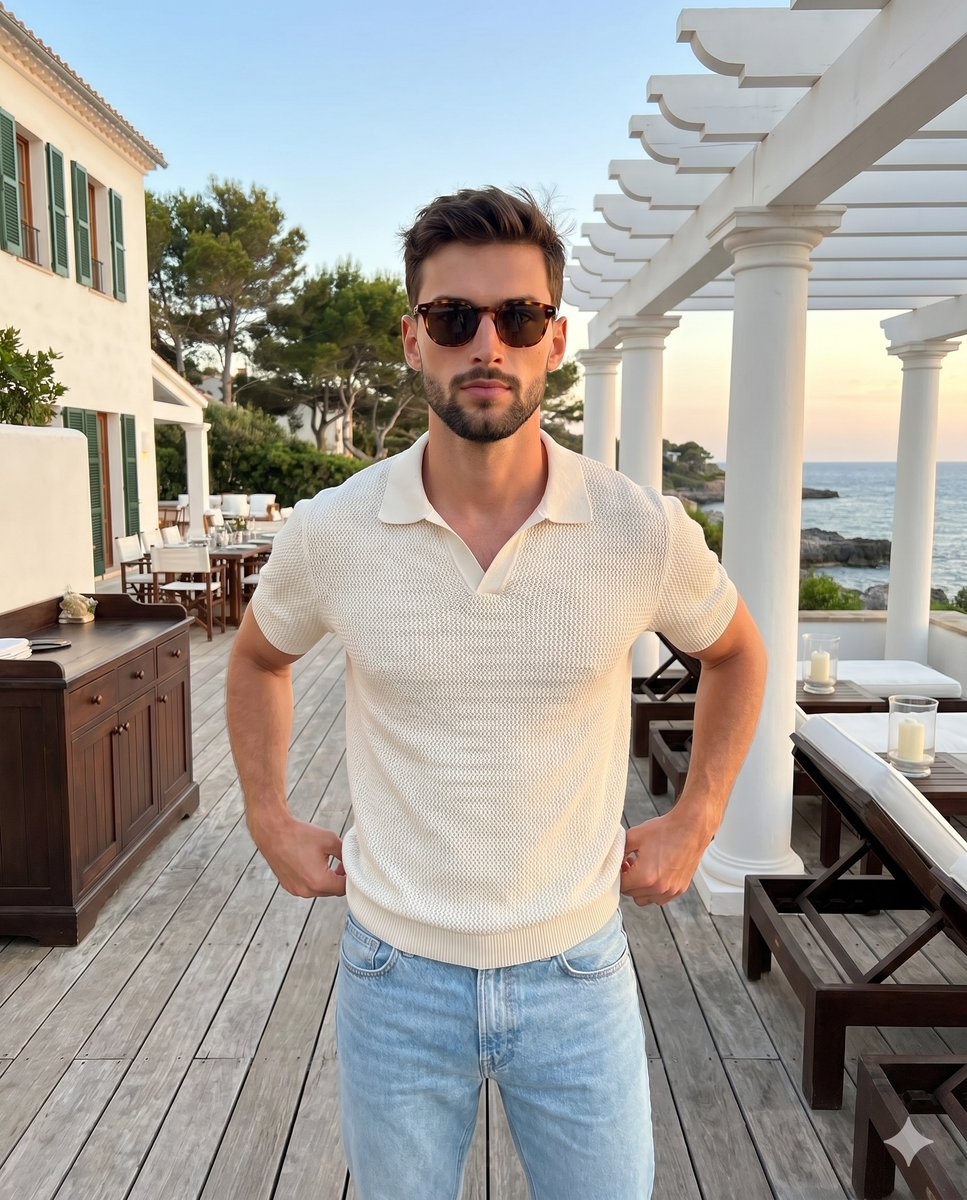
- Prompt included
- Model and format preset
- Premium template
The prompt behind this image
Copy the exact prompt behind Quiet Luxury Resort Aesthetic, or open it in the studio and make it yours.
A {argument name="subject" default="confident man in his late thirties"} stands perfectly centered, exuding a quiet luxury aesthetic. He has short, messy, windblown dark brown hair with visible natural flyaways and texture, complemented by a short stubble beard and tortoiseshell sunglasses framing a direct gaze and relaxed eyebrows above a neutral, unsmiling mouth. He wears a beautifully textured {argument name="clothing" default="cream-colored knit short-sleeve polo shirt"} paired with light washed blue jeans. His posture is formal and straight with level shoulders and evenly distributed weight, his arms relaxed as both hands rest gracefully on his waistbands with the fingers tucked behind his back out of view. He stands on a slightly weathered {argument name="foreground" default="foreground wooden deck"}, its medium ash brown linear planks showing fine natural grain and gentle wear. The deep spatial layout expands symmetrically into the midground, where to his left sits a vintage paneled dark wood service cabinet accented with brass hardware alongside a distant patio dining setup, while the right features pristine white cylindrical columns supporting a slatted pergola roof over dark wood lounge chairs with crisp white upholstered cushions, small wooden side tables holding white pillar candles inside glass hurricanes, and a black metal railing. Behind him, the deep background reveals a pristine, slightly textured matte white stucco multi-story building facade with dark green window shutters and a clean black metal lantern sconce on the left, blending into a dense canopy of thriving dark green Mediterranean pine and cypress trees. To the far right, the view opens to a dominant, calm slate ocean meeting a hazy mountainous coastline. The scene is bathed in {argument name="lighting" default="soft, diffused golden hour lighting"} from a sunset backlight and warm ambient sky fill, casting gentle illumination from above and placing subtle highlights on his shoulders, the crown of his textured hair, and the left side of his face. Faint, soft-edged shadows pool gently under his polo collar, within the subtle folds of the knit fabric, and as a slight drop shadow on the deck below him, creating a calm, flat, low-contrast atmosphere. A desaturated, split-complementary color palette harmonizes the off-white cream of his shirt and the light blue denim against medium wood browns, slate ocean blues, and delicate sunset peach tones spanning the sky. Captured as a realistic digital photograph shot straight on with a 50mm lens at f/4.0 and a 1/200s shutter speed, the image maintains a tack-sharp, grain-free focus on the subject while employing a medium depth of field to render the sophisticated resort background slightly soft. Post-processing lifts the blacks and gently lowers the highlights to retain delicate sky details, applying a pastel color grade with warm highlights and cool shadows to enhance the tranquil evening mood, all flawlessly framed in a 4:5 aspect ratio.
How to use Quiet Luxury Resort Aesthetic in 3 steps
- 1
Open
The prompt is already in the box next to the preview, with the template's model and format selected.
- 2…a portrait of your subject in softgolden-hour light, 85mm…
Personalize
Edit the subject and creative details for your destination.
- 3Generate
Generate
Press Generate — your image is created in PicX Studio, so you can compare it with the original and refine one variable at a time.
More like this
Templates with the same subject, style or setup. Open one to see its prompt.











Make it yours
Quiet Luxury Resort Aesthetic works as-is. These are the safest ways to change it without losing the look.
Change one field
Copy a single group, rewrite it, and generate again so you can see what that field is doing.
Keep the frame, change the subject
Hold the composition and light of Quiet Luxury Resort Aesthetic, then swap wardrobe, props or the person for a new take.
| If the result… | Why | Fix |
|---|---|---|
| The result drifts from the preview | Too many fields changed at once. | Reuse Quiet Luxury Resort Aesthetic as-is first, then change one group — subject, light, or setting. |
| The model over-stylizes the scene | The prose prompt leaves finish and camera underspecified. | Add one camera or lighting sentence and stay on Nano Banana 2. |
More Nano Banana 2 templates
Other prompts made for Nano Banana 2.

Photorealistic Leaf Shaped Like a Dragon

K-Pop Idol Portrait Grid for Rapid Selection

Poetic Rain Forest Portrait During Golden Hour

Urban Street Portrait with Cartoon Inner Self Duo

Candid Nighttime Photo with Cat Prompt

High-Concept 3D Diorama Generation Prompt

Cinematic Futuristic Studio Portrait Template

Skincare Editorial Photography Collage Prompt

Hyper-Realistic Commercial Product Photography (Splash Effect)

Hyper-Realistic Nightclub Portrait Prompt
More image prompts
Fresh picks from across the catalog.

Autonomous AI 4-Panel Manga Generation System Prompt
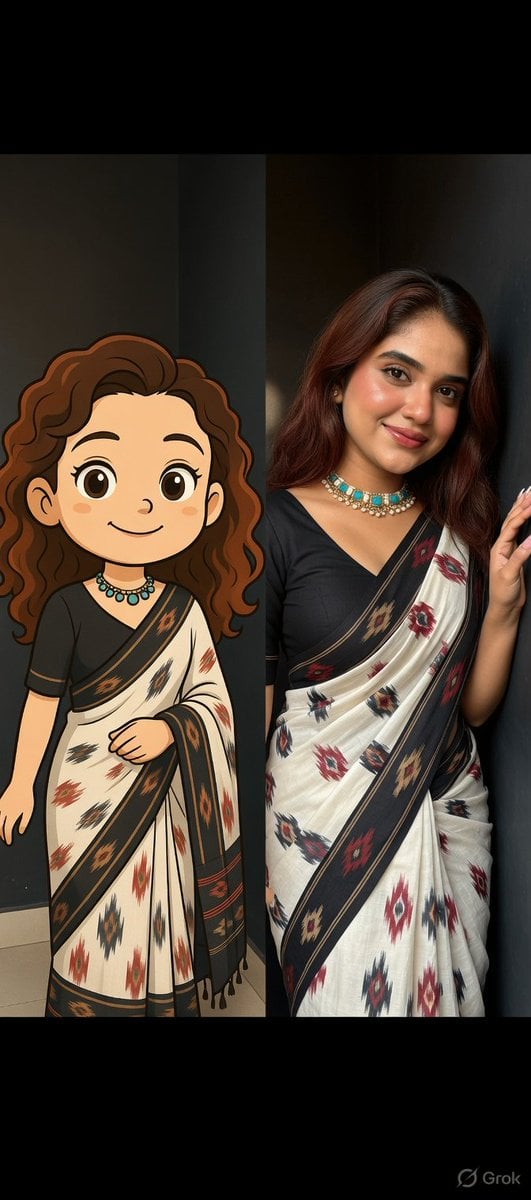
Side-by-Side Portrait of Realistic Woman in Saree and Cartoon Younger Self

Minimalist Equestrian Luxury Wallpaper
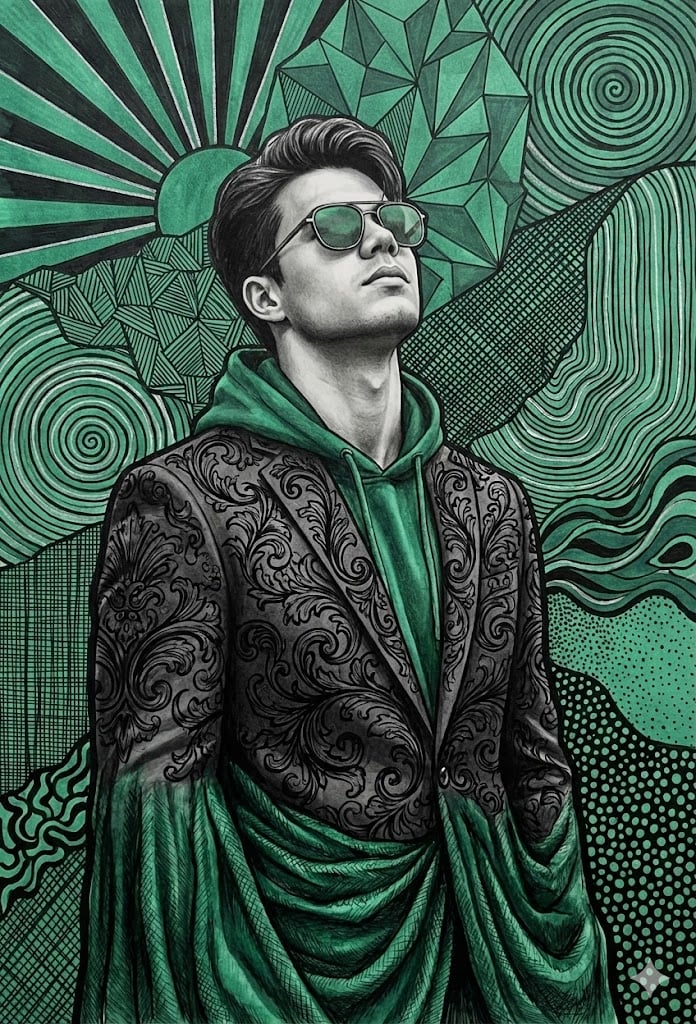
Emerald and Charcoal Mixed-Media Pop Realism Portrait Prompt
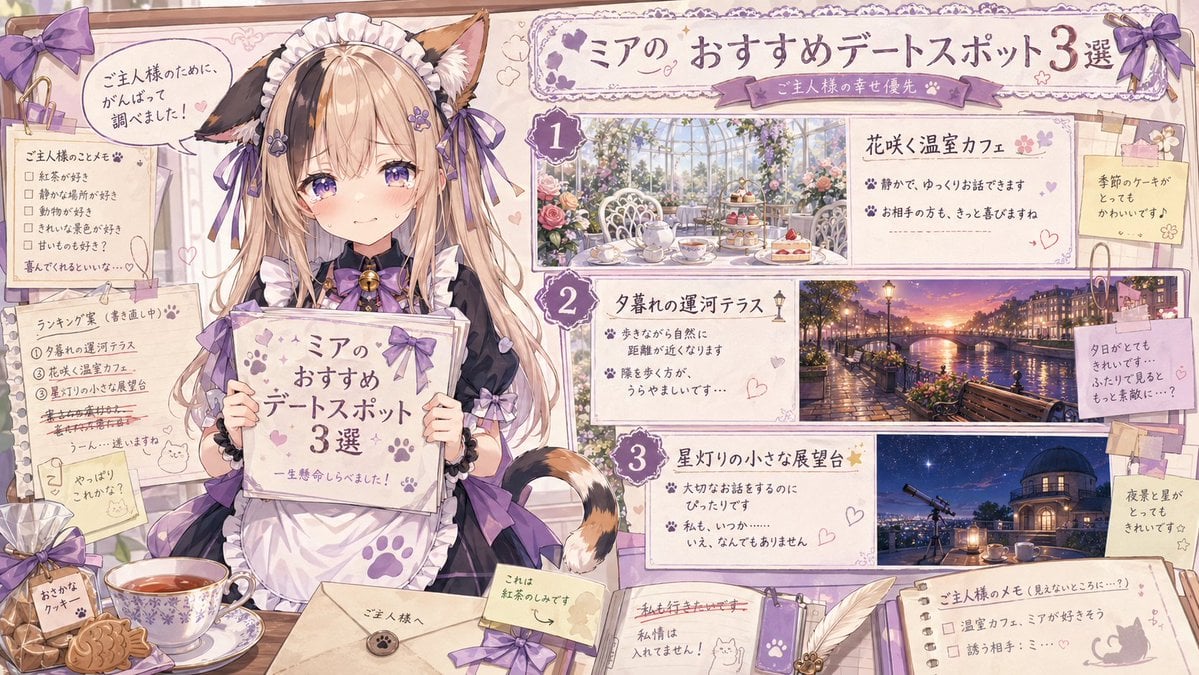
Catmaid Date Spot Recommendation Board
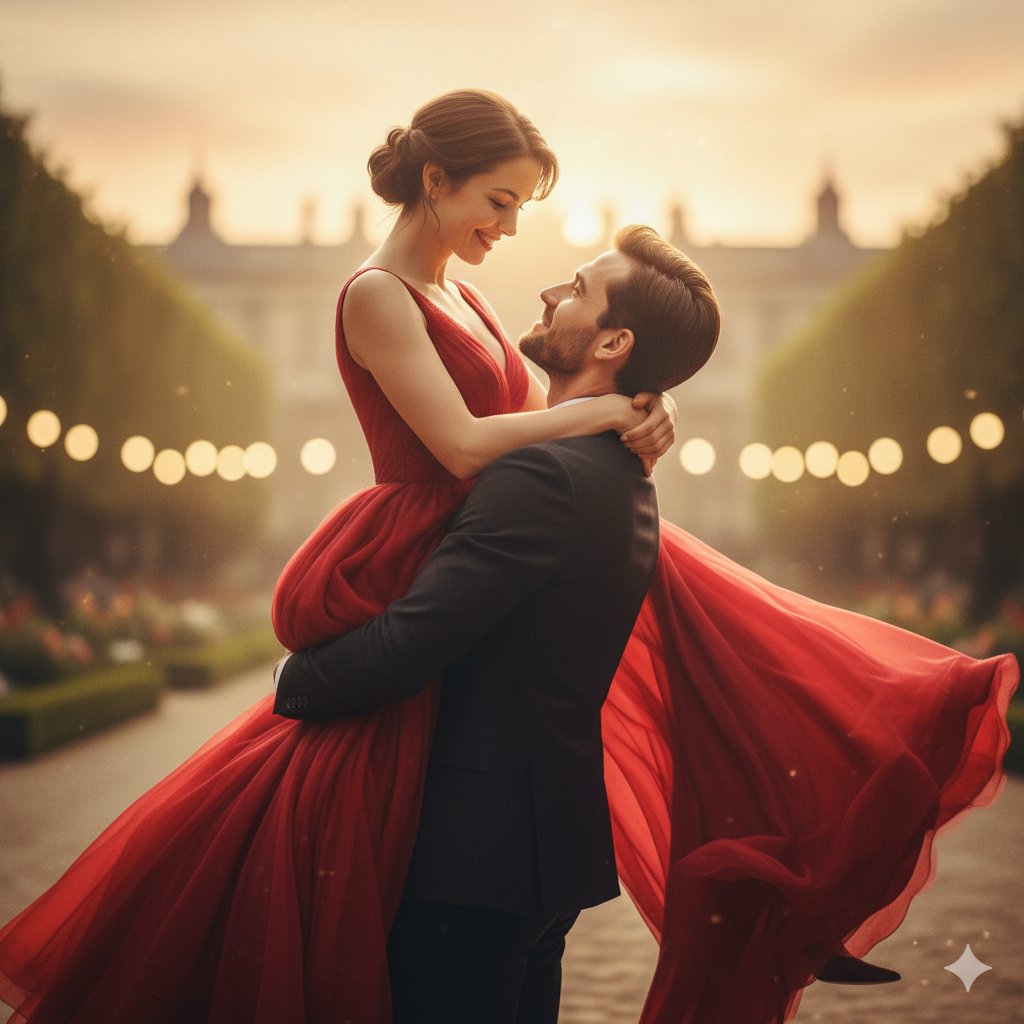
Transform a Comic Character Into an Ultr
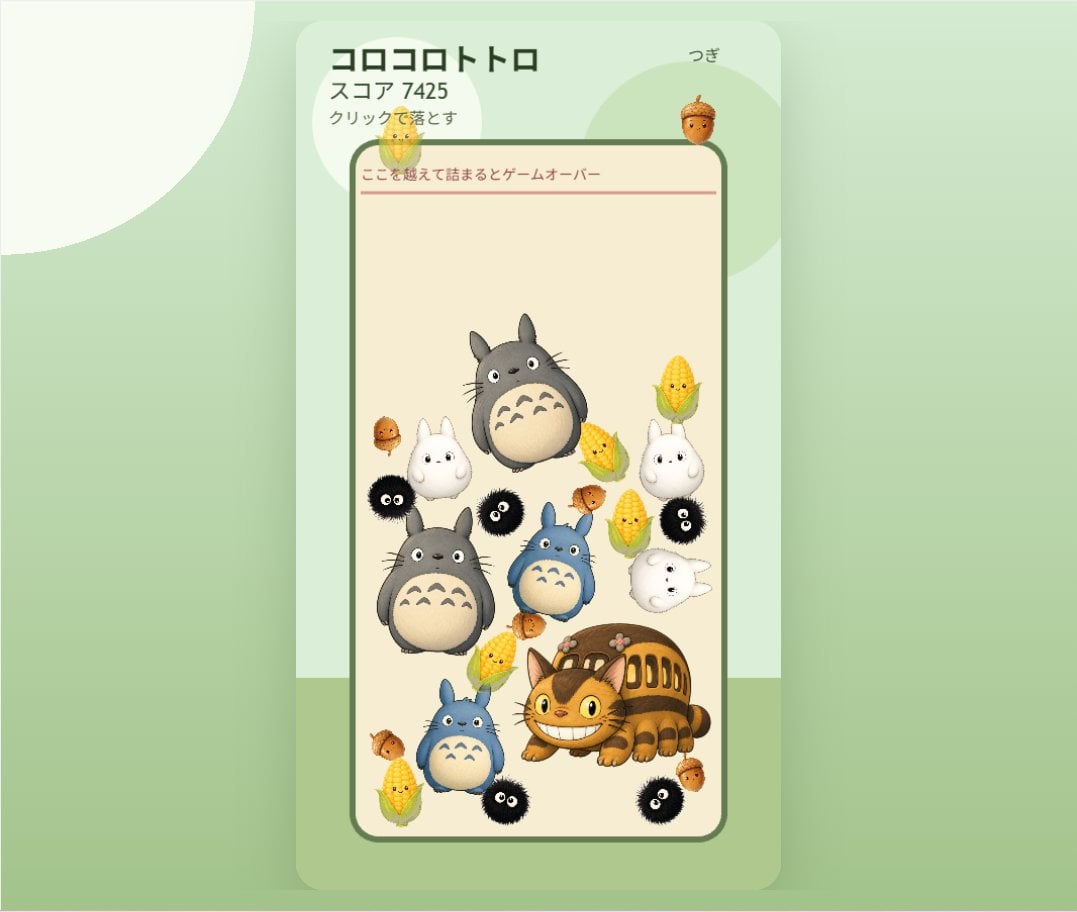
Cute Totoro Puzzle Game UI
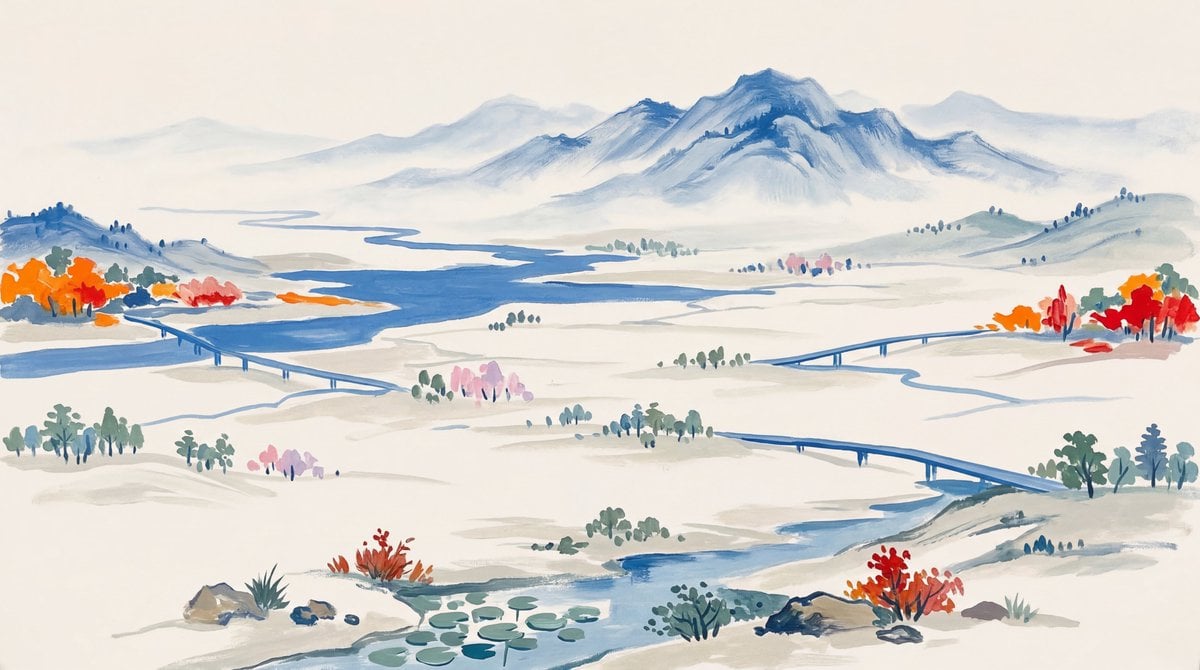
Landscape Painting with Color Palette for Nano-Banana-Pro
Ultra-Realistic 3D Cinematic Portrait of Boy with Tom and Jerry
Identity-Consistent Caricature Portrait
Browse template categories
Quiet Luxury Resort Aesthetic questions
How do I use the Quiet Luxury Resort Aesthetic template?
Add your photo if the template asks for one, edit the prompt if you like — the template's model and format are already selected — and press Generate. Your version opens in PicX Studio.
Can I customize the Quiet Luxury Resort Aesthetic template?
Yes. You can change the subject, setting, lighting, mood, format, and available model controls before creating your image.
Is the Quiet Luxury Resort Aesthetic template free?
Opening and editing this template is free. Generating uses credits, shown on the Generate button when you are signed in.
Which AI model should I use?
Start with Nano Banana 2, which is the model associated with this template. You can compare another compatible model for a different finish.
Looking for something else? Browse all templates.

Your photo, any look
Thousands of ready templates for every top image and video model, from one credit balance.