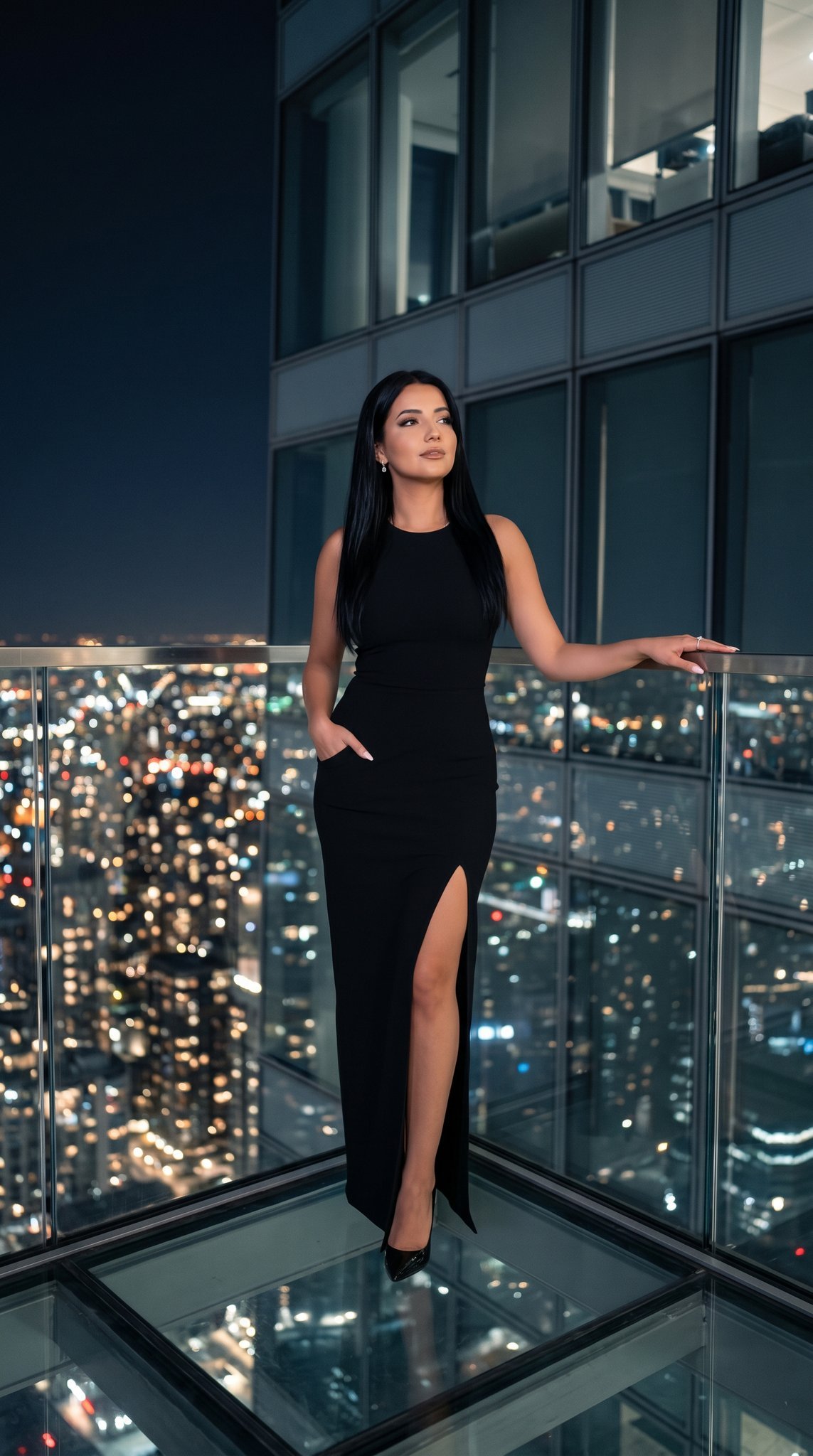
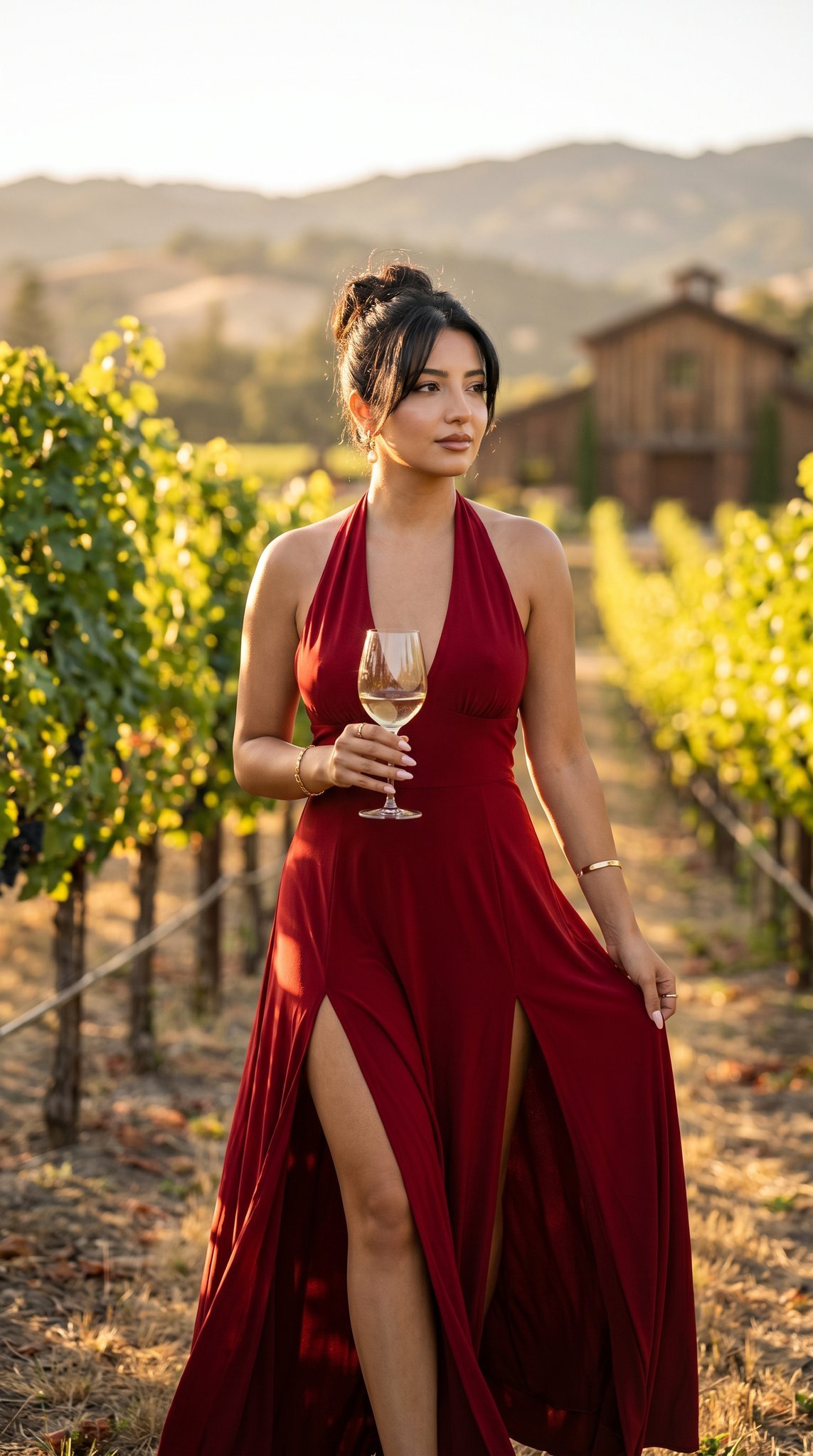
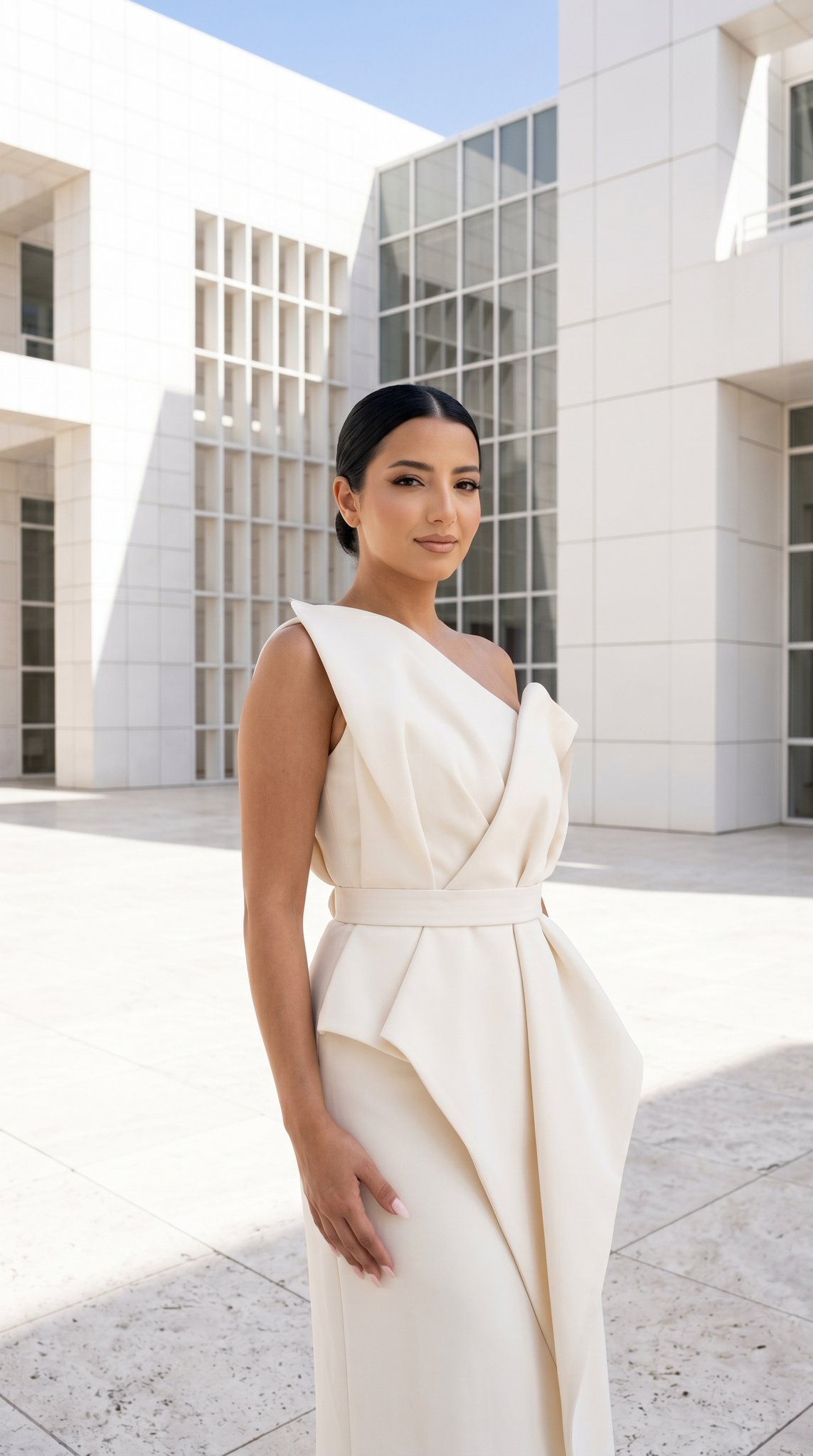
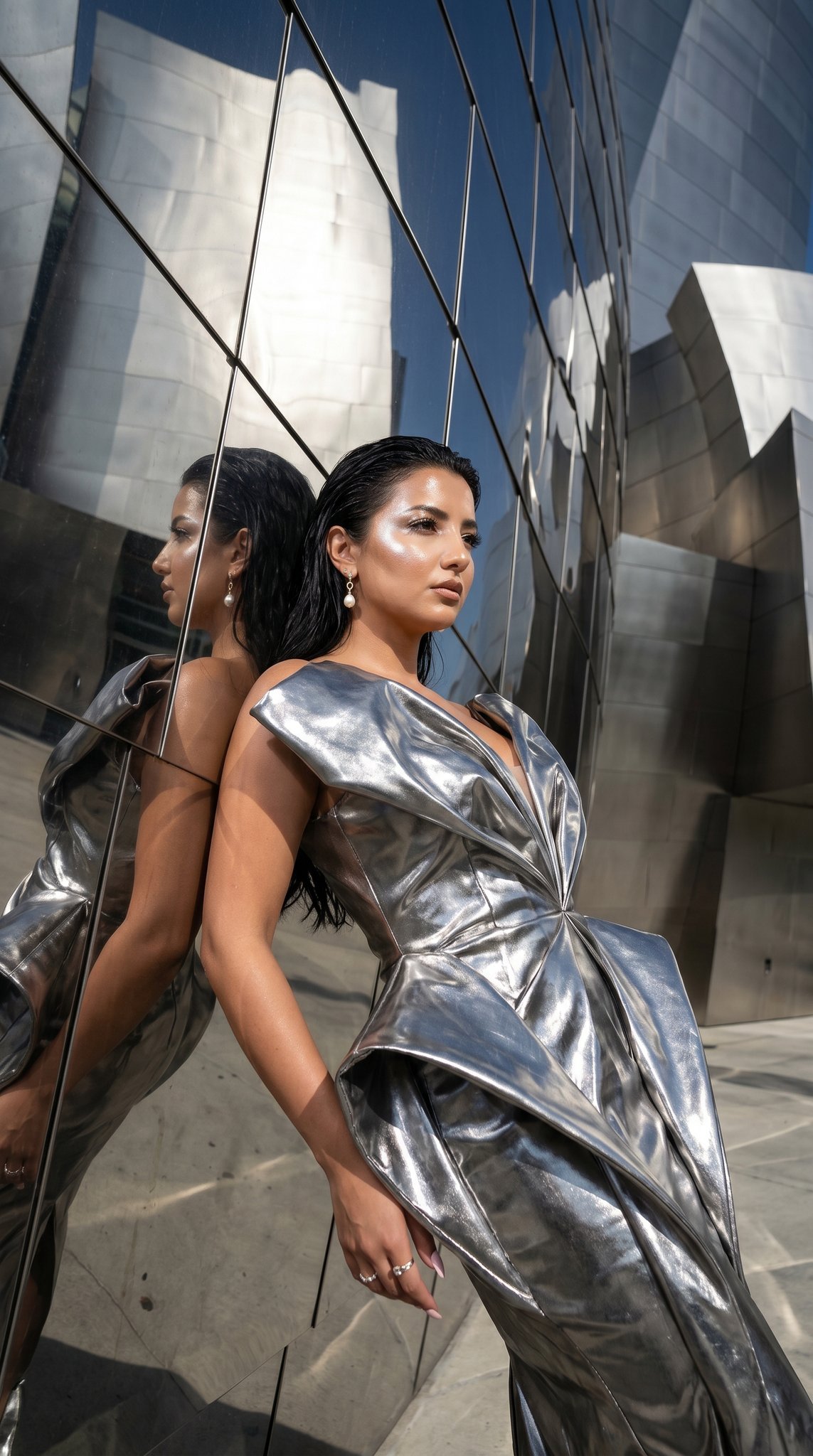
How do I use the Cinematic Fashion Editorial Portrait template?
Edit the prompt in the box under the preview — the template's model and format are already selected — and press Generate. Your version appears right on this page.
A detailed fashion editorial prompt for a centered medium shot of a person, emphasizing a quiet contrast between the subject's stillness and blurred motion in the background.

Cinematic fashion-editorial portrait of a {argument name="subject" default="person with messy hair, well groomed beard and glasses"}, framed as a centered medium shot from waist to head, subject perfectly aligned in the middle with symmetrical composition. Pose: Standing still facing camera directly, shoulders relaxed, hands in pockets, posture upright; facial expression neutral, calm, slightly detached. Wardrobe: {argument name="clothing" default="Minimalist oversized black hoodie with matte fabric, no visible branding"}. Accessories: Large over-ear headphones worn on the head with a clean, modern design. Background: {argument name="background" default="Flat, softly textured light gray wall (approx hex #d9d9d9) with subtle grain"}. Lighting: soft, diffused frontal lighting (5000-5500k) creating even illumination with minimal shadows and smooth skin tones; no harsh highlights, clean tonal transitions. Motion effect: Strong lateral motion blur silhouettes passing on both sides of the subject, creating ghosted human forms with directional blur, emphasizing stillness of the central figure. Optics: 50mm lens simulation, moderate depth of field (f/2.8-f/4) keeping subject sharp while motion-blurred elements streak across frame; slight film grain and soft contrast. Texture: Clean, natural skin detail with subtle softness, matte fabric rendering, minimal reflections. mood: introspective, isolated, urban, quiet contrast between stillness and surrounding motion. editorial, modern, high-detail, cinematic composition, ultra-realistic textures, professional fashion photography style.
Cinematic fashion-editorial portrait of a {argument name="subject" default="person with messy hair, well groomed beard and glasses"}, framed as a centered medium shot from waist to head, subject perfectly aligned in the middle with symmetrical composition. Pose: Standing still facing camera directly, shoulders relaxed, hands in pockets, posture upright; facial expression neutral, calm, slightly detached. Wardrobe: {argument name="clothing" default="Minimalist oversized black hoodie with matte fabric, no visible branding"}. Accessories: Large over-ear headphones worn on the head with a clean, modern design. Background: {argument name="background" default="Flat, softly textured light gray wall (approx hex #d9d9d9) with subtle grain"}. Lighting: soft, diffused frontal lighting (5000-5500k) creating even illumination with minimal shadows and smooth skin tones; no harsh highlights, clean tonal transitions. Motion effect: Strong lateral motion blur silhouettes passing on both sides of the subject, creating ghosted human forms with directional blur, emphasizing stillness of the central figure. Optics: 50mm lens simulation, moderate depth of field (f/2.8-f/4) keeping subject sharp while motion-blurred elements streak across frame; slight film grain and soft contrast. Texture: Clean, natural skin detail with subtle softness, matte fabric rendering, minimal reflections. mood: introspective, isolated, urban, quiet contrast between stillness and surrounding motion. editorial, modern, high-detail, cinematic composition, ultra-realistic textures, professional fashion photography style.
Edit the prompt in the box under the preview — the template's model and format are already selected — and press Generate. Your version appears right on this page.
Yes. You can change the subject, setting, lighting, mood, format, and available model controls before creating your image.
Opening and editing this template is free. Generating uses credits, shown on the Generate button when you are signed in.
Start with Nano Banana 2, which is the model associated with this template. You can compare another compatible model for a different finish.
Follow a topic to a crawlable collection of related PicX Studio templates.