How do I use the Anime Graphic Novel Man Illustration template?
Choose the primary action to open PicX Studio with the available template settings. Review the model and format, personalize the creative direction, and generate when ready.
An anime-style graphic novel prompt featuring a bird's-eye view of a character with dynamic lighting and bold ink outlines.
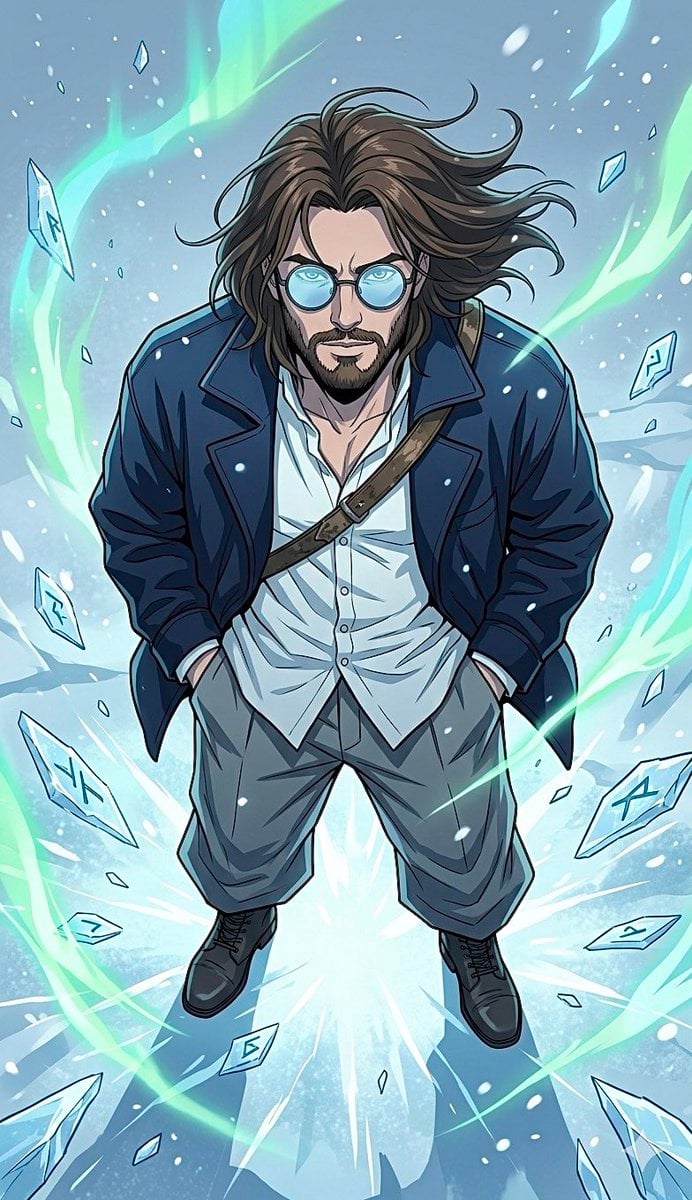
Anime graphic novel @ image illustration, hyper-detailed linework, cel-shading. High-angle bird's-eye view, looking down at a {argument name="subject" default="confident man looking up"}. Wearing {argument name="clothing" default="round yellow-tinted glasses, open dark navy oversized jacket, loose white shirt, tan wide-leg trousers, brown boots, diagonal bag strap"}. Wind-blown hair. {argument name="background" default="Vivid electric yellow background with energy burst, floating shattered teal stone fragments, jagged yellow lightning fractures"}. Flat overhead lighting, bold ink outlines, dynamic complementary color palette.
Choose the primary action to open PicX Studio with the available template settings. Review the model and format, personalize the creative direction, and generate when ready.
Yes. You can change the subject, setting, lighting, mood, format, and available model controls before creating your image.
This template is free to open and customize. Generation usage is shown in PicX Studio before you create.
Start with Nano Banana 2, which is the model associated with this template. You can compare another compatible model for a different finish.
Follow a topic to a crawlable collection of related PicX Studio templates.