
Premium Magazine Studio Photography
A highly detailed editorial fashion prompt for a full-body studio portrait with specific lighting and camera settings.
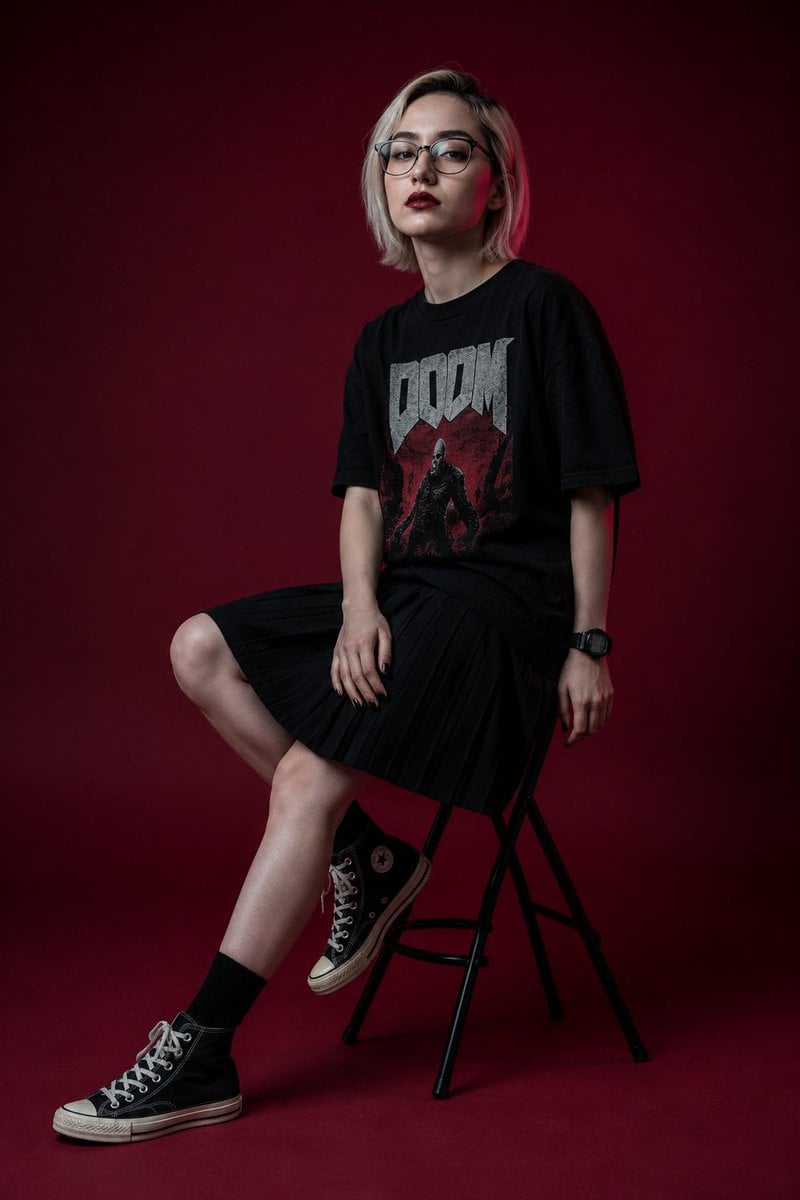
- Prompt included
- Model and format preset
- Premium template
The prompt behind this image
Copy the exact prompt behind Premium Magazine Studio Photography, or open it in the studio and make it yours.
Ultra-realistic editorial fashion studio photography in premium magazine campaign quality, full body portrait. Featuring a {argument name="subject" default="stylish young woman"} with the same face, facial features, identity, skin tone, and overall appearance as the reference image, maintaining accurate facial resemblance and natural proportions. She has a slim fashionable body, {argument name="hair style" default="short platinum blonde hair above the shoulders with visible black roots"}, straight texture, slightly messy side part, and long bangs framing the face. Porcelain-white skin with a naturally pale tone. Ultra-detailed makeup: neatly separated spiky eyelashes with a doll-eye effect, precise eyeliner, crystal-clear gray irises, dark red matte lips with realistic lip texture, black nails, and a black sport watch. Facial details must be exceptionally sharp and highly detailed, with the eyes as the primary focal point. Individual eyelashes visible one by one, realistic skin pores, natural micro skin texture, no blur, no soft focus, no beauty filter, no skin smoothing. Outfit: {argument name="outfit" default="oversized black T-shirt with a bold “DOOM” band print, deep black pleated skirt with a knee-length hemline"}, short black socks, and black Converse high-top sneakers. Pose: sitting on a black folding studio stool with a round seat in a three-quarter profile pose. Right hand resting naturally on the thigh, left hand hanging downward. Left leg bent and placed on the stool support, right leg extended with the heel touching the floor. Face slightly lifted upward, looking directly toward the camera with a calm, distant, slightly melancholic expression. Lips fully closed. Background and studio floor are deep dark maroon with subtle gradient transitions. Low-key editorial fashion studio environment. Lighting: premium fashion magazine lighting setup using diffused frontal flash combined with a soft beauty dish from front-left, producing crisp catchlights in the eyes, clean makeup definition, realistic skin texture, subtle dimensional shadows, and dramatic modern editorial contrast. Shot on Leica SL3, APO-Summicron-SL 50mm lens, ISO 100, f/5.6, RAW photograph. Face-priority autofocus. Tack-sharp eyes, razor-sharp eyelash detail, ultra-detailed makeup, realistic skin pores, natural skin texture, high micro-contrast, cinematic editorial lighting, premium fashion photography, subtle filmic depth, crystal-clear image quality, ultra-high detail, 8K resolution. Negative prompt: blurry eyes, soft focus, low resolution, plastic skin, excessive retouching, beauty filter, overexposed skin, washed-out details, distorted face, incorrect anatomy, extra fingers, duplicate limbs, unrealistic proportions, AI artifacts, oversaturated colors, skirt below knees, mini skirt, cropped legs, motion blur.
How to use Premium Magazine Studio Photography in 3 steps
- 1Upload ImagePNG, JPG or paste
Add your photo
Upload the photo the template builds on. The prompt, model and format are already set.
- 2…a portrait of your subject in softgolden-hour light, 85mm…
Personalize
Edit the subject and creative details for your destination.
- 3Generate
Generate
Press Generate — your image is created in PicX Studio, so you can compare it with the original and refine one variable at a time.
More like this
Templates with the same subject, style or setup. Open one to see its prompt.
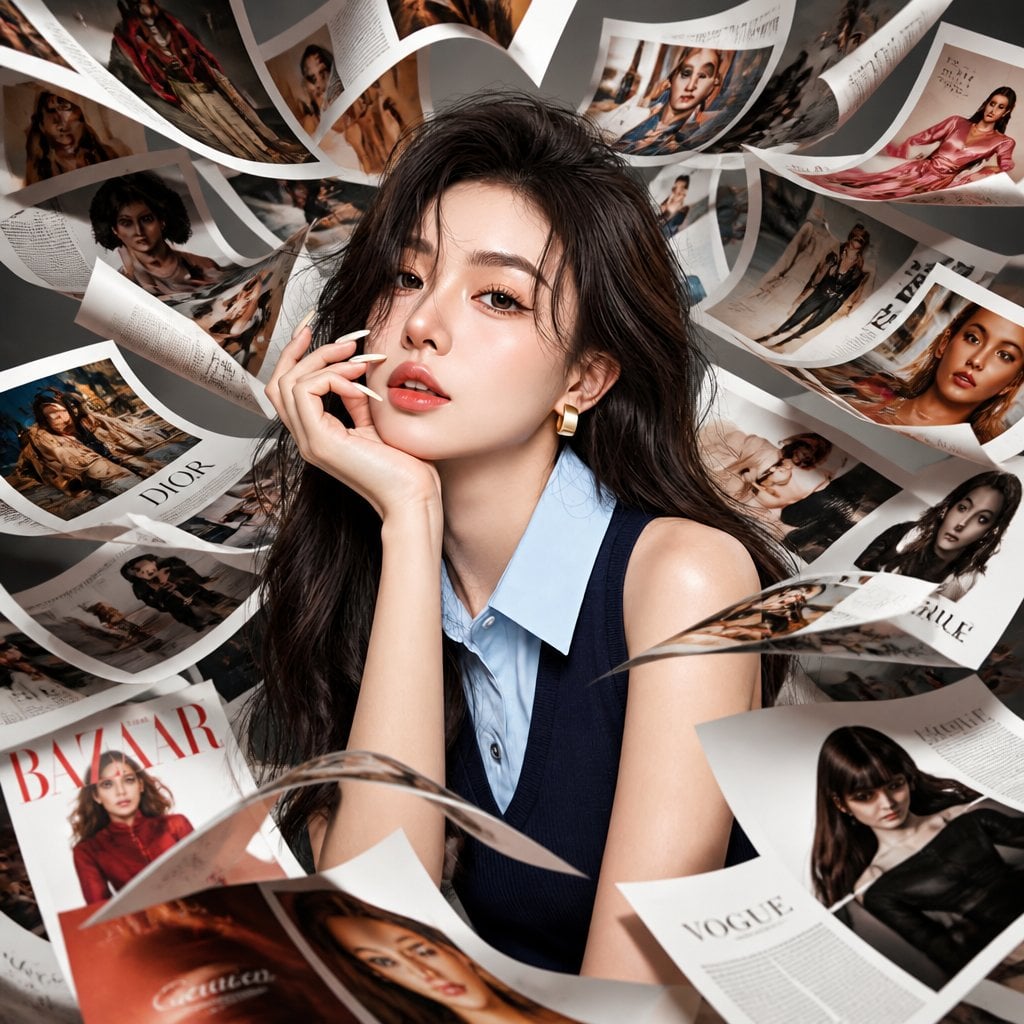
Korean Model Floating Magazine Pages Campaign

80s Couple Studio Portrait

1985 Studio Portrait
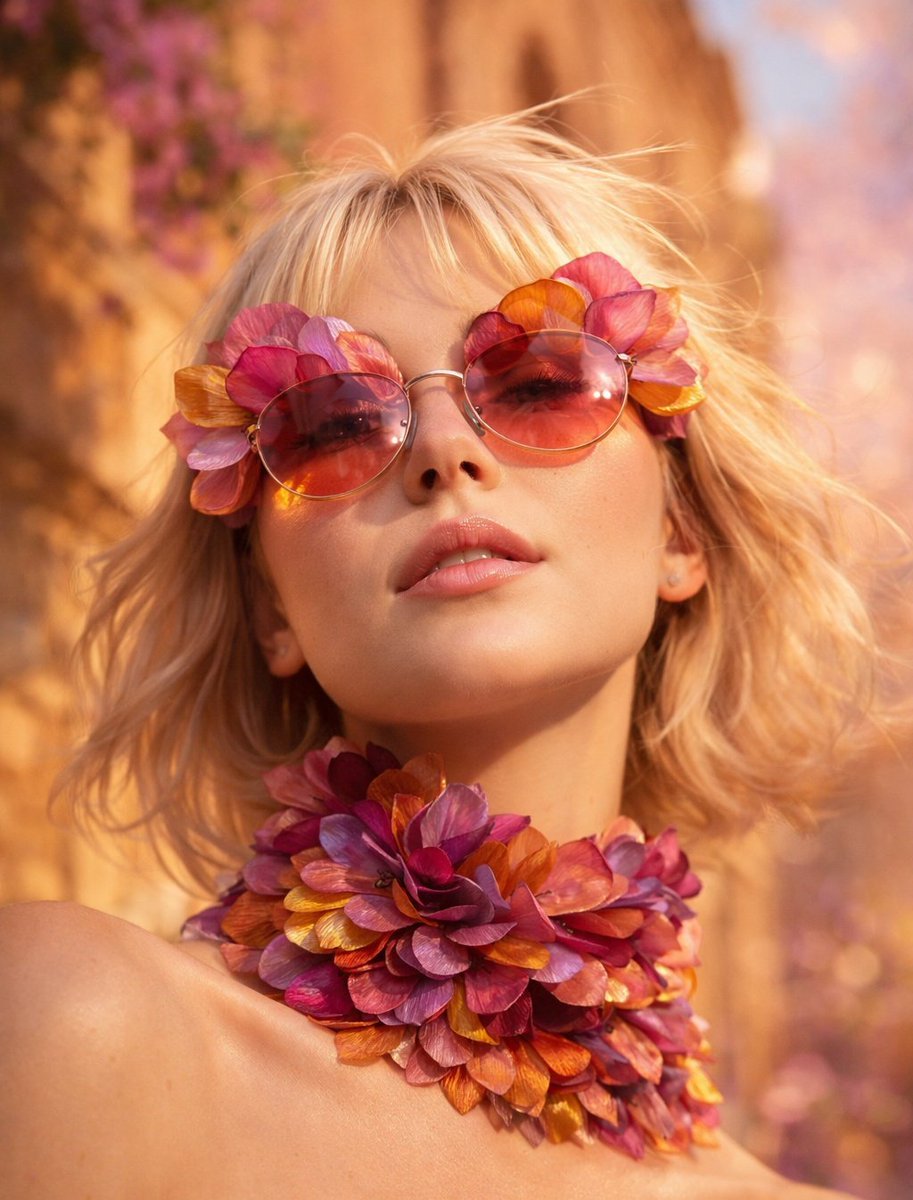
Flower Petal Sunglasses Couture Portrait
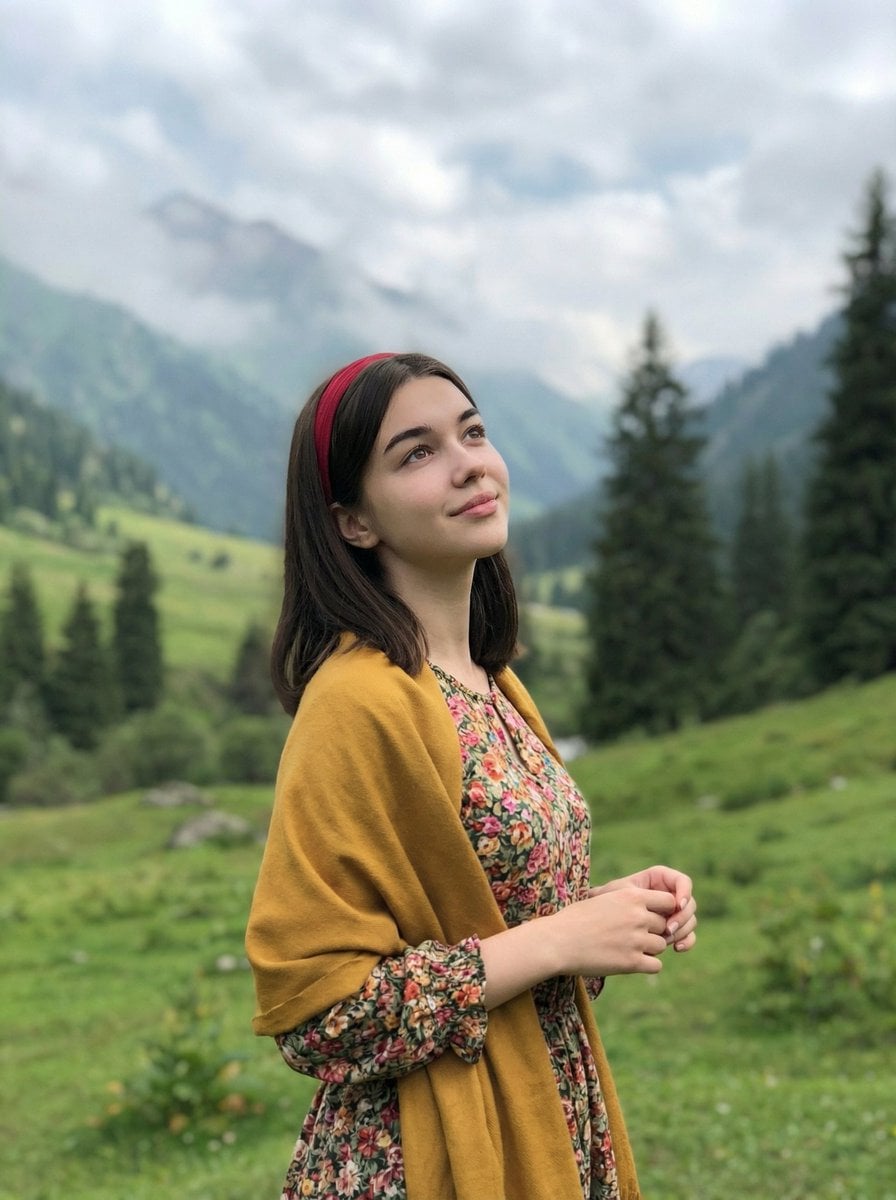
Mountain Valley Lifestyle Portrait
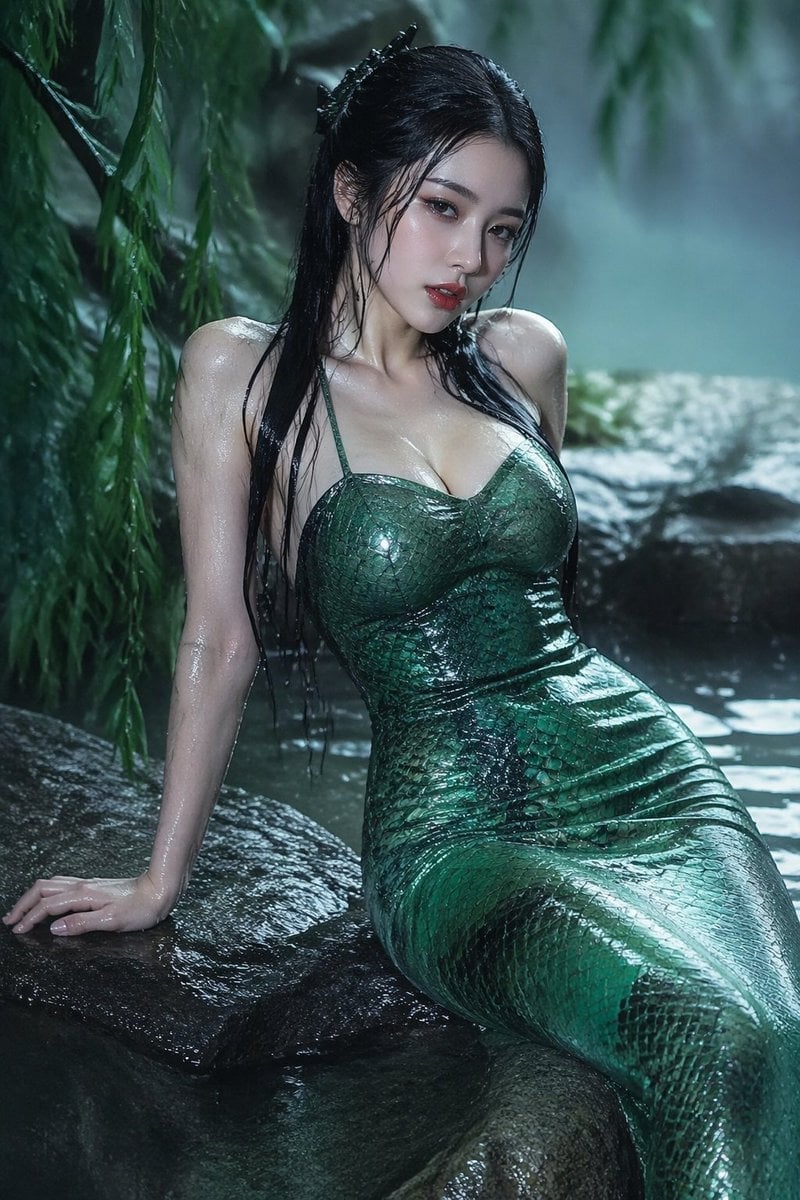
青蛇小青写真大片,绿色紧身蛇鳞裙,湿发红唇,妖娆妩媚
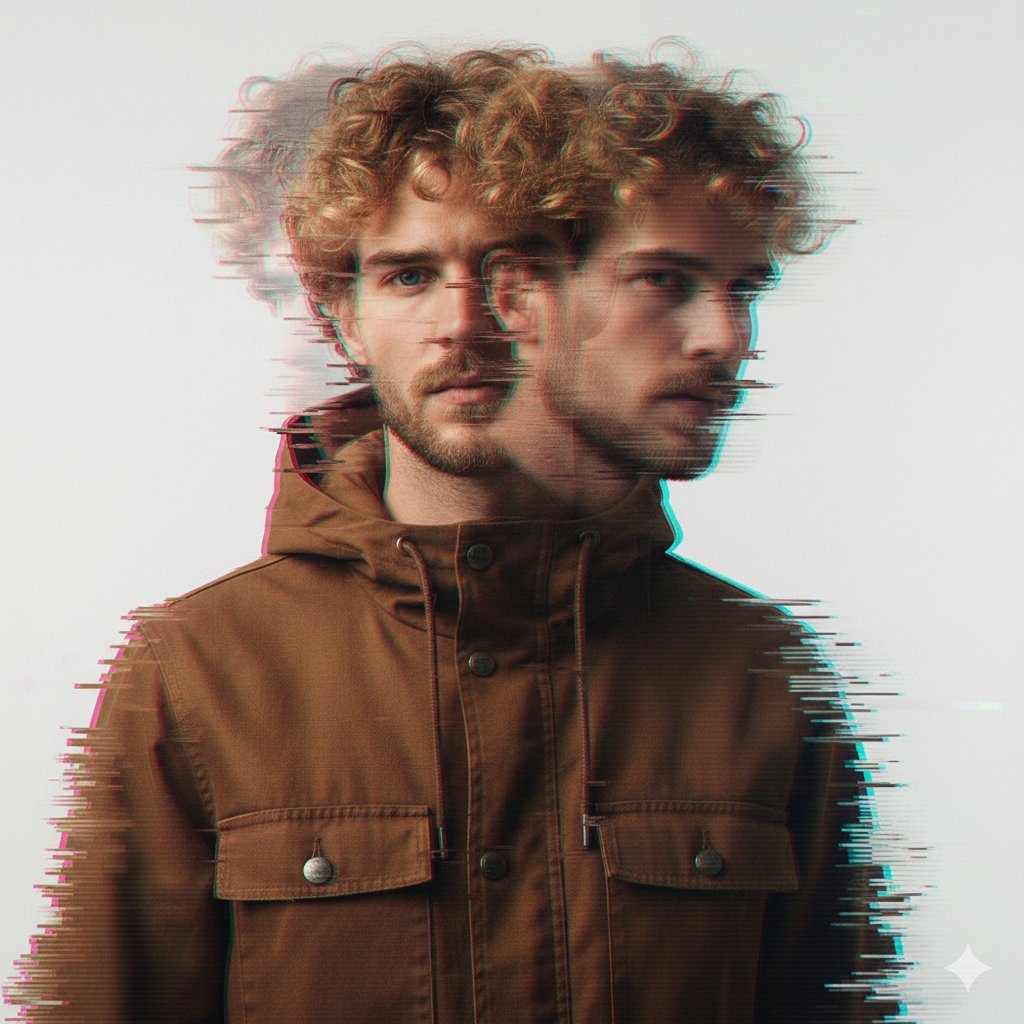
A double exposure, long exposure editorial photograph of a man Use image

Portrait of a young woman in her early 20s walking calmly on a beautiful
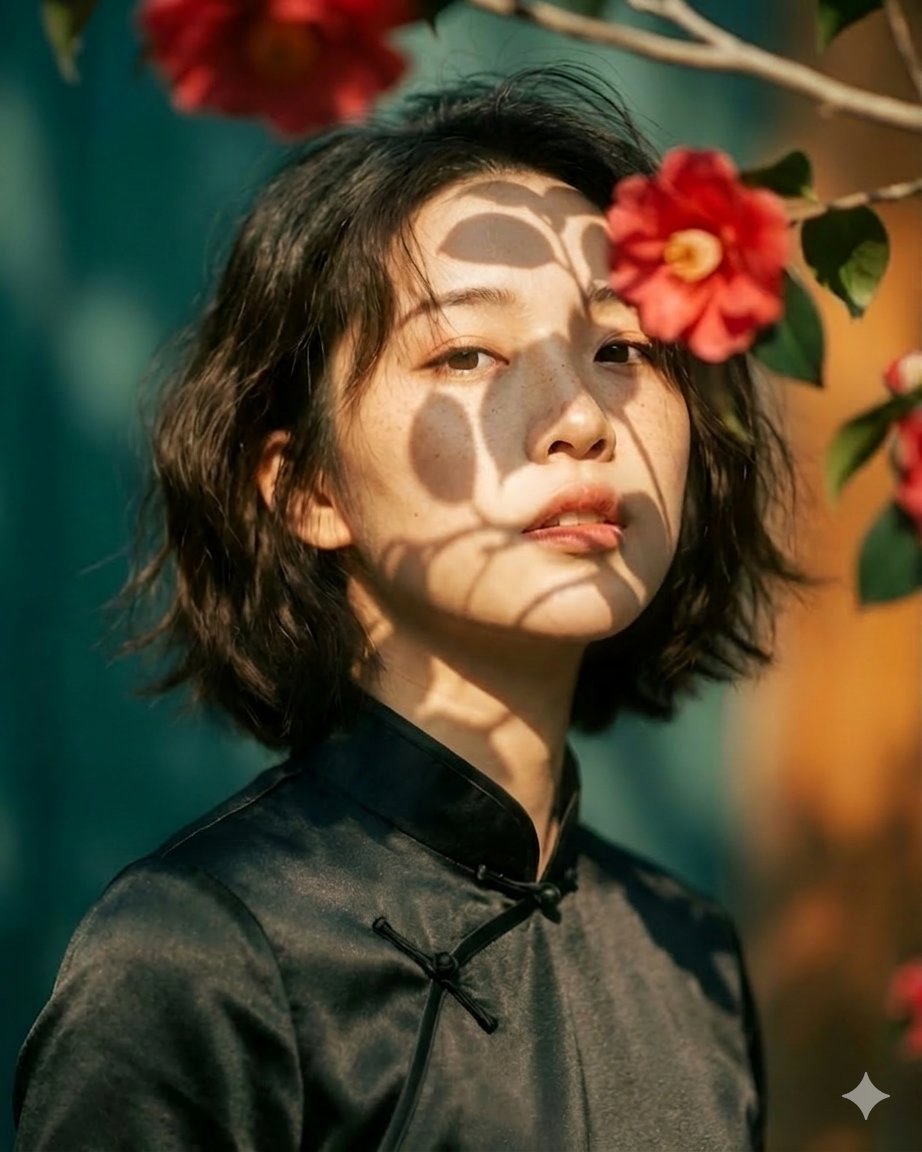
Artistic portrait of an elegant Asian woman wearing a black silk
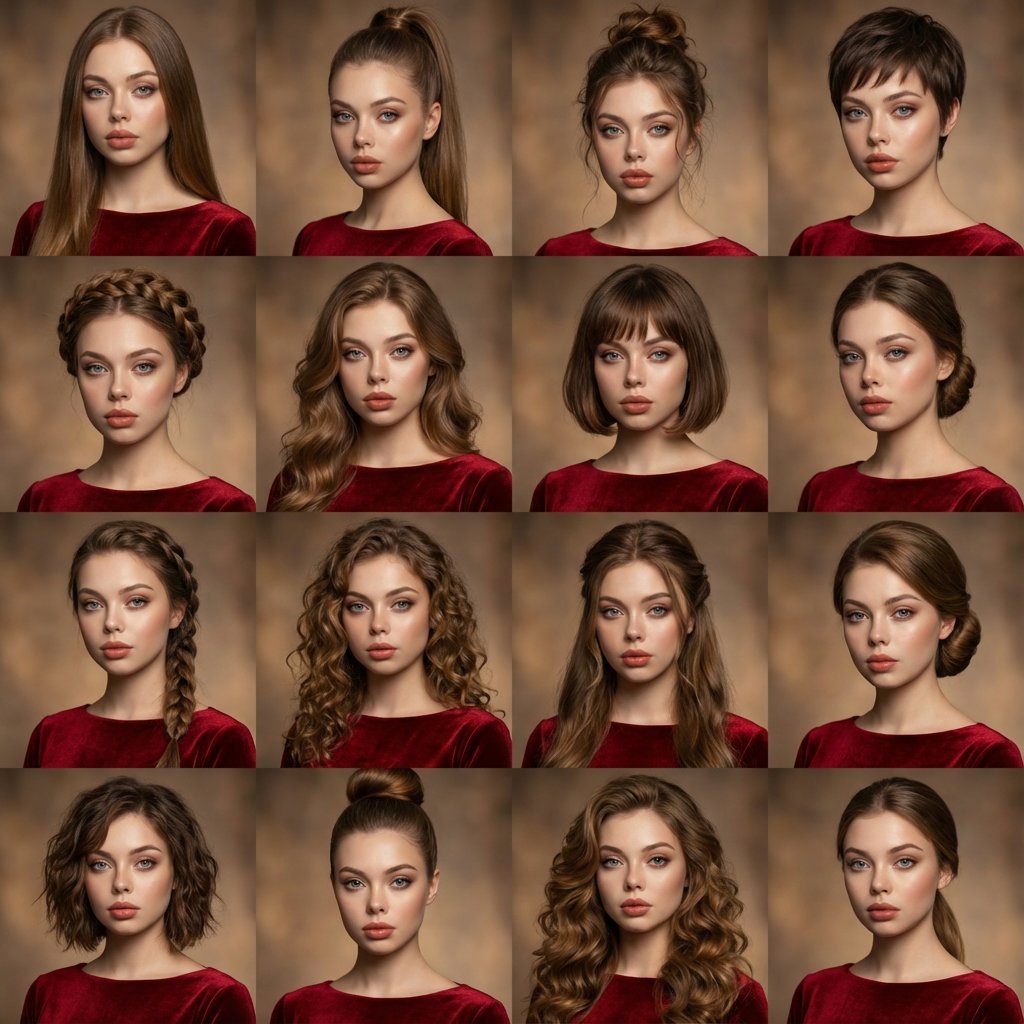
A high-quality photo collage featuring the same person with identical
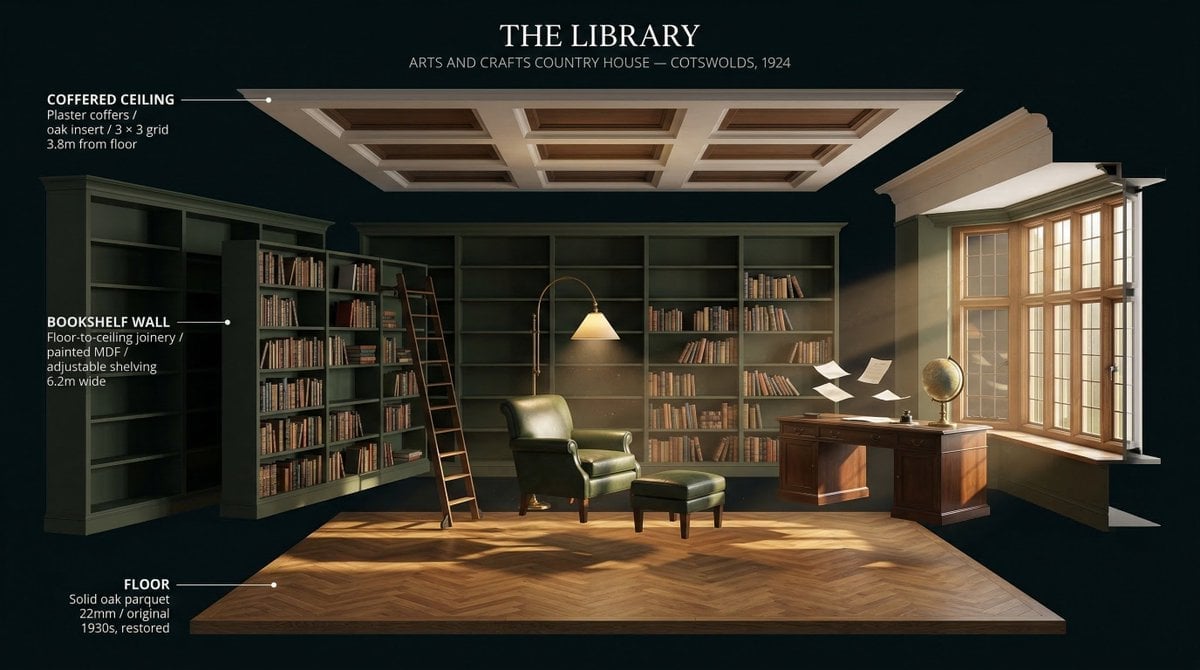
LIGHTING each element still lit by its original source, windows casting
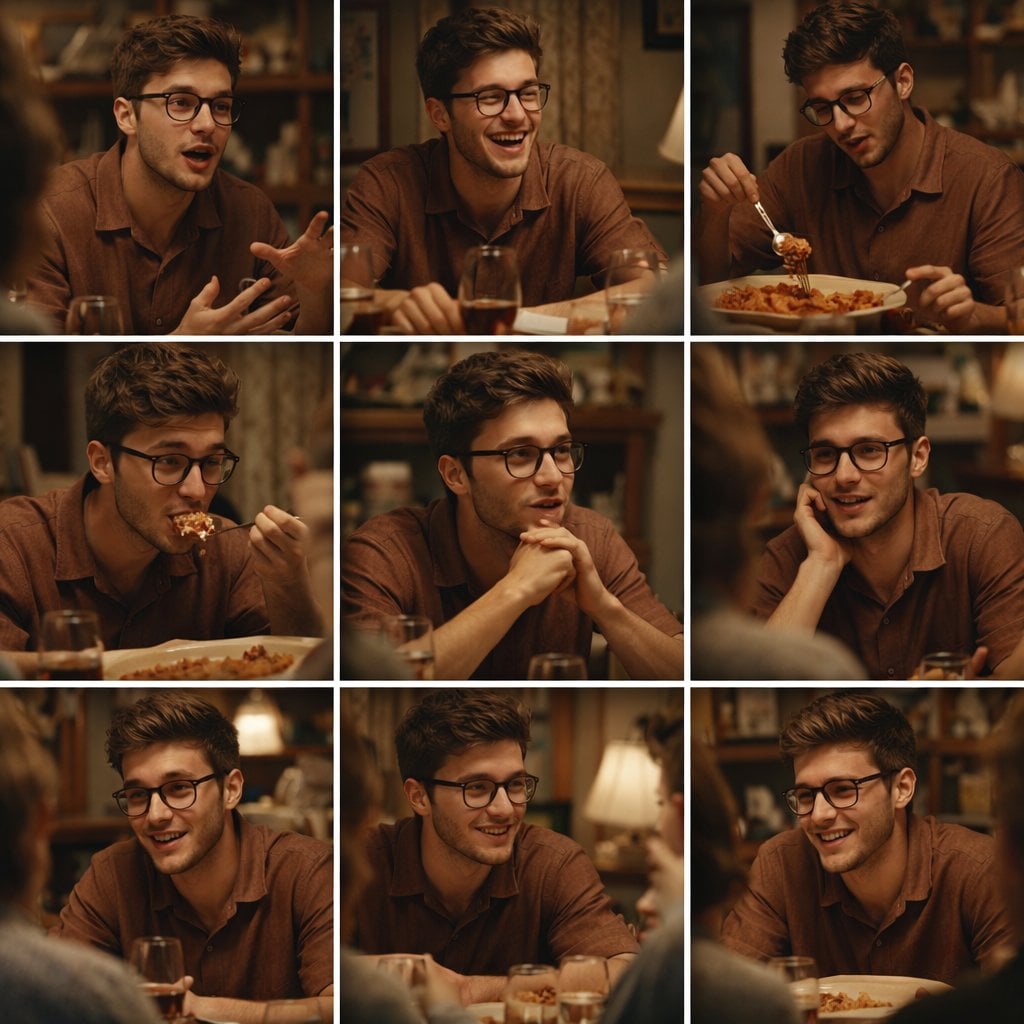
A 3x3 grid storyboard contact sheet comprised of nine candid, cinematic
Make it yours
Premium Magazine Studio Photography works as-is. These are the safest ways to change it without losing the look.
Change one field
Copy a single group, rewrite it, and generate again so you can see what that field is doing.
Keep the frame, change the subject
Hold the composition and light of Premium Magazine Studio Photography, then swap wardrobe, props or the person for a new take.
| If the result… | Why | Fix |
|---|---|---|
| The result drifts from the preview | Too many fields changed at once. | Reuse Premium Magazine Studio Photography as-is first, then change one group — subject, light, or setting. |
| The model over-stylizes the scene | The prose prompt leaves finish and camera underspecified. | Add one camera or lighting sentence and stay on Nano Banana 2. |
More Nano Banana 2 templates
Other prompts made for Nano Banana 2.

Photorealistic Leaf Shaped Like a Dragon

K-Pop Idol Portrait Grid for Rapid Selection

Poetic Rain Forest Portrait During Golden Hour

Urban Street Portrait with Cartoon Inner Self Duo

Candid Nighttime Photo with Cat Prompt

High-Concept 3D Diorama Generation Prompt

Cinematic Futuristic Studio Portrait Template

Skincare Editorial Photography Collage Prompt

Hyper-Realistic Commercial Product Photography (Splash Effect)

Hyper-Realistic Nightclub Portrait Prompt
More image prompts
Fresh picks from across the catalog.
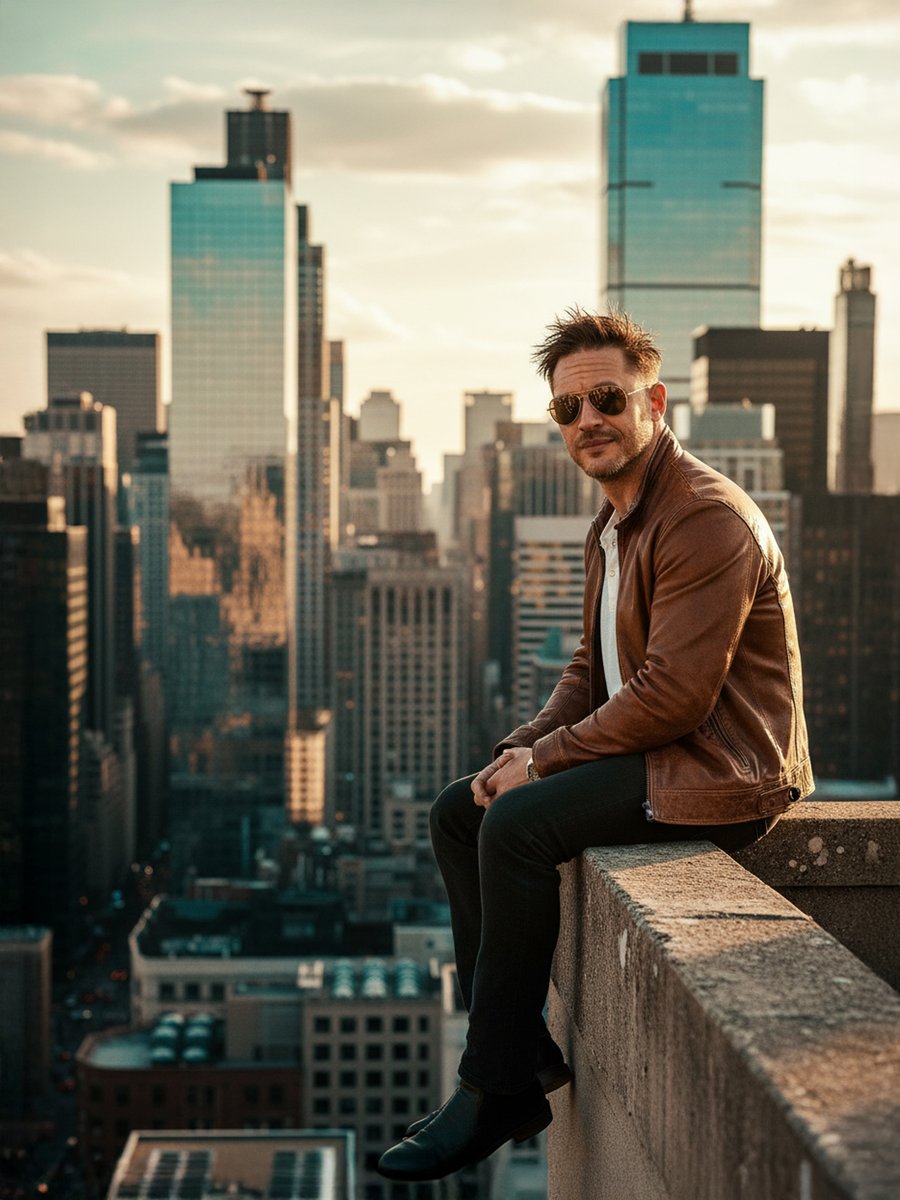
Cinematic Portrait on a Rooftop Ledge at Golden Hour
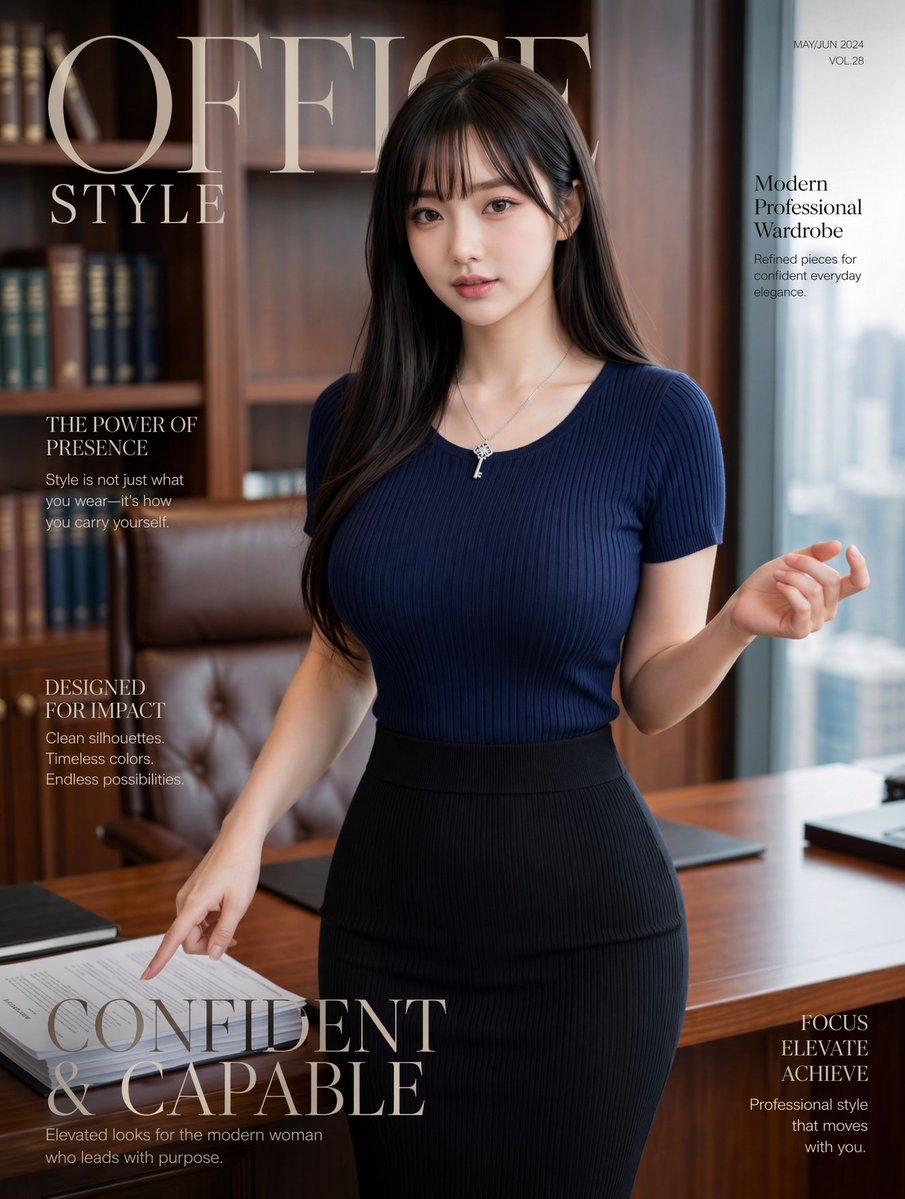
Office Style Fashion Magazine Cover
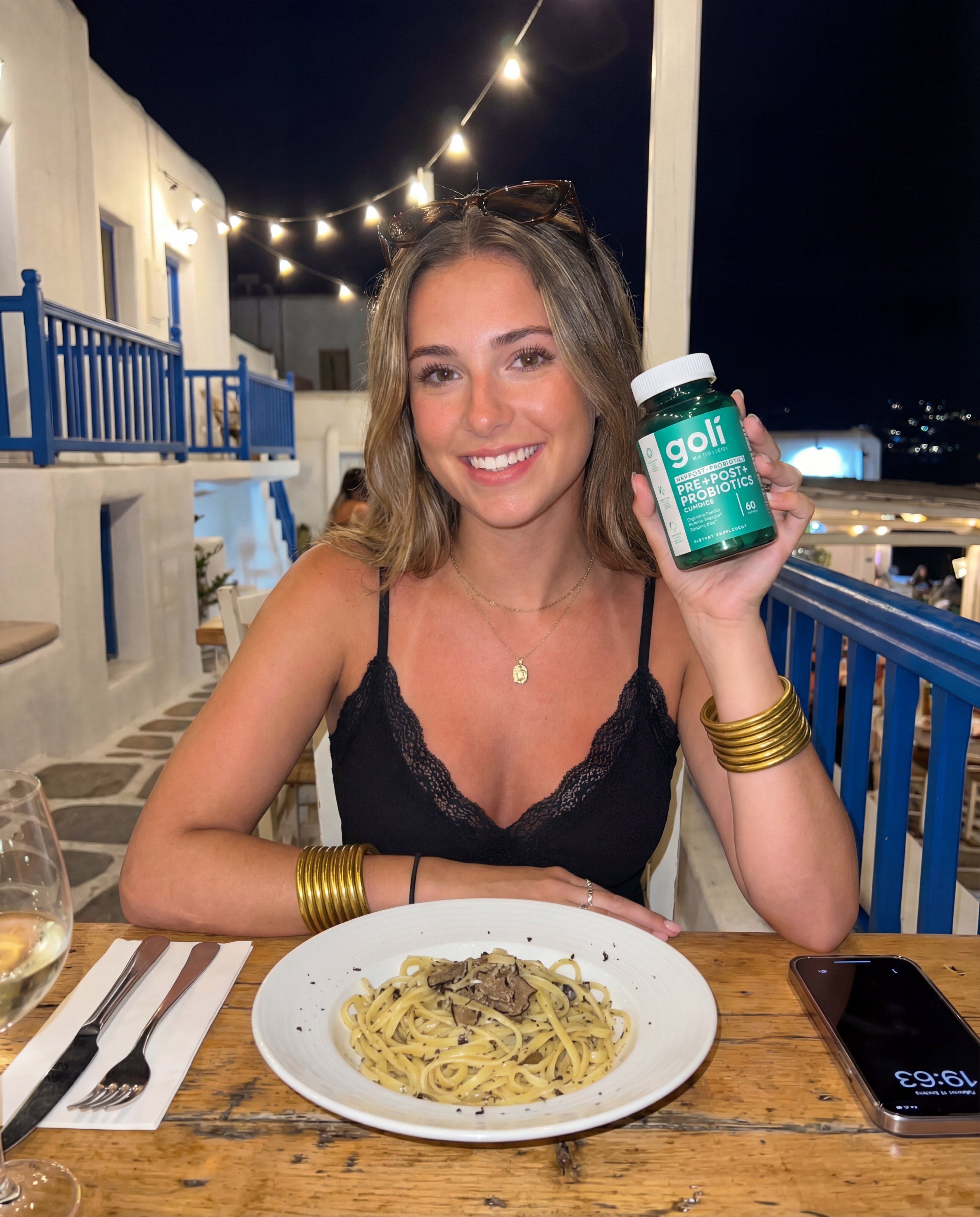
How to Generate Realistic Ai Photos with
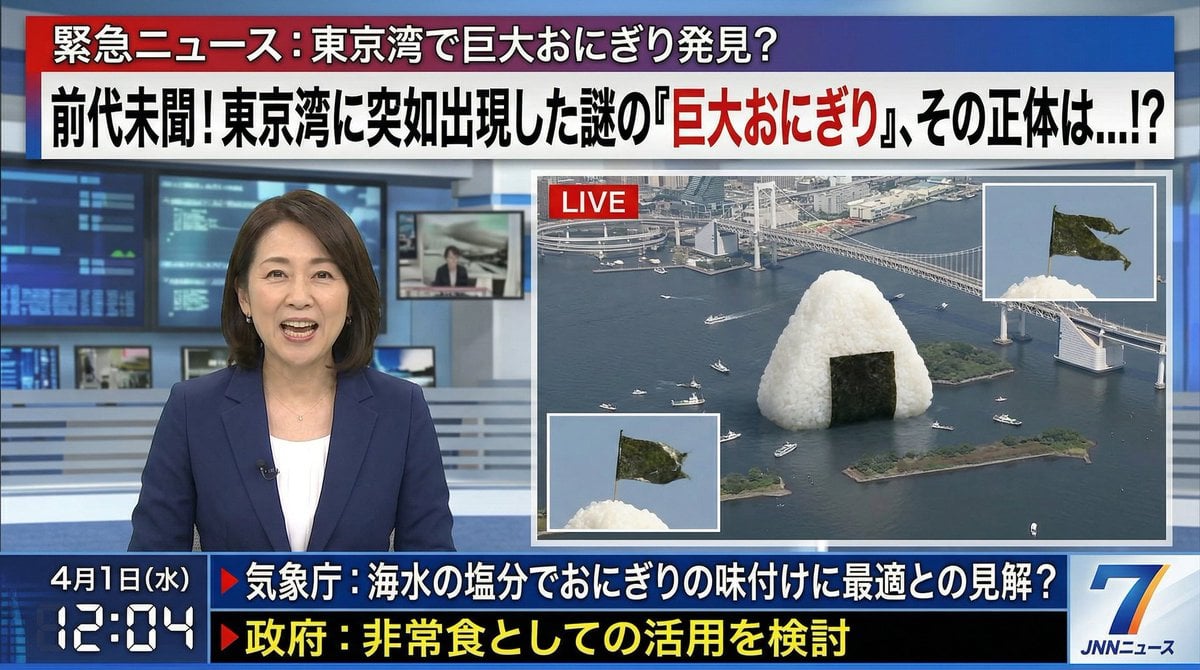
April Fool's Fake News Image Generation Prompt
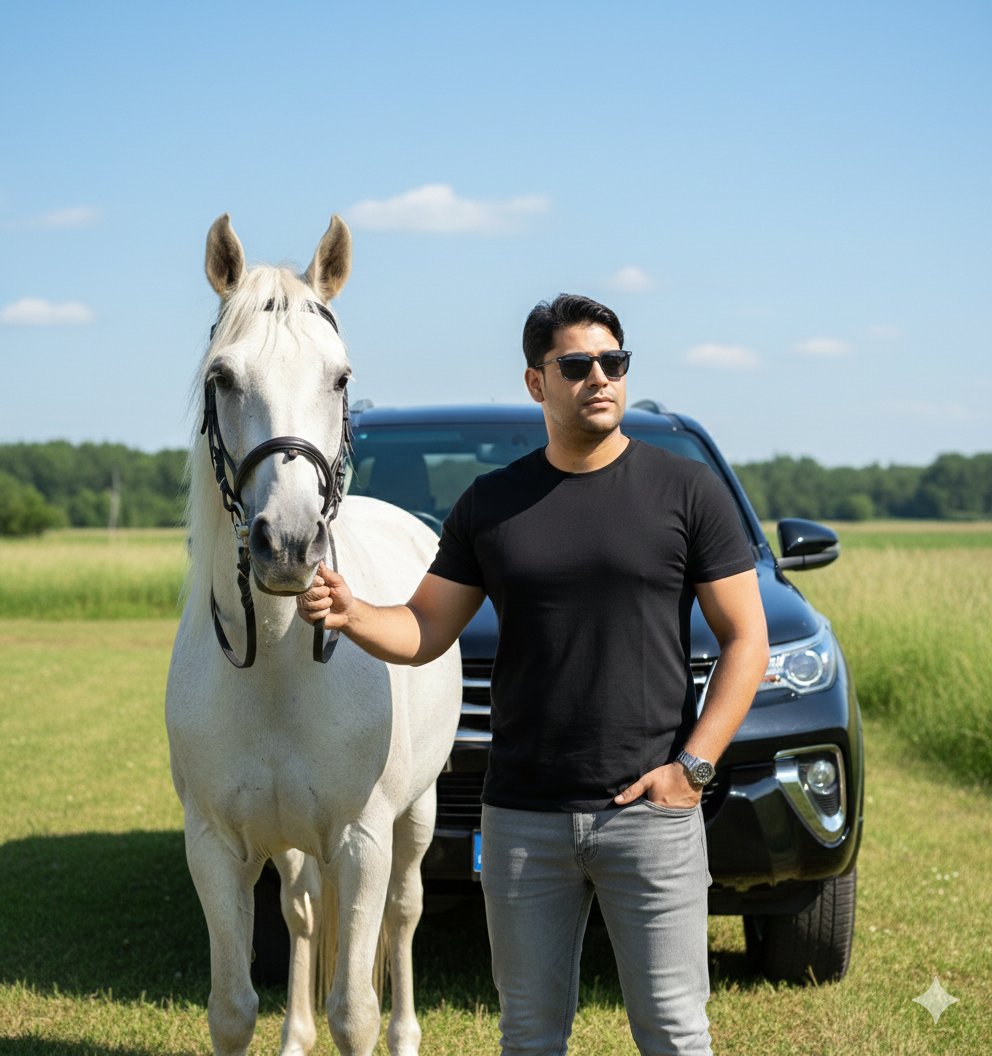
Image Generation Prompt for Man with Horse and Car
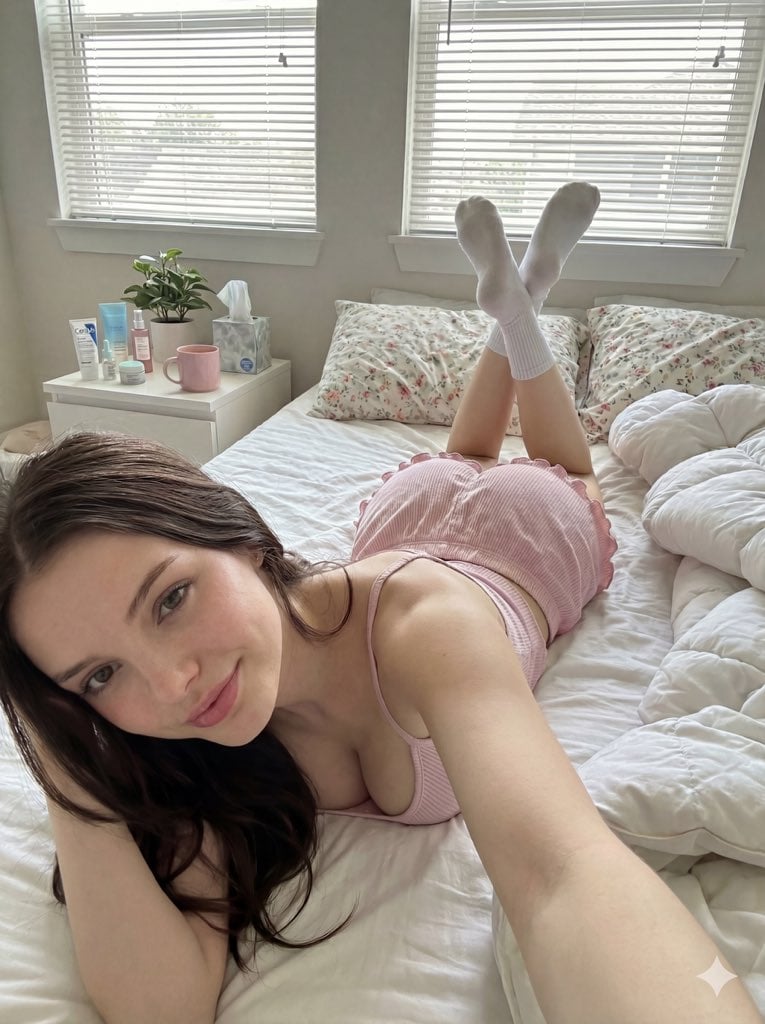
Cozy Bedroom Selfie Prompt (Lying Prone)
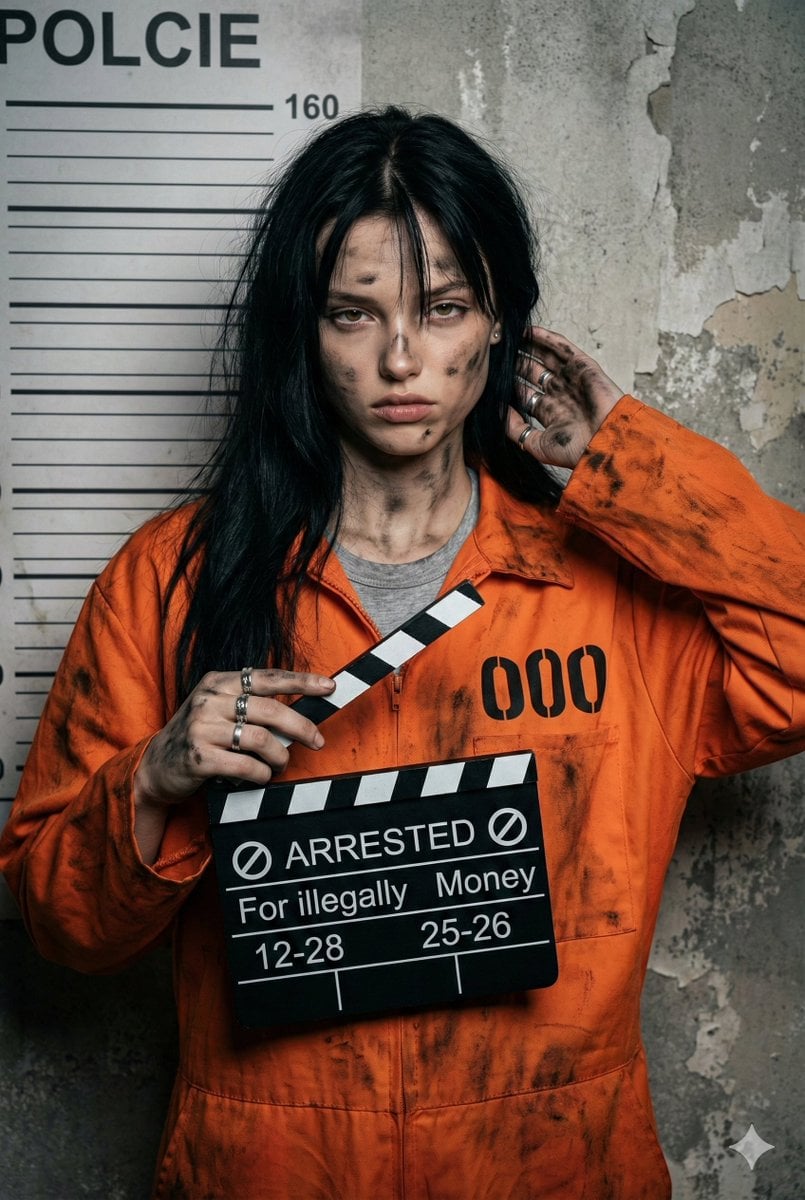
Gritty Prisoner Mugshot Portrait Prompt
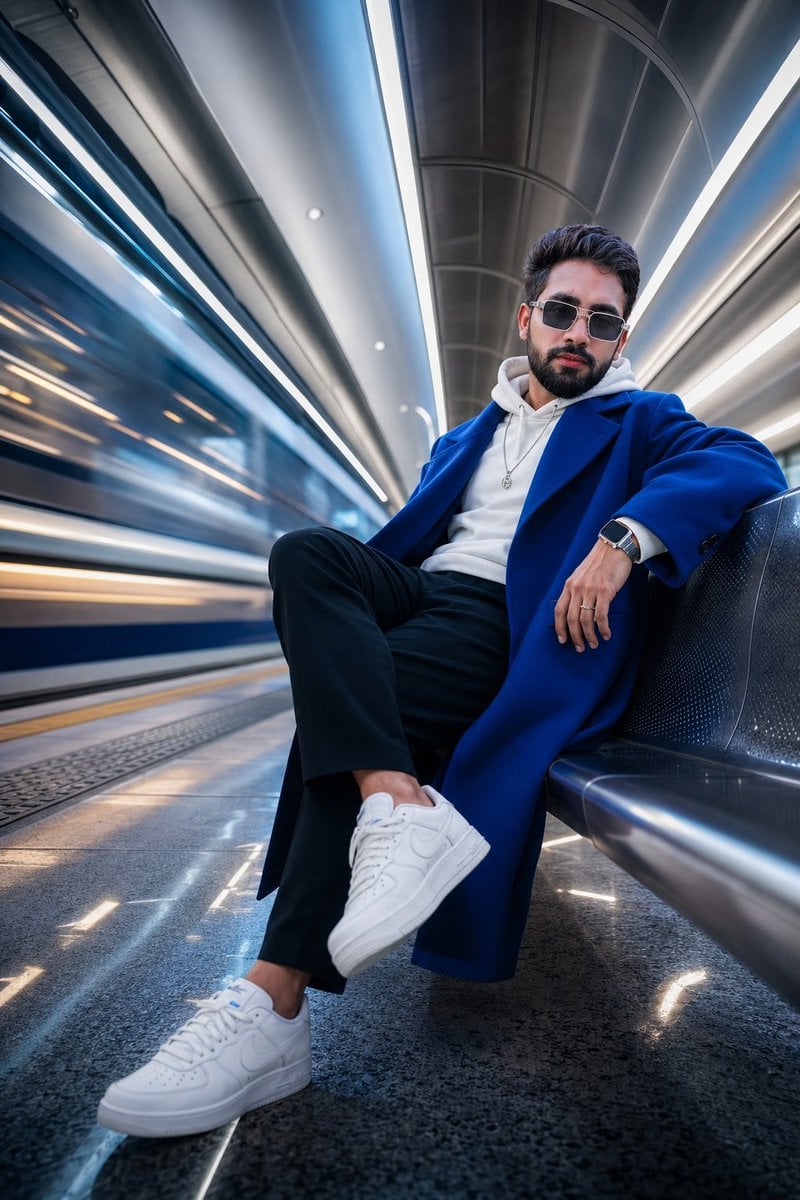
Futuristic Metro Station Fashion Shoot
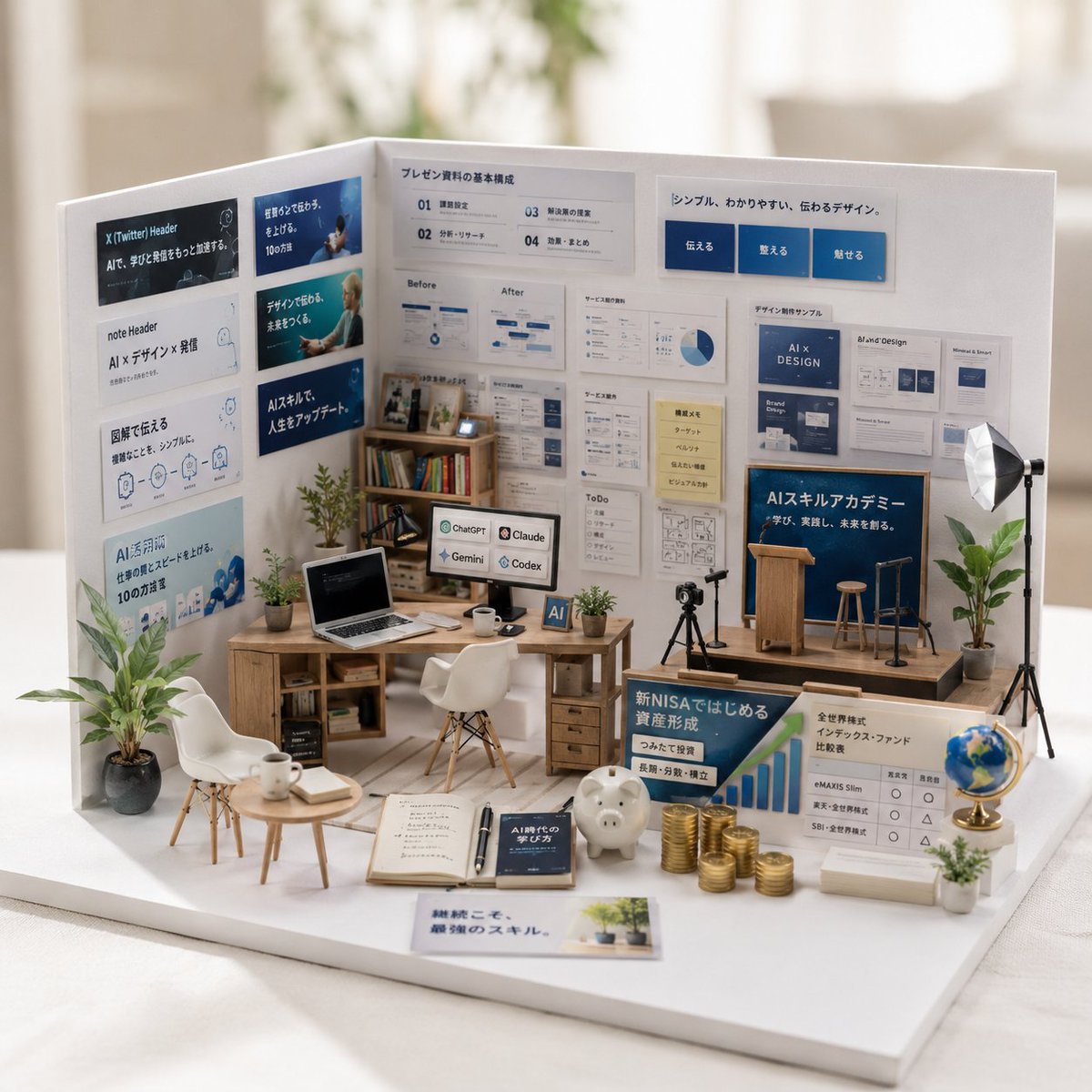
Miniature Garden Box Diorama
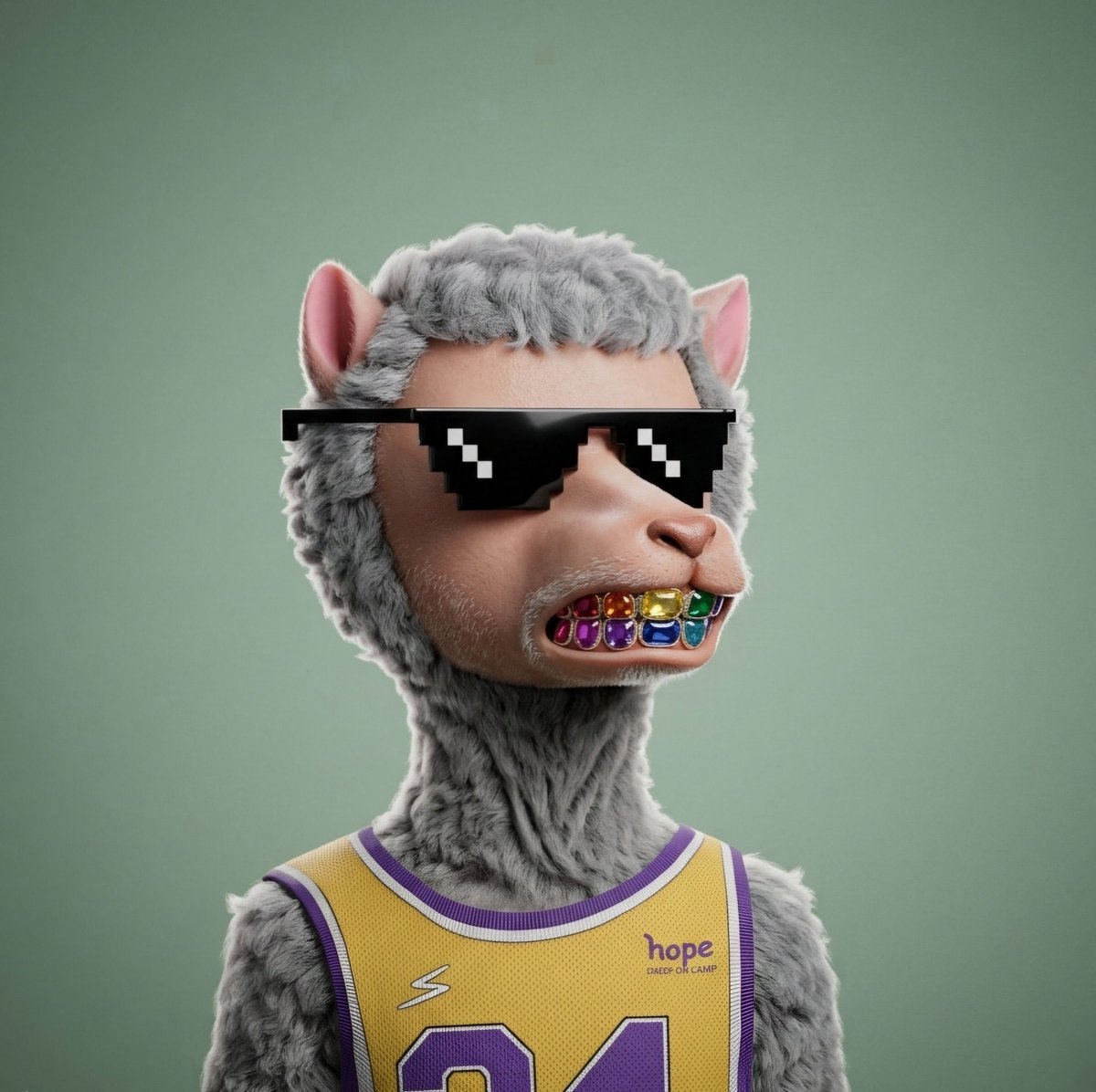
3D Hyper-realistic Style Transformation for NFT
Browse template categories
Premium Magazine Studio Photography questions
How do I use the Premium Magazine Studio Photography template?
Add your photo if the template asks for one, edit the prompt if you like — the template's model and format are already selected — and press Generate. Your version opens in PicX Studio.
Can I customize the Premium Magazine Studio Photography template?
Yes. You can change the subject, setting, lighting, mood, format, and available model controls before creating your image.
Is the Premium Magazine Studio Photography template free?
Opening and editing this template is free. Generating uses credits, shown on the Generate button when you are signed in.
Which AI model should I use?
Start with Nano Banana 2, which is the model associated with this template. You can compare another compatible model for a different finish.
Looking for something else? Browse all templates.

Your photo, any look
Thousands of ready templates for every top image and video model, from one credit balance.