How do I use the Realistic Japanese Lifestyle Beauty Studio Video template?
Edit the prompt in the box under the preview — the template's model and format are already selected — and press Generate. Your version appears right on this page.
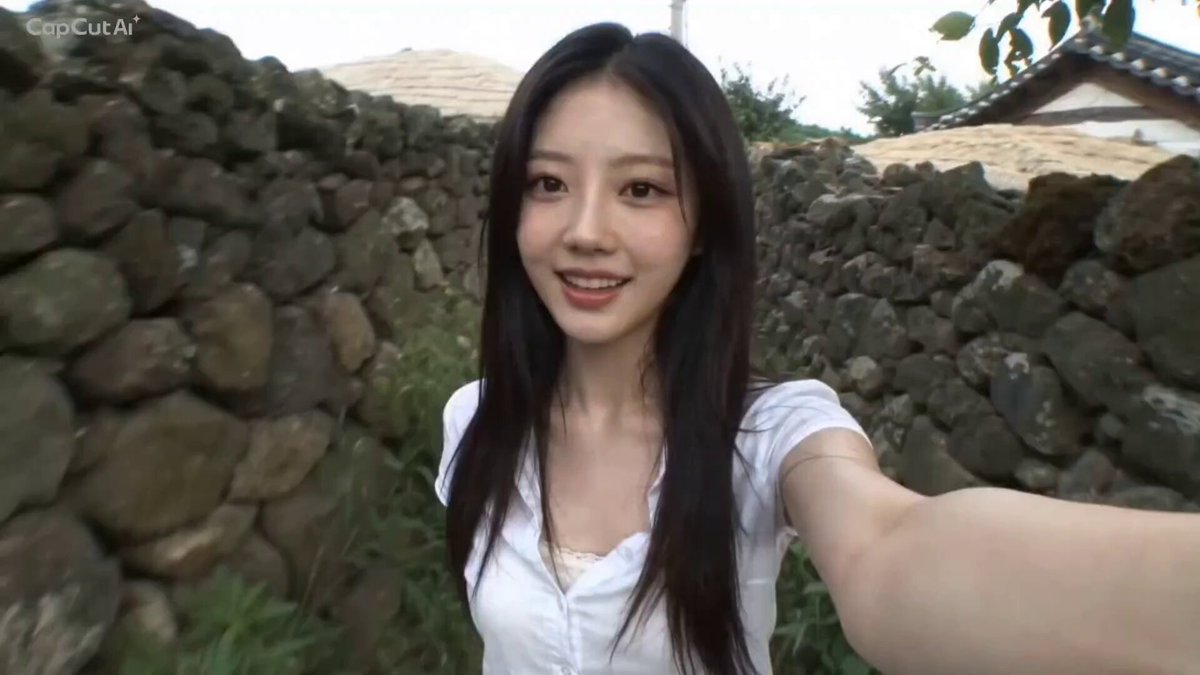
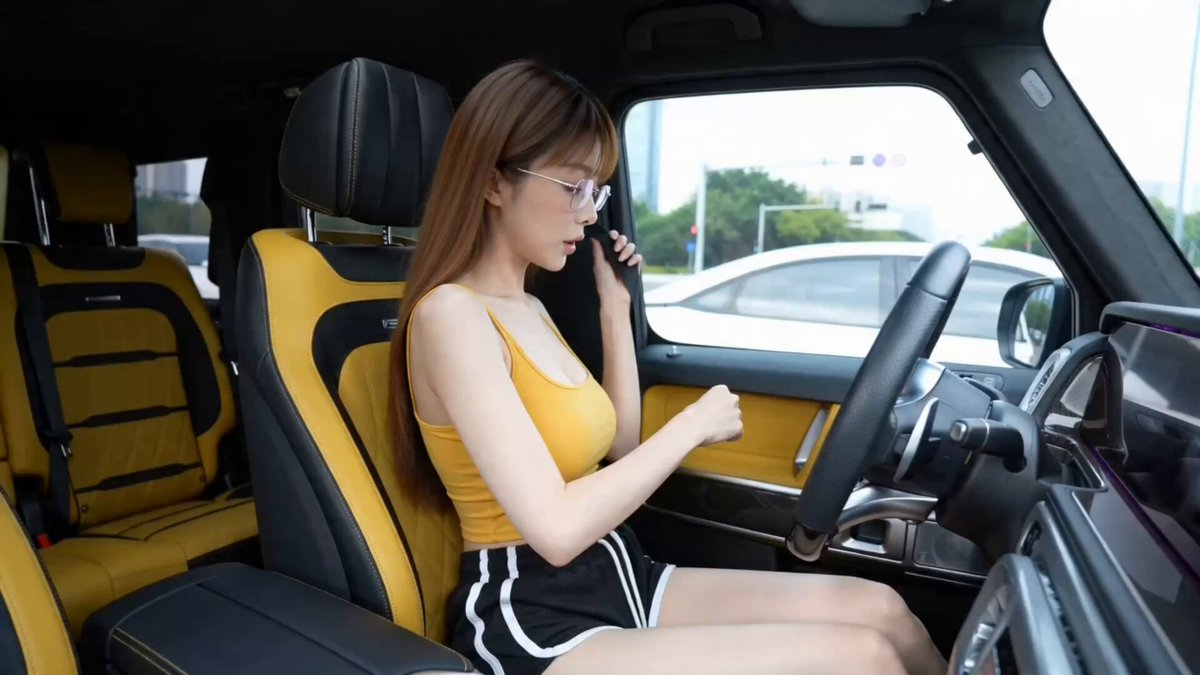
A comprehensive prompt for generating a high-quality, ultra-realistic lifestyle video featuring a character's beauty transformation in a Japanese setting.
Create an ultra-realistic cinematic lifestyle video featuring the same young East Asian woman throughout the entire sequence. Maintain identical facial features, long soft ash-brown wavy hair, glowing skin, body proportions, and outfit in every shot. She wears a fitted white ribbed crop top, high-waisted blue denim jeans, white sneakers, and carries a cream canvas shoulder bag. Bright summer morning, modern Japanese neighborhood, premium beauty studio with elegant lighting, luxury makeup stations, large mirrors, realistic reflections, soft neutral interiors, and a relaxed lifestyle aesthetic. The video opens with her standing in front of her bedroom mirror, gently brushing her hair and applying lip balm before smiling at herself. She grabs her cream shoulder bag, phone, sunglasses, and keys before leaving the apartment. She walks through peaceful Japanese streets lined with cafés, flower planters, boutique stores, and vending machines. Smooth handheld tracking shots follow her while the warm morning sunlight filters through the trees and a gentle breeze moves her hair naturally. She arrives at a luxurious Japanese makeup studio where the receptionist warmly welcomes her. She meets the makeup artist, browses a makeup inspiration lookbook together, and they happily discuss a fresh, glowing natural look. She sits comfortably in the makeup chair while the artist gently prepares her skin using toner, moisturizer, and primer. Close-up cinematic shots capture soft makeup brushes, beauty sponges, glowing skin, delicate powder particles, and premium cosmetic products arranged neatly on the vanity. The makeup artist carefully applies foundation, blush, soft eyeshadow, eyeliner, mascara, highlighter, and a glossy lip tint using smooth professional techniques. She smiles naturally as the transformation progresses while the large vanity mirror reflects the elegant studio. The stylist lightly curls and smooths the front sections of her hair before adding the final finishing touches. She admires her glowing makeup from different angles, takes a mirror selfie, thanks the makeup artist with a warm smile, and leaves the studio feeling confident. Outside, she walks through the sunny Japanese streets with her fresh makeup glowing beautifully in the natural light. She pauses at a boutique window, catches her reflection, smiles proudly, then looks toward the camera and gives a playful wink before continuing her walk as the camera slowly pulls back to reveal the vibrant Japanese neighborhood. Natural ambient audio only: footsteps, city ambience, café chatter, soft conversations, makeup brushes, cosmetic bottles opening, powder brush sounds, hair tools, camera shutter, door chimes, birds chirping, gentle breeze, distant traffic. No background music, no subtitles, no logos, no watermarks, and no on-screen text. Premium commercial-quality cin
Create an ultra-realistic cinematic lifestyle video featuring the same young East Asian woman throughout the entire sequence. Maintain identical facial features, long soft ash-brown wavy hair, glowing skin, body proportions, and outfit in every shot. She wears a fitted white ribbed crop top, high-waisted blue denim jeans, white sneakers, and carries a cream canvas shoulder bag. Bright summer morning, modern Japanese neighborhood, premium beauty studio with elegant lighting, luxury makeup stations, large mirrors, realistic reflections, soft neutral interiors, and a relaxed lifestyle aesthetic. The video opens with her standing in front of her bedroom mirror, gently brushing her hair and applying lip balm before smiling at herself. She grabs her cream shoulder bag, phone, sunglasses, and keys before leaving the apartment. She walks through peaceful Japanese streets lined with cafés, flower planters, boutique stores, and vending machines. Smooth handheld tracking shots follow her while the warm morning sunlight filters through the trees and a gentle breeze moves her hair naturally. She arrives at a luxurious Japanese makeup studio where the receptionist warmly welcomes her. She meets the makeup artist, browses a makeup inspiration lookbook together, and they happily discuss a fresh, glowing natural look. She sits comfortably in the makeup chair while the artist gently prepares her skin using toner, moisturizer, and primer. Close-up cinematic shots capture soft makeup brushes, beauty sponges, glowing skin, delicate powder particles, and premium cosmetic products arranged neatly on the vanity. The makeup artist carefully applies foundation, blush, soft eyeshadow, eyeliner, mascara, highlighter, and a glossy lip tint using smooth professional techniques. She smiles naturally as the transformation progresses while the large vanity mirror reflects the elegant studio. The stylist lightly curls and smooths the front sections of her hair before adding the final finishing touches. She admires her glowing makeup from different angles, takes a mirror selfie, thanks the makeup artist with a warm smile, and leaves the studio feeling confident. Outside, she walks through the sunny Japanese streets with her fresh makeup glowing beautifully in the natural light. She pauses at a boutique window, catches her reflection, smiles proudly, then looks toward the camera and gives a playful wink before continuing her walk as the camera slowly pulls back to reveal the vibrant Japanese neighborhood. Natural ambient audio only: footsteps, city ambience, café chatter, soft conversations, makeup brushes, cosmetic bottles opening, powder brush sounds, hair tools, camera shutter, door chimes, birds chirping, gentle breeze, distant traffic. No background music, no subtitles, no logos, no watermarks, and no on-screen text. Premium commercial-quality cin
Edit the prompt in the box under the preview — the template's model and format are already selected — and press Generate. Your version appears right on this page.
Yes. You can change the subject, setting, lighting, mood, format, and available model controls before creating your video.
Opening and editing this template is free. Generating uses credits, shown on the Generate button when you are signed in.
Start with Seedance 2.0, which is the model associated with this template. You can compare another compatible model for a different finish.
Follow a topic to a crawlable collection of related PicX Studio templates.