How do I use the Volcanic Mine Cart Escape template?
Edit the prompt in the box under the preview — the template's model and format are already selected — and press Generate. Your version appears right on this page.
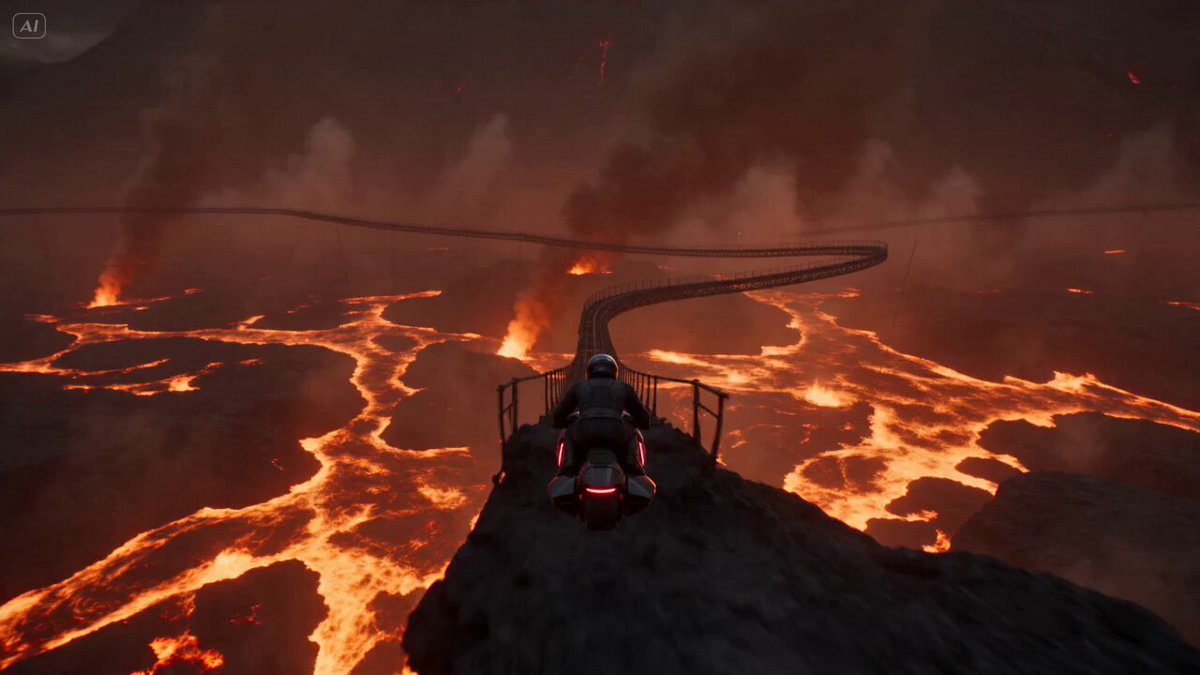
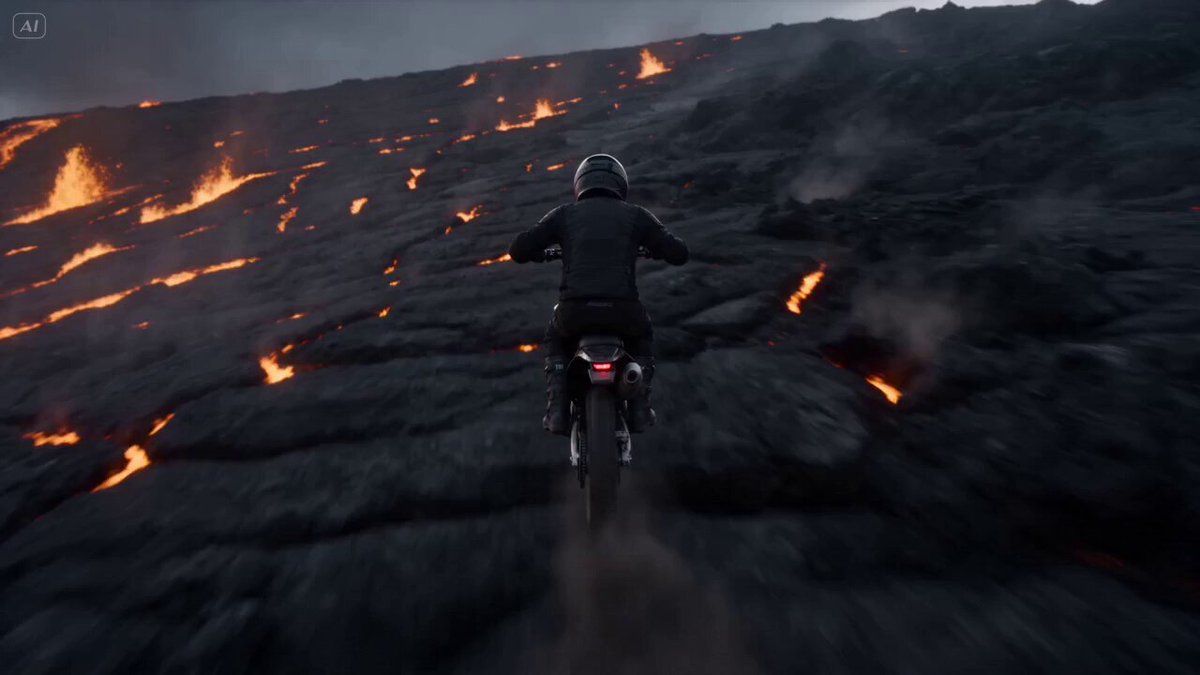
An intense, cinematic action prompt featuring a high-speed mine cart chase through a collapsing volcano.
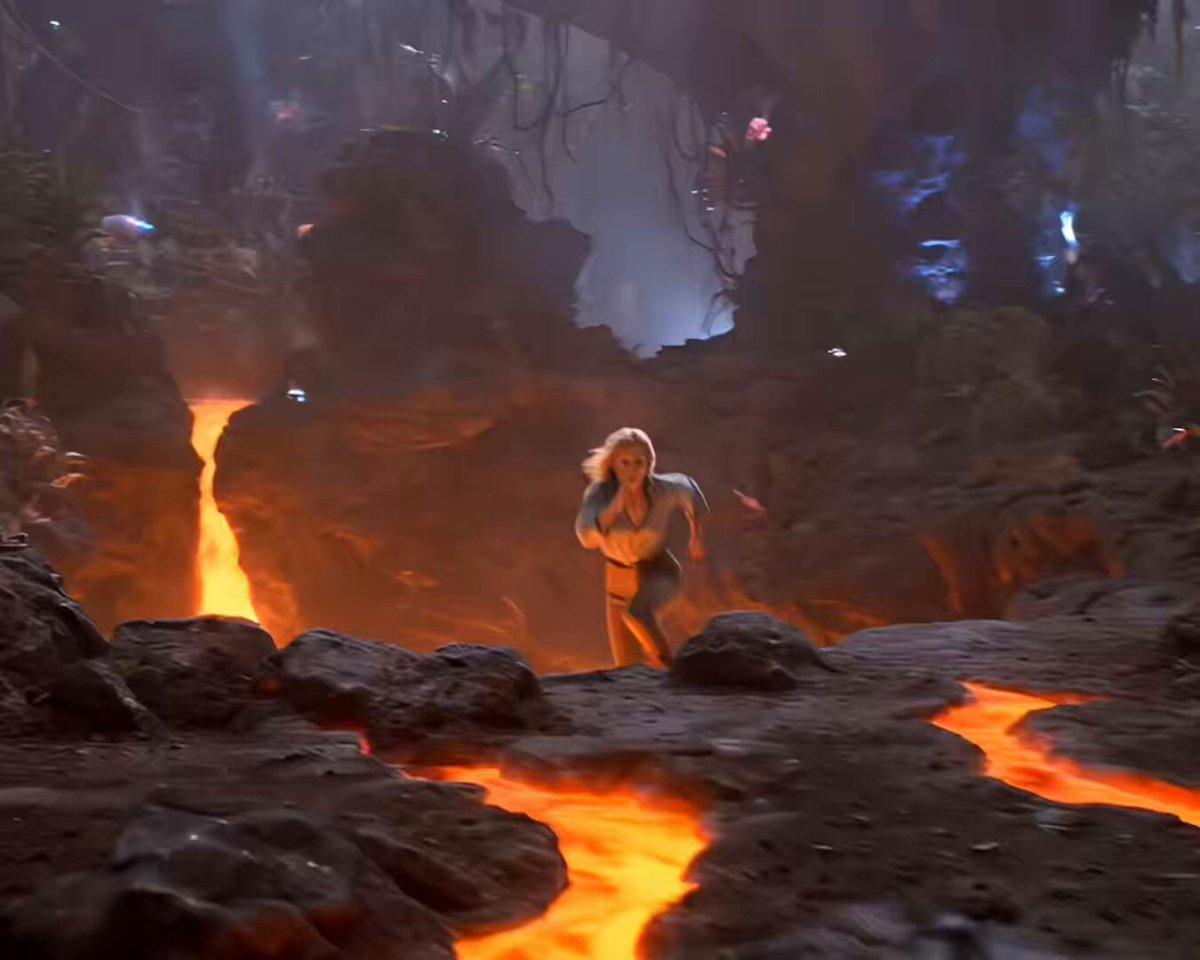
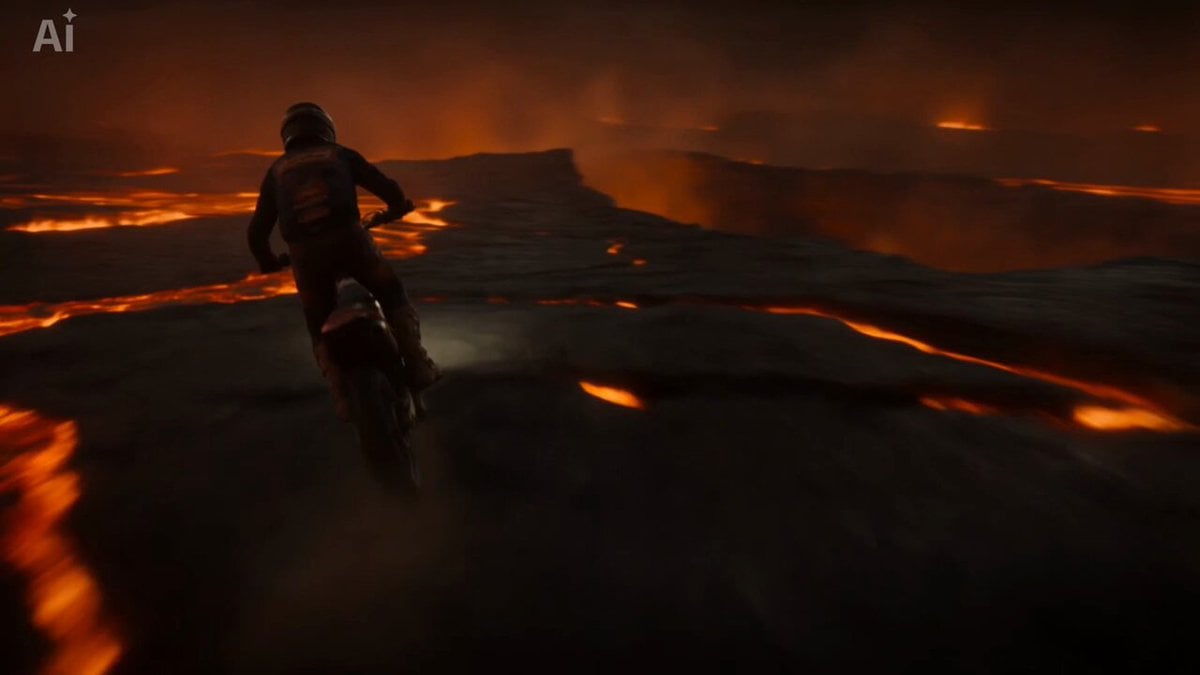
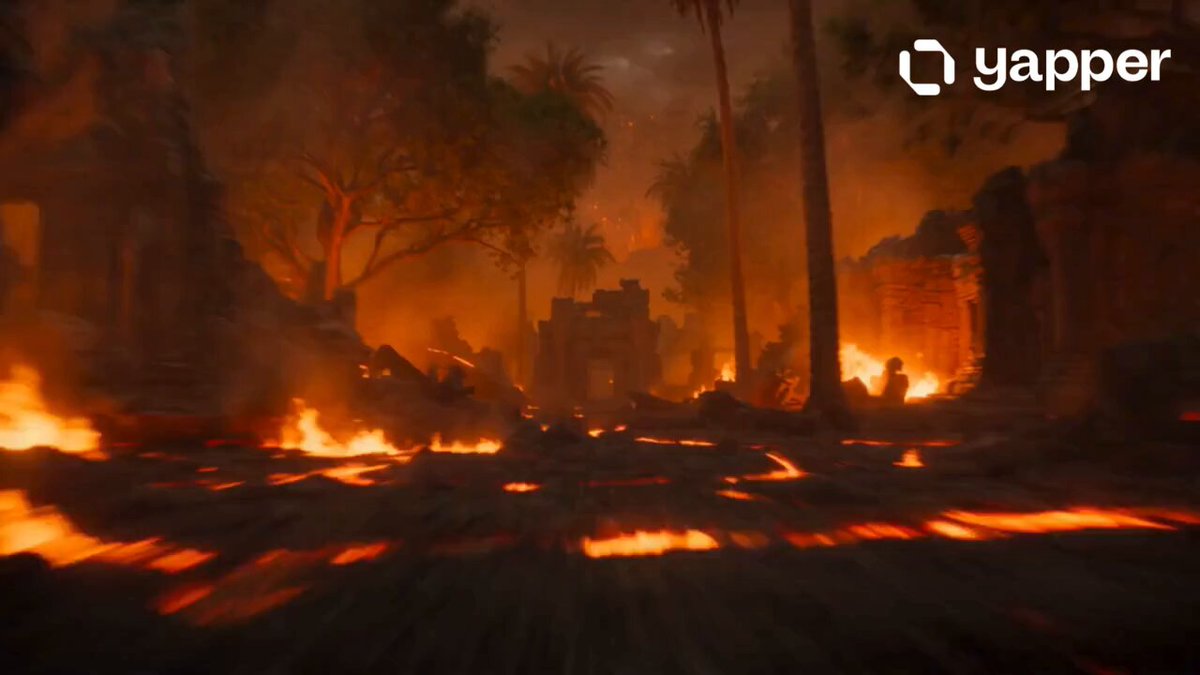
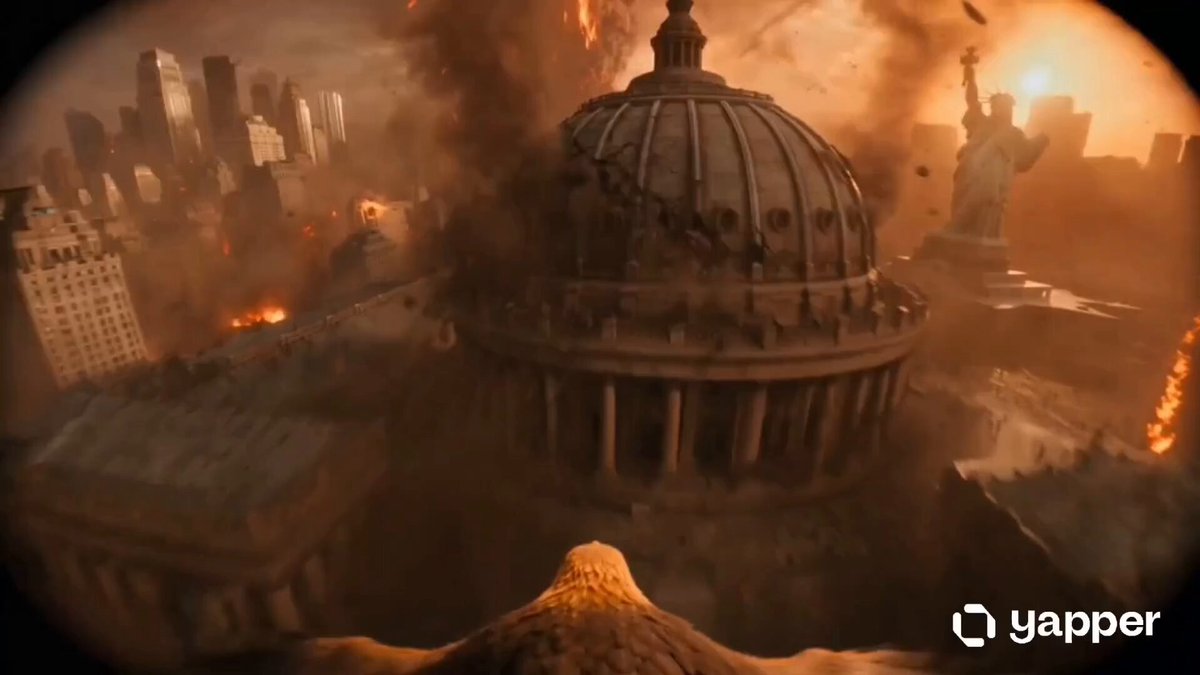
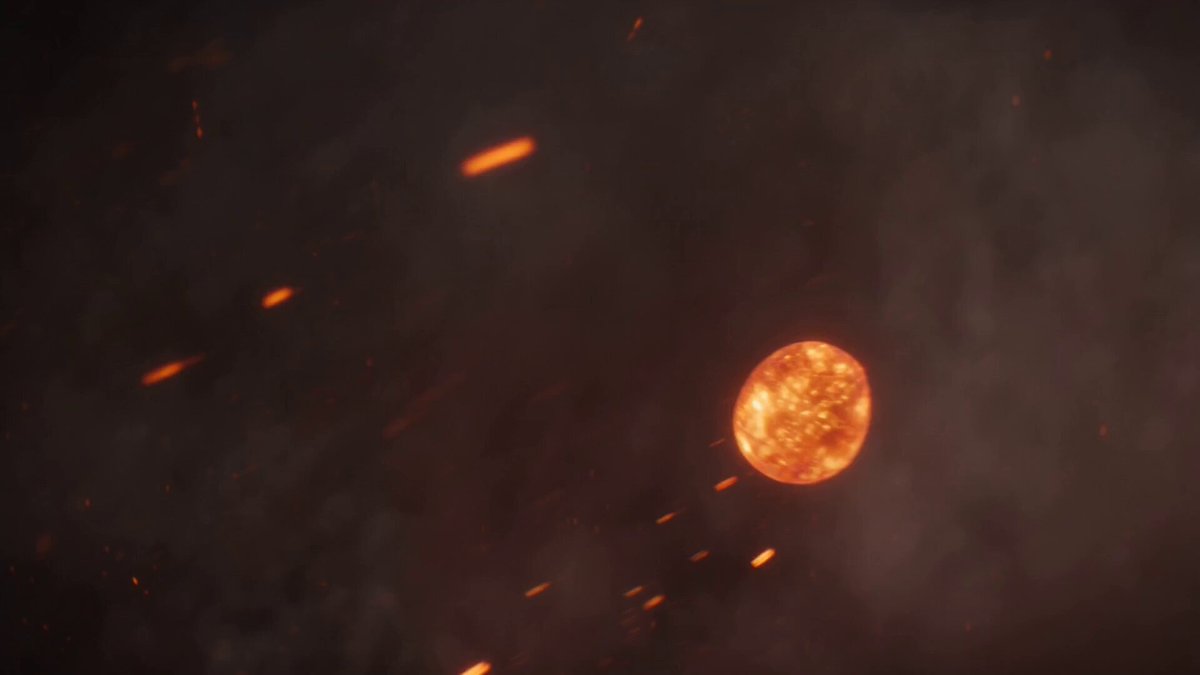
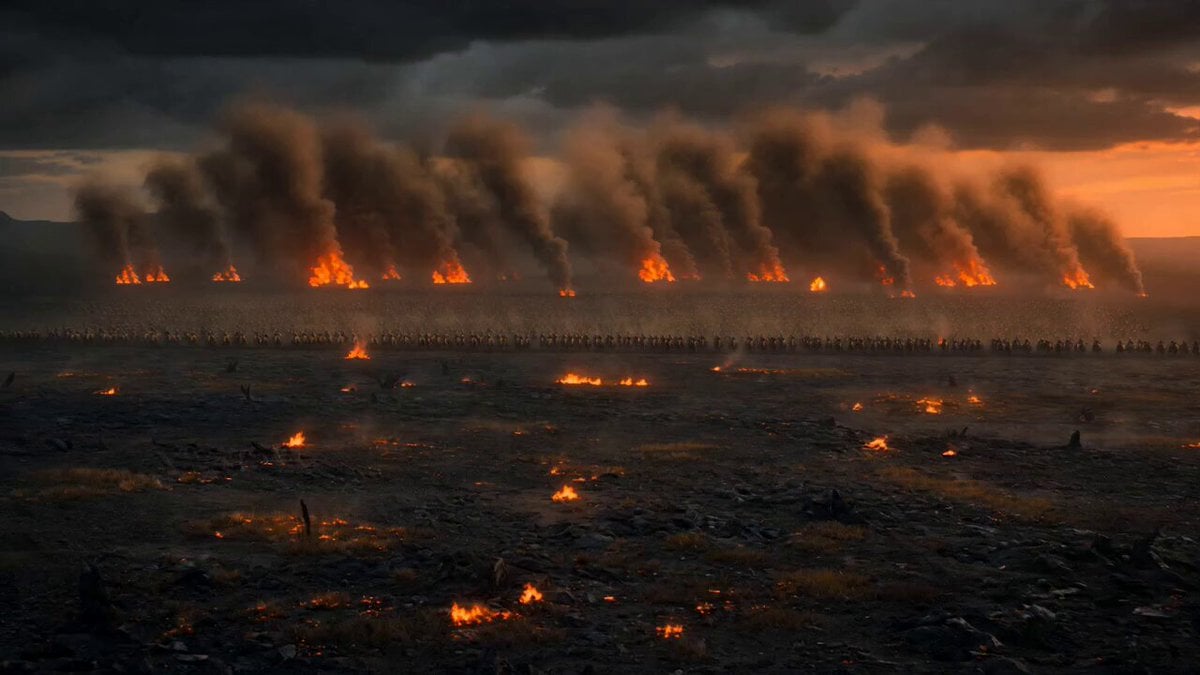
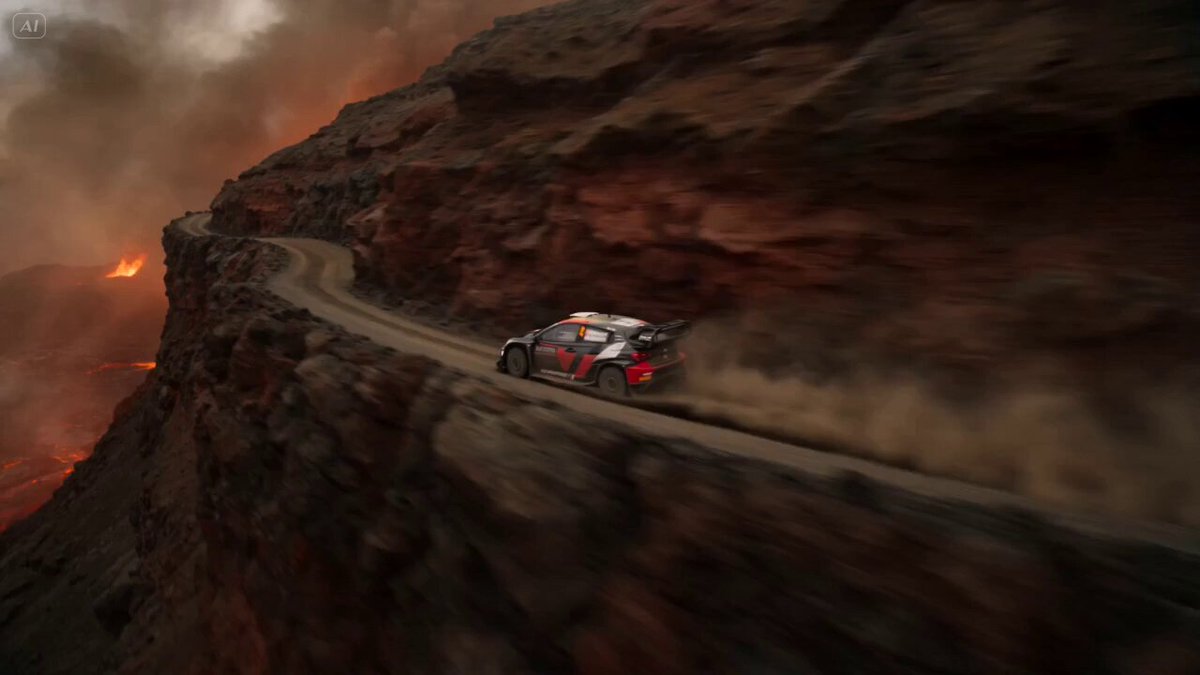
Inside an old volcanic mine, one explorer is trapped in a runaway mine cart racing through narrow tunnels while molten rock rises below. The mine is dark, dangerous, and unstable, with wooden support beams, old mining rails, glowing lava channels beneath broken sections, steam vents, falling rocks, sparks, dust, and orange firelight reflecting on the tunnel walls. Wide opening shot: the mine cart speeds through the tunnel at high speed, shaking violently on the old rails. The explorer grips the cart edges while the tunnel trembles and molten light glows from cracks in the ground below. Tracking shot: the cart races past wooden beams and narrow rock walls. Steam bursts from side vents, small rocks fall from above, and the rails bend slightly as the cart rushes deeper into the mine. Side shot: the tunnel opens over a wide lava chamber. The mine cart crosses a damaged rail bridge above glowing molten rock. Sections of the bridge shake and break behind the cart as lava surges upward below. Final 5 seconds: the action becomes extreme. The track ahead is partially broken. The cart accelerates down a steep slope, jumps a missing section of rail over the lava, lands hard back on the track, sparks flying from the wheels, then races toward a bright exit tunnel as the mine collapses behind. Final moment: the mine cart bursts out of the tunnel into open air near the volcano slope while smoke, sparks, and orange lava glow explode from the mine entrance behind. Style: hyper-realistic, cinematic, fast-paced, intense, stressful, clear readable action, strong sense of speed and danger, old volcanic mine, runaway mine cart, glowing lava below, steam, sparks, falling rocks, dynamic but readable camera movement, no text, no logos, no cartoon style, no slow motion, no famous celebrity faces, no recognizable actors, no movie-star resemblance, no public-figure likenesses, no clear facial close-ups. Keep proportions. Keep style and features. Aspect ratio 16:9.
Inside an old volcanic mine, one explorer is trapped in a runaway mine cart racing through narrow tunnels while molten rock rises below. The mine is dark, dangerous, and unstable, with wooden support beams, old mining rails, glowing lava channels beneath broken sections, steam vents, falling rocks, sparks, dust, and orange firelight reflecting on the tunnel walls. Wide opening shot: the mine cart speeds through the tunnel at high speed, shaking violently on the old rails. The explorer grips the cart edges while the tunnel trembles and molten light glows from cracks in the ground below. Tracking shot: the cart races past wooden beams and narrow rock walls. Steam bursts from side vents, small rocks fall from above, and the rails bend slightly as the cart rushes deeper into the mine. Side shot: the tunnel opens over a wide lava chamber. The mine cart crosses a damaged rail bridge above glowing molten rock. Sections of the bridge shake and break behind the cart as lava surges upward below. Final 5 seconds: the action becomes extreme. The track ahead is partially broken. The cart accelerates down a steep slope, jumps a missing section of rail over the lava, lands hard back on the track, sparks flying from the wheels, then races toward a bright exit tunnel as the mine collapses behind. Final moment: the mine cart bursts out of the tunnel into open air near the volcano slope while smoke, sparks, and orange lava glow explode from the mine entrance behind. Style: hyper-realistic, cinematic, fast-paced, intense, stressful, clear readable action, strong sense of speed and danger, old volcanic mine, runaway mine cart, glowing lava below, steam, sparks, falling rocks, dynamic but readable camera movement, no text, no logos, no cartoon style, no slow motion, no famous celebrity faces, no recognizable actors, no movie-star resemblance, no public-figure likenesses, no clear facial close-ups. Keep proportions. Keep style and features. Aspect ratio 16:9.
Edit the prompt in the box under the preview — the template's model and format are already selected — and press Generate. Your version appears right on this page.
Yes. You can change the subject, setting, lighting, mood, format, and available model controls before creating your video.
Opening and editing this template is free. Generating uses credits, shown on the Generate button when you are signed in.
Start with Seedance 2.0, which is the model associated with this template. You can compare another compatible model for a different finish.
Follow a topic to a crawlable collection of related PicX Studio templates.