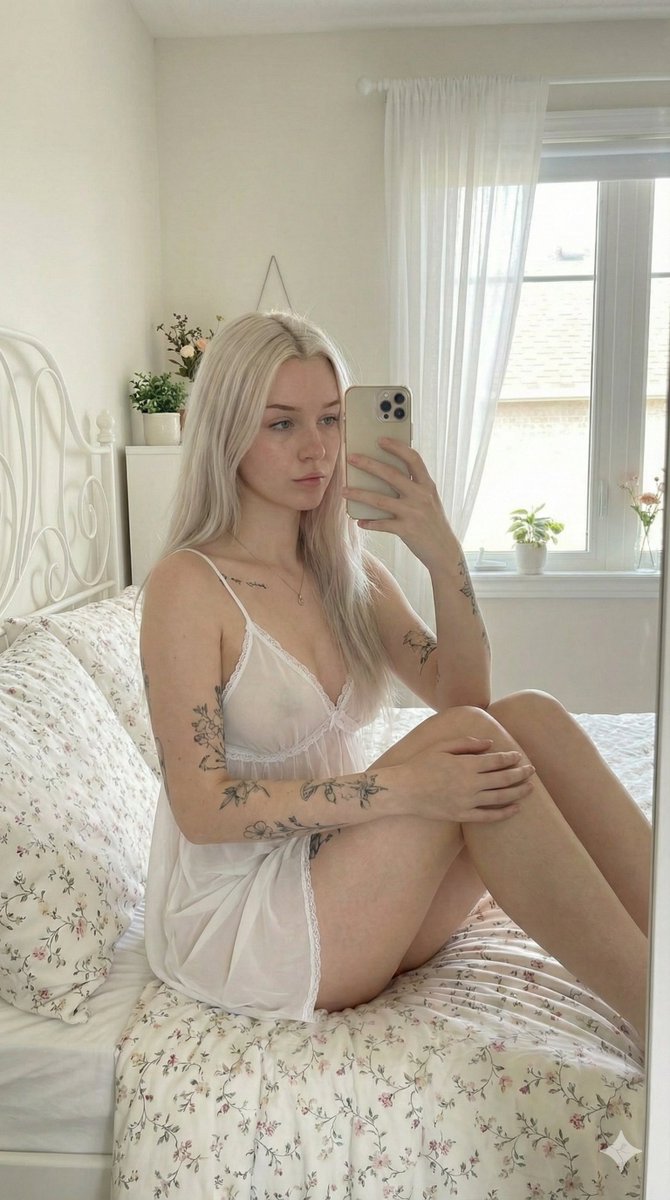
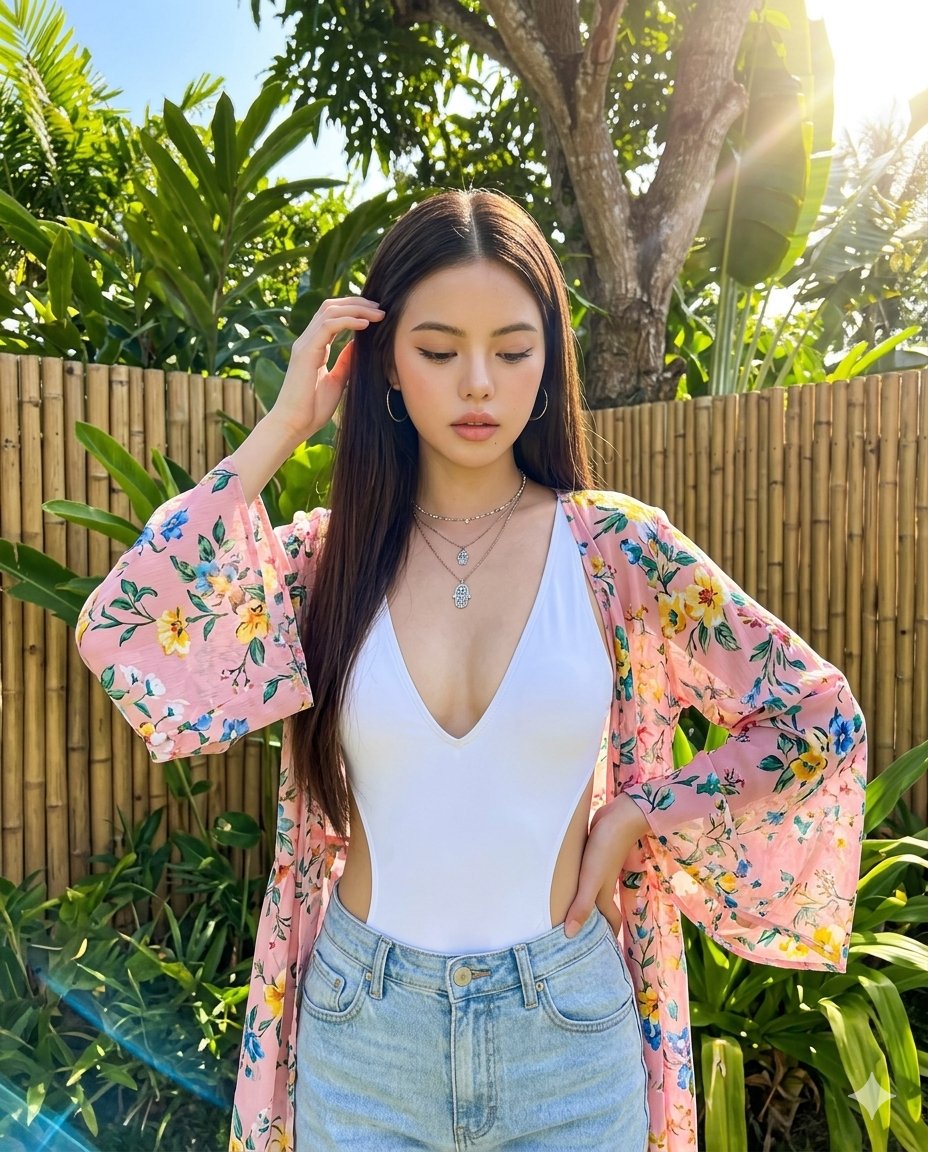
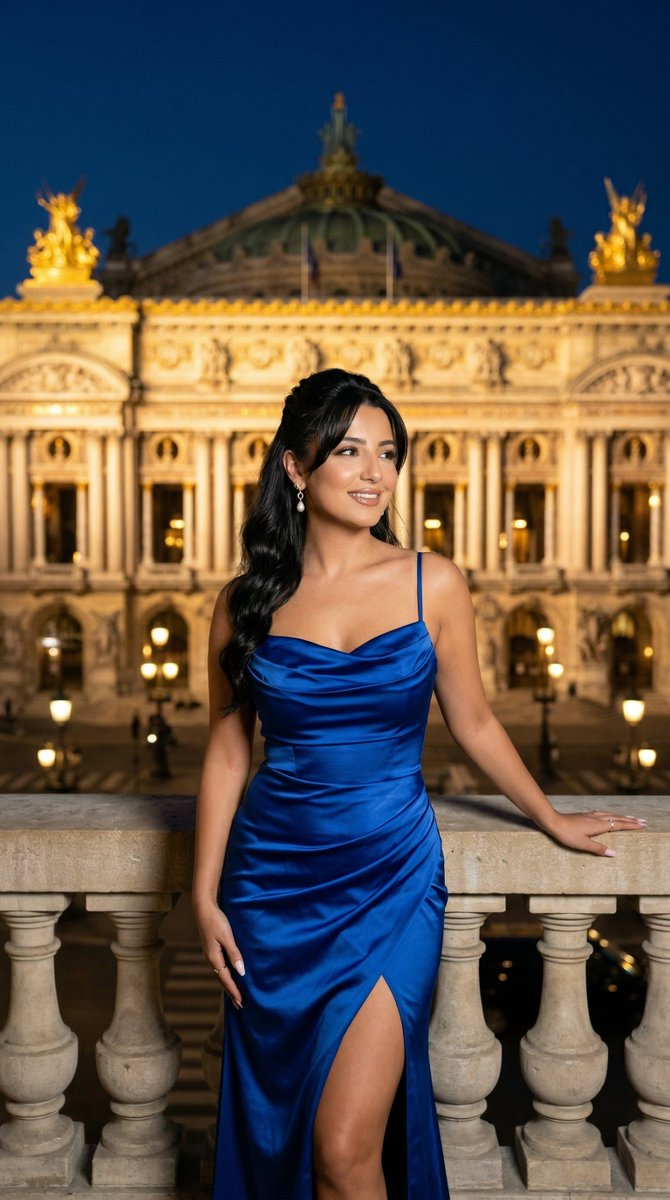
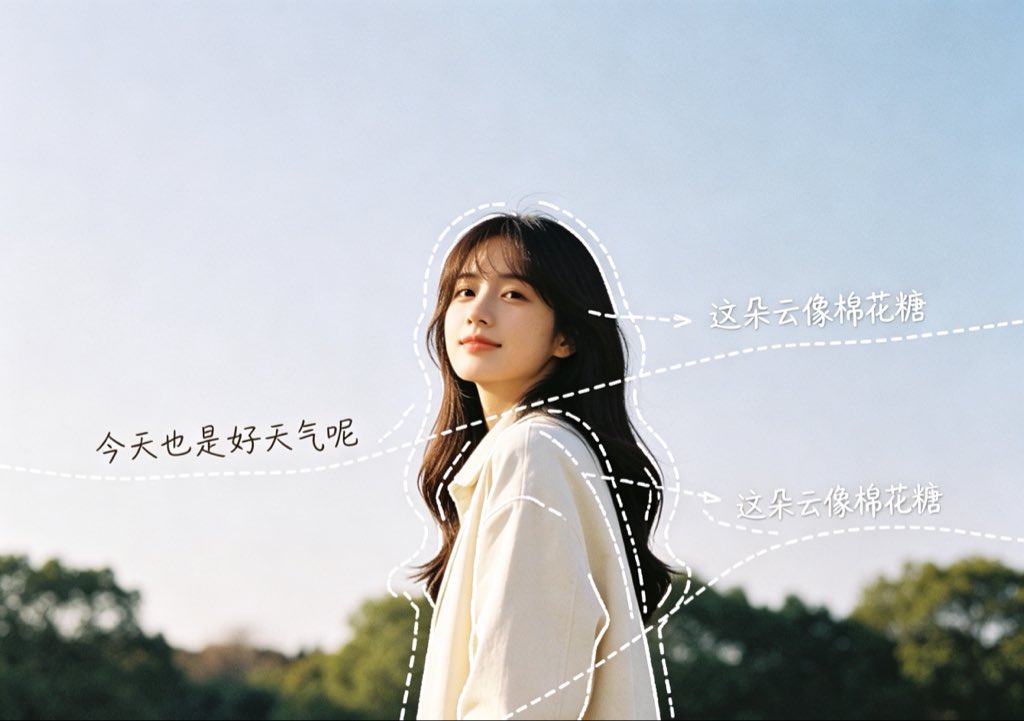
How do I use the Candid Morning Bedhead Selfie template?
Choose the primary action to open PicX Studio with the available template settings. Review the model and format, personalize the creative direction, and generate when ready.
A detailed JSON prompt for generating a candid, authentic morning selfie of a young woman in bed. Change the subject, setting, or lighting one variable at a time.

{ "scene": "A young woman taking a candid morning selfie in bed, appearing sleepy and fresh awake with messy hair.", "subject": { "character": "Young woman", "face": { "structure": "Soft natural features, slightly puffy from sleep", "skin": "Fair complexion, natural texture with slight morning redness", "eyes": { "shape": "Almond", "color": "Dark brown", "expression": "Sleepy, half-closed, tired" }, "mouth": { "lips": "Full, neutral, natural pink" }, "makeup": "None, bare-faced" }, "hair": { "color": "Black", "length": "Shoulder-length", "texture": "Straight, slightly frizzy and uncombed", "style": "Messy bedhead with wispy front bangs parted irregularly", "shine": "Matte, natural" } }, "pose": { "overall": "Sitting up in bed, looking groggy while taking a selfie.", "position": { "base": "Sitting on a bed covered with white sheets", "orientation": "Front-facing, looking directly at the camera" }, "torso": { "direction": "Forward", "posture": "Relaxed, slightly slouched" }, "arms": { "position": "Right hand raised, gently rubbing the right eye; left arm extended outward holding the camera", "other": "Fingers of the right hand are slightly curled against the face" }, "head": { "turn": "Straight towards the camera", "expression": "Tired, groggy, authentic morning mood" } }, "outfit": { "t_shirt": { "type": "Basic t-shirt", "color": "Heather grey", "style": "Short sleeves, crew neck, casual loungewear" } }, "body": { "type": "Slim", "skin": "Fair" }, "environment": { "location": "A cozy, sunlit bedroom", "bed": { "sheets": "White, rumpled and wrinkled", "headboard": "Beige, upholstered" }, "background": { "wall": "Plain warm beige wall", "window": "Wooden framed window on the left, letting in bright daylight" }, "furniture": { "nightstand": "Light wood drawer beside the bed", "props": "A white mug with a red graphic design resting on the nightstand" } }, "lighting": { "type": "Natural morning sunlight", "quality": { "intensity": "Bright directional light mixed with soft room shadows", "direction": "Side lighting coming from the window on the left" }, "on_subject": { "skin": "Softly lit on the right side of the face, bright natural highlights on the left side", "hair": "Sunlight catches the left side of the hair, highlighting the frizz" } }, "photography": { "angle": "Selfie angle, slightly elevated eye-level", "framing": "Medium close-up, focusing on the upper body and face", "focus": "Sharp focus on the subject's face and hand, background slightly out of focus", "style": "Candid, authentic, 'I woke up li
Choose the primary action to open PicX Studio with the available template settings. Review the model and format, personalize the creative direction, and generate when ready.
Yes. You can change the subject, setting, lighting, mood, format, and available model controls before creating your image.
This template is free to open and customize. Generation usage is shown in PicX Studio before you create.
Start with Nano Banana 2, which is the model associated with this template. You can compare another compatible model for a different finish.
Follow a topic to a crawlable collection of related PicX Studio templates.
43,474 public templates available. Verified via the PicX Studio public templates API; refreshed hourly.







![Naive doodle-style subject illustration — A doodle-style {argument name="subject" default="[subject]"}, naive lines, humorous shape exaggeration](https://pbs.twimg.com/media/G6Wl2YxbsAARB2b.jpg)