How do I use the High-Fashion Magazine Cover Photoshoot template?
Choose the primary action to open PicX Studio with the available template settings. Review the model and format, personalize the creative direction, and generate when ready.
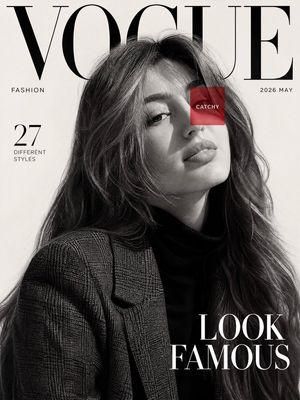
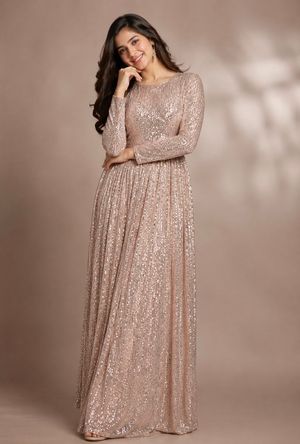
A detailed, structured prompt for generating an ultra-realistic high-fashion magazine cover photoshoot featuring Sydney Sweeney, Ana De Armas, and a third woman (Sadie Sink likeness from an attached image). Change the subject, setting, or lighting one variable at a time.

{ "prompt": "Ultra realistic high-fashion magazine cover photoshoot of Sydney Sweeney, Ana De Armas and woman in attached image. Sydney Sweeney is kneeling on smooth studio floor with knees together and hands flat on the ground in front, body leaning forward, direct eye contact with camera, wearing a form-fitting long-sleeve light pink glossy bodysuit with subtle white curved line patterns along the sides and center, high neckline, long straight blonde flowing down the back, minimal makeup with glossy lips and defined eyes, white high-top sneakers with platform sole. Ana de Armas is also kneeling on smooth studio floor with knees together but stand opposite side of Sydney Sweeney. Ana de Armas' hands flat on the ground in front, body leaning forward, direct eye contact with camera. She has dark hair. She wears same with Sydney Sweeney. Third woman is standing tall between them with crossed arms. She is woman in attached image. She wears same outfit but black. She has brunette to blonde wavy ombre hair. She has a fit, highly defined hourglass figure with an extremely narrow waist and significantly wider, voluptuous hips and eaturing a large, heavy natural bust. Bright clean studio lighting with soft reflections on the fabric, minimalist gray background, high-end fashion editorial style, photorealistic, shot on medium format camera with cinematic lenses, ultra detailed skin texture, natural look, non-AI generated appearance" }
Choose the primary action to open PicX Studio with the available template settings. Review the model and format, personalize the creative direction, and generate when ready.
Yes. You can change the subject, setting, lighting, mood, format, and available model controls before creating your image.
This template is free to open and customize. Generation usage is shown in PicX Studio before you create.
Start with Nano Banana 2, which is the model associated with this template. You can compare another compatible model for a different finish.
Follow a topic to a crawlable collection of related PicX Studio templates.
43,474 public templates available. Verified via the PicX Studio public templates API; refreshed hourly.




![Cozy Beverage Magazine Cover — [Reference Image]
Use the reference photo while keeping the face completely unchanged and identical to the original subject, Ultr](https://cms-assets.youmind.com/media/1782205405212_oj6gho_HLYUUVBbAAAdnh--300x400.jpg)


![Luxury Streetwear Magazine Cover — [Reference Image] Ultra-realistic luxury streetwear editorial magazine cover featuring a commanding {argument name="subject"](https://cms-assets.youmind.com/media/1784104893056_x33stm_HNKEdJnaQAAAulH-300x530.jpg)


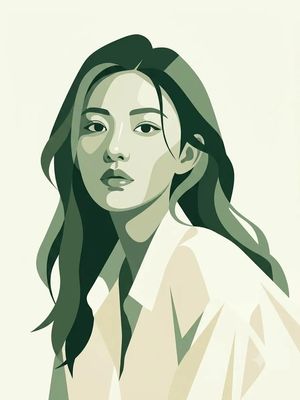




![Naive doodle-style subject illustration — A doodle-style {argument name="subject" default="[subject]"}, naive lines, humorous shape exaggeration](https://pbs.twimg.com/media/G6Wl2YxbsAARB2b.jpg)


















![9-Panel Product Storyboard Grid Prompt — Create ONE final image.
A clean 3×3 [ratio] storyboard grid with nine equal [ratio] sized panels on [4:5] ratio.
Use](https://pbs.twimg.com/media/G_FaISRWkAAHtDT.jpg)