
Republic Day
Republic Day is a ready photo look.
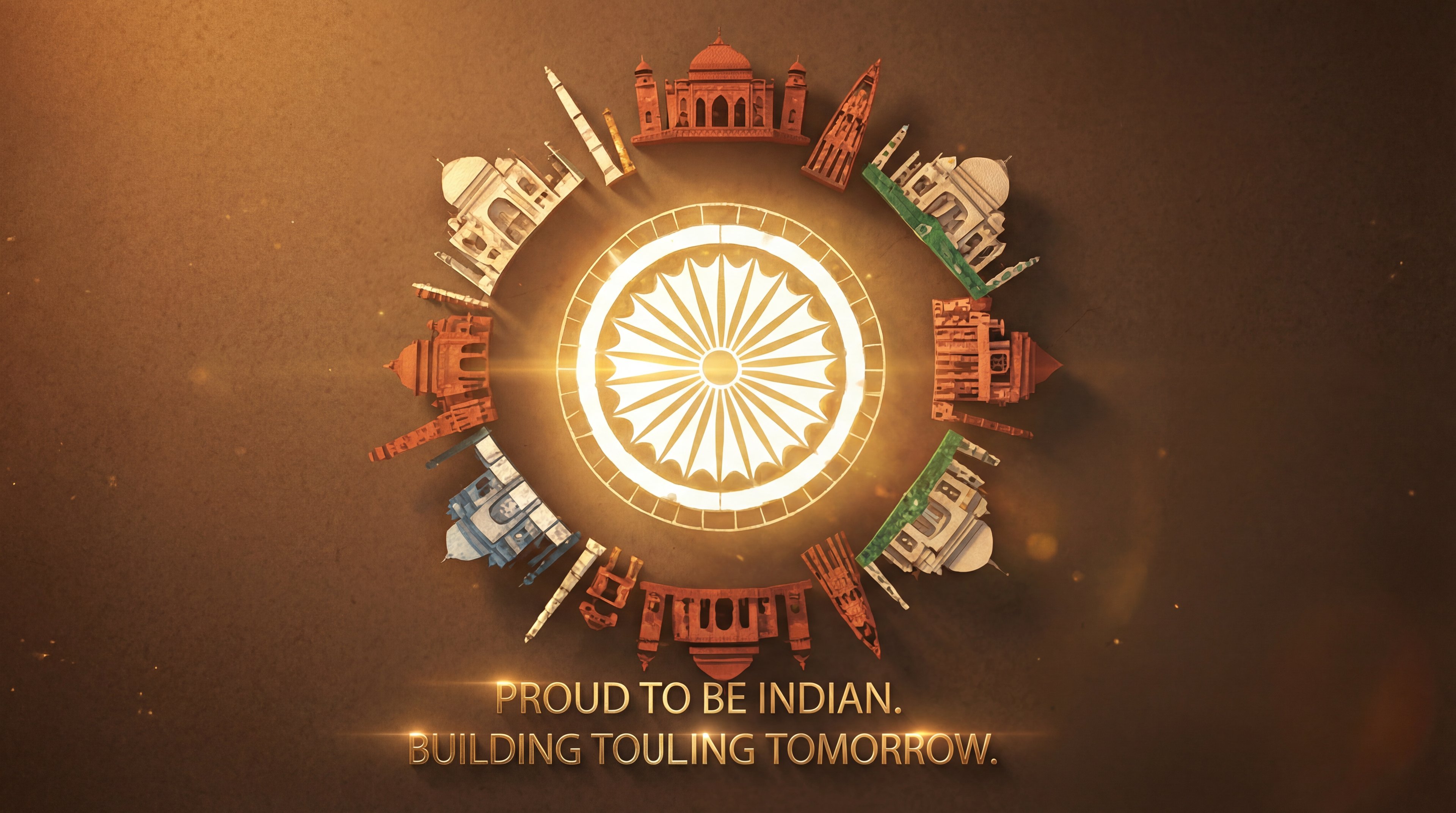
- Prompt included
- Model and format preset
- Premium template
The prompt behind this image
Copy the exact prompt behind Republic Day, or open it in the studio and make it yours.
Create a hyper-realistic cinematic 3D illustration for India Republic Day theme. In the center place a glowing Ashoka Chakra with golden radial light, perfectly symmetrical and luminous. Surround the Ashoka Chakra in a circular formation with famous Indian monuments: Taj Mahal, Red Fort, India Gate, Qutub Minar, Hawa Mahal, Gateway of India, Charminar and Lotus Temple, arranged evenly like a mandala. Each monument should be rendered as miniature architectural sculptures with realistic stone textures and subtle tricolor accents (saffron, white, green). The background should be a dark warm brown textured surface with soft vignette and floating dust particles, creating depth and atmosphere. Use cinematic volumetric lighting, soft god rays from the center, golden highlights, dramatic shadows, high contrast, and depth of field. Camera angle: top-down centered view (flat lay circular composition), perfectly aligned and symmetrical. Add elegant glowing golden typography at the bottom with the text: “PROUD TO BE INDIAN. BUILDING TOMORROW.” The text should have subtle light flares and reflections, modern clean font, luxury cinematic poster style. Visual style: ultra-detailed, photorealistic 3D render, Octane render, Unreal Engine quality, global illumination, ray tracing, soft bloom, HDR lighting. Mood & theme: patriotic, inspirational, powerful, premium, modern, national pride, unity of India. Quality: 8K resolution, sharp focus, noise-free, professional poster design, smooth gradients, realistic materials, no distortion.
How to use Republic Day in 3 steps
- 1
Open
The prompt is already in the box next to the preview, with the template's model and format selected.
- 2…a portrait of your subject in softgolden-hour light, 85mm…
Personalize
Edit the subject and creative details for your destination.
- 3Generate
Generate
Press Generate — your image is created in PicX Studio, so you can compare it with the original and refine one variable at a time.
More like this
Templates with the same subject, style or setup. Open one to see its prompt.
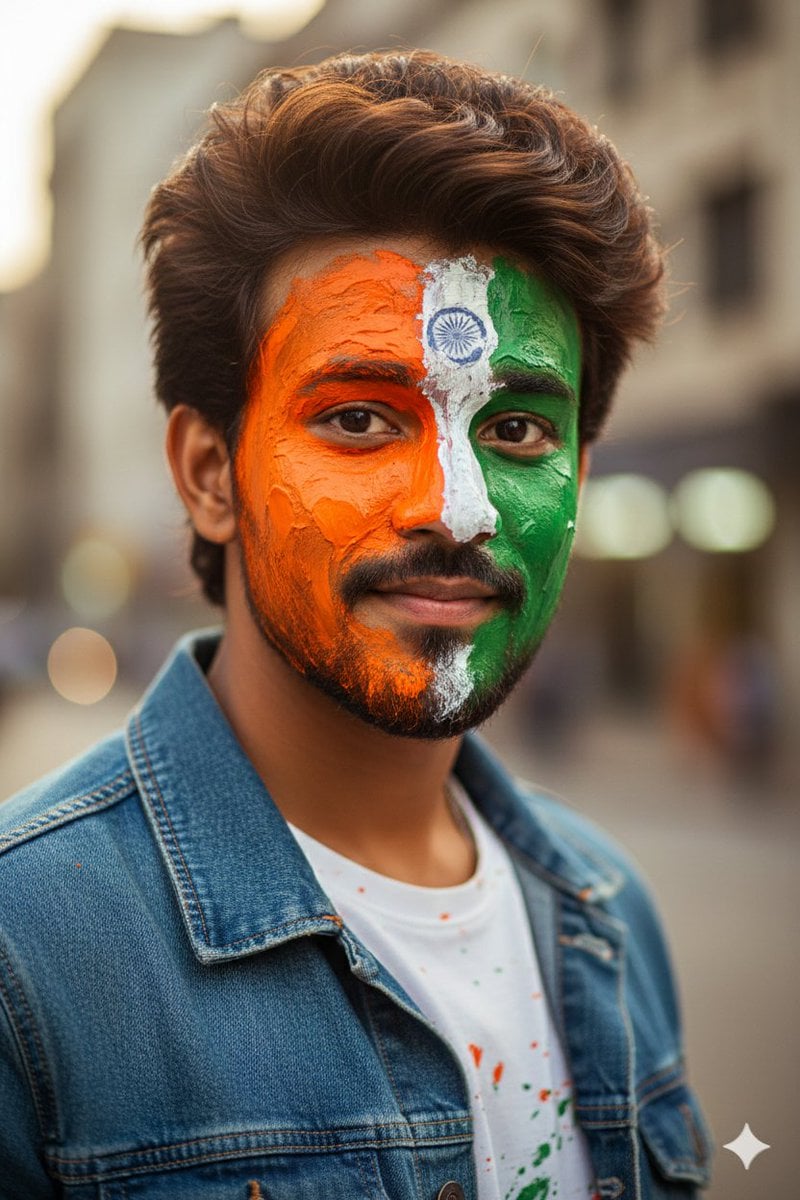
Republic Day Photo Prompt for Gemini Nano Banana
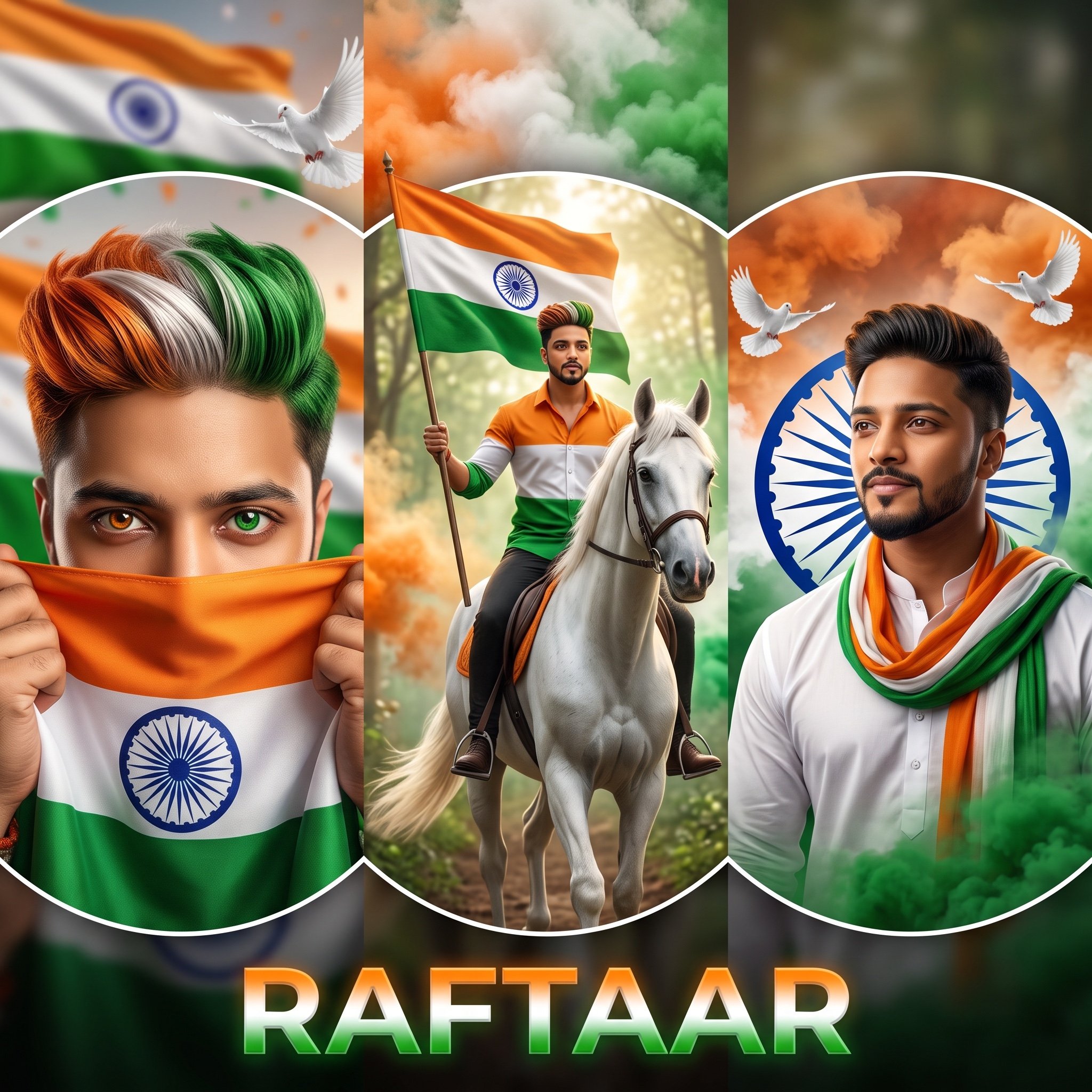
Indian Republic Day Patriotic Portrait Prompts (3 Variations)
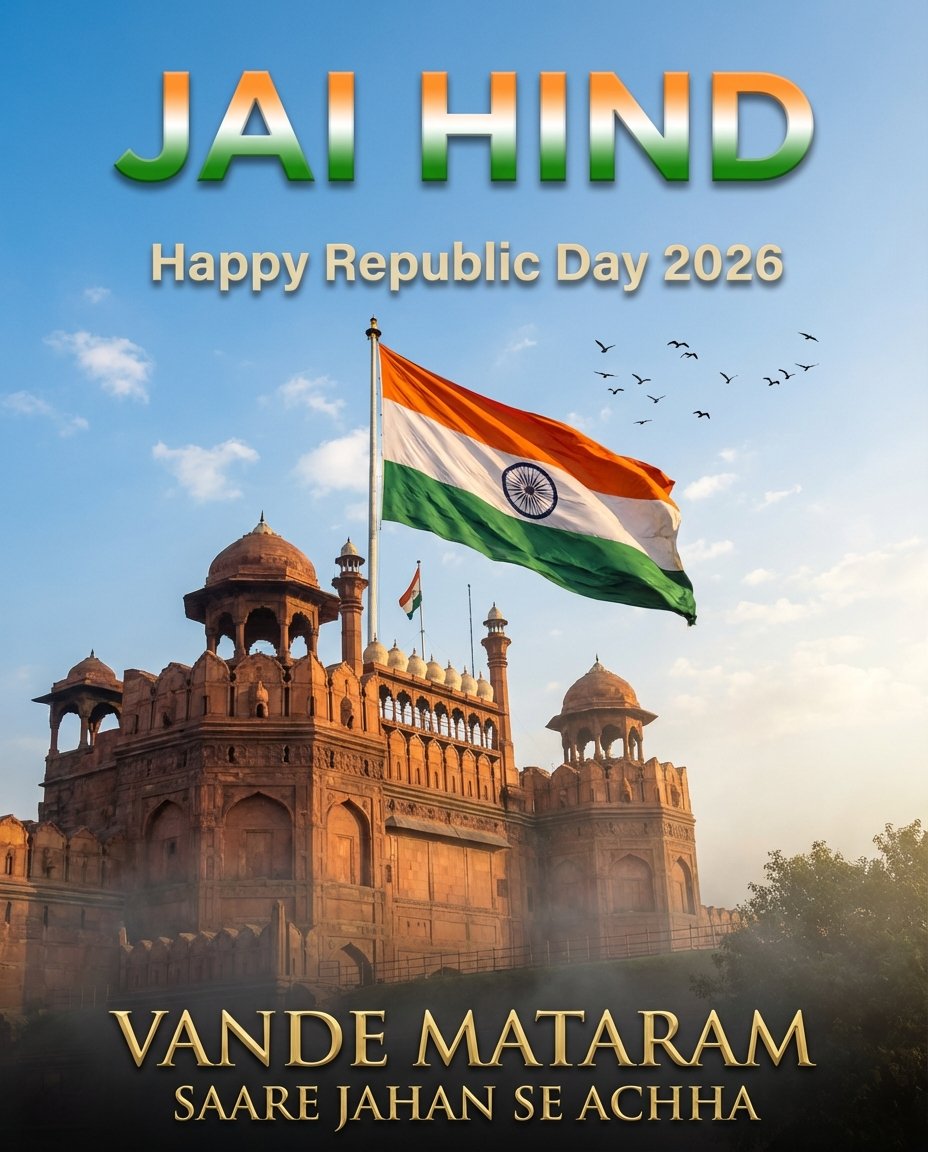
Republic Day
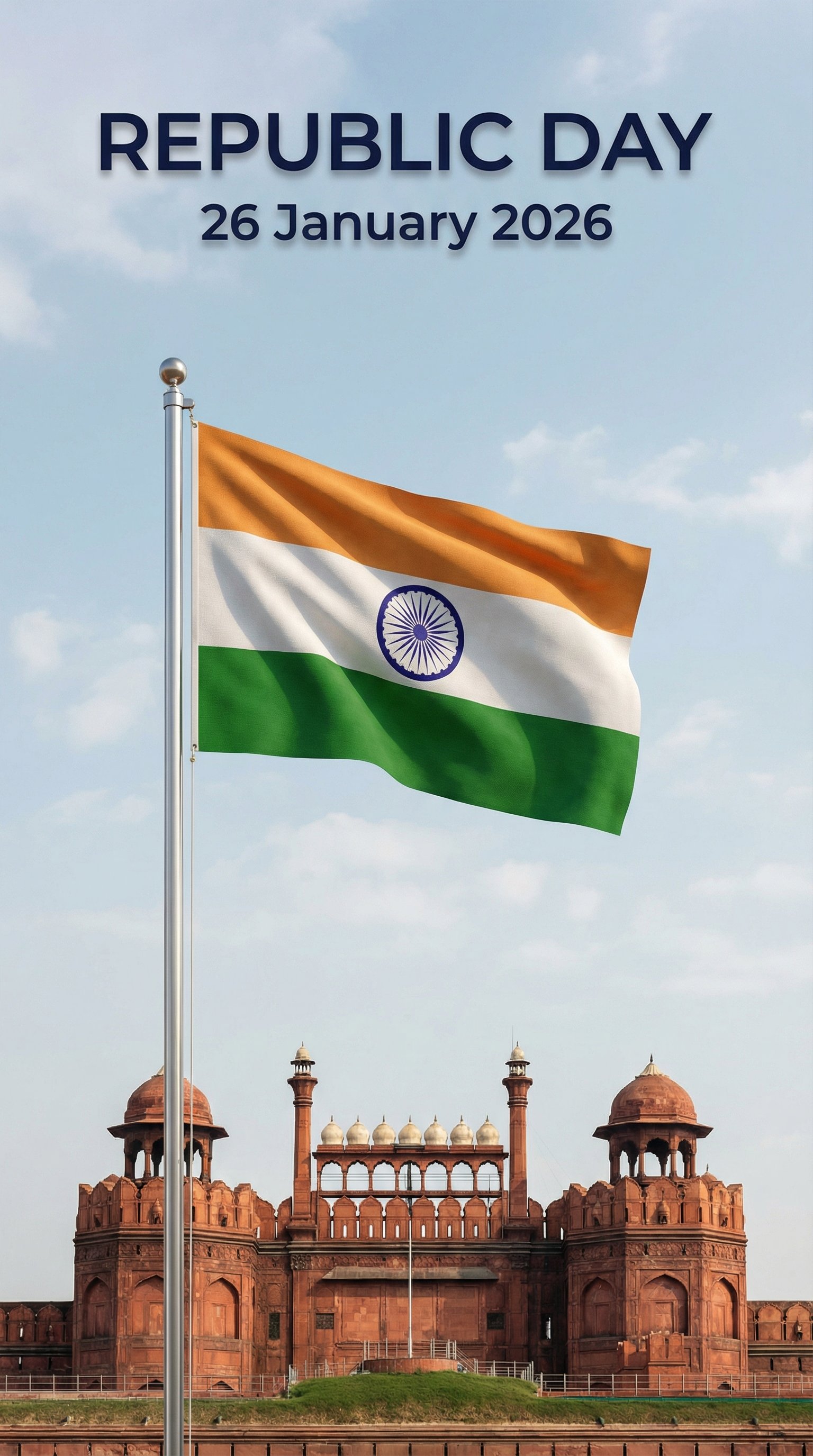
Modern Republic Day 2026 Poster
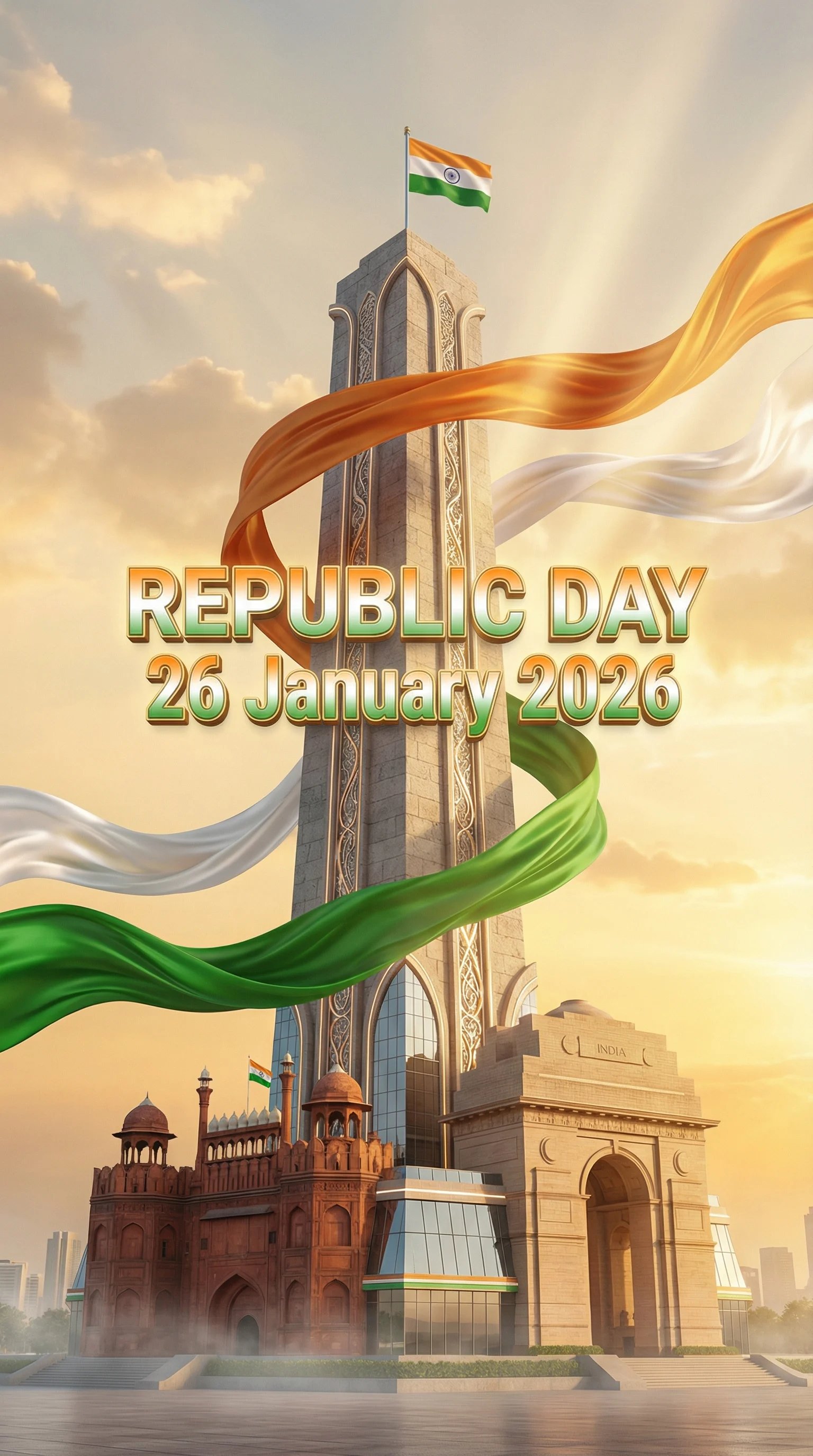
Indian Republic Day Celebration Poster
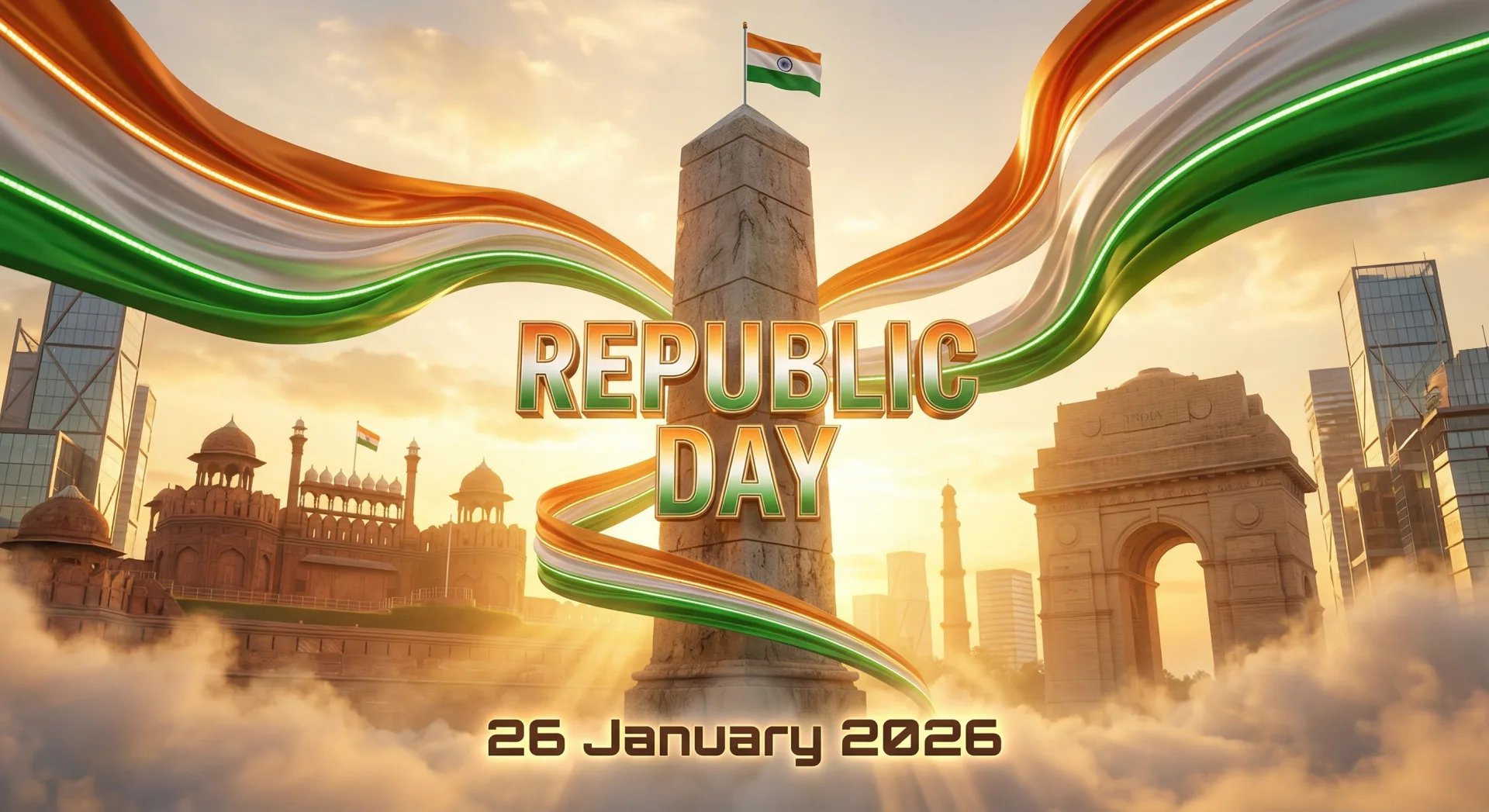
Futuristic India Republic Day Poster
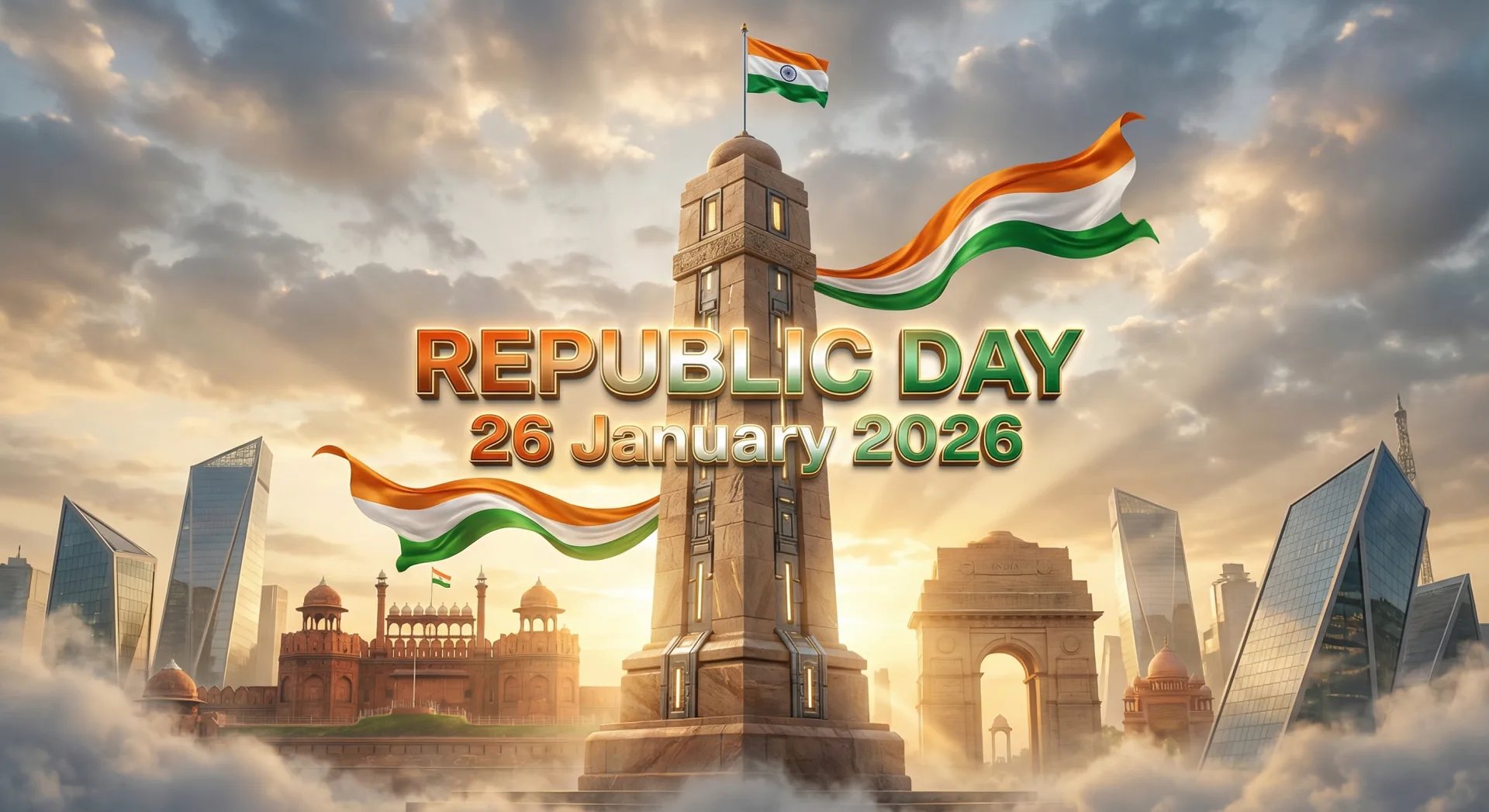
Modern India Republic Day Poster
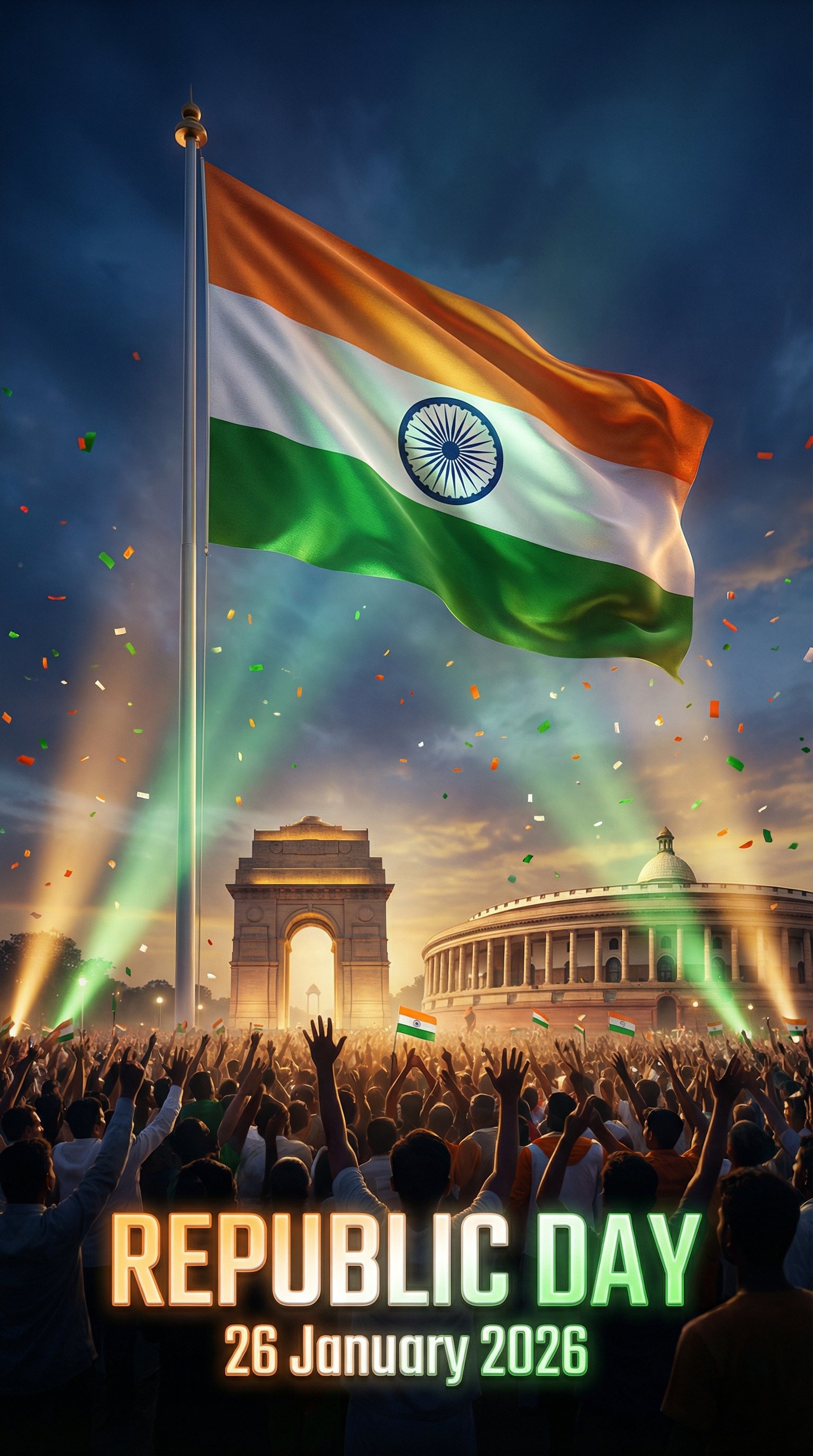
Cinematic 2026 Republic Day Poster
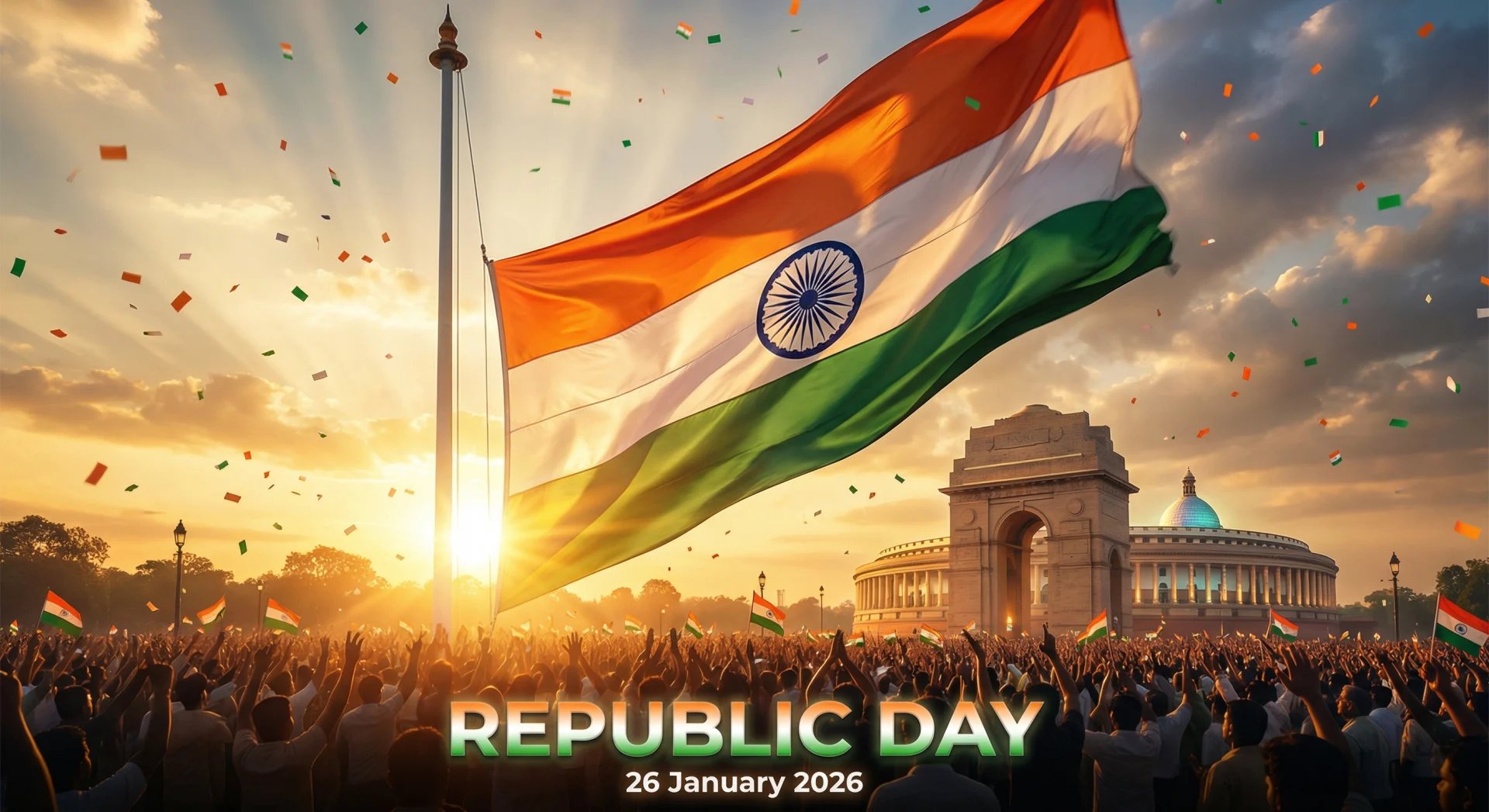
Cinematic 2026 Republic Day Poster
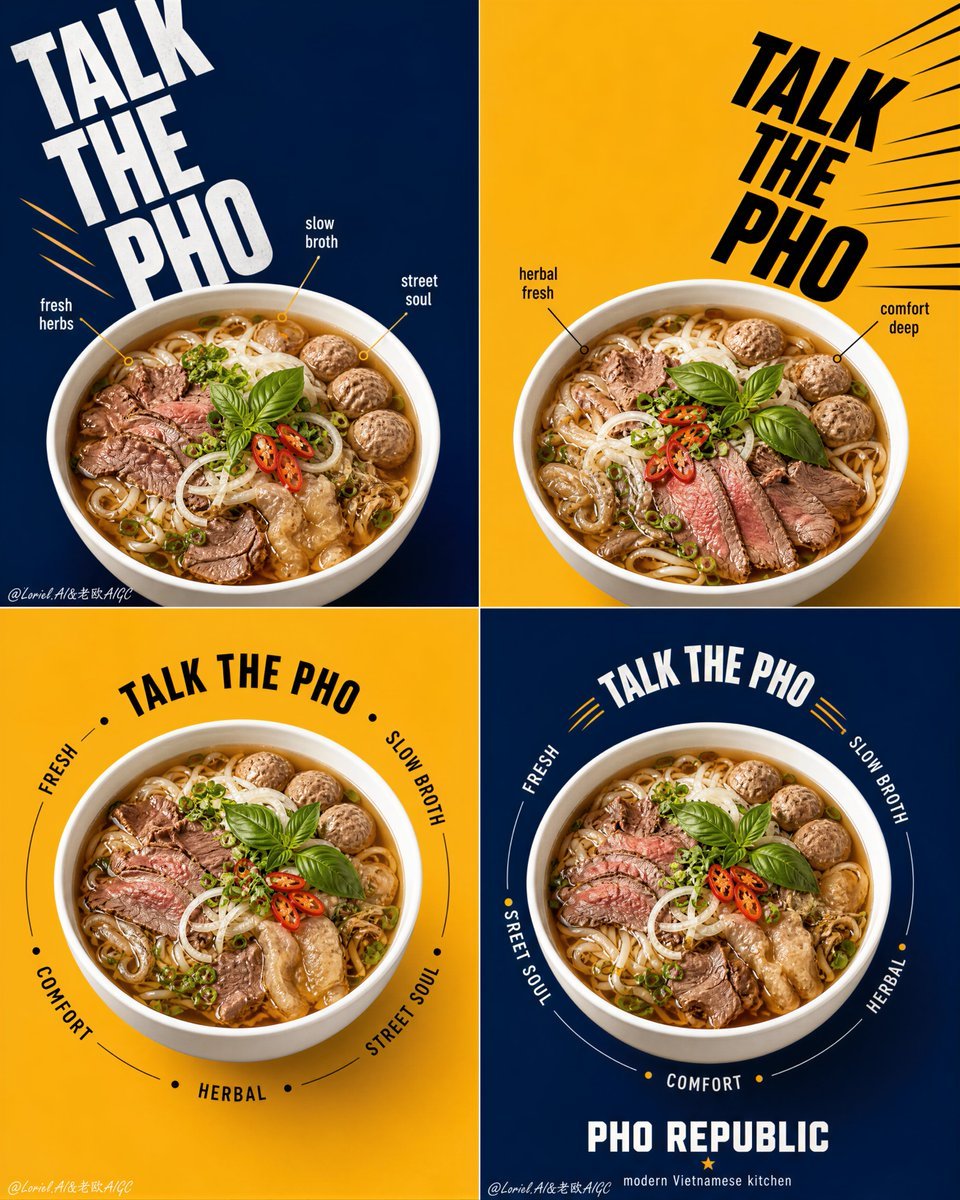
Pho Republic Campaign Grid

Miniature Sick Day Diorama
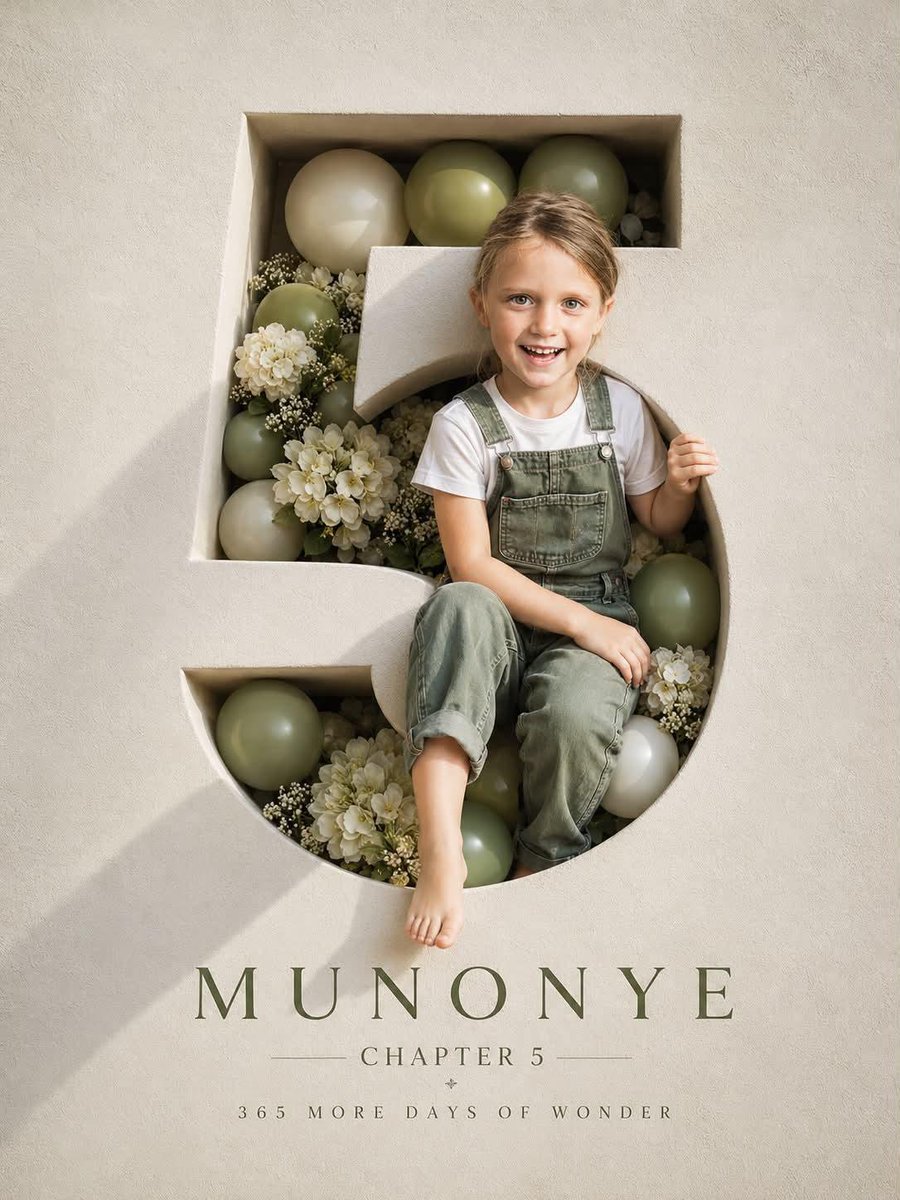
Luxury 3D Engraved Birthday Poster
Make it yours
Republic Day works as-is. These are the safest ways to change it without losing the look.
Change one field
Copy a single group, rewrite it, and generate again so you can see what that field is doing.
Keep the frame, change the subject
Hold the composition and light of Republic Day, then swap wardrobe, props or the person for a new take.
| If the result… | Why | Fix |
|---|---|---|
| The result drifts from the preview | Too many fields changed at once. | Reuse Republic Day as-is first, then change one group — subject, light, or setting. |
| The model over-stylizes the scene | The prose prompt leaves finish and camera underspecified. | Add one camera or lighting sentence and stay on PicX Studio. |
More image prompts
Fresh picks from across the catalog.
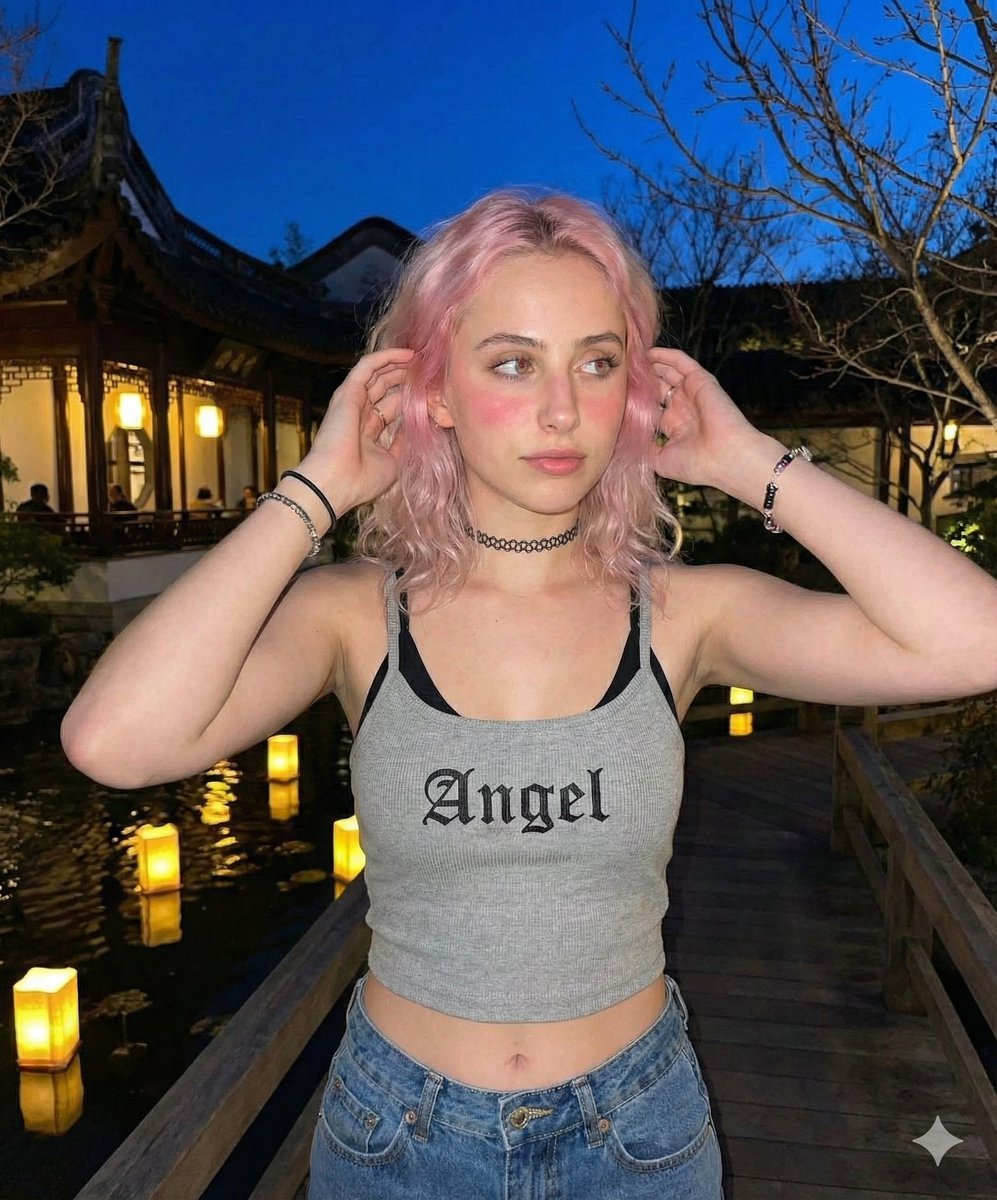
Nighttime Lifestyle Portrait Prompt
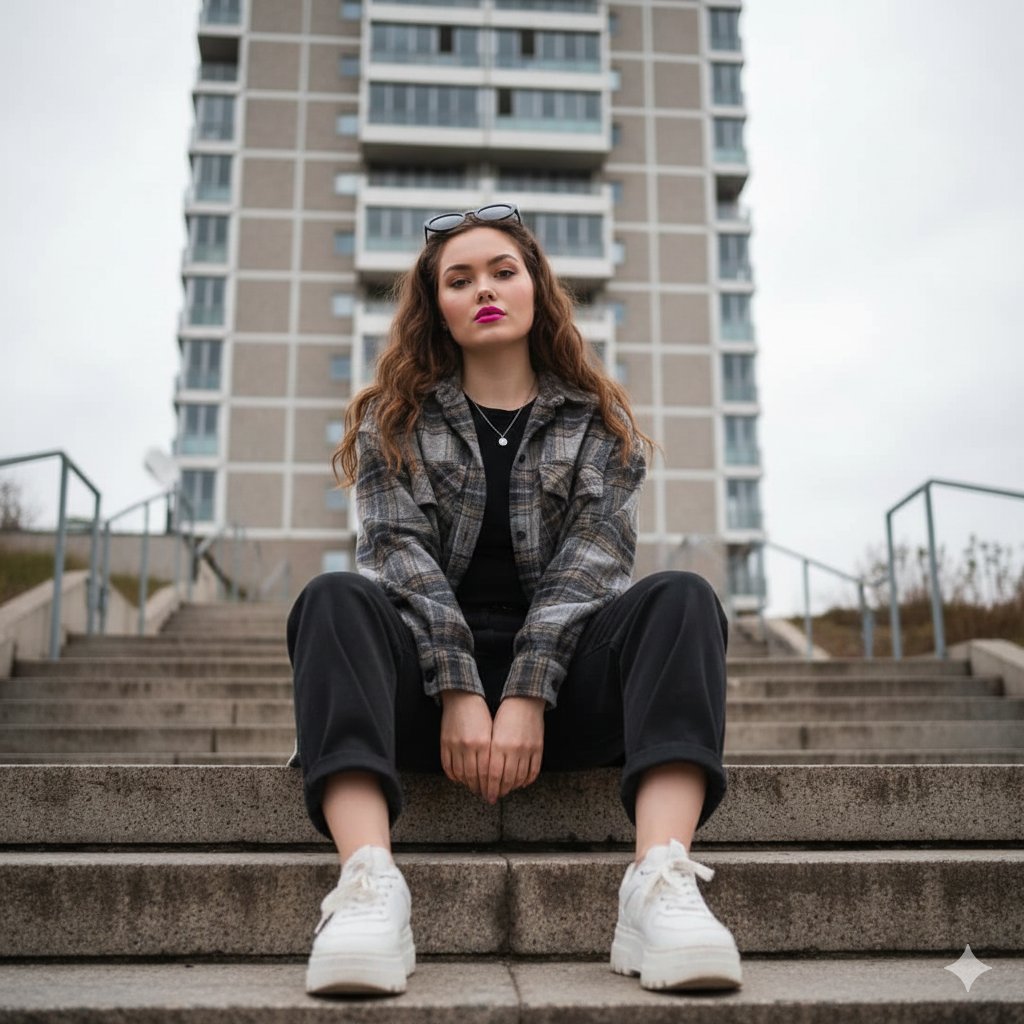
Low-Angle Full-Body Portrait on Concrete Steps
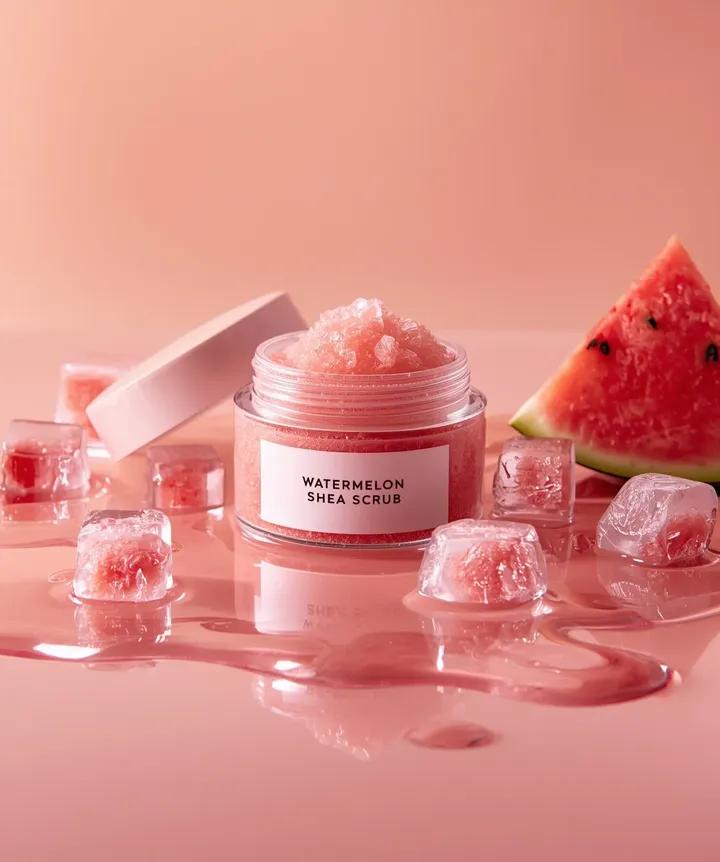
Hyper-photorealistic cosmetic skincare jar product shot with watermelon and ice cubes
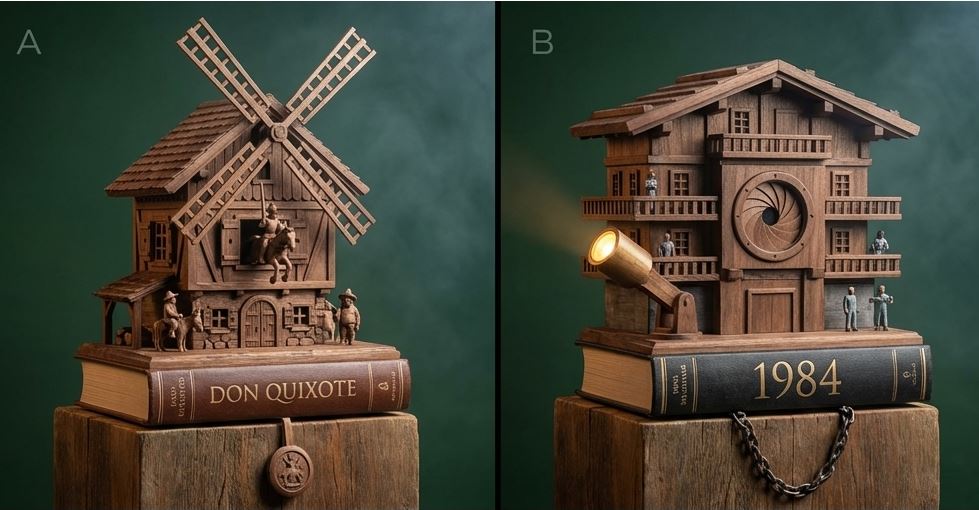
Cuckoo Clock Inspired Literary Mechanism Prompt
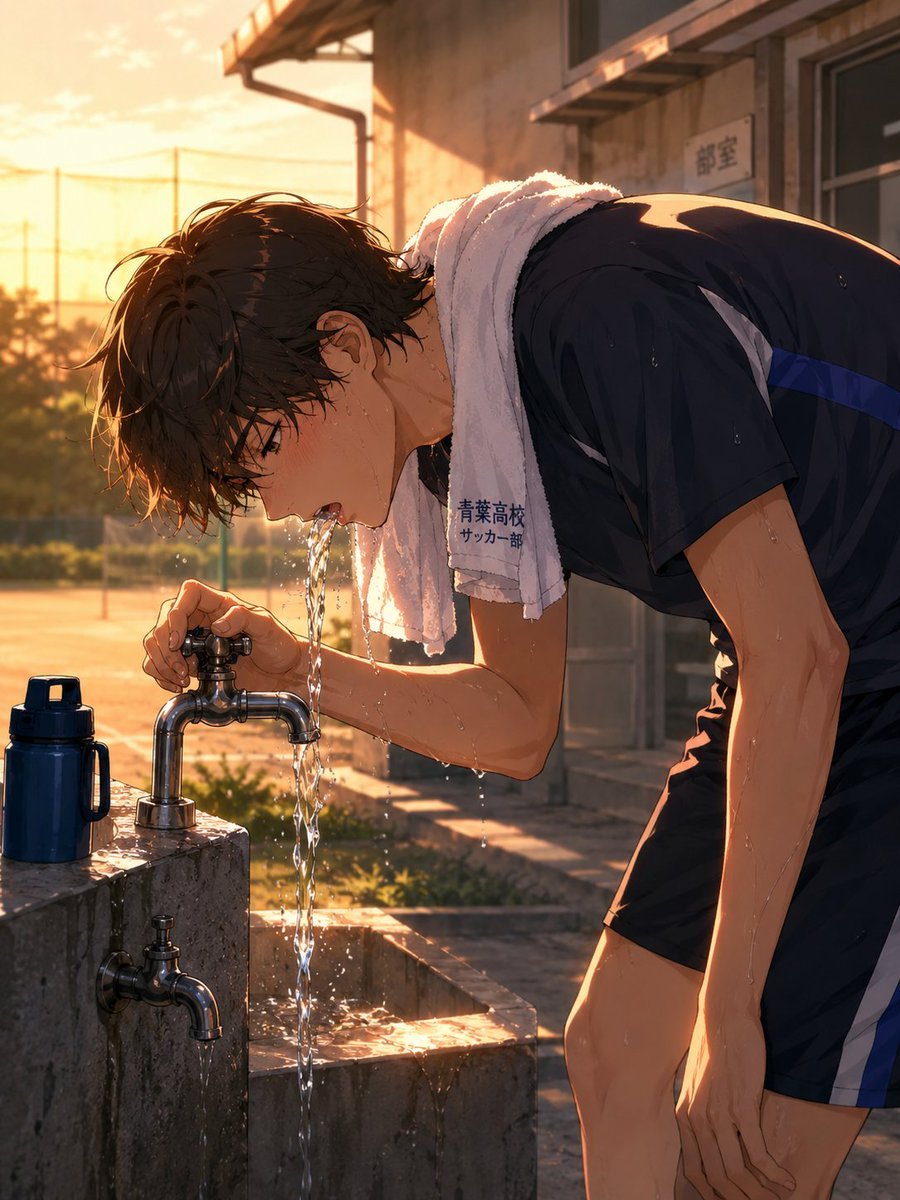
Anime Soccer Player at School Fountain
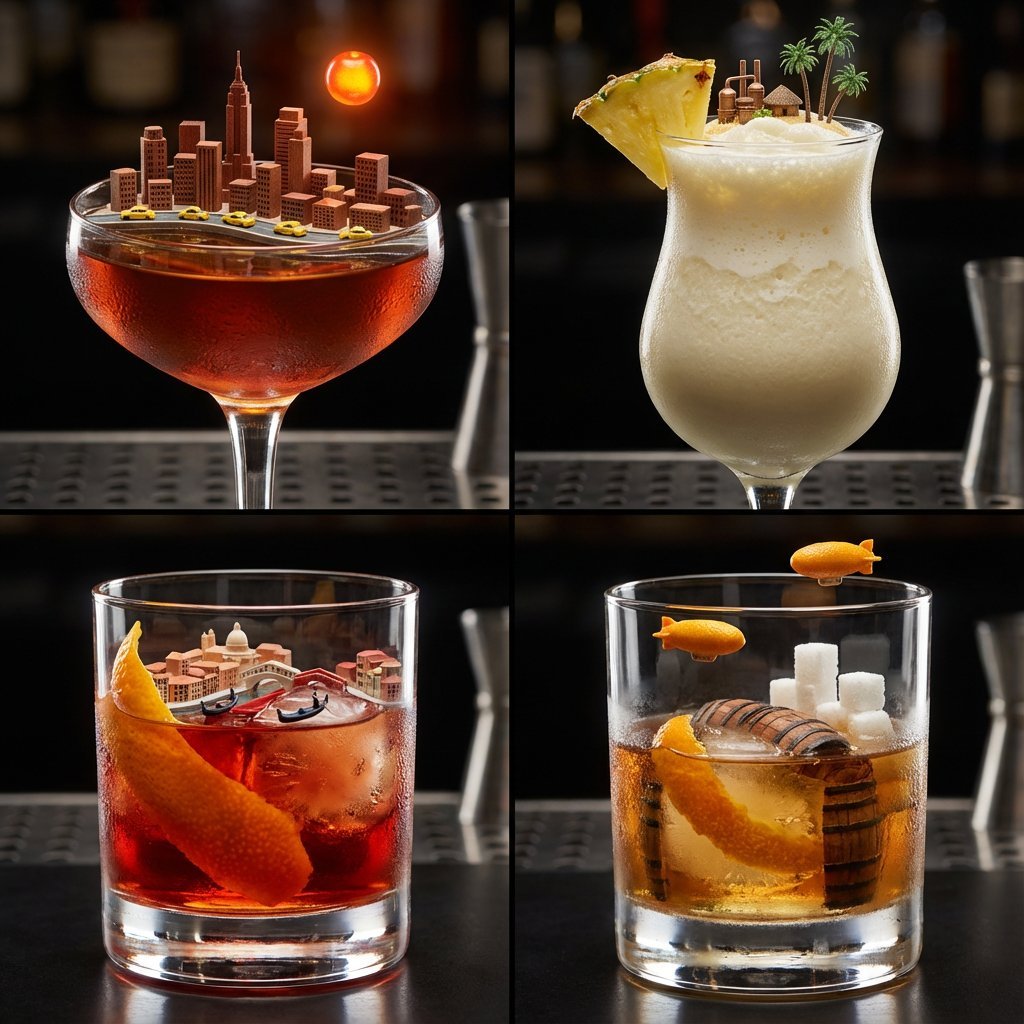
2x2 Grid of Cocktails as Tiny Living Cities
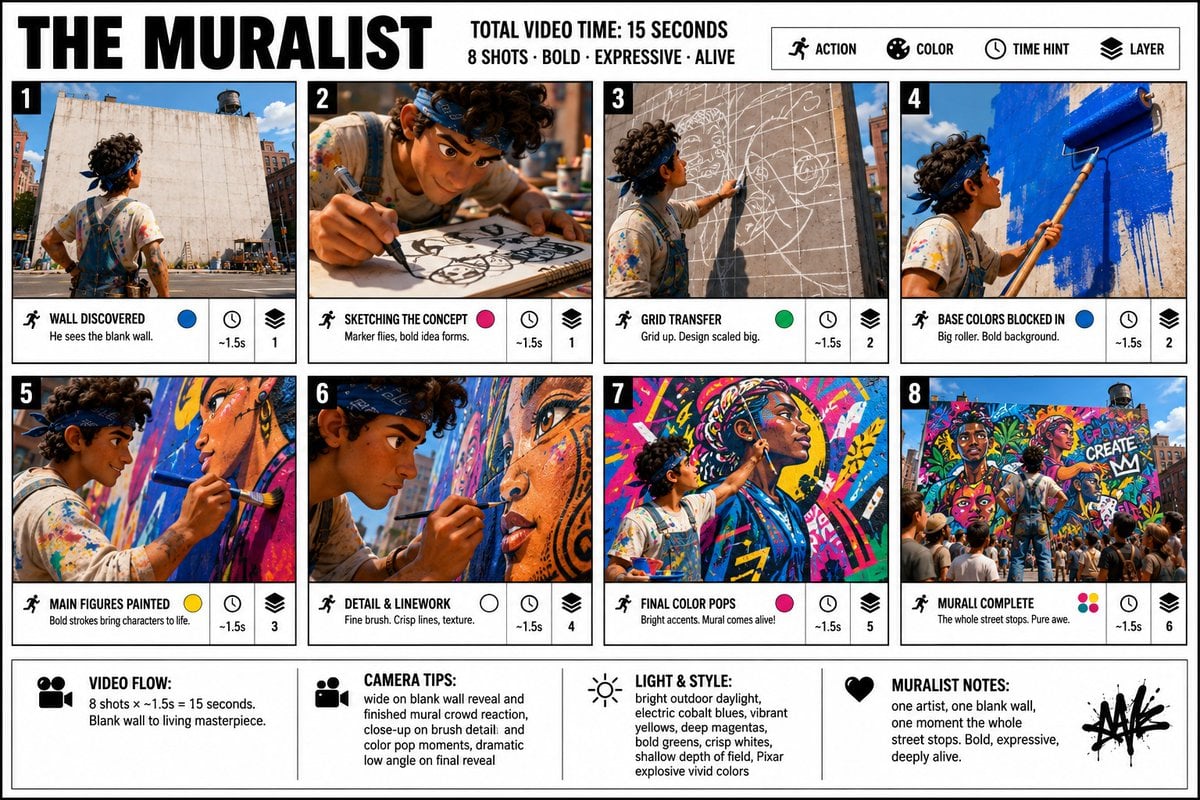
Pixar Style Movie Storyboard Poster
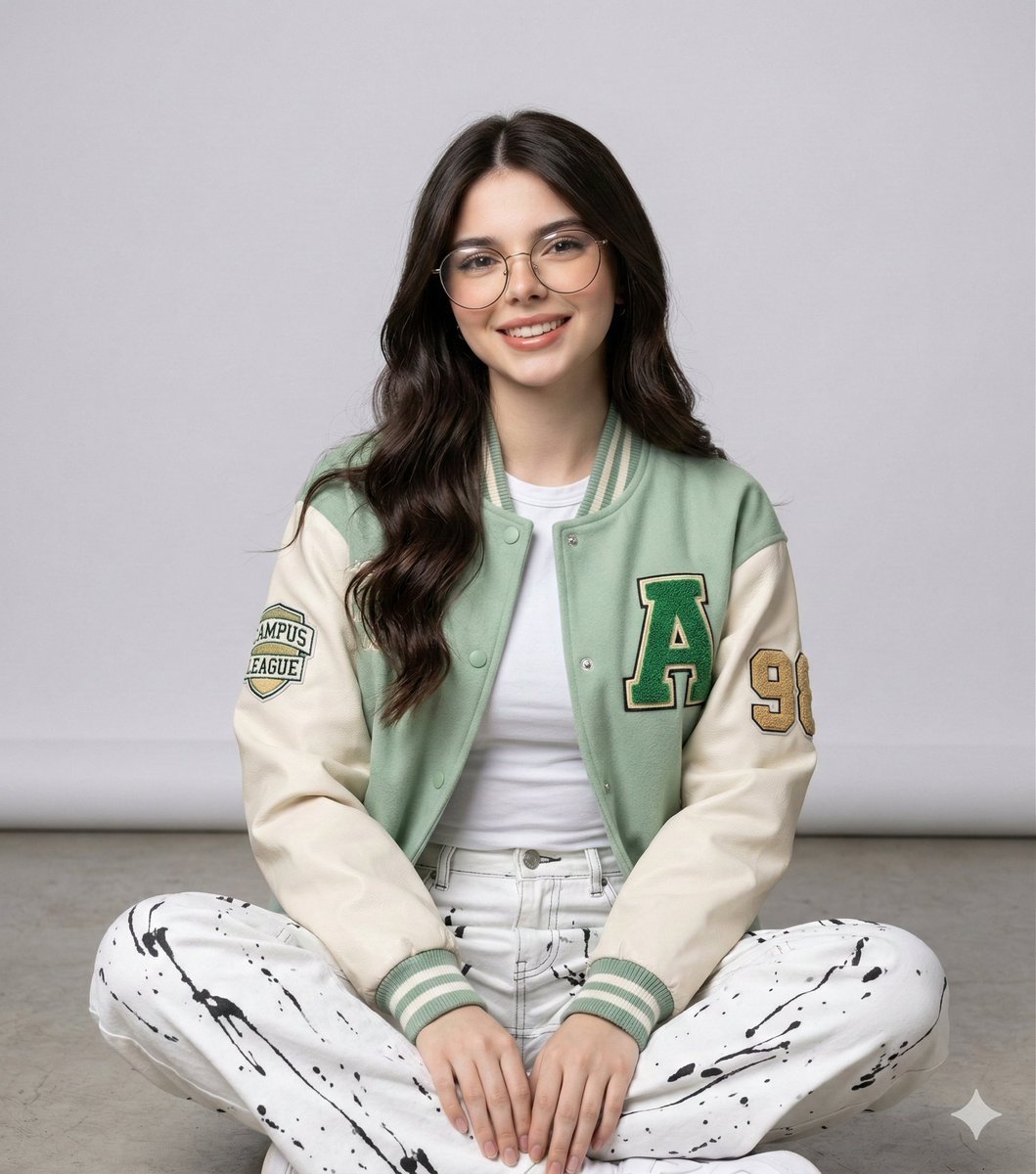
Studio Portrait of a Woman in Varsity Jacket and Splatter Pants
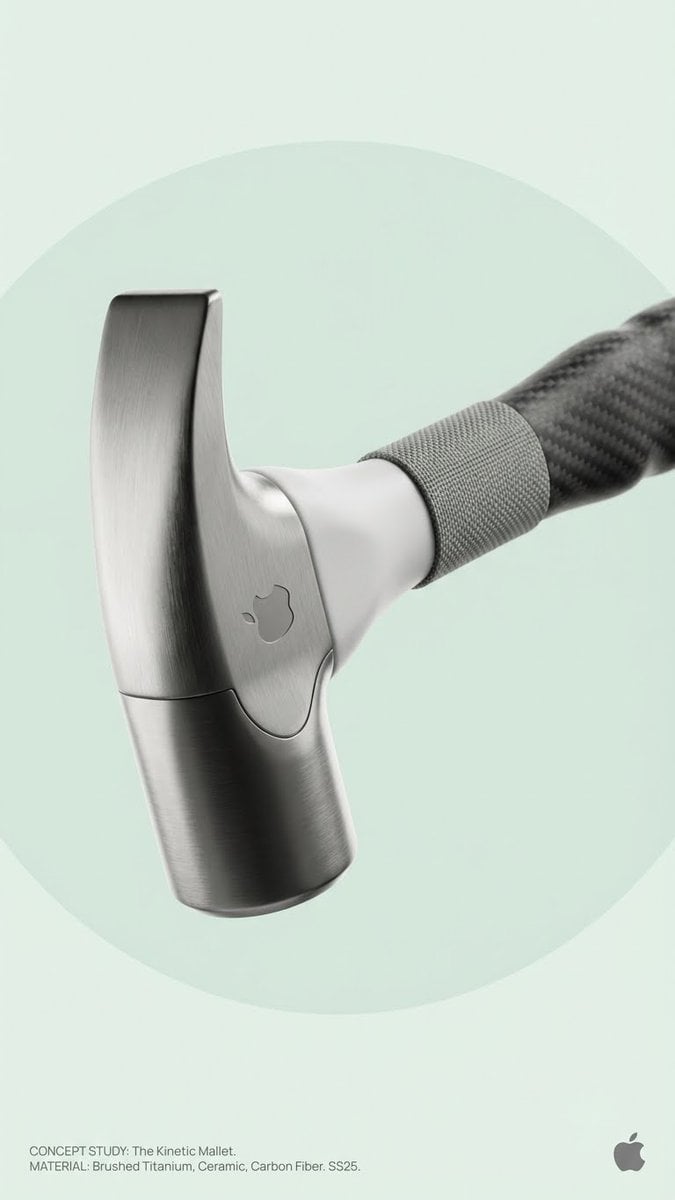
Brand Concept Generation Prompt: Unexpected Functional Objects
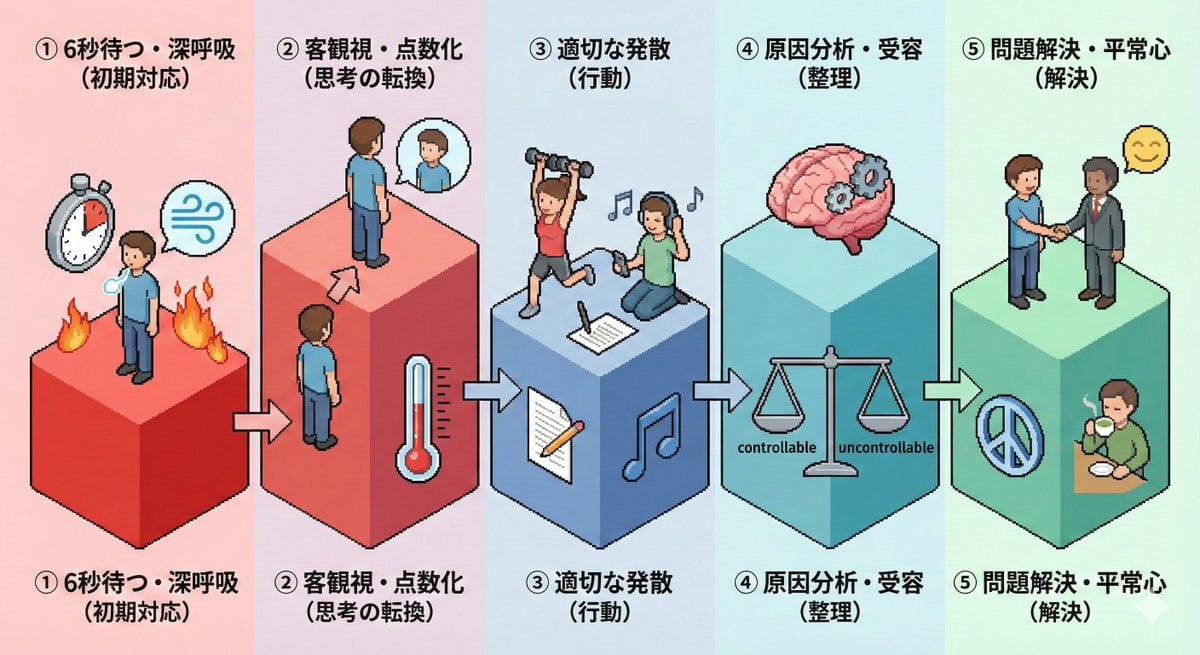
Isometric Pictogram Diagram Prompt for Nano Banana Pro
Browse template categories
Republic Day questions
How do I use the Republic Day template?
Add your photo if the template asks for one, edit the prompt if you like — the template's model and format are already selected — and press Generate. Your version opens in PicX Studio.
Can I customize the Republic Day template?
Yes. You can change the subject, setting, lighting, mood, format, and available model controls before creating your image.
Is the Republic Day template free?
Opening and editing this template is free. Generating uses credits, shown on the Generate button when you are signed in.
Which AI model should I use?
Choose a compatible model in PicX Studio based on the style, speed, and output controls your project needs.
Looking for something else? Browse all templates.

Your photo, any look
Thousands of ready templates for every top image and video model, from one credit balance.