
Modern India Republic Day Poster
Modern India Republic Day Poster is a ready photo look.
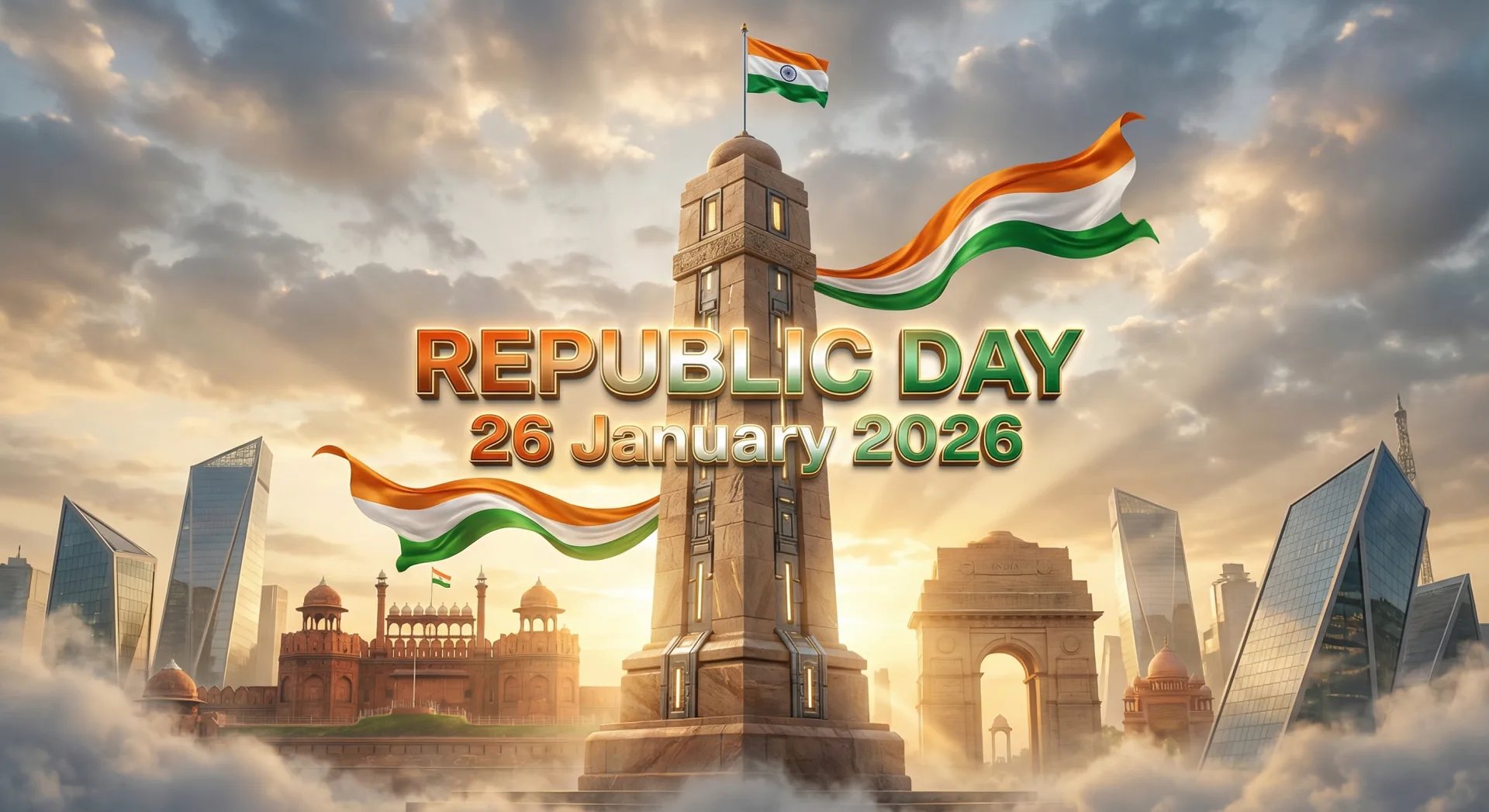
- Prompt included
- Model and format preset
- Free template
The prompt behind this image
Copy the exact prompt behind Modern India Republic Day Poster, or open it in the studio and make it yours.
{ "prompt": "A futuristic patriotic monument celebrating India's Republic Day 2026. A tall stone victory pillar in the center with large glowing metallic text reading 'REPUBLIC DAY' instead of numbers, wrapped with flowing tricolor silk ribbons (saffron, white, green) that move dynamically in the wind. Below the pillar is a grand Indian heritage architecture inspired by Red Fort and India Gate with modern glass accents. A small Indian flag on top of the structure, warm golden sunrise lighting, soft clouds at the base, volumetric light rays, cinematic depth, hyper-real textures, dramatic sky, 8K ultra-detailed render, modern patriotic poster style.", "text_overlay": { "main_text": "REPUBLIC DAY", "sub_text": "26 January 2026", "font_style": "bold futuristic sans-serif, metallic texture, soft glow", "text_color": "tricolor gradient with gold highlight", "alignment": "center on the monument", "text_effects": "neon rim glow, subtle shadow, cinematic bloom" }, "style": { "theme": "patriotic futuristic", "color_grading": "warm gold + tricolor glow", "lighting": "volumetric sunlight, HDR, soft fog", "camera": "low angle hero shot", "render_quality": "8K, hyper-detailed, cinematic realism", "year_trend": "2026 AI poster aesthetic" }, "negative_prompt": [ "78 years", "celebrating text", "independence", "extra words", "water
How to use Modern India Republic Day Poster in 3 steps
- 1
Open
The prompt is already in the box next to the preview, with the template's model and format selected.
- 2…a portrait of your subject in softgolden-hour light, 85mm…
Personalize
Edit the subject and creative details for your destination.
- 3Generate
Generate
Press Generate — your image is created in PicX Studio, so you can compare it with the original and refine one variable at a time.
More like this
Templates with the same subject, style or setup. Open one to see its prompt.
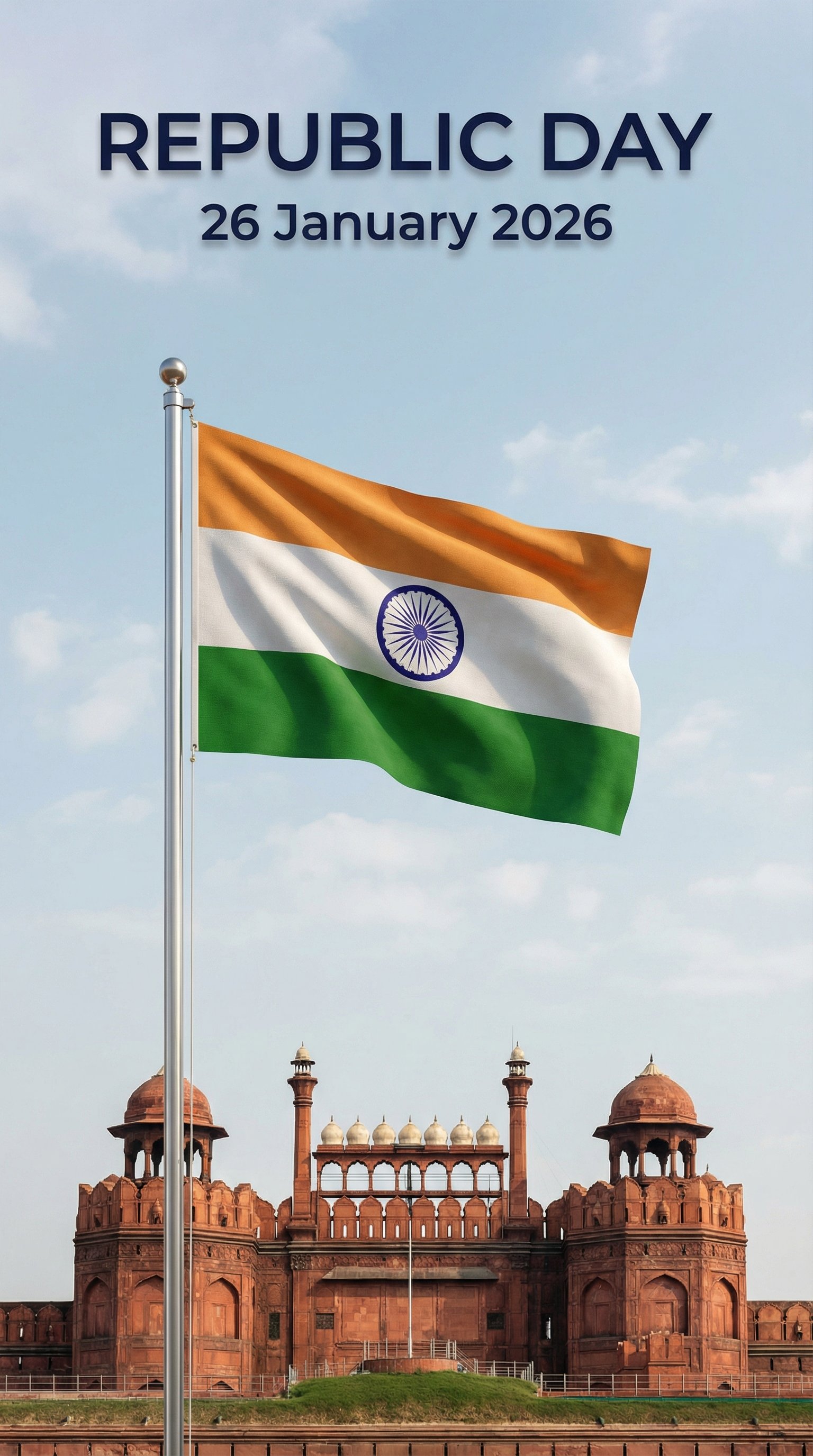
Modern Republic Day 2026 Poster
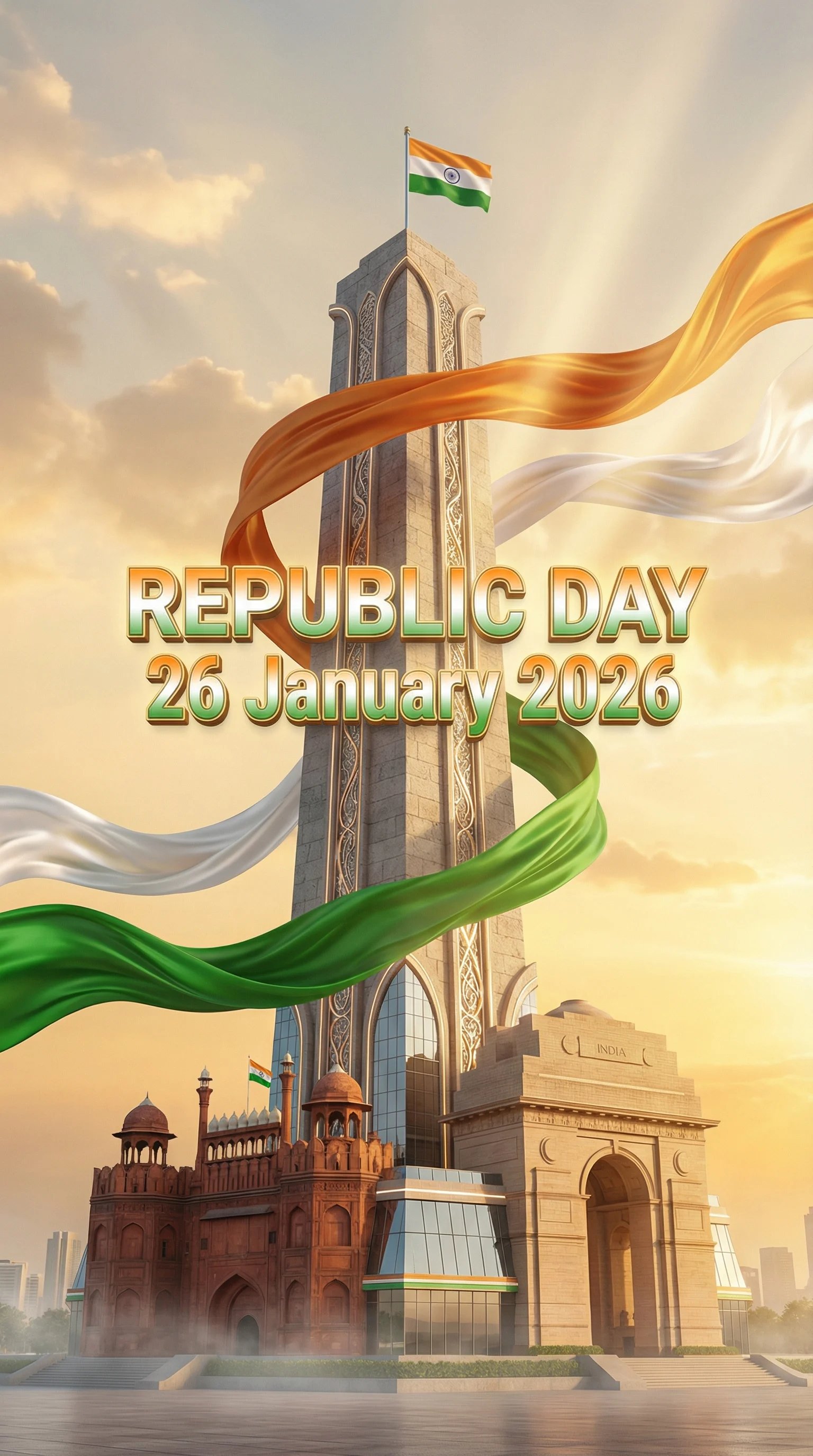
Indian Republic Day Celebration Poster
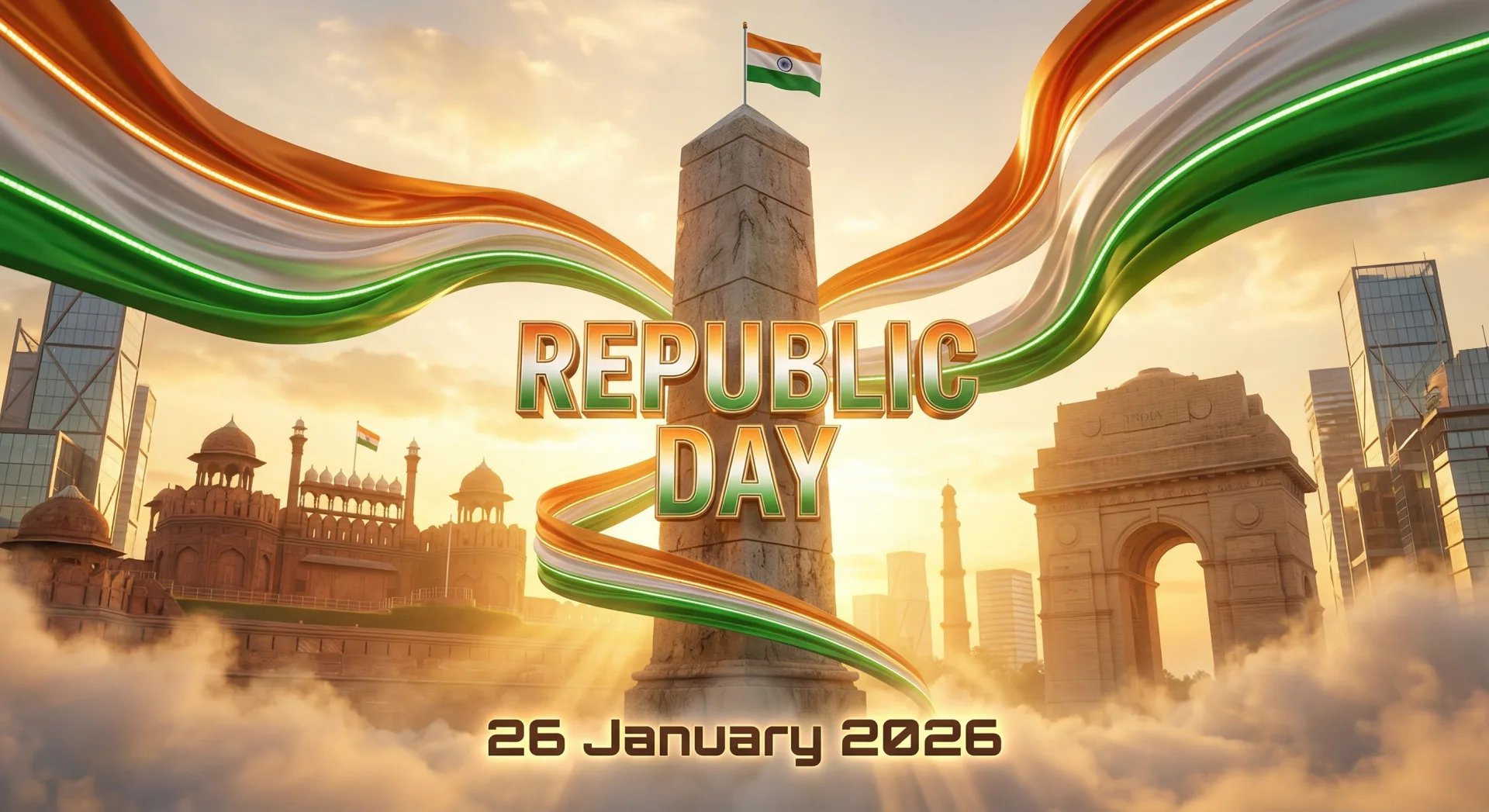
Futuristic India Republic Day Poster

Sunday Afternoon, 1988
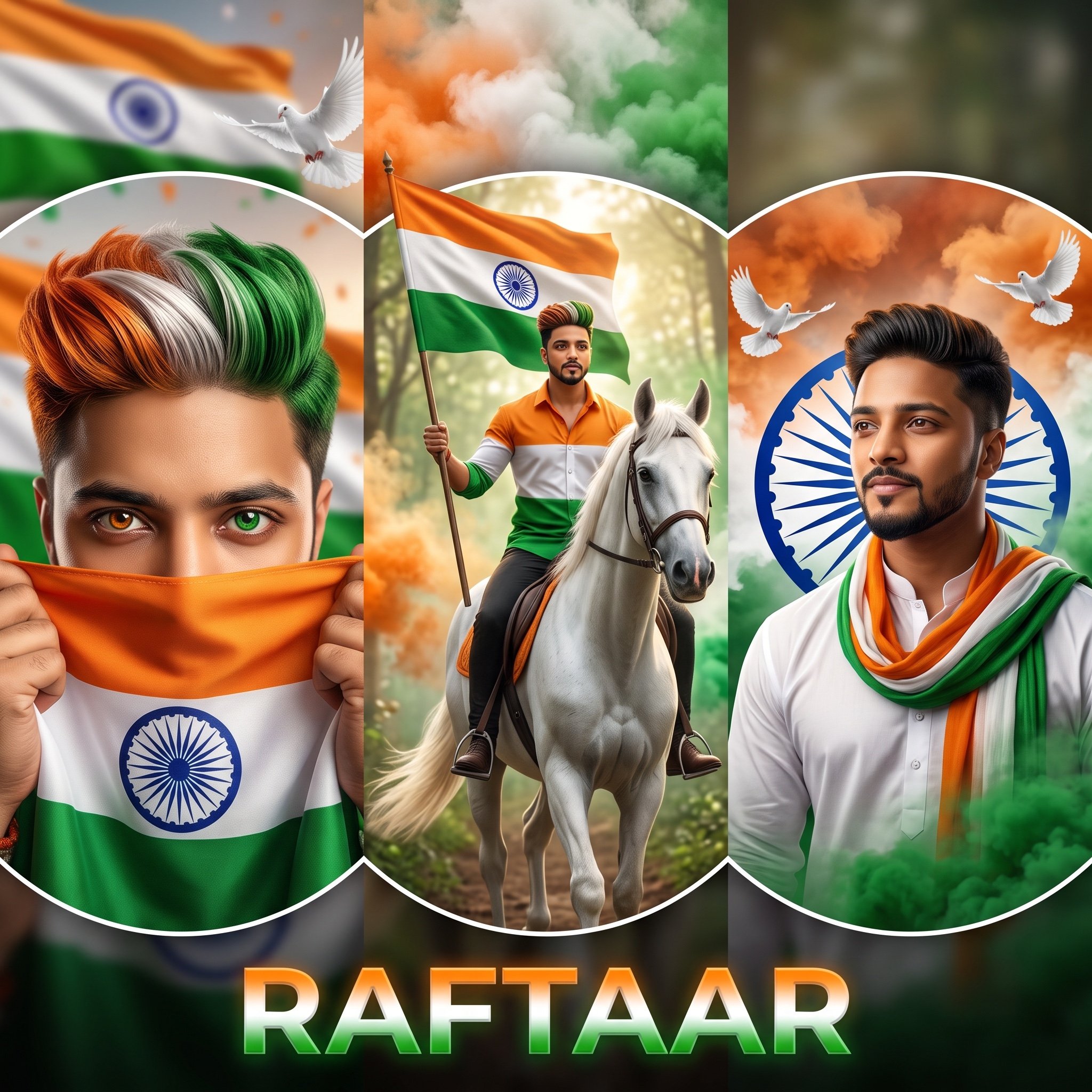
Indian Republic Day Patriotic Portrait Prompts (3 Variations)

Premium Editorial Branding Poster Charcoal Green
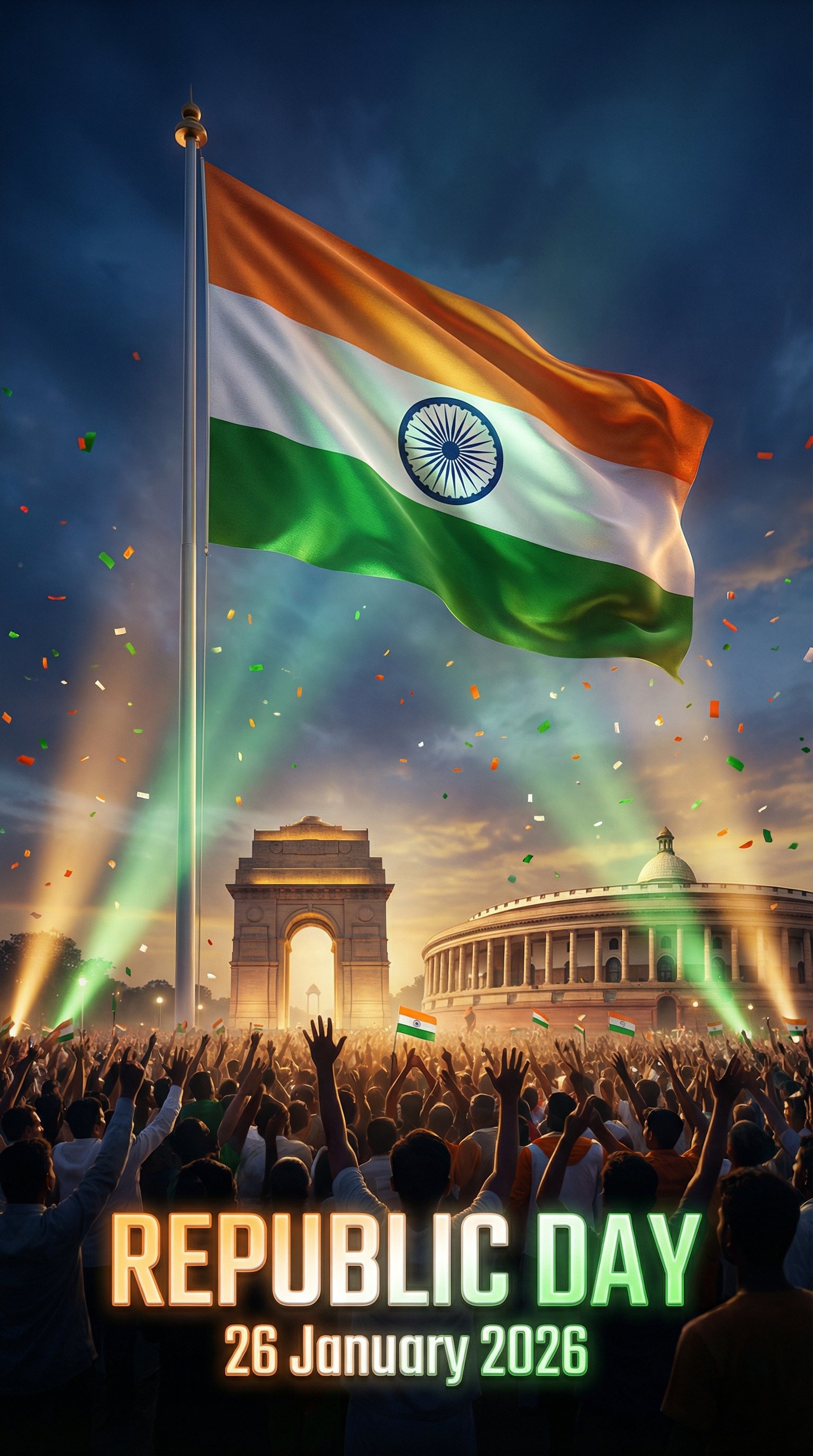
Cinematic 2026 Republic Day Poster
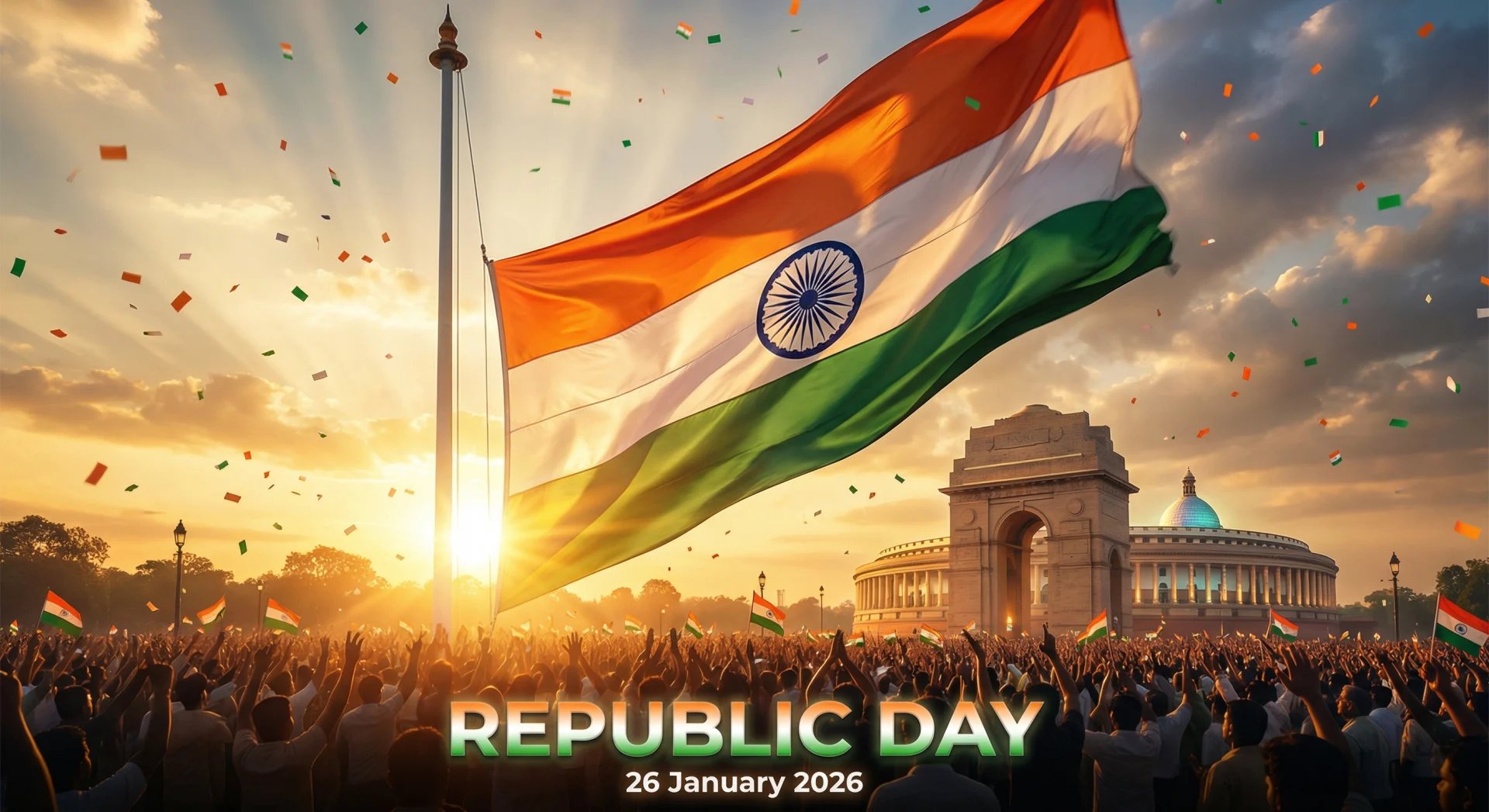
Cinematic 2026 Republic Day Poster

Two Tickets, One Night

Before We said Goodbye

Meet Me When It Rains

The Date After College
Make it yours
Modern India Republic Day Poster works as-is. These are the safest ways to change it without losing the look.
Change one field
Copy a single group, rewrite it, and generate again so you can see what that field is doing.
Keep the frame, change the subject
Hold the composition and light of Modern India Republic Day Poster, then swap wardrobe, props or the person for a new take.
| If the result… | Why | Fix |
|---|---|---|
| The result drifts from the preview | Too many fields changed at once. | Reuse Modern India Republic Day Poster as-is first, then change one group — subject, light, or setting. |
| The model over-stylizes the scene | The prose prompt leaves finish and camera underspecified. | Add one camera or lighting sentence and stay on PicX Studio. |
More image prompts
Fresh picks from across the catalog.
Cyberpunk High-Fashion Editorial
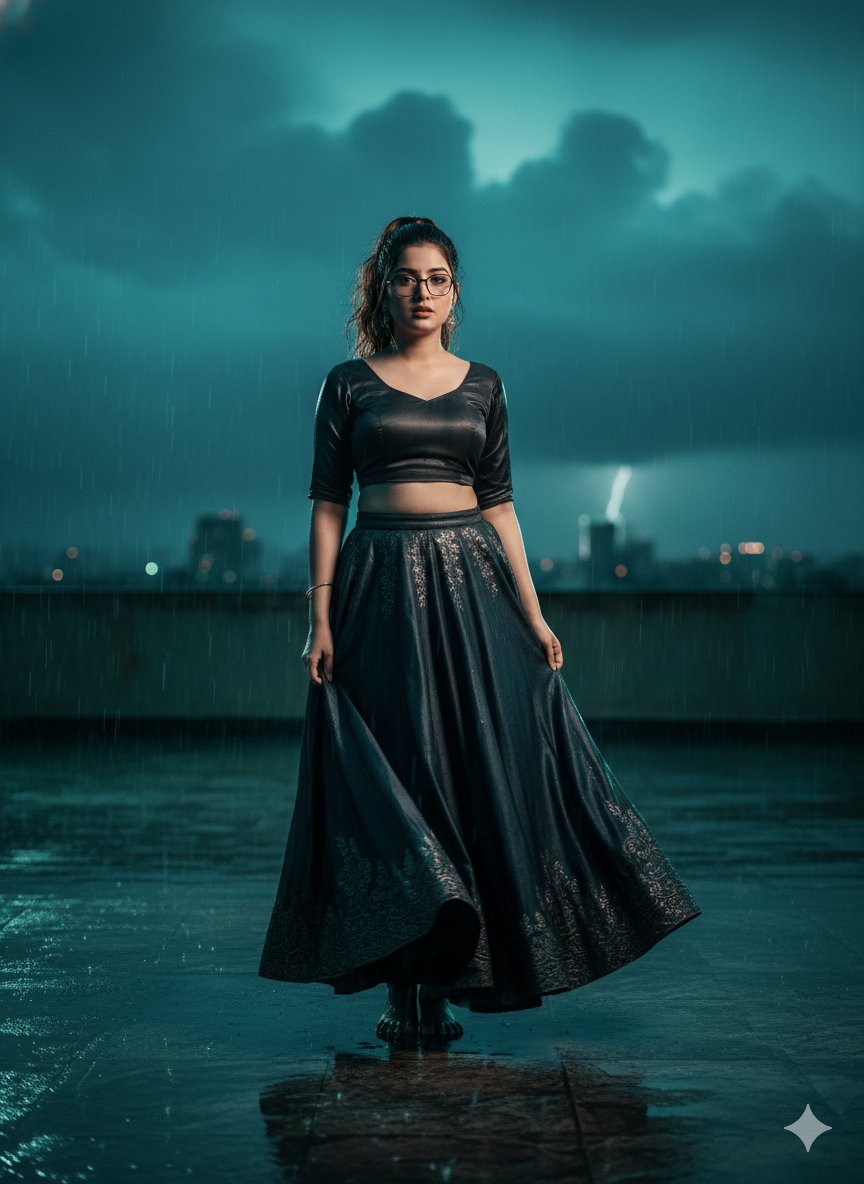
Hyper-Realistic Cinematic Bollywood Poster in Monsoon
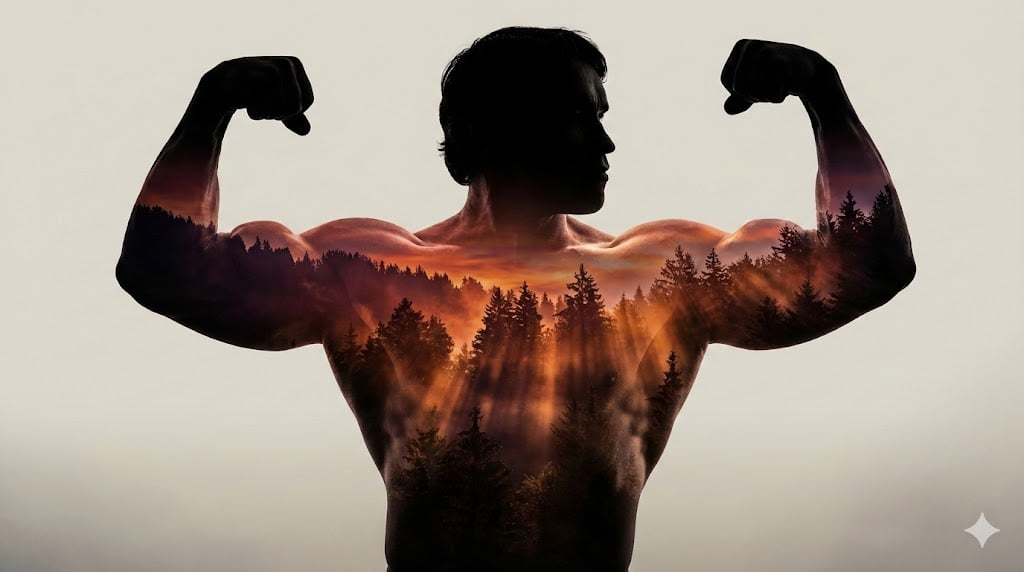
Arnold Schwarzenegger Silhouette with Volumetric Mountain Forest
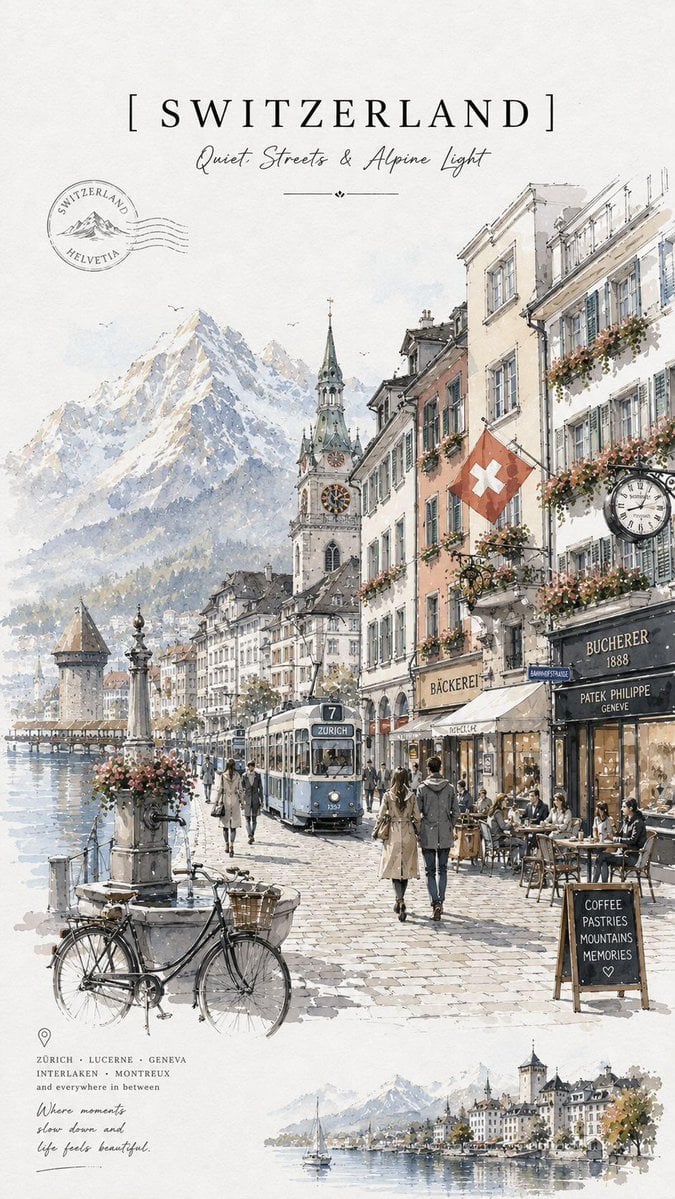
Vintage Watercolor Travel Posters
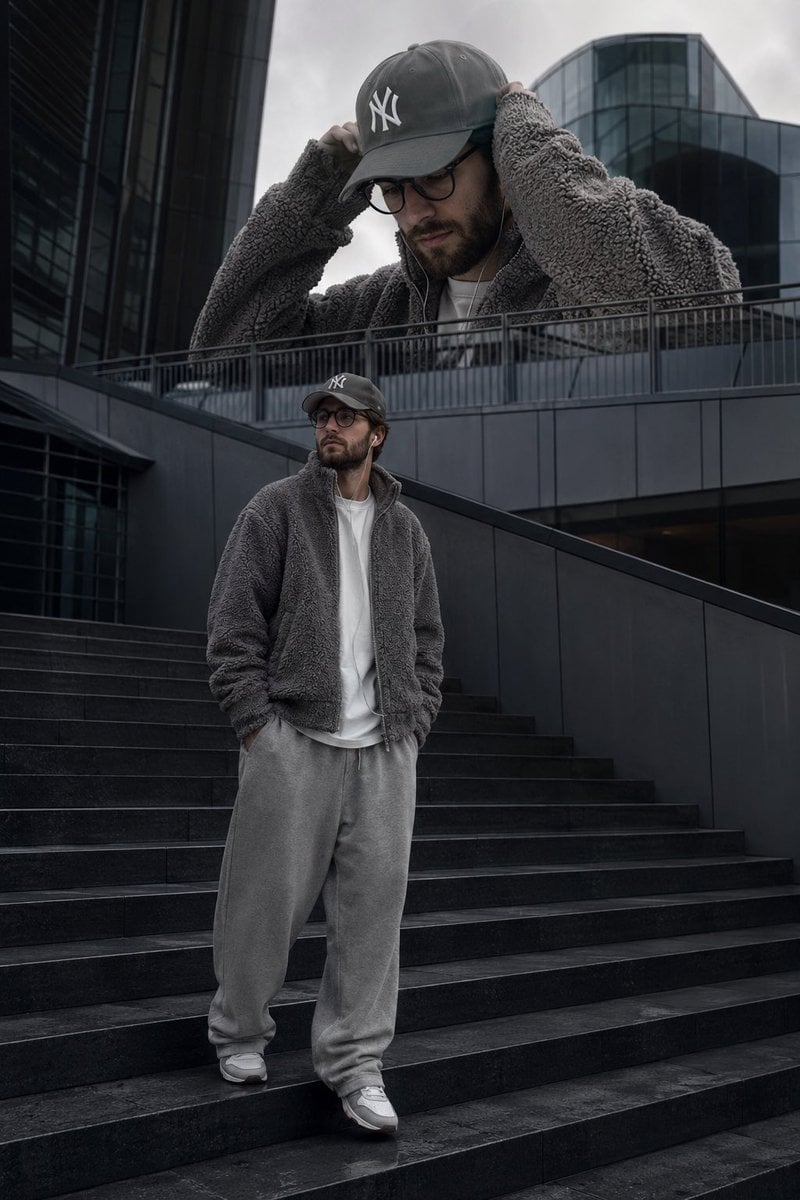
Surreal Streetwear Editorial
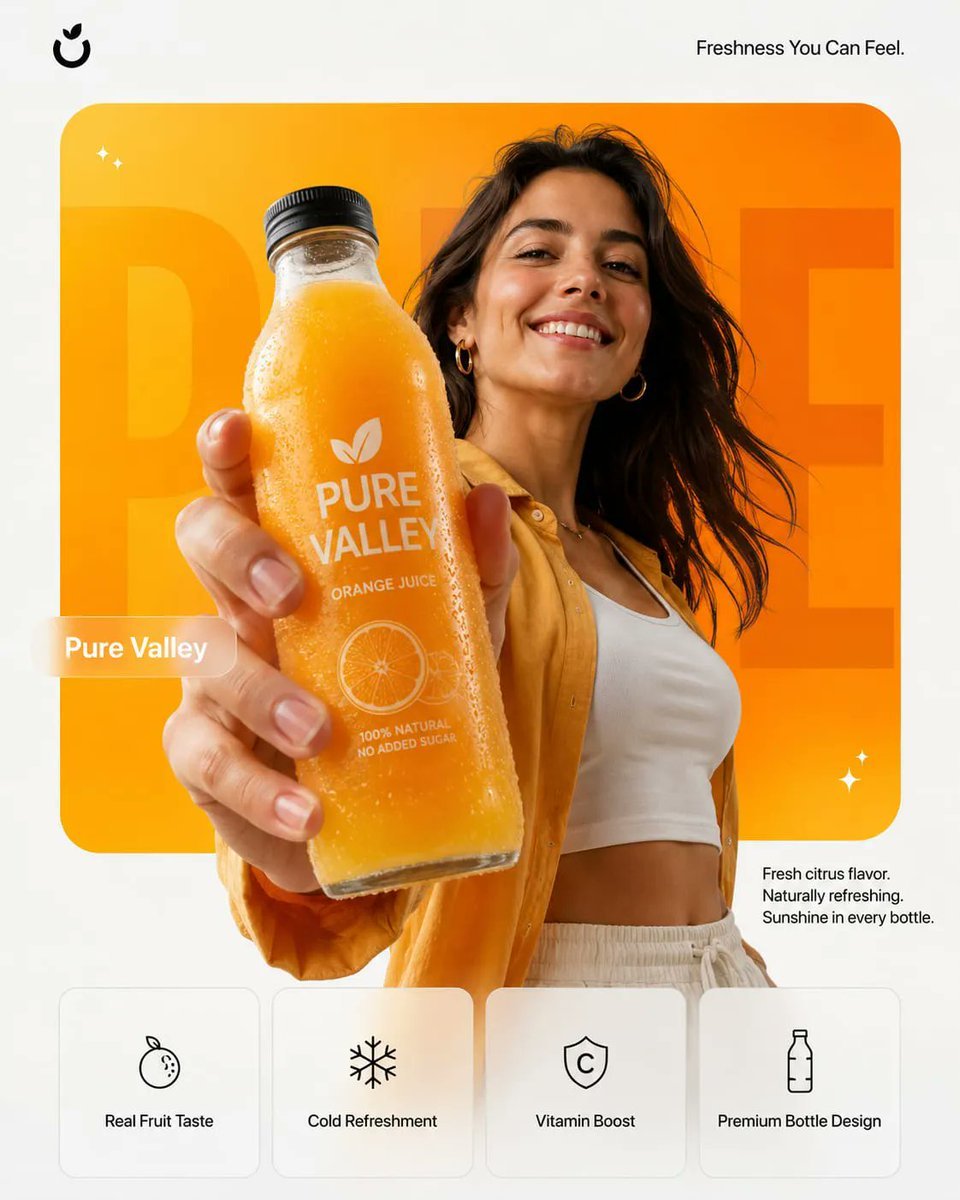
Premium Product Campaign Poster Prompt
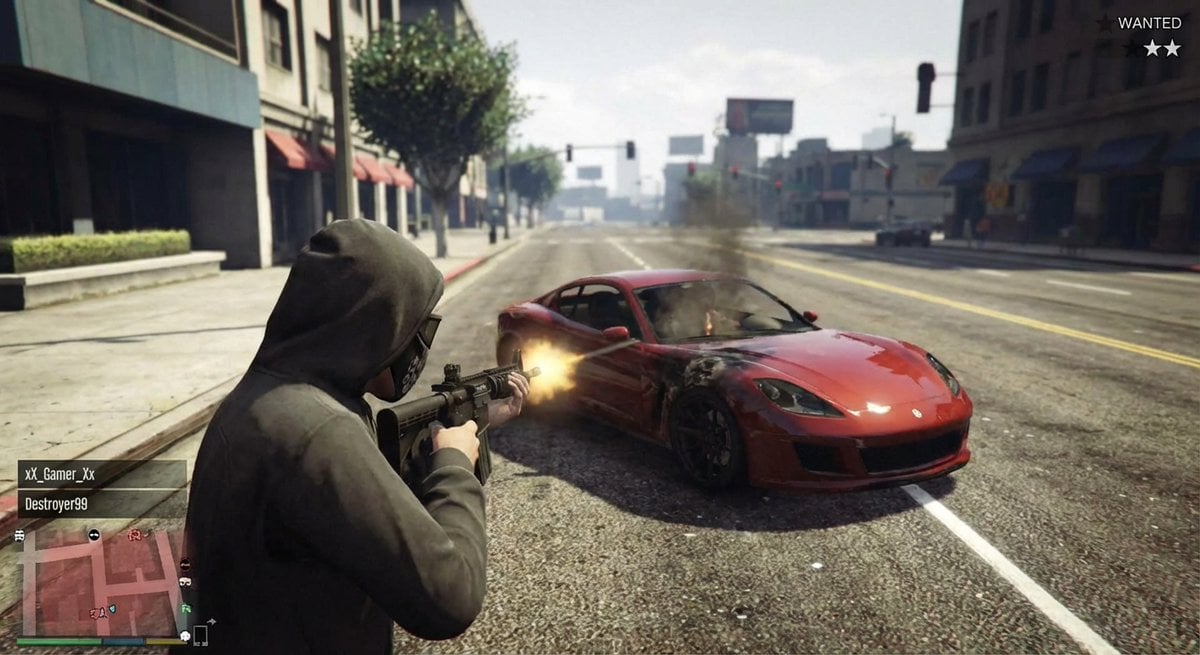
GTA 5 online action scene
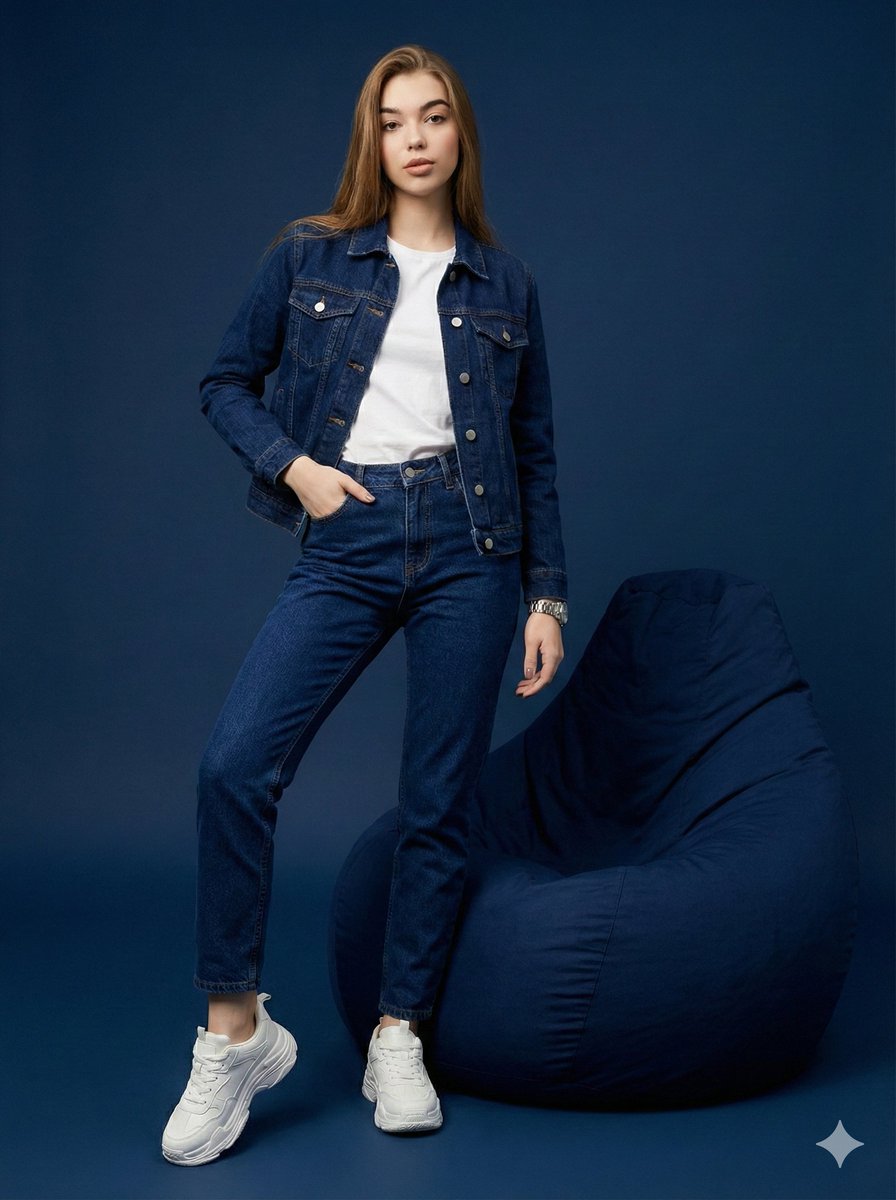
Hyper-Realistic Navy Fashion Photoshoot
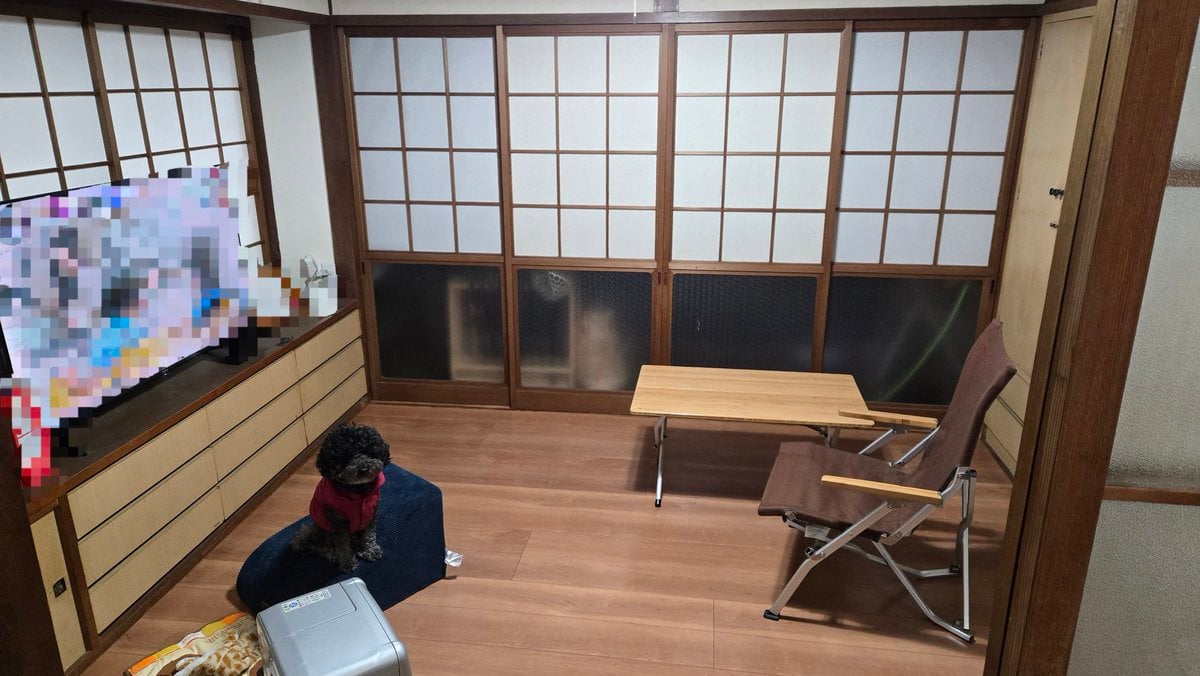
Interior Design Simulation Prompt for Nano Banana
9/11 Twin Towers Street Photo
Browse template categories
Modern India Republic Day Poster questions
How do I use the Modern India Republic Day Poster template?
Add your photo if the template asks for one, edit the prompt if you like — the template's model and format are already selected — and press Generate. Your version opens in PicX Studio.
Can I customize the Modern India Republic Day Poster template?
Yes. You can change the subject, setting, lighting, mood, format, and available model controls before creating your image.
Is the Modern India Republic Day Poster template free?
Opening and editing this template is free. Generating uses credits, shown on the Generate button when you are signed in.
Which AI model should I use?
Choose a compatible model in PicX Studio based on the style, speed, and output controls your project needs.
Looking for something else? Browse all templates.

Your photo, any look
Thousands of ready templates for every top image and video model, from one credit balance.