
Frozen Time 1950s Diner Sequence
A complex cinematic prompt for a 1950s diner scene that features time-freezing effects, dynamic orbital camera moves, and a liquid physics rewind.
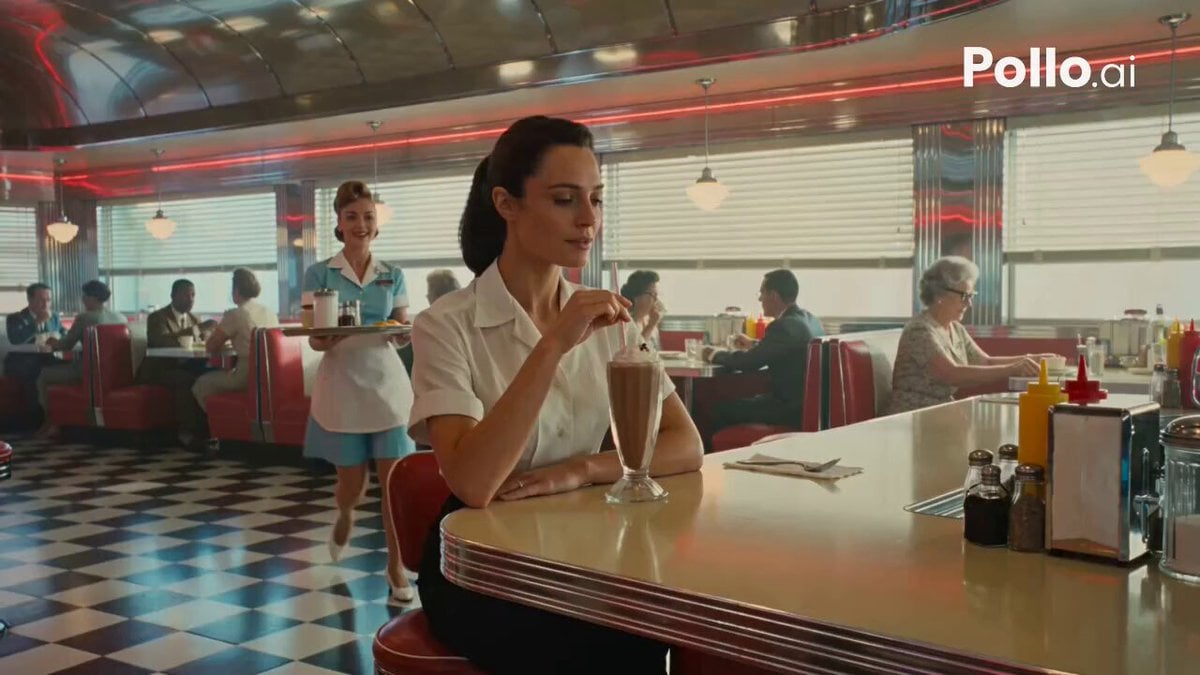
- Prompt included
- Model and format preset
- Free template
The prompt behind this video
Copy the exact prompt behind Frozen Time 1950s Diner Sequence, or open it in the studio and make it yours.
Photorealistic cinematic 1950s American diner, chrome stools, red vinyl, neon glow and checkerboard floor, shot with modern lived-in realism and soft natural window light. Subtle handheld texture, warm practicals, rich period detail, heavy film grain. 0-2s: [Medium Wide] A striking young woman sits alone at the counter, calmly sipping a milkshake. Behind her a waitress approaches with a tray of eggs, bacon and a coffee pot. An older lady starts rising from a nearby booth. 2-5s: [Dynamic Tracking] The older lady collides into the waitress. Tray, plate, eggs and coffee explode upward in slow motion liquid ribbons and suspended droplets. Camera orbits the impact. Time locks at the peak. Every face frozen in shock. Only the girl at the counter keeps moving, unfazed. 5-11s: [Slow 360° Orbital] Camera glides through the frozen diner. Coffee hangs as glassy ribbons, food floats weightlessly, patrons locked in startled expressions. The girl takes one slow sip, half-lidded eyes, while the frozen world reverses every droplet and person rewinding back to start. 11-13s: [Medium Shot] Rewind lands perfectly. Waitress stands balanced again. The girl raises two fingers, softly calls her name. Waitress turns just as the older lady begins to stand, avoiding collision. A tiny smile crosses the girl's face. 13-15s: [Extreme Close-Up] Hard cut to her face, one last slow sip, soft knowing smile, eyes almost closed. Shallow depth of field, creamy neon bokeh behind her. Photorealistic, ultra-detailed fluid physics, perfect motion blur only on moving elements, stable characters, cinematic lighting, heavy natural film grain, no artifacts, movie-level temporal coherence.
How to use Frozen Time 1950s Diner Sequence in 3 steps
- 1
Open
The prompt is already in the box next to the preview, with the template's model and format selected.
- 2…a portrait of your subject in softgolden-hour light, 85mm…
Personalize
Edit the subject and creative details for your destination.
- 3Generate
Generate
Press Generate — your video is created in PicX Studio, so you can compare it with the original and refine one variable at a time.
More like this
Templates with the same subject, style or setup. Open one to see its prompt.
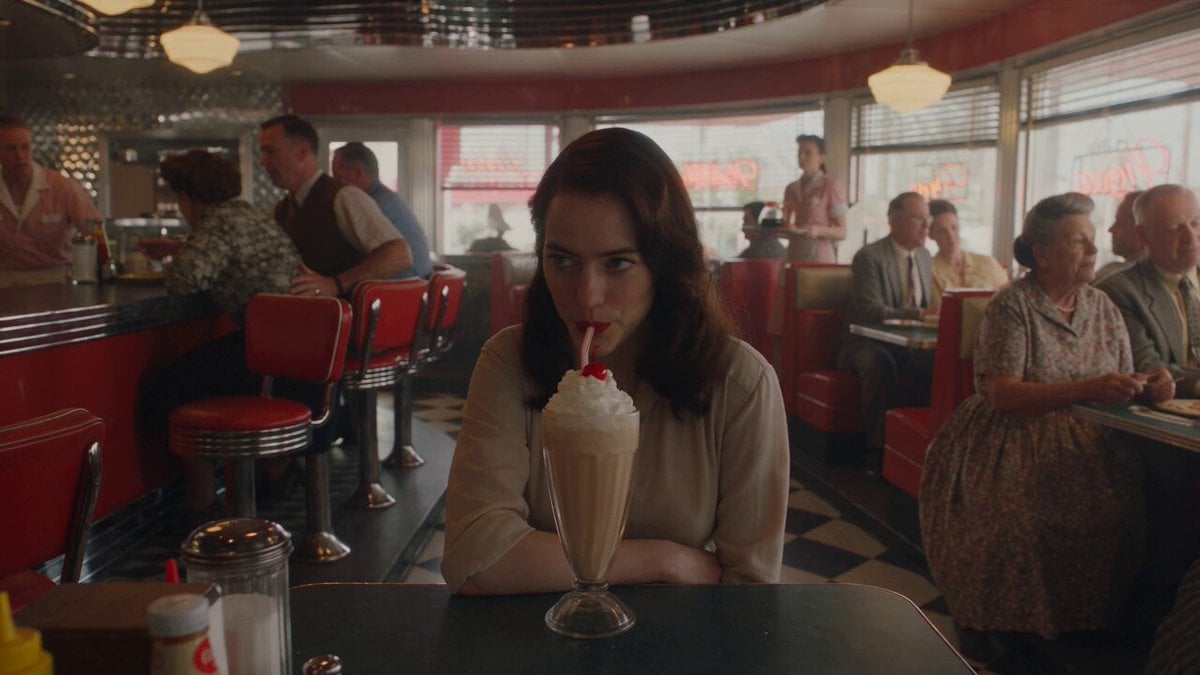
1950s Diner Time Freeze Rewind - Seedance 2.5
Time Freeze — Snap Shockwave Scene Seedance
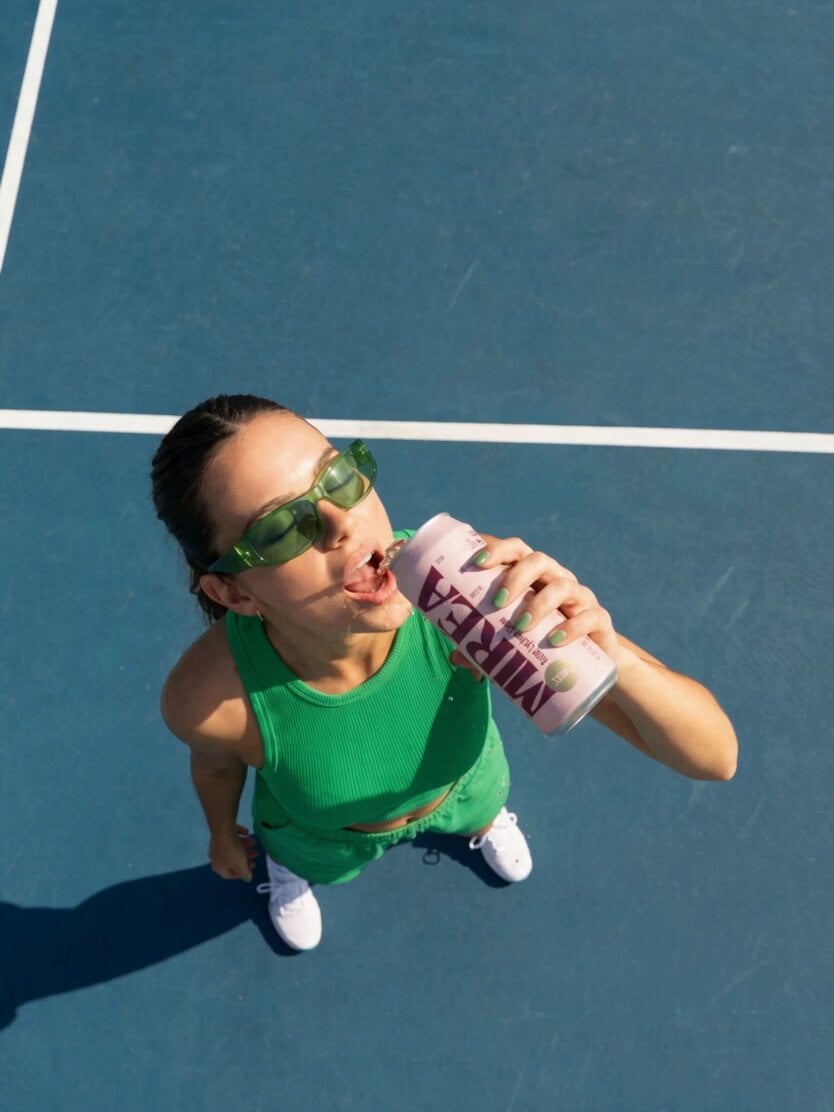
Frozen Time Handycam Diorama
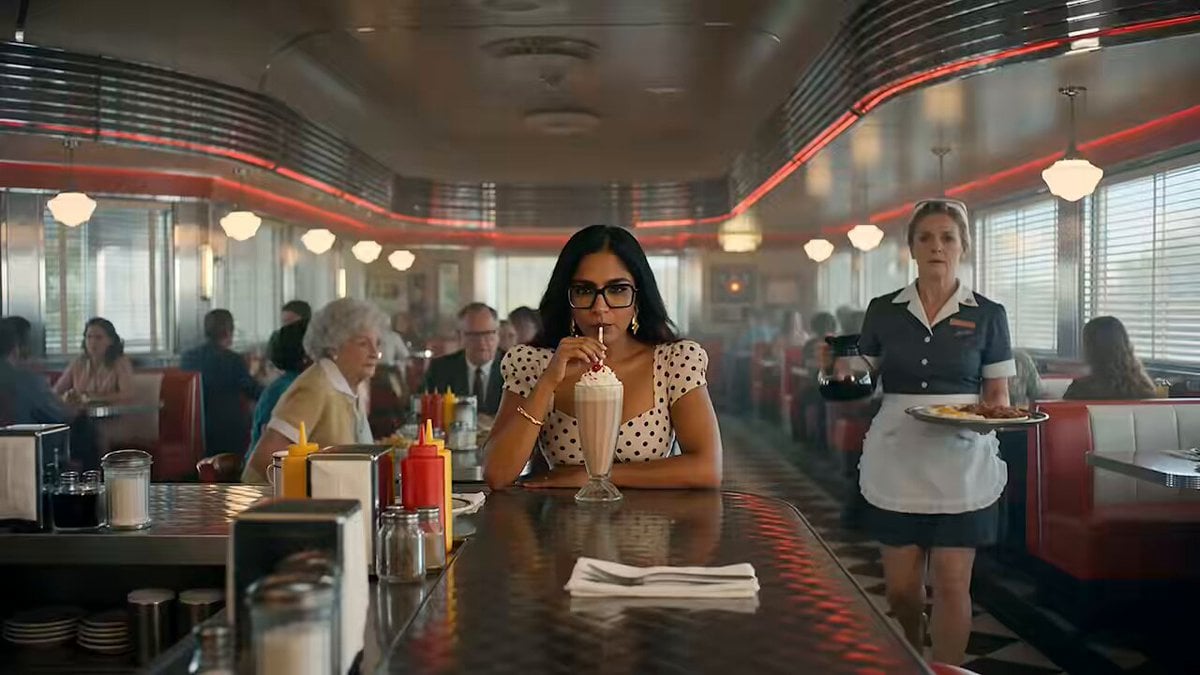
1950s American Diner Scene
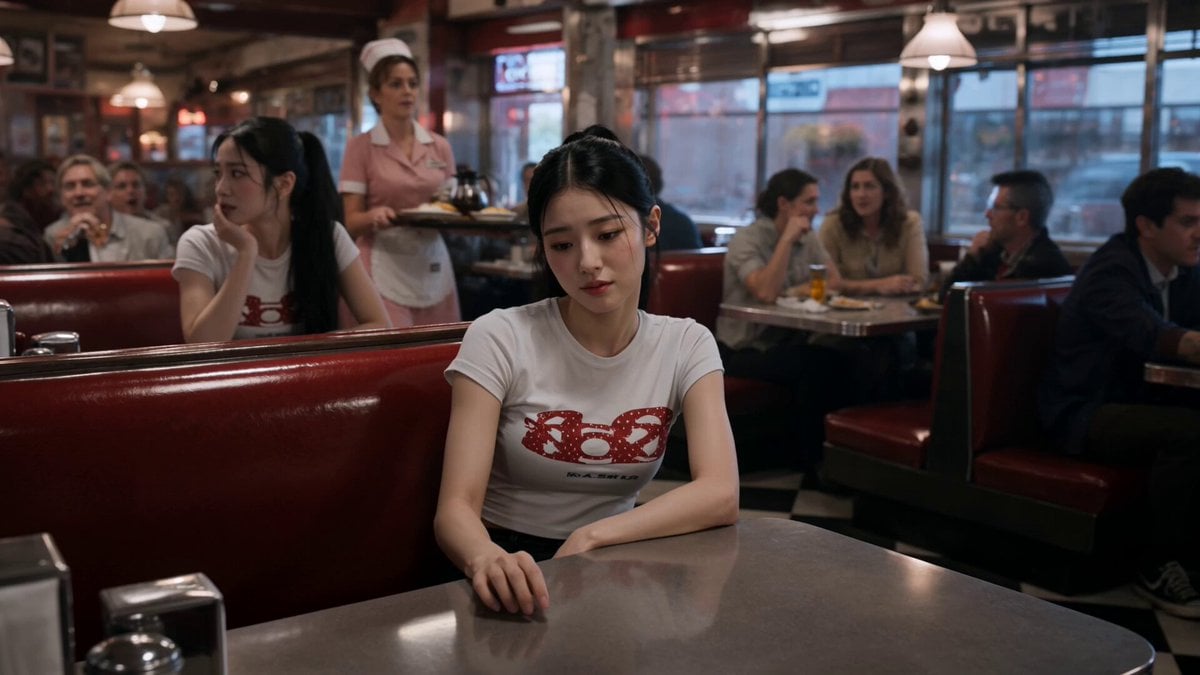
Slow-Motion 90s Diner Explosion - Seedance 2.5
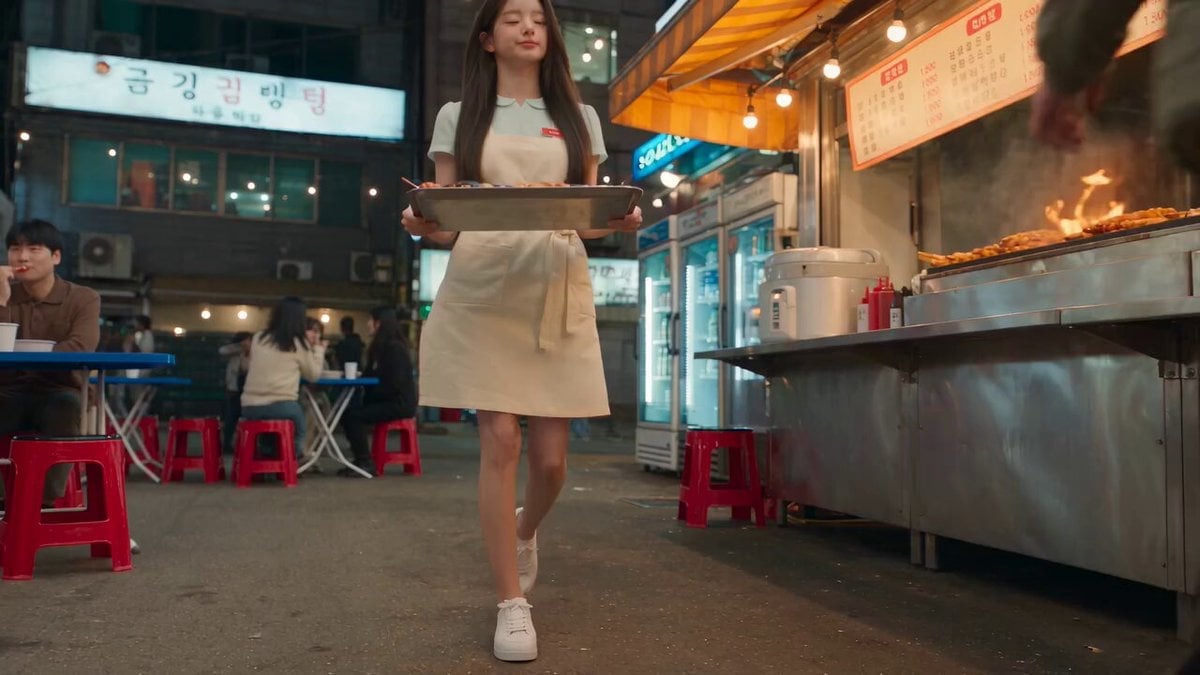
Korean Night Market Bullet-Time Scene - Seedance 2.5
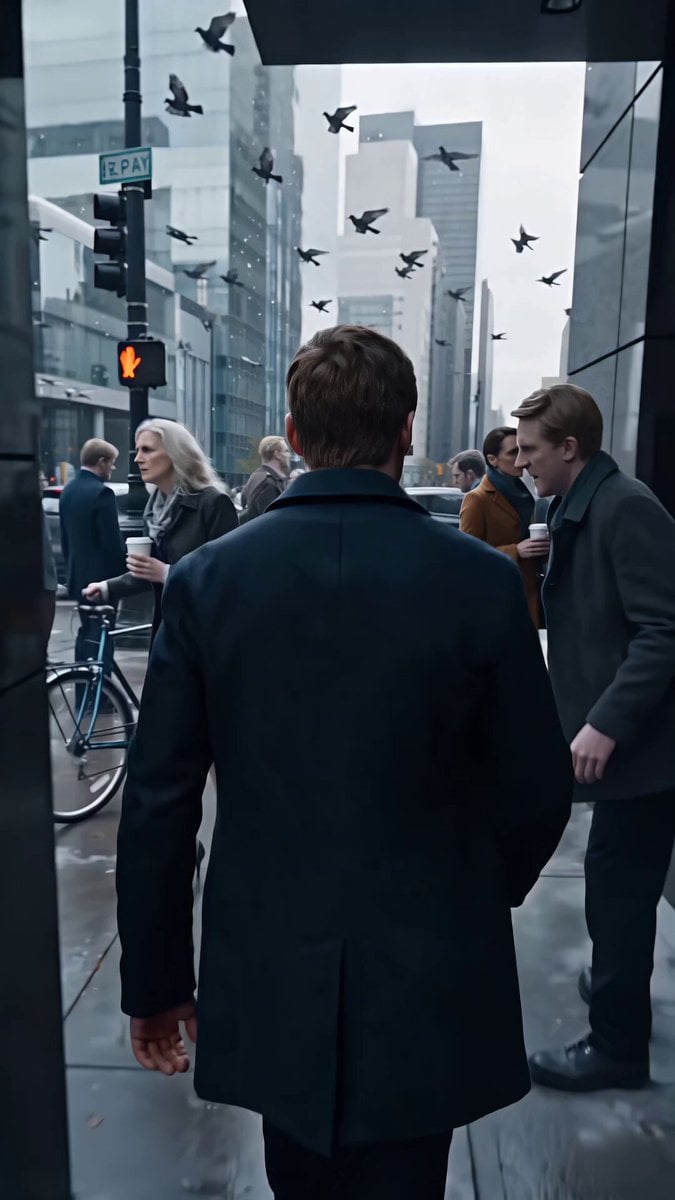
Frozen City Time-Stop Cinematic
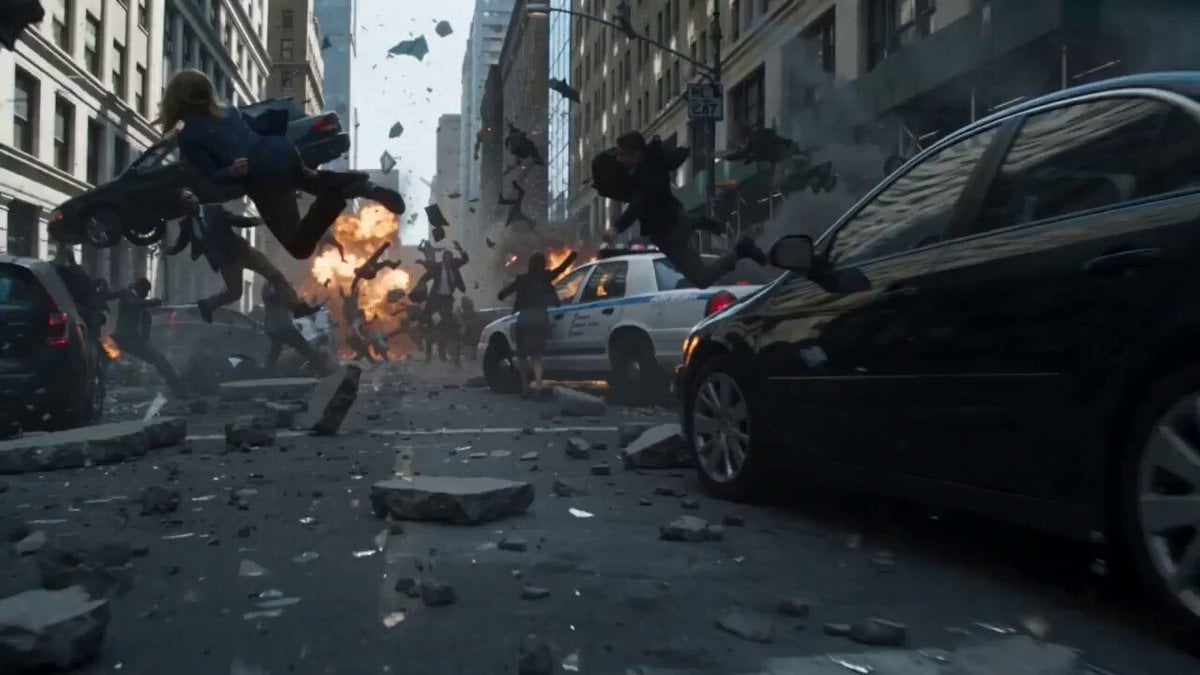
Frozen Chaos Time-Stop Scene
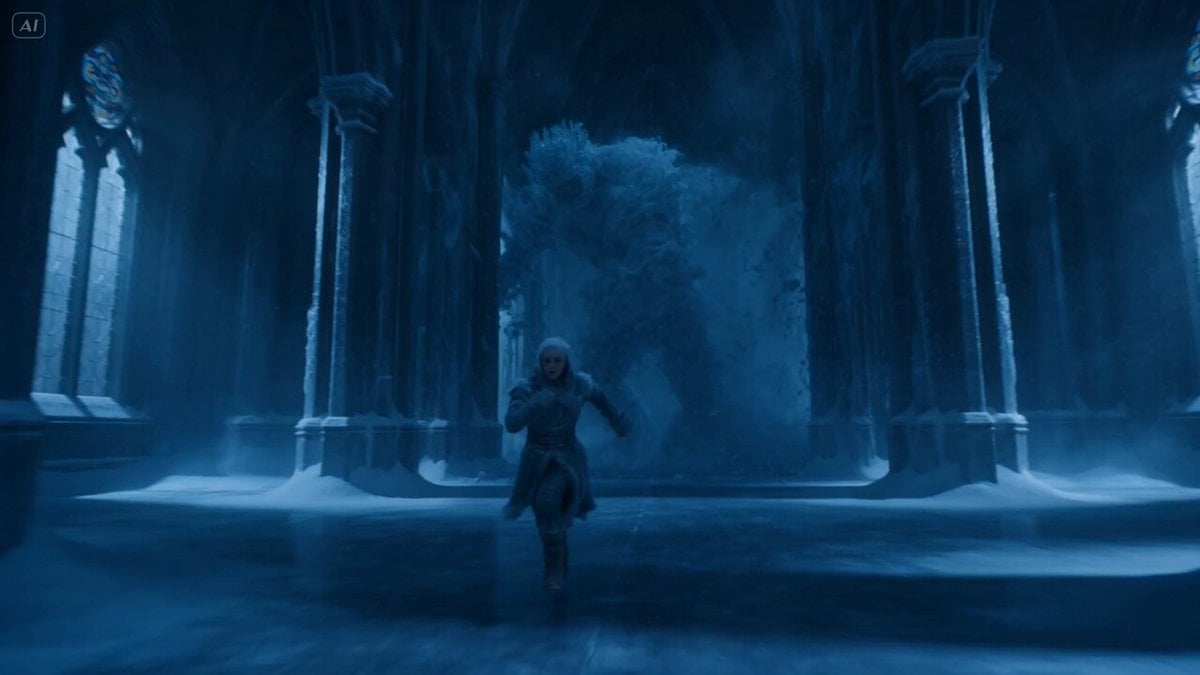
Frozen Cathedral Chase Sequence
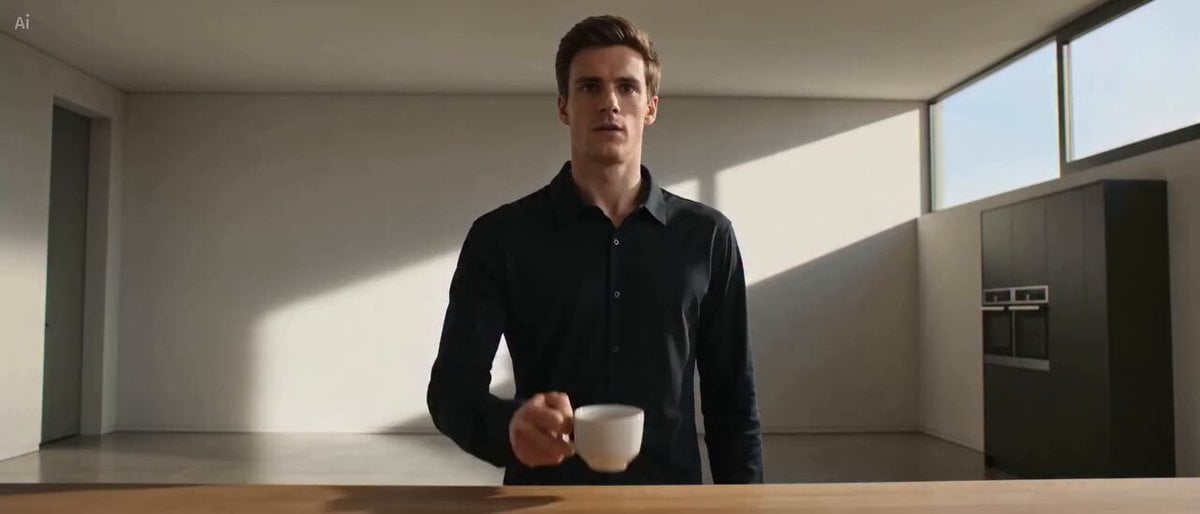
Frozen Time Coffee Toss Animation
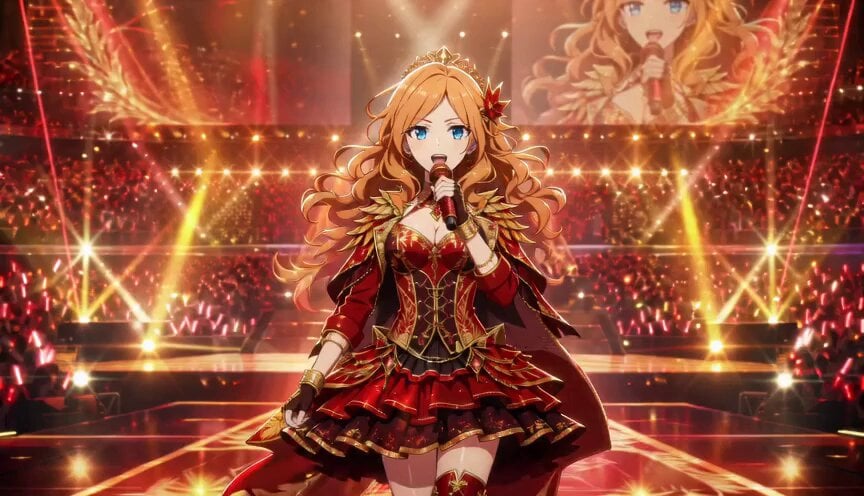
Anime Idol Frozen Time Performance
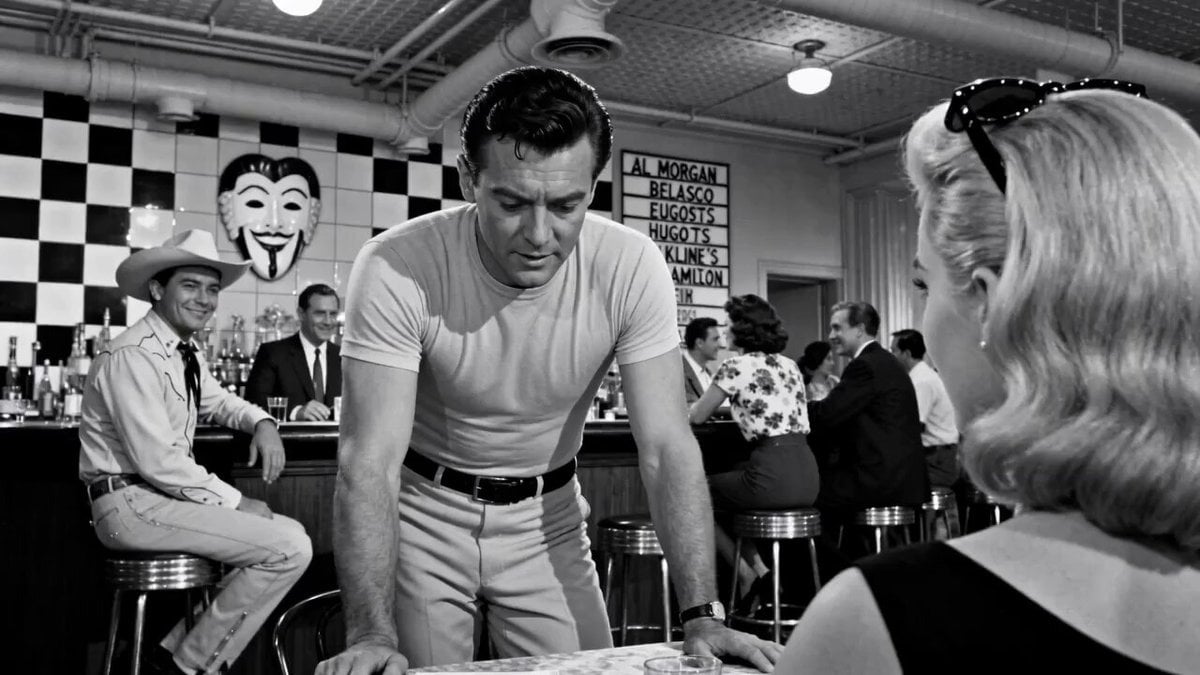
Cinematic 1950s Film Noir Diner Scene
Make it yours
Frozen Time 1950s Diner Sequence works as-is. These are the safest ways to change it without losing the look.
Change one field
Copy a single group, rewrite it, and generate again so you can see what that field is doing.
Keep the frame, change the subject
Hold the composition and light of Frozen Time 1950s Diner Sequence, then swap wardrobe, props or the person for a new take.
| If the result… | Why | Fix |
|---|---|---|
| The result drifts from the preview | Too many fields changed at once. | Reuse Frozen Time 1950s Diner Sequence as-is first, then change one group — subject, light, or setting. |
| The model over-stylizes the scene | The prose prompt leaves finish and camera underspecified. | Add one camera or lighting sentence and stay on Seedance 2.0. |
More Seedance 2.0 templates
Other prompts made for Seedance 2.0.

Comical Martial Arts Punch Scene

Maglev Train Action Sequence

Martial Arts Fight Sequence

Wuxia Protection and Trust Script

Vintage Korean Arcade MiniDV Vlog

Mercedes 190 SL Luxury Ad

Rainy Night Supernatural Reverse Comedy Video Script

Amazon Civilization Discovery

Futuristic South Asian City Transformation

Cozy Luxury Cafe Commercial
More video prompts
Fresh picks from across the catalog.
Autumn Leaves Vortex Text VFX
Futuristic Gaming Laptop Commercial
Hyperrealistic Action Photography Prompt
Sun Absorbed by Terafab Video Prompt
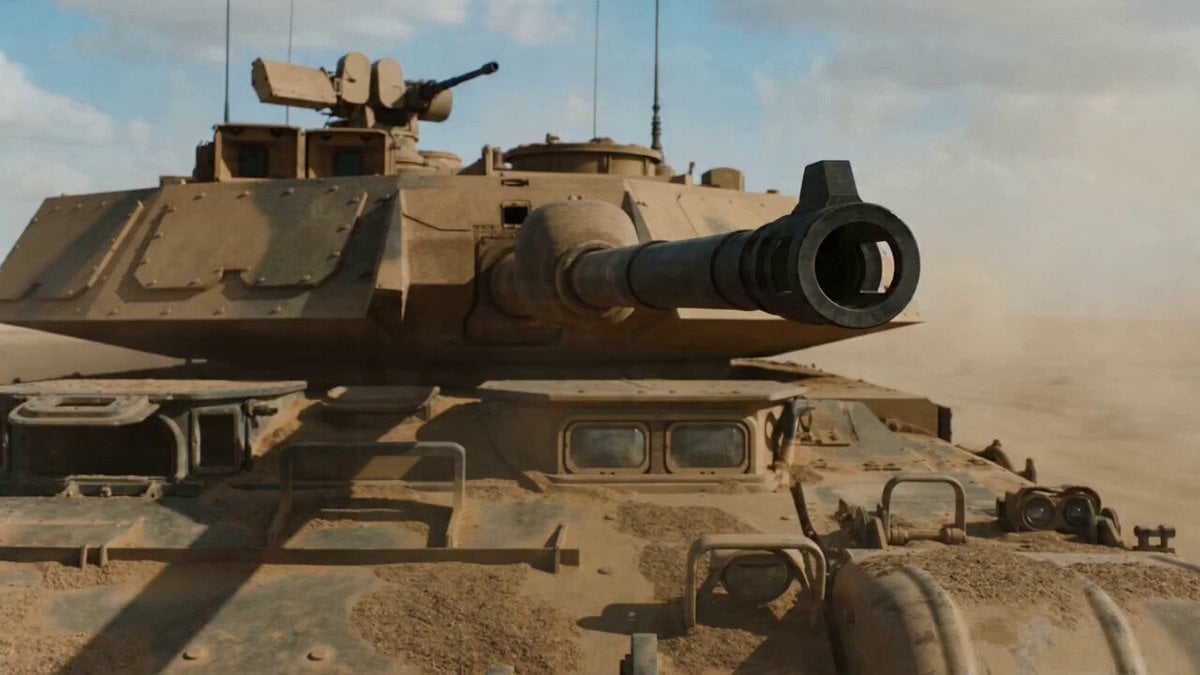
Cinematic VFX war sequence with bullet-time tank shell firing
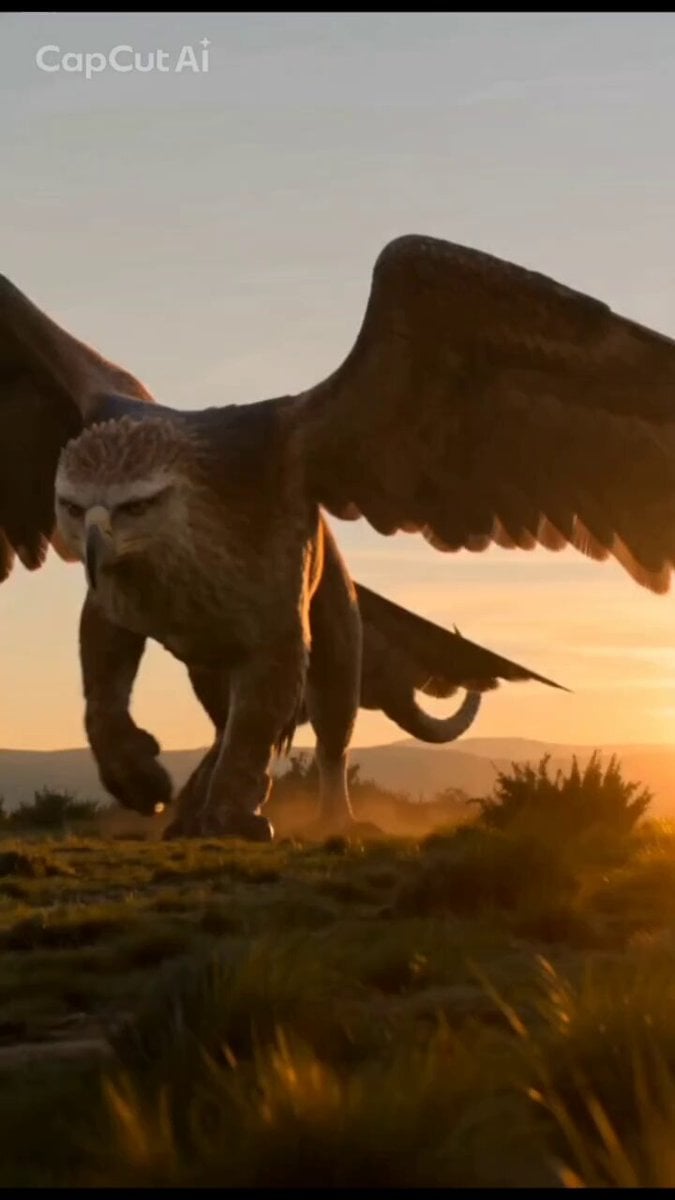
Mystical Griffin and Boy Encounter
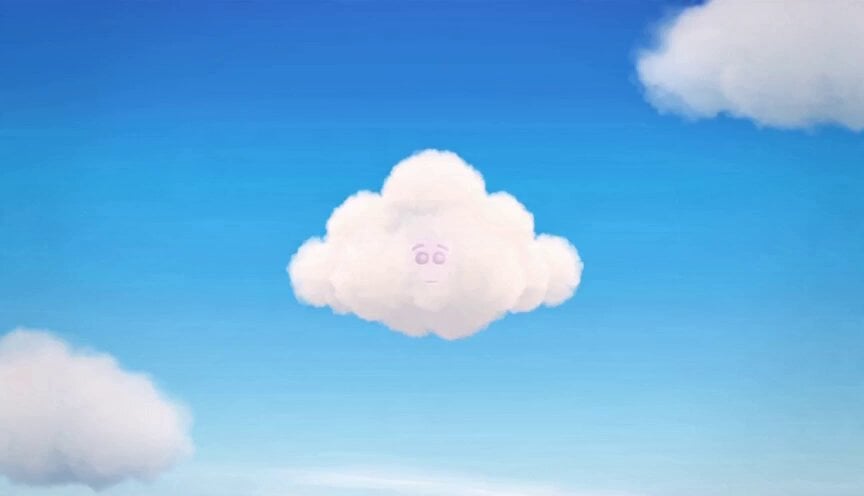
Pastel Cloud Animation Prompt
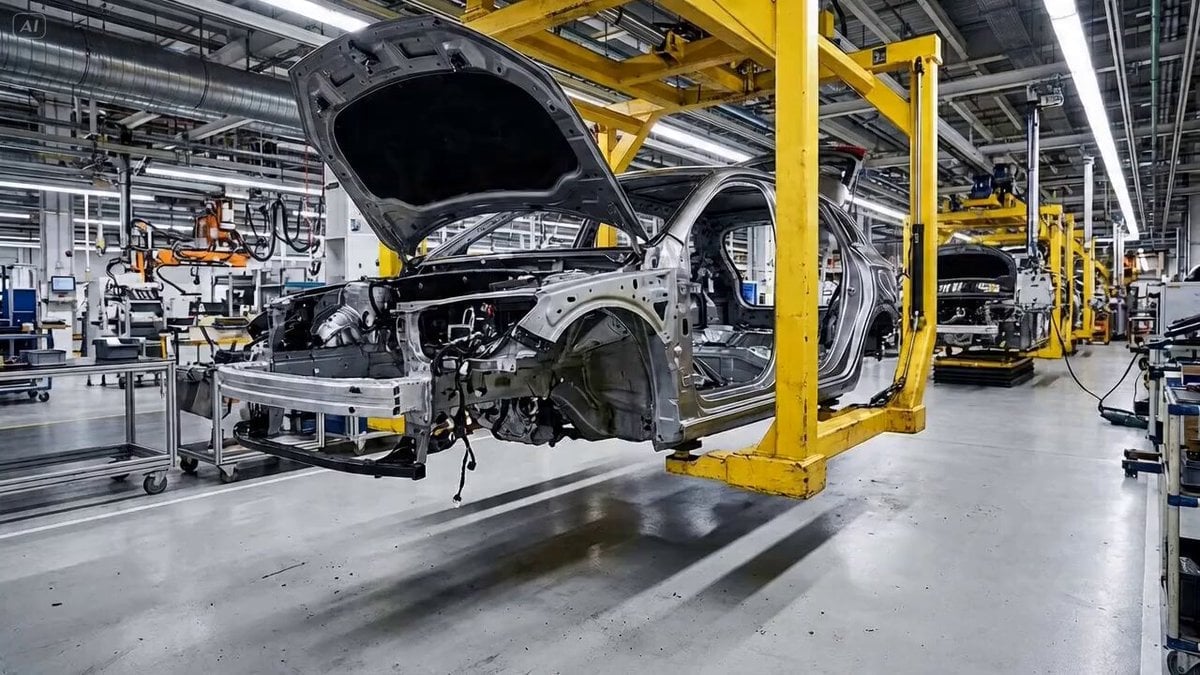
Automobile Assembly Timelapse Video Prompt
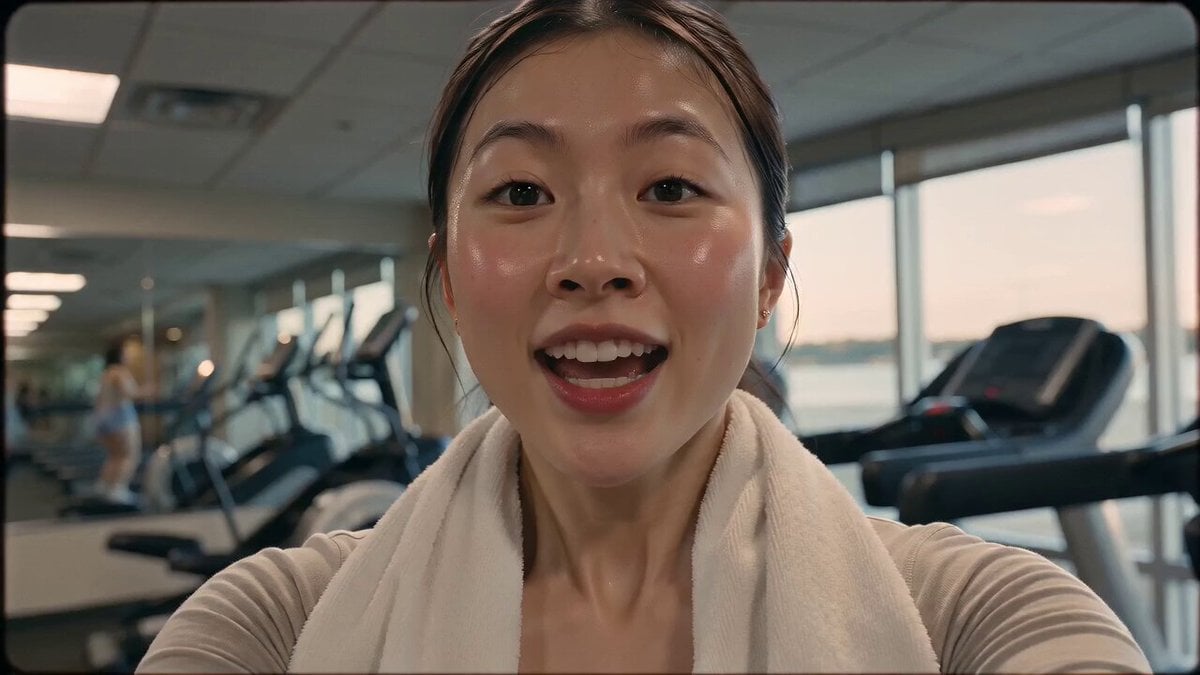
Vintage 16mm Gym Cardio Vlog
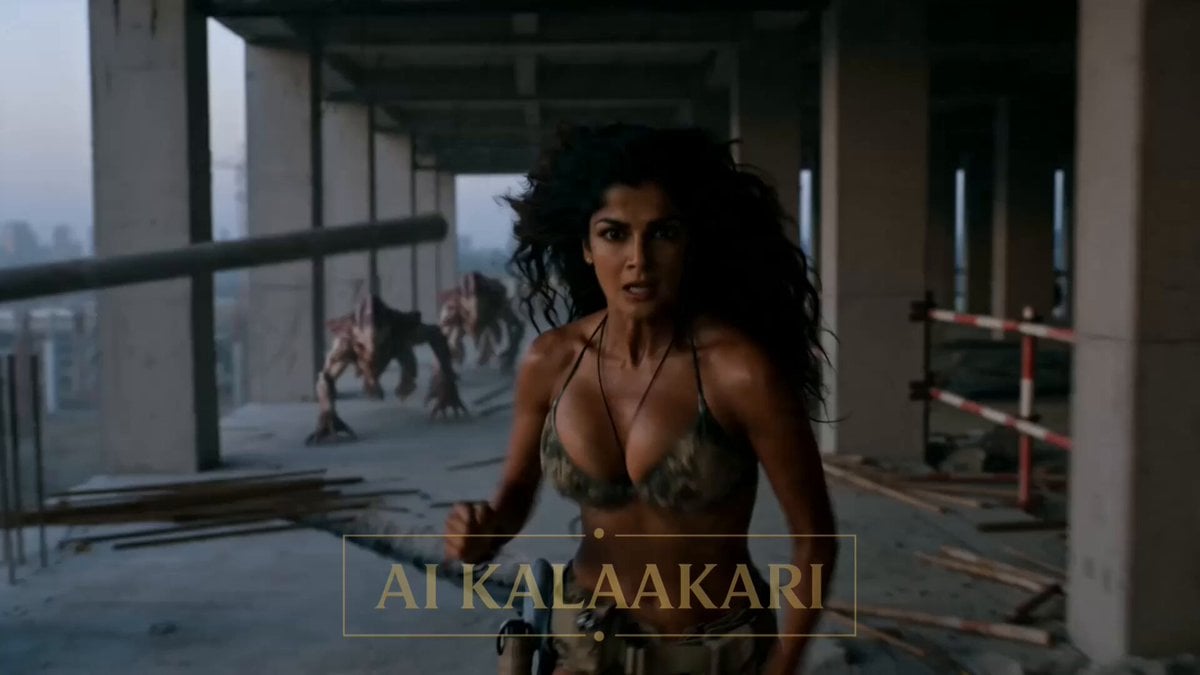
Crane Cabin Lockdown Action Sequence
Browse template categories
Frozen Time 1950s Diner Sequence questions
How do I use the Frozen Time 1950s Diner Sequence template?
Add your photo if the template asks for one, edit the prompt if you like — the template's model and format are already selected — and press Generate. Your version opens in PicX Studio.
Can I customize the Frozen Time 1950s Diner Sequence template?
Yes. You can change the subject, setting, lighting, mood, format, and available model controls before creating your video.
Is the Frozen Time 1950s Diner Sequence template free?
Opening and editing this template is free. Generating uses credits, shown on the Generate button when you are signed in.
Which AI model should I use?
Start with Seedance 2.0, which is the model associated with this template. You can compare another compatible model for a different finish.
Looking for something else? Browse all templates.

Your photo, any look
Thousands of ready templates for every top image and video model, from one credit balance.