
Ink Explosion Action Sequence
A high-speed, cinematic multi-part prompt featuring an athletic woman with pink hair and dramatic black ink physics.
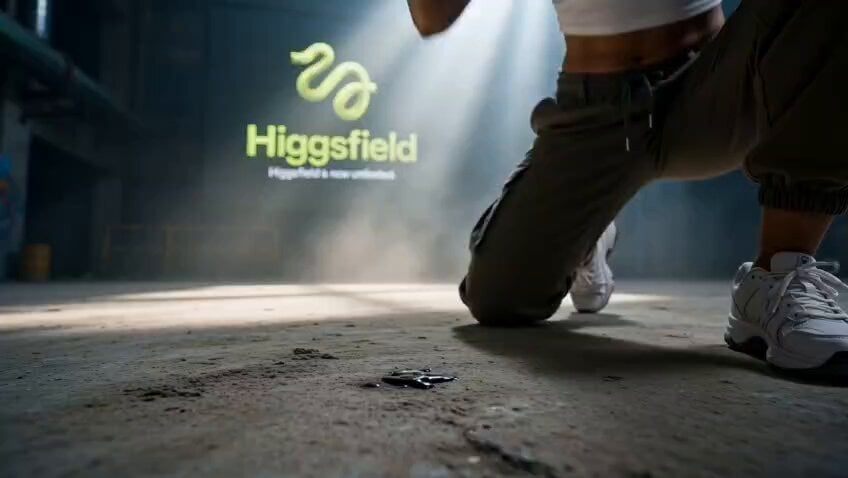
- Prompt included
- Model and format preset
- Free template
The prompt behind this video
Copy the exact prompt behind Ink Explosion Action Sequence, or open it in the studio and make it yours.
P1 [0:00–0:01.25] Use the provided storyboard frame, character reference image, and provided Higgsfield logo reference image. Maintain exact character appearance: pink hair, olive cargo pants, white crop top, green cap, tattoos on arms. Keep the Higgsfield logo and “Higgsfield” text naturally visible throughout the scene as environmental branding. Real photography, low-angle shot, young woman with pink hair and olive cargo pants crouching low, black ink explosion erupting from the ground around her fist impact, high-speed photography, dramatic studio lighting, ink splatter physics, hyper-detailed skin texture, Canon R5, 85mm f/1.4. P2 [0:01.25–0:02.50] Photorealistic, motion blur, athletic woman with pink hair executing a spinning back kick, black ink trails streaking through the air, cinematic lighting, shallow depth of field, gritty concrete environment, sports photography style, Nikon Z9. Maintain exact character appearance and keep Higgsfield branding visible. P3 [0:02.50–0:03.75] Photorealistic low-angle upward shot, woman with pink hair leaping vertically, massive black ink vortex surrounding her, dramatic rim lighting, rising pressure distortion, high-speed shutter, realistic fabric movement, dynamic pose, 24mm wide lens. P4 [0:03.75–0:05.00] Macro photography of a swirling black ink whirlpool on a flat surface, spiral formation, high-contrast black and white tones, studio lighting, ultra-sharp focus, realistic fluid dynamics. Character visible at the edge or reflected in the ink vortex. P5 [0:05.00–0:06.25] Photorealistic dynamic action shot, woman with pink hair dodging low, black ink ribbons whipping around her body, motion blur, hard dramatic lighting, gritty urban backdrop, athletic wear, cinematic color grade. P6 [0:06.25–0:07.50] Real photography, woman with pink hair sprinting toward camera, black ink streaks rushing past her, wind-blown hair, sharp focus on face, motion-blurred background, dramatic backlight silhouette. P7 [0:07.50–0:08.75] Cinematic photorealistic shot, woman with pink hair bursting through a shattering surface, fragmented ink-soaked debris suspended in air, dynamic landing pose, explosive backlighting, dust and ink particles, deep focus, IMAX-style drama. P8 [0:08.75–0:10.00] Photorealistic cinematic medium shot, young woman with pink hair standing upright facing camera with direct eye contact, black ink dripping from both fists, ink-splattered clothes, defiant expression, dramatic backlight, ink mist settling around her feet, shallow depth of field, gritty atmosphere, Canon R5, 85mm f/1.4. Global Instruction: Use the provided Higgsfield logo reference image exactly as supplied. Do not alter the logo design or the “Higgsfield” text. Keep the branding clearly visible throughout every shot and until the final frame.
How to use Ink Explosion Action Sequence in 3 steps
- 1Upload ImagePNG, JPG or paste
Add your photo
Upload the photo the template builds on. The prompt, model and format are already set.
- 2…a portrait of your subject in softgolden-hour light, 85mm…
Personalize
Edit the subject and creative details for your destination.
- 3Generate
Generate
Press Generate — your video is created in PicX Studio, so you can compare it with the original and refine one variable at a time.
More like this
Templates with the same subject, style or setup. Open one to see its prompt.

Maglev Train Action Sequence
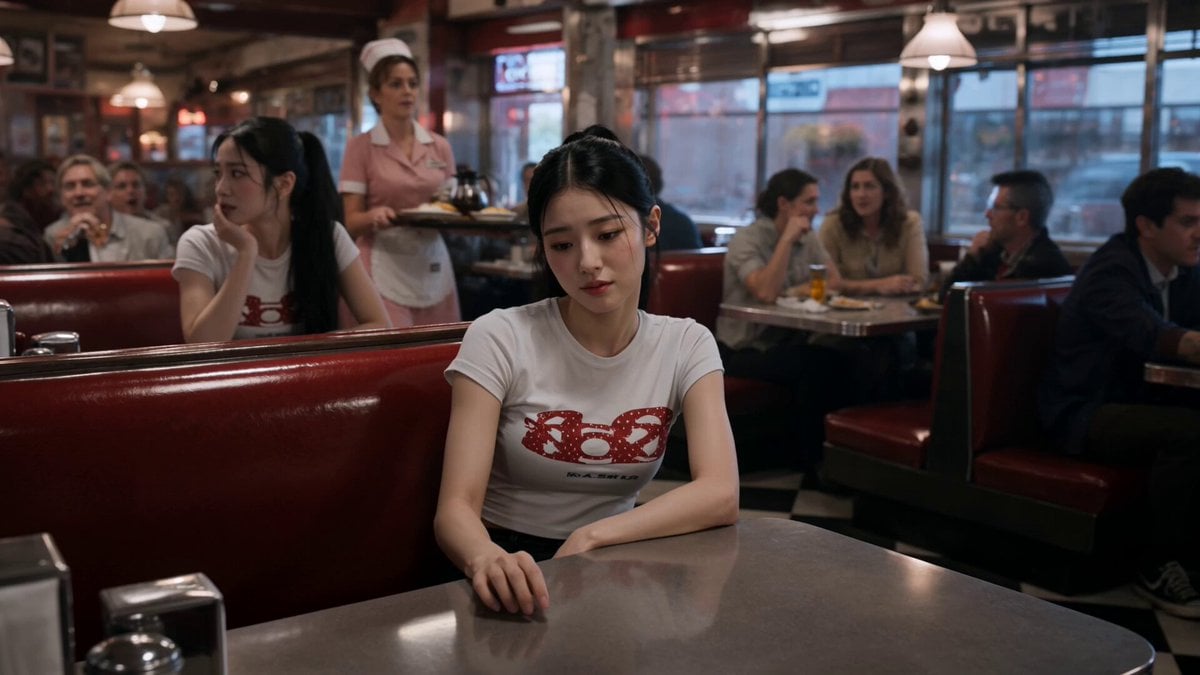
Slow-Motion 90s Diner Explosion - Seedance 2.5
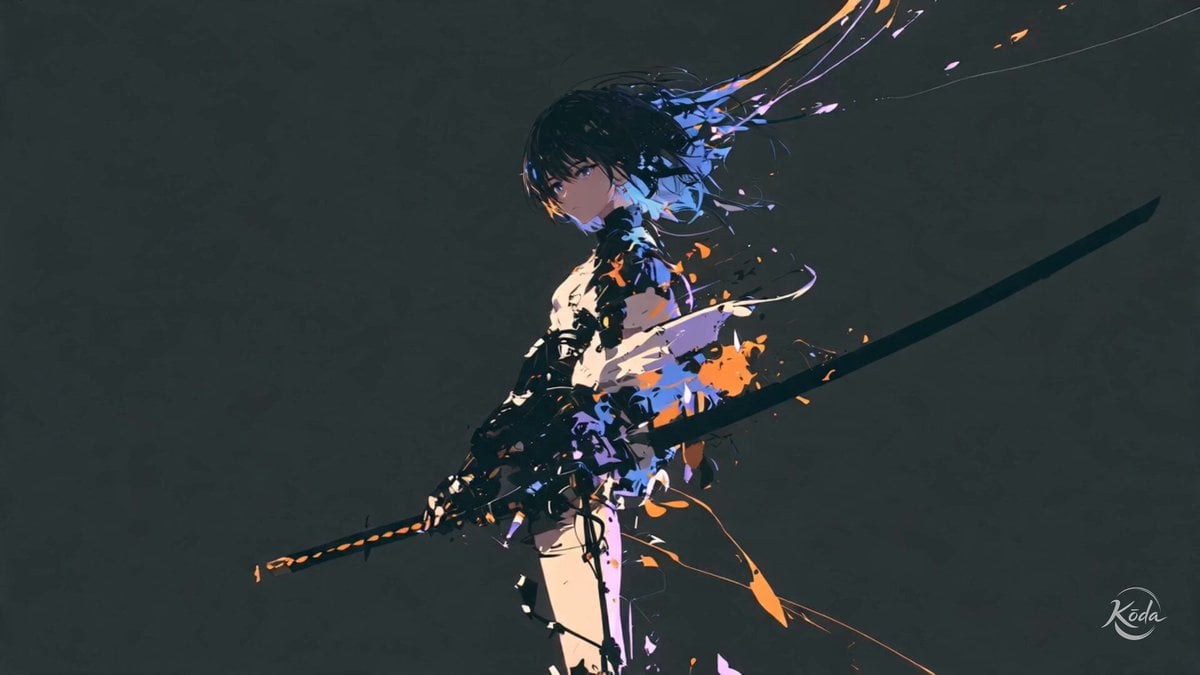
Cinematic Swordswoman Action Sequence
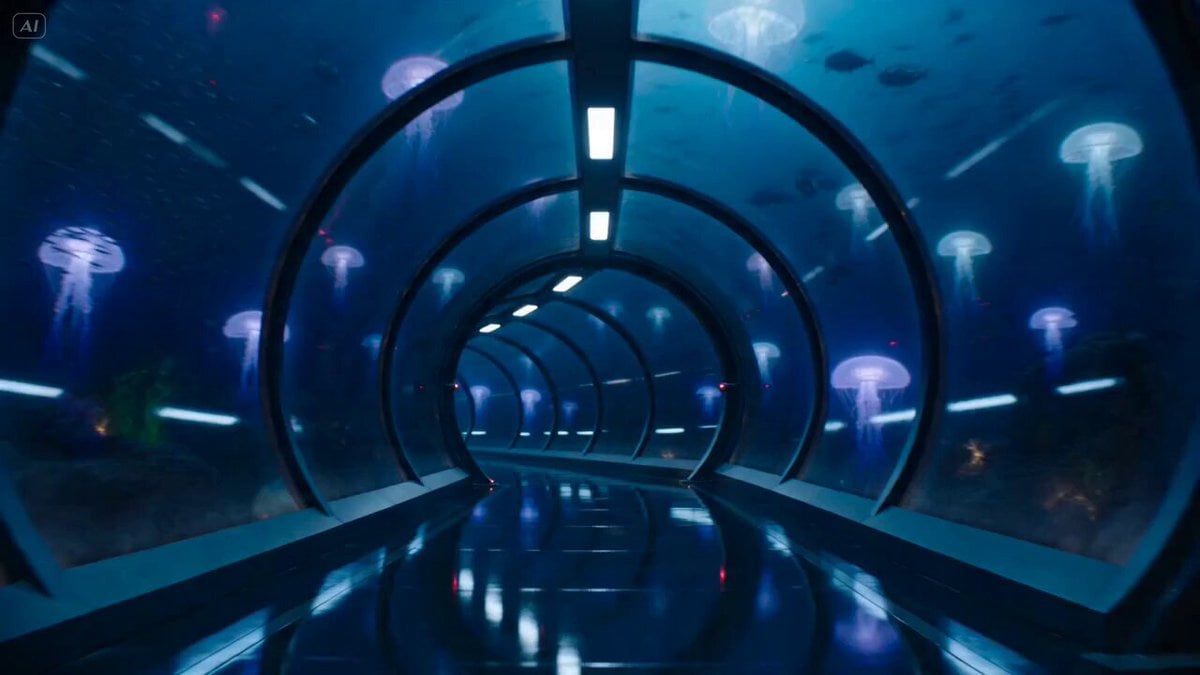
Underwater Glass Tunnel Action Sequence
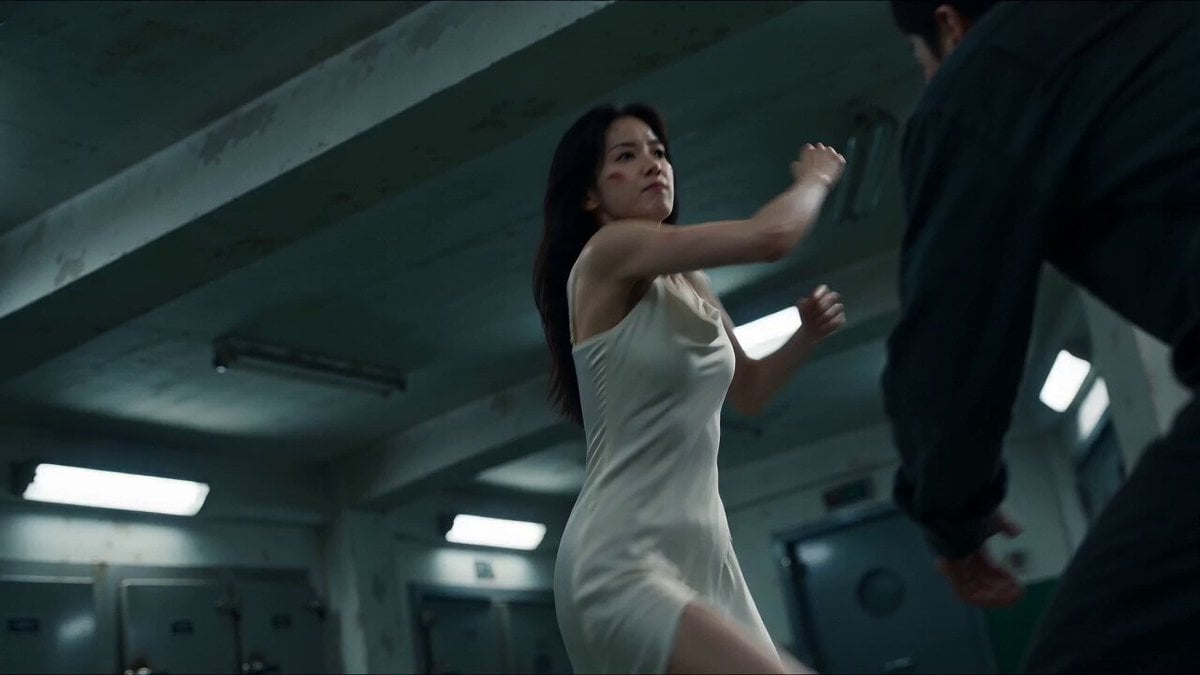
Cinematic Morgue Action Sequence
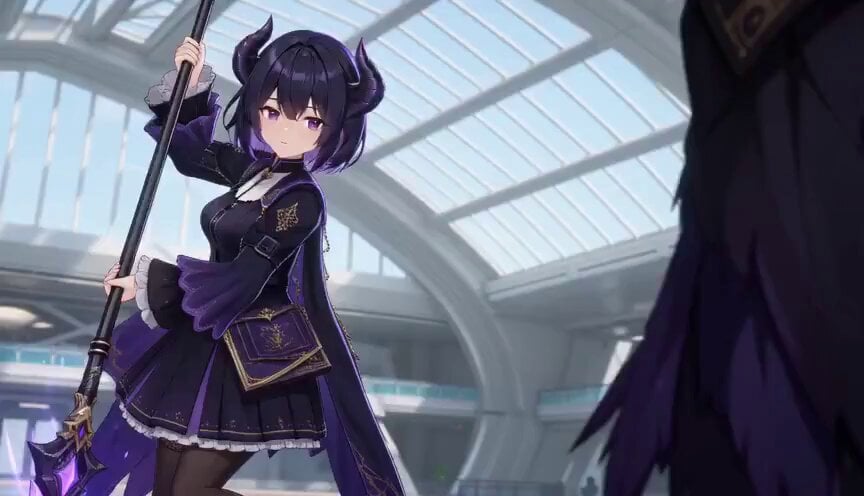
3D Toon Fantasy RPG Action Sequence
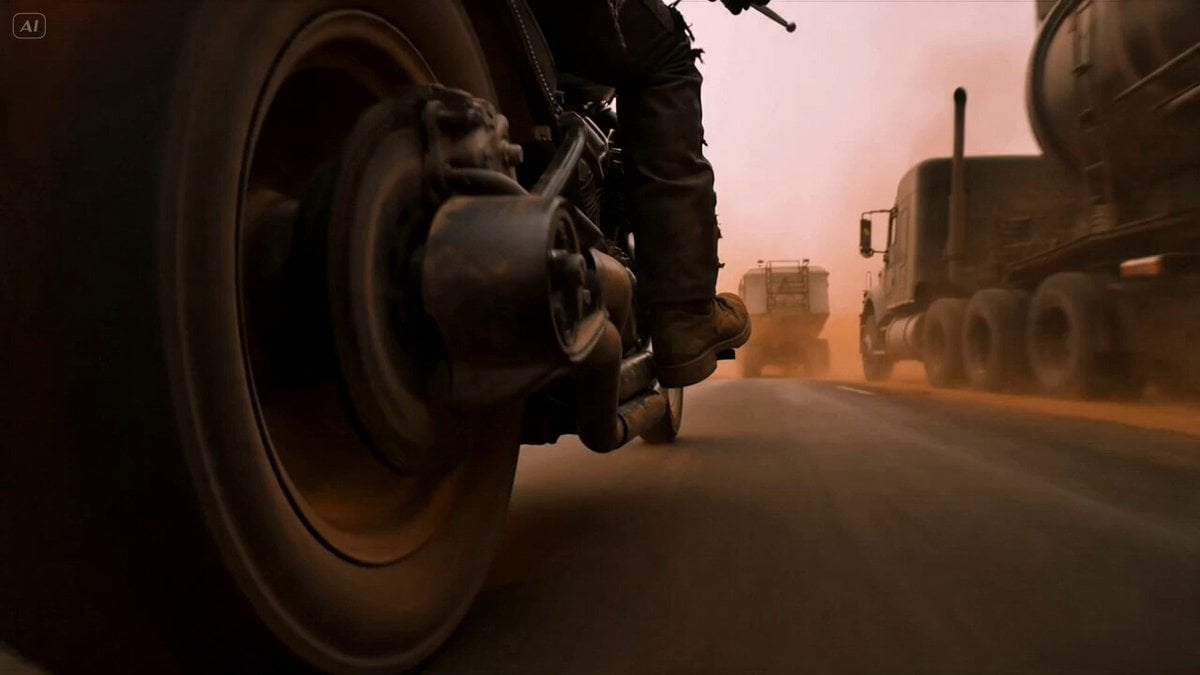
Mad Max Cybernetic Biker Action Sequence
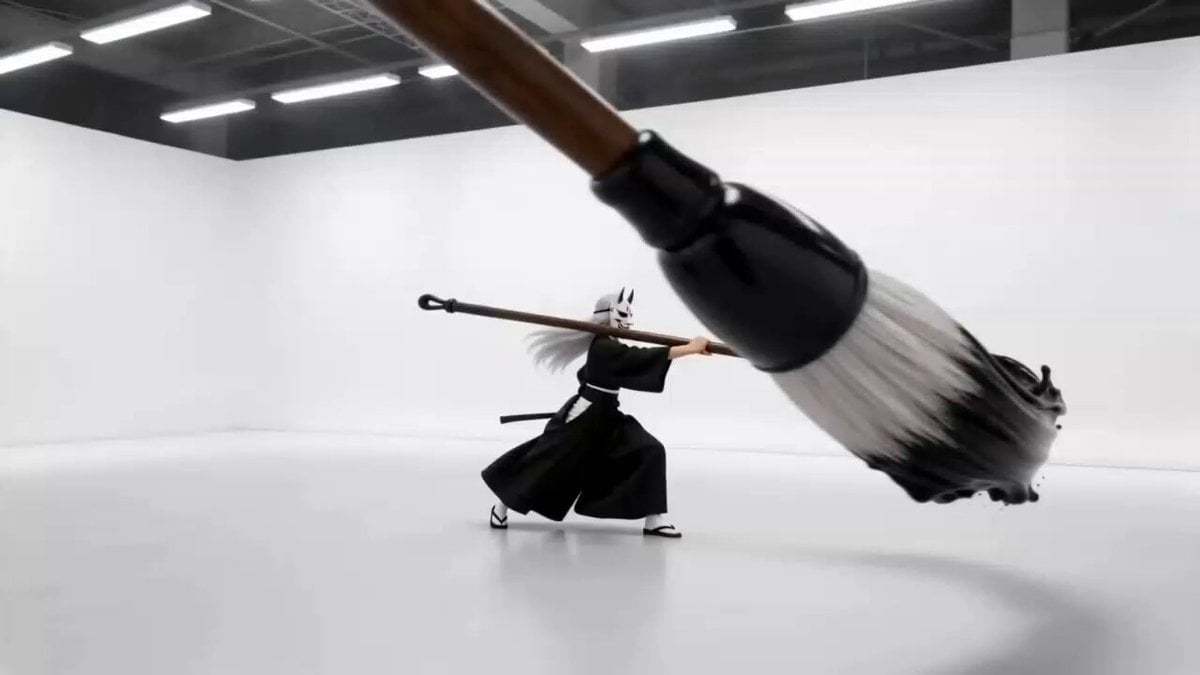
Sumi-e Samurai Ink Action Video
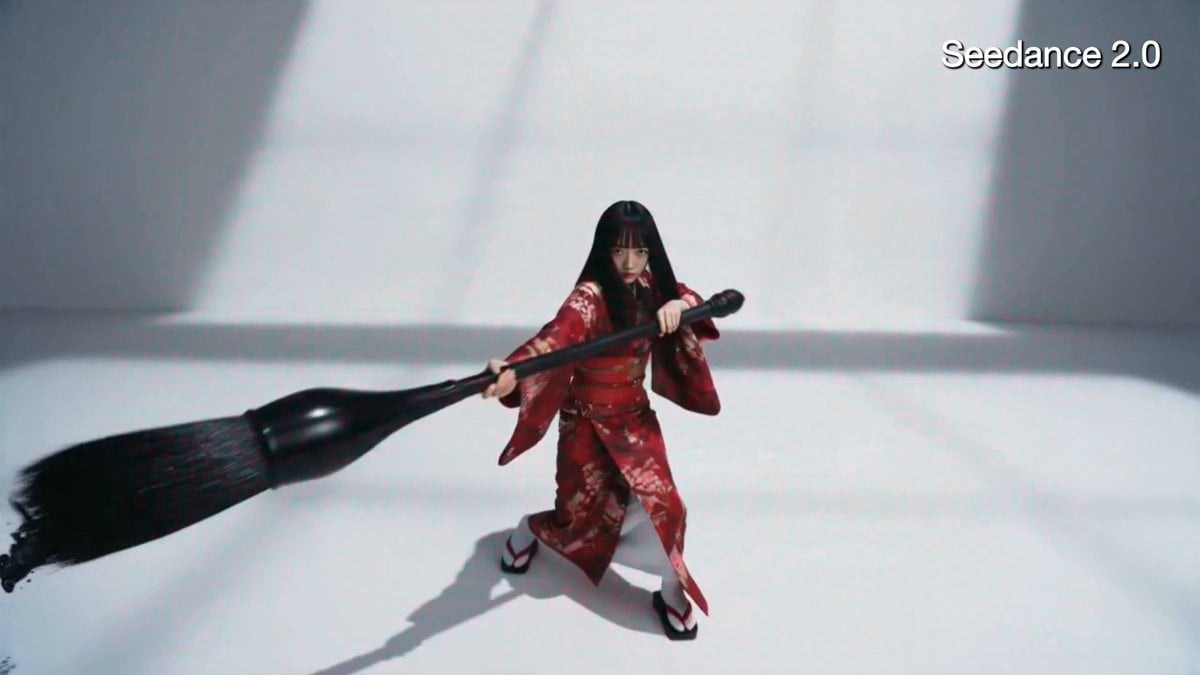
Crimson Kimono Ink Tiger Sequence
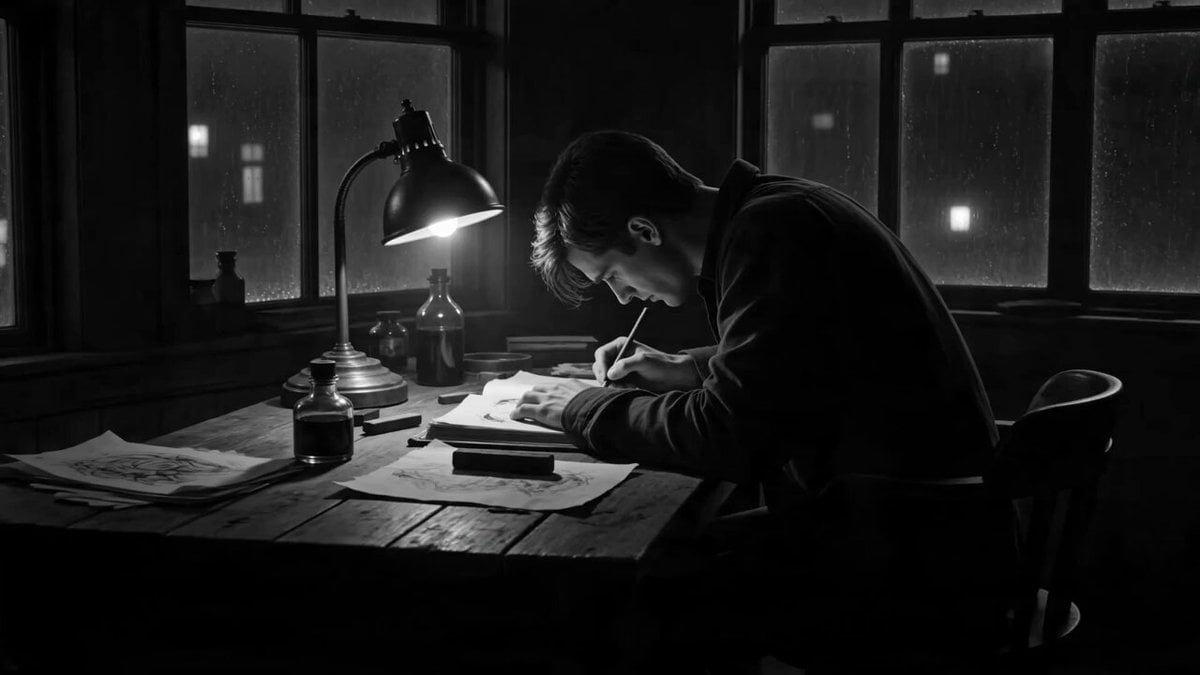
Cinematic Ink Demon Transformation Sequence
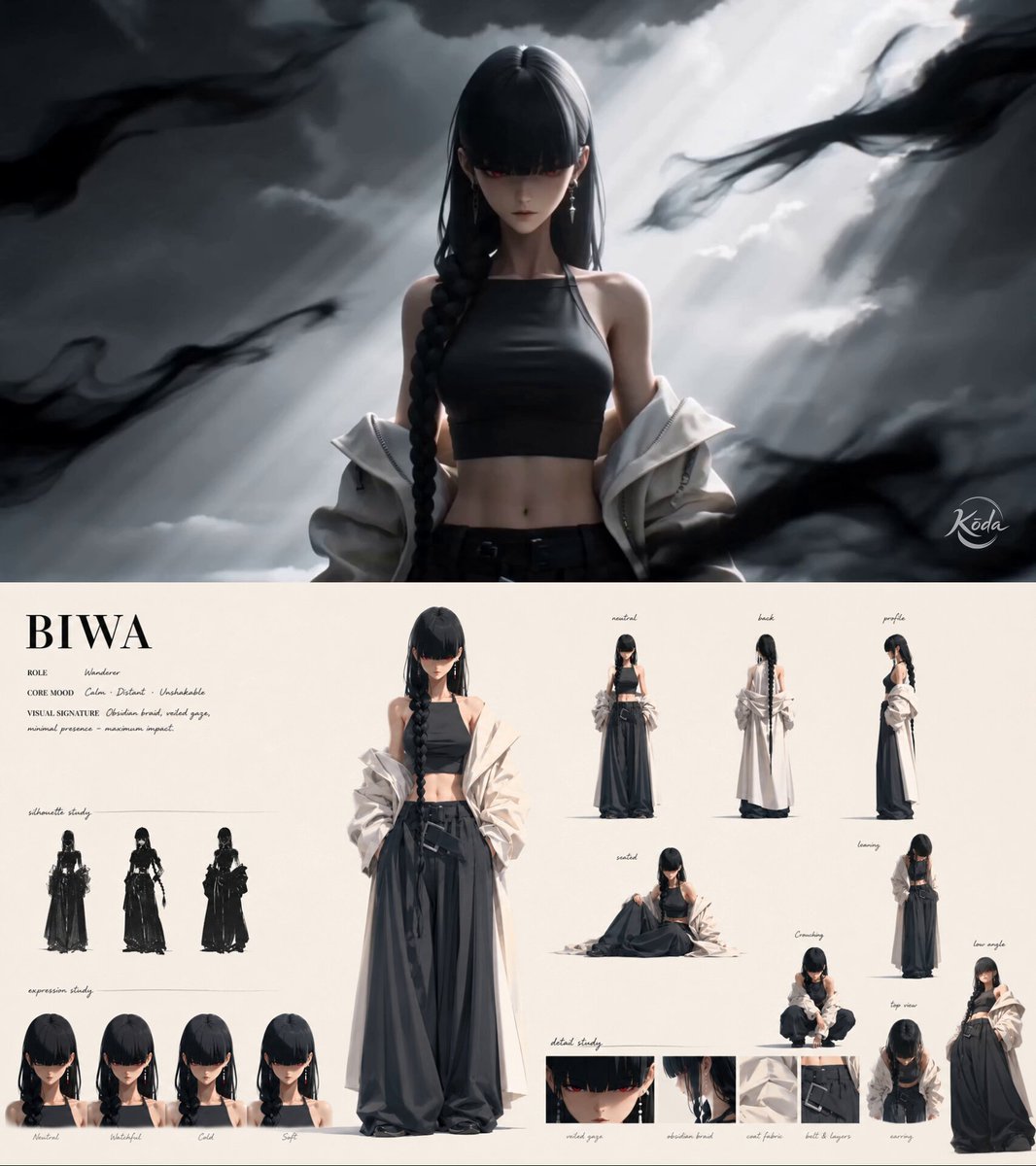
Ink-Brush Cinematic 3D Anime Action
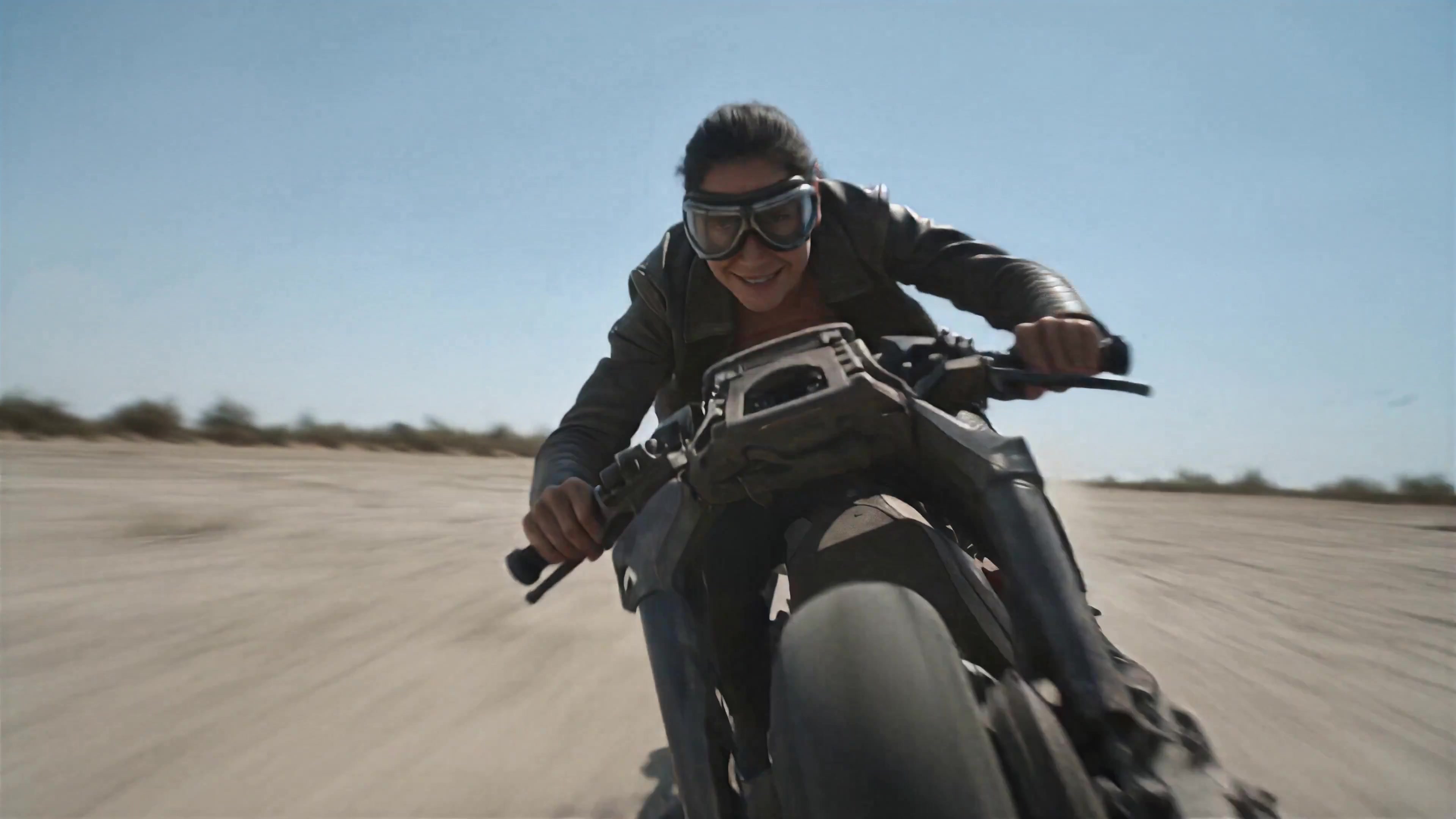
Walking Factory with Rebel on Hoverbike - Wasteland
Make it yours
Ink Explosion Action Sequence works as-is. These are the safest ways to change it without losing the look.
Change one field
Copy a single group, rewrite it, and generate again so you can see what that field is doing.
Keep the frame, change the subject
Hold the composition and light of Ink Explosion Action Sequence, then swap wardrobe, props or the person for a new take.
| If the result… | Why | Fix |
|---|---|---|
| The result drifts from the preview | Too many fields changed at once. | Reuse Ink Explosion Action Sequence as-is first, then change one group — subject, light, or setting. |
| The model over-stylizes the scene | The prose prompt leaves finish and camera underspecified. | Add one camera or lighting sentence and stay on Seedance 2.0. |
More Seedance 2.0 templates
Other prompts made for Seedance 2.0.

Comical Martial Arts Punch Scene

Martial Arts Fight Sequence

Wuxia Protection and Trust Script

Vintage Korean Arcade MiniDV Vlog

Mercedes 190 SL Luxury Ad

Rainy Night Supernatural Reverse Comedy Video Script

Amazon Civilization Discovery

Futuristic South Asian City Transformation

Cozy Luxury Cafe Commercial

Cyber Ronin Nanotech Transformation Video
More video prompts
Fresh picks from across the catalog.
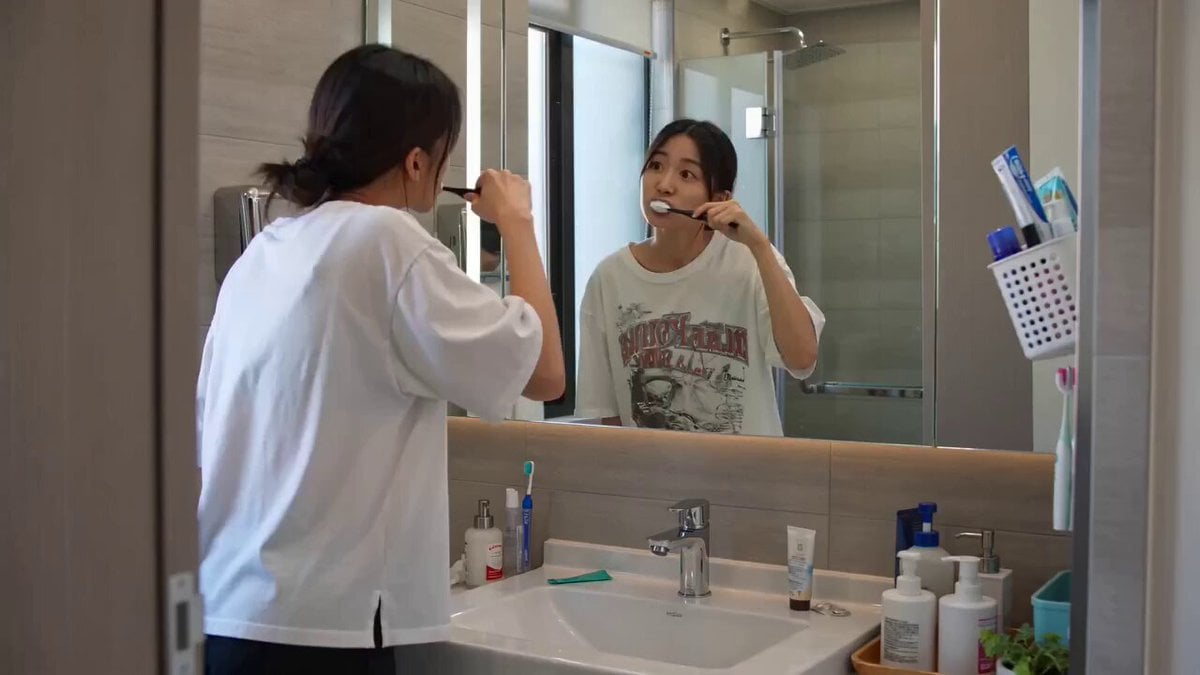
Seedance 2.0 Text-to-Video Prompt: Suspense Comedy Mirror Glitch

Monterey Bay Aquarium Neon Fish Video
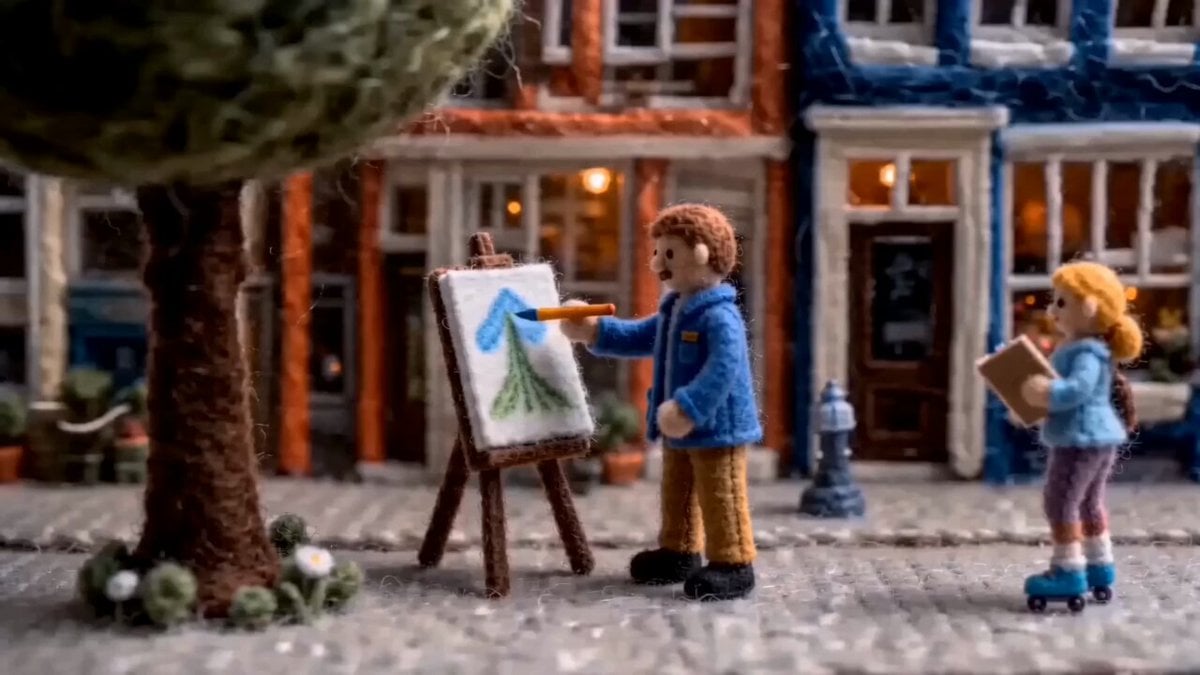
Cinematic Close-up of Painting
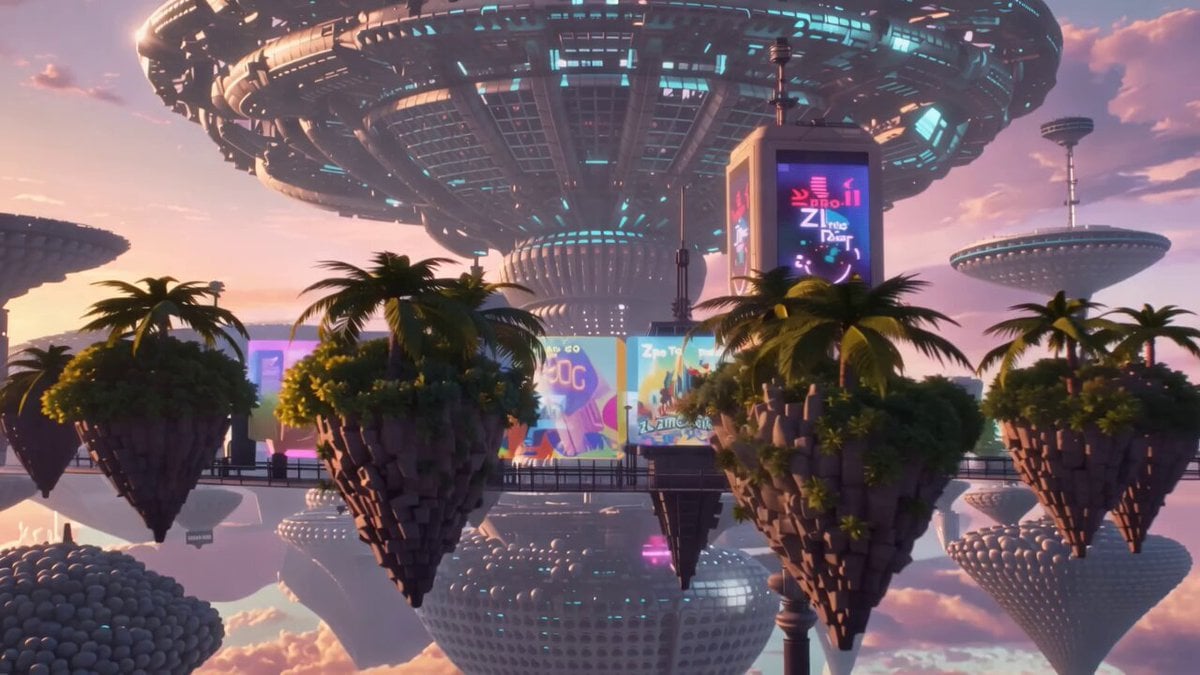
Pastel Pink-Blue Dyson Swarm
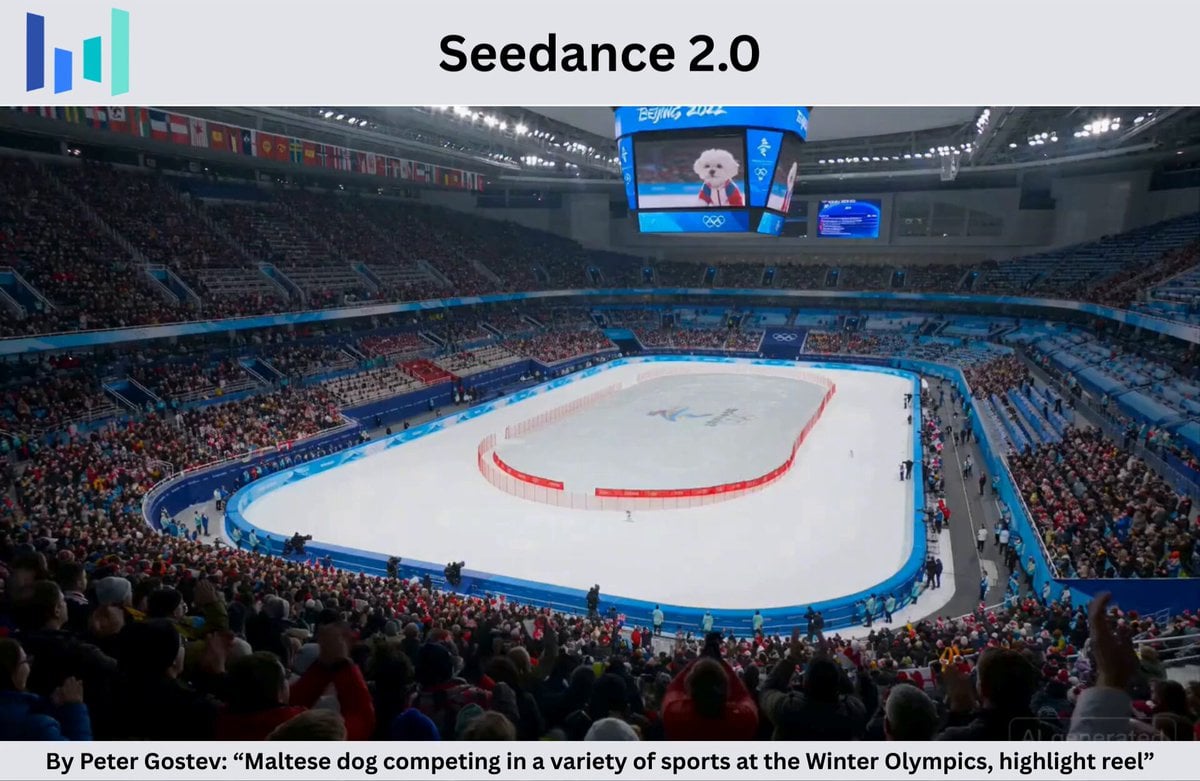
Maltese Dog Winter Olympics Highlight Reel
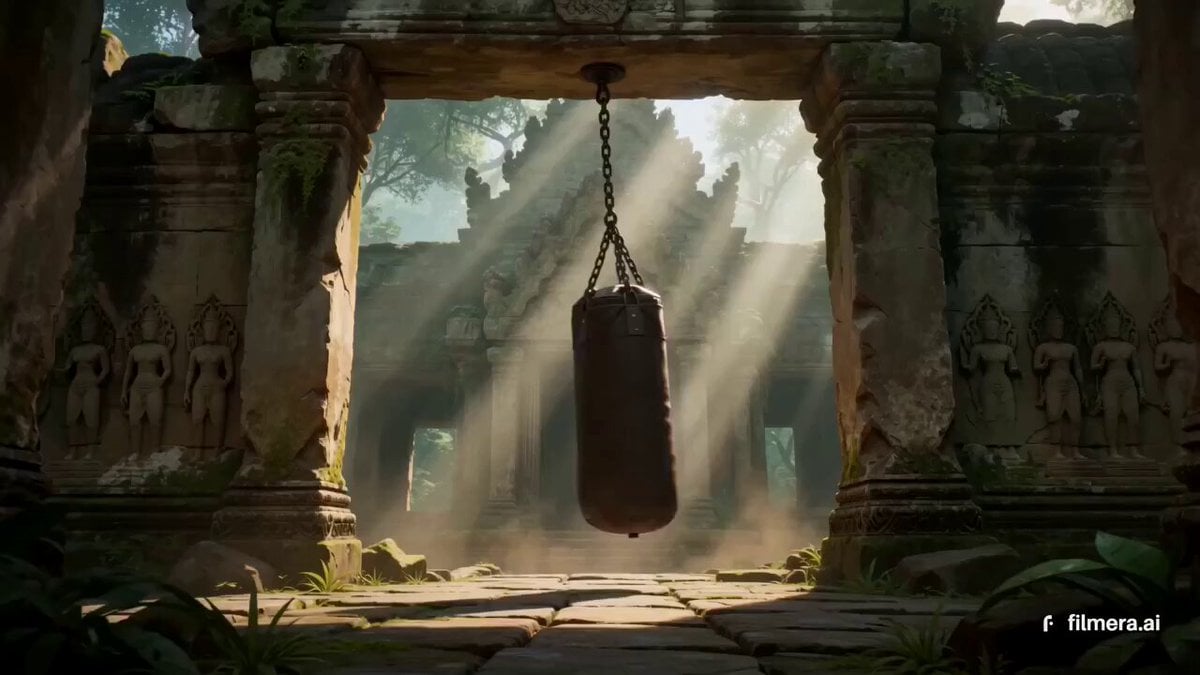
Thai Temple Cinematic Clip

Luxury Beauty Skincare ASMR

Photorealistic 2.5D Anime Scene Prompt
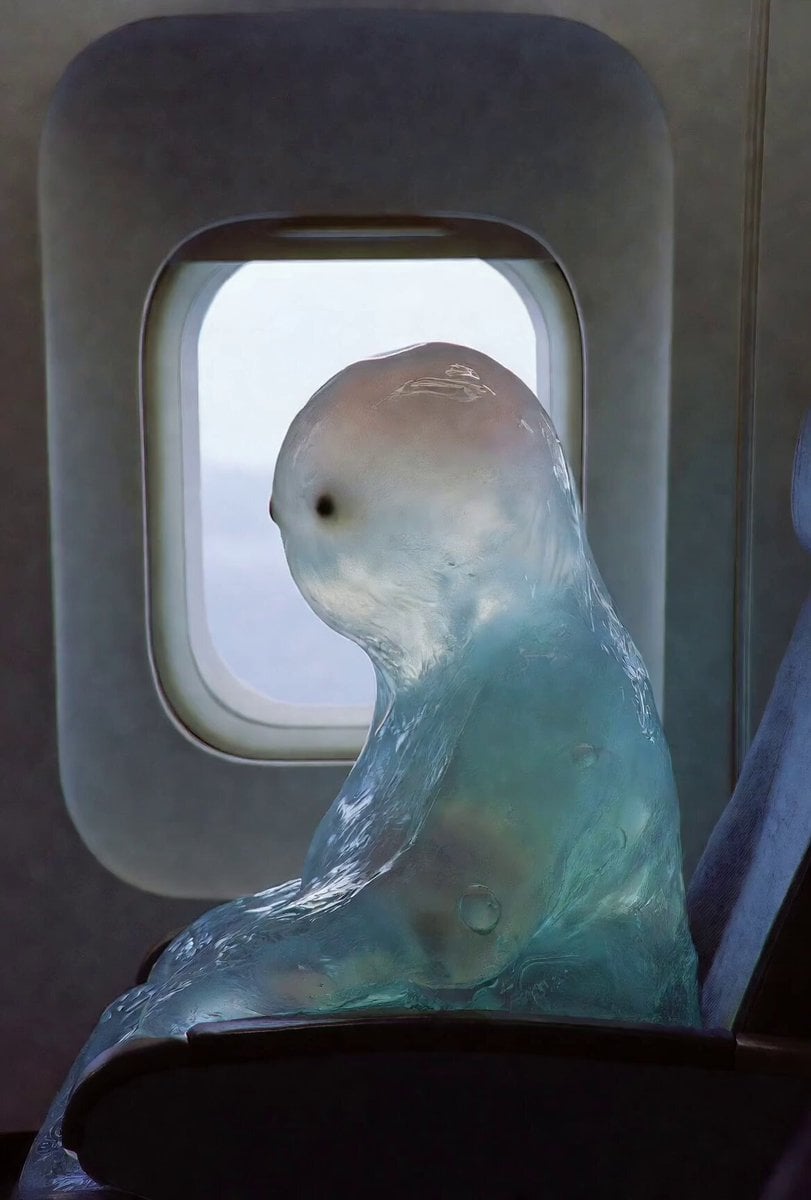
Gelatinous Blob on Airplane

Stormy Bridge Motorcycle Stunt
Browse template categories
Ink Explosion Action Sequence questions
How do I use the Ink Explosion Action Sequence template?
Add your photo if the template asks for one, edit the prompt if you like — the template's model and format are already selected — and press Generate. Your version opens in PicX Studio.
Can I customize the Ink Explosion Action Sequence template?
Yes. You can change the subject, setting, lighting, mood, format, and available model controls before creating your video.
Is the Ink Explosion Action Sequence template free?
Opening and editing this template is free. Generating uses credits, shown on the Generate button when you are signed in.
Which AI model should I use?
Start with Seedance 2.0, which is the model associated with this template. You can compare another compatible model for a different finish.
Looking for something else? Browse all templates.

Your photo, any look
Thousands of ready templates for every top image and video model, from one credit balance.