Celestial VTuber Livestream Overlay
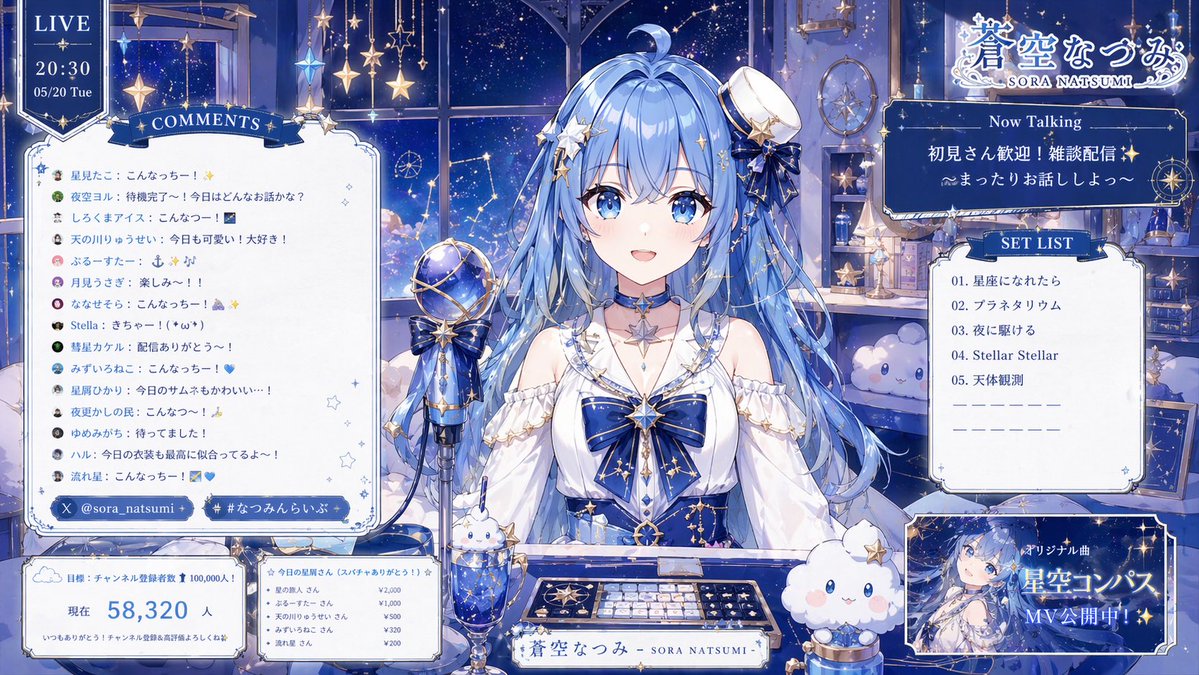
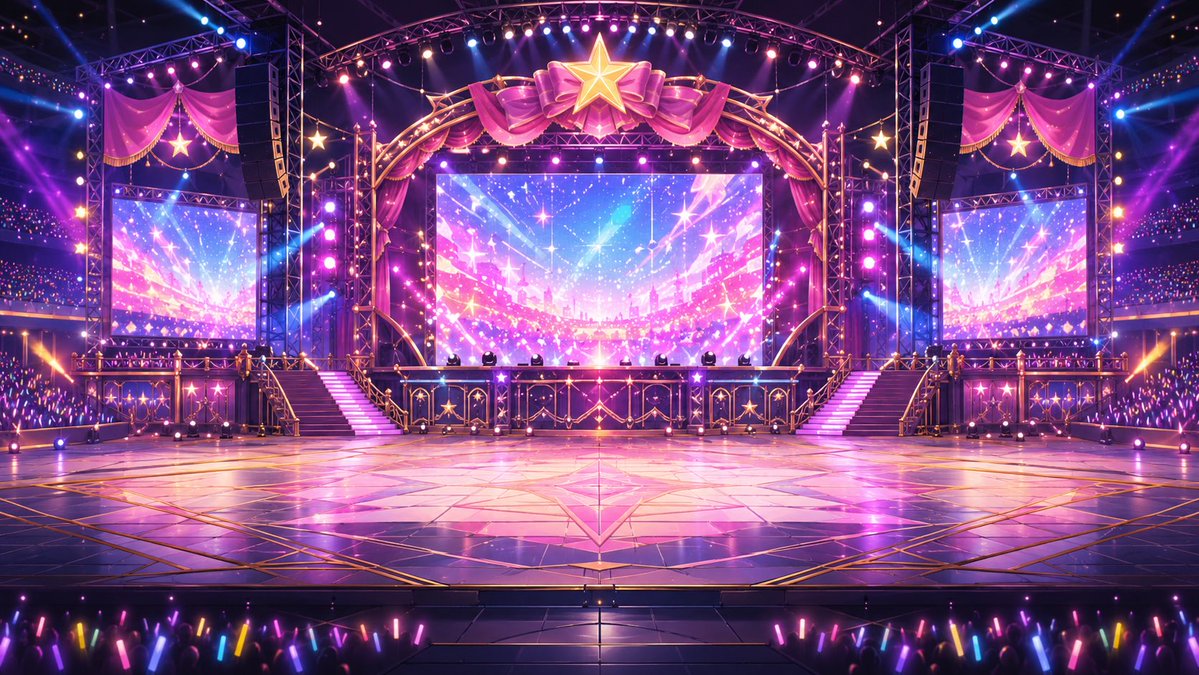
anime VTuber livestream overlay illustration · celestial night sky, stars, constellations, deep sapphire and white, elegant magical idol aesthetic · {argument name="character name" default="蒼空なつみ"} · cute young anime woman · {argument name="hair color" default="pale sky blue"} · very long wavy twin-tail-like loose hair with a small ahoge, soft bangs, star hair ornaments and ribbons · ornate celestial idol dress · white off-shoulder blouse with puffy sleeves, large navy blue chest bow with gold star ornament, navy corset-style bodice with gold trim and constellation motifs, star choker necklace, small tilted white mini hat with blue ribbon and gold star accessory · seated at a streaming desk, centered, facing forward behind a microphone and keyboard · gentle, calm, welcoming · cozy fantasy streaming room at night with a large window showing a star-filled sky · hanging star garlands and crystal ornaments, shelves with bottles, books, hourglass, telescope-like objects, and celestial decor, moon and constellation imagery outside the window, two fluffy mascot-like cloud plushies with blue eyes · 1 large vintage-style microphone on a stand at left of center, 1 decorative keyboard with star-themed keys, 1 nameplate reading "蒼空なつみ - SORA NATSUMI -", 1 parfait glass dessert topped with a small white bunny figure, 1 small cup or candle holder with a cloud mascot · full livestream waiting/talking screen overlay · LIVE · top-left vertical banner · 3 · LIVE, 20:30, 05/20 Tue · COMMENTS · left panel · 14 · 星見たこ:こんなっつー! ✨, 夜空ヨル:待機完了〜!今日はどんなお話かな?, しろくまアイス:こんなっつー!, 天の川りゅうせい:今日も可愛い!大好き!, ふるーすたー:も ふ ぷ, 月見うさぎ:楽しみ〜!!, ななせそら:こんなっつー! ☁️✨, Stella:きちゃー!( *´ω`), 彗星カケル:配信ありがとう〜!, みずいろねこ:こんなっつー! 💙, 星屑ひかり:今日のサムネもかわいい…!, 夜更かしの民:こんなっつー!, ゆめみがち:待ってました!, ハル:今日の衣装も最高に似合ってるぞ〜! · social tags · below comments panel · 2 · @sora_natsumi, #なつみんらいぶ · goal panel · bottom-left · 4 · 目標:チャンネル登録者数 100,000人!, 現在, 58,320 人, いつもありがとう!チャンネル登録高評価よろしくね☆ · supporters panel · bottom-left small card beside goal panel · 6 · ☆今日の星屑さん(スパチャありがとう!)☆, 星の旅人 さん ¥2,000, ふるーすたー さん ¥1,000, 天の川りゅうせい さん ¥500, みずいろねこ さん ¥320, 流れ星 さん ¥200 · Now Talking · upper-right panel · 3 · Now Talking, {argument name="talk topic text" default="初見さん歓迎!雑談配信✨"}, {argument name="subtitle text" default="〜まったりお話ししよっ〜"} · SET LIST · right-middle panel · 5 · 01. 星屑になれたら, 02. プラネタリウム, 03. 夜に駆ける, 04. Stellar Stellar, 05. 天体観測 · promo card · bottom-right panel · 3 · オリジナル曲, 星空コンパス, MV公開中! · top-right corner · 蒼空なつみ SORA NATSUMI · high-detail polished anime illustration, luminous highlights, soft glow, crisp linework · symmetrical, dense decorative overlay, character centered with UI panels around her · cool moonlit blue ambiance with sparkling gold accents · dreamy, magical, cozy, elegant




















![Naive doodle-style subject illustration — A doodle-style {argument name="subject" default="[subject]"}, naive lines, humorous shape exaggeration](https://pbs.twimg.com/media/G6Wl2YxbsAARB2b.jpg)











![Instructional Martial Arts Movement Sheet — [STYLE]
Monochrome grayscale illustration, 3D-rendered character, clean instructional reference sheet, white backgro](https://cms-assets.youmind.com/media/1777453122687_n8byxf_HG-sP7Lb0AEmlWA.jpg)


![Commercial Studio Hero Shot with Giant Pikachu — [SCENE]
environment = bright monochromatic {argument name="environment color" default="yellow"} studio
backgrou](https://pbs.twimg.com/media/G9uUM5NasAM_nOI.jpg)



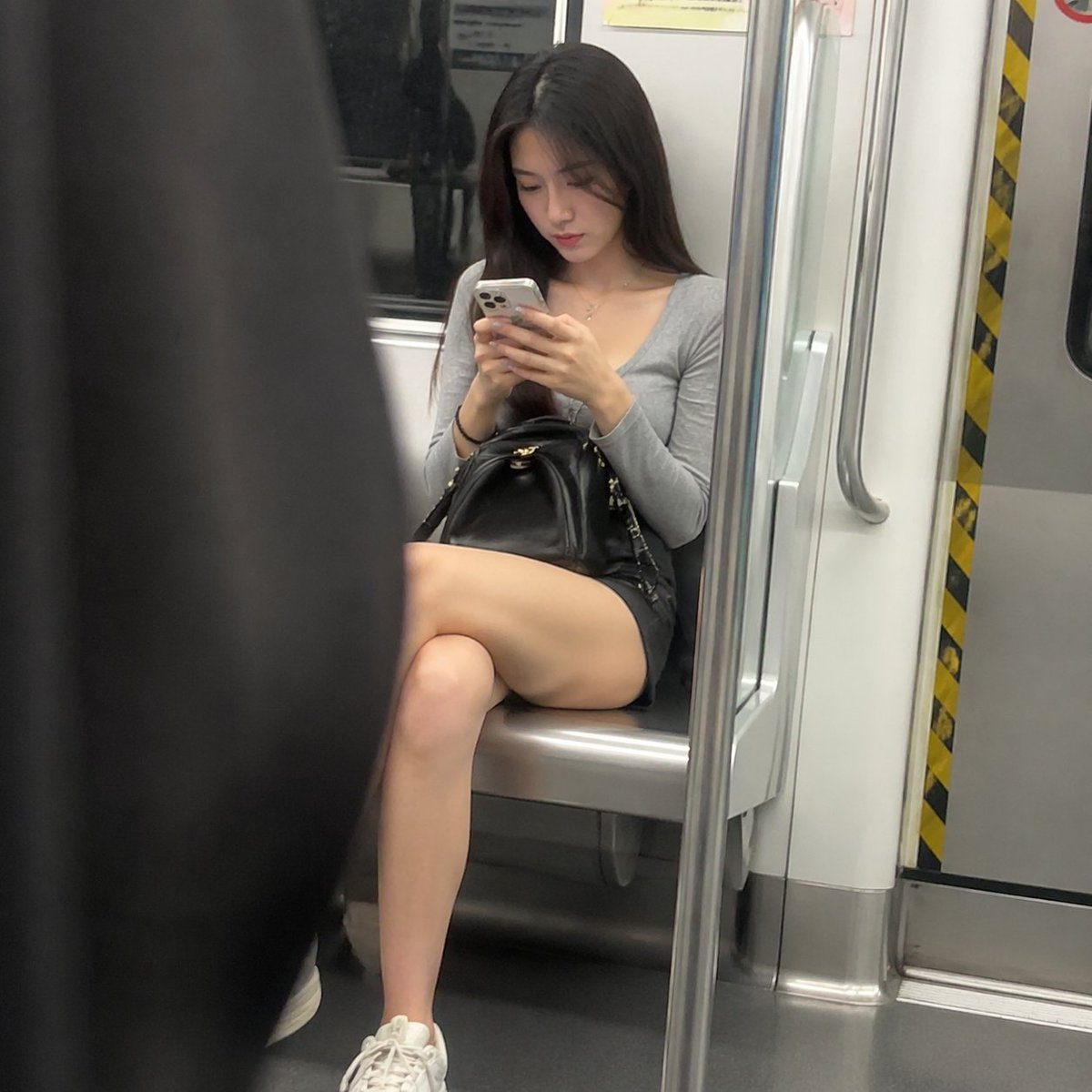


![2D to 3D Surreal Street Photography — 一名 {argument name="人物设定" default="亚洲成年女性"} 出现在 {argument name="场景环境" default="东京涩谷"} 中,靠近或贴合在 [背景表面] 前方,画面采用正面视角,眼平机位,真实街头](https://cms-assets.youmind.com/media/1779872722122_rbwukg_HJP2g-xbwAAXM1N.jpg)