How do I use the Commercial Studio Hero Shot with Giant Pikachu template?
Choose the primary action to open PicX Studio with the available template settings. Review the model and format, personalize the creative direction, and generate when ready.
A structured prompt for generating a high-end commercial studio photograph featuring a young woman (with strict identity lock) standing next to an oversized, fluffy Pikachu and a small kitten, all set in a bright, monochromatic yellow environment with soft studio lighting. Change the subject, setting, or lighting one variable at a time.

[SCENE] environment = bright monochromatic {argument name="environment color" default="yellow"} studio background = clean, seamless, minimal atmosphere = warm, vibrant, polished commercial look style = professionally composed hero-shot poster [SUBJECT_MAIN] type = young woman identity = 1000% same person, strict identity lock pose = standing confidently expression = calm, confident, effortlessly cool outfit_top = relaxed chic yellow hoodie outfit_bottom = beige cargo shorts footwear = white sneakers accessories = minimal, clean [SUBJECT_SECONDARY] type = giant Pikachu appearance = fluffy, lifelike, oversized position = standing beside main subject interaction = friendly, playful presence [EXTRA_ELEMENT] type = small orange kitten position = sitting at Pikachu’s feet mood = adorable, cute accent [LIGHTING] type = smooth soft studio lighting quality = high-end, evenly diffused shadows = soft, controlled tone = warm [CAMERA] lens = 85mm aperture = shallow depth of field focus = sharp subject, creamy background blur style = high-end studio photography [RENDER_QUALITY] textures = ultra-realistic details = crisp, clean colors = vibrant yet balanced finish = polished commercial grade
Choose the primary action to open PicX Studio with the available template settings. Review the model and format, personalize the creative direction, and generate when ready.
Yes. You can change the subject, setting, lighting, mood, format, and available model controls before creating your image.
This template is free to open and customize. Generation usage is shown in PicX Studio before you create.
Start with Nano Banana 2, which is the model associated with this template. You can compare another compatible model for a different finish.
© 2026 PicX Studio. All rights reserved.

Follow a topic to a crawlable collection of related PicX Studio templates.
43,474 public templates available. Verified via the PicX Studio public templates API; refreshed hourly.
![Luxury Commercial Product Photography System — [BRAND NAME] | [OBJECT]
Act as a High-End Commercial Product Photographer and Creative Director shooting a luxur](/_next/image?url=https%3A%2F%2Fcdn.picxstudio.com%2Fuploads%2Ffashion_306bc4c6ecde_889b47bc-58f8-4b0f-ad74-48a1ac7c1e40.jpg&w=828&q=100)


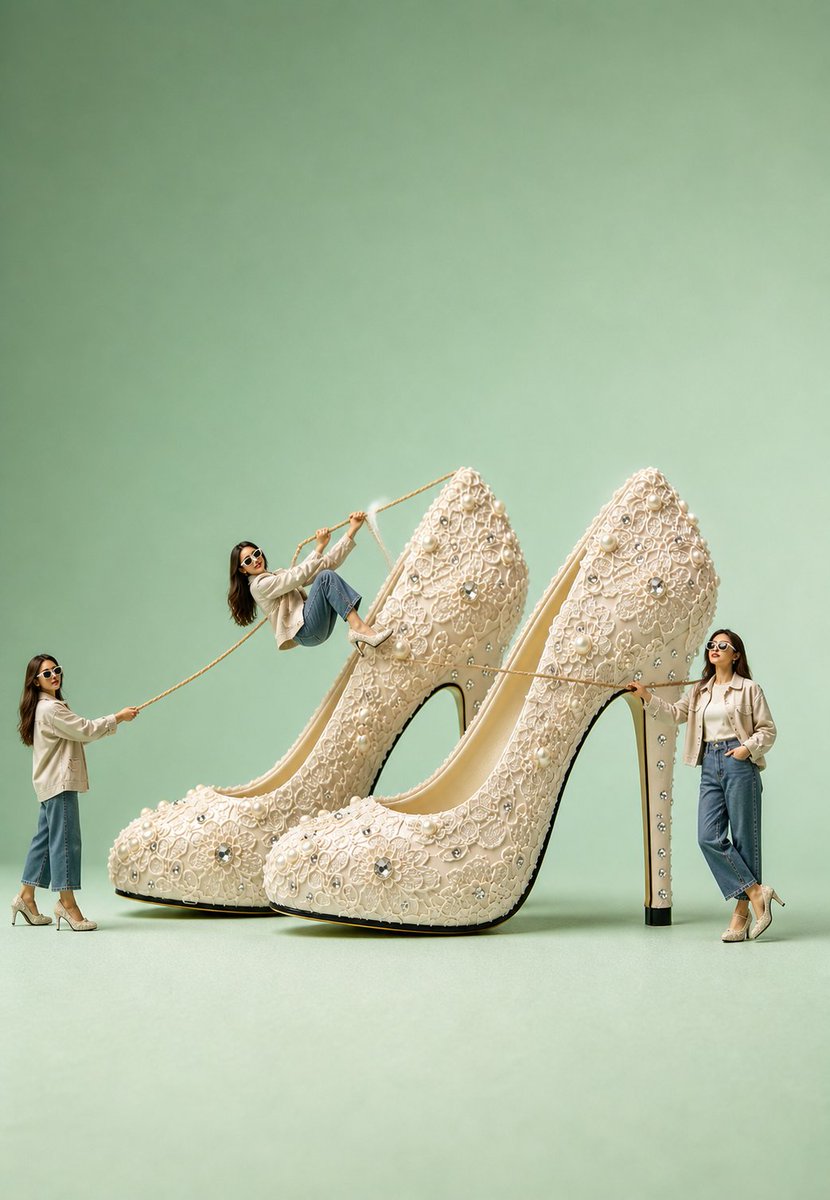
![Oversized Hero Product Fashion Editorial — [person], [pose], oversized product as main hero prop, playful fun energy, fashion editorial styling, clean minimal b](/_next/image?url=https%3A%2F%2Fcdn.picxstudio.com%2Fuploads%2Fmeigen_43b3d6f04208_a5c18968-9001-4977-a6d2-83d92ba0940f.jpg&w=828&q=100)



![Soft Shadow Studio Minimalist Product Shot — Studio shot of [PRODUCT] placed on a [background], surrounded by soft shadows and gradient background, high-key lig](/_next/image?url=https%3A%2F%2Fcdn.picxstudio.com%2Fuploads%2Fmeigen_4280b03b1ce9_9630872f-a4e6-4dc6-88e5-1f48c266df73.jpg&w=828&q=100)


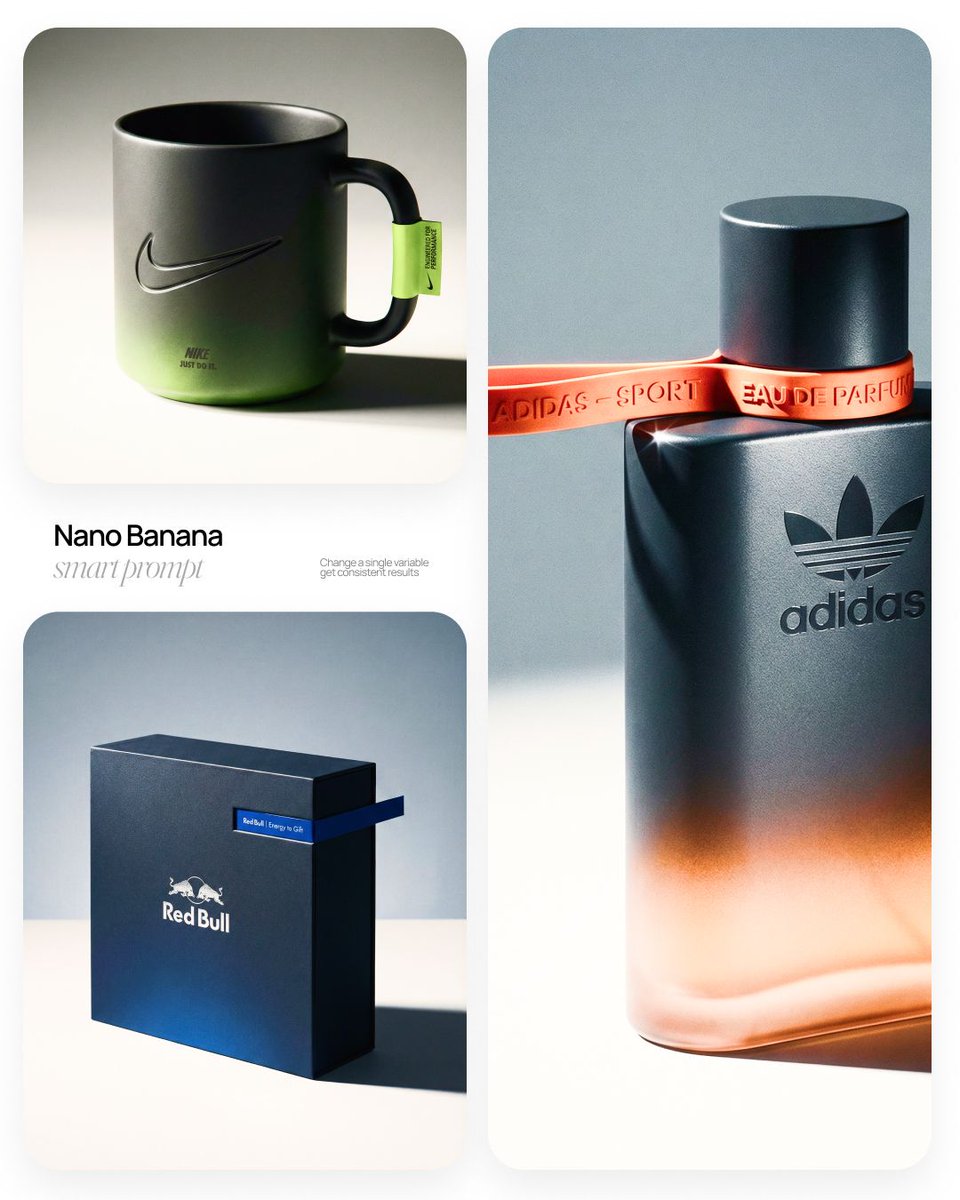

![Low Angle Product Fashion Campaign — Low-angle fashion campaign photograph of a confident model holding a large [product name] very close…](/_next/image?url=https%3A%2F%2Fcdn.picxstudio.com%2Fuploads%2Fmeigen_4c03edc4df35_6f63201c-902b-410c-8eaa-7760408114bb.jpg&w=828&q=100)



![Naive doodle-style subject illustration — A doodle-style {argument name="subject" default="[subject]"}, naive lines, humorous shape exaggeration](https://pbs.twimg.com/media/G6Wl2YxbsAARB2b.jpg)




















![Christmas Tree Branding Template Prompt — A Christmas tree designed in the theme of {argument name="brand name" default="[BRAND NAME]"} brand, contrasting studi](https://pbs.twimg.com/media/G86zGvwWcAAPGZR.jpg)