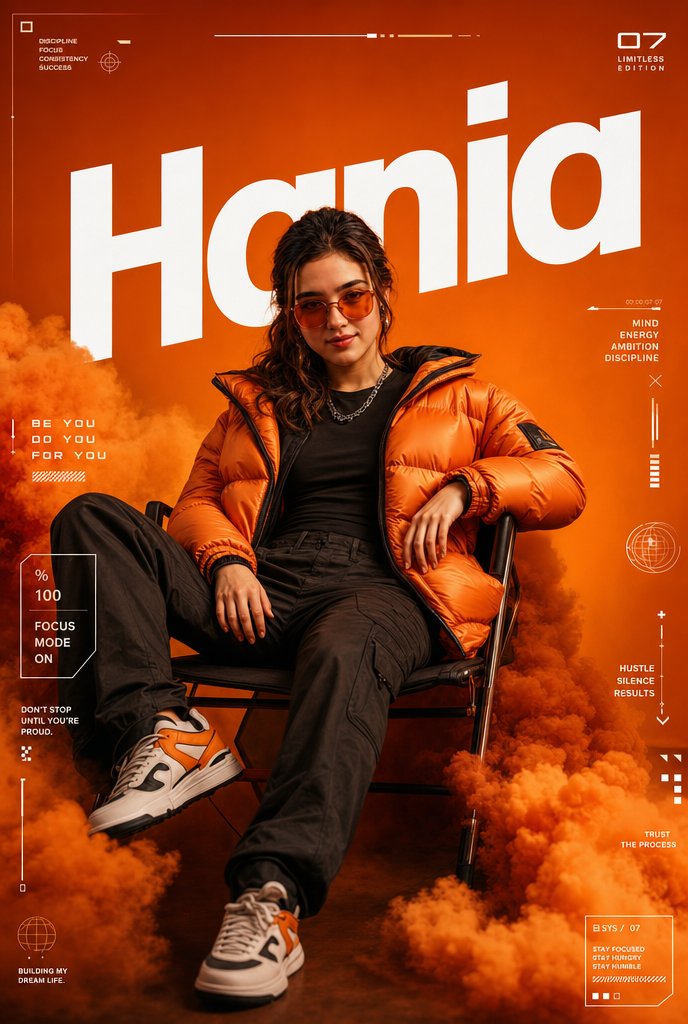
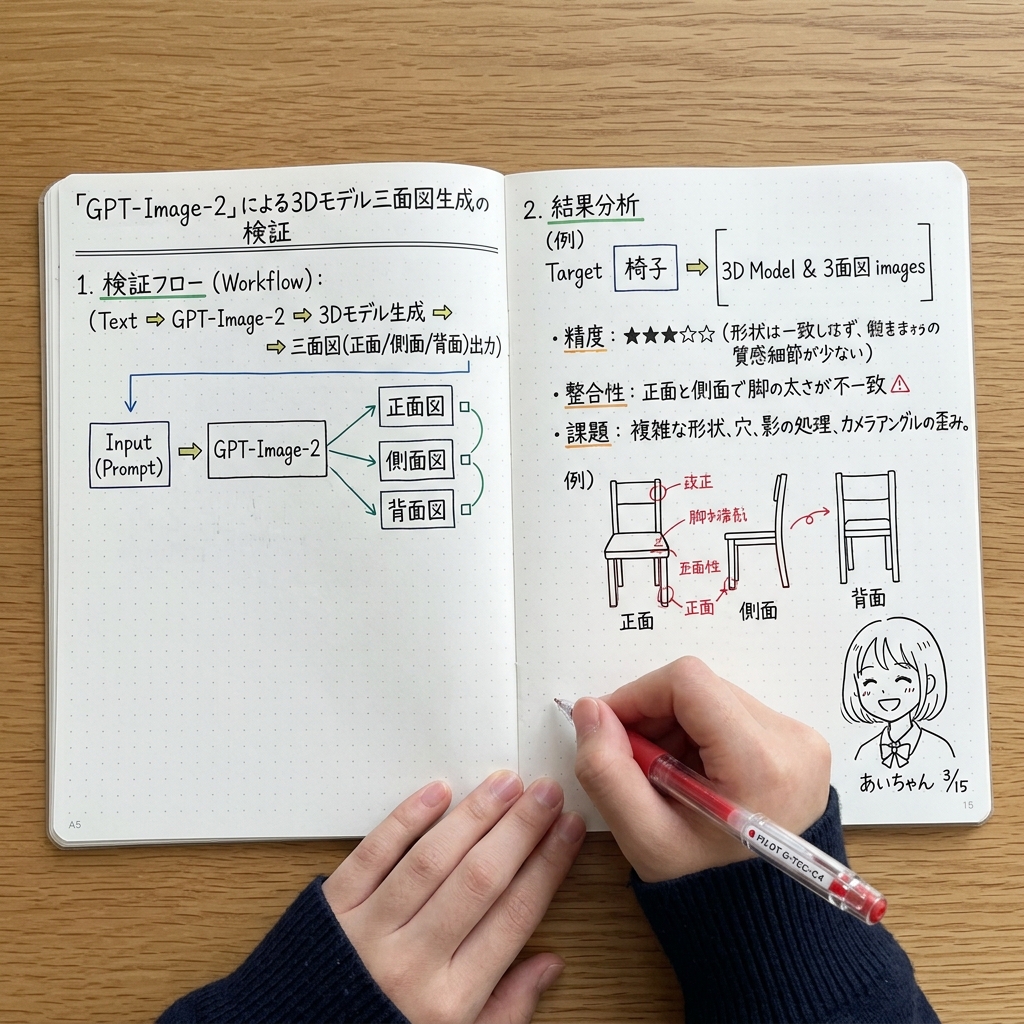
How do I use the Street-Style Photoshoot with Donald Trump template?
Choose the primary action to open PicX Studio with the available template settings. Review the model and format, personalize the creative direction, and generate when ready.
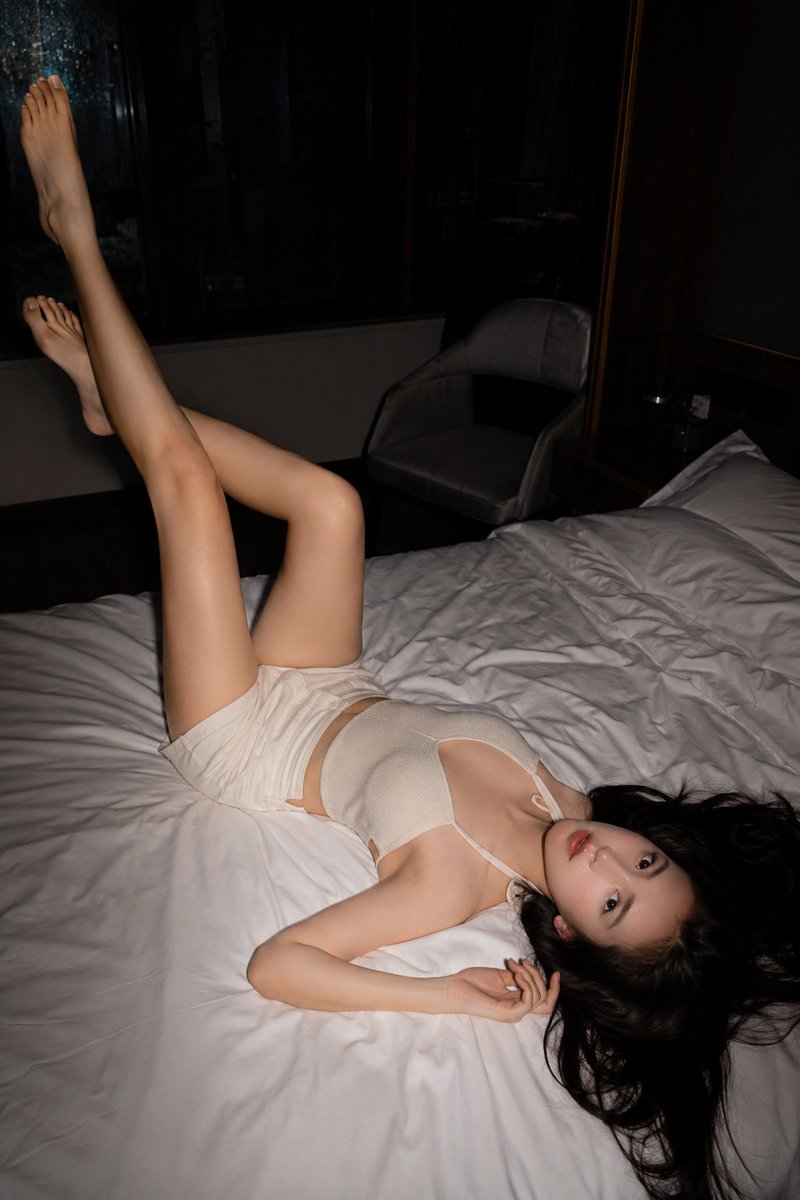
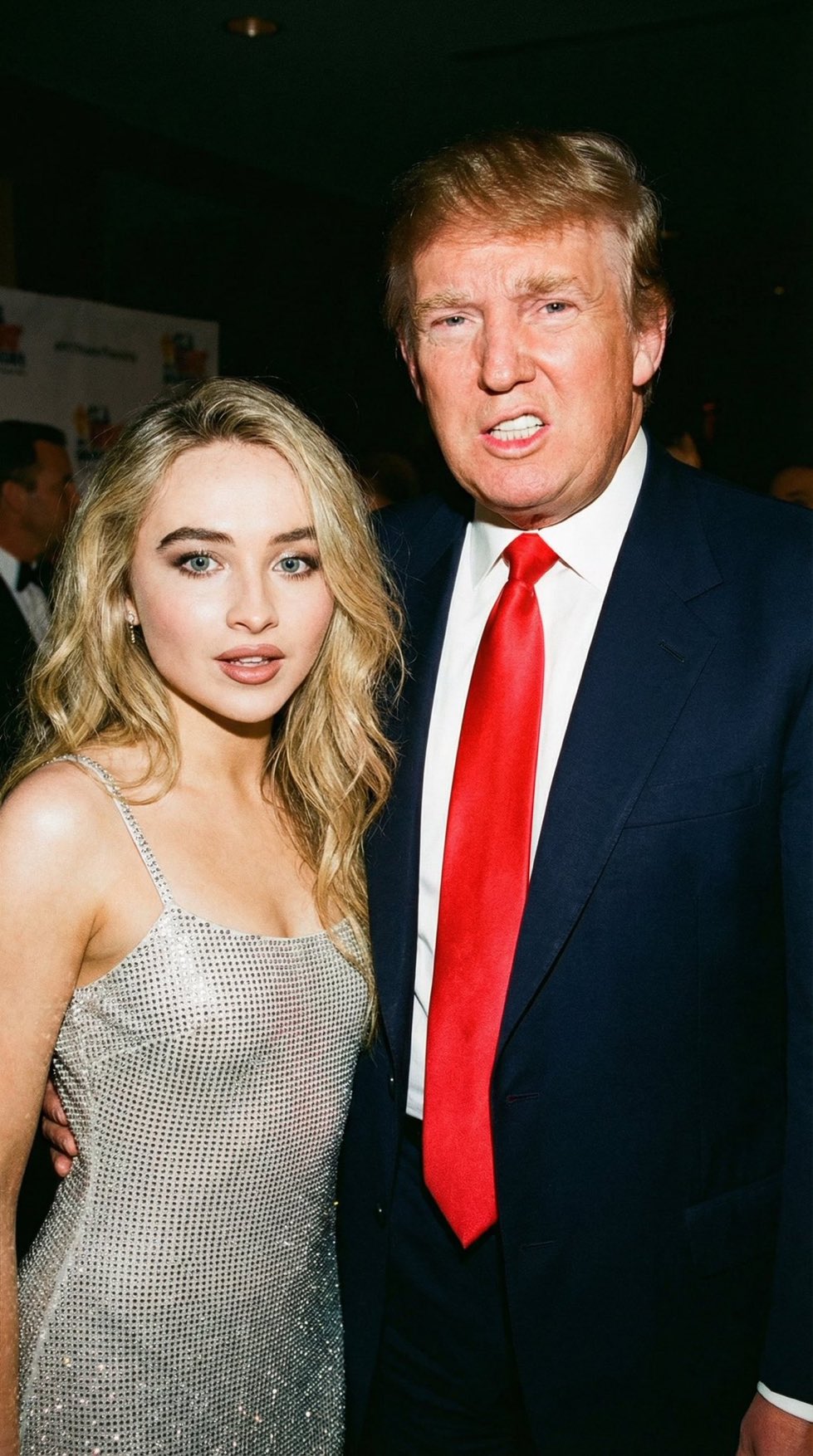
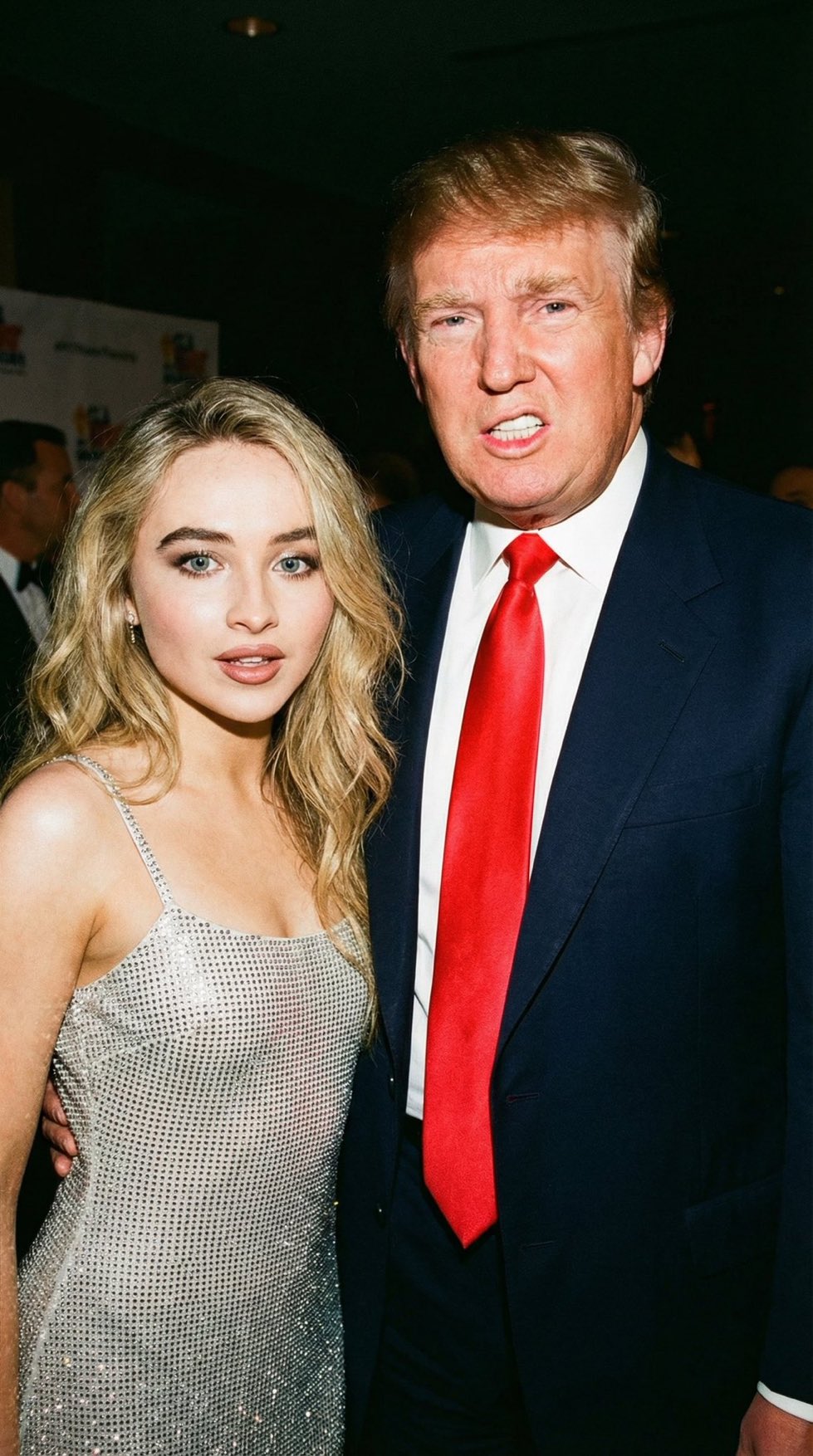
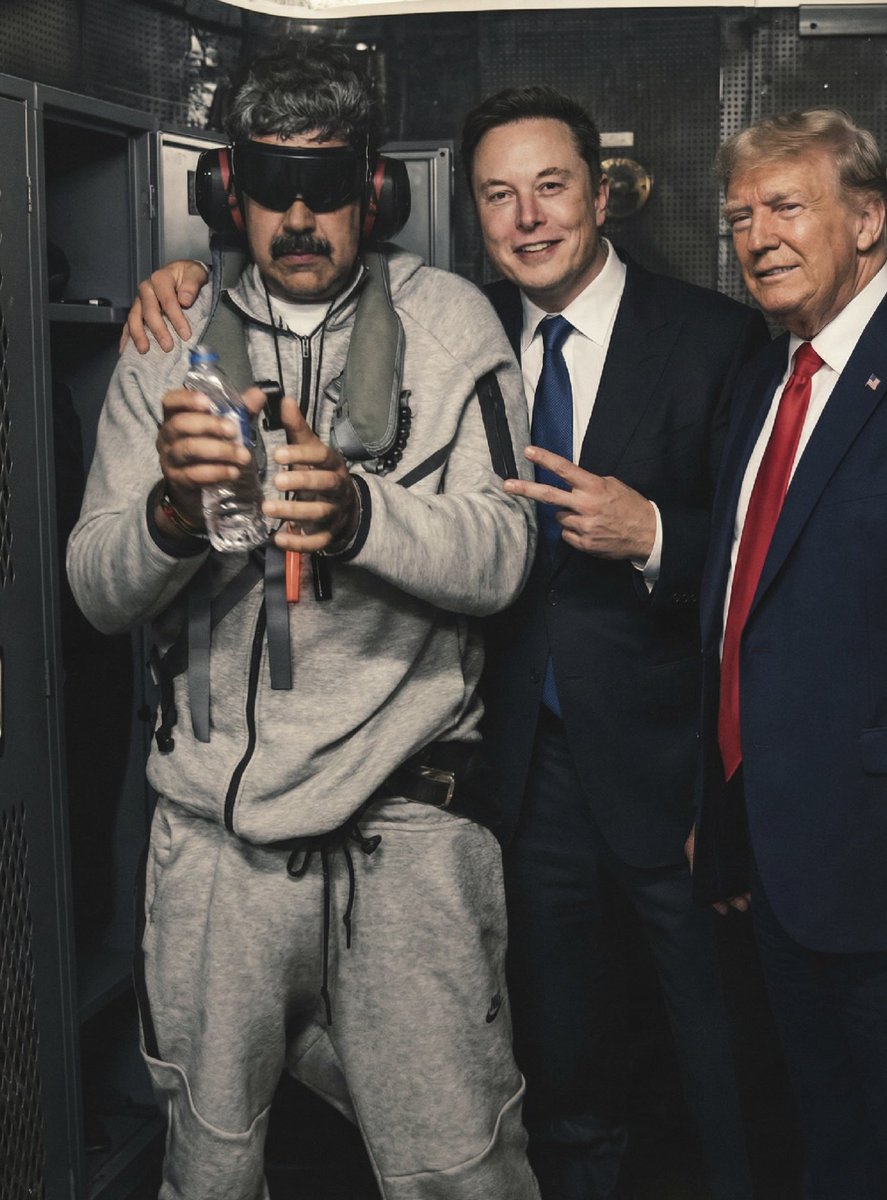
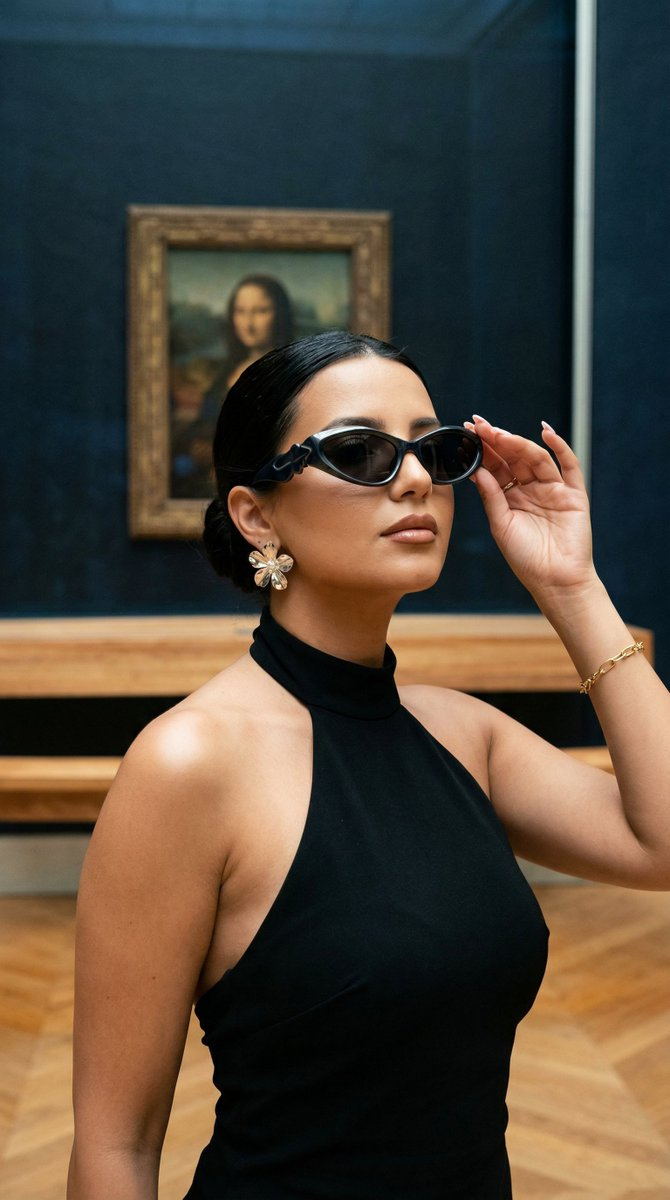
A prompt for generating a realistic, high-end street-style photoshoot image featuring the user (requiring an uploaded photo for reference) standing confidently next to Donald Trump. Change the subject, setting, or lighting one variable at a time.

A realistic, high-end street-style photoshoot featuring me (use uploaded photo for face and body reference) standing confidently next to {argument name="celebrity 2" default="Donald Trump"} in front of a luxury white Rolls-Royce with pink custom grille accents. We are both wearing matching hot-pink puffer jackets, light-wash baggy jeans, and pink sneakers. He is adjusting his jacket collar while posing confidently, I am standing beside him with hands in pockets, stylish and confident expression. Natural daylight, cinematic lighting, shallow depth of field, ultra-realistic skin texture, 85mm lens look, high fashion iran editorial vibe, sharp focus, photorealistic, 8K quality.
Choose the primary action to open PicX Studio with the available template settings. Review the model and format, personalize the creative direction, and generate when ready.
Yes. You can change the subject, setting, lighting, mood, format, and available model controls before creating your image.
This template is free to open and customize. Generation usage is shown in PicX Studio before you create.
Start with Nano Banana 2, which is the model associated with this template. You can compare another compatible model for a different finish.
© 2026 PicX Studio. All rights reserved.

Follow a topic to a crawlable collection of related PicX Studio templates.
43,474 public templates available. Verified via the PicX Studio public templates API; refreshed hourly.














![Naive doodle-style subject illustration — A doodle-style {argument name="subject" default="[subject]"}, naive lines, humorous shape exaggeration](https://pbs.twimg.com/media/G6Wl2YxbsAARB2b.jpg)