
Minimal SaaS Ad With Invoice Mockup
This prompt generates a premium static marketing ad featuring a developer-hours invoice, strong editorial typography, and hand-drawn annotations for SaaS landing pages or paid social creatives.
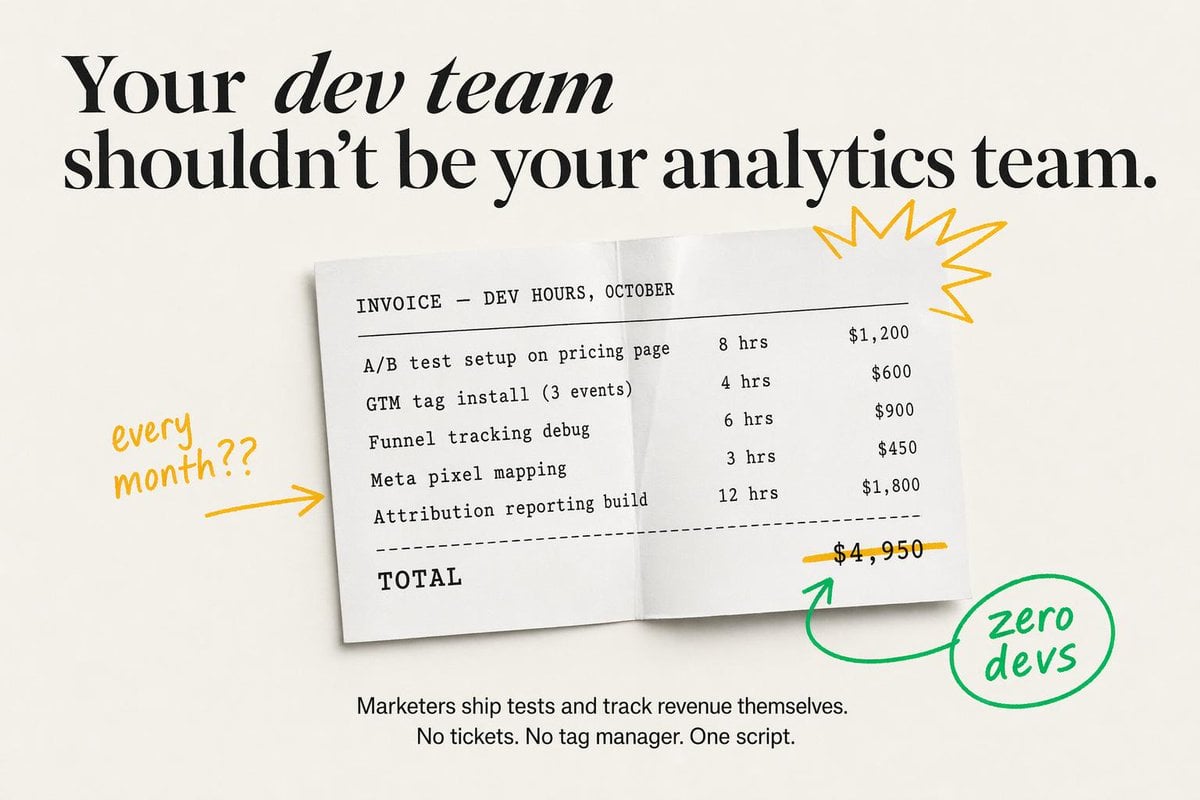
- Prompt included
- Model and format preset
- Free template
The prompt behind this image
Copy the exact prompt behind Minimal SaaS Ad With Invoice Mockup, or open it in the studio and make it yours.
Create a minimalist static SaaS ad on a warm off-white background with elegant editorial typography and clean, high-fidelity text rendering. At the top, place a large black serif headline in two lines reading: "{argument name="headline text" default="Your dev team shouldn’t be your analytics team."}" The words “dev team” should appear in italic serif while the rest remains bold high-contrast serif, with generous spacing and a luxury magazine-style layout. Centered below, show a slightly tilted white paper invoice sheet with a soft drop shadow and a subtle vertical fold crease down the middle, as if photographed from above. The invoice uses black monospaced typewriter-style text and reads exactly: “INVOICE — DEV HOURS, OCTOBER” as the header, then 5 line items with hours and prices aligned in columns: “A/B test setup on pricing page 8 hrs $1,200”, “GTM tag install (3 events) 4 hrs $600”, “Funnel tracking debug 6 hrs $900”, “Meta pixel mapping 3 hrs $450”, and “Attribution reporting build 12 hrs $1,800”. Under the 5 items, add a dashed divider line, then a bold monospaced “TOTAL” on the lower left and the total price “$4,950” on the lower right. Draw a hand-drawn yellow line striking through the total price. Add 4 doodle-style annotation elements around the invoice: on the left, handwritten yellow text saying “every month??” with a yellow arrow pointing right toward the paper; on the upper right of the paper, a yellow starburst scribble; below the total, a green curved arrow pointing up toward the crossed-out price; and on the lower right, a green hand-drawn circle containing the handwritten words “zero devs,” connected to the green arrow. At the bottom center of the ad, add a smaller black sans-serif body copy in 2 lines reading: “{argument name="body text" default="Marketers ship tests and track revenue themselves.\nNo tickets. No tag manager. One script."}" Keep the composition airy, premium, and conversion-focused, blending modern startup ad design with tactile paper realism and playful marker annotations.
How to use Minimal SaaS Ad With Invoice Mockup in 3 steps
- 1Upload ImagePNG, JPG or paste
Add your photo
Upload the photo the template builds on. The prompt, model and format are already set.
- 2…a portrait of your subject in softgolden-hour light, 85mm…
Personalize
Edit the subject and creative details for your destination.
- 3Generate
Generate
Press Generate — your image is created in PicX Studio, so you can compare it with the original and refine one variable at a time.
More like this
Templates with the same subject, style or setup. Open one to see its prompt.

Minimalist T-Shirt Mockup

Japanese Architectural Concrete Studio Fashion Campaign

Quiet Luxury Black and White Fashion Editorial Portrait

Premium Editorial Branding Poster Charcoal Green

Premium Vintage Travel Poster Landscape

Japanese Café Sketch Duo Illustration

Delicate Japanese Café Lifestyle Illustration

Soft Shadow Studio Minimalist Product Shot

Minimalist Skincare Product Water Stone Still

Botanical Skincare Minimal Product Advertising

Luxury Sliced Wordmark Player Poster

Legendary Player Fragmented Editorial Poster
Make it yours
Minimal SaaS Ad With Invoice Mockup works as-is. These are the safest ways to change it without losing the look.
Change one field
Copy a single group, rewrite it, and generate again so you can see what that field is doing.
Keep the frame, change the subject
Hold the composition and light of Minimal SaaS Ad With Invoice Mockup, then swap wardrobe, props or the person for a new take.
| If the result… | Why | Fix |
|---|---|---|
| The result drifts from the preview | Too many fields changed at once. | Reuse Minimal SaaS Ad With Invoice Mockup as-is first, then change one group — subject, light, or setting. |
| The model over-stylizes the scene | The prose prompt leaves finish and camera underspecified. | Add one camera or lighting sentence and stay on GPT Image 2. |
More GPT Image 2 templates
Other prompts made for GPT Image 2.

Six VTuber Japanese Logo Sheet

Realistic Portrait of Woman and Deer

The Vista Modular Condo Poster

AI Model Routing Comparison Infographic

2.5D Anime Art Board

Isometric Productivity Desk Scene

New York Double Exposure Poster

Four-Panel AI Landscape Comparison

Japanese Tatami Lifestyle Magazine Cover

NESCAFÉ Coffee Map Poster
More image prompts
Fresh picks from across the catalog.
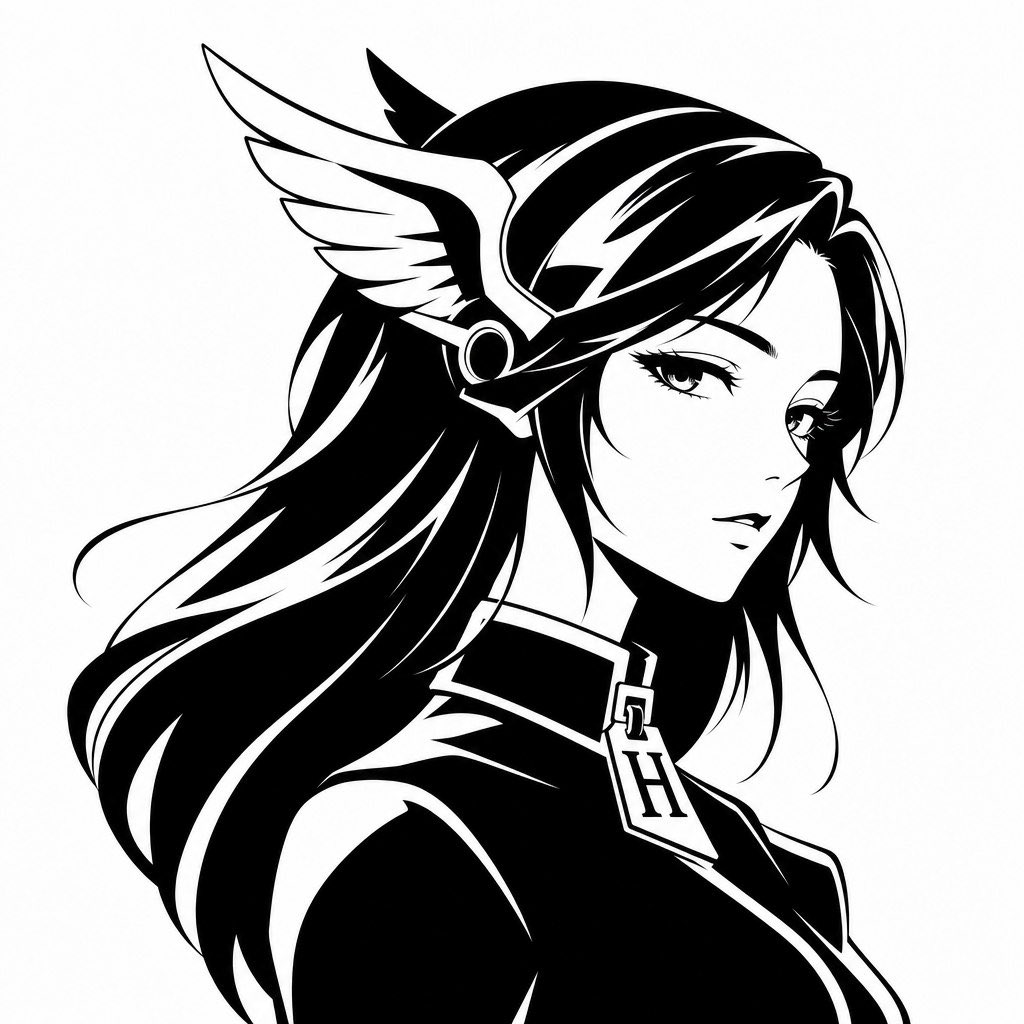
Gpt2 Profile Avatar Monochrome Hermes Inspired Avatar
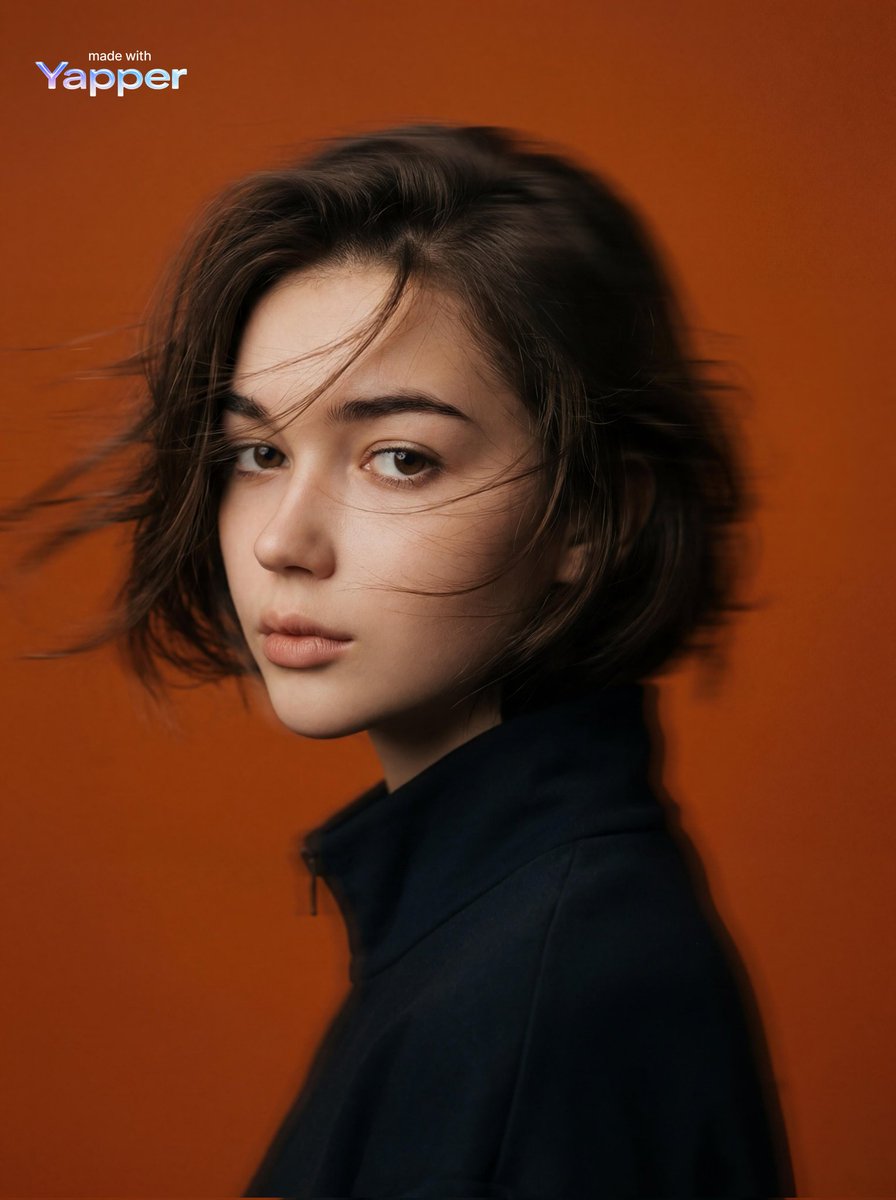
Cinematic Editorial Portrait Prompt
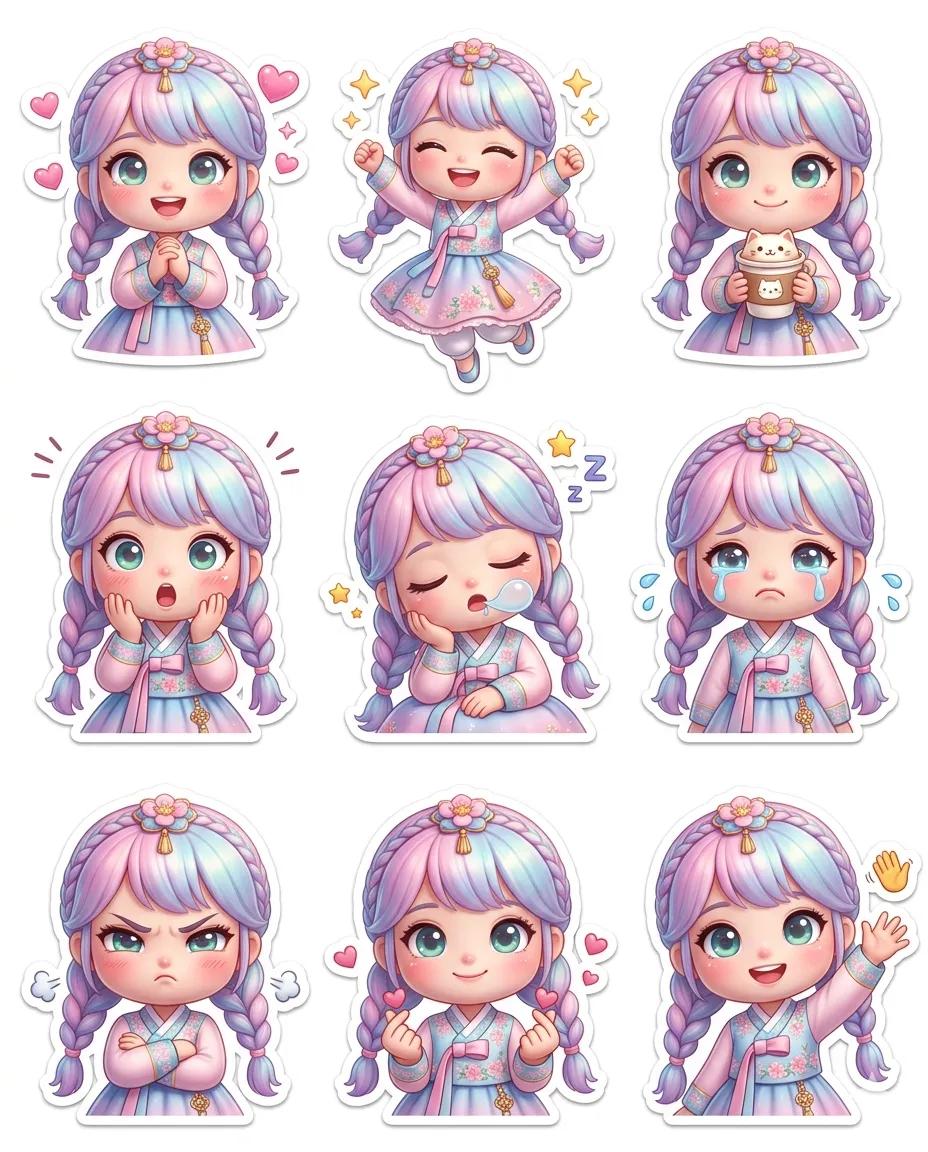
Pixar-Style Chibi Sticker Sheet
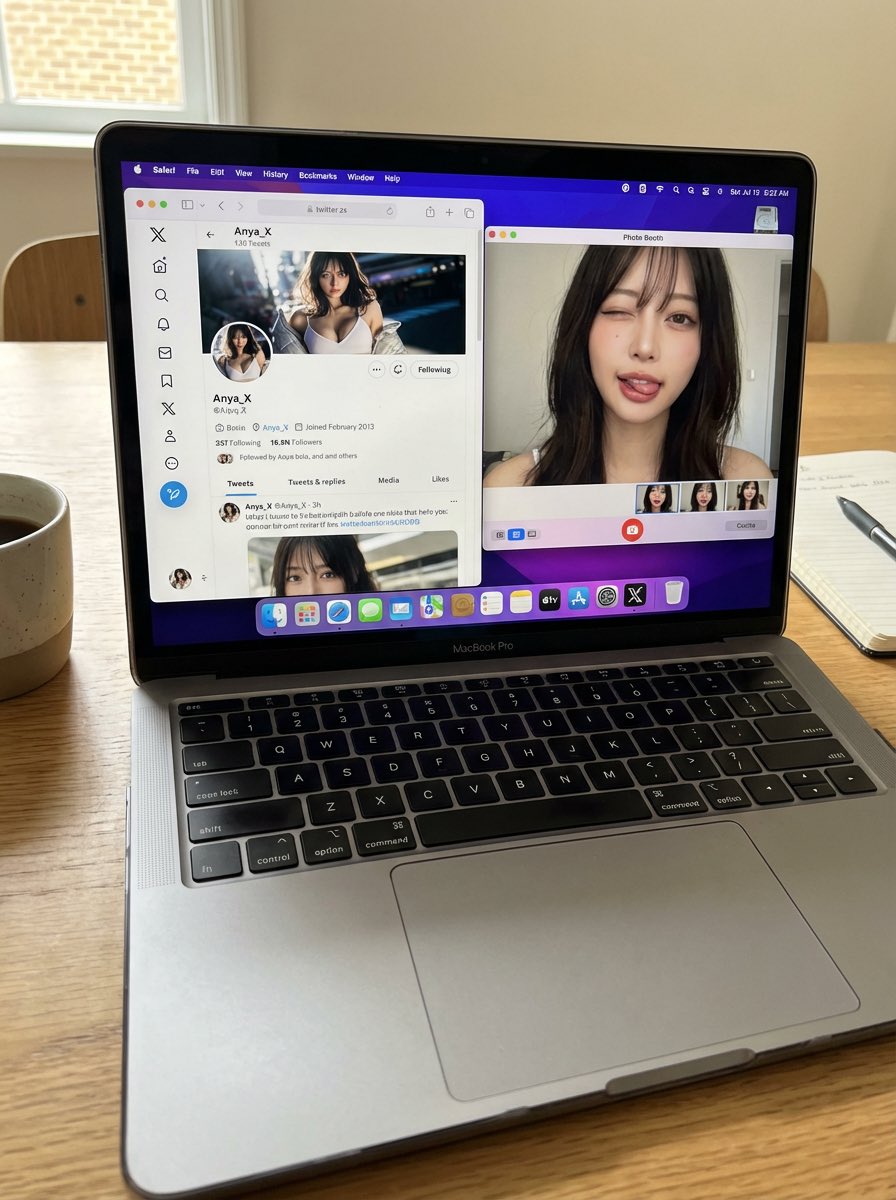
Photorealistic MacBook Desktop Selfie Scene
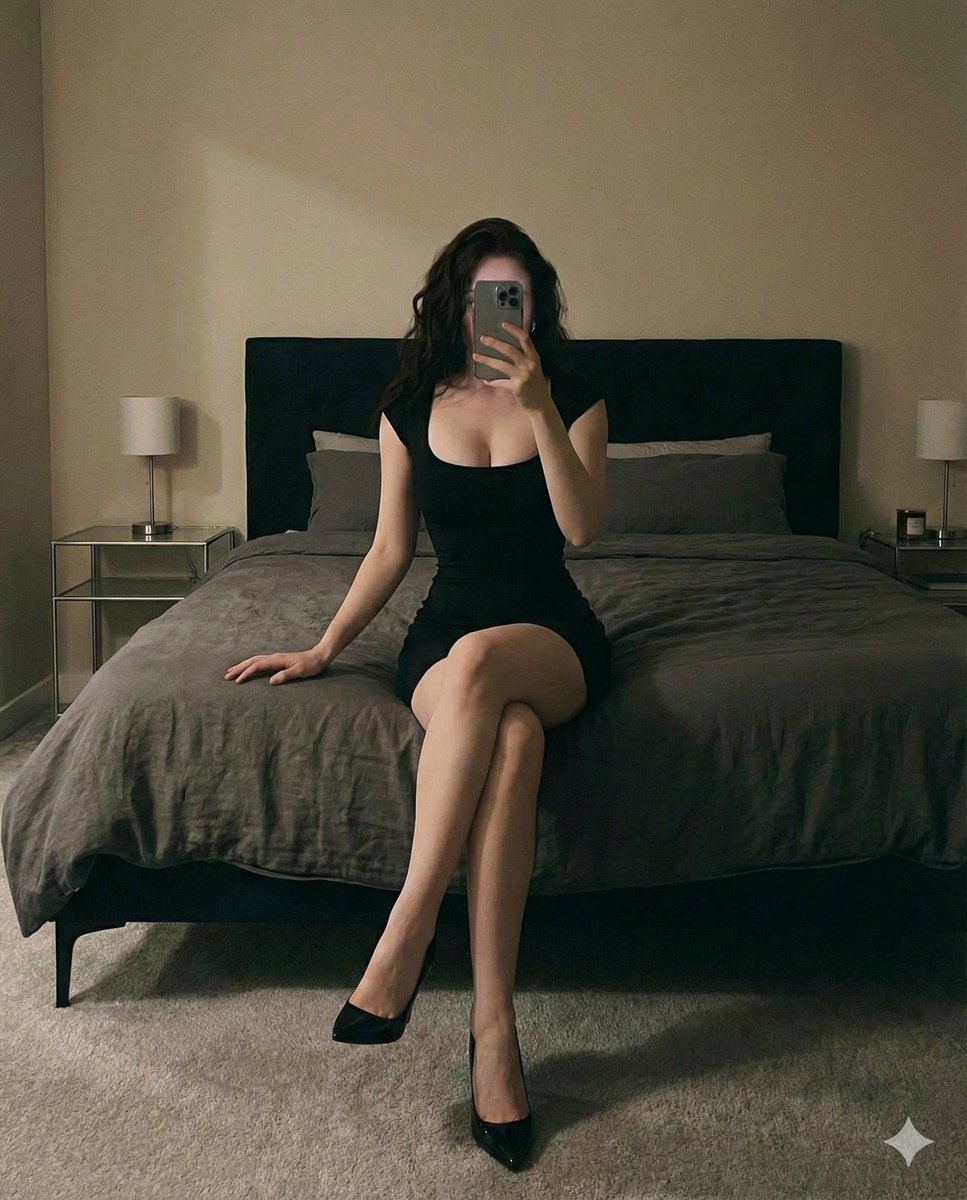
Cinematic bedroom self-portrait prompt for Nano Banana Pro
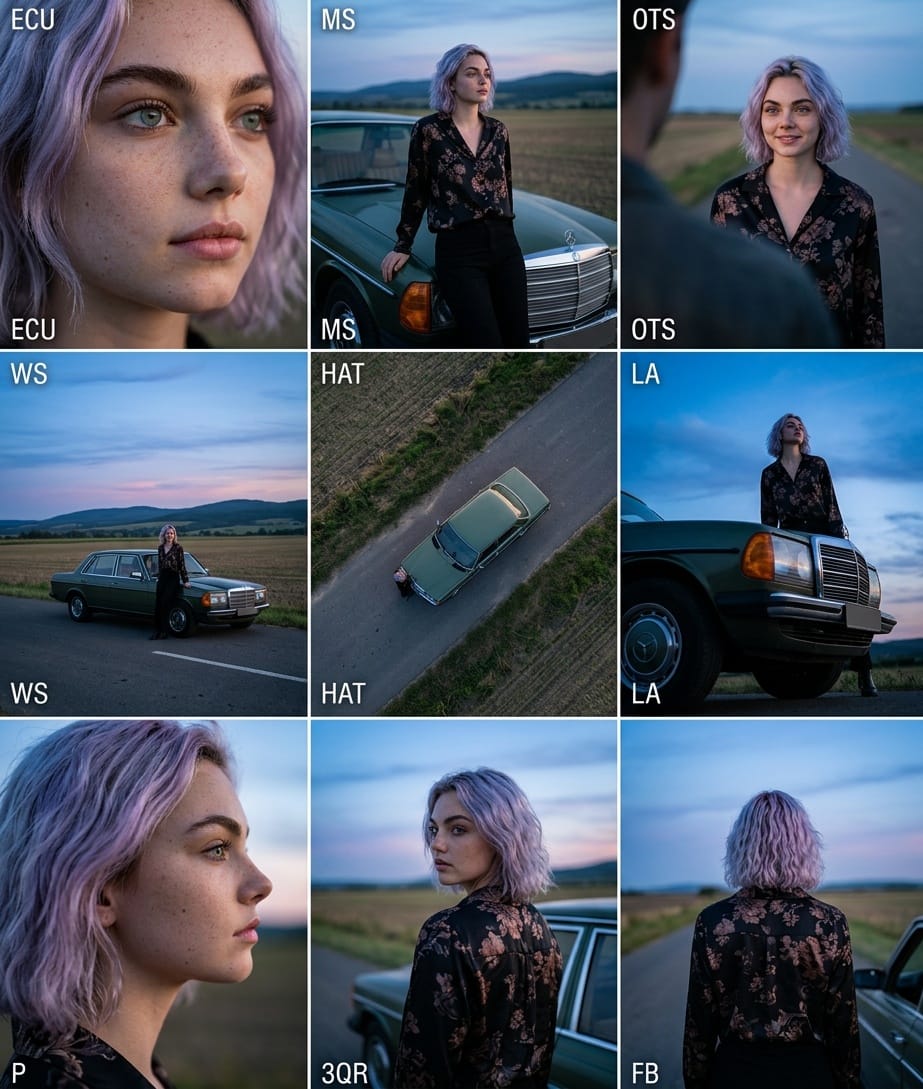
Cinematic 3x3 Grid Camera Angle Prompt
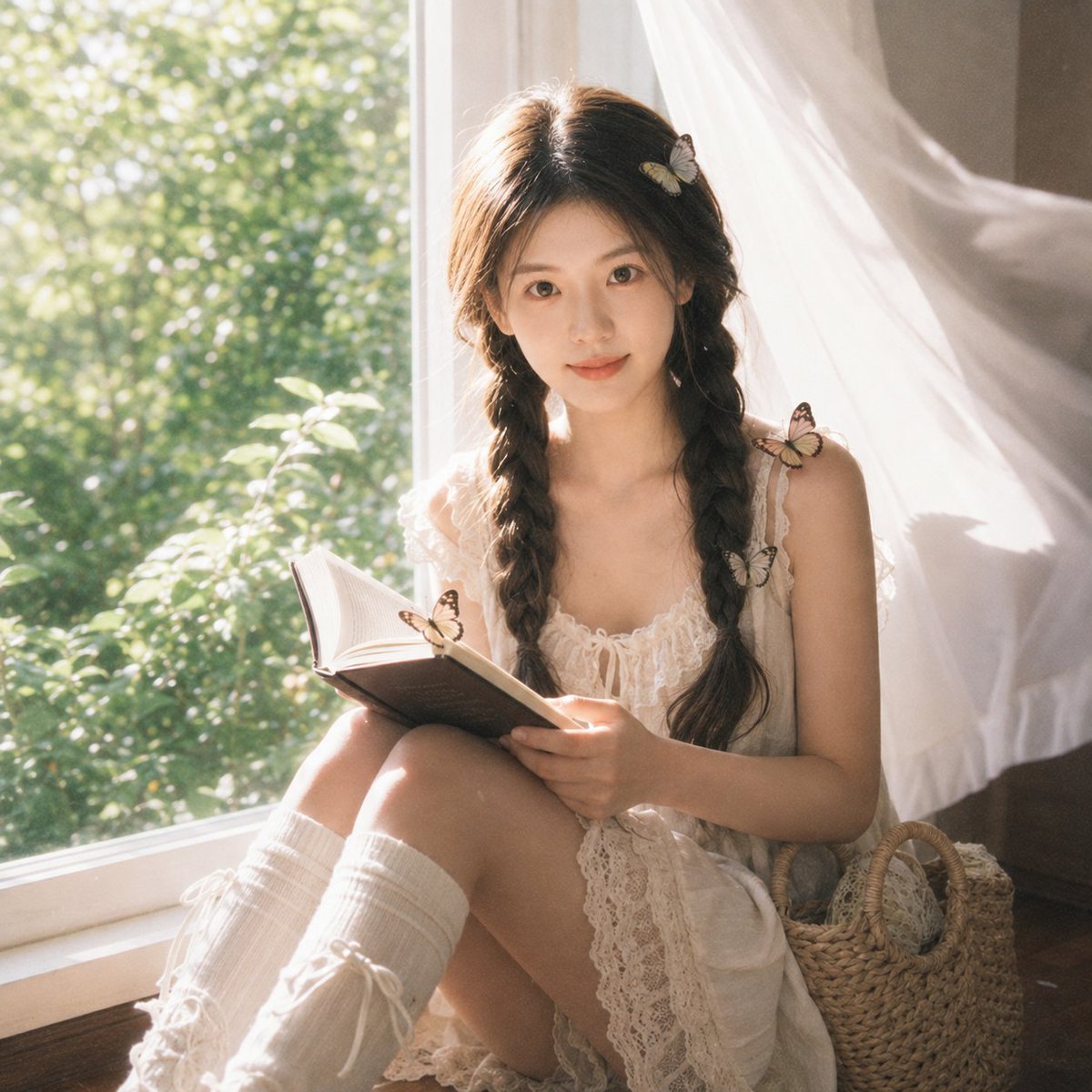
Cottagecore Cinematic Window Portrait
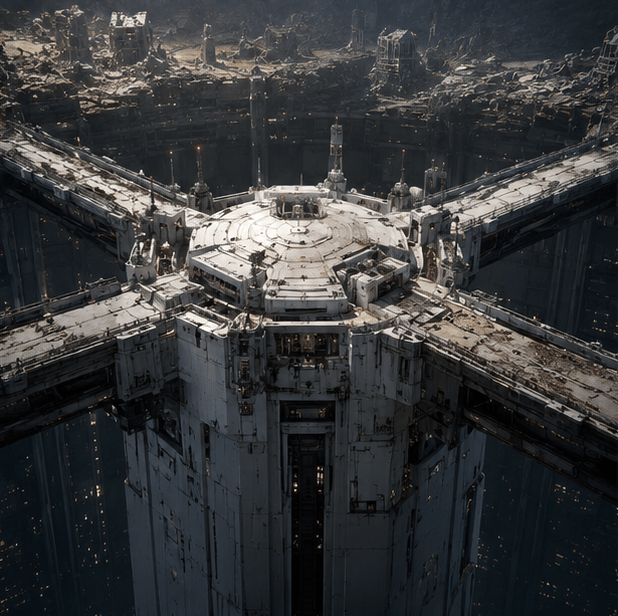
Tokyo Geofront Central Tower Rooftop
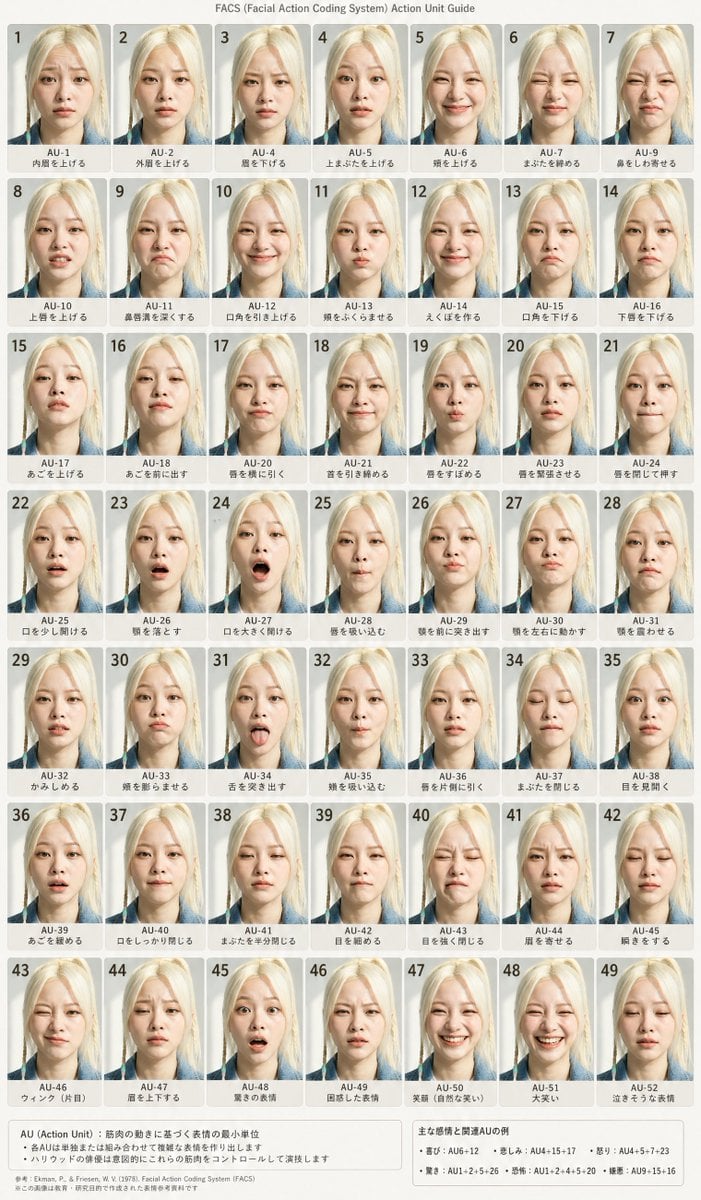
FACS Facial Expression Chart
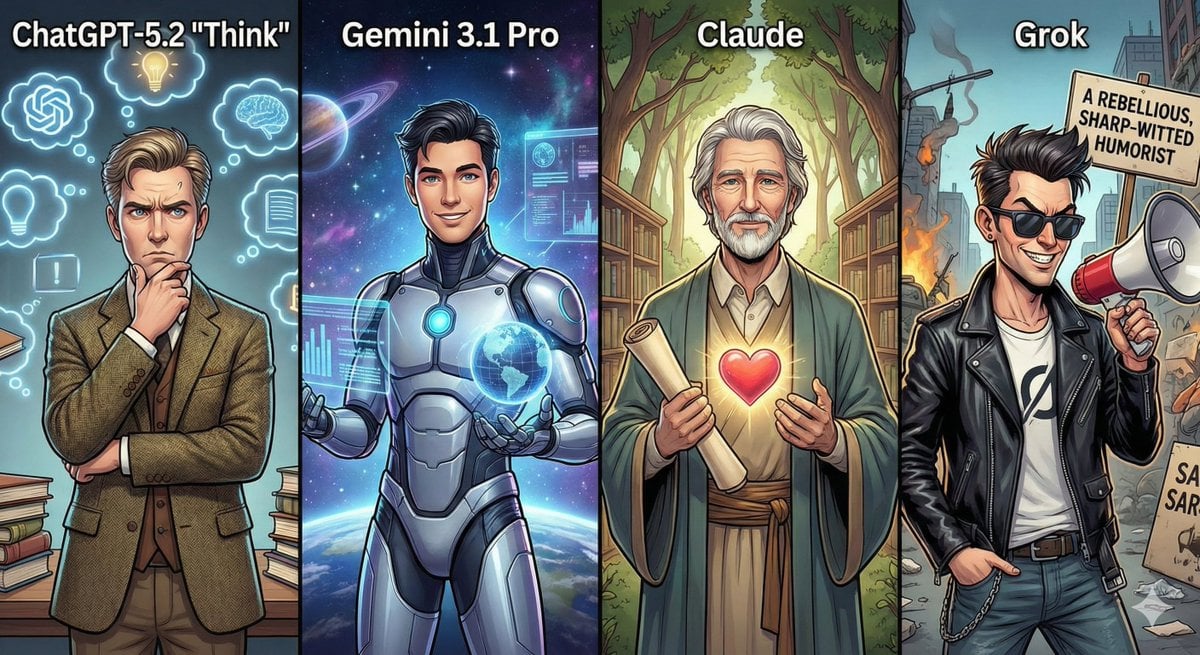
Anthropomorphizing LLMs
Featured in prompt roundups
Hand-picked collections that include this template.
Browse template categories
Minimal SaaS Ad With Invoice Mockup questions
How do I use the Minimal SaaS Ad With Invoice Mockup template?
Add your photo if the template asks for one, edit the prompt if you like — the template's model and format are already selected — and press Generate. Your version opens in PicX Studio.
Can I customize the Minimal SaaS Ad With Invoice Mockup template?
Yes. You can change the subject, setting, lighting, mood, format, and available model controls before creating your image.
Is the Minimal SaaS Ad With Invoice Mockup template free?
Opening and editing this template is free. Generating uses credits, shown on the Generate button when you are signed in.
Which AI model should I use?
Start with GPT Image 2, which is the model associated with this template. You can compare another compatible model for a different finish.
Looking for something else? Browse all templates.

Your photo, any look
Thousands of ready templates for every top image and video model, from one credit balance.