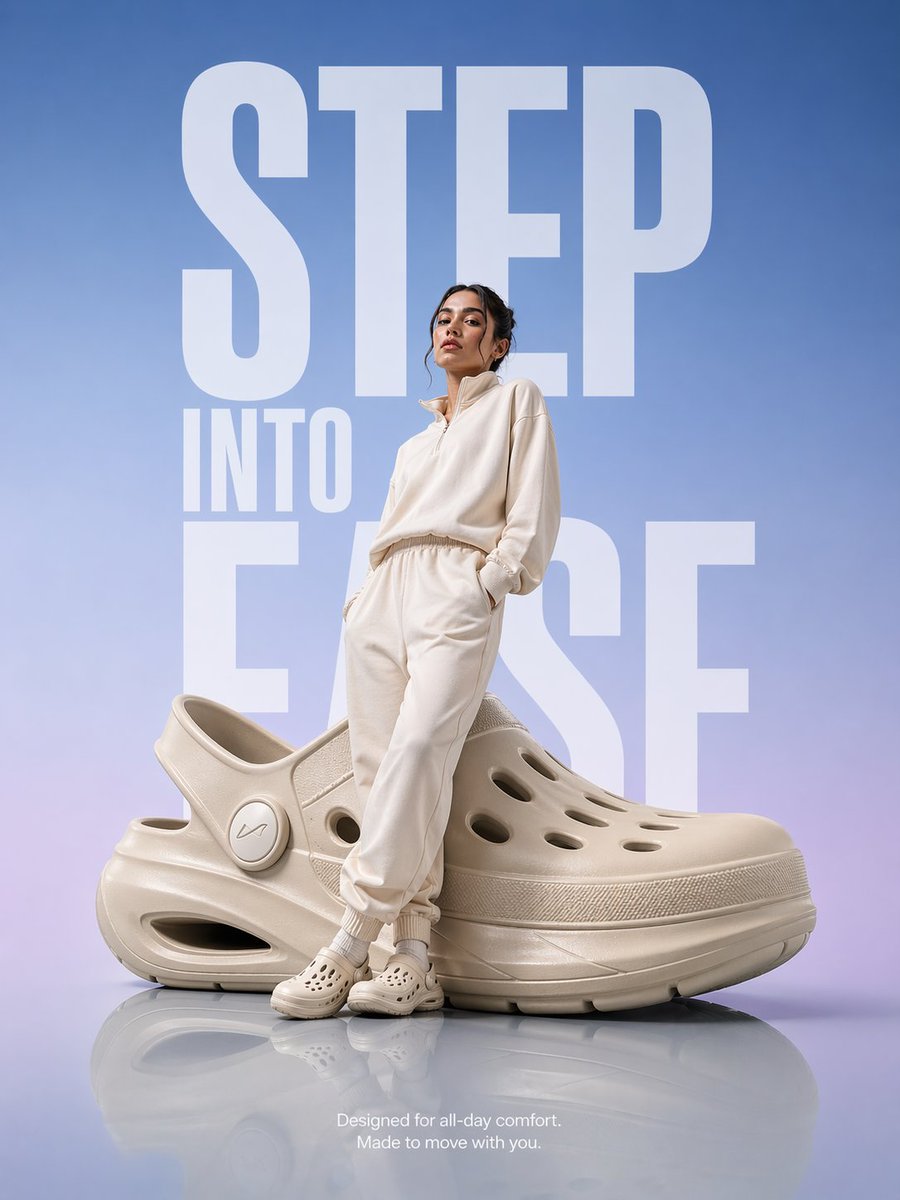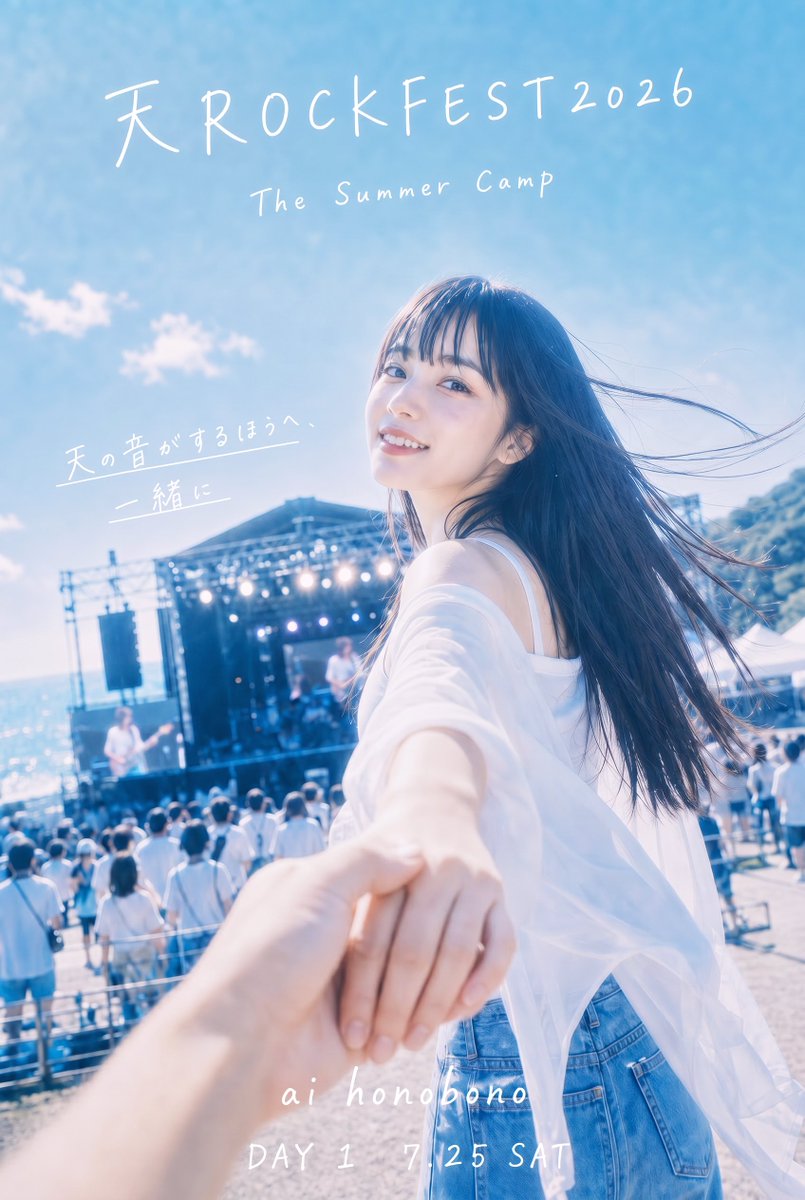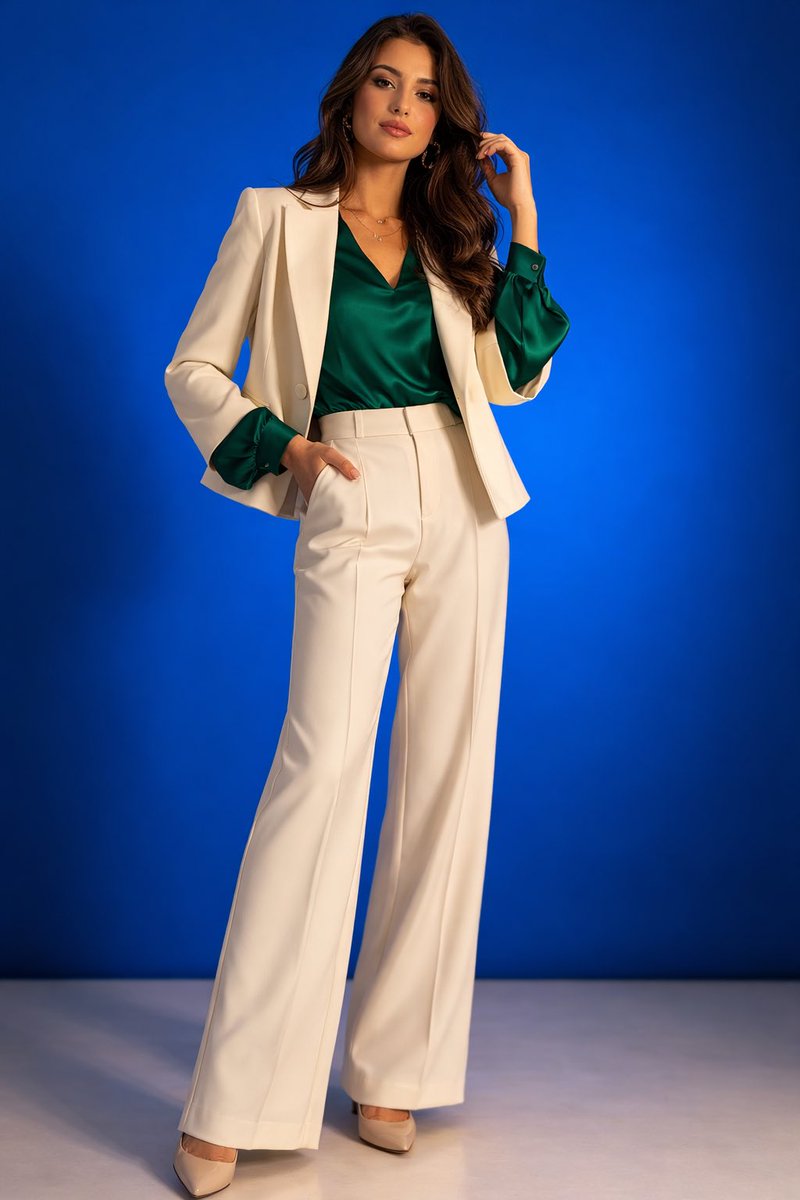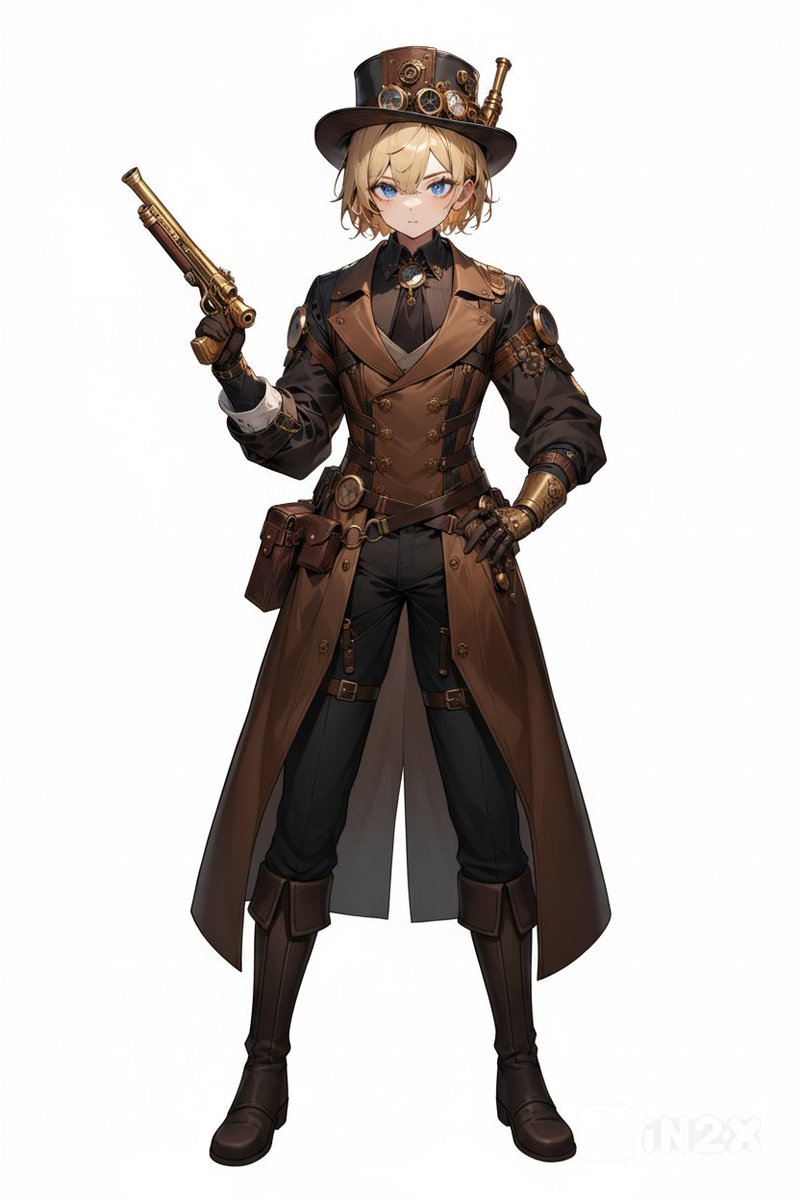
How do I use the Ultra-Realistic Urban Winter Portrait template?
Choose the primary action to open PicX Studio with the available template settings. Review the model and format, personalize the creative direction, and generate when ready.
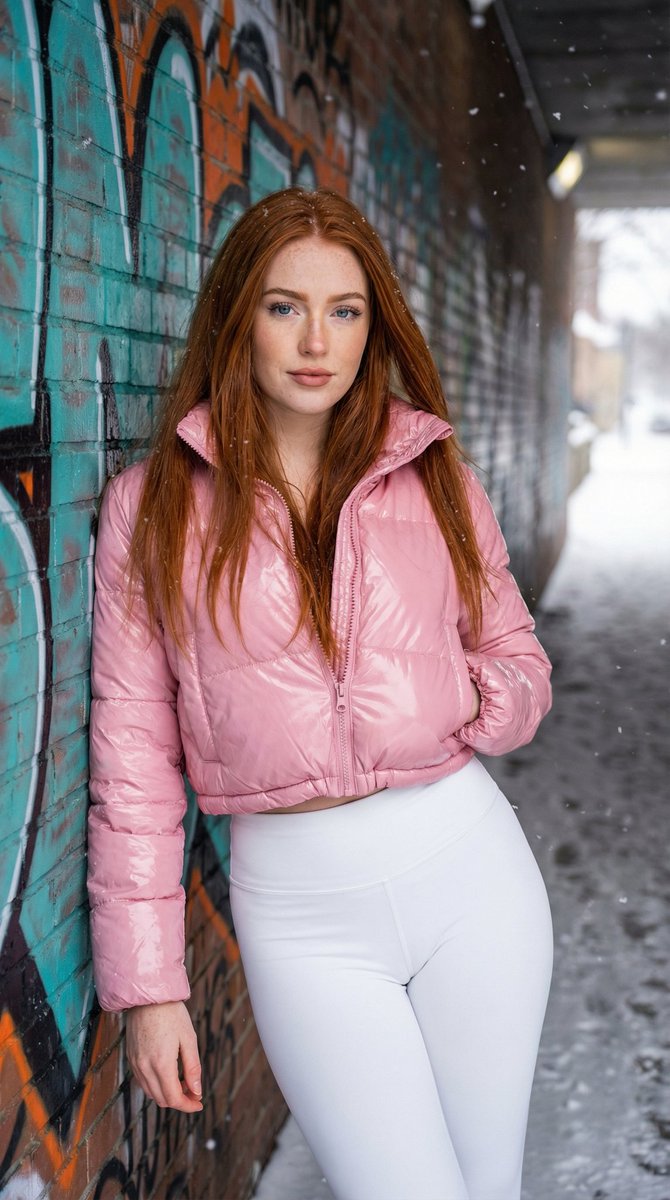
A detailed prompt for generating an ultra-realistic portrait of a confident young woman with vibrant red hair in a snowy urban underpass. The prompt specifies her attire (pink puffer jacket, white leggings), the setting (graffiti-covered brick wall), and the lighting (cold winter daylight) to create a cool, urban winter vibe with high detail on textures and skin. (free to use) — Free AI image template on PicX Studio.
{ "prompt": "A confident young woman with long, straight vibrant {argument name="hair color" default="red"} hair stands casually in a snowy urban underpass, leaning against a brick wall covered in colorful graffiti with bold orange, teal, and black designs. She has fair skin dusted with natural freckles, striking blue eyes enhanced by subtle makeup, long lashes, and glossy nude-pink lips in a calm, self-assured expression. She wears a shiny pink cropped puffer jacket with a high collar and quilted texture, zipped low to reveal her toned midriff, paired with high-waisted white seamless leggings that hug her curvaceous hips and strong thighs. Her pose is relaxed yet bold, one hand tucked into her jacket pocket, the other resting by her side, as snow dusts the ground and edges of the tunnel. Cold winter daylight filters in, casting soft natural highlights on her hair, skin, and the glossy jacket fabric, creating a cool, urban winter vibe. Ultra-realistic skin texture and freckle details, high-detail puffer jacket sheen and graffiti patterns, highly detailed hair strands catching the light, snow accumulation, and gritty city tunnel atmosphere." }
Use Ultra-Realistic Urban Winter Portrait to plan an AI image around nano-banana-2 generation. Match the preview's composition first, then personalize the subject, setting, and mood for your own project.
Use the primary action to load the template settings in PicX Studio.
Adjust the subject and creative details for your destination.
Create the image, compare the result with the preview, and refine one variable at a time.
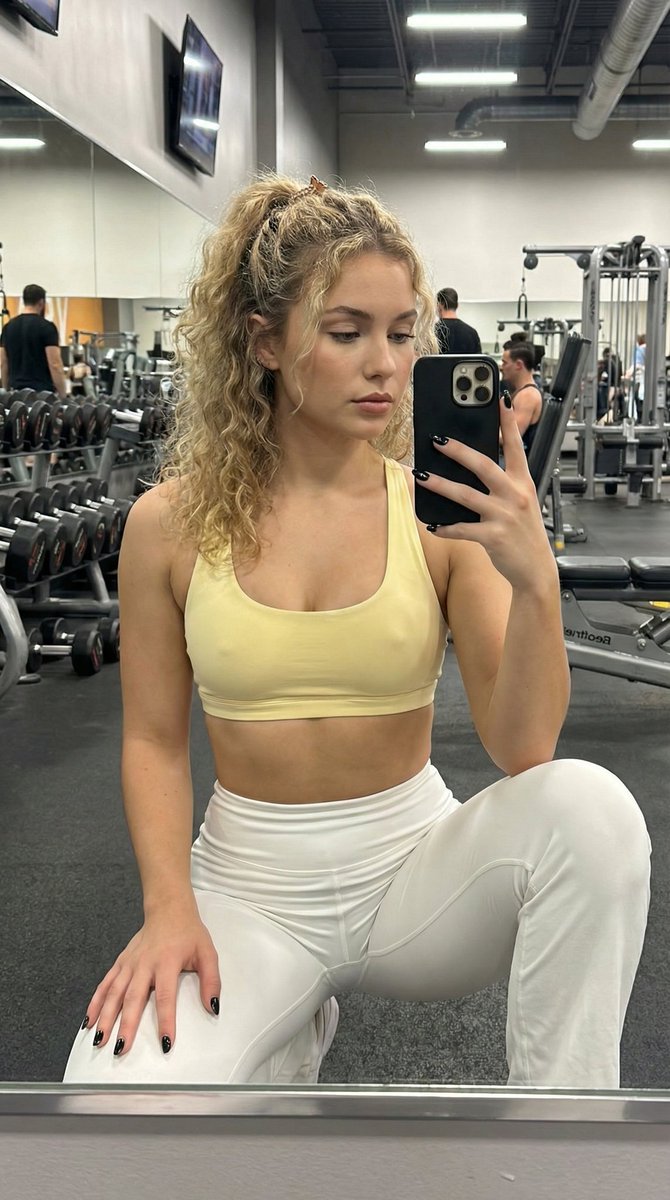
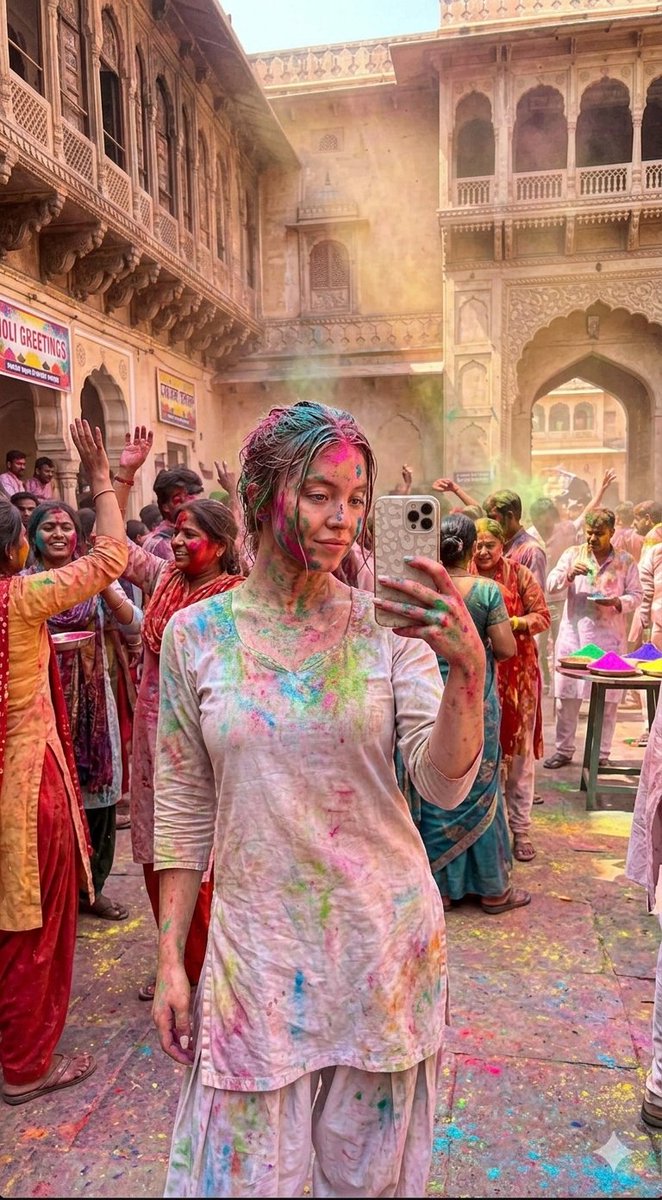
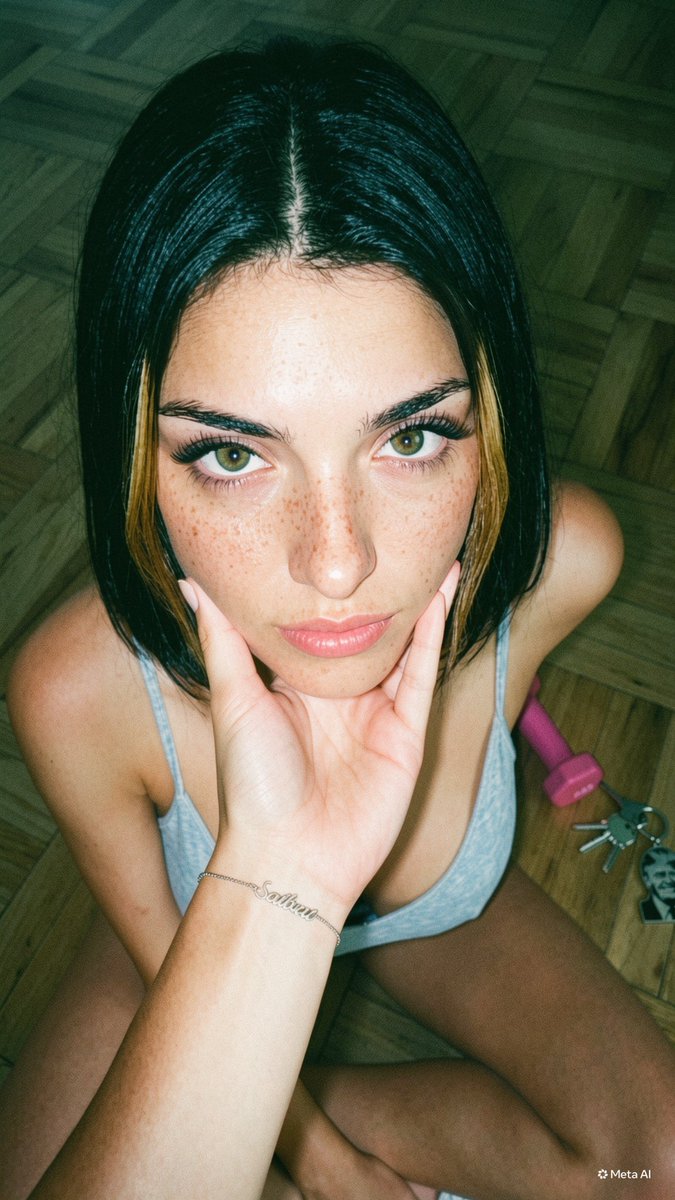
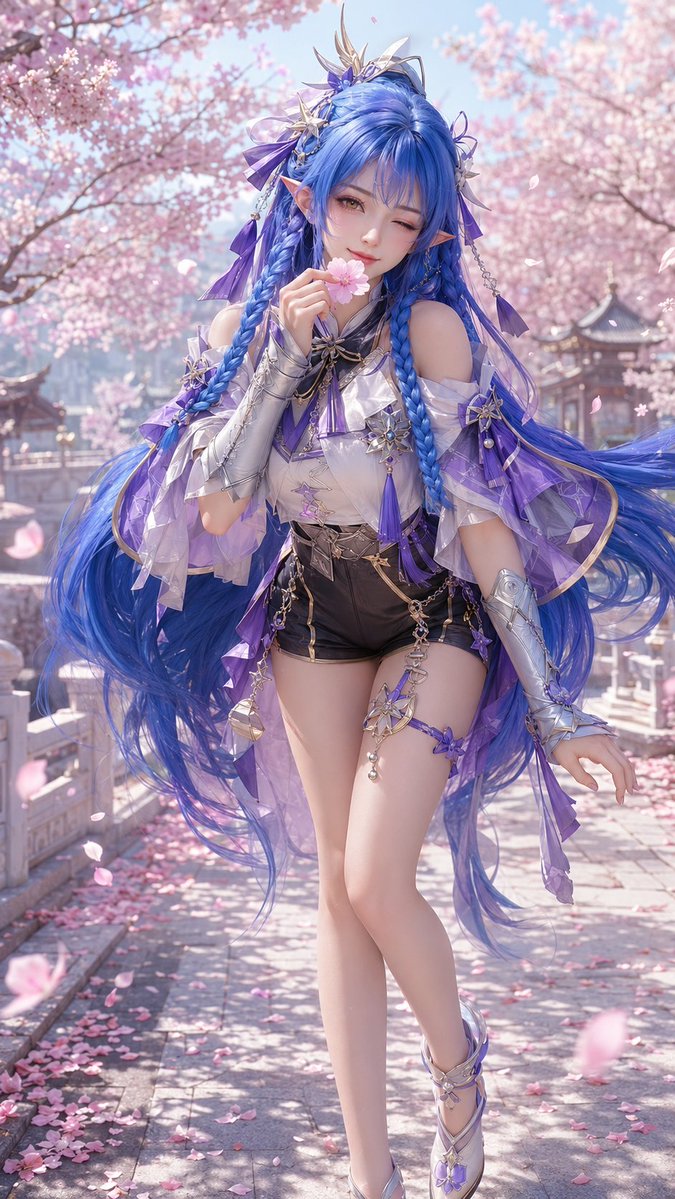
A continuous mix — similar concepts first, woven with same-model prompts and fresh picks from the catalog.
Choose the primary action to open PicX Studio with the available template settings. Review the model and format, personalize the creative direction, and generate when ready.
Yes. You can change the subject, setting, lighting, mood, format, and available model controls before creating your image.
This template is free to open and customize. Generation usage is shown in PicX Studio before you create.
Start with nano-banana-2, which is the model associated with this template. You can compare another compatible model for a different finish.
Follow a topic to a crawlable collection of related PicX Studio templates.
39,155 public templates available. Verified via the PicX Studio public templates API; refreshed hourly.
A continuous mix — similar concepts first, woven with same-model prompts and fresh picks from the catalog.