How do I use the Candid UGC Fitness Lifestyle Photo template?
Choose the primary action to open PicX Studio with the available template settings. Review the model and format, personalize the creative direction, and generate when ready.
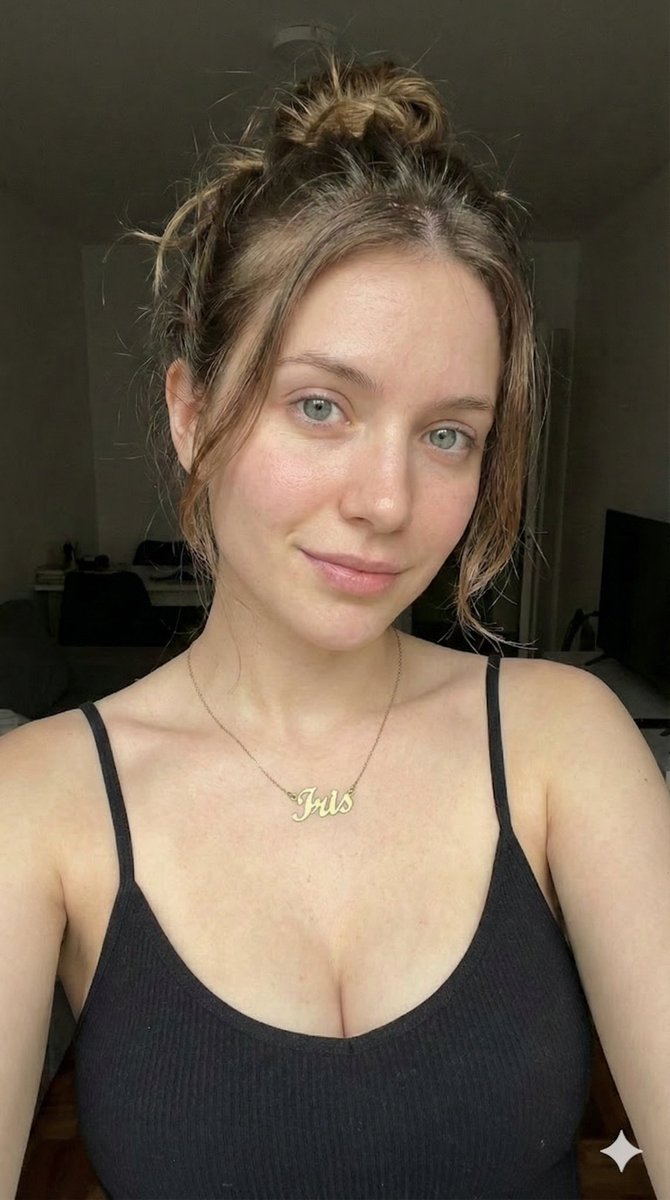
A photorealistic prompt for a candid fitness-style image with a unique pet detail, using bird's-eye composition and natural lighting. Change the subject, setting, or lighting one variable at a time.
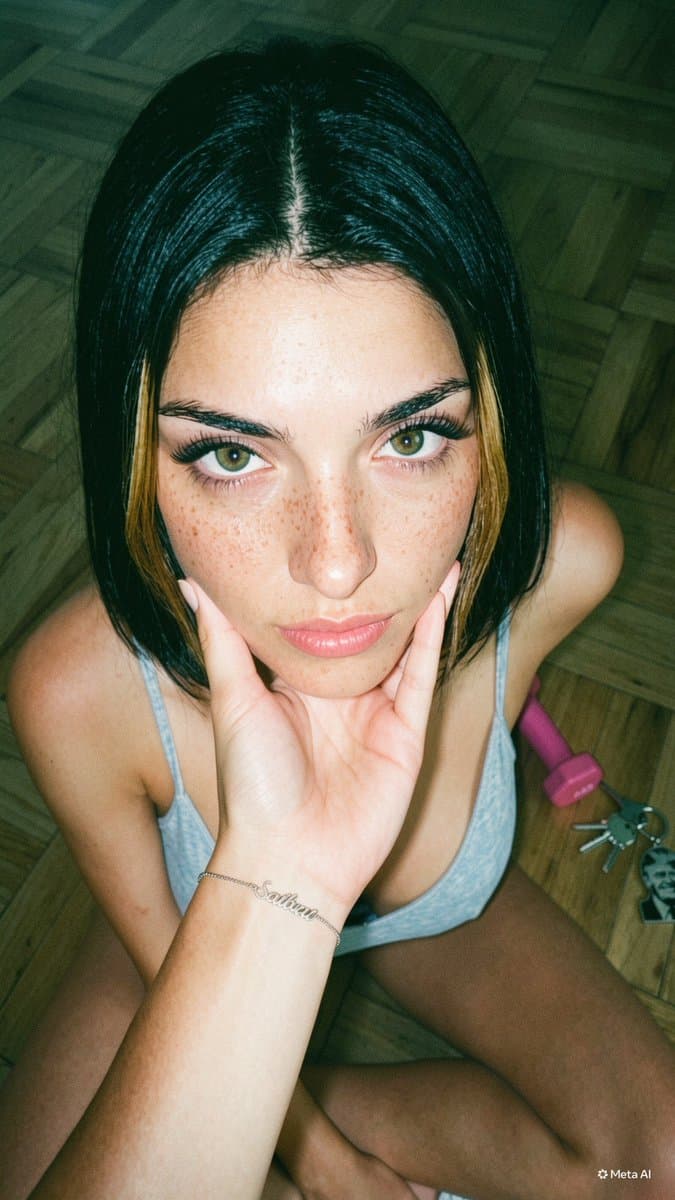
Young woman, {argument name="hair style" default="dark brown shoulder-length hair with warm caramel highlights"}, olive-tan skin with natural freckles scattered across nose and cheeks, hazel-green eyes with full arched brows, bright genuine smile showing white teeth, sitting cross-legged on warm parquet hardwood floor with chin resting playfully on hand. Wearing a {argument name="outfit" default="green and yellow athletic crop top"} and a gold name bracelet on wrist. {argument name="pet detail" default="Small white hamster peeking out from the top of her shirt"}. Pink hand dumbbell and keys visible in background. Shot from overhead bird's-eye angle, camera tilted approximately 60-70 degrees down, subject fills the frame with face prominent in upper third, shallow depth of field, background softly blurred. Soft natural indoor daylight, diffused window light from upper left, warm golden-hour interior warmth, no hard shadows. Candid lifestyle photography, authentic UGC aesthetic, editorial fitness influencer style. Photorealistic, subtle film grain, no heavy makeup, no airbrushed skin. 9:16 aspect ratio, 2048x3072.
Choose the primary action to open PicX Studio with the available template settings. Review the model and format, personalize the creative direction, and generate when ready.
Yes. You can change the subject, setting, lighting, mood, format, and available model controls before creating your image.
This template is free to open and customize. Generation usage is shown in PicX Studio before you create.
Start with GPT Image 2, which is the model associated with this template. You can compare another compatible model for a different finish.
© 2026 PicX Studio. All rights reserved.

Follow a topic to a crawlable collection of related PicX Studio templates.
43,474 public templates available. Verified via the PicX Studio public templates API; refreshed hourly.
















![Minimalist Flat Vector Travel Poster — Premium minimalist flat-vector travel poster for {argument name="city name" default="[CITY_NAME]"}, 3:4 vertical format.](https://cms-assets.youmind.com/media/1787917359711_3ug846_HQX205cbMAA6F6S-300x400.jpg)