How do I use the 9-Panel Collage of Fashion and Cosmetics template?
Choose the primary action to open PicX Studio with the available template settings. Review the model and format, personalize the creative direction, and generate when ready.
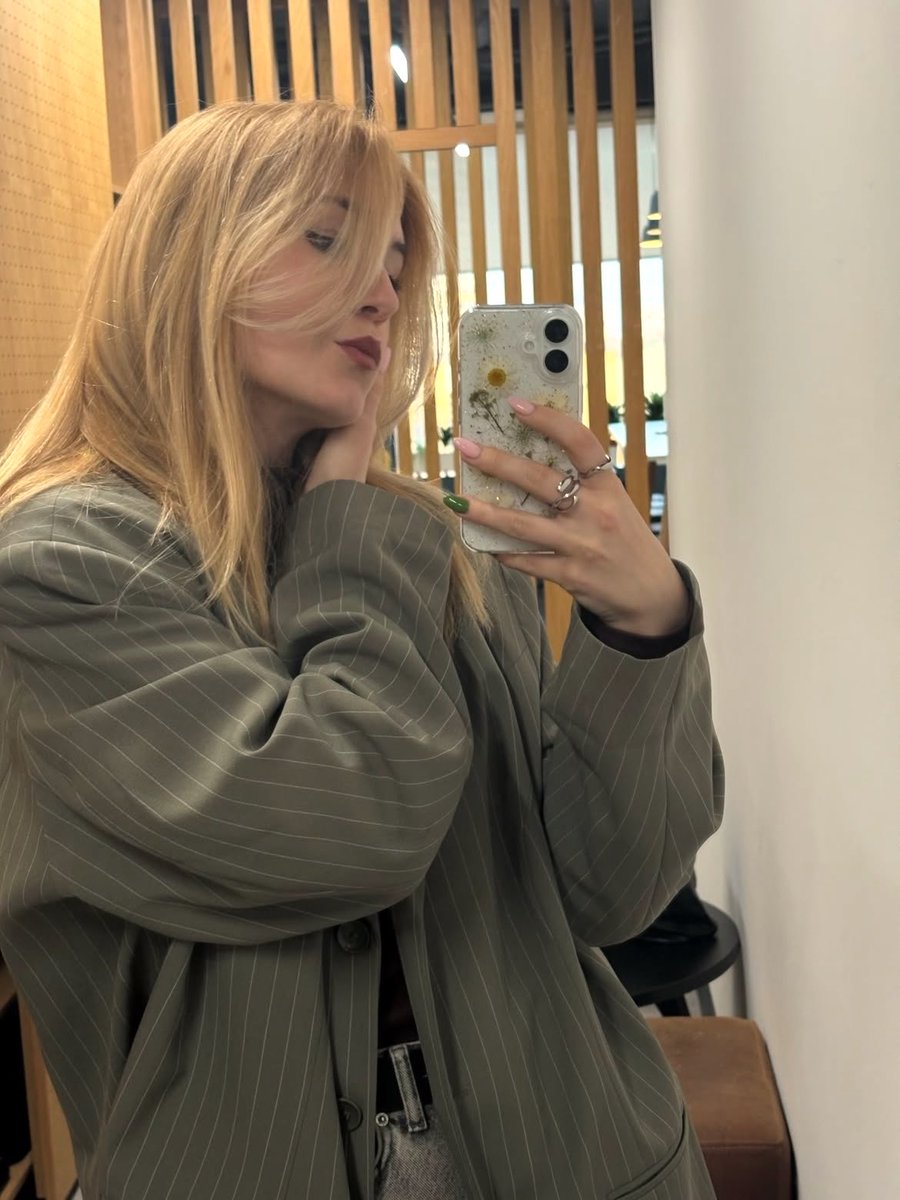
A highly structured prompt designed to generate a 3x3 photo collage focusing on a young woman, her fashion (maroon corset dress), and specific gold dangle earrings, with panels dedicated to close-ups, flat lays of cosmetics, and mirror reflections in a luxury interior setting. (free to use) — Free AI image template on PicX Studio.
{ "image_composition": { "type": "Collage", "layout": "3x3 Grid", "total_panels": 9 }, "subject_details": { "appearance": "Young woman with fair skin", "hair": { "color": "natural", "style": "Loose waves, shoulder-length, side-parted", "texture": "Silky and voluminous" }, "eyes": "Blue/Green", "expression": "Varied (serious, smiling, laughing, focused)" }, "fashion_and_style": { "outfit": { "garment": "Strapless corset-style dress or top", "color": "Deep maroon / Berry", "fabric": "Satin or Silk", "details": "Ruched bodice, structural boning visible" }, "makeup": { "style": "Natural glam", "features": "Glowing skin, soft blush, defined lashes, nude/pink glossy lips" } }, "jewelry_focus": { "item_type": "Dangle Earrings", "metal": "Gold", "design_elements": [ "Huggie hoop base", "Large sunburst/starburst main charm", "Pave set crystals", "Delicate hanging chains", "Small star charms at ends of chains" ] }, "setting_and_environment": { "location": "Luxury interior (likely a hotel suite or upscale bathroom)", "key_features": [ "Large rectangular mirror with integrated LED lighting border", "White marble countertops", "Wood paneling on walls", "Large floor-to-ceiling windows", "Beige curtains" ], "lighting": "Mix of natural daylight and warm artificial vanity lighting" }, "props_and_objects": { "cosmetics": [ "Lip gloss tube", "Mascara/Eyeliner tube", "Glass perfume bottle with gold cap", "Round compact powder" ], "tech": "Black smartphone", "background_props": "Beige silk/satin fabric cloth (in flat lay)" }, "panel_breakdown": { "top_row": [ "Reflection in lit mirror applying makeup", "Flat lay of jewelry and cosmetics on marble", "Close-up putting on earring near window" ], "middle_row": [ "Extreme close-up of earring on ear", "Side profile focusing on hair texture and shoulder", "Waist-up portrait facing forward near window" ], "bottom_row": [ "Portrait touching hair looking away", "Reflection in mirror laughing/smiling", "Flat lay of earrings on folded beige silk cloth" ] } }
Use 9-Panel Collage of Fashion and Cosmetics to plan an AI image around nano-banana-2 generation. Match the preview's composition first, then personalize the subject, setting, and mood for your own project.
Use the primary action to load the template settings in PicX Studio.
Adjust the subject and creative details for your destination.
Create the image, compare the result with the preview, and refine one variable at a time.
A continuous mix — similar concepts first, woven with same-model prompts and fresh picks from the catalog.
Choose the primary action to open PicX Studio with the available template settings. Review the model and format, personalize the creative direction, and generate when ready.
Yes. You can change the subject, setting, lighting, mood, format, and available model controls before creating your image.
This template is free to open and customize. Generation usage is shown in PicX Studio before you create.
Start with nano-banana-2, which is the model associated with this template. You can compare another compatible model for a different finish.
Follow a topic to a crawlable collection of related PicX Studio templates.
39,155 public templates available. Verified via the PicX Studio public templates API; refreshed hourly.
A continuous mix — similar concepts first, woven with same-model prompts and fresh picks from the catalog.