How do I use the Fashion Editorial Structured Prompt template?
Choose the primary action to open PicX Studio with the available template settings. Review the model and format, personalize the creative direction, and generate when ready.
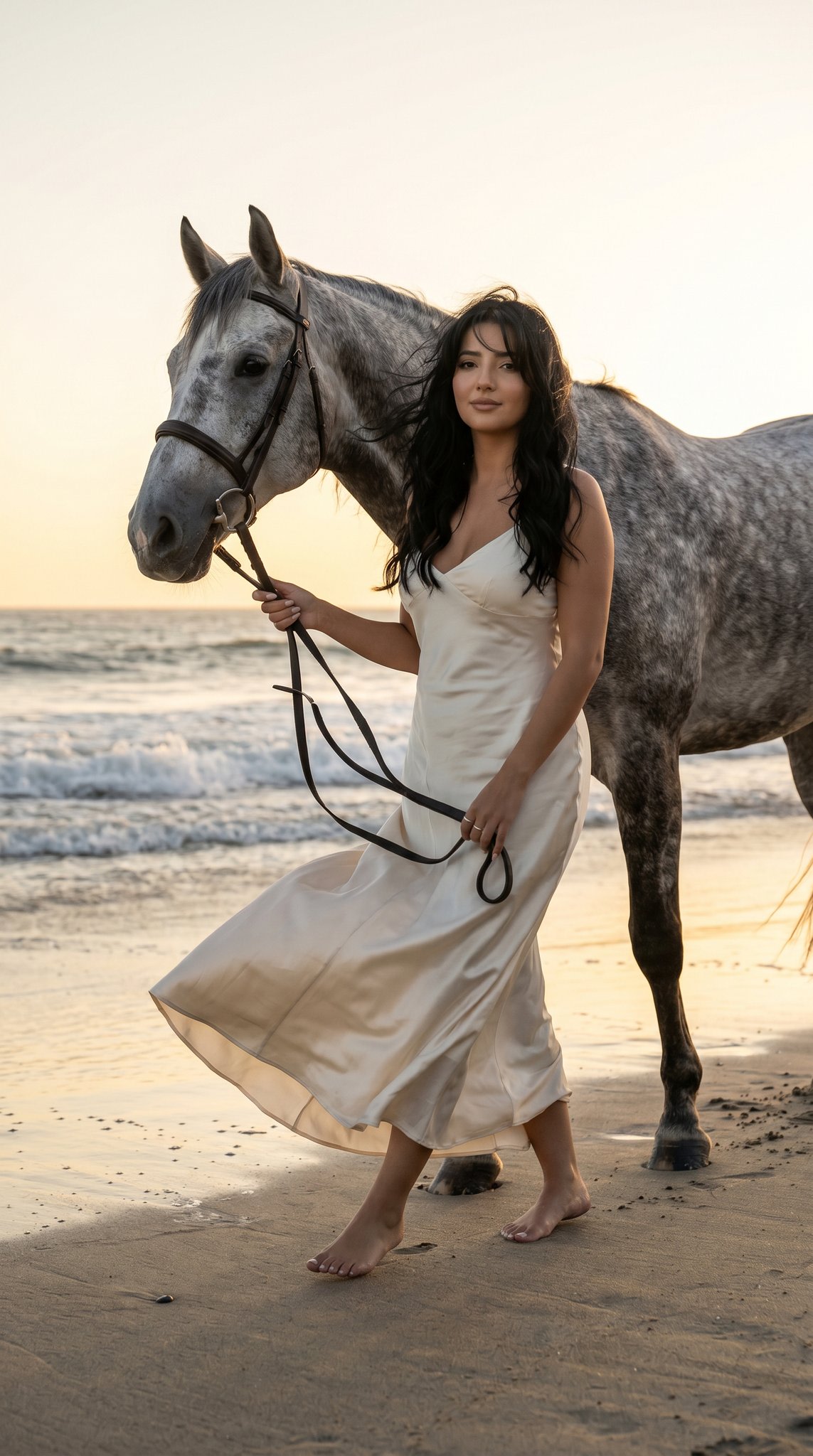
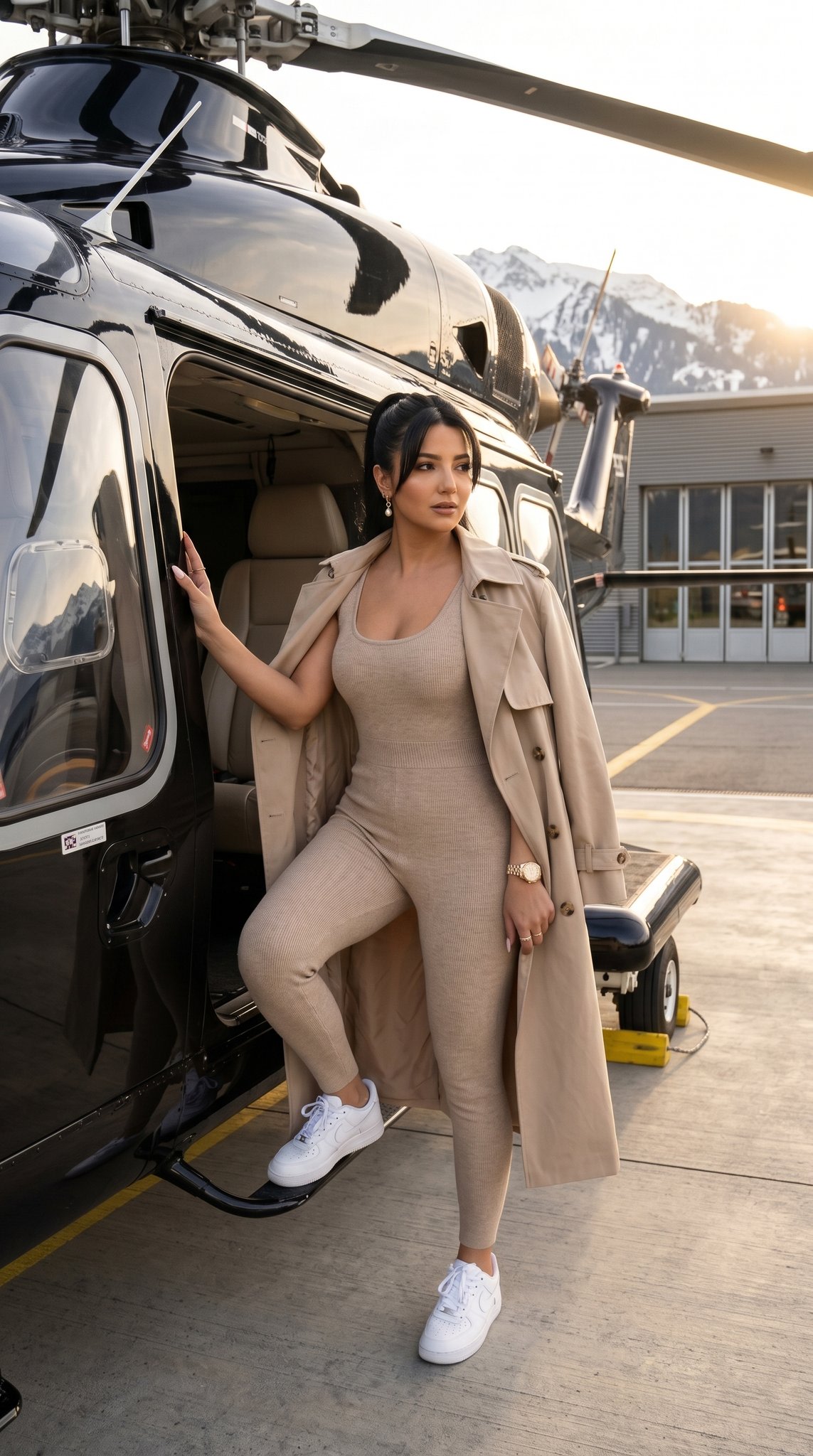
A technical JSON-based prompt for a fashion editorial look featuring Cailee Spaeny in a minimalist modern interior. (free to use) — Free AI image template on PicX Studio.
{ "scene": { "type": "modern minimalist home interior", "style": "ultra realistic lifestyle editorial photography", "environment": "bright contemporary room with large glass windows, natural daylight, minimalist furniture, neutral tones, clean architecture" }, "subject": { "identity": "{argument name="celebrity" default="Cailee Spaeny"}", "pose": "sitting elegantly on the edge of a modern dining table with legs together and slightly angled, hands resting gently on lap", "expression": "soft confident smile with relaxed eye contact", "appearance": { "hair": "short to medium length dark brown hair with soft natural waves", "makeup": "minimal natural makeup with subtle glow", "skin_texture": "highly detailed natural skin" } }, "wardrobe": { "outfit": "{argument name="dress style" default="red and black plaid fitted short dress"}", "hosiery": "black sheer stockings", "footwear": "black pointed high heels" }, "composition": { "framing": "full body portrait", "camera_angle": "slightly low eye-level perspective", "background": "minimalist interior with chairs and abstract wall art softly visible" }, "lighting": { "setup": "natural daylight through large windows", "details": "soft shadows, clean highlights, bright and airy atmosphere" }, "camera": { "type": "professional DSLR", "lens": "50mm portrait lens", "settings": "f/2.8 shallow depth of field", "quality": "8k ultra photorealistic", "focus": "sharp focus on subject" }, "render": { "style": "hyper realistic fashion editorial", "details": "realistic fabric textures, natural lighting, clean composition, cinematic clarity", "restrictions": "no watermark, no logo, no text" }, "aspect_ratio": "3:4" }
Use Fashion Editorial Structured Prompt to plan an AI image around nano-banana-2 generation. Match the preview's composition first, then personalize the subject, setting, and mood for your own project.
Use the primary action to load the template settings in PicX Studio.
Adjust the subject and creative details for your destination.
Create the image, compare the result with the preview, and refine one variable at a time.
A continuous mix — similar concepts first, woven with same-model prompts and fresh picks from the catalog.
Choose the primary action to open PicX Studio with the available template settings. Review the model and format, personalize the creative direction, and generate when ready.
Yes. You can change the subject, setting, lighting, mood, format, and available model controls before creating your image.
This template is free to open and customize. Generation usage is shown in PicX Studio before you create.
Start with nano-banana-2, which is the model associated with this template. You can compare another compatible model for a different finish.
A continuous mix — similar concepts first, woven with same-model prompts and fresh picks from the catalog.
Follow a topic to a crawlable collection of related PicX Studio templates.
32,032 public templates available. Verified via the PicX Studio public templates API; refreshed hourly.