How do I use the Gothic Catgirl Cosplay Dressing Room template?
Choose the primary action to open PicX Studio with the available template settings. Review the model and format, personalize the creative direction, and generate when ready.
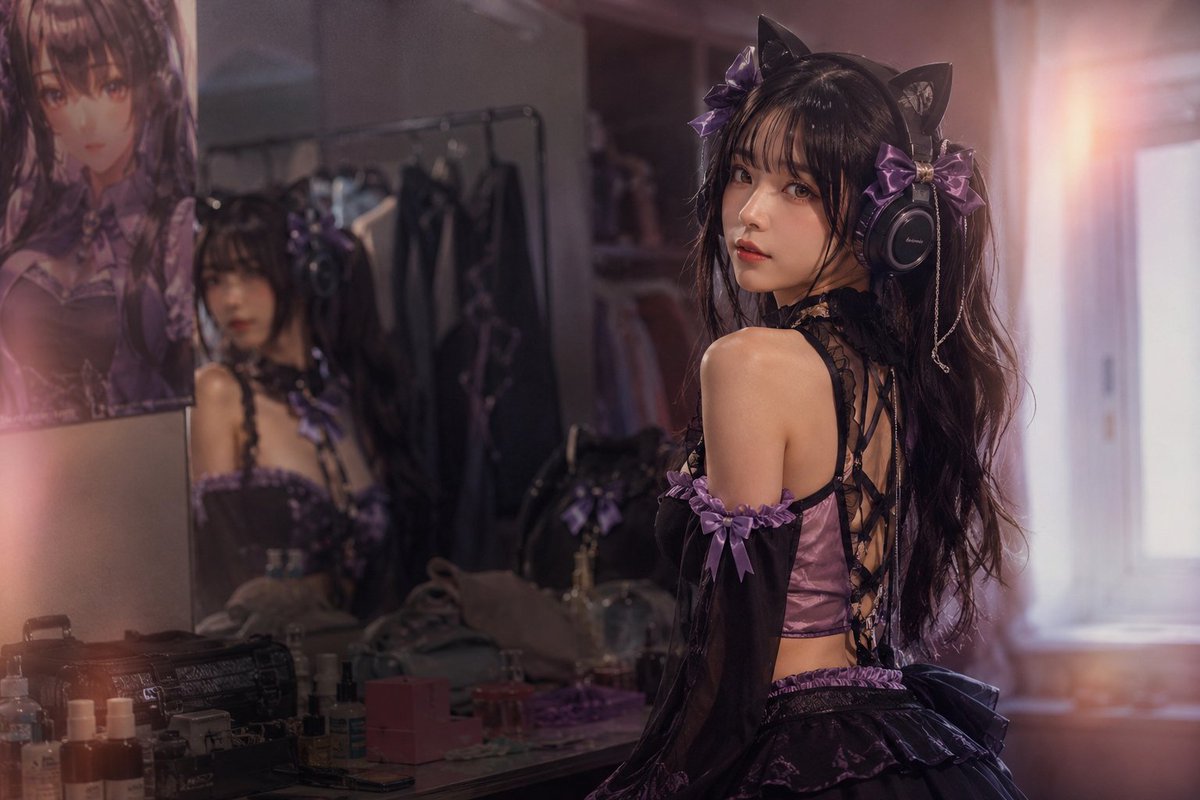
A photorealistic cinematic portrait prompt for generating a purple-black catgirl cosplay scene in a warm backstage vanity room. (free to use) — Free AI image template on PicX Studio.
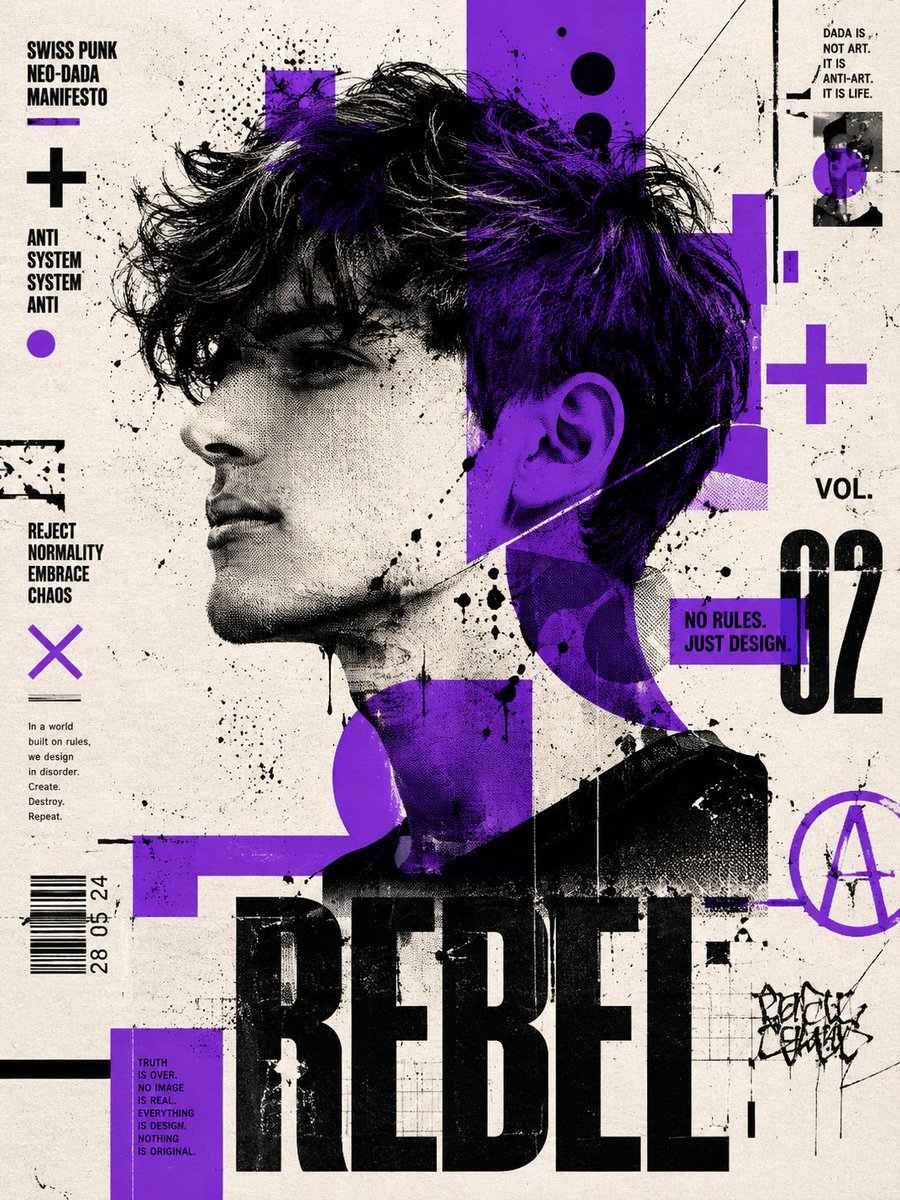
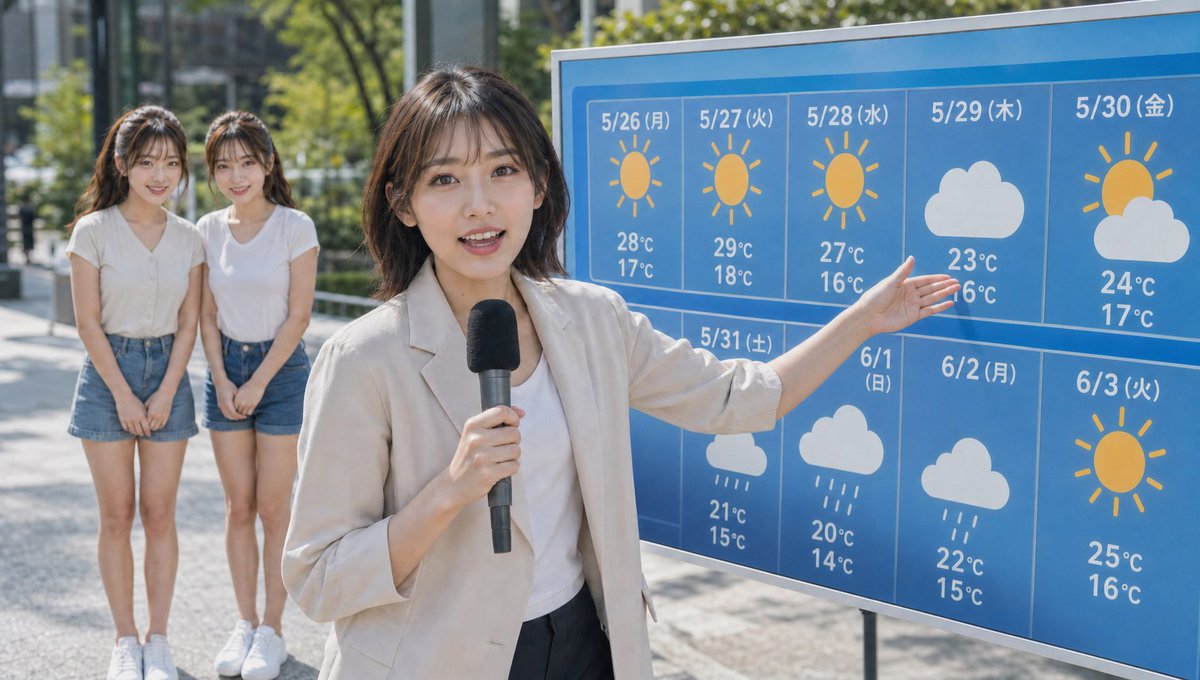
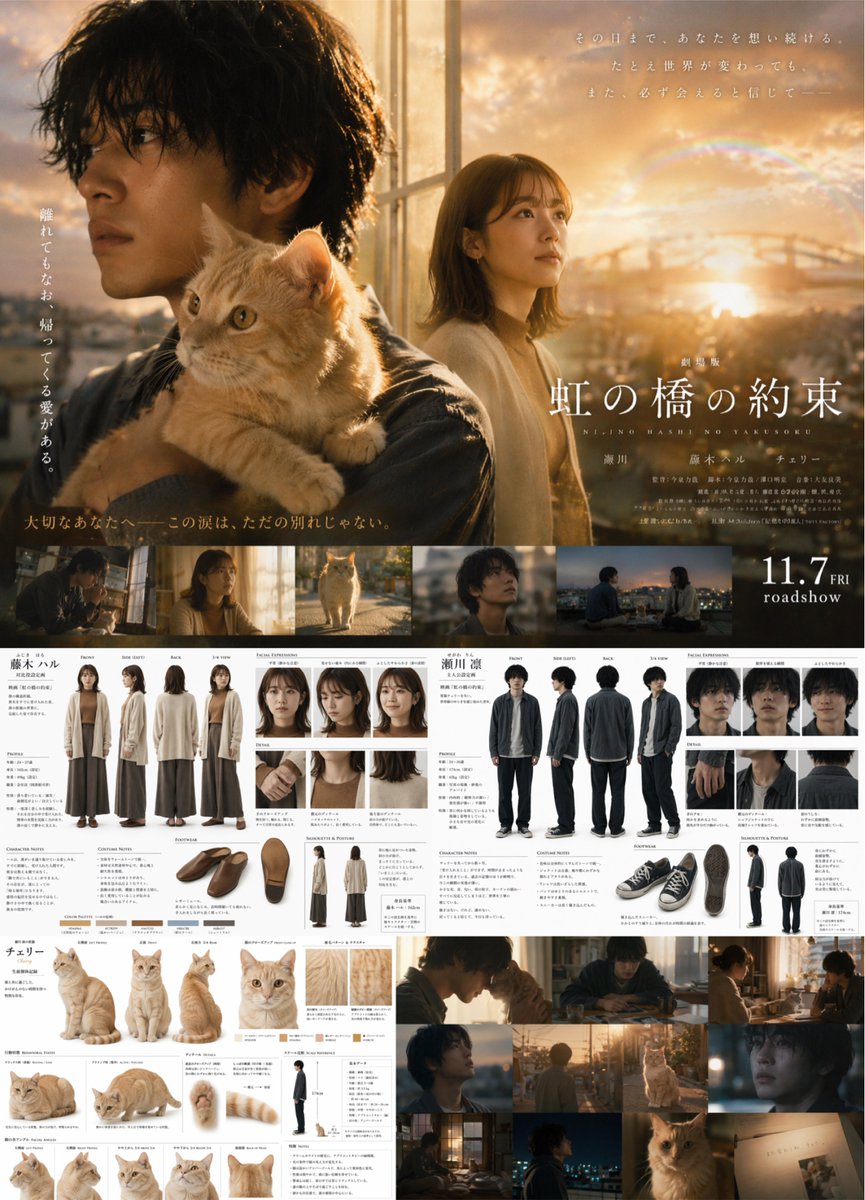
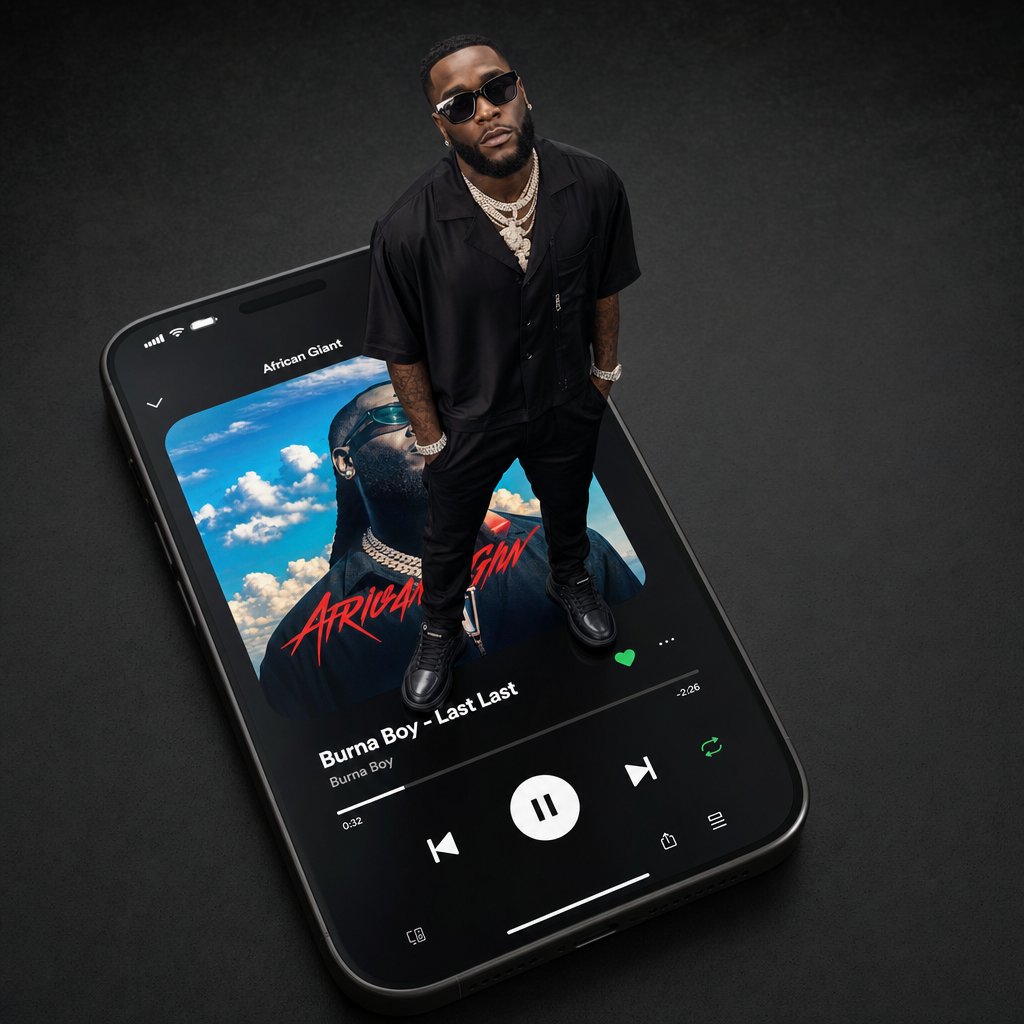
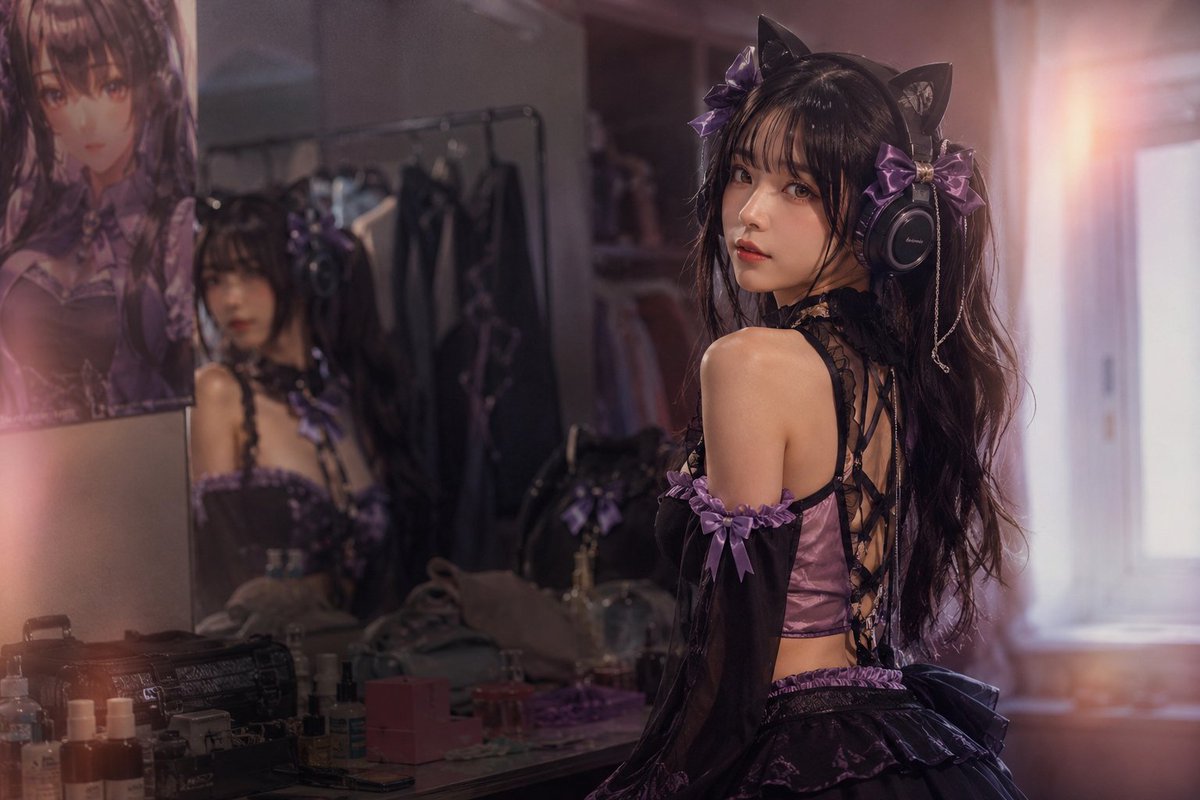
Create a cinematic photorealistic cosplay dressing-room portrait of a young woman wearing a dark gothic catgirl idol costume in black and purple. She stands turned away in a three-quarter back pose, looking over her shoulder toward the camera, with long wavy {argument name="hair color" default="black"} hair, black cat ears, large black over-ear headphones, purple satin bows, dangling chain accessories, sheer black detached sleeves, a purple corset-style back with black crisscross lacing, and a short layered ruffled skirt. Her face is intentionally obscured by a flat rectangular brown privacy block. Include exactly one additional reflected figure in the vanity mirror on the left, also wearing the same outfit and with the reflected face obscured by a smaller brown rectangle, plus one large anime poster on the far left wall with its face area obscured by a brown rectangle. Set the scene in a cluttered backstage bedroom vanity area with a mirror, makeup bottles, perfume, small boxes, a black makeup case, clothing rack with dark costumes, and soft wardrobe shelves in the background. Use warm pink-purple evening light, a bright window glow on the right, shallow depth of field, realistic skin highlights, soft lens flare, moody low-contrast shadows, and a high-end DSLR photography look. The dominant palette should be {argument name="color palette" default="black, lavender purple, dusty rose, and warm amber"}. Keep the composition horizontal 3:2, subject on the right third, mirror and vanity on the left, no readable text, no watermark.
Use Gothic Catgirl Cosplay Dressing Room to plan an AI image around gpt-image-2 generation, themes such as en and gpt-image-2. Match the preview's composition first, then personalize the subject, setting, and mood for your own project.
Use the primary action to load the template settings in PicX Studio.
Adjust the subject and creative details for your destination.
Create the image, compare the result with the preview, and refine one variable at a time.
A continuous mix — similar concepts first, woven with same-model prompts and fresh picks from the catalog.
Choose the primary action to open PicX Studio with the available template settings. Review the model and format, personalize the creative direction, and generate when ready.
Yes. You can change the subject, setting, lighting, mood, format, and available model controls before creating your image.
This template is free to open and customize. Generation usage is shown in PicX Studio before you create.
Start with gpt-image-2, which is the model associated with this template. You can compare another compatible model for a different finish.
Follow a topic to a crawlable collection of related PicX Studio templates.
39,157 public templates available. Verified via the PicX Studio public templates API; refreshed hourly.
A continuous mix — similar concepts first, woven with same-model prompts and fresh picks from the catalog.