How do I use the Outdoor Fitness Pose with Soft Tissue Realism template?
Choose the primary action to open PicX Studio with the available template settings. Review the model and format, personalize the creative direction, and generate when ready.
A structured prompt for generating a photorealistic image of a curvy woman in activewear performing a kneeling yoga pose (Puppy pose variation) in a grassy park. Change the subject, setting, or lighting one variable at a time.

{ "subject": { "description": "A young woman with a voluptuous, curvy physique and light skin tone. She has long, wavy blonde hair that falls over her shoulders. She is wearing activewear consisting of a white, long-sleeved, ribbed crop top and tight, pastel pink, ribbed leggings. The leggings accentuate a full, heavy, and prominent posterior. Her midsection shows natural softness and a slight skin fold where the torso compresses. Her facial features are distinct with a bright smile.", "anatomy_constraints": { "body_type": "Curvy, plus-size, soft tissue realism", "proportions": "Wide hips, heavy glutes, natural waist-to-hip ratio, unretouched body volume", "skin_details": "Natural skin texture, no airbrushing" } }, "pose": { "type": "Prone kneeling / Puppy pose variation", "details": "The subject is kneeling on a yoga mat with knees bent and shins on the ground. Her hips are elevated high in the air, creating a downward slope towards her shoulders. Her chest is lowered close to the mat. Her elbows are bent, resting on the mat, and her hands are folded under her chin/cheeks, supporting her head. Her head is turned sideways to face the camera directly. Her spine is arched naturally.", "orientation": "Profile body view, face frontal" }, "environment": { "location": "Outdoor grassy park", "ground": "Green grass with a light tan/beige yoga mat laid out", "background": "Large, mature trees with complex, dark twisting branches and dense green foliage. Green bushes are visible in the mid-ground. The setting implies a public park or garden area.", "sky": "Glimpses of bright sky through the tree canopy" }, "camera": { "angle": "Low angle, ground level (eye-level with the subject's face)", "framing": "Full body shot, side profile", "perspective": "Natural depth, slight foreshortening of the legs due to angle", "focal_length": "35mm to 50mm equivalent (standard smartphone lens look)" }, "lighting": { "type": "Natural daylight, shaded", "quality": "Soft, diffuse light falling on the subject (open shade), with brighter sunlight highlighting the background grass and trees (dappled light)", "direction": "Ambient, with sun source behind/above the trees", "shadows": "Soft shadows beneath the body on the mat" }, "mood_and_expression": { "emotion": "Joyful, playful, relaxed", "facial_expression": "Wide, genuine smile showing teeth, eyes looking directly at the lens", "atmosphere": "Casual, outdoor fitness, peaceful afternoon" }, "style_and_realism": { "aesthetic": "Candid smartphone photography, unedited realism", "render_style": "Photorealistic, high fidelity", "texture_quality": "High detailed fabric textures (ribbed leggings/top), realistic hair strands, grass blades" }, "colors_and_tone": { "palette": [ "Pastel pink (leggings)", "White (top)", "Vibrant green (grass/trees)", "Beige/Tan (mat)", "Blonde (hair)" ], "contrast": "Medium natural contrast", "saturation": "Natural, slightly vibrant greens and pinks"
Choose the primary action to open PicX Studio with the available template settings. Review the model and format, personalize the creative direction, and generate when ready.
Yes. You can change the subject, setting, lighting, mood, format, and available model controls before creating your image.
This template is free to open and customize. Generation usage is shown in PicX Studio before you create.
Start with Nano Banana 2, which is the model associated with this template. You can compare another compatible model for a different finish.
© 2026 PicX Studio. All rights reserved.

Follow a topic to a crawlable collection of related PicX Studio templates.
43,474 public templates available. Verified via the PicX Studio public templates API; refreshed hourly.

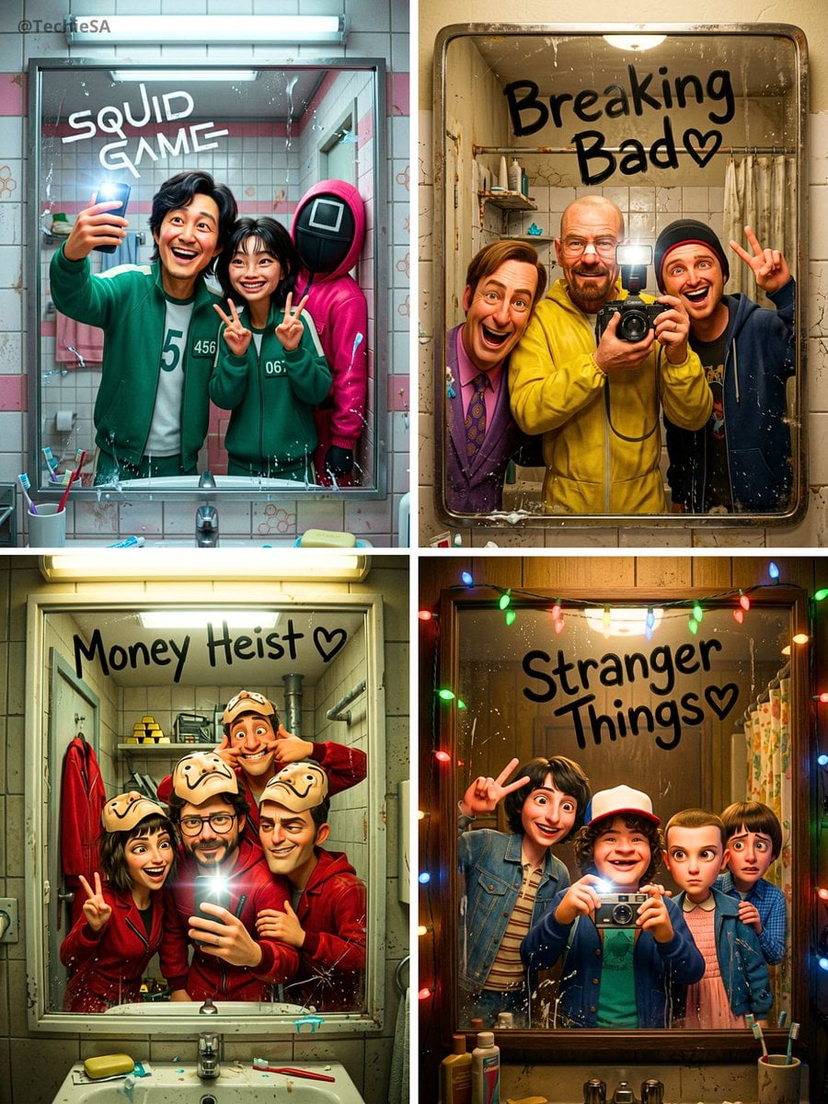












![Naive doodle-style subject illustration — A doodle-style {argument name="subject" default="[subject]"}, naive lines, humorous shape exaggeration](https://pbs.twimg.com/media/G6Wl2YxbsAARB2b.jpg)













![Premium Top-Down Product Marketing Shot Prompt — A high-end editorial photo of a {argument name="product" default="[PRODUCT]"} placed flat on a {argument name="](https://pbs.twimg.com/media/G9_WTiEXQAAeAMC.jpg)
![Supermarket sale flyer in Japanese — スーパーマーケットの特売チラシを作って。{argument name="店名" default="[お店の名前]"}の名前も入れてください。](https://pbs.twimg.com/media/G6O7tn_acAECV3k.jpg)