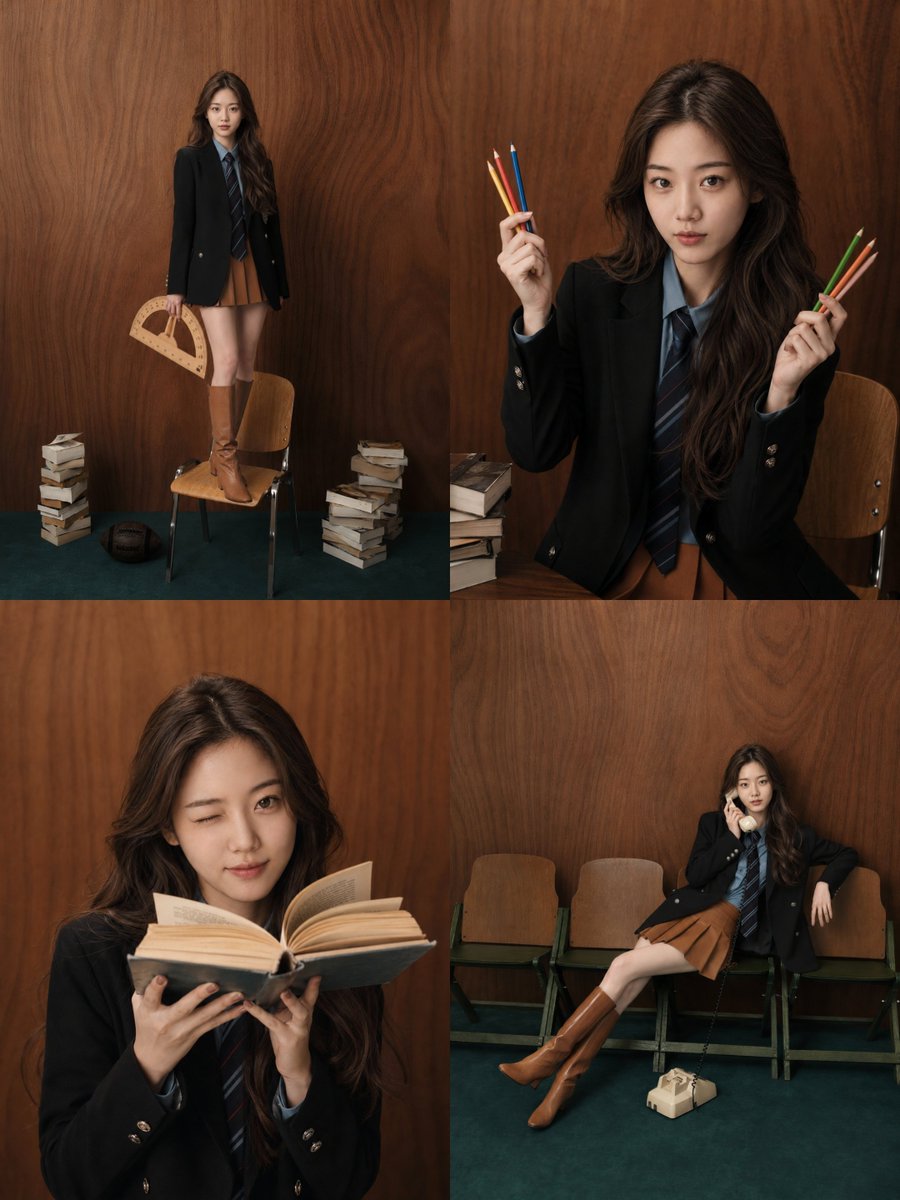
How do I use the Low-Angle Portrait with Intense Wet Skin Sheen template?
Choose the primary action to open PicX Studio with the available template settings. Review the model and format, personalize the creative direction, and generate when ready.
A structured prompt for generating a raw, photorealistic portrait of a voluptuous woman from an extreme low angle, emphasizing intense wet skin sheen (sweaty/oiled) and prominent bust volume due to foreshortening. It specifies details like freckles, tattoos, and high-contrast lighting typical of phone photography in summer heat. (free to use) — Free AI image template on PicX Studio.
{ "subject": { "description": "Young woman with deep tan and intense wet skin sheen, appearing sweaty or oiled. Dark hair pulled back into a high, messy bun with loose flyaways. Distinct facial freckles. Small tattoo behind the right ear (vertical lines) and script tattoo on the inner left bicep. Wearing a fitted white halter-neck bikini top and a thin gold chain necklace with a pendant. Small gold hoop earrings.", "anatomy": { "body_type": "Voluptuous and curvy", "chest": "Full, heavy, and prominent bust volume heavily emphasized by the low camera angle and gravity", "skin": "High-texture skin with visible pores, freckles, and strong specular highlights from wetness/sweat" } }, "pose": { "orientation": "Low-angle view looking up at the subject", "head": "Turned sharply to the viewer's right (subject's left) in profile, chin raised high", "torso": "Facing slightly towards the viewer's left, angled back", "arms": "Extended downwards out of frame", "shoulders": "Relaxed but angled due to perspective" }, "environment": { "setting": "Indoor room with white ceiling", "details": "Ceiling fan visible in the upper right background, plain white architectural elements", "context": "Domestic interior with natural light source nearby" }, "camera": { "angle": "Extreme low angle, looking upwards", "framing": "Close-up, cropping at the mid-torso", "focus": "Sharp focus on face and upper chest", "perspective": "Foreshortened perspective emphasizing torso volume and neck length" }, "lighting": { "type": "Strong directional natural daylight", "direction": "From the left", "qualities": "High contrast, creating intense white specular highlights on the wet skin of the chest, shoulder, and cheekbone, with deep shadows on the neck and right side of the face" }, "mood_and_expression": { "mood": "Candid, raw, summer heat", "expression": "Neutral, distant gaze, confident" }, "style_and_realism": { "style": "Raw photorealism, phone photography aesthetic", "texture": "Emphasis on wet skin, oil sheen, and natural skin imperfections", "rendering": "Unretouched, sharp, high fidelity" }, "colors_and_tone": { "palette": "Warm bronze skin tones, bright white clothing, neutral background", "contrast": "High dynamic range with bright highlights and defined shadows", "white_balance": "Slightly warm, natural daylight" }, "quality_and_technical_details": { "resolution": "High resolution", "sharpness": "Crisp details on skin texture and tattoos", "noise": "Low to medium ISO grain consistent with smartphone photography" }, "aspect_ratio_and_output": { "ratio": "3:4", "orientation": "Portrait" }, "controlnet": { "pose_control": { "model_type": "OpenPose", "purpose": "Exact skeletal and pose lock", "constraints": [ "preserve shoulder width", "preserve hip angle", "preserve spine curvature", "preserve limb placement", "maintain distinct head turn profile" ], "recommended_weight": 1.0 }, "depth_control": { "model_type": "MiDaS", "purpose"}
Use Low-Angle Portrait with Intense Wet Skin Sheen to plan an AI image around nano-banana-2 generation. Match the preview's composition first, then personalize the subject, setting, and mood for your own project.
Use the primary action to load the template settings in PicX Studio.
Adjust the subject and creative details for your destination.
Create the image, compare the result with the preview, and refine one variable at a time.
A continuous mix — similar concepts first, woven with same-model prompts and fresh picks from the catalog.
Choose the primary action to open PicX Studio with the available template settings. Review the model and format, personalize the creative direction, and generate when ready.
Yes. You can change the subject, setting, lighting, mood, format, and available model controls before creating your image.
This template is free to open and customize. Generation usage is shown in PicX Studio before you create.
Start with nano-banana-2, which is the model associated with this template. You can compare another compatible model for a different finish.
Follow a topic to a crawlable collection of related PicX Studio templates.
39,155 public templates available. Verified via the PicX Studio public templates API; refreshed hourly.
A continuous mix — similar concepts first, woven with same-model prompts and fresh picks from the catalog.