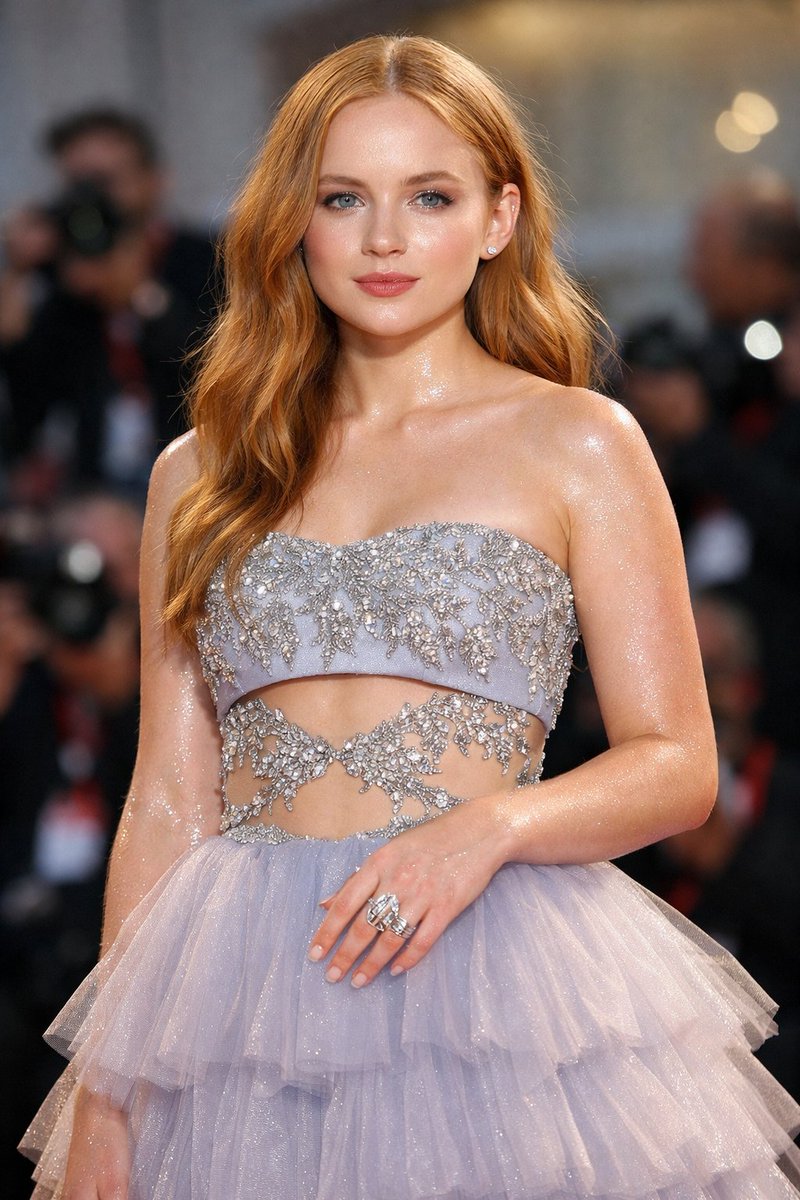
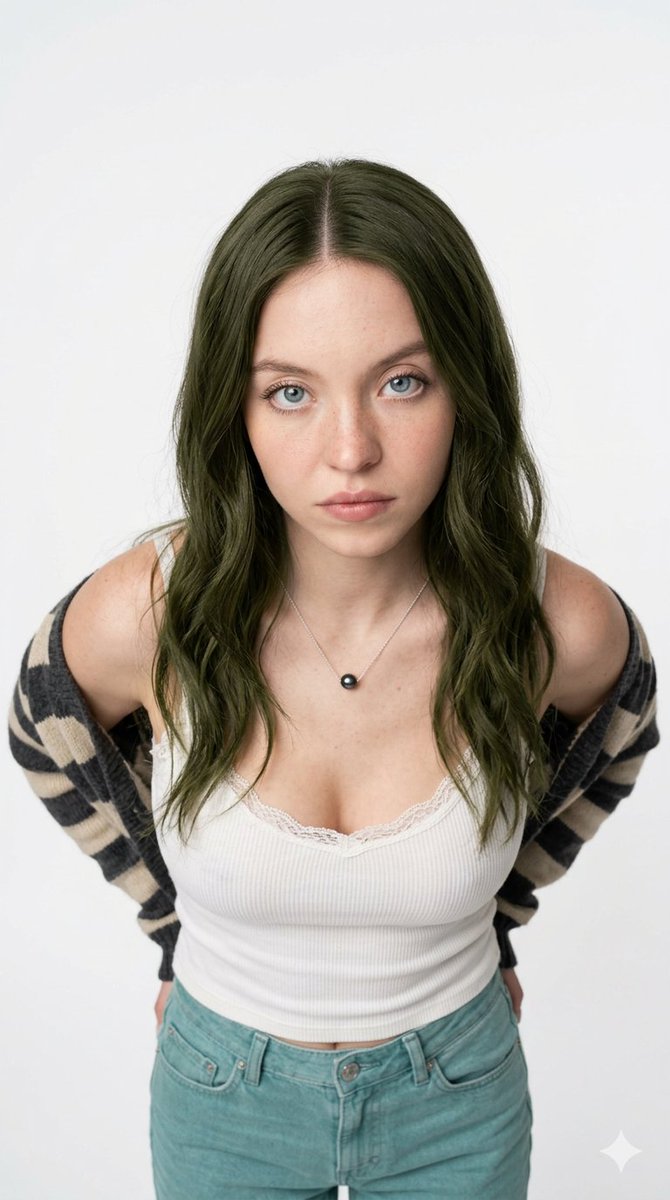
Sadie Sink Fine Art Editorial Portrait
{
"subject": {
"character": "{argument name="subject name" default="Sadie Sink"}",
"age_range": "early to mid 20s",
"skin_texture": "smooth, natural skin texture, soft porcelain tone",
"expression": "calm, distant, introspective"
},
"pose_and_orientation": {
"body_direction": "upper body fully facing the camera, straight on",
"head_direction": "head turned gently to the left, matching the reference image angle",
"gaze_direction": "looking past the camera to the left, identical to the reference image",
"shoulders": "even, squared shoulders facing forward",
"posture": "upright, elegant, noble posture"
},
"gaze": {
"eye_focus": "soft, unfocused gaze into the distance",
"emotion": "quiet confidence, subtle melancholy, composed elegance"
},
"mood": {
"overall_feeling": "elegant, poetic, timeless",
"energy": "soft, restrained, aristocratic",
"atmosphere": "romantic European fine art portrait"
},
"hair": {
"style": "loosely gathered messy bun",
"structure": "soft volume at the crown, natural irregularity",
"flyaways": "loose strands framing the face and neck",
"finish": "natural, matte, effortless"
},
"accessories": {
"earrings": "delicate dangling pearl earrings",
"style": "classic, minimal, aristocratic",
"movement": "subtle natural swing"
},
"outfit": {
"reference_instruction": "base the outfit directly on the clothing in the provided reference image",
"dress_type": "deep V-neck evening dress",
"fabric": "sheer black lace overlay",
"lace_detail": "intricate floral lace patterns identical in spirit to the reference",
"inner_layer": "solid black structured bodice beneath the lace",
"neckline_behavior": "lace softly draped over shoulders and collarbone as in the reference image",
"overall_style": "haute couture, timeless, refined, identical silhouette to the reference"
},
"lighting": {
"type": "soft natural daylight",
"direction": "side lighting from camera right, matching reference",
"shadow_style": "gentle shadows sculpting cheekbones and jawline",
"contrast": "low contrast, painterly softness",
"skin_light": "even, diffused glow"
},
"camera": {
"shot_type": "medium close-up portrait",
"lens": "85mm portrait lens look",
"depth_of_field": "shallow depth of field with soft background blur",
"focus": "sharp focus on eyes and facial features"
},
"composition": {
"framing": "vertical portrait",
"subject_placement": "centered composition with subtle negative space",
"aesthetic": "fine art editorial photography"
},
"background": {
"location": "historic European castle garden",
"elements": [
"ancient stone castle walls",
"ivy-covered arches",
"classical European garden statues",
"trimmed hedges and greenery",
"stone garden pathways"
],
"time_of_day": "late afternoon",
"backgr












![Naive doodle-style subject illustration — A doodle-style {argument name="subject" default="[subject]"}, naive lines, humorous shape exaggeration](https://pbs.twimg.com/media/G6Wl2YxbsAARB2b.jpg)
















![Character Growth Sheet Generator — 이 이미지를 참고해서 캐릭터 성장 시트를 만들어줘
[현재 캐릭터 정보]
- 캐릭터이름 : {argument name="이름" default="브란키데"}
- 현재 나이 : {argument name="나이" default=](https://cms-assets.youmind.com/media/1777711065073_z7egte_HHOiCXNboAAA2OT.jpg)




![Slow Motion Pour Food Photography Prompt for Nano Banana 2 — [DISH] at the precise moment of a dramatic [LIQUID] pour in ultra high-speed photography, liquid ca](https://pbs.twimg.com/media/HEbyM0QaUAAm4Pv.jpg)