How do I use the Recording Studio Portrait of Sadie Sink template?
Choose the primary action to open PicX Studio with the available template settings. Review the model and format, personalize the creative direction, and generate when ready.
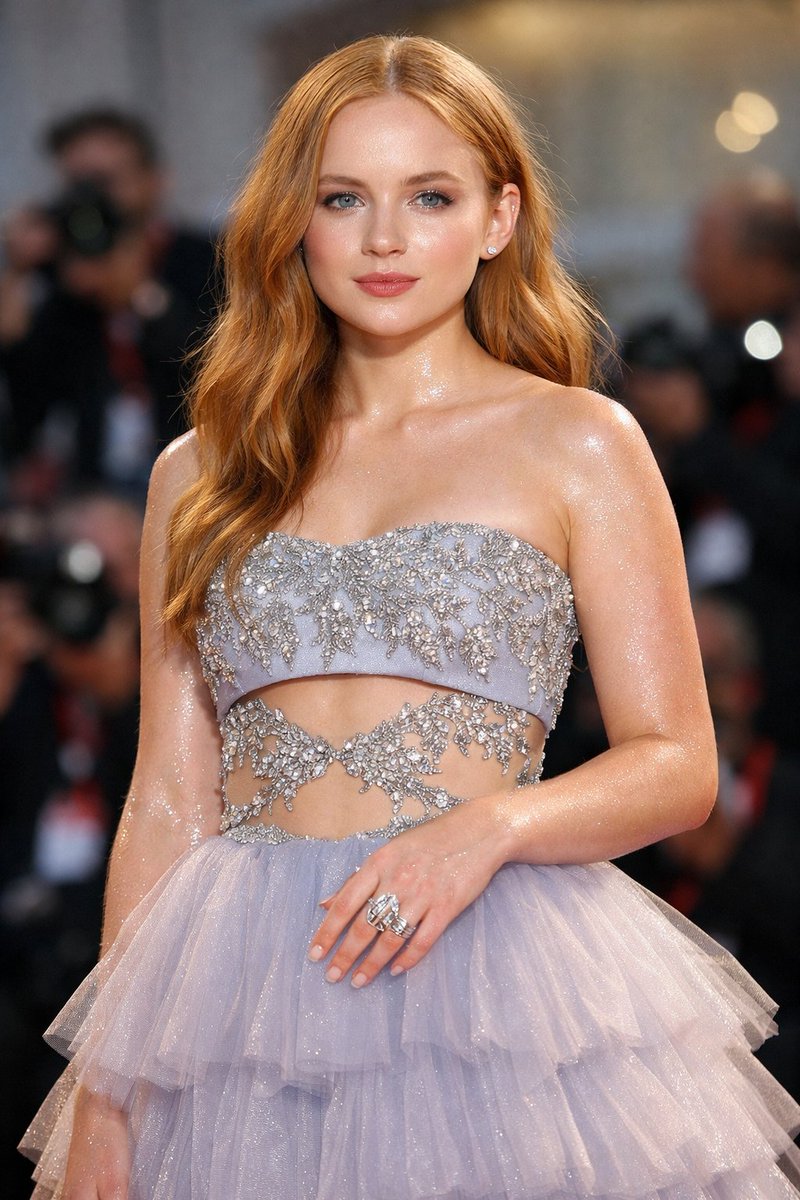
A structured JSON prompt for a medium shot portrait of a young woman (referenced as Sadie Sink) in a professional recording studio booth. Change the subject, setting, or lighting one variable at a time.

{ "image_description": "A portrait of a young woman in a recording studio, wearing headphones and looking upwards.", "subject": { "appearance": "Young woman with long, wavy vibrant {argument name="hair color" default="red"} hair, fair skin with visible freckles, and blue eyes.", "expression": "Contemplative, looking upwards and slightly to the right, away from the camera.", "pose": "Seated or leaning back with hands resting on hips/upper thighs, body angled slightly towards the right.", "makeup": "Natural look with minimal makeup, highlighting freckles." }, "attire": { "top": "White ribbed tank top, cropped length, fitting snugly.", "bottom": "Pink baggy sweatpants or lounge pants.", "accessories": [ "Black over-ear studio headphones with a cable draping down", "Multiple bracelets on the left wrist", "Rings on fingers", "Manicured nails" ] }, "environment": { "setting": "Professional recording studio booth.", "foreground": "Large silver condenser microphone with a black pop filter and shock mount (partially out of focus on the right).", "background": "Dark acoustic soundproofing panels on the walls, a section of wooden paneling, and an electrical outlet near the floor." }, "technical_details": { "lighting": "Soft, direct studio lighting illuminating the subject's face and upper body.", "angle": "Eye-level or slightly high angle shot.", "composition": "Medium shot capturing the subject from the thighs up." } }
Choose the primary action to open PicX Studio with the available template settings. Review the model and format, personalize the creative direction, and generate when ready.
Yes. You can change the subject, setting, lighting, mood, format, and available model controls before creating your image.
This template is free to open and customize. Generation usage is shown in PicX Studio before you create.
Start with Nano Banana 2, which is the model associated with this template. You can compare another compatible model for a different finish.
© 2026 PicX Studio. All rights reserved.

Follow a topic to a crawlable collection of related PicX Studio templates.
43,474 public templates available. Verified via the PicX Studio public templates API; refreshed hourly.












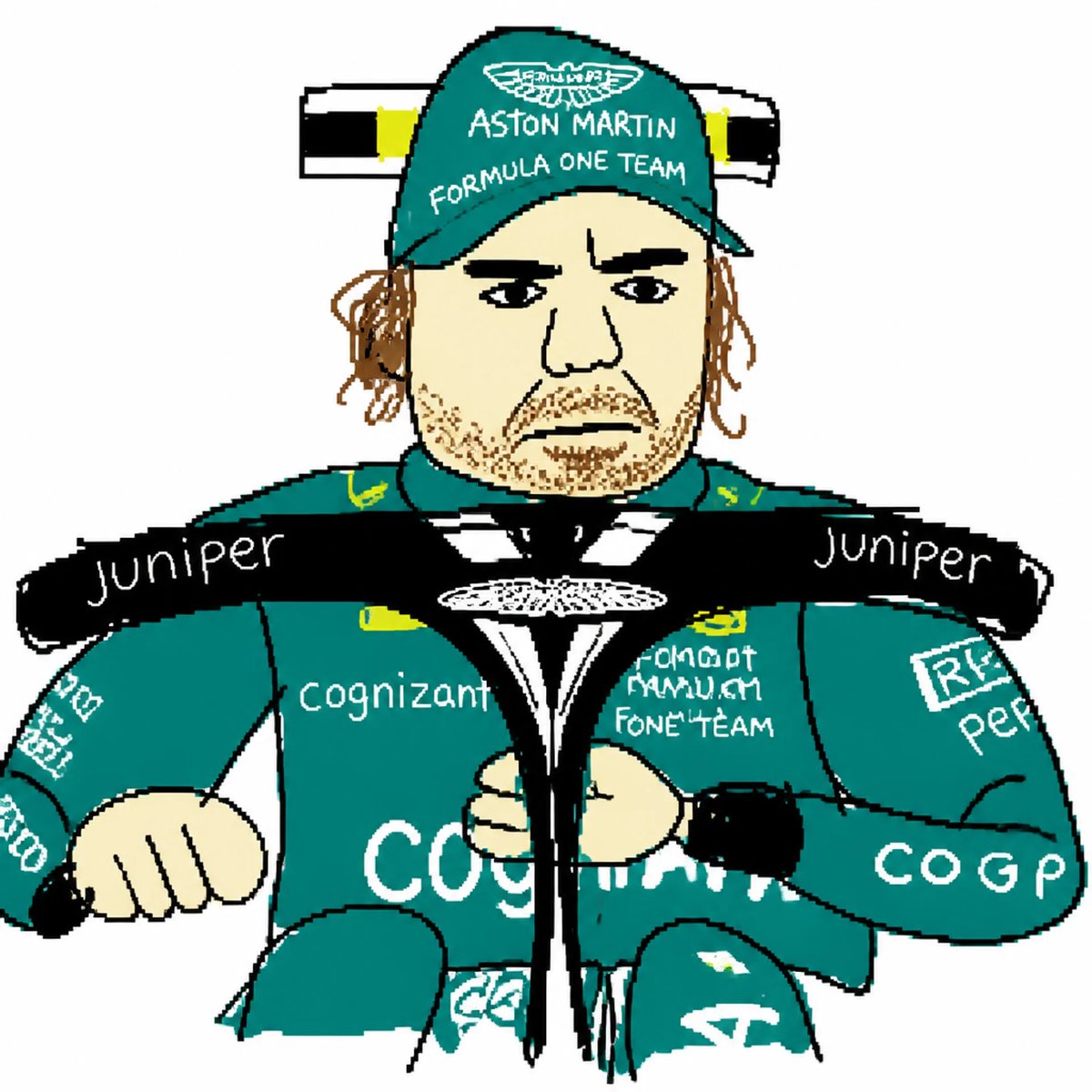
![Naive doodle-style subject illustration — A doodle-style {argument name="subject" default="[subject]"}, naive lines, humorous shape exaggeration](https://pbs.twimg.com/media/G6Wl2YxbsAARB2b.jpg)

















![147-turn-iconic-landmarks-into-tiny-worlds-w — A miniature isometric architectural diorama of [LANDMARK NAME], accurately reflecting its real-world structure an](/_next/image?url=https%3A%2F%2Fcdn.picxstudio.com%2Fuploads%2Fpost147_img0_afe75173-4929-4642-a489-261f2dfbc234.jpg&w=828&q=100)