
Japanese Thermometer Day Poster
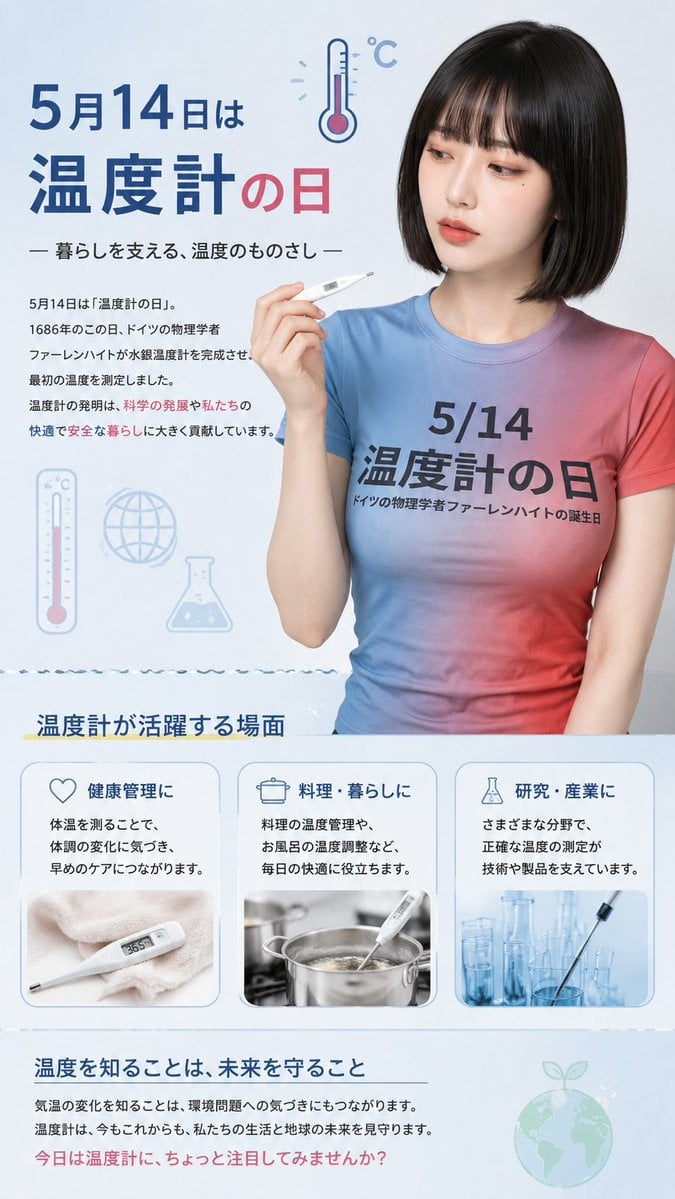
A vertical Japanese educational poster for Thermometer Day featuring a realistic model, themed T-shirt, infographic cards, and clean science-themed design.
- Prompt included
- Model and format preset
- Free template
The prompt behind this image
Copy the exact prompt behind Japanese Thermometer Day Poster, or open it in the studio and make it yours.
Goal: Create a vertical Japanese awareness poster for {argument name="observance date" default="May 14"}, Thermometer Day, combining a clean educational infographic with a realistic model wearing a themed T-shirt. Canvas: Tall vertical social-media poster, 9:16 aspect ratio, pale ice-blue background, soft clinical lighting, clean magazine-style layout, blue and red accent palette. Main subject: On the right half, place a realistic young Japanese woman with a neat chin-length black bob haircut, facing forward from upper thighs up. Her face is intentionally obscured by a plain rectangular blur/mosaic block. She wears a fitted short-sleeve gradient T-shirt fading from sky blue on the left to pink/red on the right. The shirt text reads exactly: “5/14” on the first line, “温度計の日” large below, and “ドイツの物理学者 ファーレンハイトの誕生日” in small text underneath. She holds a white digital thermometer delicately near her shoulder in her right hand. Top section: On the left, large Japanese headline text reads “5月14日は” and then “温度計の日”, with “温度計” in dark blue and “の日” in red. Add a small line-art thermometer icon above/right of the headline with “°C”. Subtitle below: “— 暮らしを支える、温度のものさし —”. Add a short explanatory paragraph in small Japanese text describing that May 14 is Thermometer Day, related to the German physicist Fahrenheit and the importance of temperature measurement for science, personal life, safety, and comfort. Decorative icons: Include exactly 3 pale blue scientific/weather icons in the upper-middle left background: 1 vertical thermometer icon, 1 globe icon, and 1 laboratory flask icon. Middle infographic section: Add a heading “温度計が活躍する場面” with a yellow underline. Beneath it, create exactly 3 rounded rectangular cards in a row, each with a blue outline, a small icon, a bold Japanese title, explanatory text, and a photo thumbnail: 1. Heart icon, title “健康管理に”, text about measuring body temperature and noticing changes early, thumbnail of a digital thermometer on a soft towel showing 36.5. 2. Cooking pot icon, title “料理・暮らしに”, text about cooking temperature control and bath temperature adjustment, thumbnail of a thermometer inserted into a steaming cooking pot. 3. Lab flask icon, title “研究・産業に”, text about accurate temperature measurement supporting technology and products, thumbnail of glass beakers/test tubes with a pipette. Bottom section: Add a closing heading “温度を知ることは、未来を守ること” in dark blue, a thin horizontal rule, two lines of smaller Japanese explanatory text about climate awareness and protecting life and Earth’s future, and a final red call-to-action line: “今日は温度計に、ちょっと注目してみませんか?” Place a faint green-blue Earth-with-sprout icon at the bottom right. Visual style: Clean Japanese public-information poster, realistic photography for the woman and card thumbnails, flat minimalist icons, soft shadows, rounded card corners, plenty of white space, professional print layout, no watermark, no extra logos. Use crisp readable Japanese typography and keep the exact visible section count: one top headline section, one model figure, three decorative icons, three application cards, and one bottom message section.
How to use Japanese Thermometer Day Poster in 3 steps
- 1Upload ImagePNG, JPG or paste
Add your photo
Upload the photo the template builds on. The prompt, model and format are already set.
- 2…a portrait of your subject in softgolden-hour light, 85mm…
Personalize
Edit the subject and creative details for your destination.
- 3Generate
Generate
Press Generate — your image is created in PicX Studio, so you can compare it with the original and refine one variable at a time.
More like this
Templates with the same subject, style or setup. Open one to see its prompt.
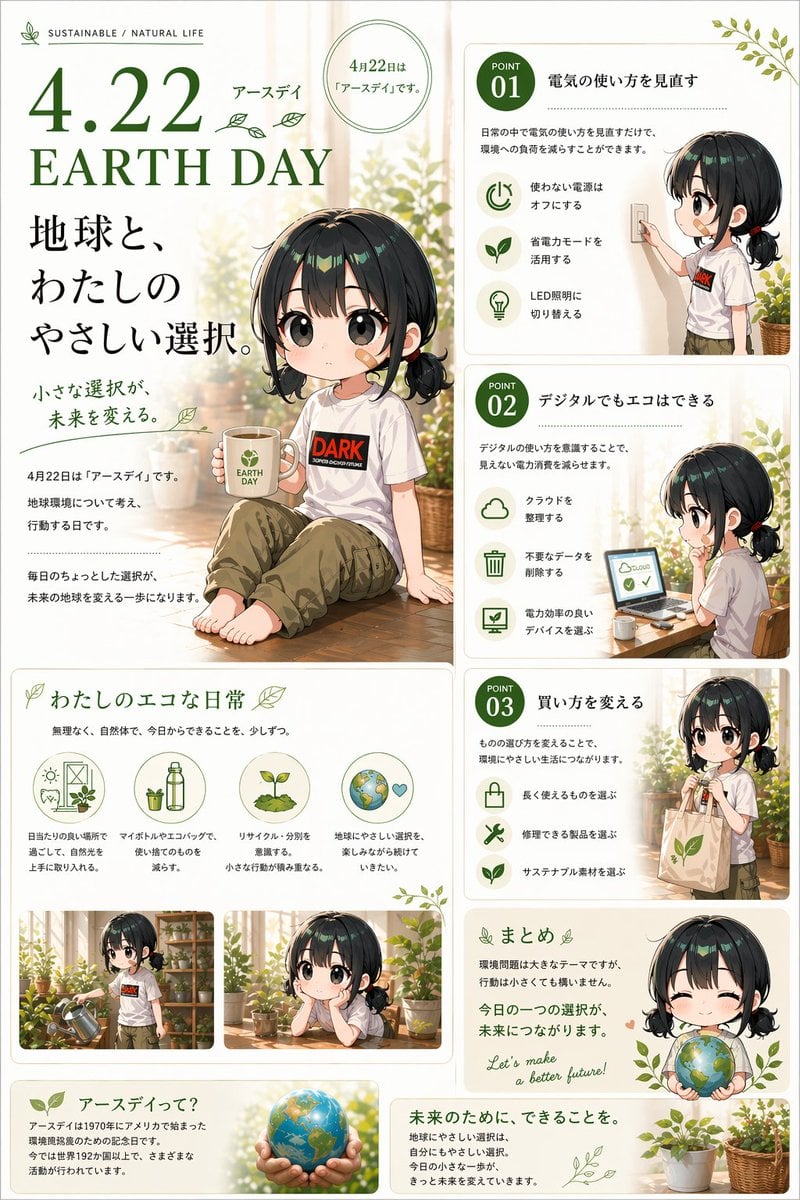
Japanese Earth Day Anime Poster

Minecraft Japanese Research Lab Exploration

Japan Travel Brochure Poster

Cartoon TV Show Poster Pack

Trendy Cafe Drink Promo Poster

Urban Fashion Editorial Collage Streetwear Poster

Japanese Architectural Concrete Studio Fashion Campaign

Premium Fashion Editorial Cover Layout System

Polo Ralph Lauren Luxury American Heritage Fashion Campaign

Monochrome Halftone Editorial Fashion Poster

Retro Mirror Luxury Fashion Campaign Poster

Luxury Fashion Campaign Typography Poster System
Make it yours
Japanese Thermometer Day Poster works as-is. These are the safest ways to change it without losing the look.
Change one field
Copy a single group, rewrite it, and generate again so you can see what that field is doing.
Keep the frame, change the subject
Hold the composition and light of Japanese Thermometer Day Poster, then swap wardrobe, props or the person for a new take.
| If the result… | Why | Fix |
|---|---|---|
| The result drifts from the preview | Too many fields changed at once. | Reuse Japanese Thermometer Day Poster as-is first, then change one group — subject, light, or setting. |
| The model over-stylizes the scene | The prose prompt leaves finish and camera underspecified. | Add one camera or lighting sentence and stay on GPT Image 2. |
More GPT Image 2 templates
Other prompts made for GPT Image 2.

Six VTuber Japanese Logo Sheet

Realistic Portrait of Woman and Deer

The Vista Modular Condo Poster

AI Model Routing Comparison Infographic

2.5D Anime Art Board

Isometric Productivity Desk Scene

New York Double Exposure Poster

Four-Panel AI Landscape Comparison

Japanese Tatami Lifestyle Magazine Cover

NESCAFÉ Coffee Map Poster
More image prompts
Fresh picks from across the catalog.
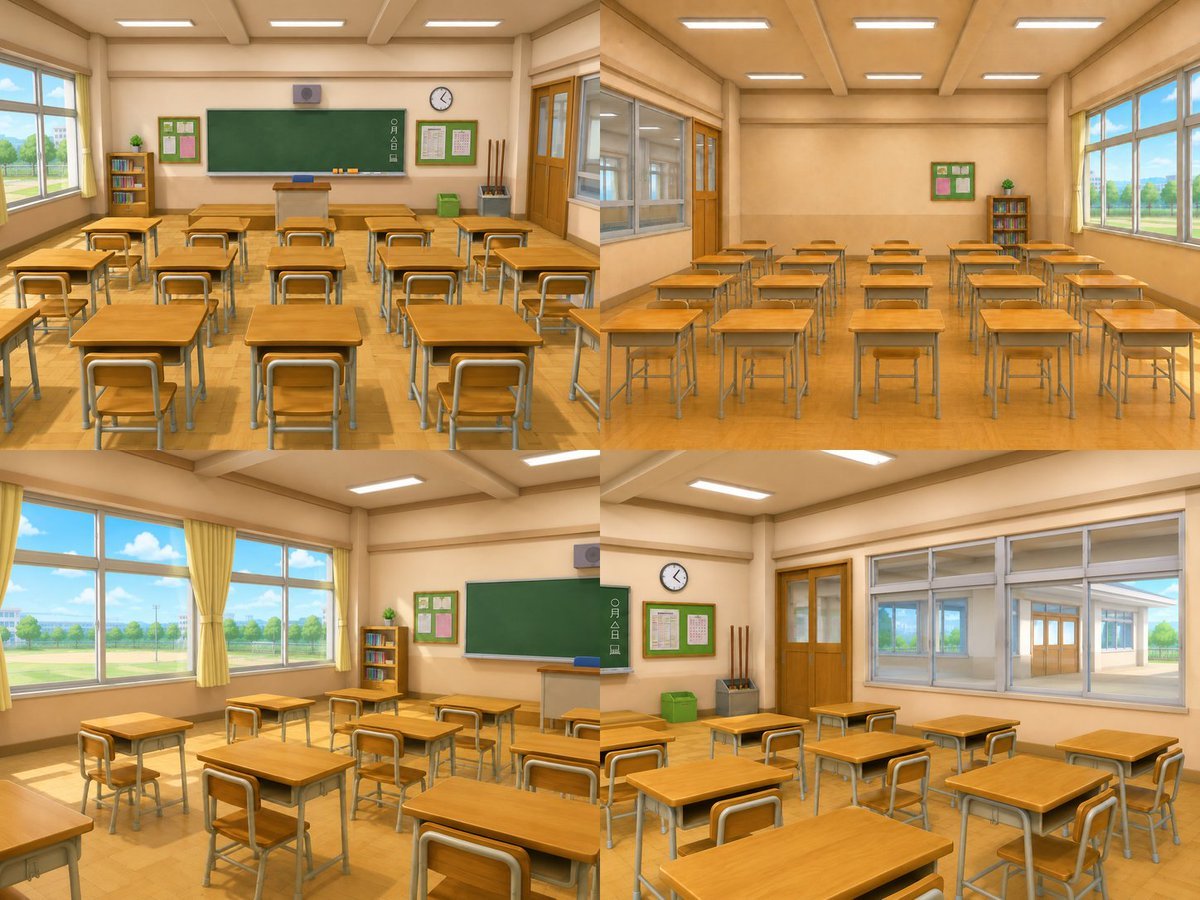
Classroom Interior Four-Way View

Cinematic Life-Journey Film Strip Portrait

Ultra-Wide Panoramic Header Visual
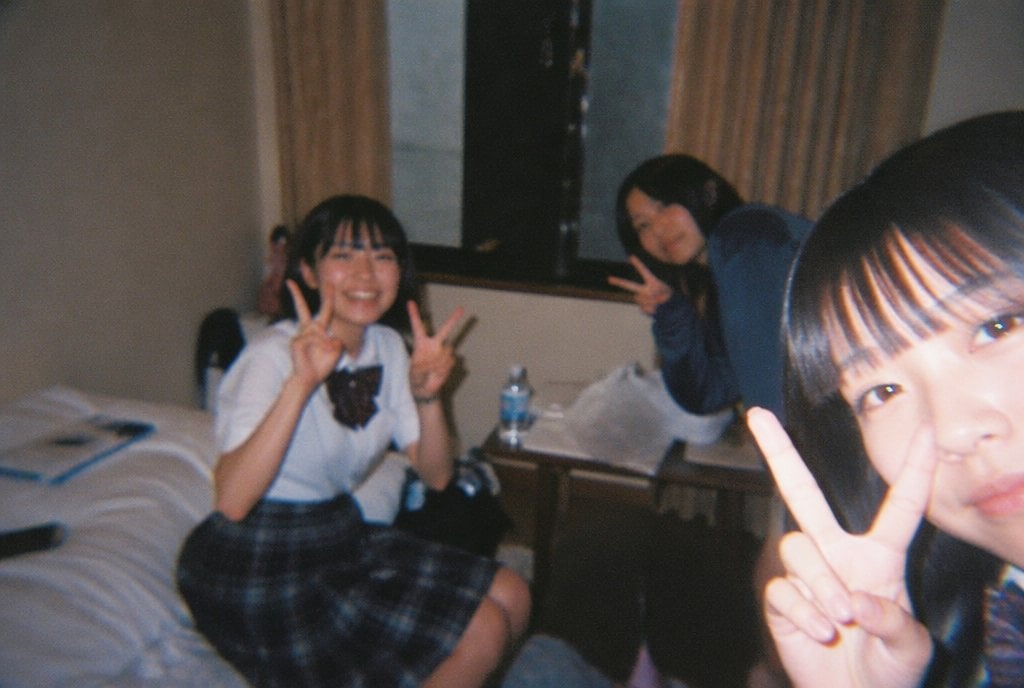
Nostalgic Disposable Camera Snap Prompt

Japanese Visual Novel Promo Poster

Cinematic Beach Portrait at Golden Hour

Deserted Times Square Protector

Convention Cosplay Outfit Prompt
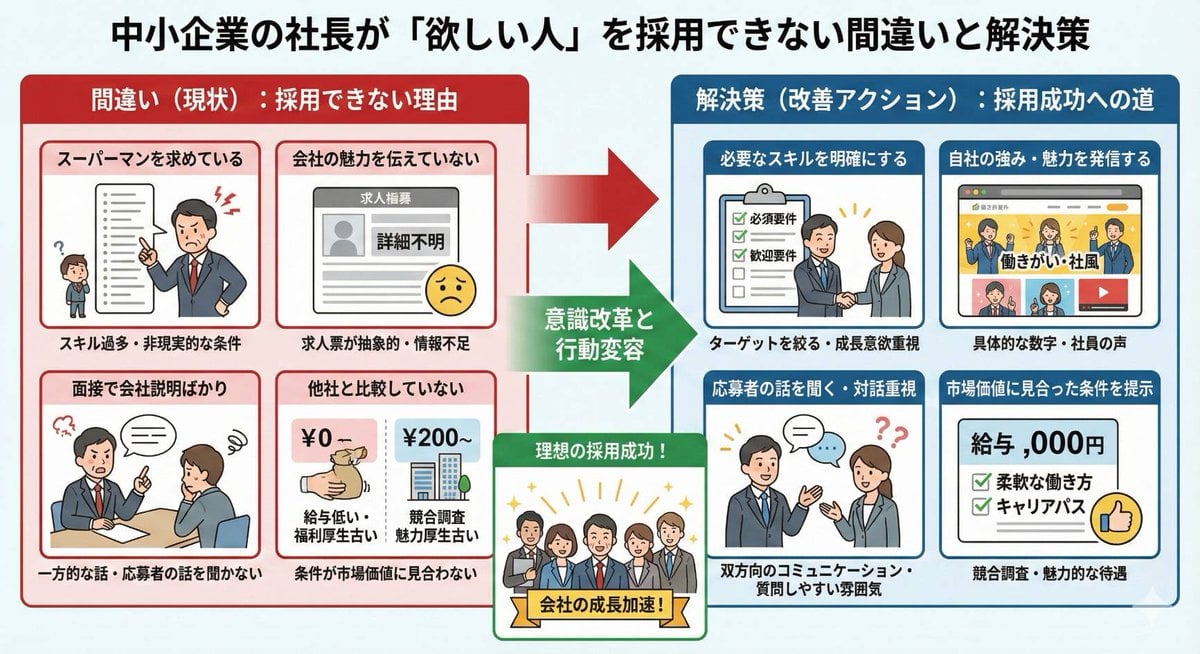
Infographic about a CEO struggling with hiring

Multimedia Collage Fashion Portrait
Browse template categories
Japanese Thermometer Day Poster questions
How do I use the Japanese Thermometer Day Poster template?
Add your photo if the template asks for one, edit the prompt if you like — the template's model and format are already selected — and press Generate. Your version opens in PicX Studio.
Can I customize the Japanese Thermometer Day Poster template?
Yes. You can change the subject, setting, lighting, mood, format, and available model controls before creating your image.
Is the Japanese Thermometer Day Poster template free?
Opening and editing this template is free. Generating uses credits, shown on the Generate button when you are signed in.
Which AI model should I use?
Start with GPT Image 2, which is the model associated with this template. You can compare another compatible model for a different finish.
Looking for something else? Browse all templates.

Your photo, any look
Thousands of ready templates for every top image and video model, from one credit balance.