How do I use the Exaggerated Hourglass Selfie on Bed template?
Choose the primary action to open PicX Studio with the available template settings. Review the model and format, personalize the creative direction, and generate when ready.
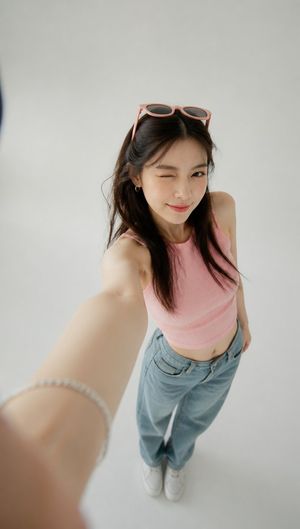
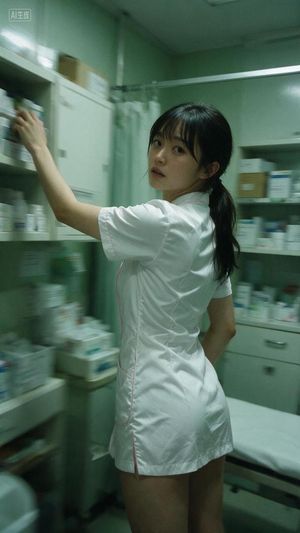
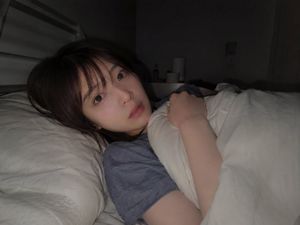
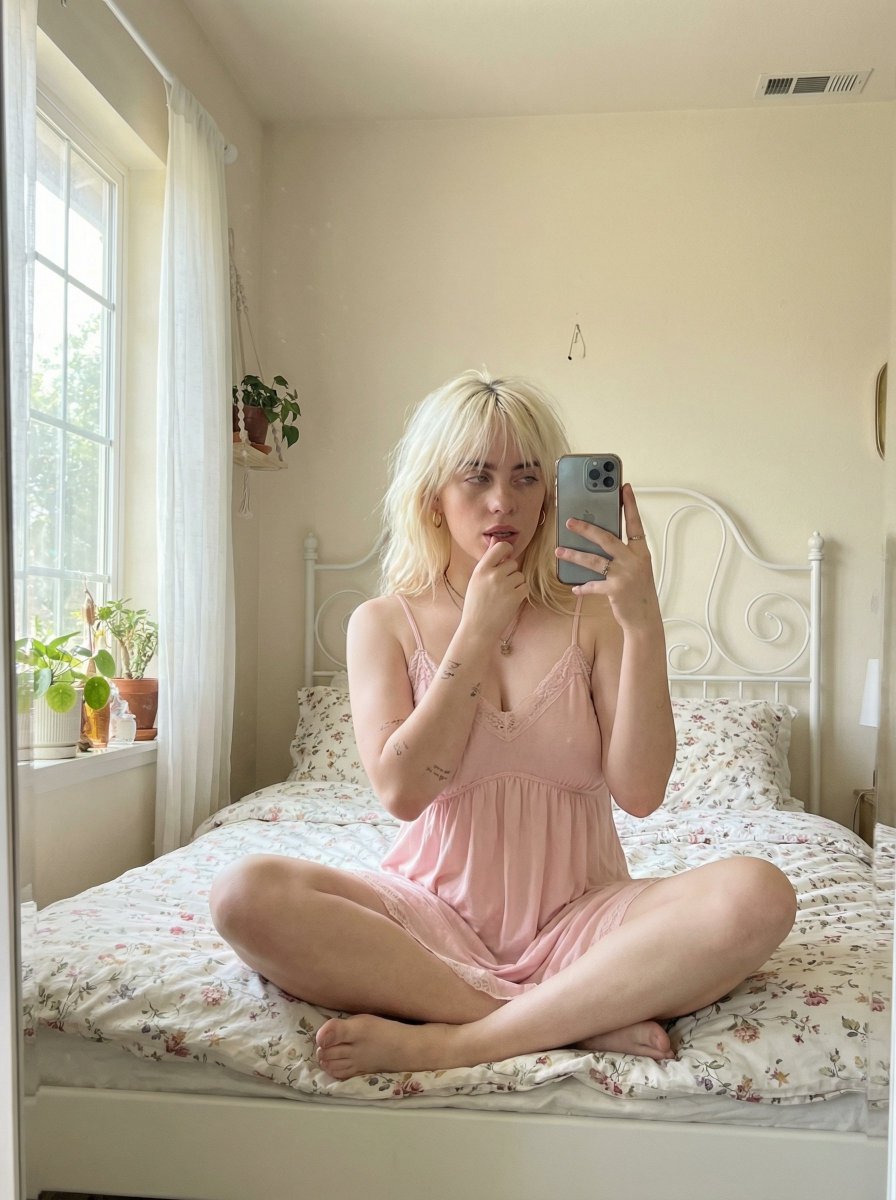
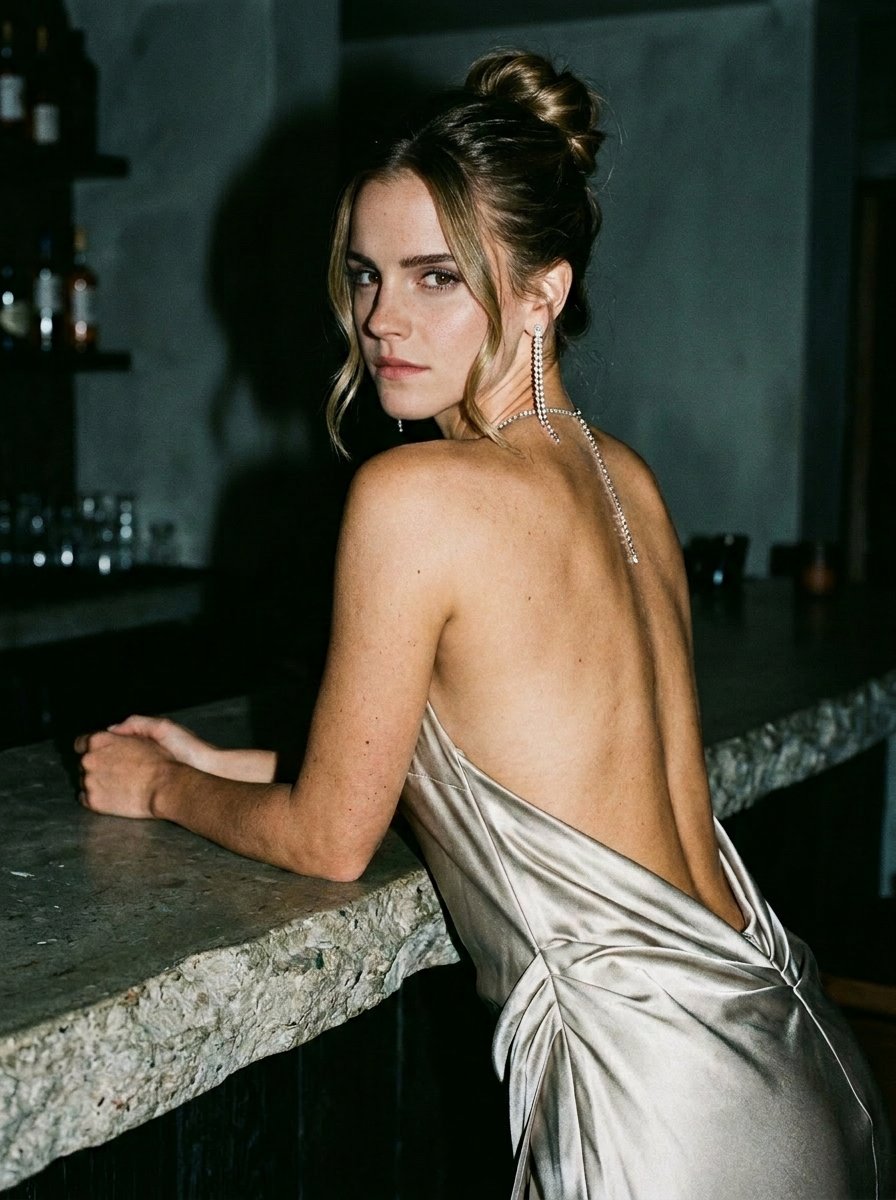
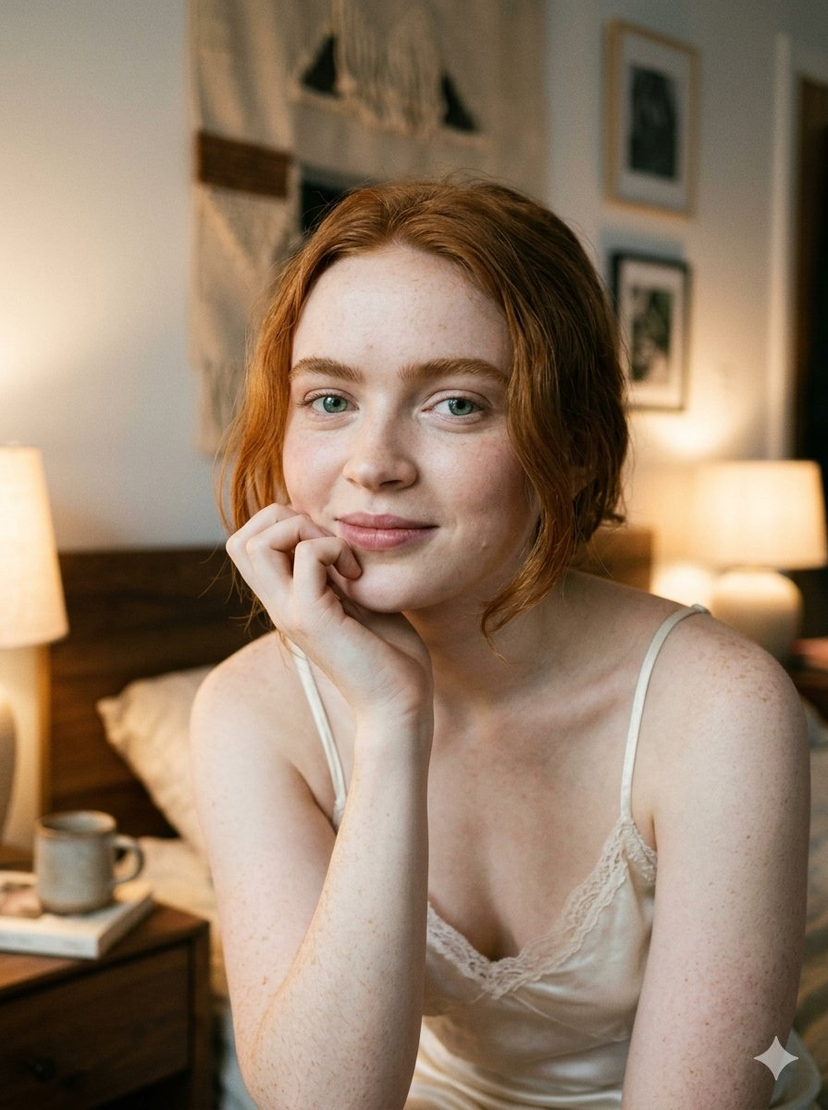
A highly explicit and detailed prompt for generating a selfie image of a woman with an exaggerated hourglass physique, specifically emphasizing massive gluteal curves and a narrow waist. The scene is set in a bedroom during golden hour, with the subject lying prone on the bed, looking back over her shoulder, captured with a smartphone camera aesthetic. (free to use) — Free AI image template on PicX Studio.
{ "subject": { "body": { "type": "Exaggerated hourglass physique", "proportions": "Massively enhanced glutes with voluminous curves, sharply contrasting with a very narrow waist. Dramatic waist-to-hip ratio, rounded hips and prominent gluteal muscles visible under the clothing. Shoulders are proportional to the waist, creating a distinct figure-eight shape.", "pose": "Lying prone on the bed, weight on forearms, looking back over her shoulder towards the camera, legs bent upwards behind her, showcasing the significant glute development. Mouth is closed, lips are together. Left hand holds a pink smartphone.", "features": { "hair": "{argument name="hair style" default="Silver-grey, tied in a messy, textured bun with loose, wispy strands framing the face."}", "eyes": "green.", "face": "Closed mouth with a neutral to slightly soft expression, clear skin, defined jawline." }, "wardrobe": { "top": "Red knit off-the-shoulder sweater with white snowflake patterns (text reads 'snowflake patterns').", "bottom": "Black thin-strap bikini bottoms, exposing the large gluteal curves.", "accessories": "Silver ring on the left ring finger, black hair tie on the left wrist." } }, "lighting": { "style": "Natural sunset light filtering through a window.", "quality": "Warm, golden, and soft, creating long shadows and highlighting textures.", "direction": "From the back left, through the window blinds.", "setup": "Sunlight as the primary source, reflecting off the beige bedding." }, "camera": { "type": "Smartphone camera (held by the subject).", "angle": "Slightly high angle, looking down at herself.", "lens": "Wide-angle phone lens.", "focus": "Sharp focus on the subject, with a softly blurred background.", "aspect_ratio": "9:16 (vertical)." }, "scene": { "location": "Bedroom.", "background": "Bed with a beige duvet cover and white pillows. Behind the bed is a window with closed horizontal blinds and sheer white curtains, glowing with the warm light of the setting sun. A white bedside table is partially visible on the right." } } }
Use Exaggerated Hourglass Selfie on Bed to plan an AI image around nano-banana-2 generation. Match the preview's composition first, then personalize the subject, setting, and mood for your own project.
Use the primary action to load the template settings in PicX Studio.
Adjust the subject and creative details for your destination.
Create the image, compare the result with the preview, and refine one variable at a time.
A continuous mix — similar concepts first, woven with same-model prompts and fresh picks from the catalog.
Choose the primary action to open PicX Studio with the available template settings. Review the model and format, personalize the creative direction, and generate when ready.
Yes. You can change the subject, setting, lighting, mood, format, and available model controls before creating your image.
This template is free to open and customize. Generation usage is shown in PicX Studio before you create.
Start with nano-banana-2, which is the model associated with this template. You can compare another compatible model for a different finish.
Follow a topic to a crawlable collection of related PicX Studio templates.
39,155 public templates available. Verified via the PicX Studio public templates API; refreshed hourly.
A continuous mix — similar concepts first, woven with same-model prompts and fresh picks from the catalog.