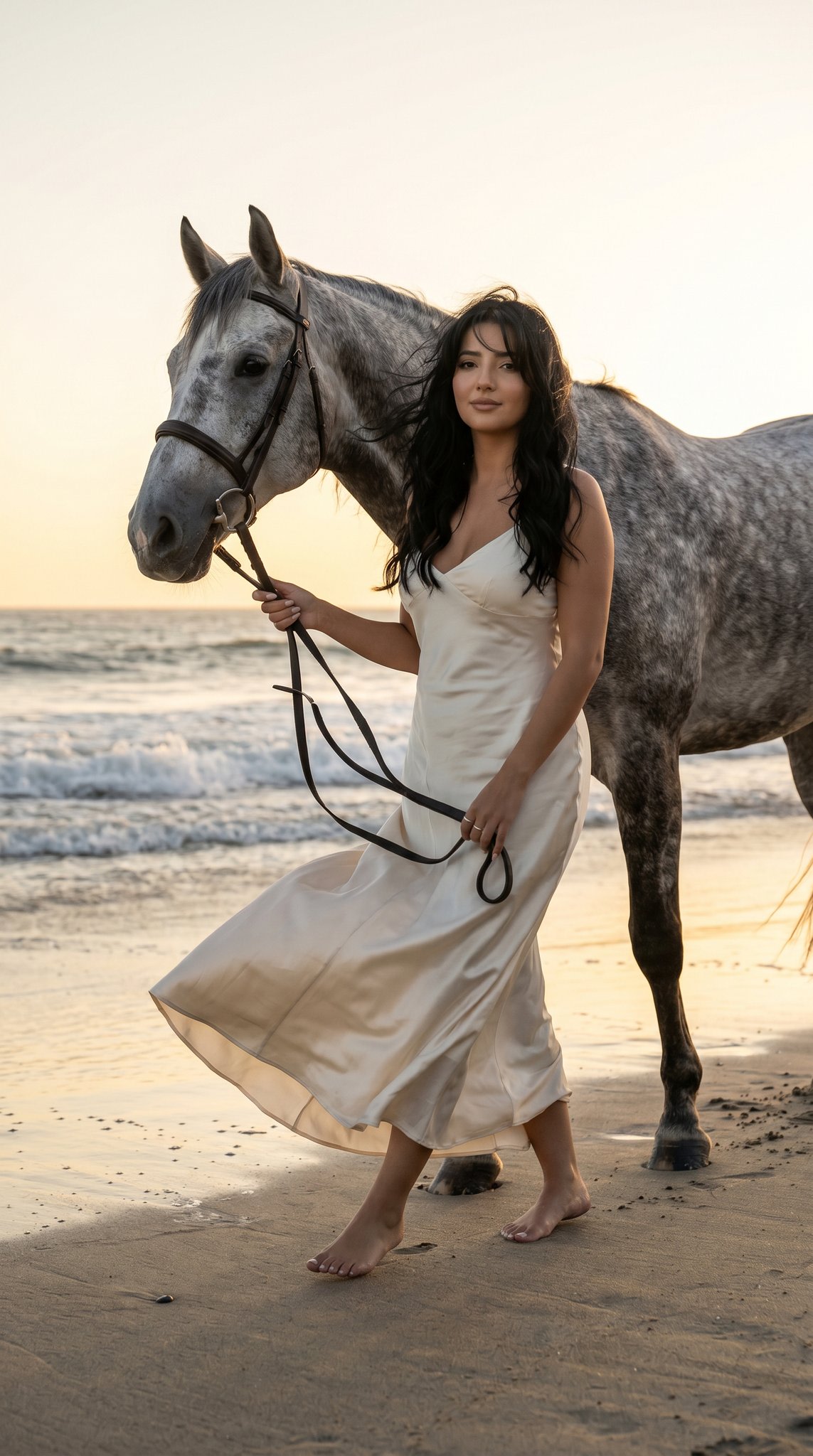
How do I use the Photorealistic Mirror Selfie in Satin Dress template?
Choose the primary action to open PicX Studio with the available template settings. Review the model and format, personalize the creative direction, and generate when ready.
A highly detailed, structured prompt for generating a photorealistic mirror selfie of a young woman in a reflective satin mini dress. It meticulously defines the subject's appearance, outfit, accessories (including a graphic phone case), the cluttered bedroom environment, and the warm indoor lighting, aiming for a high-quality, candid social media aesthetic. — Premium AI image template on PicX Studio.
Use Photorealistic Mirror Selfie in Satin Dress to plan an AI image around nano-banana-2 generation. Match the preview's composition first, then personalize the subject, setting, and mood for your own project.
Use the primary action to load the template settings in PicX Studio.
Adjust the subject and creative details for your destination.
Create the image, compare the result with the preview, and refine one variable at a time.
A continuous mix — similar concepts first, woven with same-model prompts and fresh picks from the catalog.
Choose the primary action to open PicX Studio with the available template settings. Review the model and format, personalize the creative direction, and generate when ready.
Yes. You can change the subject, setting, lighting, mood, format, and available model controls before creating your image.
This is a premium template. An entitled PicX Studio plan unlocks its protected prompt; the preview and guide remain public.
Start with nano-banana-2, which is the model associated with this template. You can compare another compatible model for a different finish.
A continuous mix — similar concepts first, woven with same-model prompts and fresh picks from the catalog.
Follow a topic to a crawlable collection of related PicX Studio templates.
32,032 public templates available. Verified via the PicX Studio public templates API; refreshed hourly.