
Royal Blue Satin Dress Mirror Portrait
A comprehensive prompt for a high-quality smartphone mirror portrait featuring a woman in an elegant royal-blue satin dress with feather trim within a luxury interior.
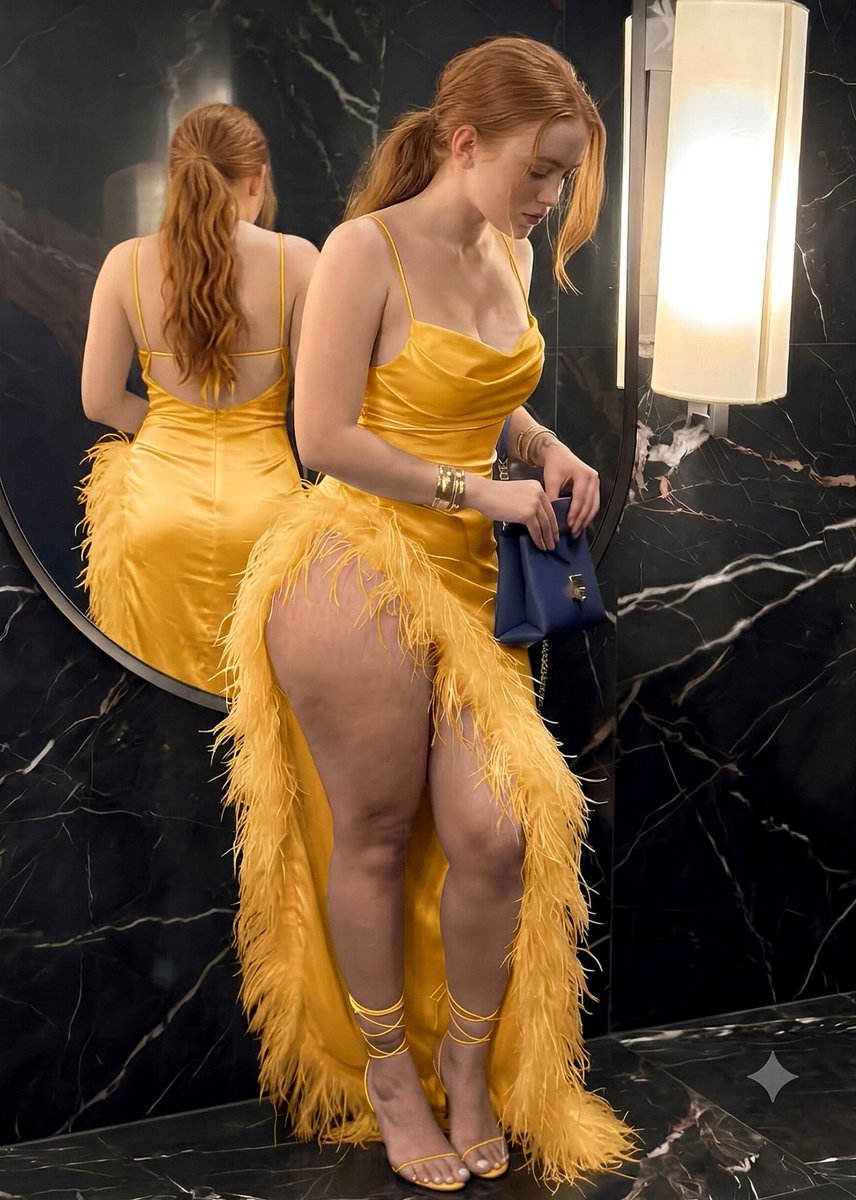
- Prompt included
- Model and format preset
- Premium template
The prompt behind this image
Copy the exact prompt behind Royal Blue Satin Dress Mirror Portrait, or open it in the studio and make it yours.
A young woman with fair skin, delicate natural facial features, and long {argument name="hair color" default="dark brown"} hair styled in a loose ponytail. Several soft strands fall naturally around her face, giving her hairstyle a relaxed, effortless appearance. She has a calm, composed expression with a subtle neutral smile and is looking toward the smartphone screen while taking a mirror photograph. Her pose is casual and confident, with one hand holding a smartphone in front of the mirror and the other hand raised in a relaxed peace-sign gesture. She is wearing an elegant {argument name="dress color" default="royal-blue"} satin dress with thin shoulder straps, a softly draped neckline, and a fitted silhouette with natural fabric folds and realistic satin reflections. The lower portion of the outfit features decorative blue feather-like trim, adding texture and a glamorous evening-fashion aesthetic. She carries a structured {argument name="handbag color" default="dark-blue"} handbag with a long gold chain strap. Her accessories include delicate layered necklaces, slim gold bracelets, and a few understated rings. Keep the overall styling polished, sophisticated, and tasteful. The scene takes place in a luxurious modern interior with a large full-length mirror surrounded by dark marble panels featuring subtle natural veining. The reflective surfaces create depth and an upscale atmosphere. Warm ambient interior lighting illuminates the subject softly from the front and sides, producing gentle highlights on the satin fabric, natural skin tones, and subtle reflections in the mirror. Maintain realistic shadows and believable reflective surfaces. Compose the image as a high-quality smartphone mirror portrait with the phone naturally visible in the foreground. Use realistic smartphone perspective, accurate mirror reflection, natural anatomy and proportions, detailed hands and fingers, realistic hair strands, and finely rendered clothing textures. Shot with a portrait-style camera aesthetic equivalent to an 85mm lens, soft diffused indoor lighting, cinematic color grading, rich but natural blue tones, warm neutral skin tones, moderate background separation, high dynamic range, realistic reflections, crisp subject detail, photorealistic rendering, high resolution, polished editorial lifestyle photography, sophisticated evening atmosphere.
How to use Royal Blue Satin Dress Mirror Portrait in 3 steps
- 1
Open
The prompt is already in the box next to the preview, with the template's model and format selected.
- 2…a portrait of your subject in softgolden-hour light, 85mm…
Personalize
Edit the subject and creative details for your destination.
- 3Generate
Generate
Press Generate — your image is created in PicX Studio, so you can compare it with the original and refine one variable at a time.
More like this
Templates with the same subject, style or setup. Open one to see its prompt.

Rooftop Fisheye — Cat-Ear Balaclava at Golden Hour

Underwater Macro Face Portrait

Noir Punk Street Portrait

High Contrast Cinematic Face Portrait
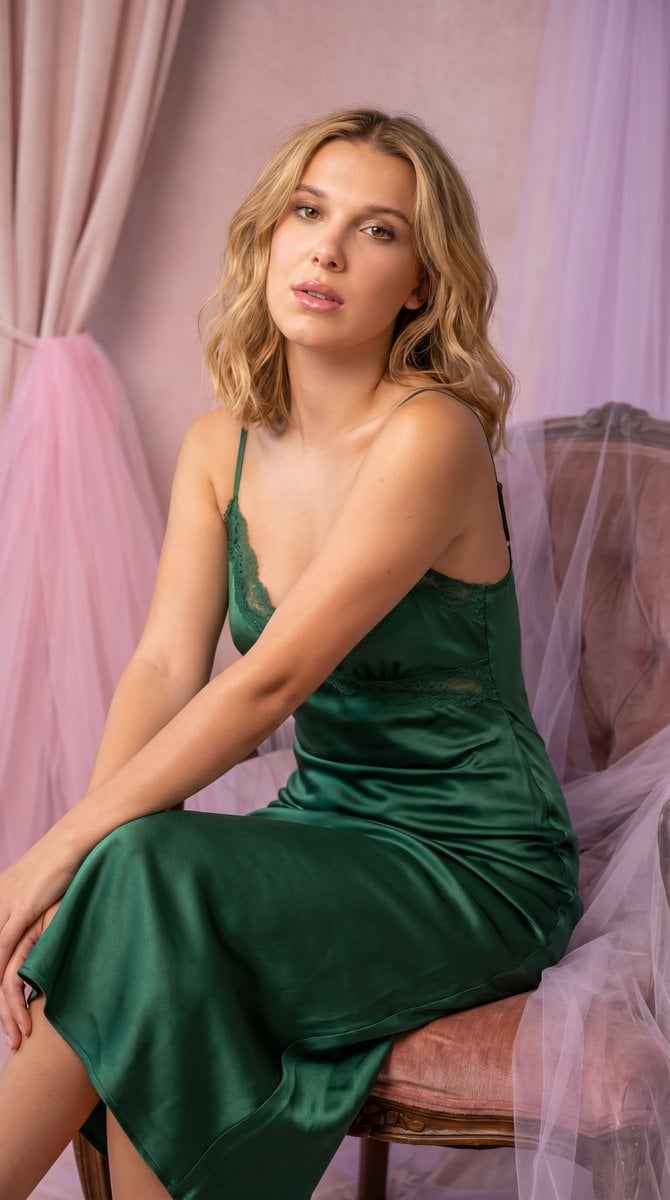
Satin Slip Dress Portrait
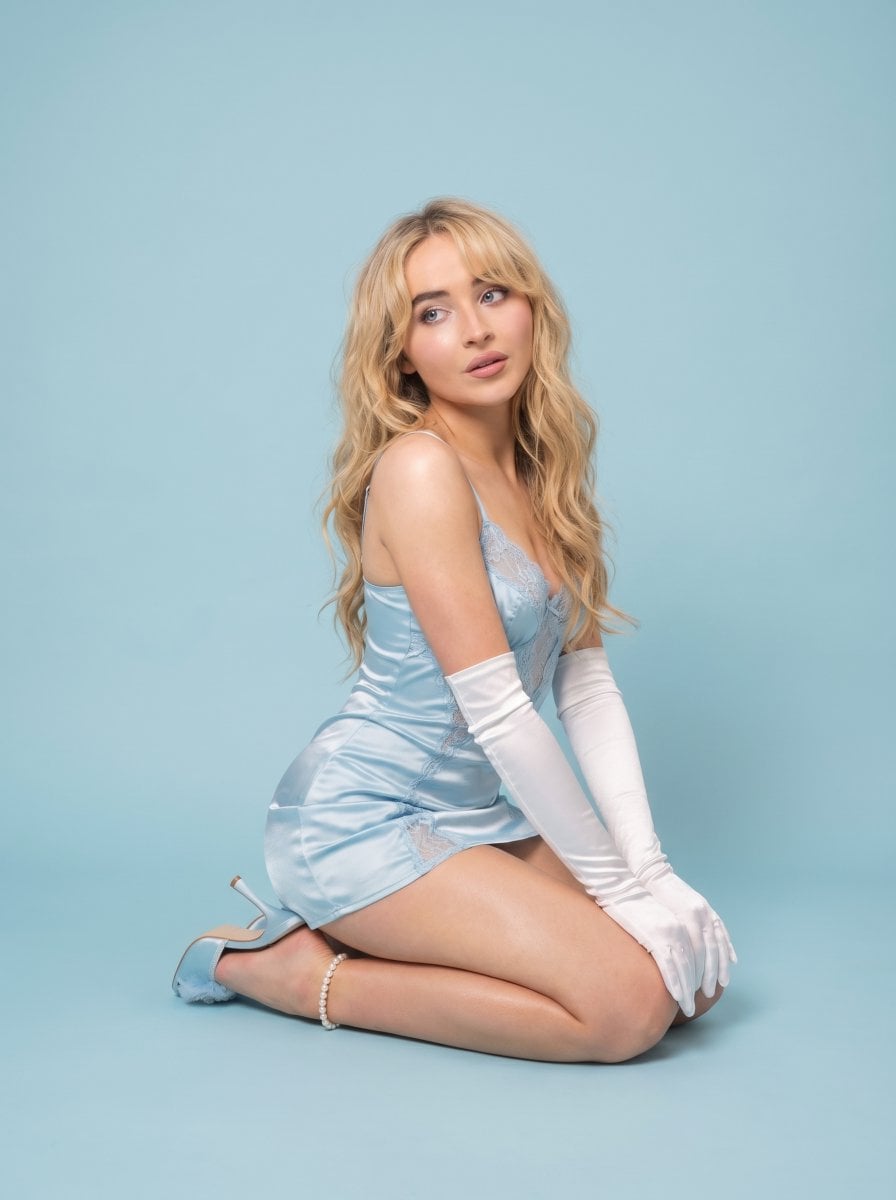
Pastel Editorial Blue Satin Portrait
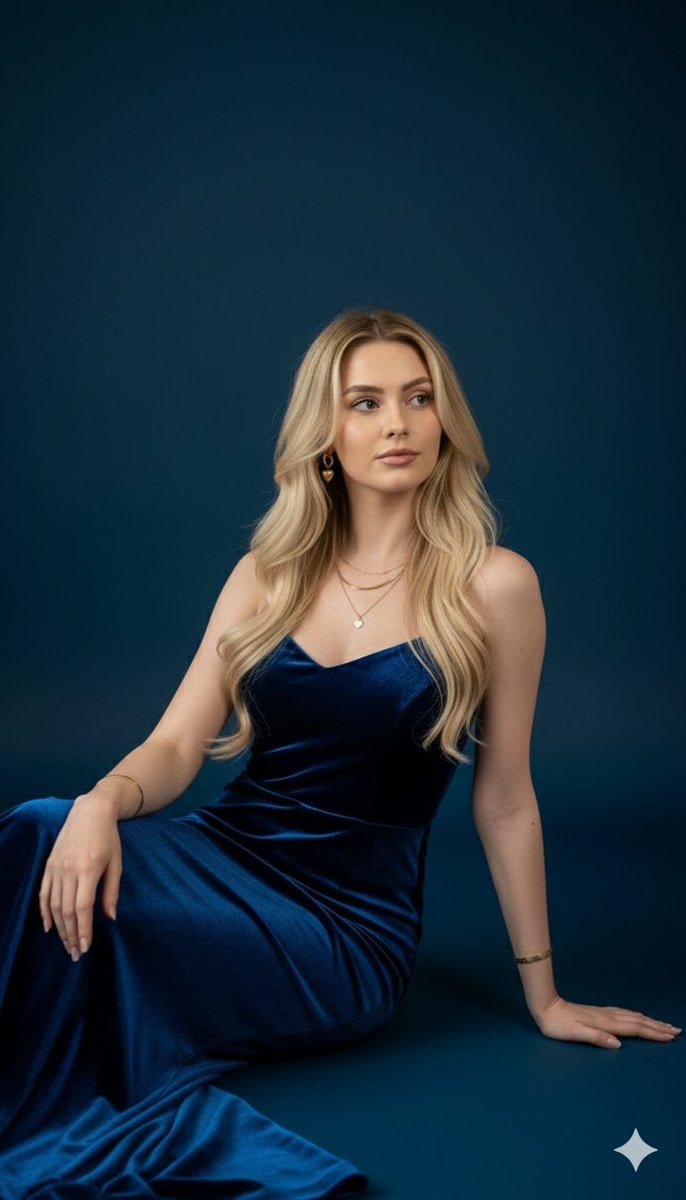
Royal Blue Velvet Evening Gown Portrait Prompt
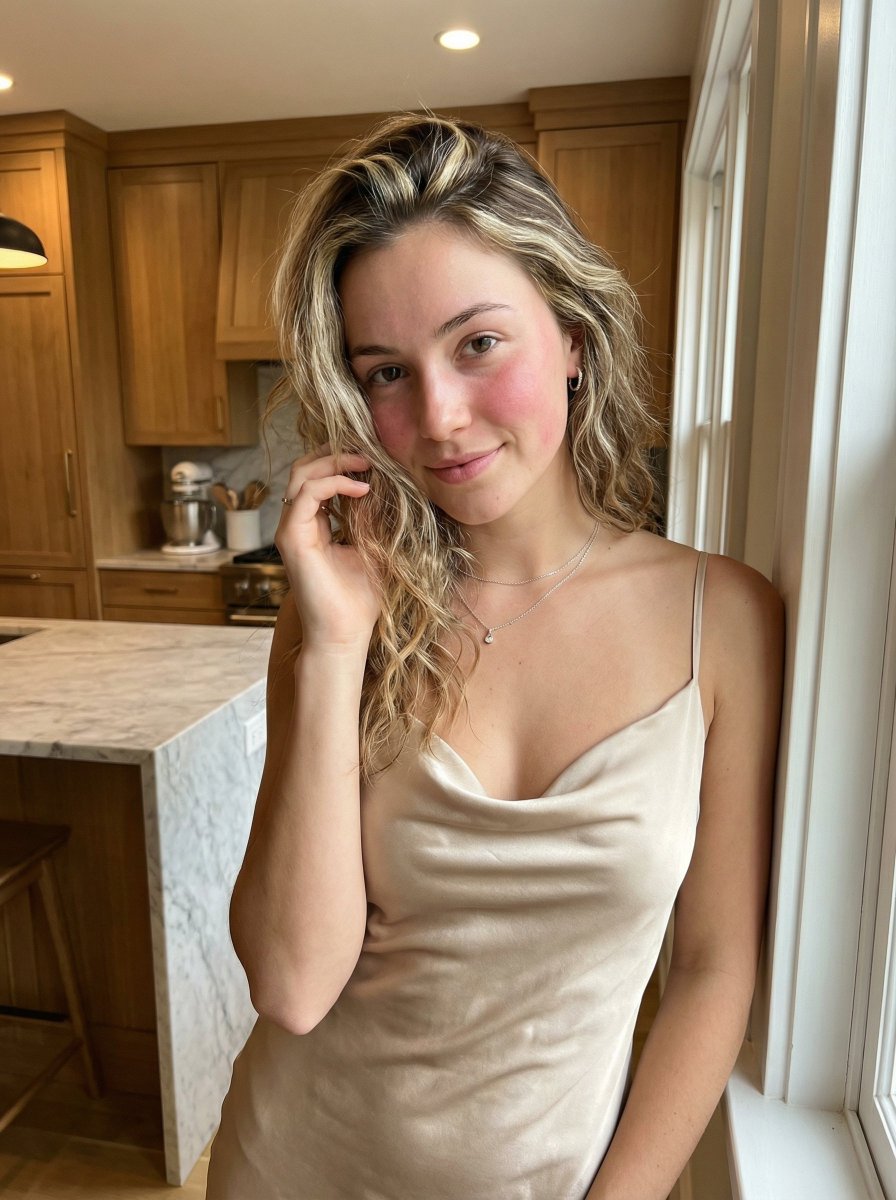
Golden Hour Portrait in Satin Slip Dress

Nano Banana Pro Photoreal Playful Couple

Ive Yujin Fashion Portrait in Blue

Found Photograph: Us, 1970

80s Couple Studio Portrait
Make it yours
Royal Blue Satin Dress Mirror Portrait works as-is. These are the safest ways to change it without losing the look.
Change one field
Copy a single group, rewrite it, and generate again so you can see what that field is doing.
Keep the frame, change the subject
Hold the composition and light of Royal Blue Satin Dress Mirror Portrait, then swap wardrobe, props or the person for a new take.
| If the result… | Why | Fix |
|---|---|---|
| The result drifts from the preview | Too many fields changed at once. | Reuse Royal Blue Satin Dress Mirror Portrait as-is first, then change one group — subject, light, or setting. |
| The model over-stylizes the scene | The prose prompt leaves finish and camera underspecified. | Add one camera or lighting sentence and stay on Gemini 3 Pro Image Preview. |
More Gemini 3 Pro Image Preview templates
Other prompts made for Gemini 3 Pro Image Preview.

Creative Character in Pink Office

Avant-Garde Asian Fashion Model

Water-level Bridge Modification

Monochrome Studio Portrait with Colored Lens

Ultra-Realistic Yacht Sunset Portrait

Mushroom Still Life Composition

Whimsical Anthropomorphic Friendly Insect

Cinematic Urban Night Billboard Portrait

Pop Art Summer Fruit Fashion Illustration

Ultra-Realistic iPhone Selfie with Motion Blur
More image prompts
Fresh picks from across the catalog.

Futuristic Energy Drink Ad Poster
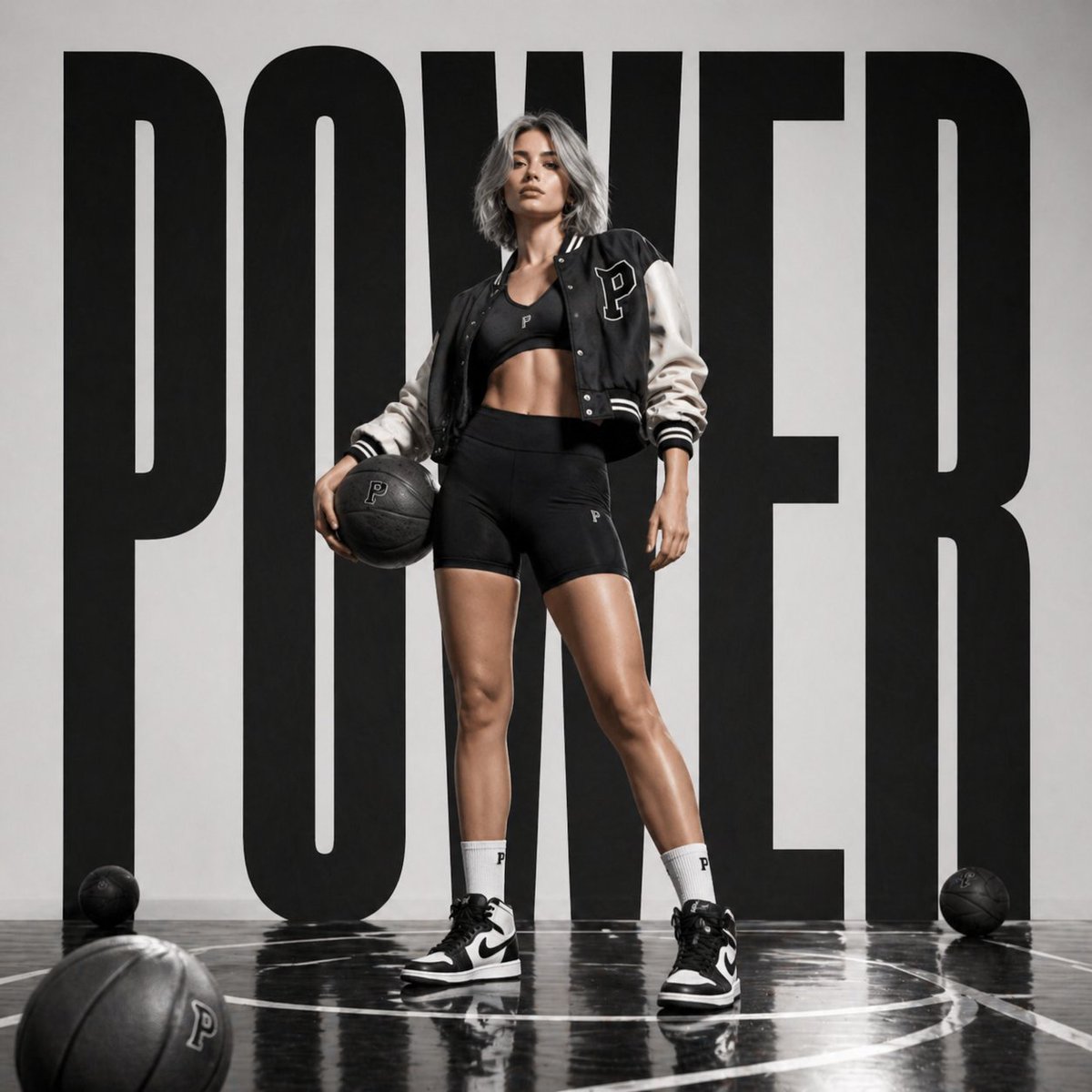
Luxury Sportswear Campaign Poster
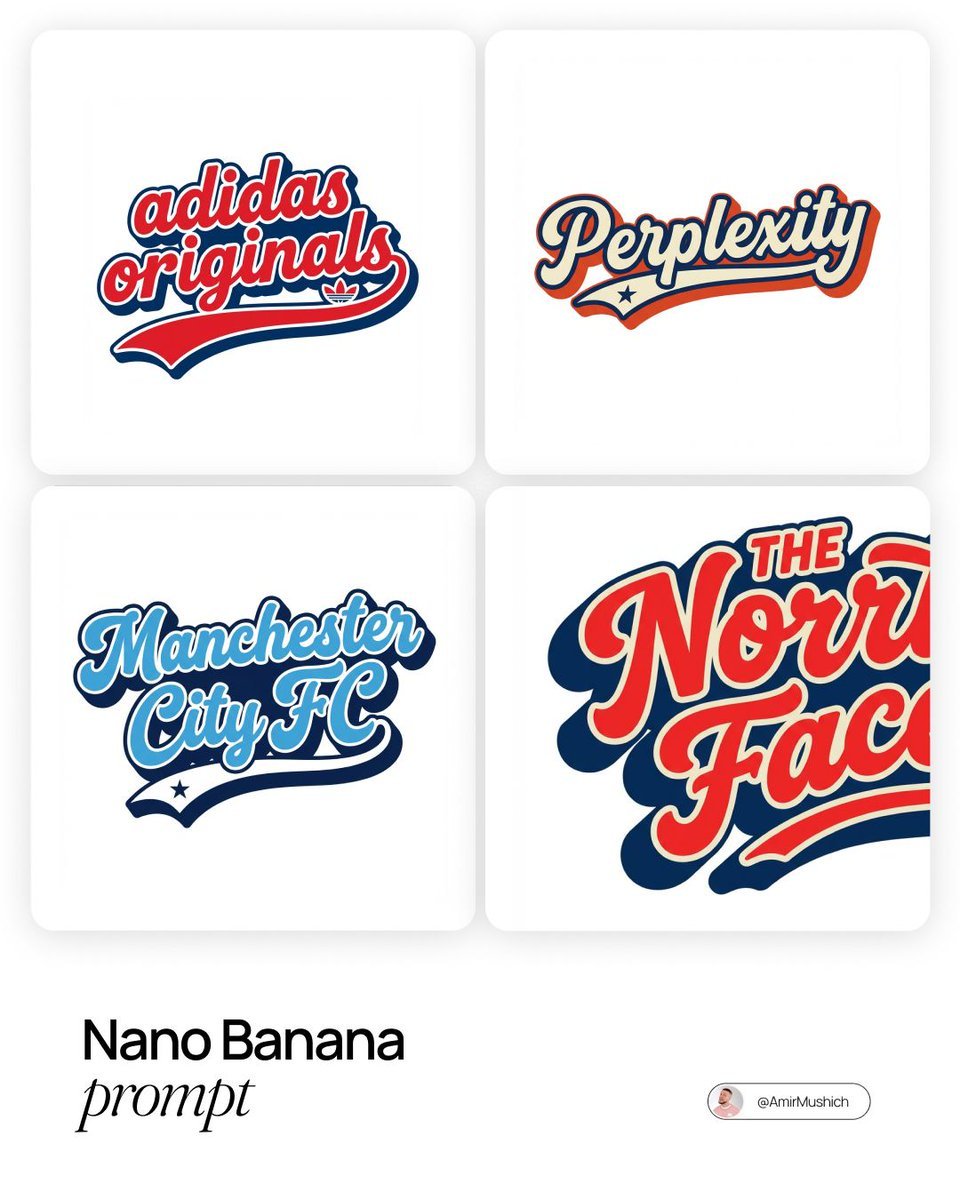
Brands in American Retro-Lettering
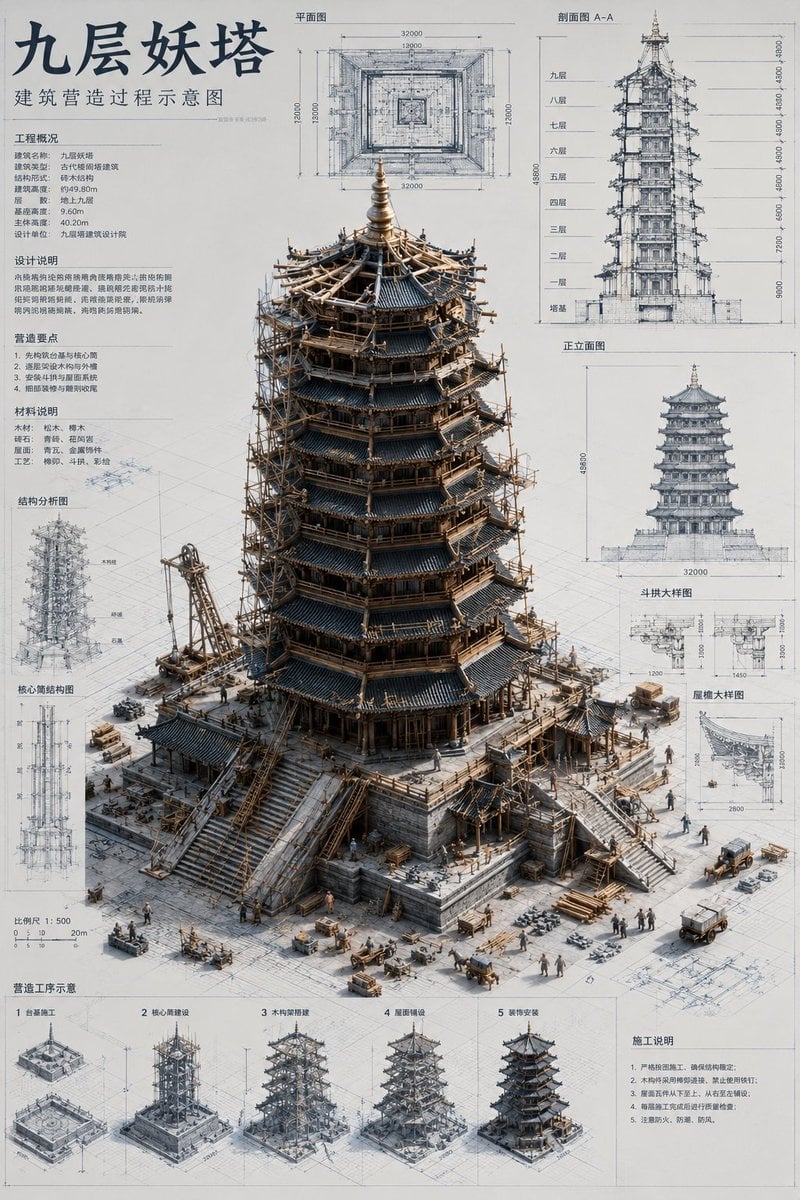
Architectural Miniature Blueprint Draft
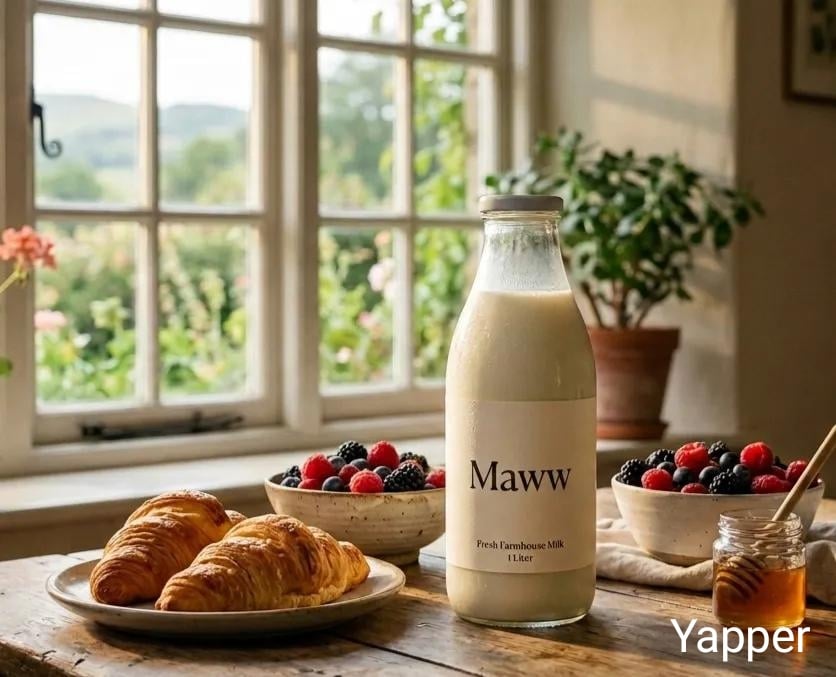
Triple Product Photography Prompt for Nano Banana Pro
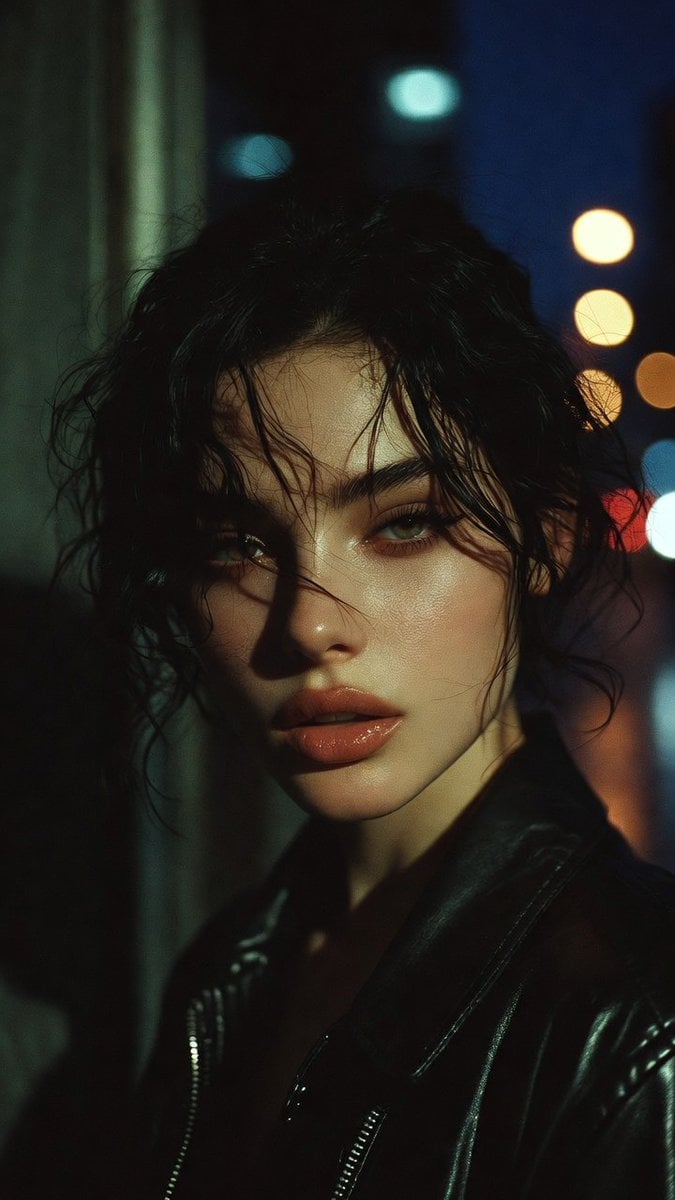
Moody Cinematic Portrait Prompt for AI Image Generation
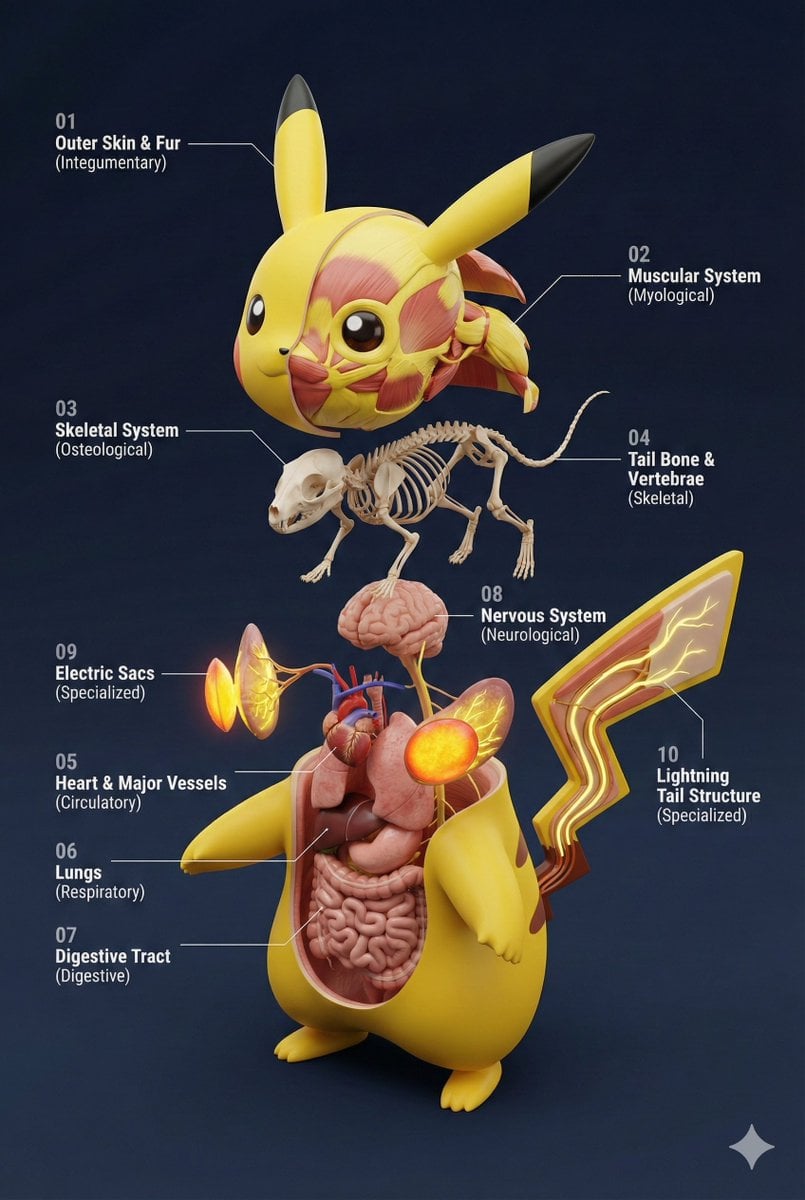
Universal 3D Anatomy Dissection Prompt
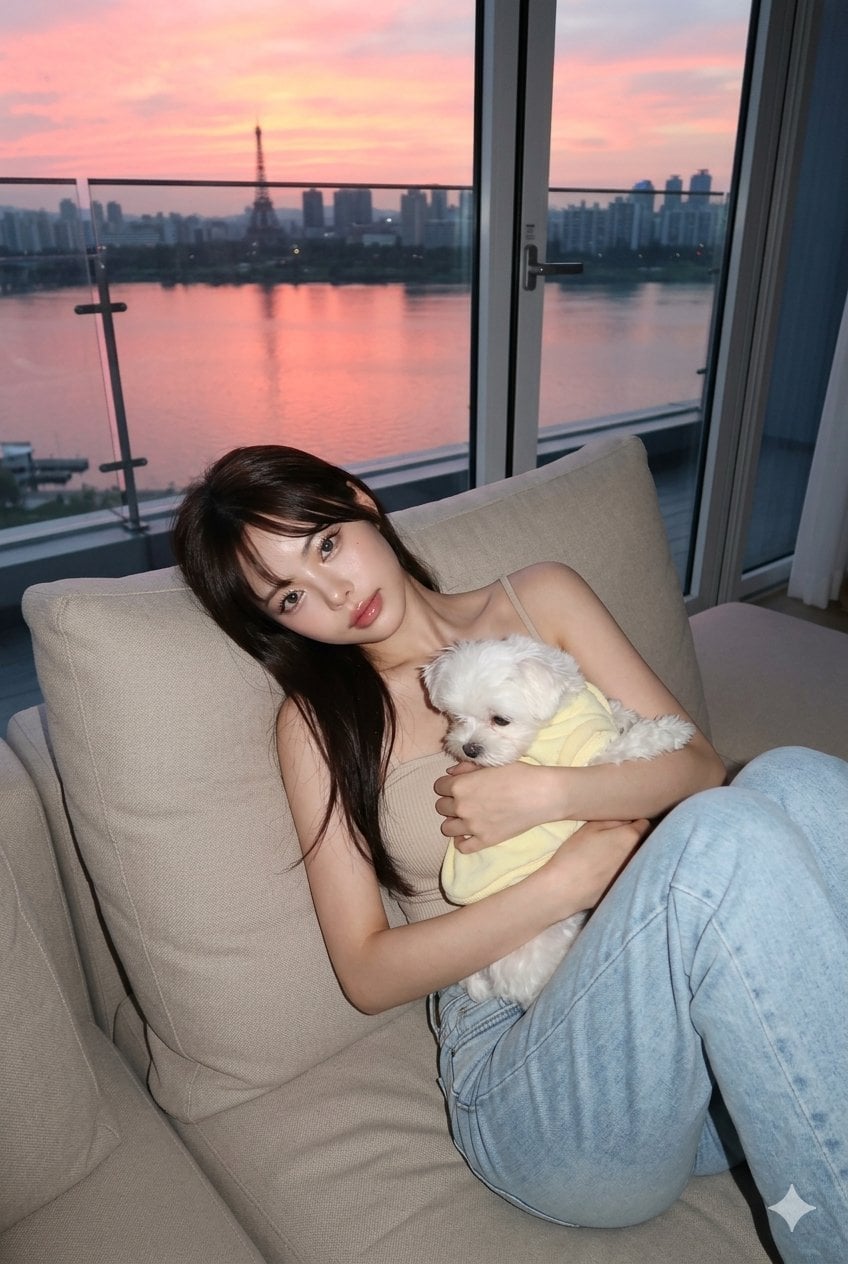
untitled
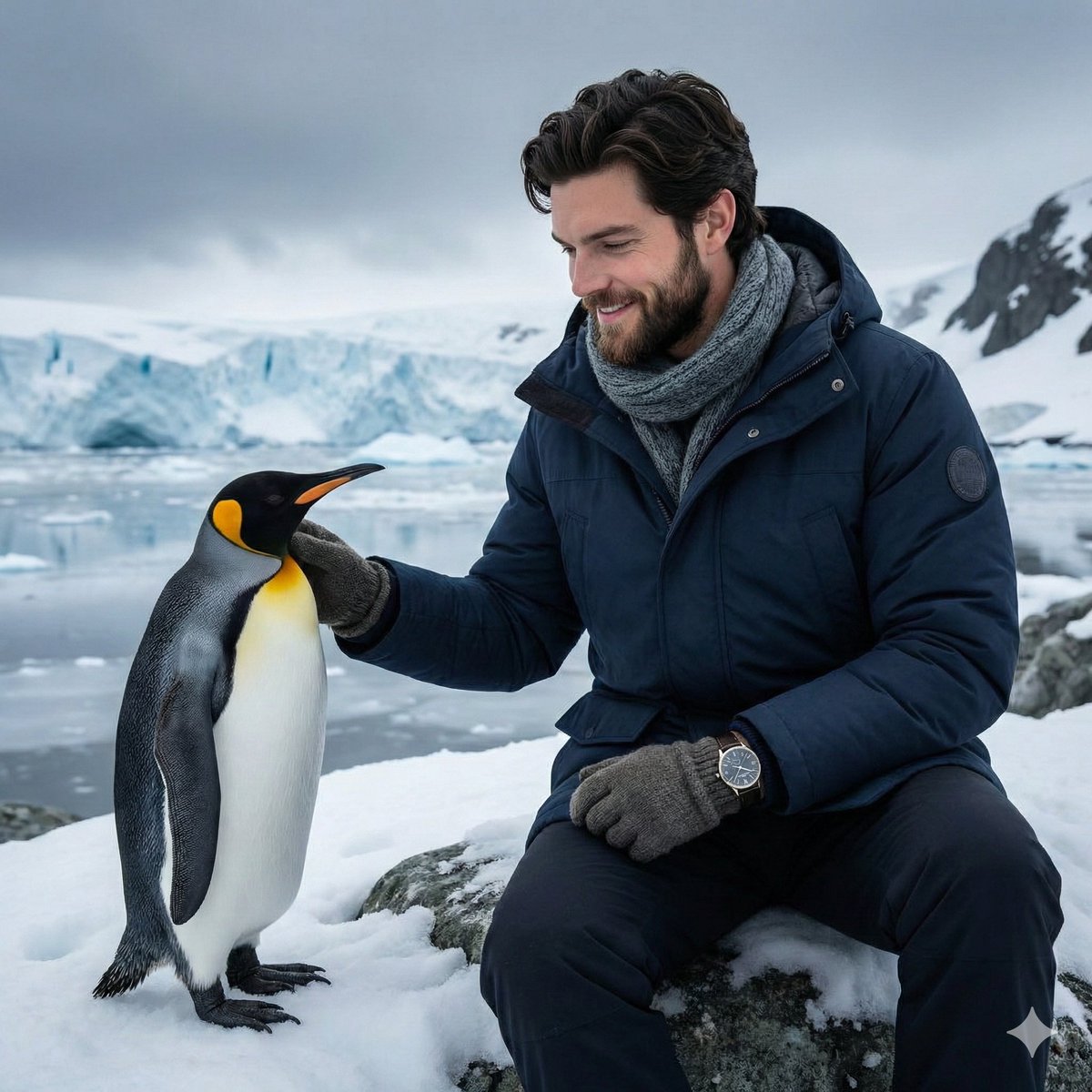
Antarctic Penguin Encounter Photograph Prompt

Architectural 3D Carved Birthday Poster
Browse template categories
Royal Blue Satin Dress Mirror Portrait questions
How do I use the Royal Blue Satin Dress Mirror Portrait template?
Add your photo if the template asks for one, edit the prompt if you like — the template's model and format are already selected — and press Generate. Your version opens in PicX Studio.
Can I customize the Royal Blue Satin Dress Mirror Portrait template?
Yes. You can change the subject, setting, lighting, mood, format, and available model controls before creating your image.
Is the Royal Blue Satin Dress Mirror Portrait template free?
Opening and editing this template is free. Generating uses credits, shown on the Generate button when you are signed in.
Which AI model should I use?
Start with Gemini 3 Pro Image Preview, which is the model associated with this template. You can compare another compatible model for a different finish.
Looking for something else? Browse all templates.

Your photo, any look
Thousands of ready templates for every top image and video model, from one credit balance.